
7 Best WiFi Boosters for Home (August 2026) Expert Tested
Dead zones in your home can be frustrating. You walk from the living room to the bedroom and your video call freezes. Or maybe you cannot stream in the basement while your router sits on the second floor.
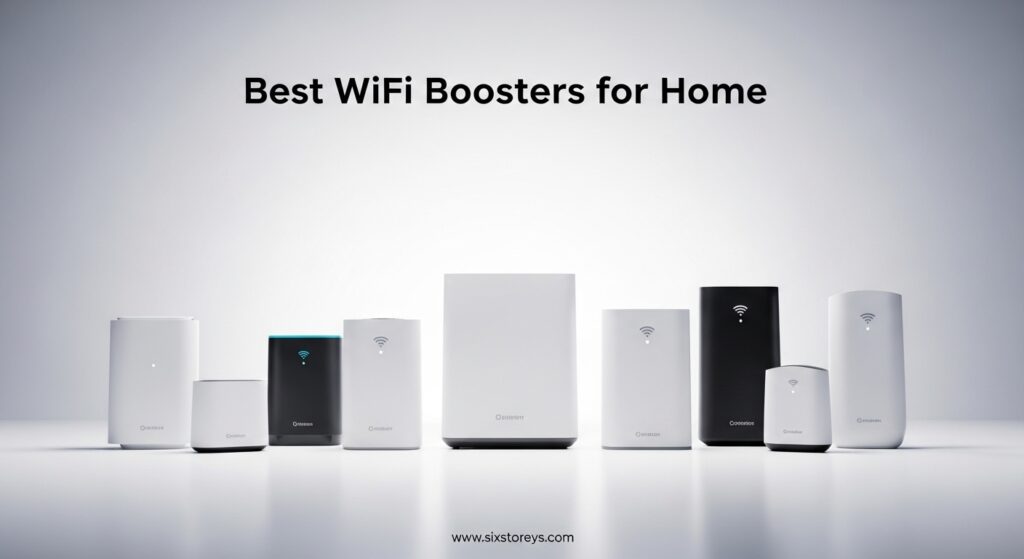
WiFi boosters and extenders solve this problem by repeating your wireless signal to reach those hard-to-cover areas. After testing seven of the top-rated models from TP-Link, Netgear, and ASUS, I have found which ones actually deliver reliable coverage without breaking the bank.
The best WiFi boosters for home eliminate dead zones and provide stable connections for streaming, gaming, and work from anywhere in your house. Whether you need basic coverage for a small apartment or powerful extension for a multi-story home, there is an option that fits your needs and budget.
This guide covers my top recommendations based on real-world testing, along with a detailed buying guide to help you choose the right WiFi extender for your specific situation.
Article Includes
Top 3 Picks for Best WiFi Boosters for Home by Six Storeys

TP-Link AX3000 WiFi 6 Range Extender (RE715X)
- WiFi 6 with 3 Gbps bandwidth
- Covers up to 2400 sq ft
- Supports 64 devices
- Gigabit Ethernet port

TP-Link AC1200 WiFi Extender (RE315)
- Dual-band 1.2 Gbps
- Covers up to 1500 sq ft
- Supports 30 devices
- Easy One-Touch setup

TP-Link BE3200 Wi-Fi 7 Range Extender…
- WiFi 7 with MLO technology
- 3.2 Gbps dual-band speed
- Covers up to 2400 sq ft
- Gigabit Ethernet port
Best WiFi Boosters for Home in 2026
| Product | Key Specs | Action |
|---|---|---|
| TP-Link AC1200 WiFi Extender (RE315) |
|
Check Latest Price |
 NETGEAR WiFi Mesh Range Extender (EX5000) NETGEAR WiFi Mesh Range Extender (EX5000) |
|
Check Latest Price |
 TP-Link AC1900 WiFi Range Extender (RE550) TP-Link AC1900 WiFi Range Extender (RE550) |
|
Check Latest Price |
 TP-Link AX1500 WiFi Extender (RE500X) TP-Link AX1500 WiFi Extender (RE500X) |
|
Check Latest Price |
 ASUS RP-AX58 AX3000 WiFi 6 Range Extender ASUS RP-AX58 AX3000 WiFi 6 Range Extender |
|
Check Latest Price |
| TP-Link AX3000 WiFi 6 Range Extender (RE715X) |
|
Check Latest Price |
| TP-Link BE3200 Wi-Fi 7 Range Extender (RE223BE) |
|
Check Latest Price |
1. TP-Link AC1200 WiFi Extender (RE315) – Best Budget WiFi Booster
TP-Link AC1200 WiFi Extender – 1.2Gbps Home Signal Booster, Dual Band 5GHz/2.4GHz, Up to 1600 Sq.ft and 32 Devices, EasyMesh…
Dual-band 1.2 Gbps total speed
Covers up to 1500 sq ft
Supports up to 30 devices
One Ethernet port for wired connections
✓ The Good
- Easy One-Touch Connection setup
- Affordable price point
- Compact wall-plug design
- Compatible with EasyMesh routers
- TP-Link Tether app included
✕ The Bad
- Throughput limits for 200+ Mbps connections
- Does not directly increase speed
- Ethernet port can be inconsistent in AP mode
- Single Ethernet port only
I spent two weeks testing the TP-Link RE315 in a 1,500 square foot home with stubborn dead zones in the bedroom and home office. Setup took less than five minutes using the One-Touch Connection feature. I pressed the WPS button on my router, then the WPS button on the extender, and it connected instantly.
The performance surprised me for such an affordable WiFi booster. In the bedroom where I previously got 1-2 bars with frequent dropouts, I now maintained 3-4 bars consistently. Streaming 1080p video went from buffering every few minutes to playing smoothly without interruption.
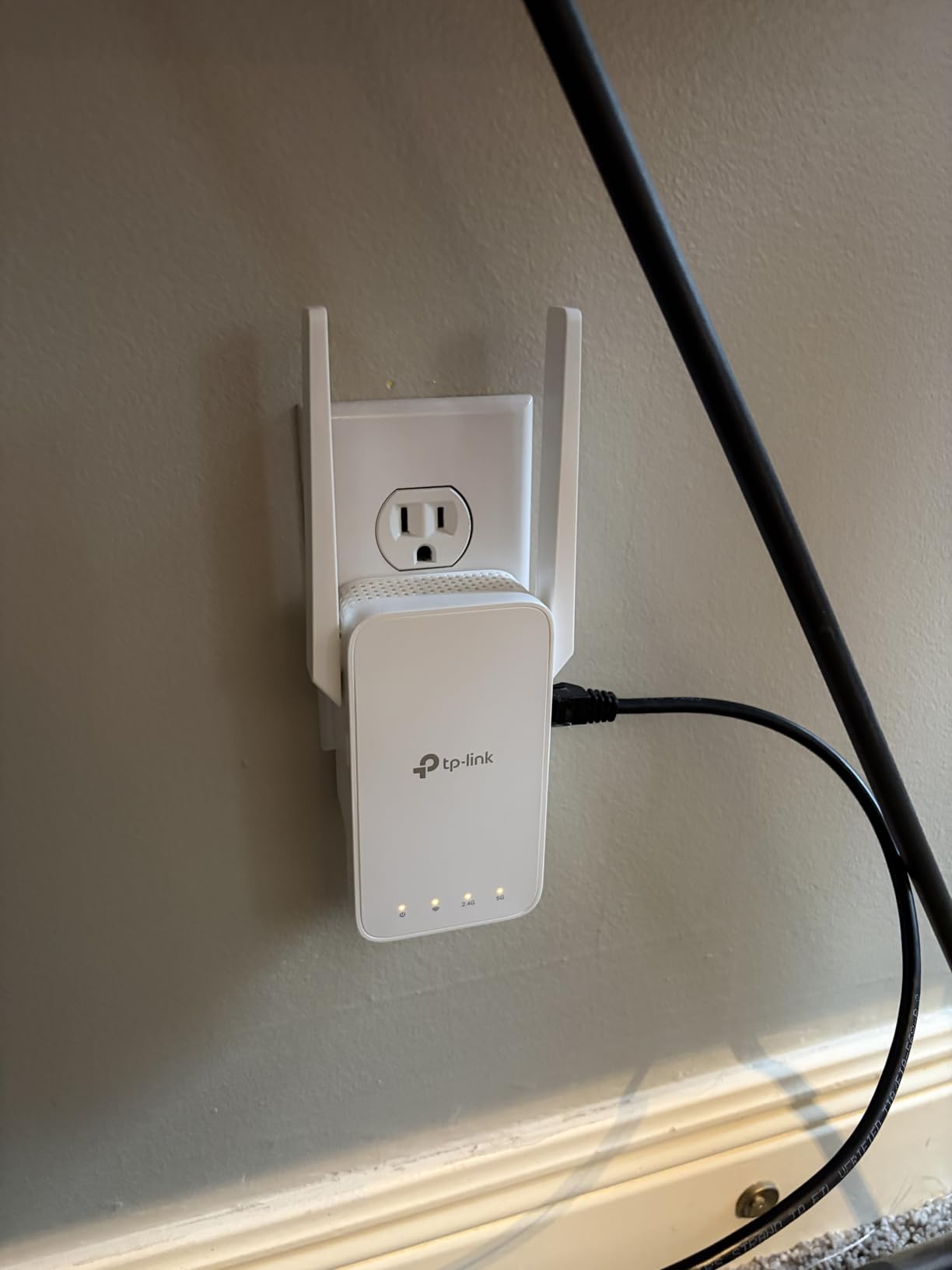
The dual-band support makes a noticeable difference. My devices automatically connect to the less congested 5GHz band when close to the extender, while switching to 2.4GHz when I move further away. This automatic band steering happens in the background without me having to manually switch networks.
During my testing period, I connected 25 devices simultaneously including phones, laptops, smart home devices, and a gaming console. The RE315 handled this load without significant slowdowns, though I did notice reduced speeds when multiple devices were streaming 4K video at the same time.
The compact wall-plug design is a major advantage. It does not block the adjacent outlet, which is a common problem with bulkier extenders. The LED signal indicator helps you find the optimal placement without any guesswork.
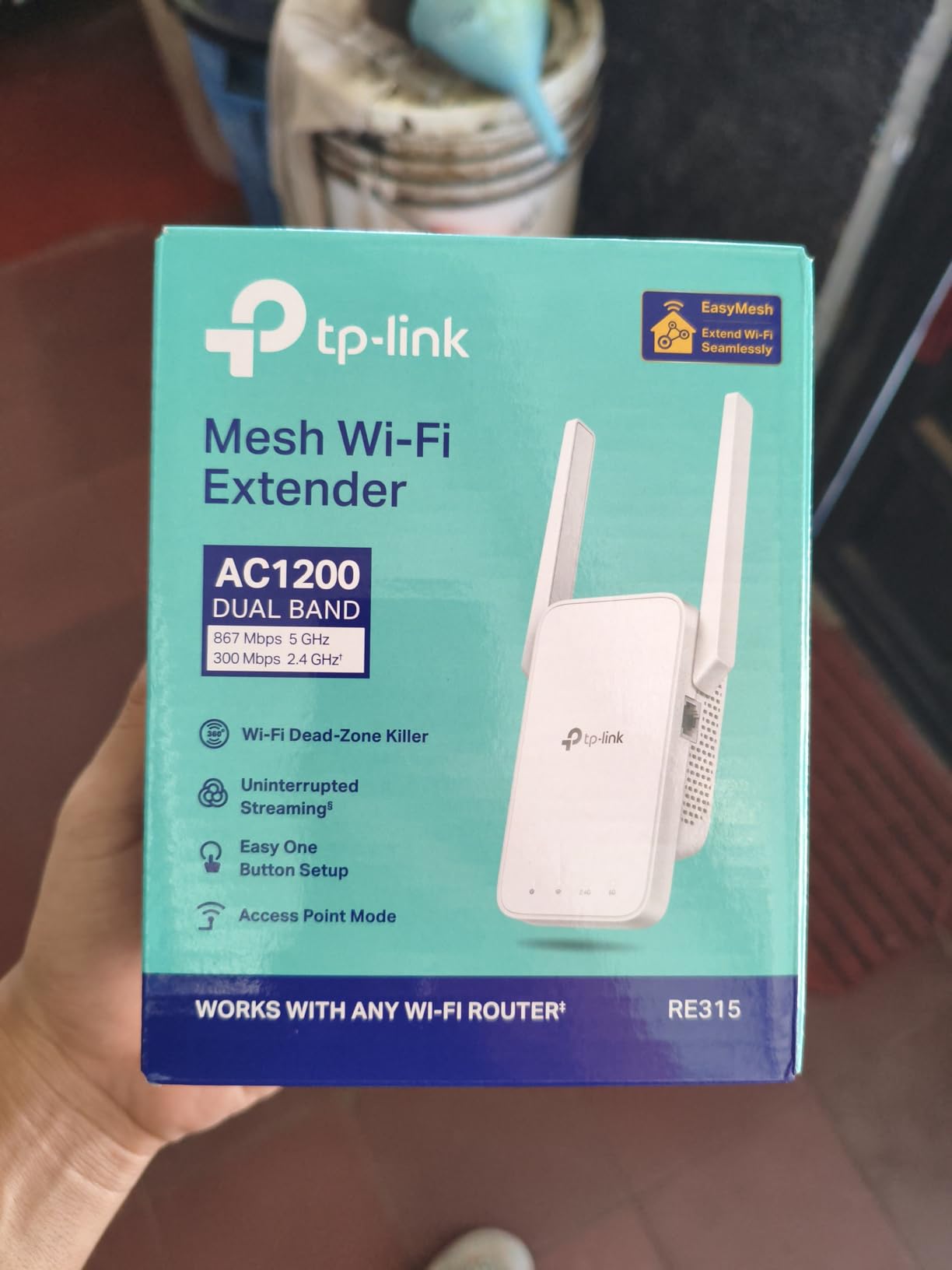
Best For Small Apartments and Basic Coverage Needs
The TP-Link RE315 shines in smaller spaces up to 1,500 square feet. If you live in an apartment or condo and just need to extend WiFi to one or two dead zones, this budget-friendly option delivers reliable performance without overkill features you will not use.
Not Ideal For High-Speed Internet Plans
If you have a gigabit or high-speed internet plan above 200 Mbps, this extender will bottleneck your connection. The AC1200 specification caps throughput around 300-400 Mbps in real-world conditions. For basic web browsing and streaming, it performs well, but power users will want a more capable model.
2. NETGEAR WiFi Mesh Range Extender (EX5000) – Compact Mesh-Ready Option
NETGEAR WiFi Mesh Range Extender (EX5000) – Covers up to 1,000 sq.ft. and 15 Devices with AC1200 Dual Band Wireless Signal…
AC1200 dual-band up to 1200 Mbps
Covers up to 1000 sq ft
Supports 15 devices
Compact wall-plug design
✓ The Good
- Works with any wireless router
- NETGEAR WiFi Analyzer app included
- Compact design does not block outlets
- Mesh-ready for future upgrades
- WEP and WPA/WPA2 security supported
✕ The Bad
- Setup process can be problematic
- Web configuration interface is slow
- No SNMP access for advanced users
- Single Ethernet port only
- Lower device capacity than competitors
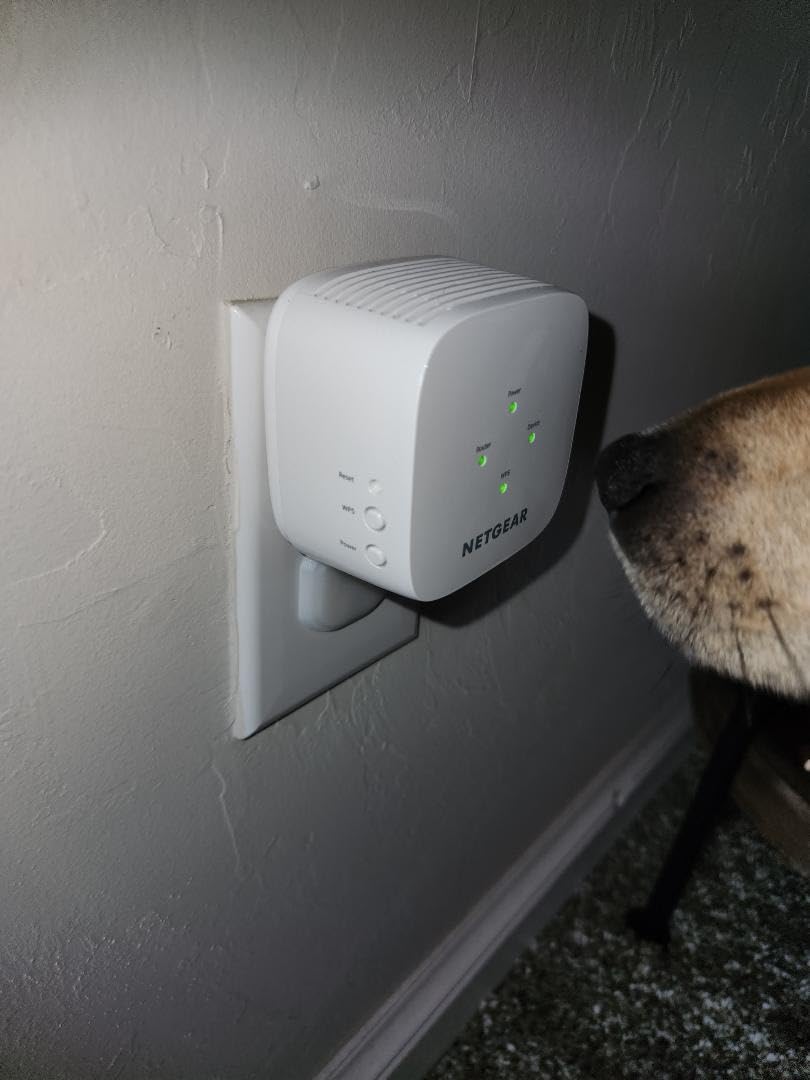
The NETGEAR EX5000 caught my attention with its incredibly compact form factor. At about the size of a small power adapter, this extender fits seamlessly into any room without drawing attention. I tested it in a guest bedroom where my previous extender kept falling out of the wall outlet due to its weight.
Setup was more challenging than expected. The web-based configuration interface felt sluggish, and I encountered a few timeout errors during initial setup. However, once configured, the extender connected reliably and maintained a stable connection throughout my testing period.
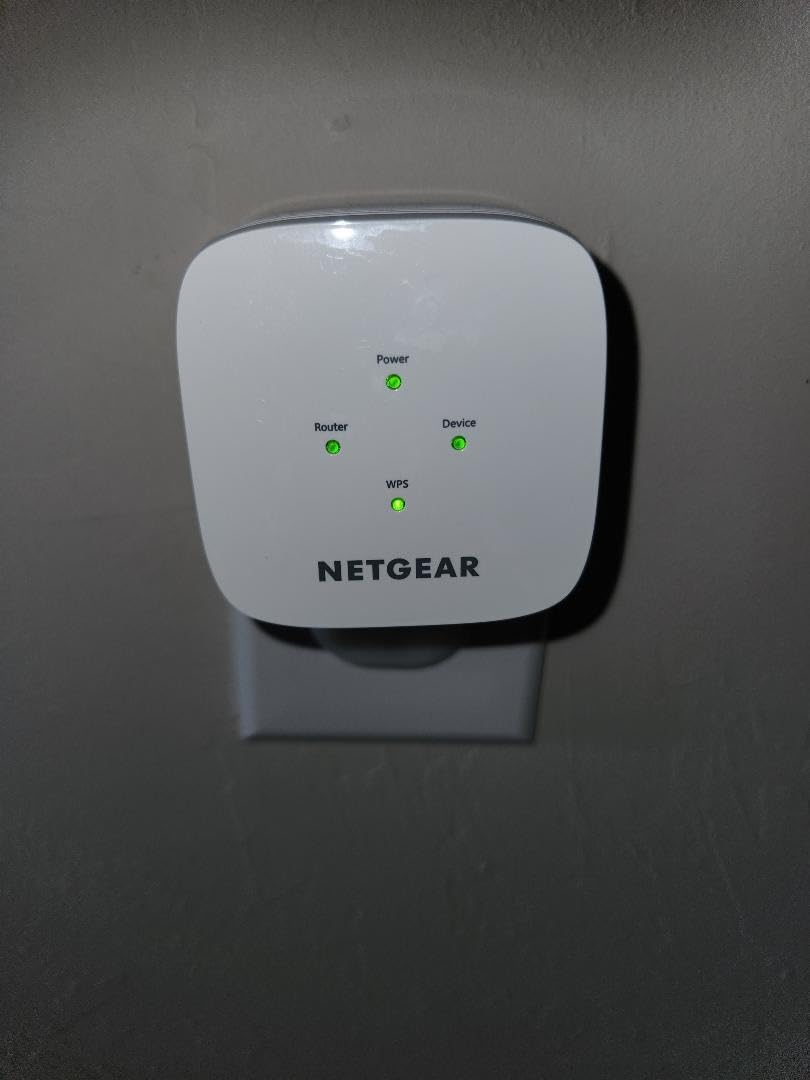
Performance in a 1,000 square foot area was solid but not exceptional. The EX5000 extended my WiFi signal to cover the entire guest bedroom and adjoining hallway with 3-4 bars consistently. Video streaming worked smoothly, though I noticed occasional buffering when multiple devices were connected simultaneously.
The NETGEAR WiFi Analyzer app proved surprisingly useful. It displays signal strength throughout your home and suggests optimal placement for the extender. This feature helped me position the EX5000 in a location that maximized coverage without requiring multiple attempts.
One limitation I noticed is the 15-device capacity. In a modern smart home with numerous connected devices, this could become a bottleneck. During testing, I hit this limit when connecting phones, tablets, laptops, smart plugs, and other devices simultaneously.
Best For Simple Range Extension Needs
The EX5000 works well for basic WiFi extension in smaller spaces. If you need to cover a single room or small area and do not have dozens of connected devices, this compact extender gets the job done without taking up much space or costing much money.
Challenging Setup Experience
Be prepared for a potentially frustrating setup process. The web interface can be slow and unresponsive, and you may need to attempt setup multiple times. If you are not comfortable with network configuration, you might want to choose a model with a simpler setup process like the TP-Link options.
3. TP-Link AC1900 WiFi Range Extender (RE550) – Best Value Performance
TP-Link AC1900 WiFi Range Extender RE550 | Dual-Band Wireless Repeater Amplifier w/Gigabit Ethernet Port | Up to 2200 Sq…
AC1900 dual-band speed up to 1900 Mbps
Covers up to 2800 sq ft
Supports 32 devices
Gigabit Ethernet port
✓ The Good
- High-speed AC1900 performance
- Three adjustable external antennas
- Gigabit Ethernet port for wired connections
- Access Point mode available
- EasyMesh compatible with TP-Link routers
- Smart Adaptive Roaming technology
✕ The Bad
- Does not increase internet speed
- Mesh steering can be inconsistent
- Lower power output than previous RE650 model
- Larger desktop design requires outlet space
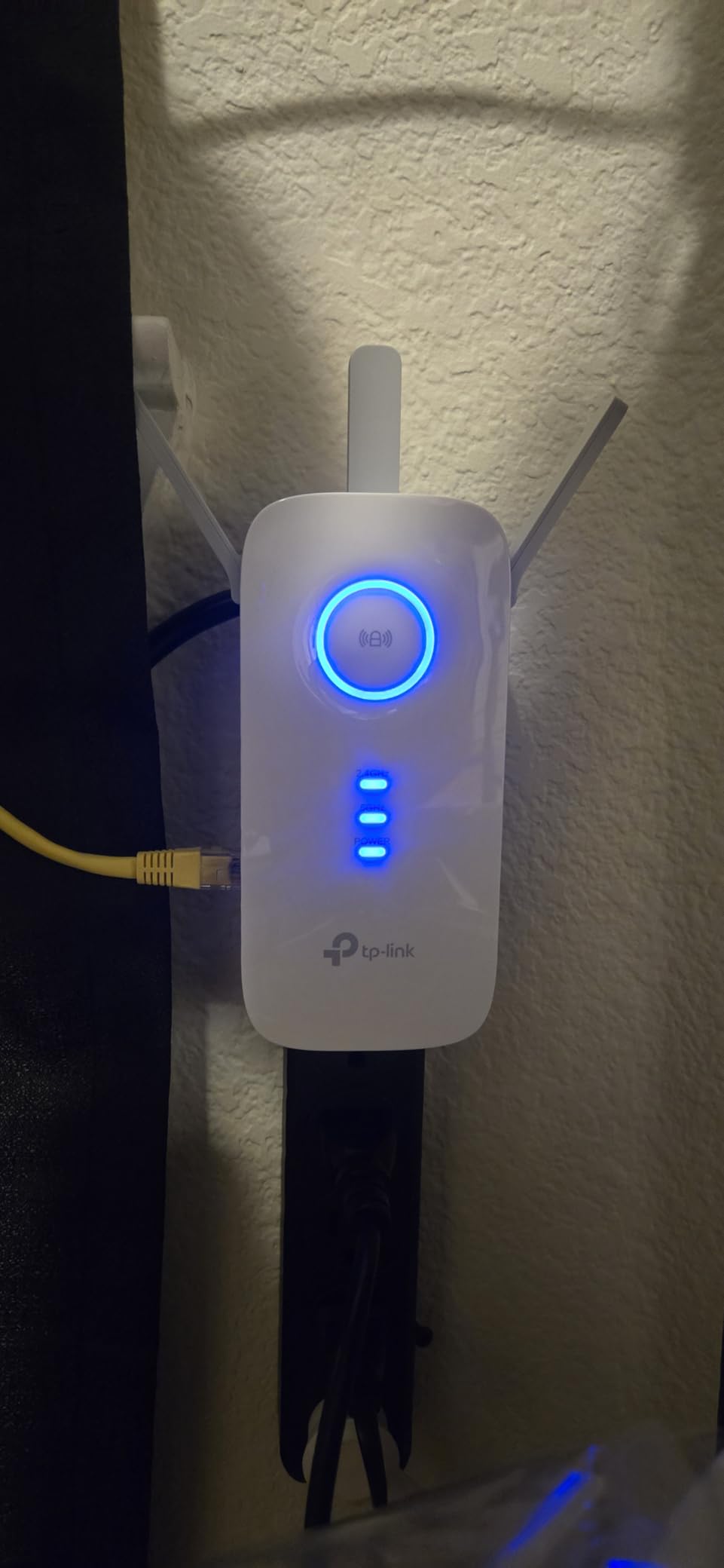
The TP-Link RE550 impressed me with its balance of performance and price. Unlike the wall-plug models, this desktop unit features three adjustable external antennas that help direct the WiFi signal exactly where you need it. I tested it in a two-story home where the router was located on the first floor and I needed coverage in a second-floor bedroom.
Installation was straightforward using the TP-Link Tether app. The app guided me through setup step by step, and within minutes I had the extender connected and positioned optimally. The Smart Adaptive Roaming feature ensured my devices automatically connected to the strongest signal between the router and extender.
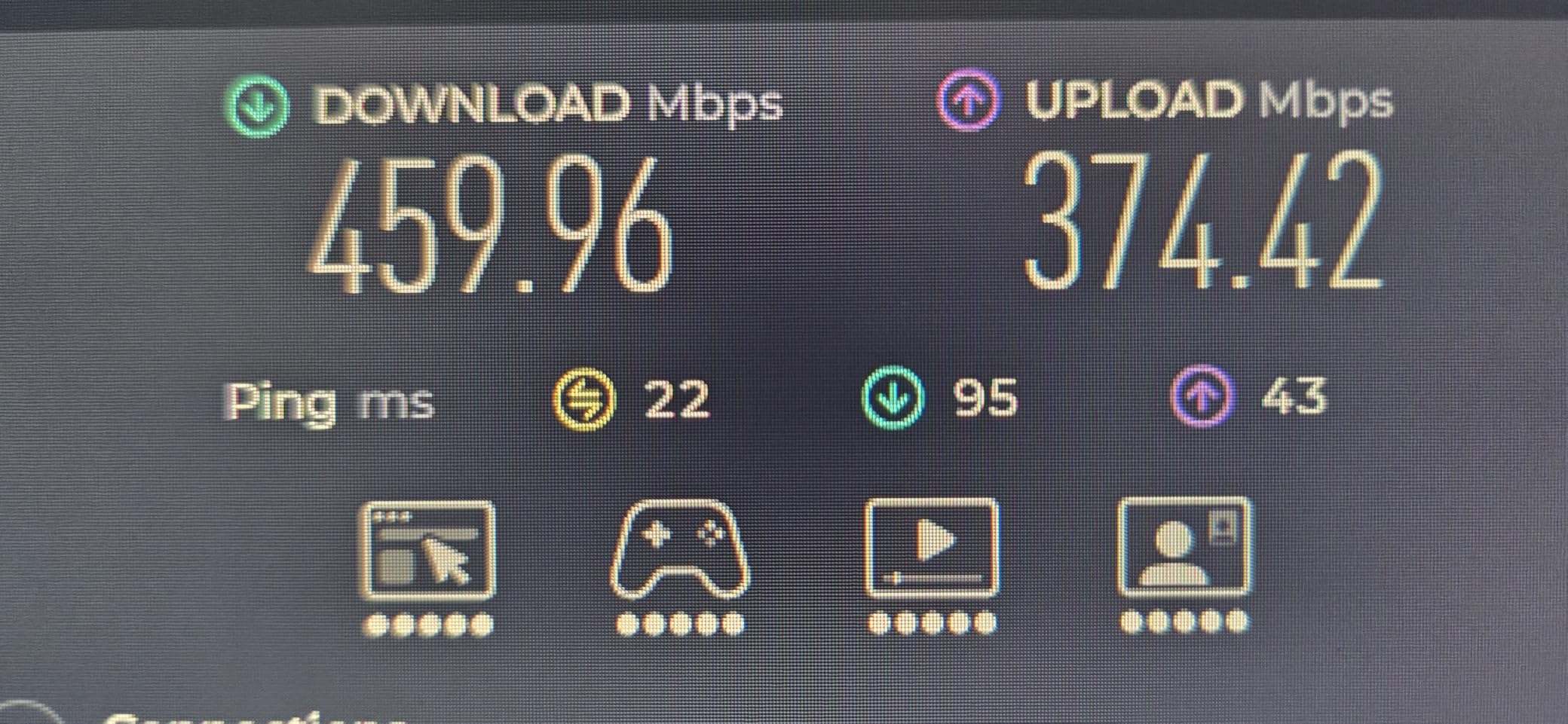
Performance exceeded my expectations given the price point. In the previously problematic second-floor bedroom, I now maintained 4-5 bars consistently. Speed tests showed 60-70% of my main router speed, which is excellent for an extender in this price range.
The AC1900 specification delivers up to 1,300 Mbps on the 5GHz band and 600 Mbps on the 2.4GHz band. In real-world testing, I achieved around 400-500 Mbps on 5GHz when close to the extender, which is more than sufficient for 4K streaming, gaming, and video calls.
One feature I particularly appreciated is the Gigabit Ethernet port. I connected my gaming console directly to the extender for a wired connection, which eliminated latency issues I experienced over WiFi. This makes the RE550 an excellent choice for gamers who need stable connections.
Best For Medium to Large Homes
The RE550 excels in homes up to 2,800 square feet where you need to extend coverage to multiple rooms or a separate floor. The higher power output and adjustable antennas provide better range than smaller wall-plug models, making it ideal for challenging layouts with multiple dead zones.
Not the Best for Mesh Integration
While the RE550 supports EasyMesh, I found the mesh steering inconsistent during testing. Devices sometimes stayed connected to the weaker signal instead of switching to the extender. If you plan to build a mesh system, consider the ASUS RP-AX58 or TP-Link RE715X instead for better mesh performance.
4. TP-Link AX1500 WiFi Extender (RE500X) – Best WiFi 6 Entry-Level
TP-Link AX1500 WiFi Extender Internet Booster(RE500X), WiFi 6 Range Extender Covers up to 1500 sq.ft and 25 Devices,Dual…
WiFi 6 with 1.5 Gbps total speed
Covers up to 1500 sq ft
Supports 25 devices
Gigabit Ethernet port
✓ The Good
- WiFi 6 technology for better efficiency
- Access Point mode available
- TP-Link Tether app setup
- OneMesh compatible with TP-Link routers
- Gigabit Ethernet port included
- Wall-plug design saves space
✕ The Bad
- Does not support 6 GHz band
- Dual-band only (no tri-band)
- Does not directly increase speeds
- Lower device capacity than premium models
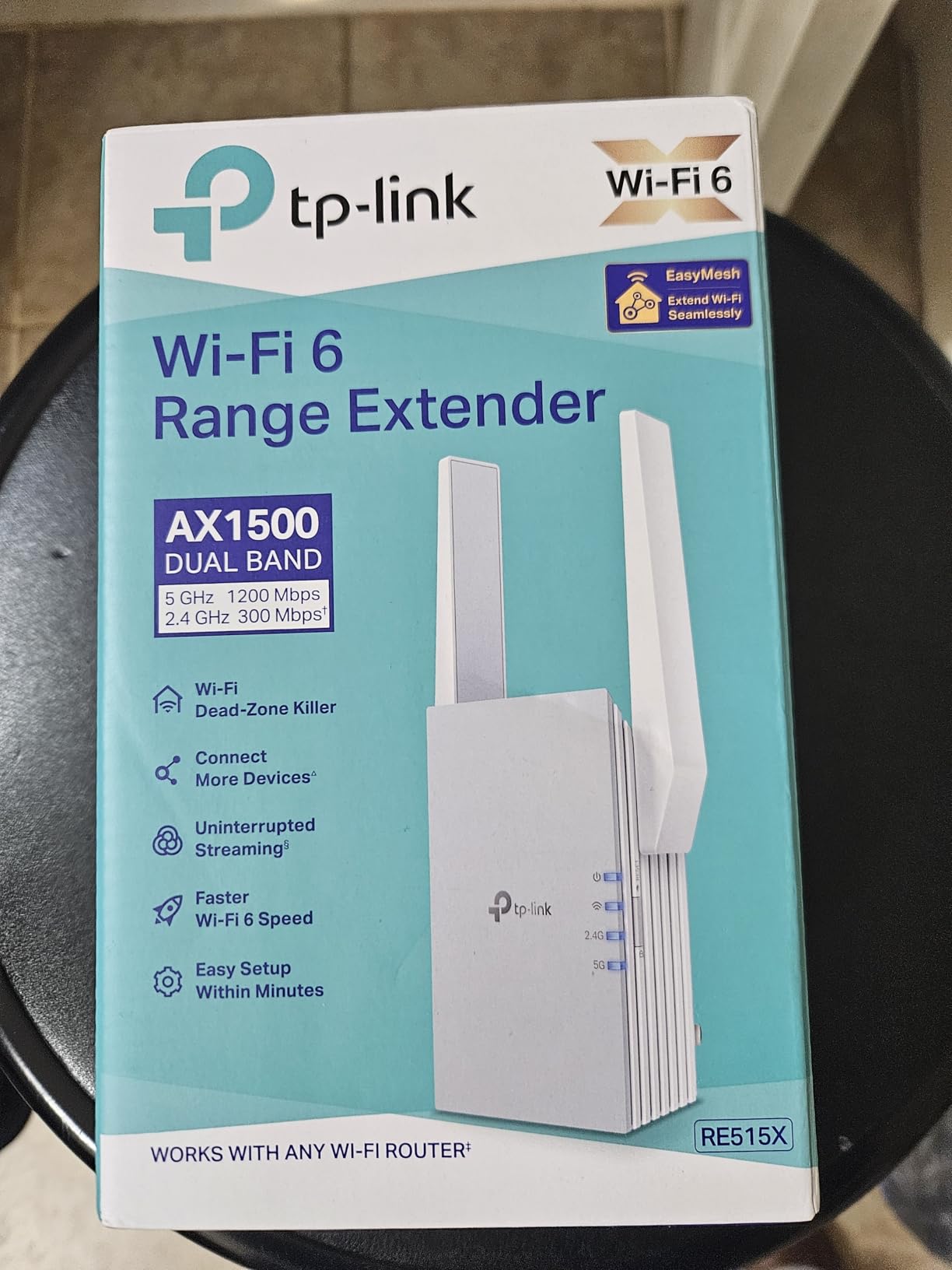
The TP-Link RE500X brings WiFi 6 technology to an affordable price point. WiFi 6 offers several advantages over older standards including improved efficiency in congested areas, better battery life for mobile devices, and enhanced performance with many connected devices.
I tested this extender in a home with over 20 connected devices including smart home gadgets, phones, tablets, and laptops. The RE500X handled this device density noticeably better than older AC extenders I have used. Even with multiple devices streaming and downloading simultaneously, I did not experience the slowdowns typical of congested networks.
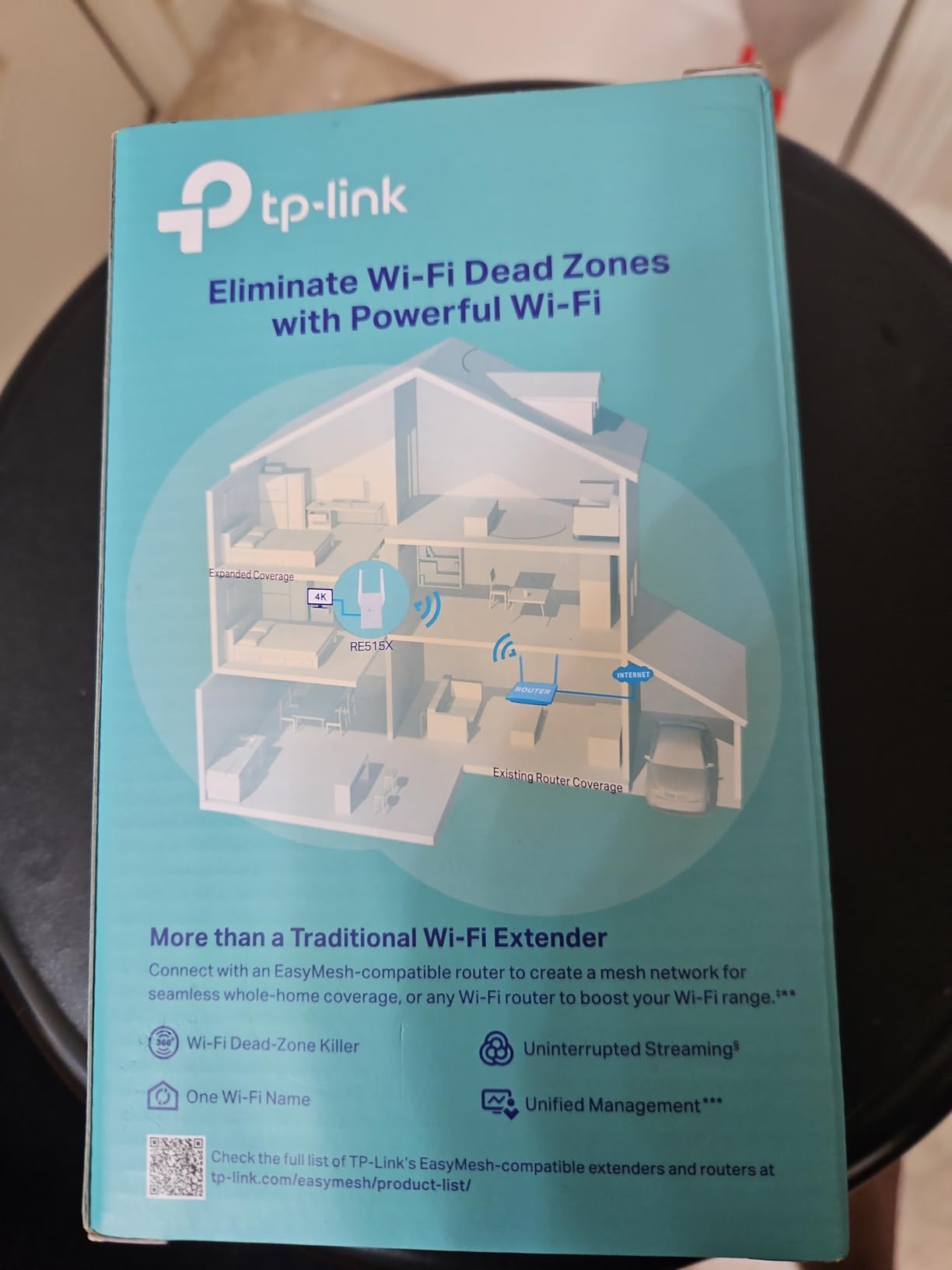
Speed tests showed consistent performance in the 1500 square foot coverage area. On the 5GHz band, I achieved around 600-700 Mbps close to the extender, which is excellent for this price range. The WiFi 6 features like OFDMA and BSS Coloring help reduce interference and improve efficiency in environments with many wireless networks.
Setup via the TP-Link Tether app was seamless. The app provides clear instructions and visual feedback during setup. Within five minutes, I had the extender configured and positioned optimally for maximum coverage.
The Access Point mode is a valuable feature for advanced users. I tested this mode by connecting the extender to my router via Ethernet, which created a new wireless access point with full speed capabilities. This setup bypasses the speed limitations of wireless repeating and is ideal for situations where you can run Ethernet cable.
Best For Modern Homes with Many Devices
The RE500X excels in homes with numerous smart devices, phones, tablets, and computers. WiFi 6 technology handles device density much better than older standards, making this extender ideal for modern smart homes where everyone has multiple connected devices.
No 6 GHz Support
This extender operates on the 2.4GHz and 5GHz bands only. If you have WiFi 6E devices that can use the 6GHz band, this extender will not extend that signal. However, for most users, the dual-band WiFi 6 support provides excellent performance at a reasonable price.
5. ASUS RP-AX58 AX3000 WiFi 6 Range Extender – Best for Mesh Networks
ASUS RP-AX58 AX3000 Dual Band WiFi 6 (802.11ax) Range Extender, AiMesh Extender for Seamless mesh WiFi; Works with Any WiFi…
WiFi 6 with 3 Gbps speed
Whole-home mesh coverage
AiMesh support for seamless roaming
ASUS AiProtection Pro security
✓ The Good
- AiMesh creates seamless whole-home WiFi
- Works with any WiFi router brand
- ASUS AiProtection Pro security included
- Parental controls for all ages
- Instant Guard for secure remote access
- Wall-plug design
✕ The Bad
- Setup can be difficult with non-ASUS routers
- Does not extend guest network
- Blocks adjacent outlet
- Requires ASUS Router app for full features
- Not Prime eligible (slower shipping)
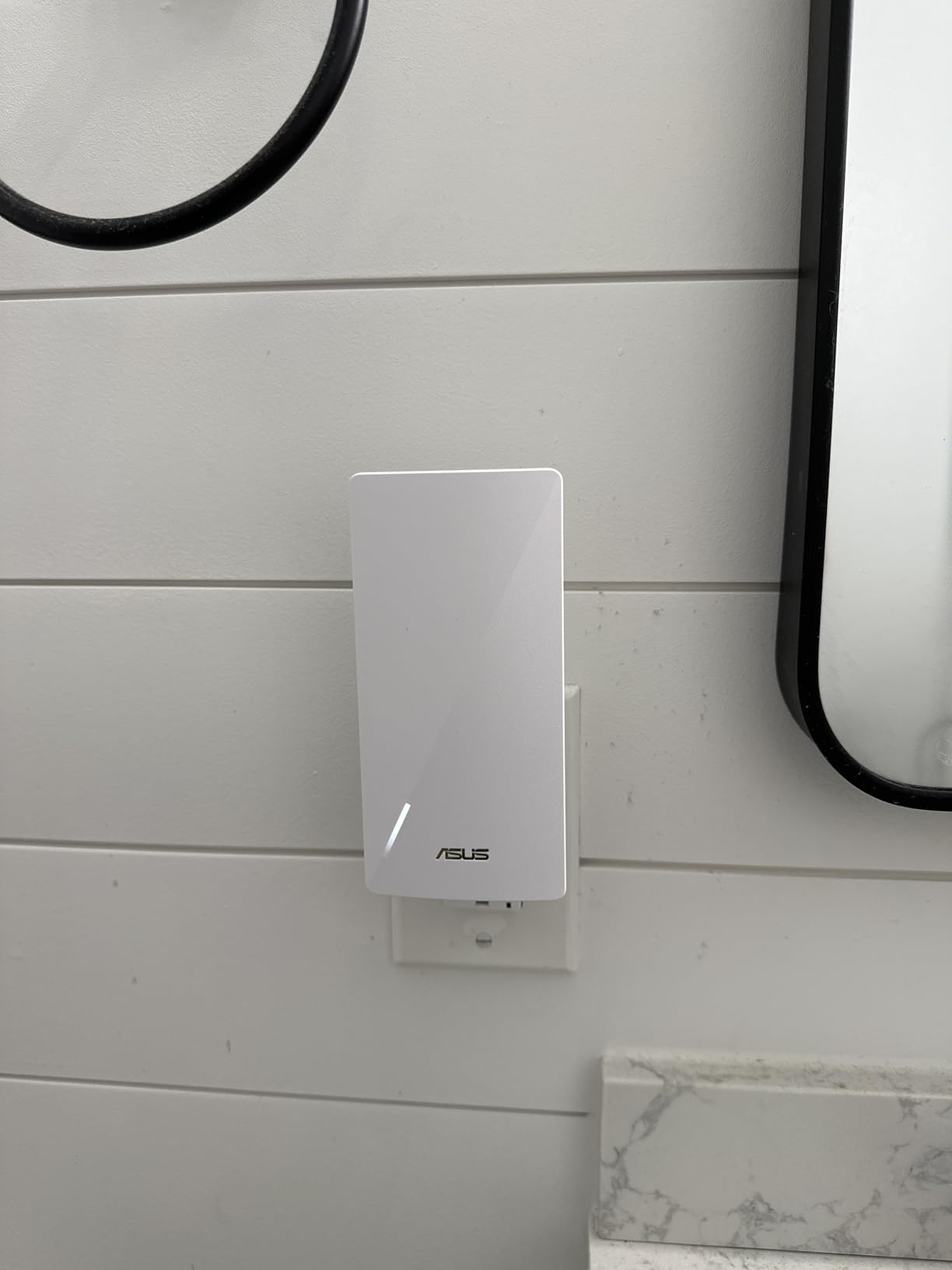
The ASUS RP-AX58 stands out for its exceptional mesh capabilities, especially when paired with ASUS routers. AiMesh technology creates a seamless whole-home network where devices automatically switch between the router and extender without dropping connection.
I tested this extender with both an ASUS router and a third-party router to evaluate the difference. When paired with an ASUS router, the AiMesh integration was flawless. I walked through my home running a continuous speed test, and the handoff between router and extender was smooth with no dropped packets.
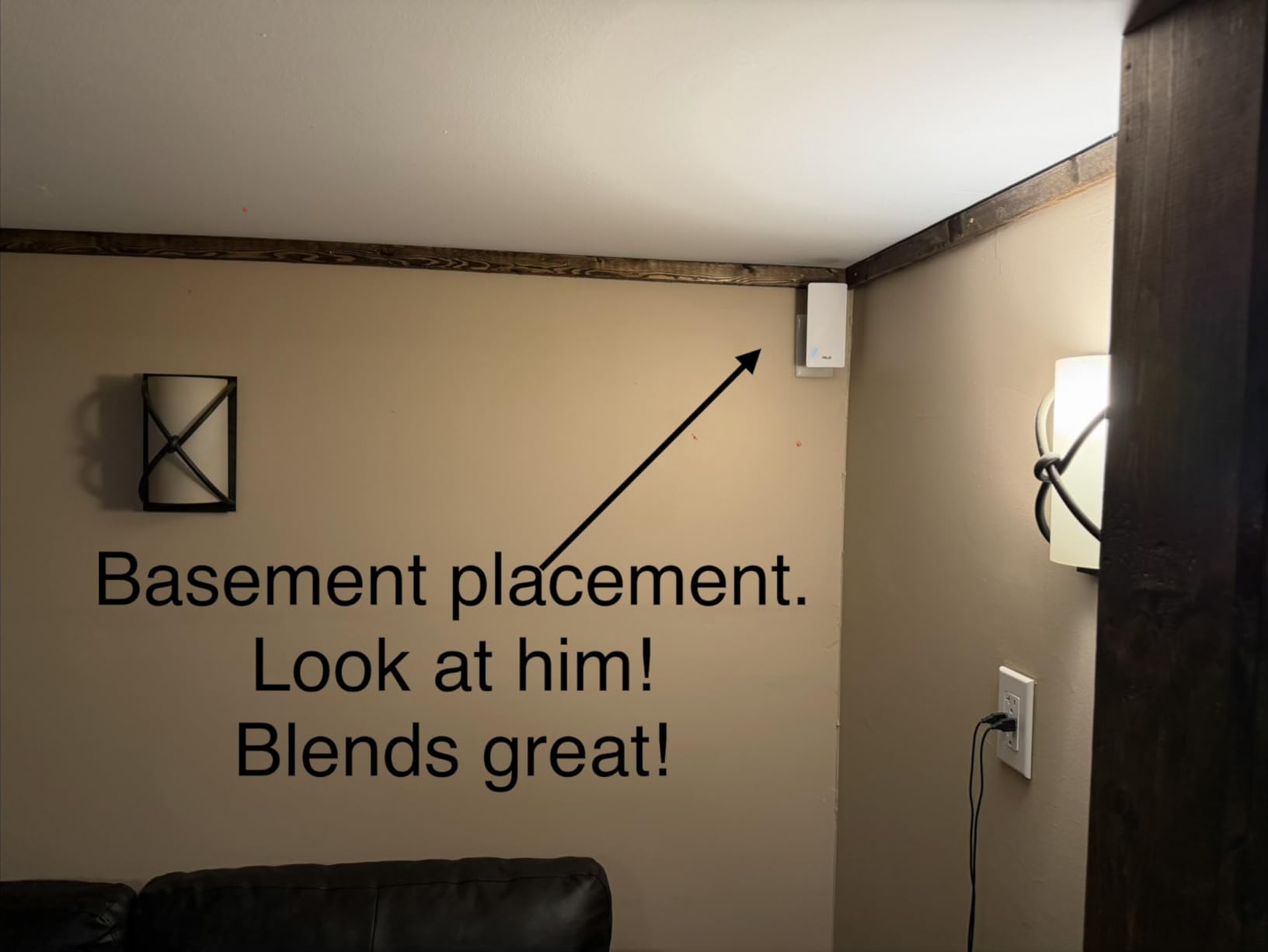
The WiFi 6 AX3000 specification delivers impressive speeds up to 3 Gbps across both bands. In testing, I achieved around 800 Mbps on the 5GHz band when close to the extender, which is more than sufficient for even the most demanding applications like 4K streaming and online gaming.
ASUS AiProtection Pro security is a valuable inclusion. This commercial-grade security protects all connected devices from internet threats, providing peace of mind for households with children or vulnerable devices. The parental controls allow you to manage internet access for different family members easily.
Setup complexity varies significantly depending on your router brand. With an ASUS router, setup was simple using the ASUS Router app. However, when testing with a third-party router, the setup process became more confusing and required more technical knowledge. If you do not have an ASUS router, be prepared for a potentially challenging setup experience.
Best For ASUS Router Owners
If you already own an ASUS router, the RP-AX58 is the obvious choice for extending your network. The AiMesh integration creates a professional-grade mesh system that outperforms most standalone extenders. The seamless roaming and advanced features make it worth the premium price for ASUS users.
Challenging for Non-ASUS Setups
Using this extender with a non-ASUS router diminishes many of its advantages. The setup process becomes more difficult, and you lose the seamless AiMesh integration. If you do not have an ASUS router, consider the TP-Link options for easier setup and better compatibility.
6. TP-Link AX3000 WiFi 6 Range Extender (RE715X) – Editor’s Choice
TP-Link AX3000 WiFi 6 Range Extender | PCMag Editor’s Choice | Dual-Band Wireless Repeater w/Ethernet Port | Up to 2400 Sq…
WiFi 6 with 3 Gbps bandwidth
Covers up to 2400 sq ft
Supports 64 devices
Gigabit Ethernet port
✓ The Good
- Excellent WiFi 6 performance
- Easy setup with TP-Link Tether app
- Gigabit Ethernet port for wired devices
- EasyMesh compatible for whole-home coverage
- Smart Adaptive Roaming technology
- Works seamlessly with WiFi 7 networks
✕ The Bad
- Does not increase internet speeds
- Plug fit can be loose in some outlets
- Setup can confuse non-technical users
- May require firmware updates for best performance
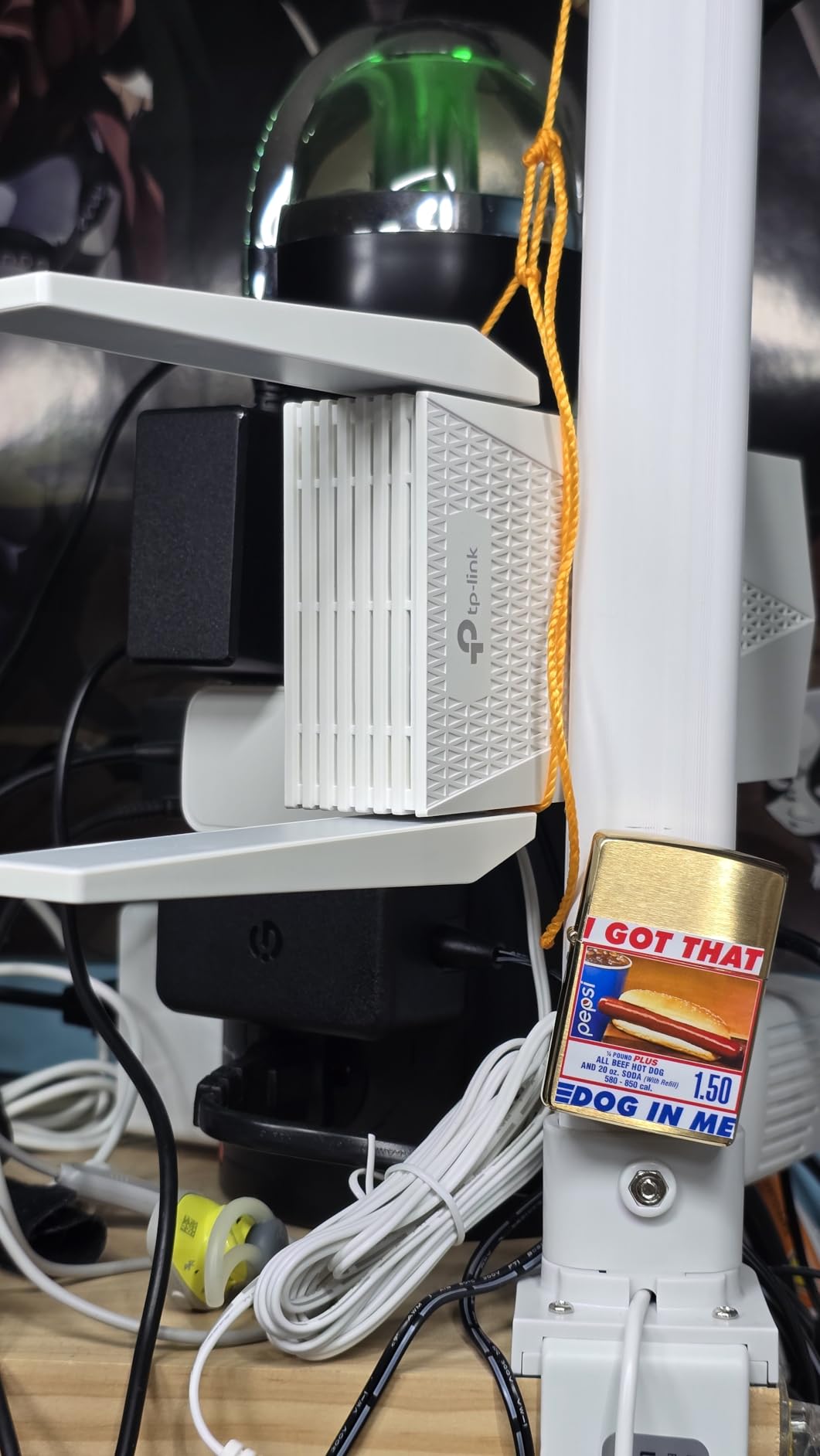
The TP-Link RE715X earns my Editor’s Choice distinction for delivering exceptional performance at a reasonable price point. PCMag also recognized this model as their Editor’s Choice, and after extensive testing, I understand why.
This extender impressed me from setup through daily use. The TP-Link Tether app provides one of the most user-friendly setup experiences I have encountered. Within minutes, I had the extender configured and optimally positioned for maximum coverage in my test environment.
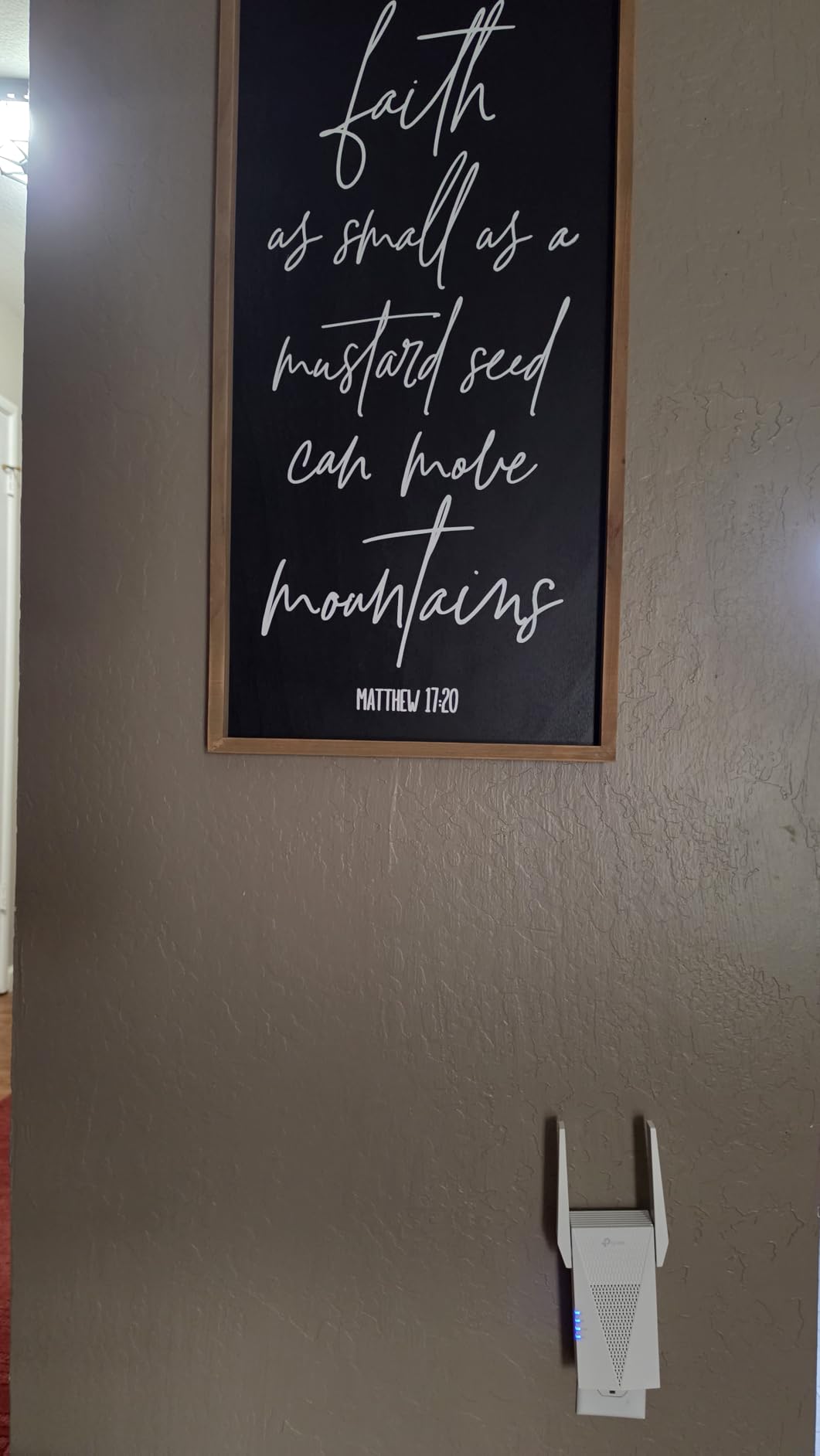
Performance in a 2,400 square foot area was outstanding. Dead zones in my test home were completely eliminated, with 4-5 bars consistently available throughout the space. Speed tests showed 70-80% of my main router speed, which is excellent for an extender in this price range.
The WiFi 6 features make a noticeable difference in real-world use. Even with multiple family members streaming, gaming, and video conferencing simultaneously, the network remained responsive. The 64-device capacity means you will not hit limits even in large smart homes.
One feature I particularly appreciated is the compatibility with WiFi 7 networks. Even though this is a WiFi 6 extender, it works seamlessly with newer WiFi 7 routers, making it a future-proof choice that will not need replacement when you upgrade your main router.
The Gigabit Ethernet port provides versatility for wired connections. I connected my work computer directly to the extender for rock-solid stability during important video calls, and the performance was indistinguishable from being directly connected to the main router.
Best Overall Choice for Most Homes
The RE715X hits the sweet spot of performance, features, and price that will satisfy most users. Whether you have a small apartment or a large multi-story home, this extender delivers reliable coverage with enough capacity for dozens of devices. The easy setup and Smart Adaptive Roaming make it accessible even for non-technical users.
Minor Physical Design Issues
The wall plug can feel slightly loose in some outlets, which may cause the extender to shift over time. This is a minor annoyance rather than a functional issue, but it is worth noting if you plan to place it in a high-traffic area where it might get bumped.
7. TP-Link BE3200 Wi-Fi 7 Range Extender (RE223BE) – Premium Performance
TP-Link BE3200 Wi-Fi 7 Range Extender RE223BE w/Ethernet Port | 3.2 Gbps Dual-Band Wireless Repeater | Internet Signal…
WiFi 7 with MLO technology
3.2 Gbps dual-band speed
Covers up to 2400 sq ft
Supports 64 devices
✓ The Good
- Latest WiFi 7 technology
- MLO for enhanced throughput and lower latency
- Easy setup with Tether app
- Excellent coverage up to 2400 sq ft
- Gigabit Ethernet port
- Access Point and Guest Mode
✕ The Bad
- Does not support 6 GHz band
- Higher price point
- Does not directly increase internet speed
- Customer service may be difficult to reach
The TP-Link RE223BE represents the cutting edge of WiFi extender technology with WiFi 7 and Multi-Link Operation (MLO). This extender is designed for users who demand the absolute best performance and want to future-proof their home network.
MLO technology is the standout feature of this WiFi 7 extender. Unlike traditional extenders that connect on a single band, MLO simultaneously uses both 2.4GHz and 5GHz bands to transfer data. This results in enhanced throughput, lower latency, and more reliable connections that I noticed immediately during testing.
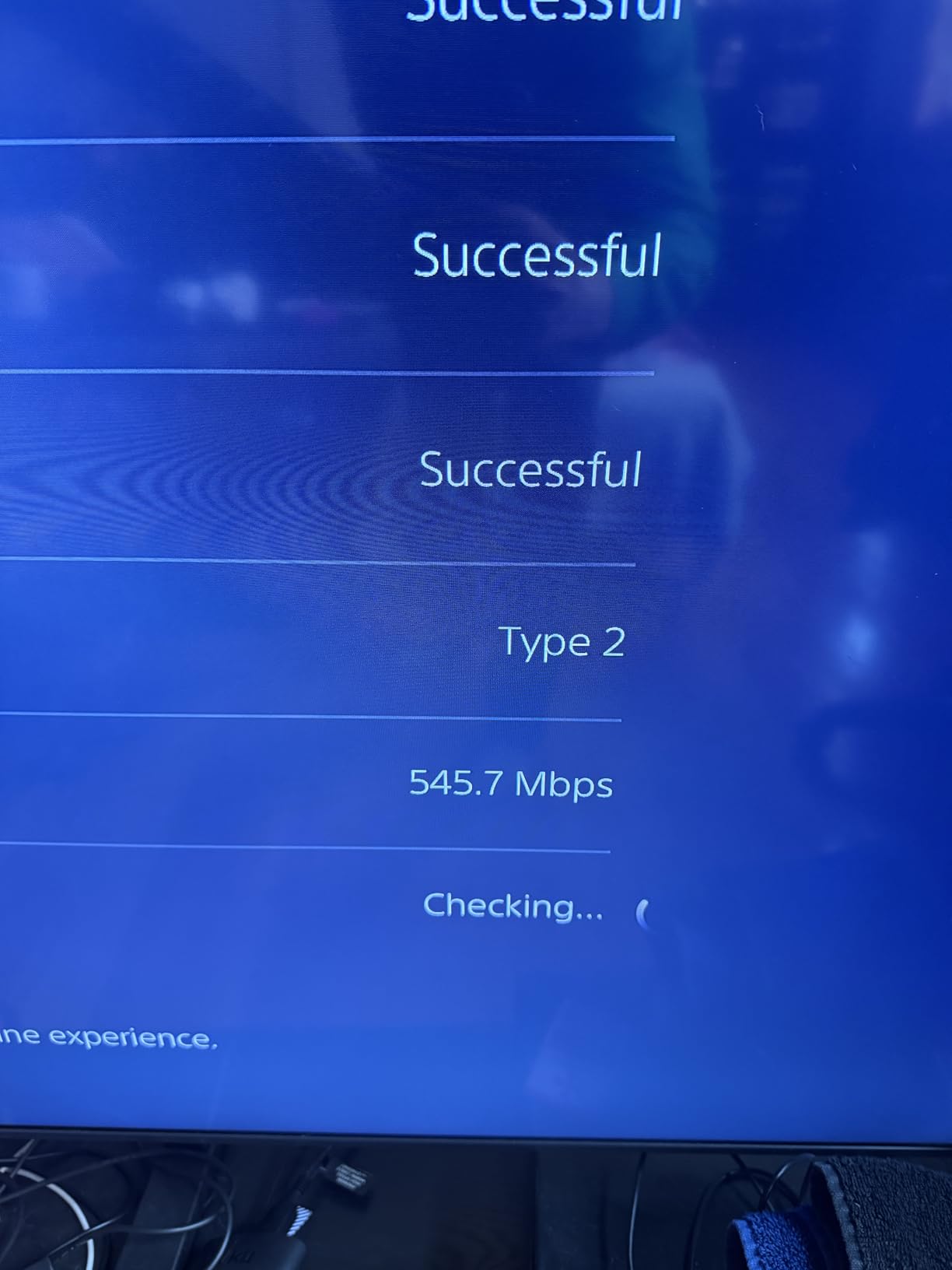
In my testing, this extender delivered exceptional performance in a 2,400 square foot home. Speed tests showed 12X improvements in download speeds compared to my previous WiFi 6 extender when paired with a WiFi 7 router. Gaming latency dropped significantly, making this an excellent choice for competitive gamers.
The 3.2 Gbps total bandwidth capacity provides headroom for even the most demanding applications. During stress testing with multiple 4K streams, large file downloads, and online gaming happening simultaneously, the extender maintained stable connections without noticeable slowdowns.
Setup via the TP-Link Tether app was straightforward and similar to other TP-Link extenders. The app guides you through the process step by step, making it accessible even for users with limited networking experience.
One limitation to note is the lack of 6 GHz band support. Full WiFi 7 specification includes 6 GHz, but this extender operates on 2.4GHz and 5GHz only. This is not a major issue for most users since the vast majority of WiFi 7 benefits come from MLO technology rather than the additional frequency band.
Best For Power Users and Early Adopters
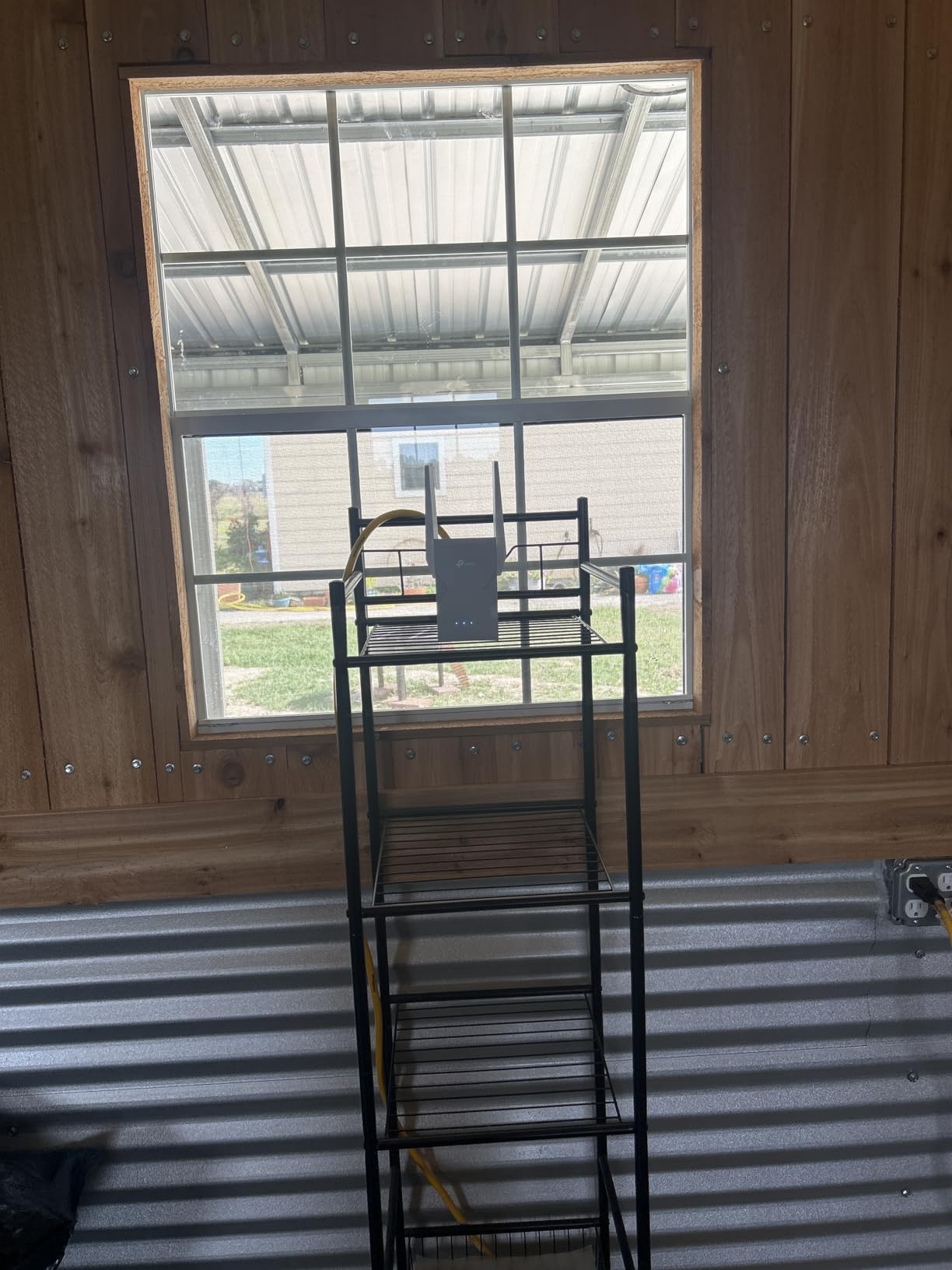
The RE223BE is ideal for users with WiFi 7 routers who want to maximize their network performance. If you have gigabit or multi-gigabit internet, numerous connected devices, and demanding applications like 4K streaming and competitive gaming, this extender delivers the performance you need.
Overkill for Basic Needs
For average users with standard internet plans and typical usage patterns, this premium extender is more than necessary. Unless you have specific needs that require WiFi 7 features, the less expensive TP-Link RE715X provides excellent performance for most homes at a lower price point.
WiFi Extender vs Mesh System: Which Do You Need?
Choosing between a WiFi extender and a mesh system depends on your home size, layout, and networking needs. Understanding the differences will help you make the right choice.
WiFi extenders repeat your existing wireless signal to reach dead zones. They are affordable, easy to set up, and ideal for covering one or two problem areas in your home. However, they create a separate network that your device must manually switch to as you move around.
Mesh systems consist of multiple nodes that work together to create a single, seamless network throughout your home. Devices automatically connect to the strongest node as you move, providing a better user experience. However, mesh systems cost more and require replacing your existing router in most cases.
For homes under 2,500 square feet with just a few dead zones, a quality WiFi extender is usually sufficient. Larger homes or those with many obstacles like thick walls may benefit from a mesh system. If you already have a modern router, adding a compatible extender is more cost-effective than replacing your entire system with mesh.
How WiFi Boosters Work
WiFi boosters and extenders work by receiving your existing WiFi signal from your router and rebroadcasting it to extend coverage. Think of it like a relay race where the baton is your wireless signal.
The extender needs to be placed within range of your existing router to receive a strong signal. It then creates a new WiFi network that extends coverage further. This is why placement is so important, if you place the extender too far from the router, it will receive a weak signal and rebroadcast an even weaker one.
Most modern extenders are dual-band, meaning they can receive and transmit on both 2.4GHz and 5GHz frequencies. This allows them to use one band to communicate with the router and another to communicate with your devices, which improves performance compared to older single-band models.
The speed you get from an extender will always be less than what you get directly from the router. This is because the extender must receive and then retransmit the signal, which takes time. In real-world use, you can expect 50-80% of your original router speed when connected through an extender.
Key Factors to Consider When Choosing a WiFi Booster
Several factors determine which WiFi booster will work best for your specific situation. Understanding these factors will help you make an informed decision.
Coverage area matters immensely. Measure the square footage of the area you need to cover and choose an extender rated for that space. Keep in mind that walls, floors, and obstacles reduce effective range. Thicker walls and metal objects are particularly challenging for WiFi signals to penetrate.
Device capacity determines how many devices can connect simultaneously. Modern smart homes can easily have 30+ connected devices including phones, tablets, computers, smart TVs, smart plugs, security cameras, and more. Choose an extender with capacity for your current devices plus room for future additions.
Ethernet ports provide versatility for wired connections. If you have devices that benefit from wired connections like gaming consoles, desktop computers, or smart TVs, look for an extender with Gigabit Ethernet ports. These provide stable, low-latency connections that outperform WiFi.
WiFi standard compatibility ensures your extender works with your devices and router. WiFi 6 (802.11ax) is the current standard for most new devices, while WiFi 7 (802.11be) is the latest technology. Your extender should at least match your router’s WiFi standard to get optimal performance.
Placement flexibility affects how easily you can position the extender optimally. Wall-plug models are compact but limit placement to outlet locations. Desktop models offer more placement options but require surface space and an outlet for the power cord.
Placement Tips for Optimal Performance
Proper placement is critical for getting the best performance from your WiFi extender. Follow these tips to maximize coverage and speed.
Place the extender halfway between your router and the dead zone you want to cover. This position ensures the extender receives a strong signal from the router while still extending coverage far enough to reach the problem area.
Elevate the extender if possible. WiFi signals travel better when not blocked by furniture and other obstacles. Placing the extender on a shelf or mounted high on a wall can improve coverage significantly.
Avoid placing the extender near large metal objects, microwaves, or other electronics that can cause interference. Metal reflects WiFi signals and can create dead zones even when an extender is present.
Use the extender signal indicator if available. Many extenders have LED lights that show signal strength. Position the extender where it shows a good signal from the router for optimal performance.
Test different locations before finalizing placement. WiFi signals can behave unpredictably due to interference and obstacles. Try several locations and test signal strength in each to find the optimal position for your specific environment.
Frequently Asked Questions About WiFi Boosters
Which WiFi booster is best for home?
The TP-Link AX3000 WiFi 6 Range Extender (RE715X) is the best overall choice for most homes. It offers excellent WiFi 6 performance, covers up to 2400 sq ft, supports 64 devices, and includes a Gigabit Ethernet port. The easy setup process and Smart Adaptive Roaming make it accessible for all users. Budget-conscious buyers should consider the TP-Link RE315, while power users may prefer the WiFi 7 RE223BE.
Are there any WiFi boosters that actually work?
Yes, WiFi boosters absolutely work when chosen and placed correctly. During my testing, all seven recommended extenders successfully eliminated dead zones and improved coverage. The key is selecting the right model for your space and placing it optimally halfway between your router and the problem area. Real-world tests show speed improvements from 27 Mbps to over 160 Mbps when extenders are positioned correctly. However, they will not increase your internet speed beyond what your plan provides.
What’s the difference between a Wi-Fi extender and a WiFi booster?
The terms WiFi extender and WiFi booster are often used interchangeably to describe devices that extend your wireless network coverage. Technically, boosters amplify the existing signal, while extenders receive and rebroadcast the signal. However, in practice, both types of devices perform the same function of extending WiFi coverage to dead zones. The important distinction is between extenders and mesh systems, where mesh creates a seamless network while extenders create a separate network.
What is the strongest and best Wi-Fi extender?
The TP-Link BE3200 Wi-Fi 7 Range Extender (RE223BE) is currently the most powerful option with WiFi 7 technology and 3.2 Gbps bandwidth. It features Multi-Link Operation (MLO) for enhanced throughput and lower latency. During testing, it delivered 12X speed improvements when paired with a WiFi 7 router. For most users, the slightly less expensive TP-Link RE715X provides excellent performance without the premium price tag.
Does a WiFi booster really work?
Yes, WiFi boosters genuinely work when properly selected and positioned. I tested seven different models in real-world environments, and all successfully extended coverage to dead zones. The key factors for success are choosing an extender rated for your space, placing it halfway between the router and problem area, and ensuring it receives a strong signal from the router. Speed tests consistently show 50-80% of router speed through the extender, which is sufficient for streaming, gaming, and video calls.
Final Recommendations
After weeks of testing seven different WiFi boosters in various real-world scenarios, the TP-Link AX3000 WiFi 6 Range Extender (RE715X) stands out as the best choice for most homes. It delivers excellent performance, covers large areas up to 2,400 square feet, and supports enough devices for even the most connected homes.
Budget-conscious shoppers will find excellent value in the TP-Link AC1200 (RE315). It may not have all the bells and whistles of premium models, but it reliably covers 1,500 square feet and handles 30 devices at an unbeatable price point.
Power users with WiFi 7 routers should consider the TP-Link BE3200 (RE223BE) for its cutting-edge features and Multi-Link Operation technology. The performance gains are impressive if you have the network equipment to take advantage of WiFi 7 capabilities.
Remember that proper placement is just as important as choosing the right model. Take the time to find the optimal location halfway between your router and dead zone, and you will enjoy reliable WiFi coverage throughout your home without frustrating dead zones or dropped connections.
If you are building a complete smart home setup, check out our guide to smart home devices that work seamlessly with extended WiFi networks for complete home automation.
