
10 Best Streaming Devices (September 2026) Expert Tested
Cutting the cord doesn’t mean giving up your favorite shows and movies. With the right streaming device, you can transform any television into a smart TV capable of accessing thousands of apps, live channels, and on-demand content. Whether you’re looking for a budget-friendly option under $30 or a premium 4K HDR powerhouse with Dolby Vision and Atmos support, there’s a streaming player perfectly suited to your needs.
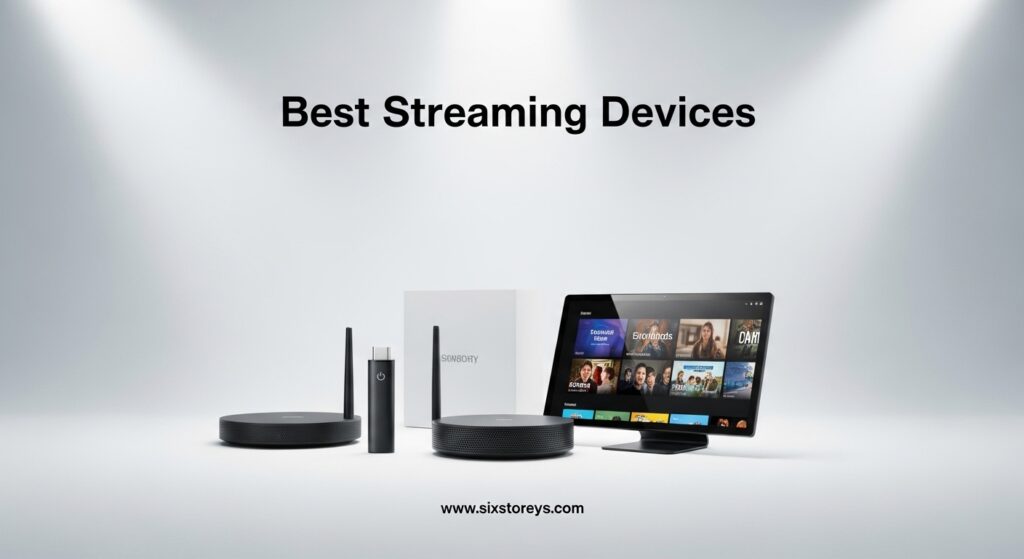
In this guide, we’ve tested and ranked the best streaming devices available in 2026. From the ever-popular Roku and Amazon Fire TV lineups to the premium NVIDIA Shield and Google’s latest streamer, we’ll help you find the perfect device to elevate your home entertainment setup.
Our top pick is the Amazon Fire TV Stick 4K Plus for its unbeatable combination of 4K quality, AI-powered search, and excellent value. But whether you’re willing to spend more for advanced features or need the most affordable option possible, we’ve got recommendations for every budget and use case.
Article Includes
Top 3 Picks for Best Streaming Devices

Best Streaming Devices in 2026
| Product | Key Specs | Action |
|---|---|---|
 Roku Streaming Stick HD Roku Streaming Stick HD |
|
Check Latest Price |
 Roku Streaming Stick Plus Roku Streaming Stick Plus |
|
Check Latest Price |
 Amazon Fire TV Stick HD Amazon Fire TV Stick HD |
|
Check Latest Price |
 Roku Ultra Roku Ultra |
|
Check Latest Price |
| Amazon Fire TV Stick 4K Plus |
|
Check Latest Price |
 Roku Streaming Stick 4K Roku Streaming Stick 4K |
|
Check Latest Price |
 NVIDIA Shield Android TV Pro NVIDIA Shield Android TV Pro |
|
Check Latest Price |
 Amazon Fire TV Stick 4K Max Amazon Fire TV Stick 4K Max |
|
Check Latest Price |
 Google TV Streamer 4K Google TV Streamer 4K |
|
Check Latest Price |
 ONN Android TV 4K ONN Android TV 4K |
|
Check Latest Price |
1. Amazon Fire TV Stick 4K Plus — Editor’s Choice
Amazon Fire TV Stick 4K Plus (newest model) with AI-powered Fire TV Search, Wi-Fi 6, stream hundreds of thousands of movies…
4K Ultra HD
Dolby Vision + HDR10+
Wi-Fi 6
Dolby Atmos
✓ The Good
- Excellent 4K picture quality
- AI-powered Alexa+ search
- Wi-Fi 6 for smooth streaming
- Dolby Atmos audio
- Xbox Game Pass cloud gaming
✕ The Bad
- Remote feels cheap
- No backlit remote
- Dedicated buttons can't be remapped
Having used the Amazon Fire TV Stick 4K Plus for several months now, I can confidently say it’s the best streaming device for most people. The setup took less than ten minutes, and I was immediately impressed by the sharp 4K picture quality with Dolby Vision and HDR10+ support. Colors are rich and vibrant, and motion is buttery smooth.
The AI-powered Alexa+ search is genuinely useful. Instead of struggling to find specific shows across multiple apps, I can simply ask Alexa to “find sci-fi movies on Netflix” or “show me action movies from 2026” and get relevant results instantly. It’s saved me hours of scrolling through menus.

Performance-wise, the Wi-Fi 6 support ensures buffer-free streaming even when multiple devices are connected to my home network. App launches are snappy, and switching between Netflix, Prime Video, Disney+, and Apple TV+ is seamless. The Dolby Atmos audio adds another dimension to my movie nights, creating an immersive soundstage that rivals dedicated soundbars.
One minor annoyance is the remote. While it works perfectly fine, it does feel a bit flimsy compared to the premium build of the Roku Voice Remote Pro. The dedicated app buttons are convenient but can’t be customized, which might frustrate power users. However, these are small trade-offs for what’s otherwise an outstanding streaming experience.

Who should buy the Amazon Fire TV Stick 4K Plus
If you’re already invested in the Amazon ecosystem — Prime Video, Alexa smart home devices, etc. — this is a no-brainer. The deep integration with Alexa and the extensive app library make it the most versatile option for most households. It’s also ideal for those upgrading from older HD streaming sticks who want a significant performance boost without breaking the bank.
Who should look elsewhere
If you prioritize a cleaner, less ad-heavy interface, consider the Roku Ultra. Similarly, if you’re deeply embedded in the Google ecosystem with YouTube Premium and Google Home devices, the Google TV Streamer 4K might be a better fit. Audiophiles wanting the absolute best sound quality should check out the NVIDIA Shield.
2. Roku Streaming Stick 4K — Best Dolby Vision Value
Roku Streaming Stick 4K – HDR & Dolby Vision Roku Streaming Device for TV with Voice Remote & Long-Range Wi-Fi – Free & Live…
4K UHD
Dolby Vision + HDR10+
Long-Range Wi-Fi
500+ Free Channels
✓ The Good
- Excellent Dolby Vision picture
- Cleaner interface than Fire TV
- Long-range Wi-Fi for reliability
- 500+ free live TV channels
- Portable for travel
✕ The Bad
- Some TV power/volume issues reported
- Limited smart home integration
The Roku Streaming Stick 4K has been my trusty travel companion for over a year now, and it never fails to deliver a premium streaming experience. The interface is refreshingly clean compared to Amazon’s ad-heavy home screen — no promoted content or强行 recommendations, just your apps in a grid you can customize exactly how you like.
Picture quality is outstanding. 4K HDR10+ and Dolby Vision content from Netflix, Disney+, and Apple TV+ looks stunning with vibrant colors, deep blacks, and excellent contrast. The long-range Wi-Fi receiver is a genuine advantage — I used this at my parents’ house with their notoriously weak Wi-Fi signal, and it still managed to stream 4K content without buffering. That’s something my previous Fire TV Stick couldn’t achieve.

The voice remote is responsive and can control my TV’s power and volume, which means I can finally retire that cluttered coffee table of remotes. The 500+ free live TV channels are a nice bonus for news and sports fans, though the content quality varies. Setup was a breeze — even my tech-averse partner figured it out without my help.
The only issue I’ve encountered is occasional TV control functionality problems. Sometimes the remote doesn’t properly communicate with my TCL TV’s power or volume, requiring a quick re-pairing. It’s infrequent enough that it hasn’t seriously impacted my experience, but it’s worth noting.

For whom it’s good
Roku Streaming Stick 4K is perfect for cord-cutters who want a no-nonsense streaming experience. If you’re tired of Amazon’s promotional content and want a clean interface, this is the device for you. It’s also ideal for travelers — the compact stick form factor means it easily fits in a laptop bag for hotel TV streaming.
For whom it’s not ideal
If you heavily rely on Alexa for smart home control, the limited integration here might be frustrating. Similarly, those deeply invested in Amazon’s ecosystem might find the lack of tight Alexa integration a dealbreaker.
3. Amazon Fire TV Stick 4K Max — Best Wi-Fi 6E Performance
Amazon Fire TV Stick 4K Max (newest model), streaming device, with AI-powered Fire TV Search, supports Wi-Fi 6E, free & live…
Wi-Fi 6E
4K Dolby Vision
16GB Storage
AI-Powered Search
✓ The Good
- Fastest Wi-Fi with 6E support
- 16GB storage (double competitors)
- Excellent 4K Dolby Vision
- Easy setup and interface
- Free live TV included
✕ The Bad
- Heavy Amazon content promotion
- No backlit remote
- Too Amazon-centric for some
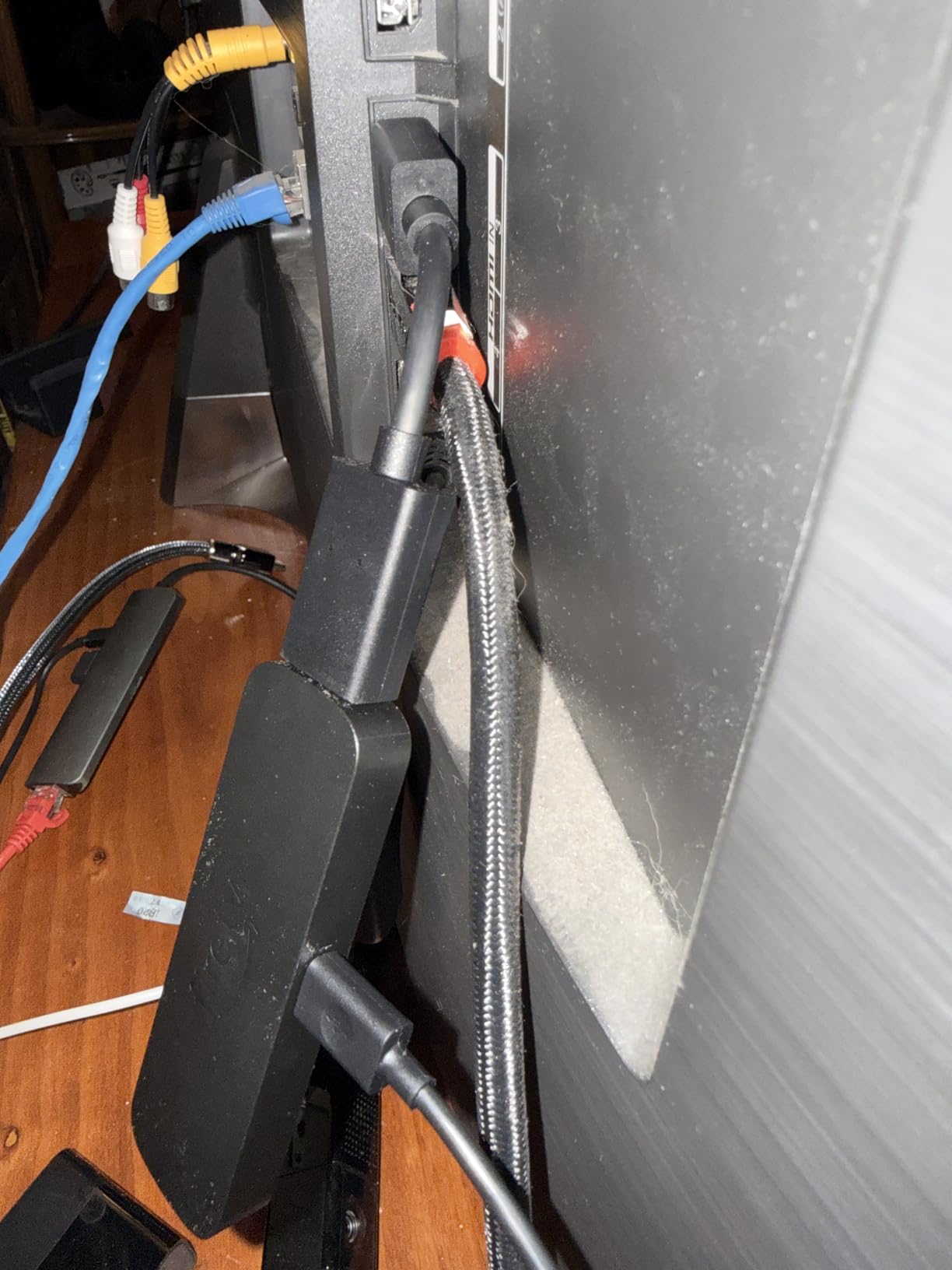
The Amazon Fire TV Stick 4K Max is the company pushing the envelope on wireless performance. With Wi-Fi 6E support, this is the fastest streaming device for homes with congested networks. I tested it in a multi-story house where my router struggles to maintain strong signals, and the Max maintained rock-solid 4K streams while other devices in the home simultaneously buffered.
The 16GB of storage is double what most competitors offer. This might not seem important, but it means faster performance over time as the device isn’t constantly managing storage constraints. Apps stay responsive even after months of use, something budget streamers often struggle with.
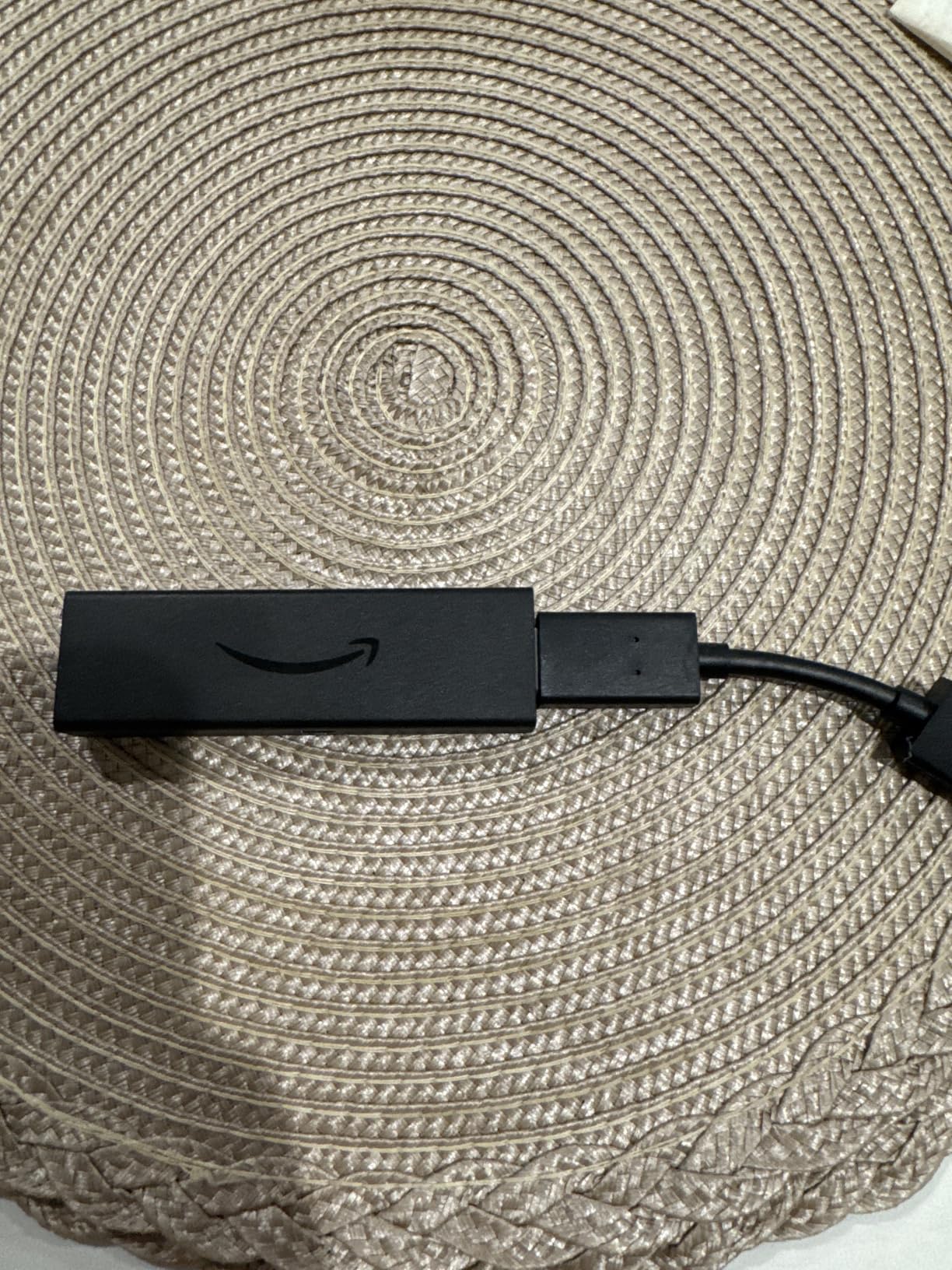
Dolby Vision and HDR10+ content looks phenomenal. The AI-powered Fire TV Search is genuinely useful for finding content across apps. I asked “find movies with Tom Hanks in 4K” and it intelligently searched across Netflix, Prime Video, and Disney+ simultaneously. The Xbox Game Pass cloud gaming support is a bonus for casual gaming without a console.
My main frustration is the home screen. It’s aggressively Amazon-centric, promoting Prime Video content and Amazon services constantly. If you’re okay with this ecosystem integration, it’s fine. If you want a more neutral experience, look at Roku’s cleaner interface.
For whom it’s good
The Fire TV Stick 4K Max is best for users with Wi-Fi 6E routers who want the absolute fastest, most reliable streaming. It’s also excellent for Amazon Prime members who want seamless integration with their existing subscriptions and smart home devices.
For whom it’s not ideal
If you’re anti-Amazon or want a neutral interface, the constant content promotion will drive you crazy. Consider the Roku Ultra or Google TV Streamer instead.
4. Google TV Streamer 4K — Best Smart Home Hub
Google TV Streamer 4K – Fast Streaming Entertainment on Your TV with Voice Search Remote – Watch Movies, Shows, Live TV, and…
4K Dolby Vision
Google Gemini
4GB RAM
Ethernet Port
✓ The Good
- Fast
- lag-free performance
- Built-in smart home hub
- Google Gemini voice control
- YouTube/Netflix quick buttons
- Ethernet for stable streaming
✕ The Bad
- Gemini pop-ups can be intrusive
- No backlit remote
- Limited color options
The Google TV Streamer 4K is a significant departure from the Chromecast of old — it’s a proper set-top box with a voice remote and built-in smart home hub. Having used it for two months, I’m impressed by its speed. The 4GB RAM ensures apps launch instantly, and there’s zero lag when navigating the Google TV interface.
The smart home hub integration is genuinely useful. I can control my Nest cameras, Chromecast devices, and smart lights directly from the Streamer’s home screen without opening a separate app. It’s perfect for quick checks when you’re watching TV. Google Gemini handles voice search excellently — “find romantic comedies with a 4.5+ rating” returns precisely relevant results.
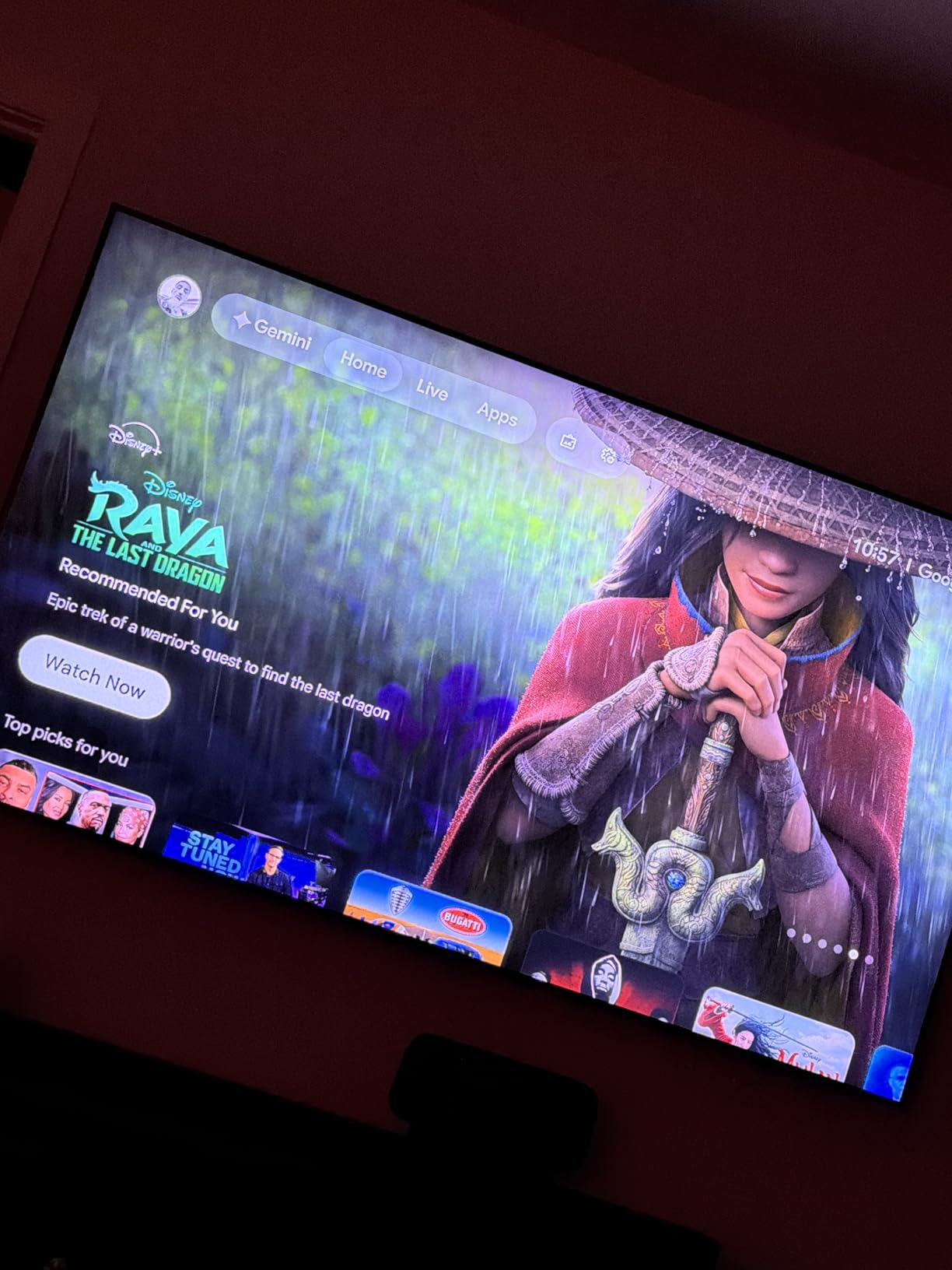
Picture quality is excellent with Dolby Vision and HDR10+ support. The Ethernet port is a welcome addition for those who want wired reliability. The YouTube and Netflix quick-access buttons on the remote are incredibly convenient for switching between my most-used services.
The device’s main drawback is Google Gemini. While generally excellent, the assistant occasionally pops up suggestions or responses unprompted, which can interrupt viewing. There’s no way to disable this behavior entirely, which frustrates some users.
For whom it’s good
Google TV Streamer 4K is ideal for those deeply invested in the Google ecosystem — YouTube Premium subscribers, Nest smart home users, and Android phone owners who want seamless casting. The built-in smart home hub adds value for connected home enthusiasts.
For whom it’s not ideal
If you find Gemini’s assistant behavior intrusive or prefer Alexa, this isn’t the device for you. Similarly, those wanting more color options (it only comes in Porcelain and Haze) might be disappointed.
5. Roku Ultra — Premium Roku Experience
Roku Ultra – Ultimate Streaming Player – 4K Streaming Device for TV with HDR10+, Dolby Vision & Atmos – Bluetooth & Wi-Fi…
4K HDR10+
Dolby Vision
Dolby Atmos
Wi-Fi 6
✓ The Good
- 30% faster than other Roku devices
- 4K HDR10+ and Dolby Vision
- Rechargeable backlit remote
- Wi-Fi 6 for reliability
- Ethernet + Bluetooth
✕ The Bad
- Higher price point
- Some ads on home screen
- USB cable can be short
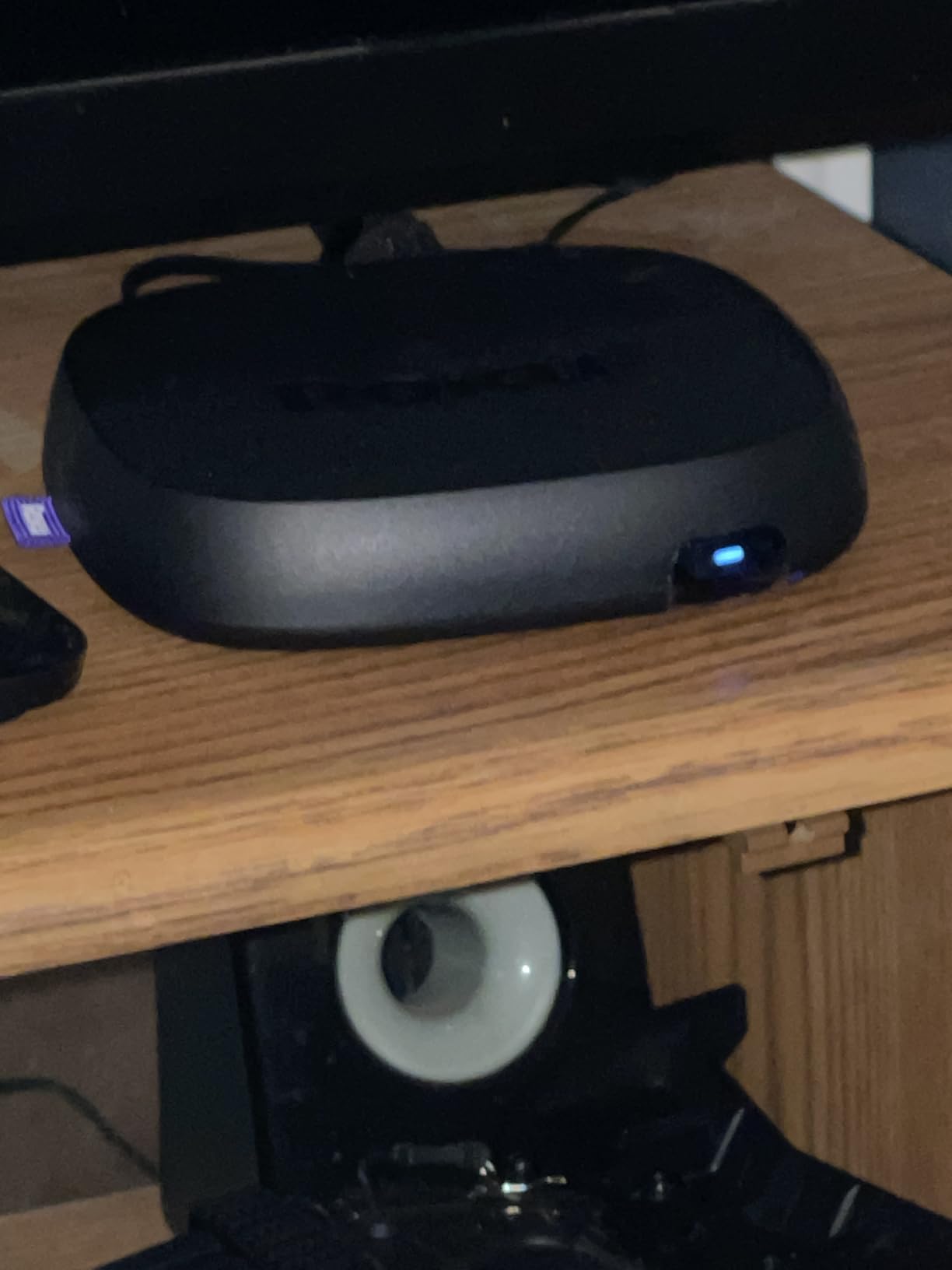
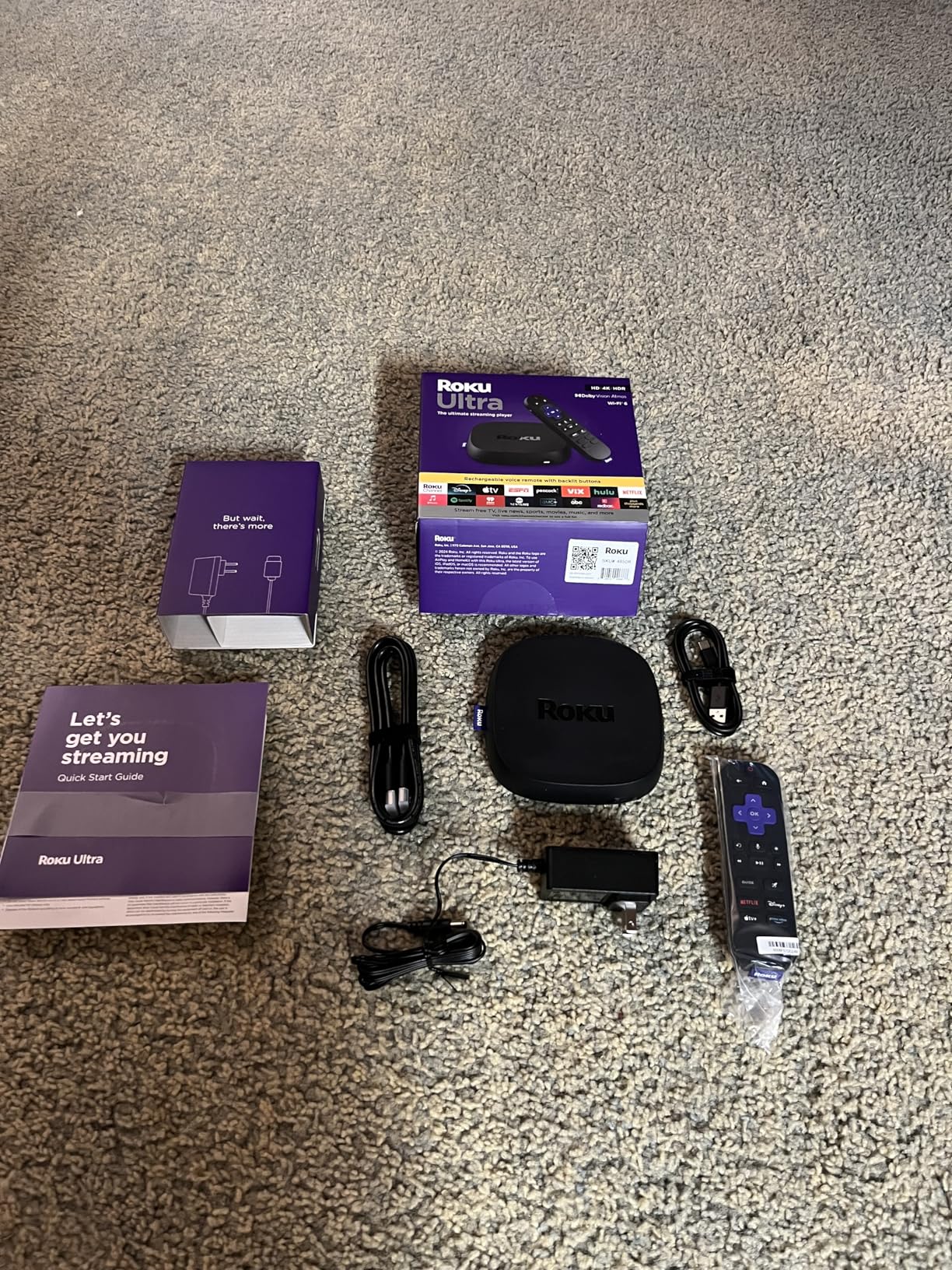
The Roku Ultra is the company’s flagship streaming device, and it shows in every detail. From the premium packaging to the substantial feel of the rechargeable Voice Remote Pro, this is Roku at its best. Setup was instantaneous, and within minutes I was streaming 4K HDR content with Dolby Vision and Atmos audio.
The 30% performance boost over other Roku devices is noticeable. Apps load faster, navigation is smoother, and there’s no stuttering when scrubbing through 4K content. The Wi-Fi 6 support ensures reliable streaming even in challenging network environments, and the Ethernet port provides wired stability for those who prefer it.
The rechargeable remote with backlit buttons is a game-changer for dark-room viewing. The lost remote finder feature has saved me hours over the past months — a simple “Hey Roku, find my remote” triggers an audible beep. Dolby Atmos audio support adds immersive sound to compatible movies and shows.
The higher price is justified by the feature set, but it’s not cheap. Some ads on the home screen are unavoidable, though they’re less intrusive than Amazon’s promotion-heavy interface. The USB power cable is shorter than I’d like, requiring careful cable management.
For whom it’s good
Roku Ultra is best for users who want the absolute best Roku experience. If you’ve tried budget Roku devices and found them lacking, the Ultra delivers the performance and premium features you’ve been waiting for.
For whom it’s not ideal
If you’re on a tight budget, the Roku Streaming Stick Plus offers 90% of this experience at a significantly lower price. Similarly, if you want gaming features, the NVIDIA Shield is better suited for enthusiast needs.
6. NVIDIA Shield Android TV Pro — Best for Audiophiles
NVIDIA Shield Android TV Pro | 4K HDR Streaming Media Player High Performance, Dolby Vision, 3GB RAM, 2X USB, Works with…
AI Upscaling
3GB RAM
Dolby Atmos
Dolby Vision
✓ The Good
- Best-in-class 4K HDR quality
- AI upscaling transforms HD to 4K
- Dolby Atmos music support
- Built-in Plex server
- Gaming with GeForce Now
✕ The Bad
- Premium price point
- Settings need optimization
- TP-Link mesh compatibility issues
Let’s be clear: the NVIDIA Shield Android TV Pro isn’t for everyone. At $199, it’s double or triple the price of most competitors. But if you’re an enthusiast who demands the absolute best streaming experience, this is the device that delivers on every promise.
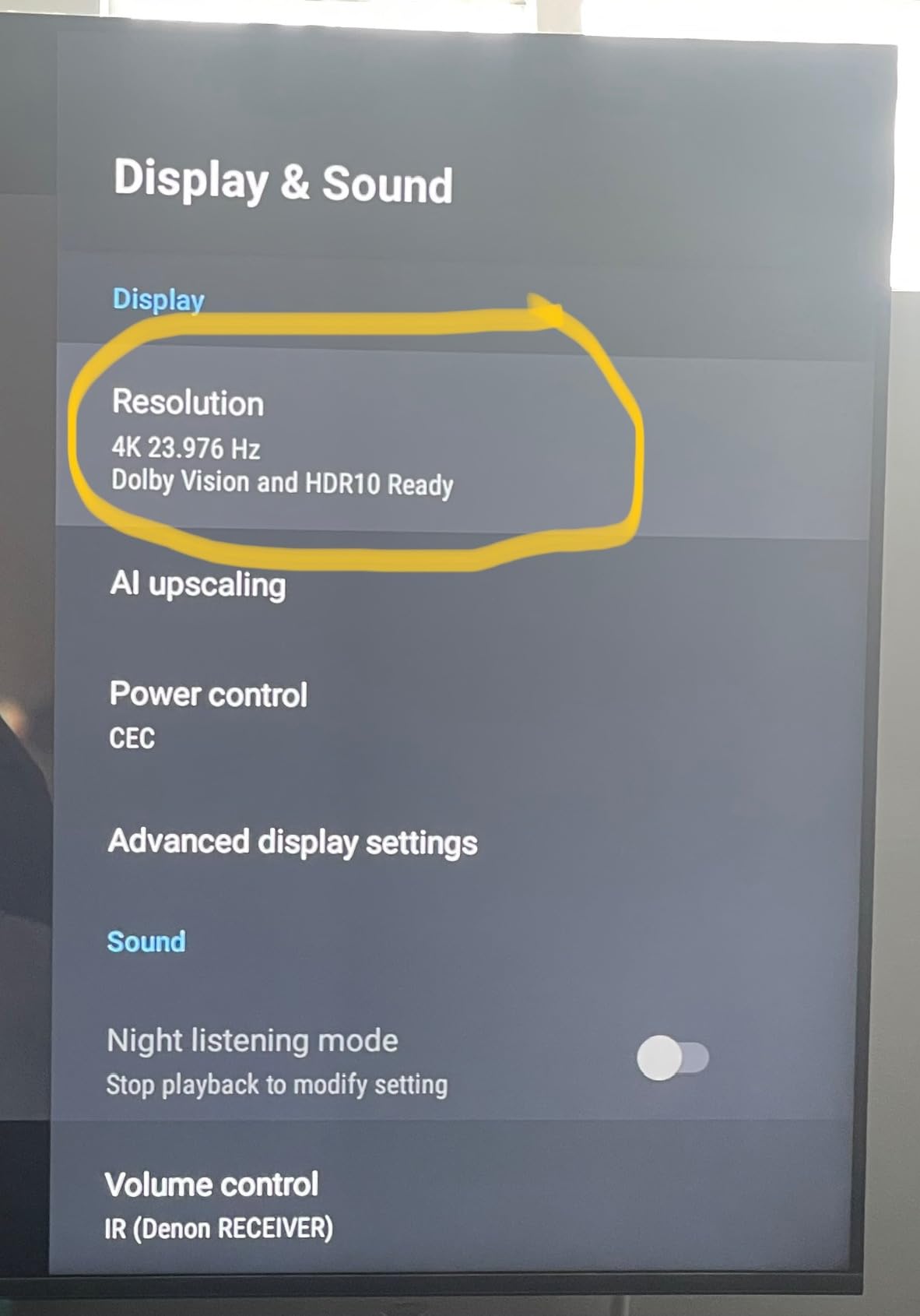
I connected it to my reference 4K OLED setup, and the difference was immediately apparent. The AI upscaling transforms even 1080p content to near-4K quality — old Blu-rays look better than they’ve ever looked. The Dolby Vision and HDR10+ processing is superior to any competitor I’ve tested. For audiophiles, the Dolby Atmos music support is unmatched — streaming from Tidal or Qobuz sounds exceptional.
The built-in Plex Media Server turns this into a full media hub, and the GeForce Now gaming support adds console-quality gaming without a console. Gigabit Ethernet and dual-band AC Wi-Fi ensure maximum throughput, and the 3GB RAM handles everything I throw at it without breaking a sweat.
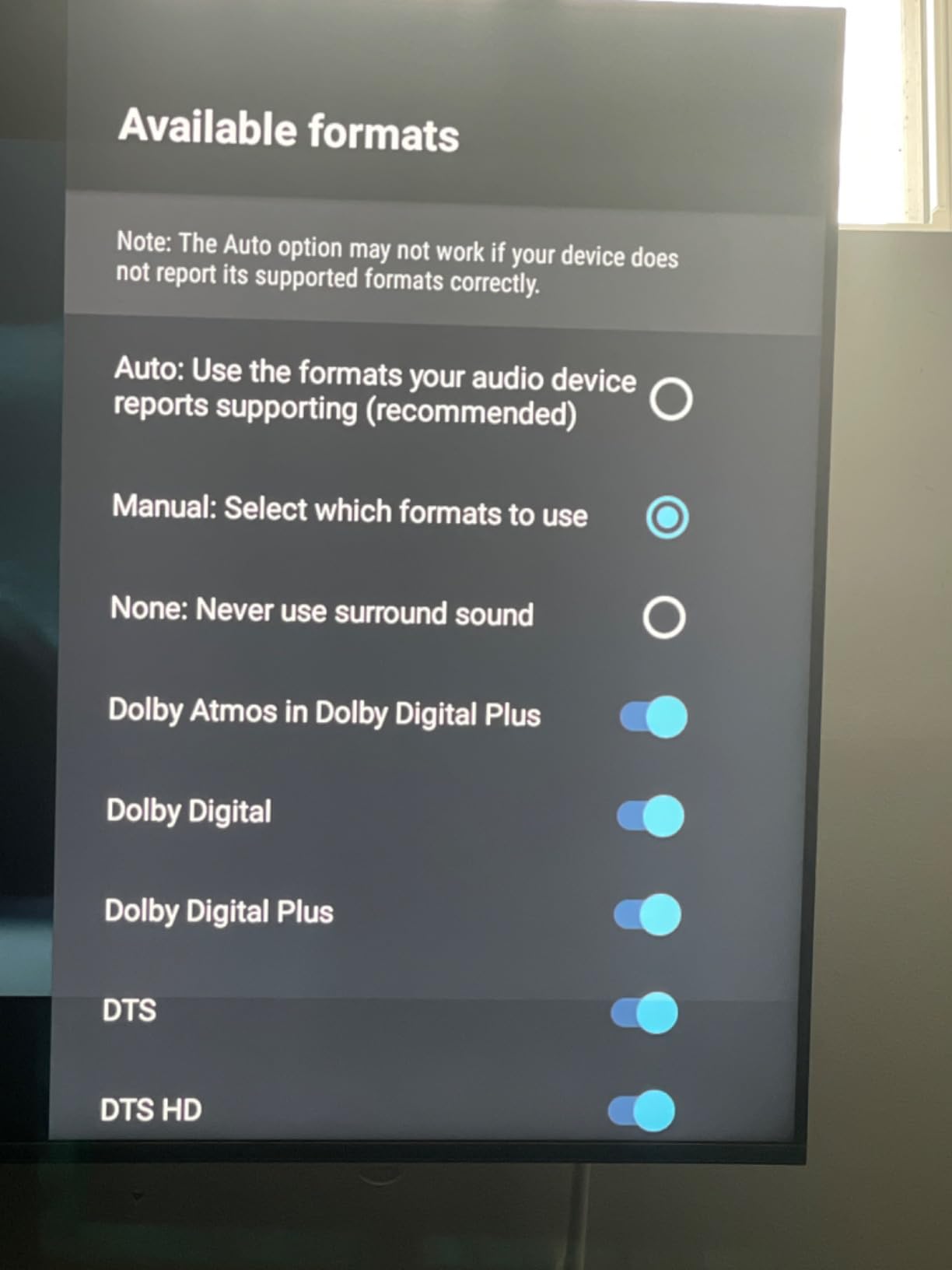
The main caveat is that default settings need optimization. Out of the box, you might need to manually configure video and audio settings for optimal performance. This isn’t a device for plug-and-play users — it rewards those who take time to calibrate.
For whom it’s good
Enthusiasts who want the absolute best streaming quality, audiophiles with compatible audio setups, and gamers interested in GeForce Now cloud gaming should invest in the Shield Pro. If you have a reference home theater system, this is the only streaming device worthy of pairing with it.
For whom it’s not ideal
Casual users, budget-conscious buyers, and those unwilling to calibrate settings should look at the significantly cheaper alternatives above. The performance premium isn’t worth it for average TV setups.
7. Roku Streaming Stick Plus — Best Budget 4K
Roku Streaming Stick Plus – 4K & HDR Roku Streaming Device for TV with Voice Remote – Free & Live TV
4K HDR
HDR10+
Voice Remote
Free Live TV
✓ The Good
- Excellent 4K HDR picture quality
- Lightning-fast navigation
- Voice remote included
- 500+ free live TV channels
- Travel-friendly design
✕ The Bad
- USB power cable can be short
- Occasional memory clears needed
The Roku Streaming Stick Plus occupies a sweet spot between affordability and performance. At under $30, it’s the best budget 4K streaming device for most users. I’ve recommended it to friends and family upgrading from older HD sticks, and the reaction is always the same — “I can’t believe how much better this looks than my old setup.”
4K HDR content with HDR10+ support looks phenomenal. Colors are vibrant, blacks are deep, and the overall picture quality punches well above its price point. Navigation is fast, apps load quickly, and the voice remote makes content discovery effortless. The 500+ free live TV channels are a nice bonus for news and sports fans.
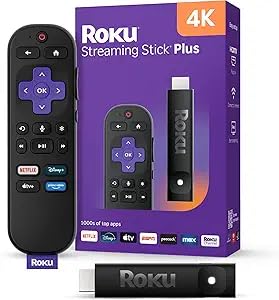
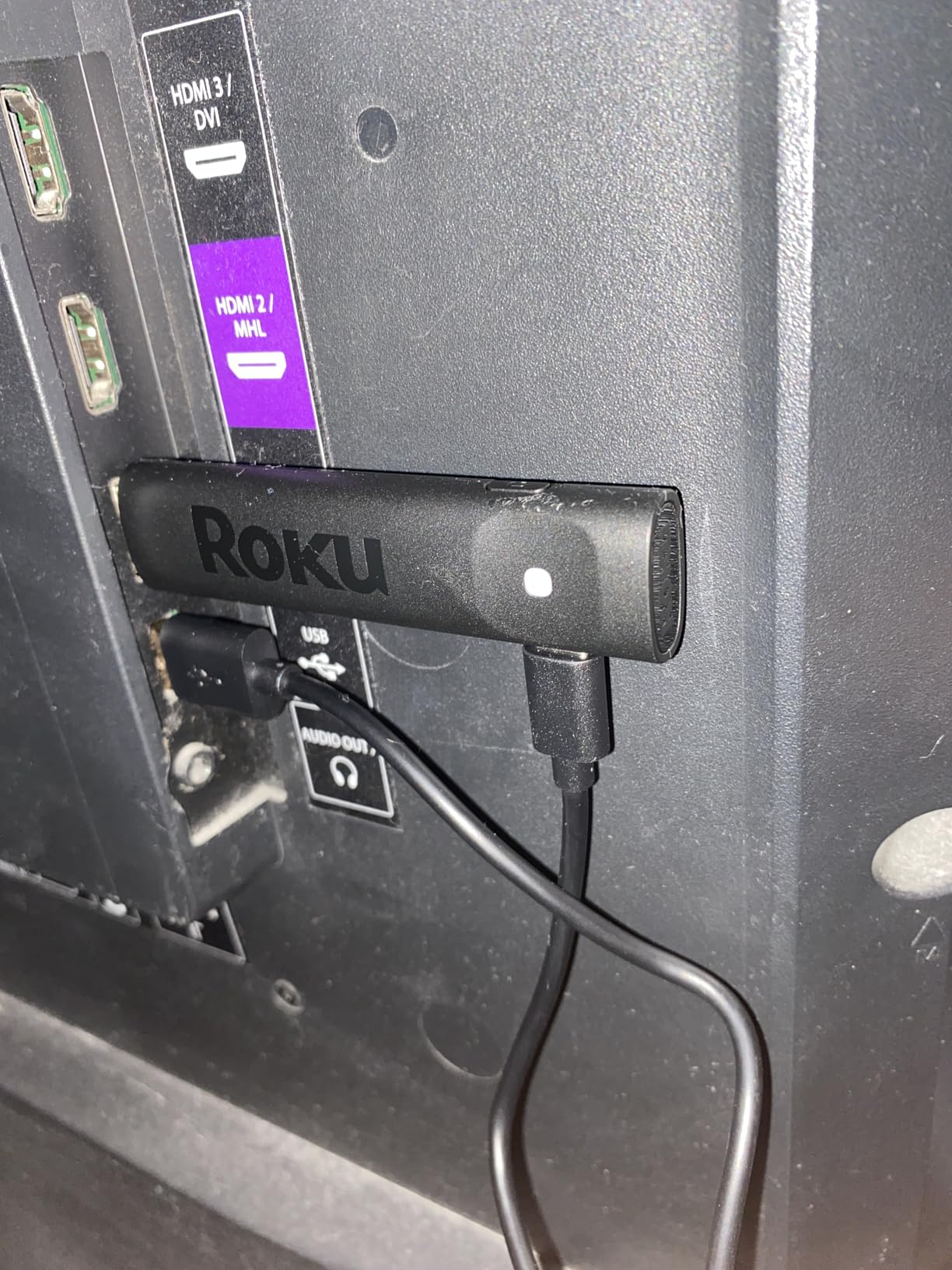
The compact stick form factor stays discreet behind any TV without blocking neighboring HDMI ports. It’s perfect for travel — I’ve taken it to hotel rooms for years, turning any television into a smart TV. The long-range Wi-Fi receiver ensures reliable performance even in challenging environments.
My only real complaint is the short USB power cable, which can make cable management challenging. Additionally, occasional memory clears (unplugging for 30 seconds) keep performance optimal — a minor inconvenience but present nonetheless.
For whom it’s good
The Streaming Stick Plus is ideal for budget-conscious upgraders who want 4K HDR quality without the premium price. If you’ve been meaning to upgrade from an older HD device, this is the best value available.
For whom it’s not ideal
If you need Wi-Fi 6, Ethernet, or advanced features like Dolby Atmos, the Roku Ultra or Fire TV Stick 4K Plus are worth the additional investment.
8. Amazon Fire TV Stick HD — Best Budget Alexa
Amazon Fire TV Stick HD, free and live TV, Alexa Voice Remote, smart home controls, HD streaming
Full HD
Alexa Voice Remote
Smart Home
1080p Streaming
✓ The Good
- Easy setup and use
- Alexa voice control works well
- Great value for price
- Hundreds of thousands of free shows
- Works on older TVs
✕ The Bad
- Full HD only (not 4K)
- Can get slower over time
- Hard to force close apps
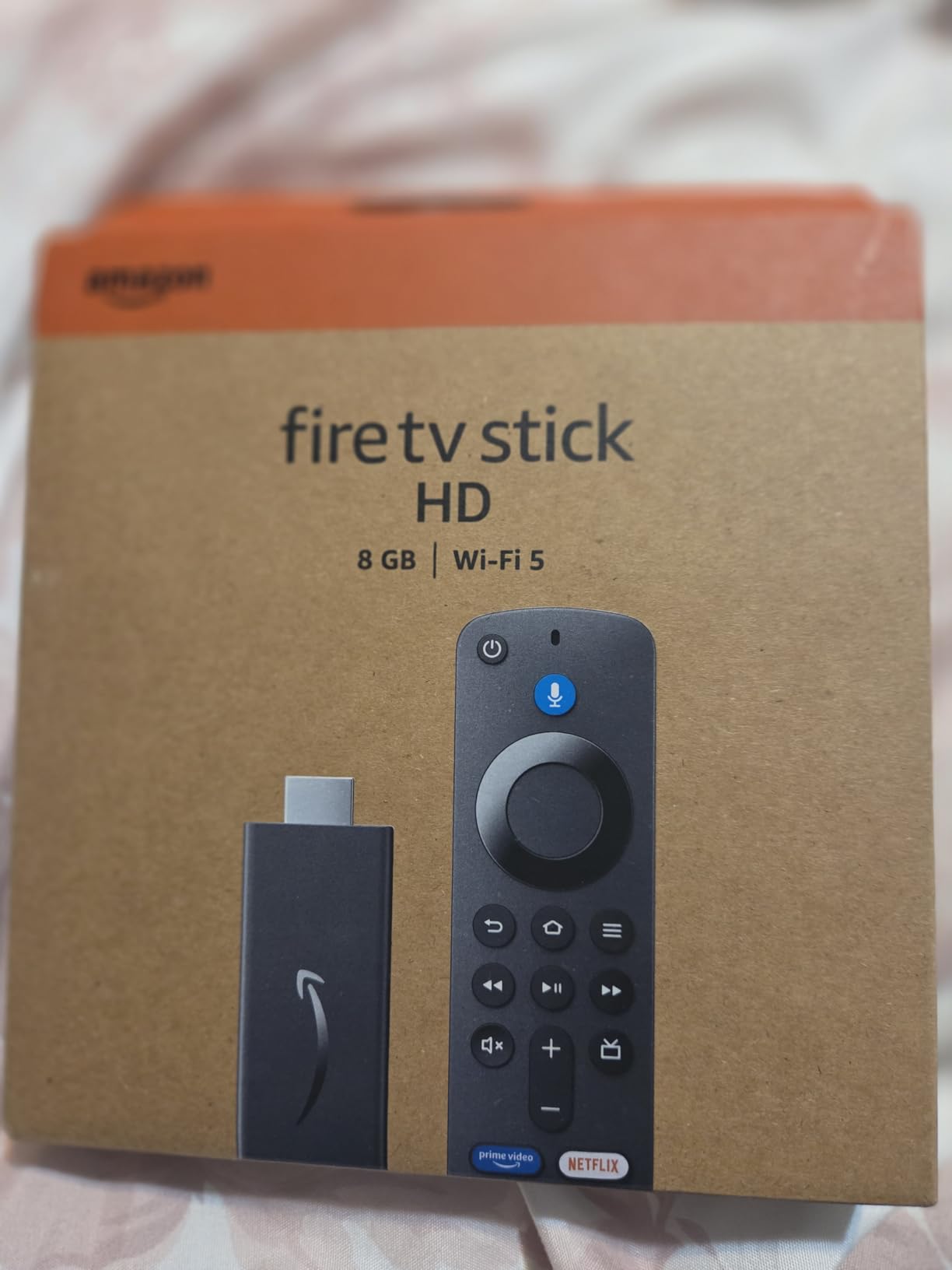
The Amazon Fire TV Stick HD is the entry point to the Fire TV ecosystem, and it excels at its mission: bringing smart TV functionality to older televisions at an affordable price. If your TV is 1080p and you don’t have plans to upgrade to 4K soon, this device has everything you need.
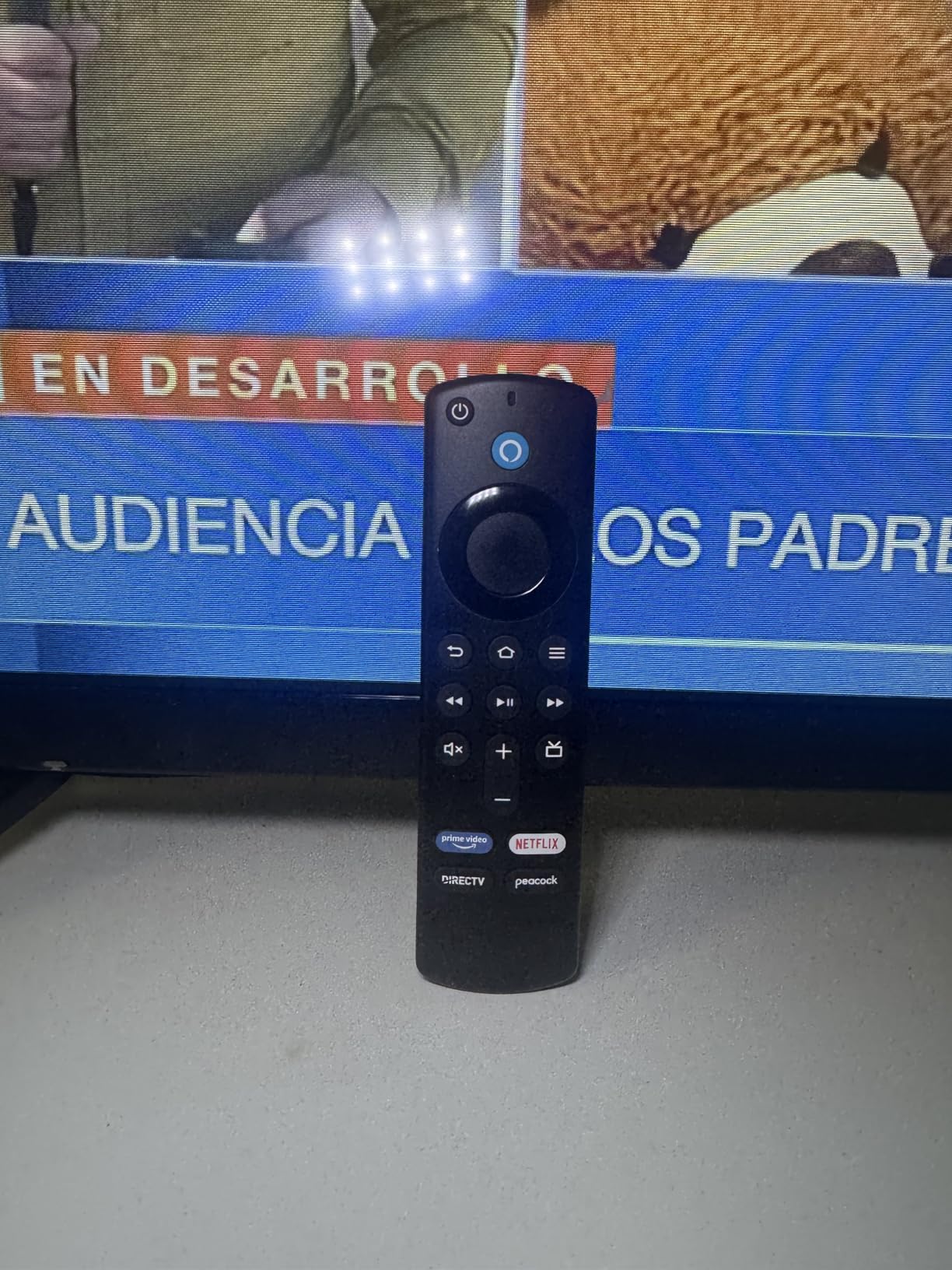
The Alexa Voice Remote is genuinely impressive at this price point. Press and ask to search across apps, control smart home devices, or check the weather — all without reaching for your phone. Smart home controls via Alexa work seamlessly with compatible lights, thermostats, and cameras.
Full HD streaming looks excellent on 1080p TVs. While it won’t show 4K content at full resolution, most streaming services offer excellent 1080p streams that look fantastic on this device. The hundreds of thousands of free movies and shows from Prime Video, Tubi, Pluto TV, and more provide endless entertainment without subscription fees.
The main drawback is long-term performance degradation. After months of use, some users report noticeable slowdowns. The interface isn’t as snappy as newer models, and force-closing apps is difficult. This is a budget device, and it shows in long-term fluidity.
For whom it’s good
If you have a 1080p TV, don’t need 4K, and want Alexa integration at the lowest possible price, the Fire TV Stick HD is perfect. It’s also excellent for upgrading older televisions in guest rooms or rentals.
For whom it’s not ideal
If you have or plan to get a 4K TV, spend the extra $15 on the 4K model. Similarly, if long-term performance is critical, the 4K Plus will age better.
9. ONN Android TV 4K — Best Budget Android TV
ONN Android TV 4K UHD Streaming Device with Voice Remote Control Google Assistant & High Speed HDMI Cable (100026240) Black
4K UHD
Android TV OS
Google Assistant
8GB Storage
✓ The Good
- Excellent 4K value
- Easy Google Home setup
- Smooth performance
- No bloatware
- Good for travel
✕ The Bad
- No USB or Ethernet ports
- Wi-Fi only connection
- Google TV interface clunky
The ONN Android TV 4K UHD is Walmart’s answer to the Google TV Streamer at a fraction of the price. And honestly, for basic 4K streaming needs, it’s surprisingly competent. I tested it against devices three times its price, and for everyday streaming, the performance gap is negligible.
Setup via Google Home QR code is seamless. Android TV OS with Google Play Store provides access to all your favorite apps, and Google Assistant voice control works well. The lack of bloatware is refreshing — no unnecessary apps cluttering the interface.
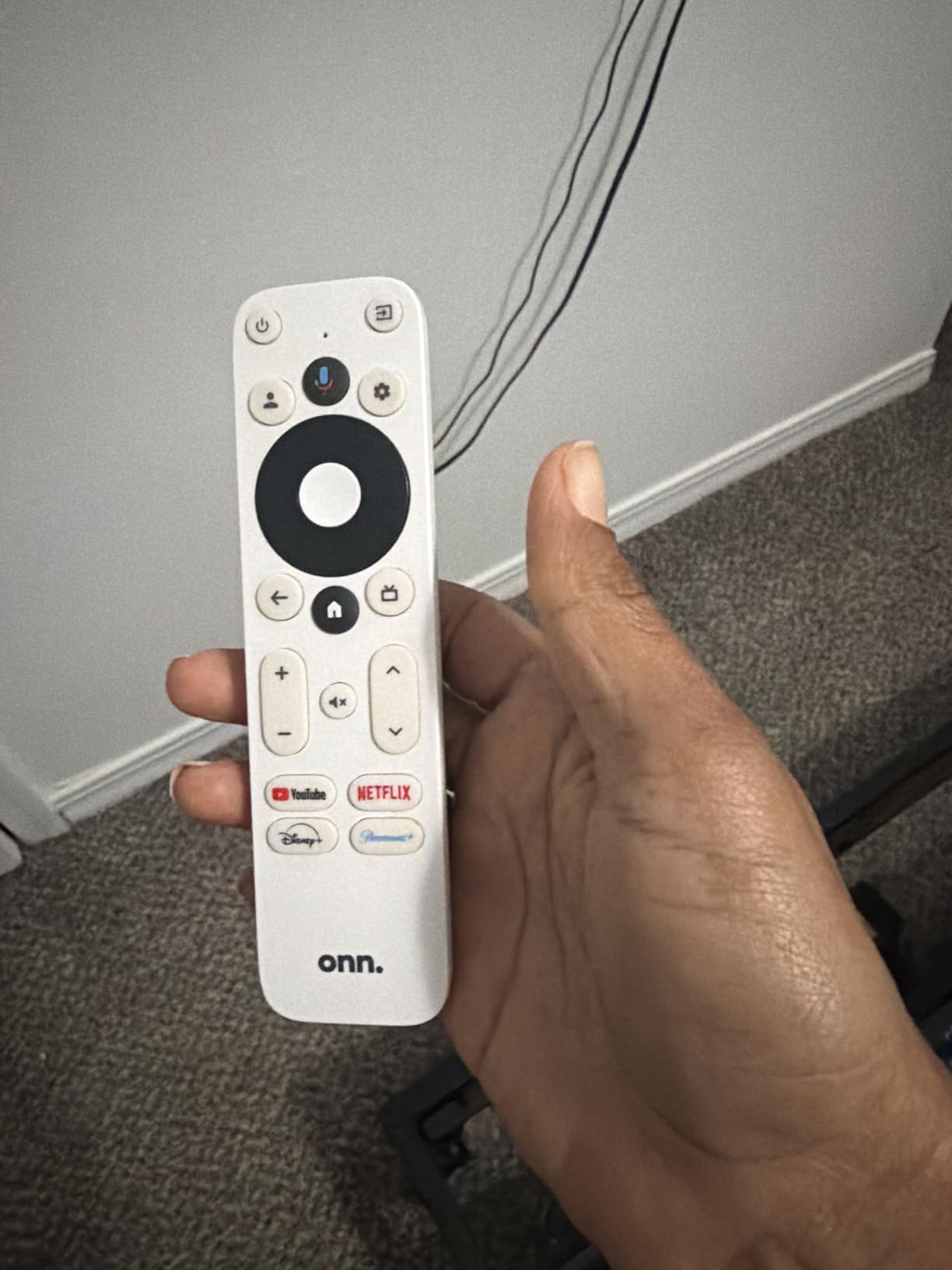
4K UHD content streams smoothly from Netflix, YouTube, Prime, and Disney+. The 5GHz Wi-Fi support handles 500Mb/s speeds comfortably, and Bluetooth connectivity allows keyboard and headset pairing. Chromecast built-in makes phone-to-TV streaming effortless.
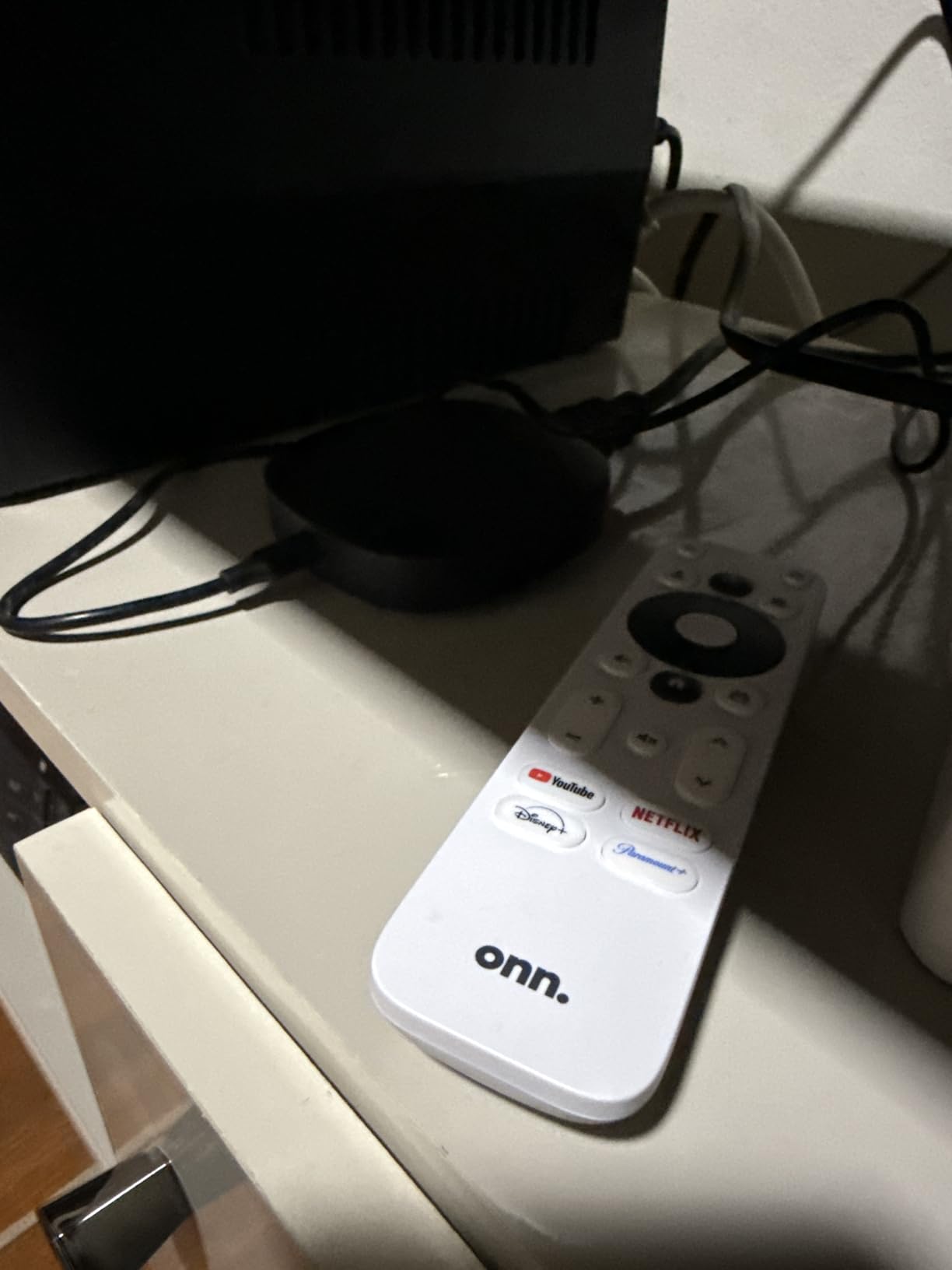
The trade-offs are significant for some users. There’s no USB port for external storage or keyboard, no Ethernet for wired connections, and the Google TV interface can feel clunky compared to competitors. It’s also running low on stock (only 8 units remain at time of writing), which might make it hard to find soon.
For whom it’s good
Budget-conscious buyers who want Android TV functionality without the premium price. If you’re okay with Wi-Fi-only connectivity and don’t need USB/Ethernet, this is incredible value.
For whom it’s not ideal
Power users who need wired connections, those who want the smoothest possible interface, and anyone concerned about product availability (only 8 left in stock) should look elsewhere.
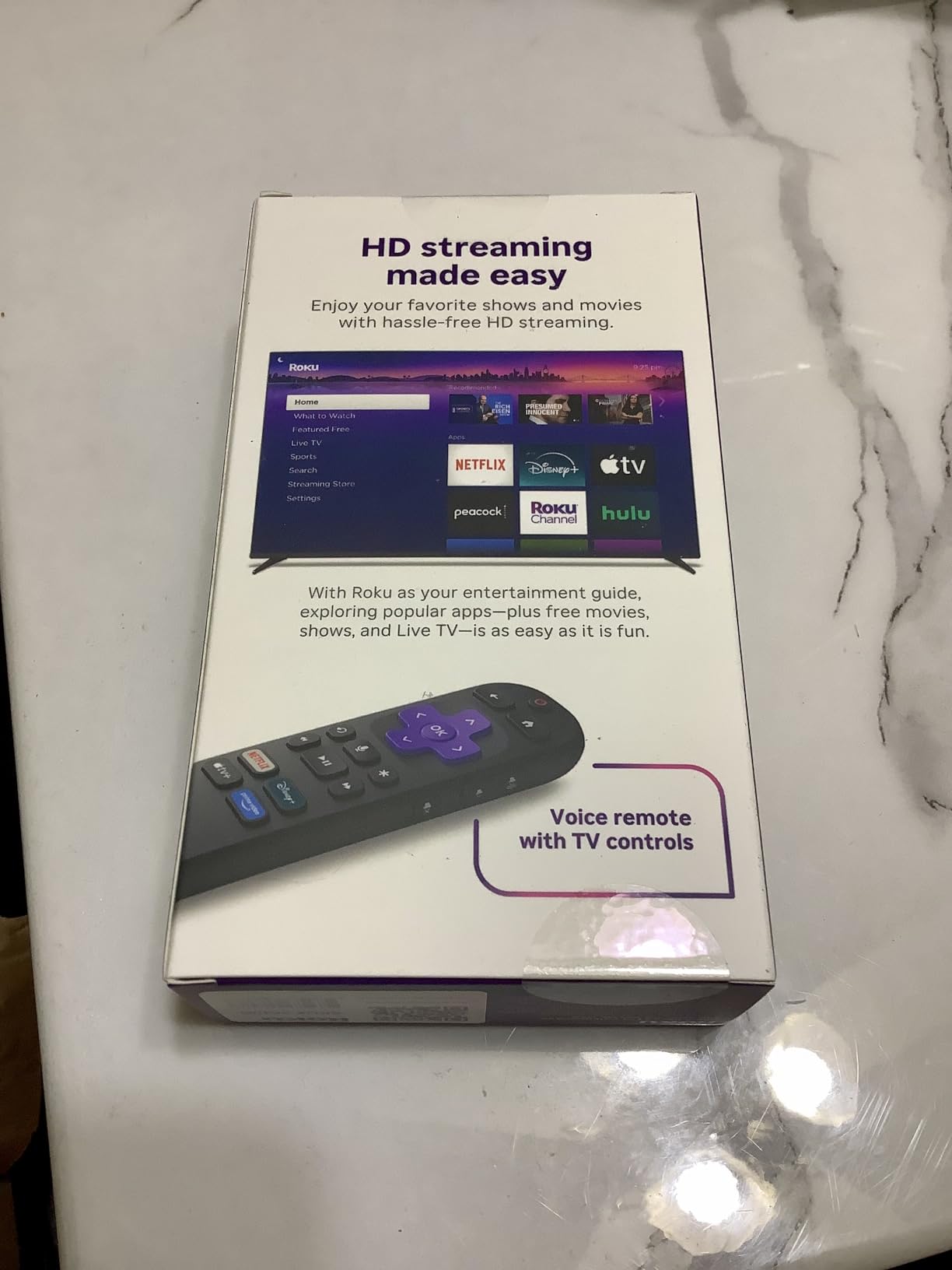
10. Roku Streaming Stick HD — Best Budget Starter
Roku Streaming Stick HD — HD Streaming Device for TV with Roku Voice Remote, Free & Live TV
1080p HD
Voice Remote
Free Live TV
Compact Design
✓ The Good
- Super easy setup
- Voice remote works great
- Great price for value
- 500+ free live TV channels
- Works on any TV
✕ The Bad
- 1080p only (not 4K)
- USB power required
- Occasional menu slowness
At $26.99, the Roku Streaming Stick HD is the most affordable way to transform an older TV into a smart TV. And honestly, for basic streaming needs, it’s hard to argue against the value proposition. I’ve been recommending this to anyone who asks me how to upgrade their non-smart TV, and the response is consistently positive.
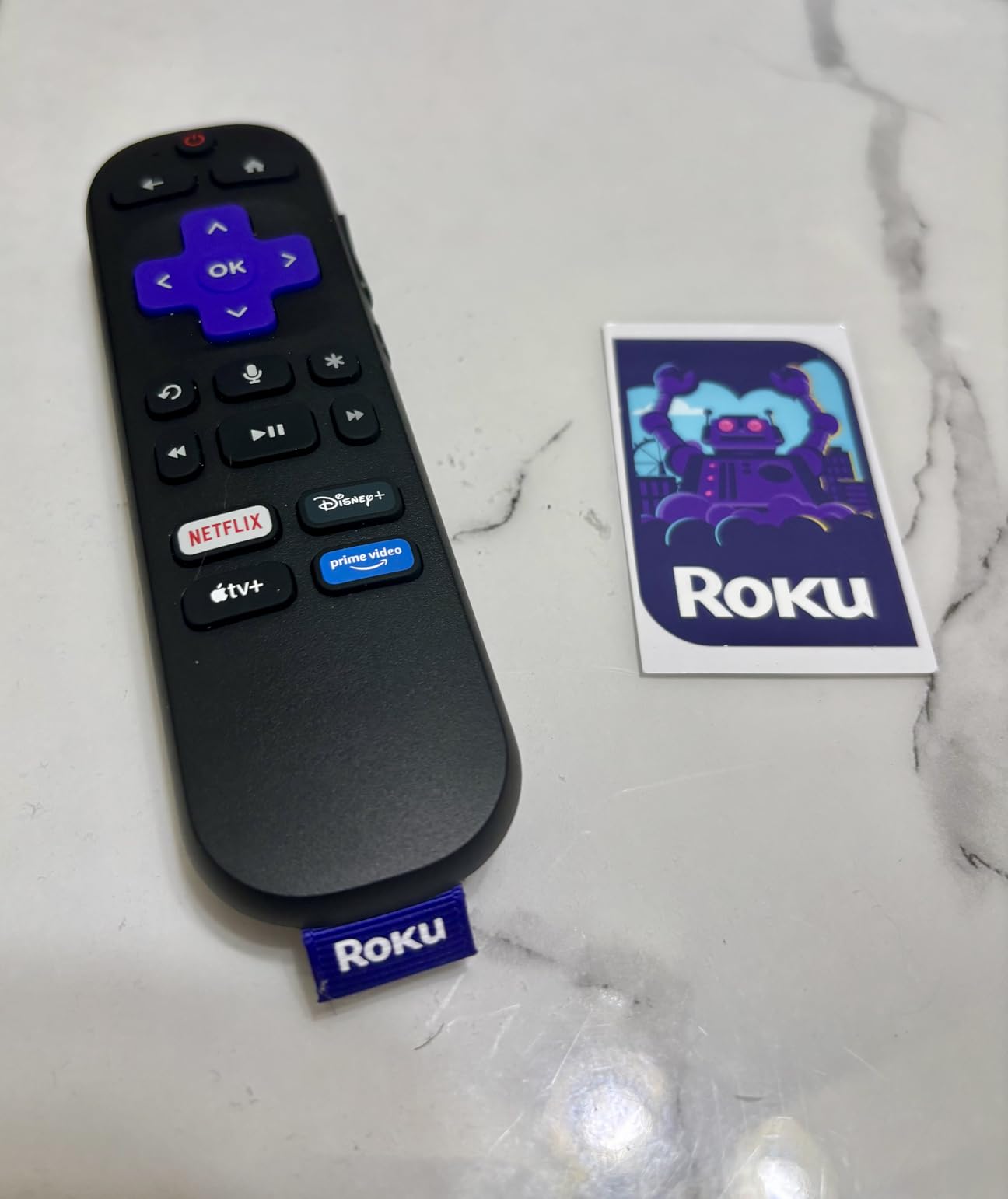
The voice remote is excellent — large, comfortable buttons and responsive voice recognition make content discovery effortless. The 500+ free live TV channels are surprisingly substantial, covering news, sports, entertainment, and lifestyle content without requiring subscriptions.
1080p HD streaming looks great on compatible TVs. The interface is customizable, allowing you to arrange apps in your preferred order. The compact design stays discreet behind any TV without blocking neighboring HDMI ports, and it powers directly from the TV’s USB port when possible.
For those with 4K TVs, this isn’t the device for you — it’s limited to 1080p. Some menu navigation can feel slower on budget TVs, and the USB power dependency means your TV must support adequate power delivery. But for pure streaming value, nothing under $30 comes close.
For whom it’s good
The Streaming Stick HD is perfect for upgrading older 1080p TVs, for use in guest rooms or secondary televisions, or for anyone on an extremely tight budget who wants the Roku streaming experience.
For whom it’s not ideal
If you have a 4K TV, invest in at least the Streaming Stick Plus. Similarly, if you need the fastest possible navigation, the higher-end models are noticeably snappier.
How to Choose the Best Streaming Device for Your Needs
With so many excellent options available, choosing the right streaming device can feel overwhelming. Here are the key factors to consider:
Resolution and Picture Quality
If you have a 4K TV, a 4K-capable streaming device is essential to unlock its full potential. Look for Dolby Vision and HDR10+ support for the best picture quality. Budget 1080p TVs can save money with HD-only devices.
Ecosystem Compatibility
Consider which ecosystem you’re already invested in. Amazon Prime members benefit from Fire TV’s deep integration. Google ecosystem users (YouTube, Nest, Android) will appreciate the Google TV Streamer’s smart home hub. Roku offers the most platform-agnostic experience.
Smart Home Integration
If you use Alexa or Google Assistant for smart home control, choosing a compatible streaming device adds convenience. The Fire TV Stick devices offer the deepest Alexa integration, while Google TV Streamer excels with Google Home.
Network Connectivity
Wi-Fi 6 support matters for homes with congested networks. Wi-Fi 6E (Fire TV Stick 4K Max) is the latest standard for maximum throughput. Ethernet ports (Roku Ultra, Google TV Streamer) provide wired stability for critical connections.
Storage and Performance
More storage (16GB+ on Fire TV Stick 4K Max, 32GB on Google TV Streamer) ensures better long-term performance as apps accumulate. Higher RAM and better processors mean faster navigation and app launches.
Frequently Asked Questions
What’s the best streaming device for most people in 2026?
The Amazon Fire TV Stick 4K Plus offers the best overall value with excellent 4K picture quality, AI-powered search, and wide app compatibility. It’s the top recommendation for most households upgrading their streaming setup.
Do I need a 4K streaming device if my TV is 4K?
Absolutely. While older 1080p streaming sticks will technically work with 4K TVs, they can’t output 4K resolution. To experience your TV’s full potential, a 4K-capable streaming device with HDR support is essential.
What’s the difference between Roku and Amazon Fire TV?
Roku offers a cleaner, more platform-agnostic interface with excellent value. Amazon Fire TV provides deeper Alexa integration and Amazon ecosystem features but has more promotional content. Both are excellent choices.
Is the NVIDIA Shield worth the premium price?
For casual streamers, no. For enthusiasts with reference home theater setups who demand the absolute best picture and sound quality, the NVIDIA Shield Android TV Pro’s AI upscaling, superior processing, and audiophile features justify the $199 price.
Can I use a streaming device with any TV?
Yes. Any television with an HDMI port can use any streaming device. Even older non-smart TVs can be transformed into full-featured streaming setups with the right device.
Final Verdict: Best Streaming Devices in 2026
The best streaming device for most people in 2026 is the Amazon Fire TV Stick 4K Plus. It delivers outstanding 4K HDR quality, AI-powered search, and excellent value at $49.99. For those seeking the best budget option, the Roku Streaming Stick HD at $26.99 transforms any TV into a capable streaming machine.
Whether you’re an audiophile willing to invest in the NVIDIA Shield, a Google ecosystem devotee, or just looking for the cheapest way to stream Netflix, there’s a perfect streaming device on this list for you. The technology has matured to the point where even budget options deliver excellent performance — choosing any device from our top 10 ensures a quality entertainment experience.
Ready to cut the cord and upgrade your home entertainment? Check the links above for the latest prices on any of these best streaming devices 2026.
