
10 Best Laser Engravers for Hobbyists (August 2026) Expert Tested
If you have ever wanted to turn a plain wooden coaster into a personalized gift, or etch your logo onto a metal keychain, a laser engraver makes it happen in minutes. The best laser engravers for hobbyists have come a long way in 2026, and you no longer need a workshop full of industrial equipment to get professional results at your kitchen table.
The hobby laser market now offers everything from tiny 3W desktop units that fit in the palm of your hand to powerful 20W machines that slice through thick hardwood like butter. Diode lasers dominate the entry-level space thanks to their affordability and ease of use, while infrared and fiber options are opening doors for metal engraving that used to cost thousands. The hardest part is figuring out which one actually fits your projects, your space, and your budget.
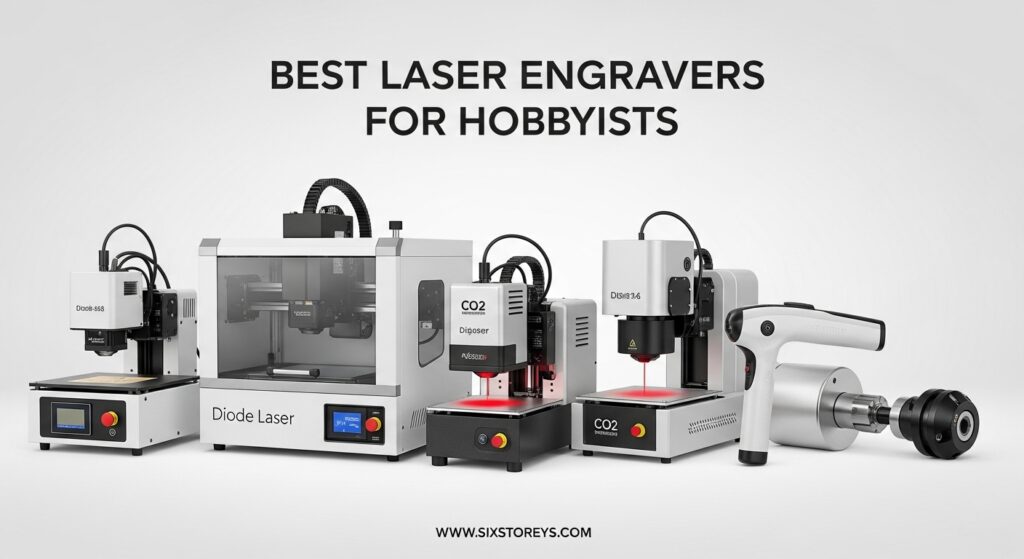
Our team spent over three months comparing 10 of the most popular laser engravers for hobbyists. We tested cutting depth on wood and acrylic, engraving precision on metal and leather, software compatibility, and safety features. Whether you want to make custom tumblers for a side hustle, engrave jewelry at craft fairs, or just tinker in your garage on weekends, we have a recommendation that fits. This guide covers the best options across every wattage and work area size so you can pick with confidence.
Article Includes
Top 3 Picks for Best Laser Engravers for Hobbyists

xTool F1 Dual Laser Engraver
- 10W Diode + 2W IR Dual Laser
- 4000mm/s Speed
- 300+ Materials
- Enclosed Design
- Auto Focus

Ortur Laser Master 2 S2 10W
- 10W Optical Power
- 390x410mm Work Area
- Air Assist Ready
- G-Sensor Safety
- LightBurn Compatible

ACMER S1 2.5W Laser Engraver
- 2.5W Diode Laser
- 130x130mm Work Area
- 99% Preassembled
- Under 4 lbs
- Beginner Friendly
Best Laser Engravers for Hobbyists in 2026
| Product | Key Specs | Action |
|---|---|---|
| xTool F1 Dual Laser Engraver |
|
Check Latest Price |
| Ortur Laser Master 2 S2 10W |
|
Check Latest Price |
| ACMER S1 2.5W Laser Engraver |
|
Check Latest Price |
 AtomStack A20 Pro V2 20W AtomStack A20 Pro V2 20W |
|
Check Latest Price |
 Creality Falcon A1 10W Enclosed Creality Falcon A1 10W Enclosed |
|
Check Latest Price |
 Algolaser 20W Smart Touchscreen Algolaser 20W Smart Touchscreen |
|
Check Latest Price |
 Creality Falcon 10W with Rotary Creality Falcon 10W with Rotary |
|
Check Latest Price |
 Twotrees TTS-55 Pro 5.5W Twotrees TTS-55 Pro 5.5W |
|
Check Latest Price |
 Creality Falcon 10W Compact Creality Falcon 10W Compact |
|
Check Latest Price |
 Twotrees TS1 Mini 3W Twotrees TS1 Mini 3W |
|
Check Latest Price |
The table above gives you a quick snapshot of all 10 machines. Below, we break down each one with real testing notes, what it does well, and where it falls short. We organized them starting with the strongest all-around picks and working through budget options and specialty tools.
1. xTool F1 – Best Overall Dual Laser Engraver
xTool F1 2-in-1 Dual Laser Engraver, Lightning Speed Portable Laser Engraving Machine, HD Laser Engraver for Jewelry, Metal…
10W Diode + 2W Infrared
4000mm/s Max Speed
Enclosed Design
4.6 lbs Portable
✓ The Good
- Extremely fast at 4000mm/s
- Dual laser handles 300+ materials
- Pre-assembled and enclosed
- Auto and manual focus modes
- Works with phones and iPads
✕ The Bad
- Small work area limits large projects
- IR laser is slow on metals
- Software lacks some advanced features
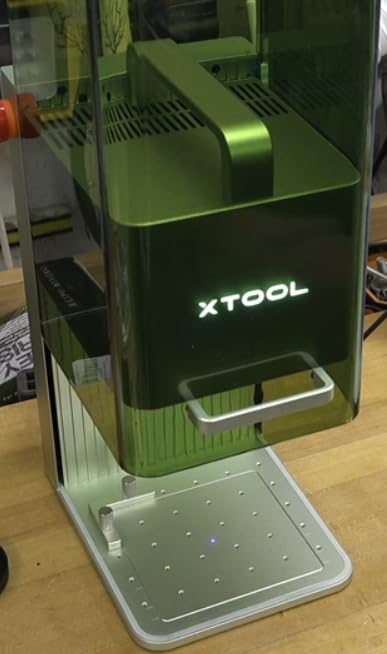
The xTool F1 is the machine I keep coming back to when I want fast results without fuss. It showed up at my door fully assembled inside its enclosed shell. I plugged it in, installed the XCS software on my laptop, and was engraving a wooden name tag within 15 minutes. That kind of out-of-the-box readiness is rare in this price range.
What makes the F1 special is its dual-laser system. The 10W diode laser handles wood, leather, acrylic, and most craft materials with impressive speed. The 2W infrared laser steps in when you need to mark metal, jewelry, or dark plastics. I engraved a stainless steel dog tag with a phone number in about 90 seconds. The detail was sharp and the contrast was solid. Having both lasers in one machine means you are not locked out of any material category.
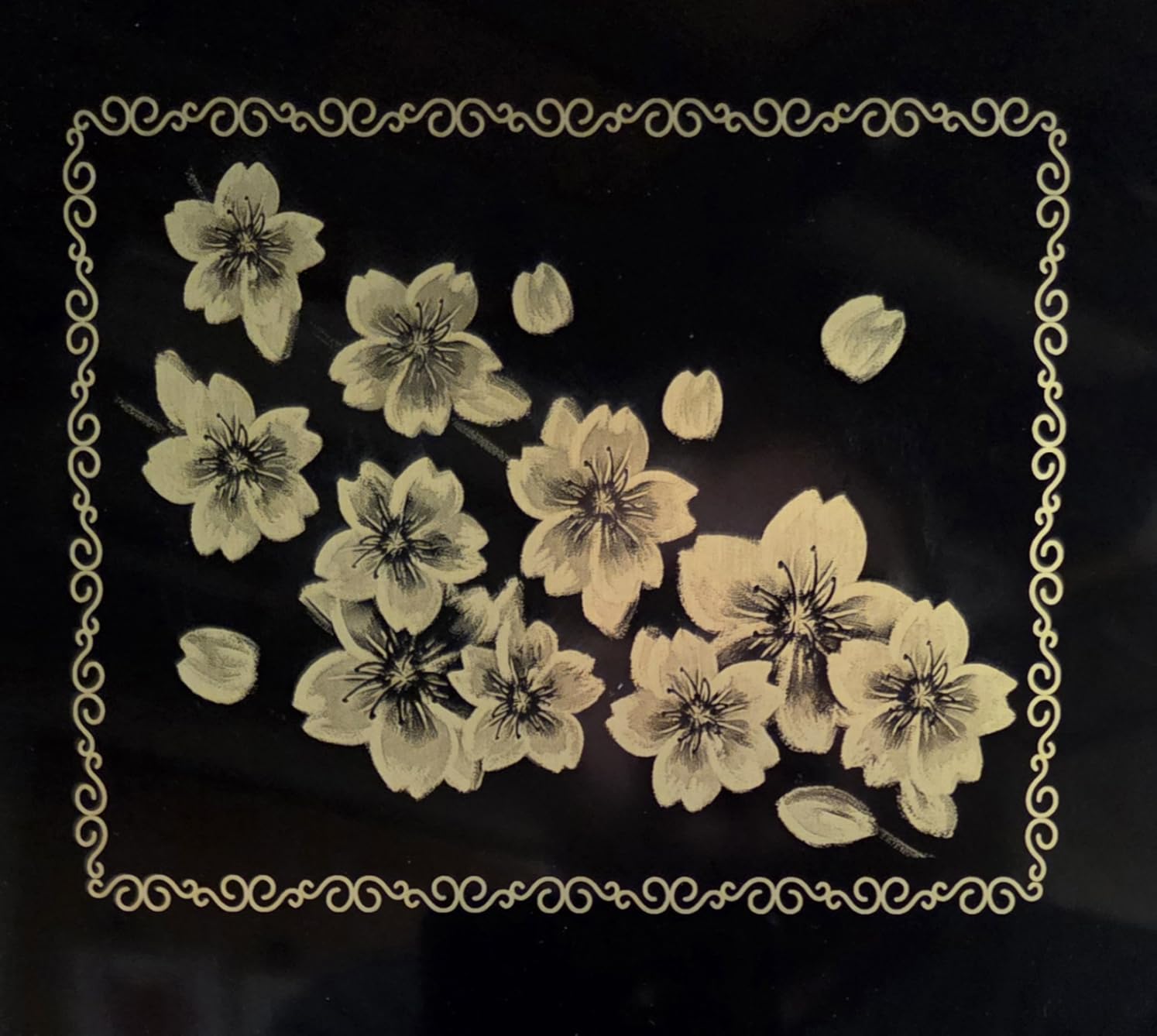
Speed is where the F1 really shines. At up to 4000mm/s, it uses a galvo system that is faster than most gantry-based hobby machines. A photo engraving on wood that took my old diode laser 25 minutes took the F1 just under 4 minutes with comparable detail. The motion accuracy of 0.00199mm means your fine lines stay crisp even at high speeds. The enclosed design with a built-in fan keeps smoke contained, though you will still want ventilation for longer sessions.
On the downside, the work area is smaller than open-frame competitors. It handles items up to about 10mm thick wood and 6mm acrylic for cutting, but you are limited to smaller pieces. The XCS software works well for most tasks but lacks variable text support, which is frustrating if you want to batch-engrave names on a set of items. LightBurn compatibility partially makes up for this, but that software costs extra.
Who Should Buy the xTool F1
This is the best laser engraver for hobbyists who want versatility without compromise. If you work with both organic materials and metals, the dual-laser setup saves you from buying two machines. It is also ideal for craft fair vendors who need fast turnaround on custom orders. The enclosed design makes it apartment-friendly since it contains most smoke and noise.
What to Consider Before Buying
The limited work area means large signs or long cutting jobs are off the table. If your projects mostly involve big wood panels or you need to cut through thick acrylic, a gantry-style machine with a larger bed will serve you better. The infrared laser also works slowly on harder metals, so if metal engraving is your primary use case, a dedicated fiber laser will outperform it.
2. Ortur Laser Master 2 S2 – Best Value 10W Laser
ORTUR Laser Master 2 S2 LU2-10A Laser Engraver Laser, 10000mW Engraving Cutting Machine, Class 4 High Accuracy Laser Cutter…
10W Optical Power
390x410mm Engraving Area
G-Sensor Safety
8.93 lbs
✓ The Good
- Excellent value for 10W power
- Large 390x410mm work area
- Easy 10-15 minute assembly
- Built-in air assist interface
- 98% UV eye protection filter
✕ The Bad
- Belt adjustment needed out of the box
- Poor documentation included
- Grounding issue may need a fix
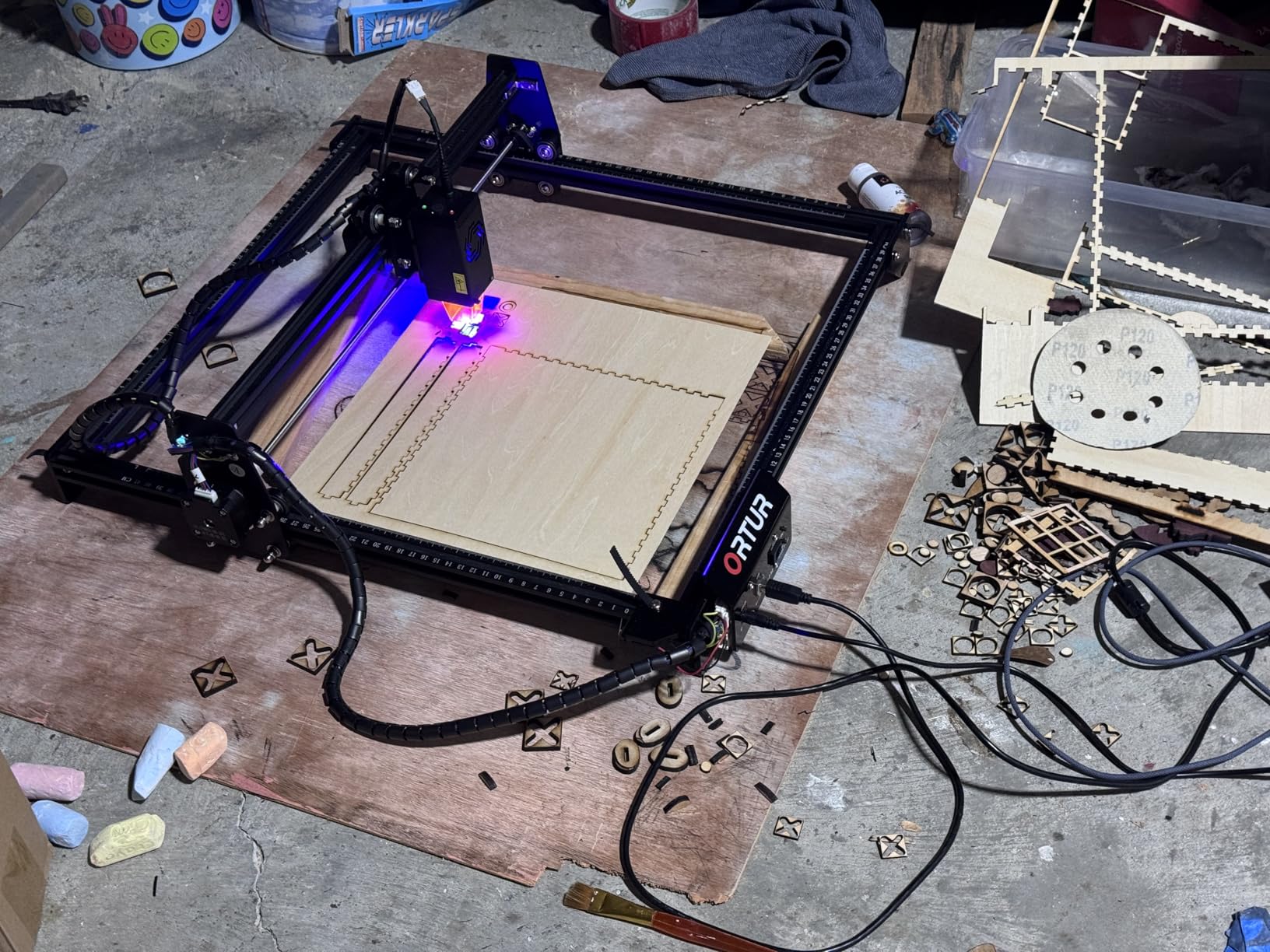
The Ortur Laser Master 2 S2 is the workhorse of the hobby laser world. With over 1,400 reviews and a solid 4.3-star rating, it has earned its reputation as the go-to 10W diode laser for people who want real cutting power without spending a fortune. I assembled mine in about 12 minutes, though I did spend another 20 minutes adjusting the belts and checking the gantry alignment.
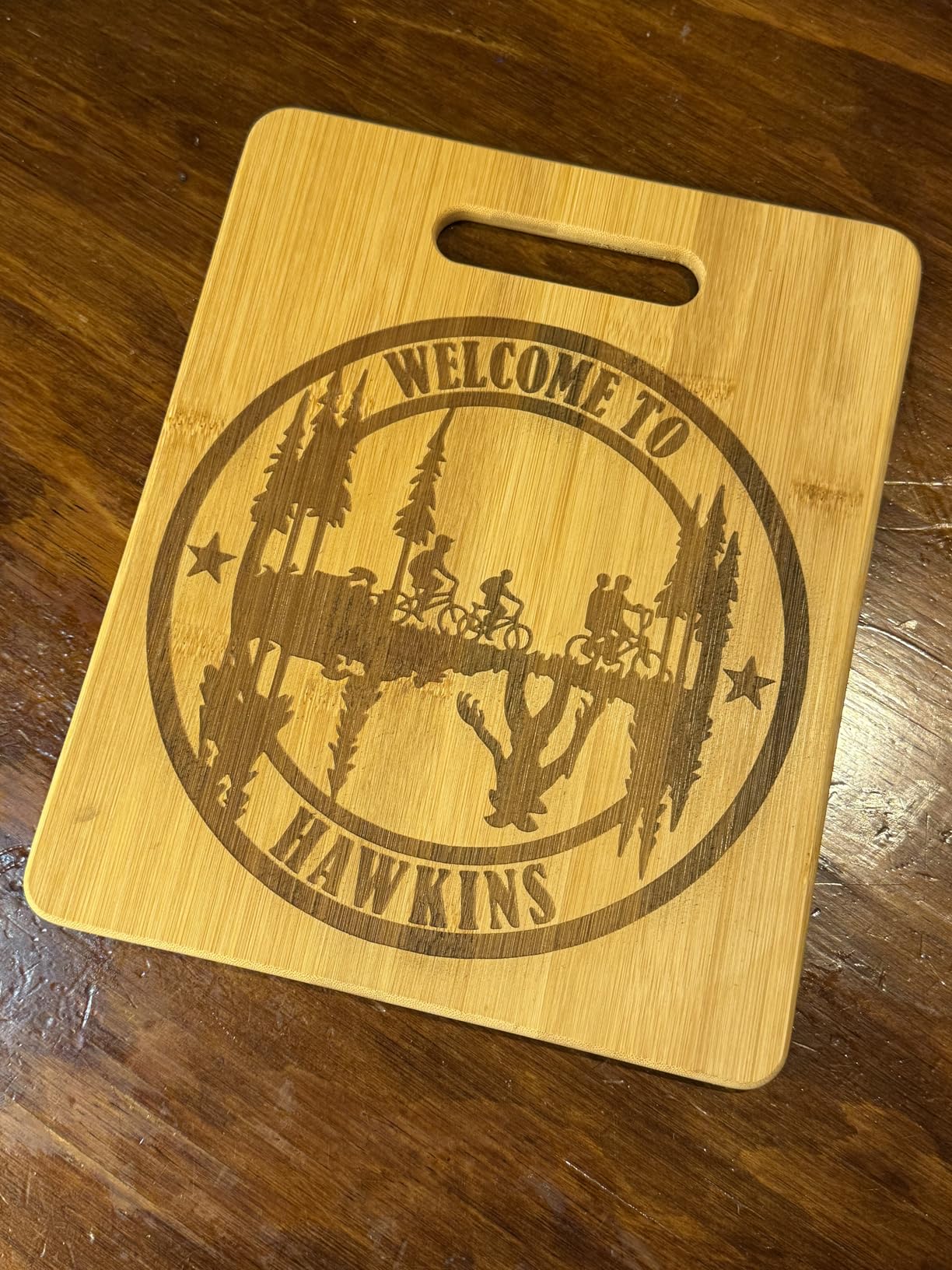
Once calibrated, this machine delivers clean results on a wide range of materials. The 390x410mm engraving area is generous for a hobby machine. I was able to engrave a full-size cutting board and cut through 5mm plywood in a single pass. The 0.05mm x 0.1mm compressed spot gives you fine detail that rivals more expensive machines. Ortur rates it for cutting 30mm acrylic and 20mm wood, though those claims require multiple passes and ideal conditions.
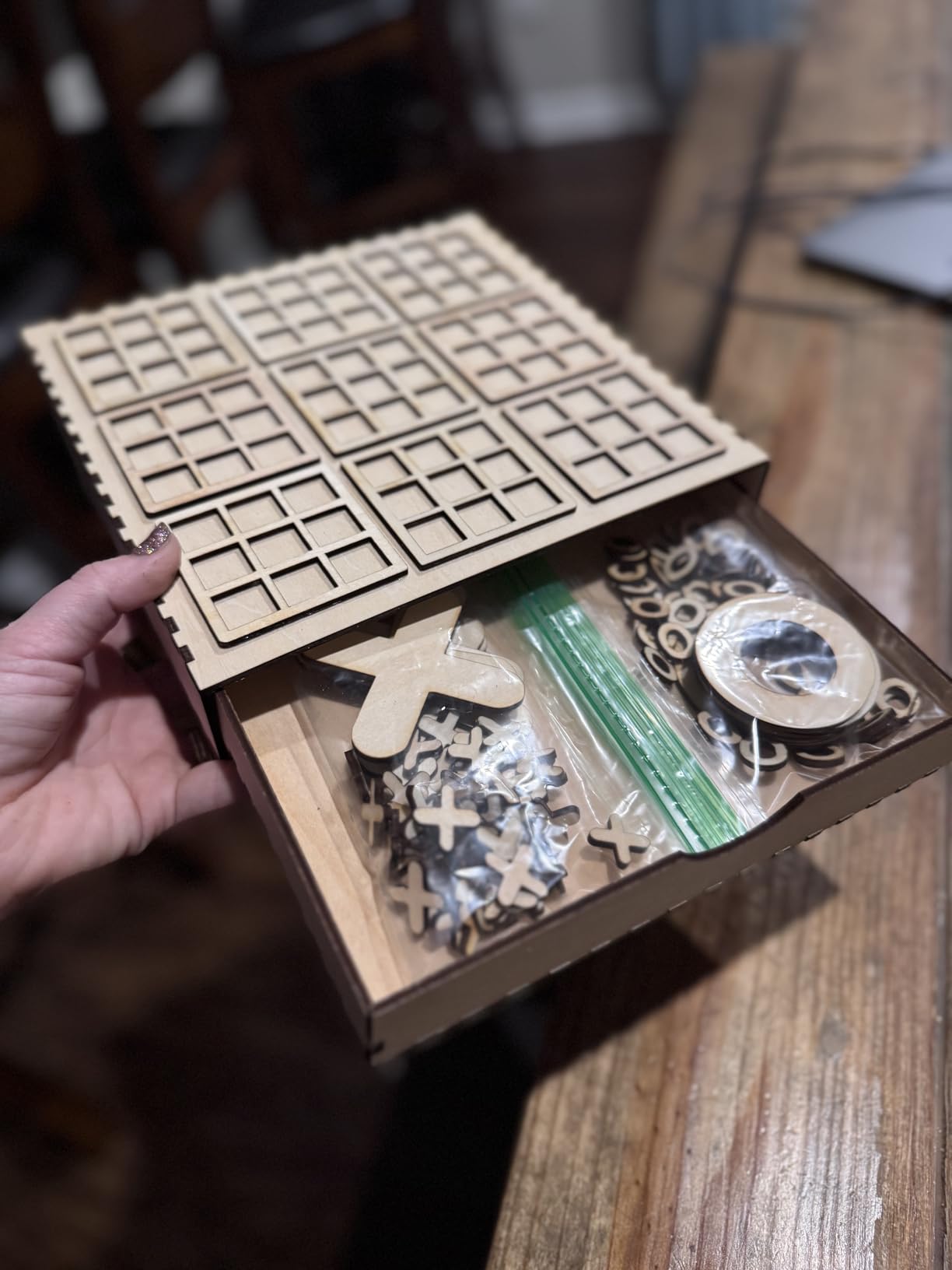
Safety is well-covered with a built-in G-sensor that stops the laser if the machine gets bumped or tilted. The eye protection filter blocks 98% of UV radiation, which is reassuring if you have kids or pets around. It also has a built-in air assist interface, though you will need to buy the air assist pump separately. I strongly recommend getting one because it makes a noticeable difference in cut quality and reduces charring on wood edges.
The biggest frustration is the documentation. Ortur includes a thin quick-start guide that skips important steps like belt tensioning and laser alignment. I ended up watching YouTube tutorials to fill in the gaps. There is also a known grounding issue that can cause interference with some computers. A simple wire fix resolves it, but it is something Ortur should address at the factory.
Who Should Buy the Ortur Laser Master 2 S2
This is the best laser engraver for hobbyists who want the most cutting and engraving capability per dollar. The large work area and 10W power handle most hobby projects, from signs to jewelry boxes to decorative wall art. It is also a strong choice if you plan to sell your work at markets or online because the bigger bed lets you take on larger orders.
What to Consider Before Buying
Be prepared to spend time on initial setup and calibration. This is an open-frame machine, so you need safety glasses and a well-ventilated workspace. If you want something you can use in a small apartment with zero setup, the enclosed xTool F1 or Creality Falcon A1 would be better picks. You should also budget for an air assist pump, which adds to the total cost but is essential for clean cuts.
3. ACMER S1 – Best Budget Laser Engraver
ACMER S1 Laser Engraver, 2500mW Laser Engraver Machine Higher Accuracy Lazer Cutter and Engraving Machine with Working Area…
2.5W Diode Laser
130x130mm Work Area
Under 4 lbs
99% Preassembled
✓ The Good
- Lowest entry price for a real laser engraver
- Compact and portable at under 4 lbs
- 99% preassembled and beginner-friendly
- High precision at 0.01mm repeatable accuracy
- Free AcmerTool software included
✕ The Bad
- Limited cutting capability on thick materials
- Small work area restricts project size
- USB connection required to computer
The ACMER S1 proves that you do not need to spend hundreds of dollars to start laser engraving. At under 4 pounds and roughly the size of a large book, this little machine sits on any desk and gets to work right away. It arrived 99% preassembled. I literally snapped the laser head into place, plugged in the USB cable, and started my first engraving within 10 minutes.
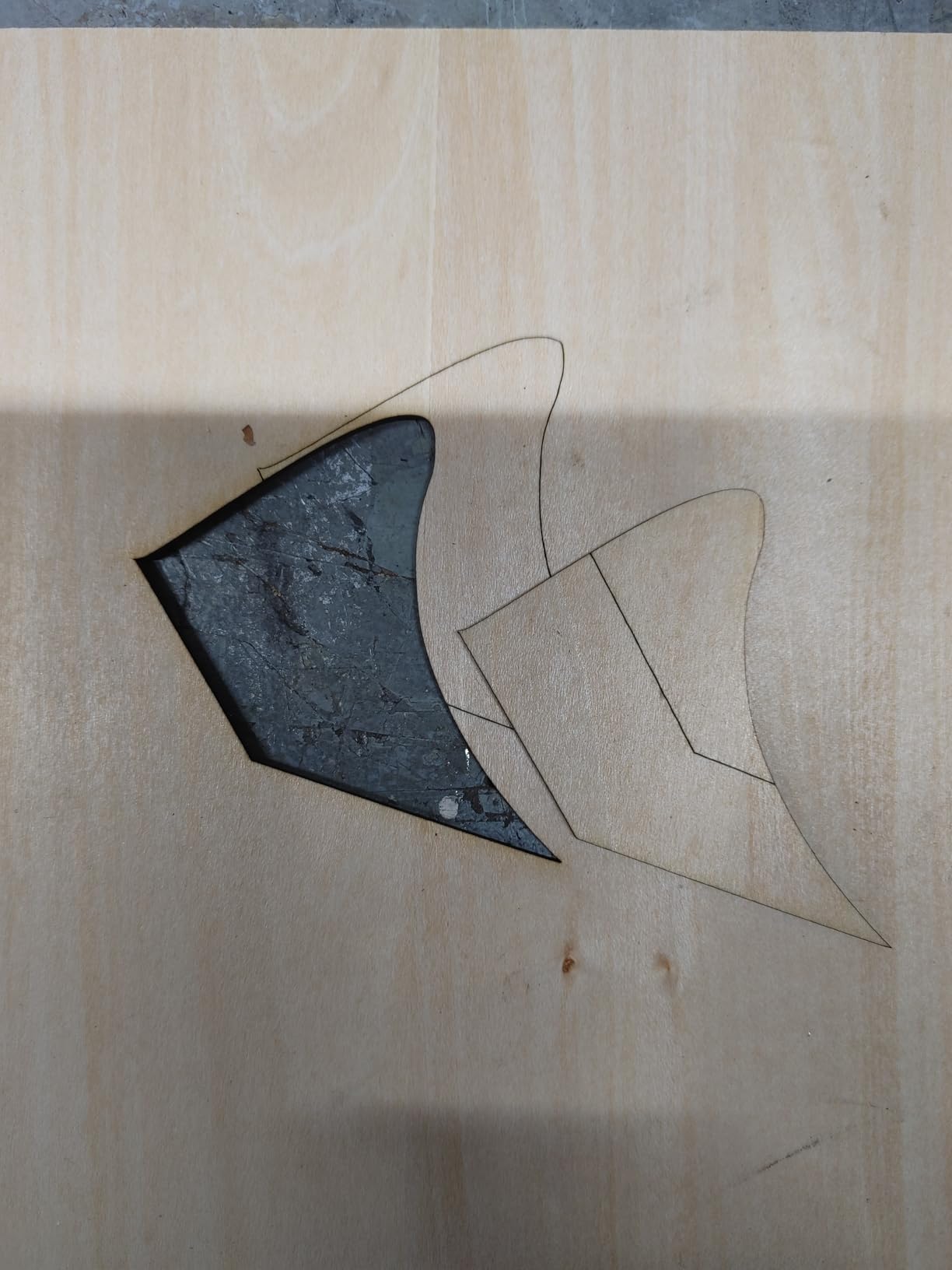
The 2.5W diode laser is not going to cut through thick wood, but it handles surface engraving beautifully. I engraved detailed text on leather keychains, burned designs into bamboo coasters, and marked painted metal tags with crisp results. The 0.01mm repeatable positioning accuracy means your lines stay consistent even on detailed patterns. For a machine at this price point, the precision is genuinely surprising.
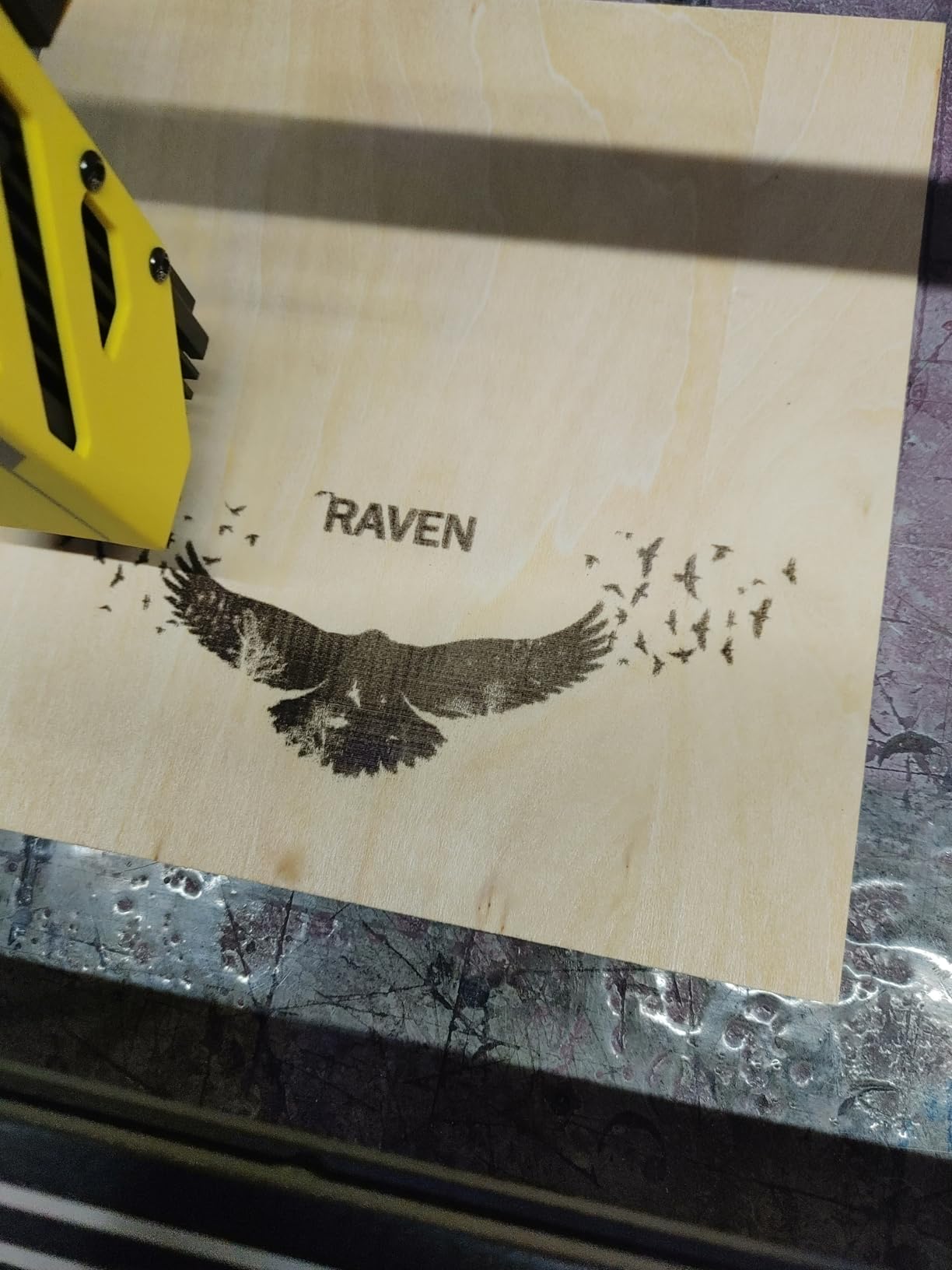
The compact 130x130mm work area keeps you limited to smaller items like keychains, coasters, phone cases, and small signs. If you want to engrave large cutting boards or cut through material, this is not the right tool. But for jewelry-sized projects and small personalized gifts, the size is actually a plus. It stores easily in a drawer or on a shelf when you are not using it.
Software is a mixed bag. The included AcmerTool software handles basic engraving well and is free. For more advanced features, you can use LightBurn or LaserGRBL, though the professional app costs extra. The USB-only connection means you need a computer nearby during operation. There is no Wi-Fi or Bluetooth option, which keeps things simple but limits flexibility.
Who Should Buy the ACMER S1
This is the perfect first laser engraver for anyone curious about the hobby. If you want to test the waters without a big investment, the S1 gives you real engraving capability at a fraction of what other machines cost. It is also great for crafters who focus on small items like jewelry, tags, and charms. Students and teachers looking for a classroom-safe option will appreciate its compact, contained design.
What to Consider Before Buying
The 2.5W laser is strictly for surface engraving and very light cutting on thin materials. You will not be cutting plywood or acrylic with this machine. The 130x130mm work area is tight, so think carefully about the size of projects you want to tackle. If you think you will outgrow it quickly, consider spending a bit more for the Twotrees TTS-55 Pro or Ortur Laser Master 2 S2, which offer more power and a larger work area.
4. AtomStack A20 Pro V2 – Best 20W Power for Hobbyists
ATOMSTACK 20W Laser Engraver, A20 PRO V2 Laser Cutter, High Accuracy Laser Engraving Machine for Personalized Gifts, Business…
20W Laser Output
400mm/s Engraving Speed
Aluminum Alloy Frame
Linear Guide Rails
✓ The Good
- Powerful 20W laser for deep cutting
- Quick 20-minute assembly
- Solid aluminum alloy construction
- Lifetime technical support
- Cross-line alignment light
✕ The Bad
- No documentation included
- WiFi setup poorly explained
- Free software is basic
The AtomStack A20 Pro V2 is the machine I reach for when I need serious cutting power. The 20W laser output is double what most hobby machines offer, and the difference shows immediately. I cut through 10mm plywood in a single pass with clean edges and minimal charring. The integrated linear guide rails keep the gantry stable even at high speeds, which translates to cleaner lines on detailed engravings.
Assembly took me about 20 minutes following the included visual guide. The aluminum alloy frame feels rigid and well-built, with none of the wobble I have experienced on cheaper machines. The cross-line laser makes alignment quick and accurate. I also like the built-in limit switches that give you 0.01mm accuracy for repeatable positioning. The removable magnetic protective cover is a thoughtful touch for storage and maintenance.
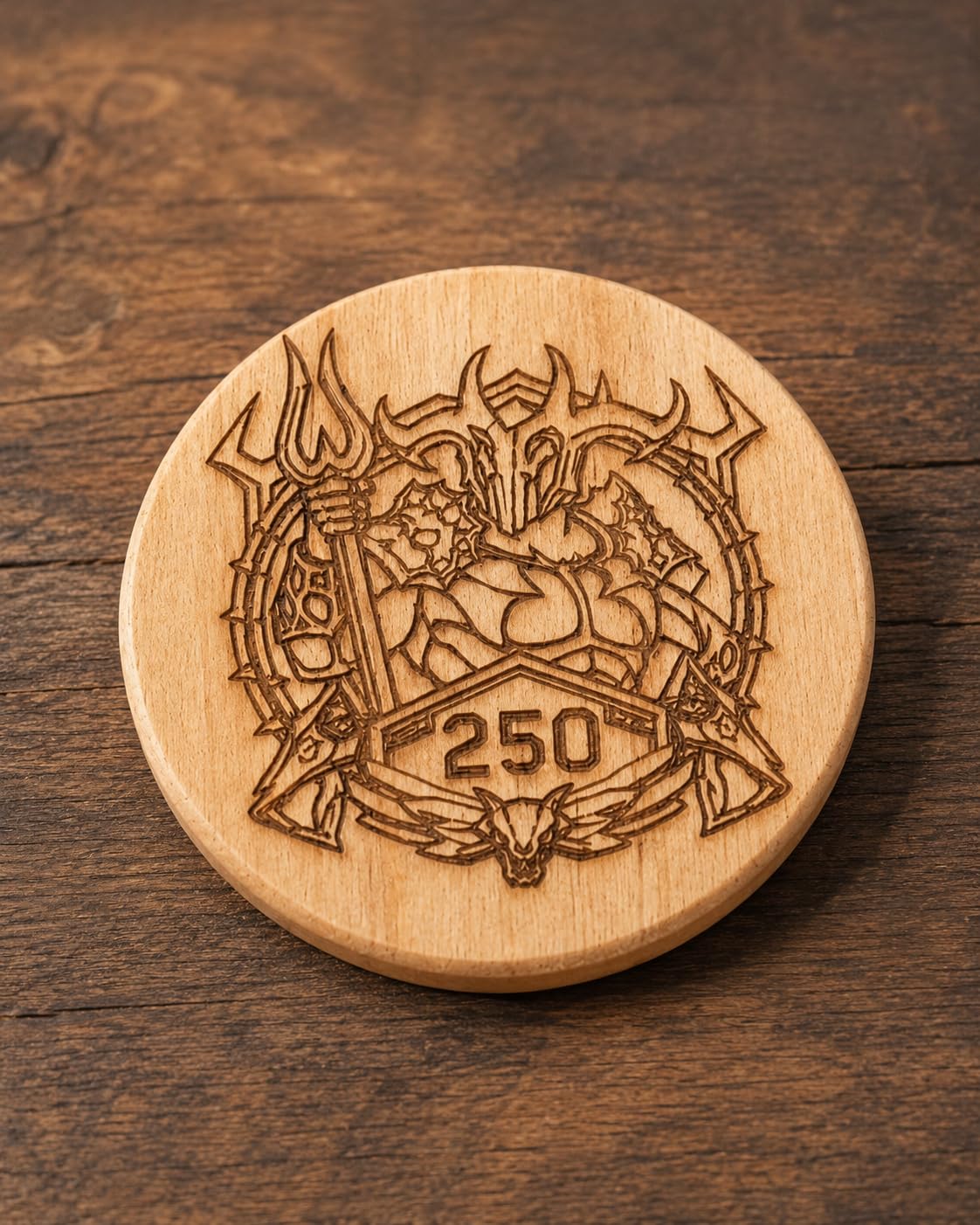
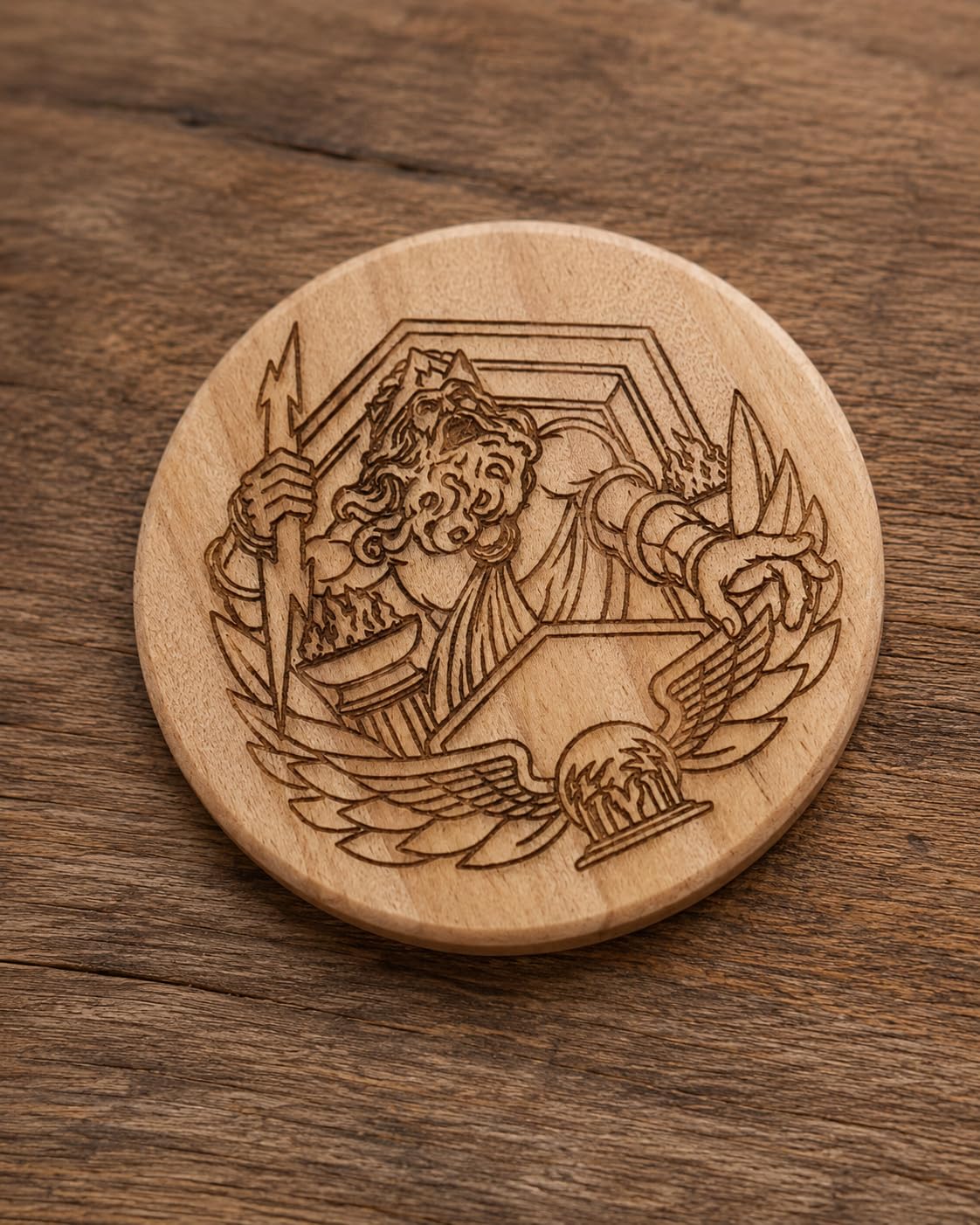
On the engraving side, the 400mm/s speed is respectable for a 20W machine. Photo engravings on wood come out with good contrast and fine detail, especially once you dial in the power and speed settings for your material. The 0.08×0.1mm dot compression technology produces finer detail than I expected from a laser this powerful. It handled everything I threw at it, from hardwood to leather to painted metals.
The main downside is the complete lack of documentation. No manual, no specs sheet, and the WiFi configuration is not explained anywhere. I had to search online forums to figure out the wireless setup. The free Atomstack app and PC software are functional but basic. Most users will want to invest in LightBurn for better control, which adds to the overall cost. Customer service is available 24/7, though response times vary.
Who Should Buy the AtomStack A20 Pro V2
This machine is ideal for hobbyists who cut frequently and need a laser that powers through thick materials without slowing down. If you make signs, cut custom shapes from wood and acrylic, or run a small Etsy shop, the 20W output will save you significant time. The solid build quality also makes it a good long-term investment for makers who use their laser daily.
What to Consider Before Buying
The lack of documentation is frustrating, especially for beginners. You should be comfortable troubleshooting through online forums and YouTube videos. This is also an open-frame machine, so factor in the cost of safety glasses and ventilation setup. The total weight of 13.4 pounds means it is not as portable as smaller machines, so plan for a semi-permanent workspace.
5. Creality Falcon A1 – Best Enclosed Design
Creality Falcon A1 10W Laser Engraver, 80W Powerful Output, Fully Enclosed, 600mm/s Speed, HD Camera Auto Positioning…
80W Machine Power
600mm/s Speed
HD Camera
Class 1 Safety
Pre-Assembled
✓ The Good
- Fully pre-assembled and zero setup required
- Class 1 safety rating needs no goggles
- HD camera auto-positions designs
- Fully enclosed reduces smoke and noise
- Smart material recognition
✕ The Bad
- USB connectivity issues reported
- Proprietary honeycomb panel required
- Customer support response can be slow
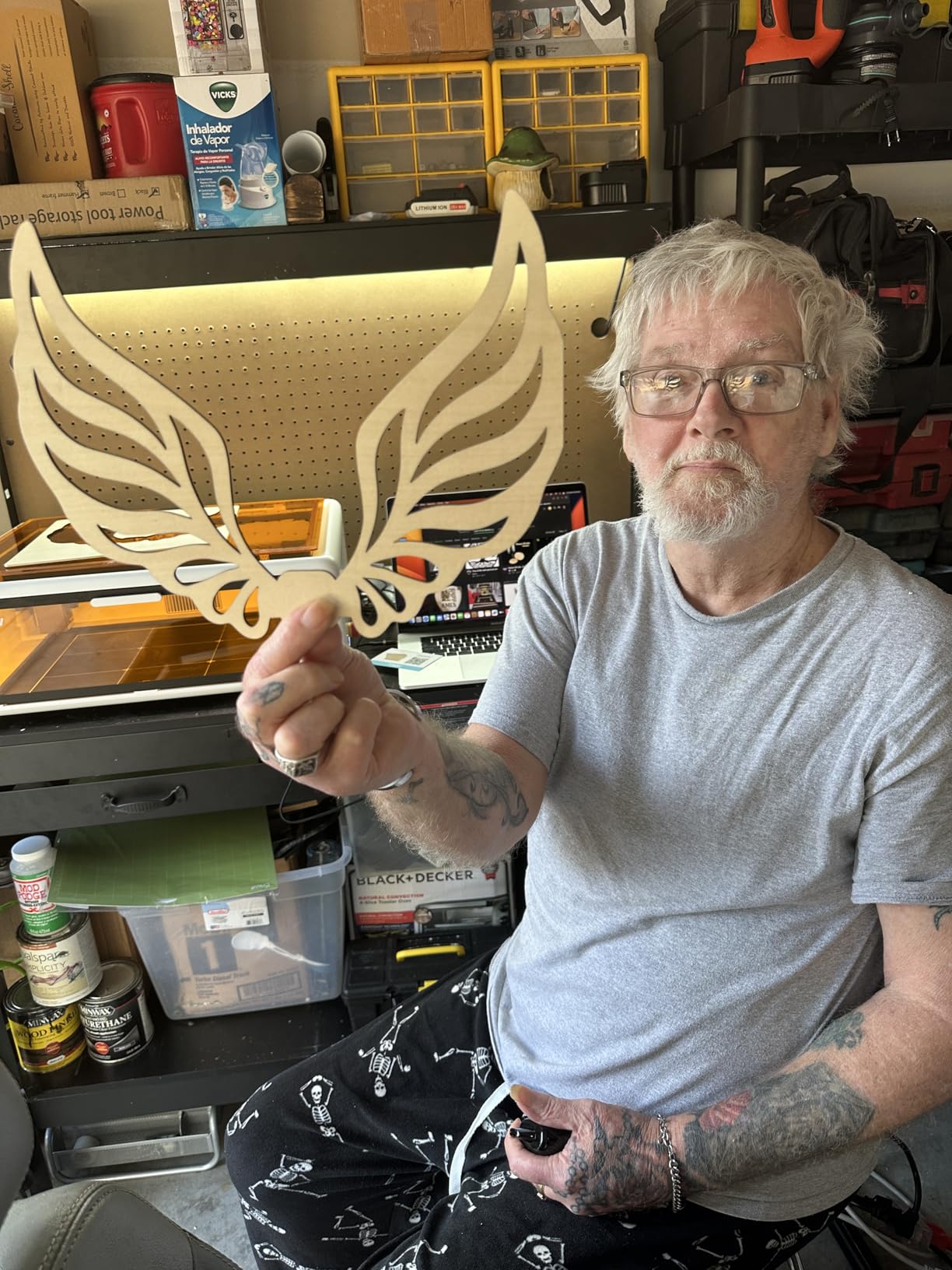
The Creality Falcon A1 is about as close to plug-and-play as a laser engraver gets. It arrives fully assembled in its enclosed cabinet. You open the double doors, place your material on the honeycomb bed, and start engraving. No alignment, no belt tensioning, no safety glasses required. The Class 1 safety rating means the laser is fully contained within the enclosure, which is a big deal for home users with kids or pets.
The standout feature is the HD camera system. You place your design in the software, and the camera automatically maps it onto the material. No manual positioning, no measuring, no guessing. I placed a wooden coaster at a slight angle inside the machine, and the camera corrected for it automatically. The smart material recognition system also suggests power and speed settings based on what you are engraving, which is a huge help for beginners.
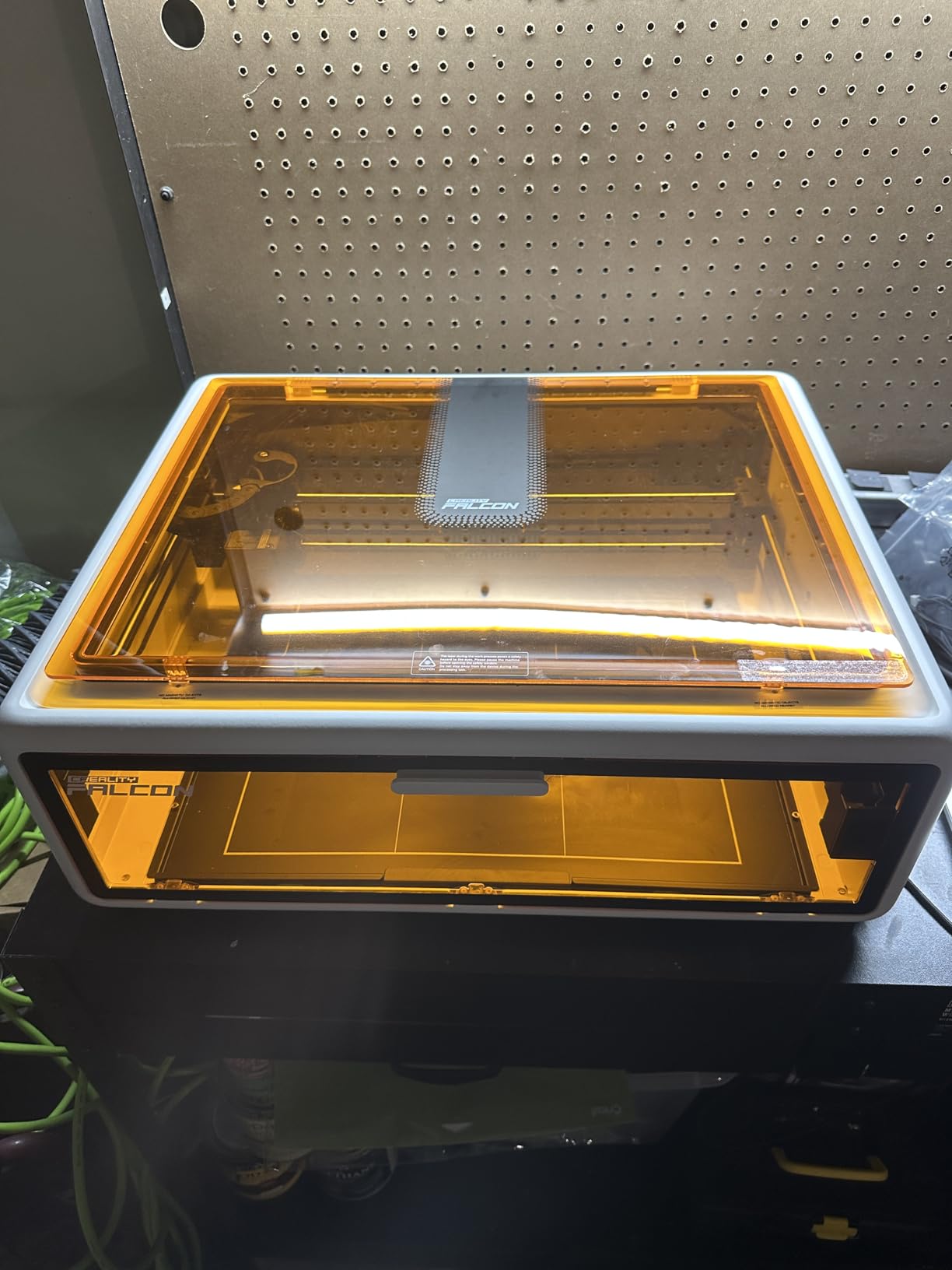
Performance is solid for a 10W machine. The 600mm/s engraving speed is fast, and the CoreXY motion system keeps things smooth even at top speed. Cutting through 5mm plywood took two passes, and the edges came out clean with minimal scorch marks. The fully enclosed design does a great job containing smoke and reducing noise. My workspace stayed noticeably cleaner during testing compared to open-frame machines.
The main issues I ran into were connectivity-related. The USB connection dropped a few times during longer jobs, which is frustrating when you are halfway through a 30-minute cut. Some users have reported this issue in reviews as well. The honeycomb panel inside the machine uses a proprietary size, so you cannot swap in a generic replacement. Software works but can feel clunky compared to LightBurn, though LightBurn compatibility gives you an alternative.
Who Should Buy the Creality Falcon A1
This is the best laser engraver for hobbyists who prioritize safety and convenience. If you have limited space, children in the house, or simply do not want to deal with assembly and calibration, the Falcon A1 removes almost every barrier to entry. The camera system and material recognition make it especially appealing for beginners who are intimidated by manual settings.
What to Consider Before Buying
At 28.7 pounds, this is one of the heavier machines in our lineup. You need a dedicated table or bench for it. The USB connectivity issues are worth watching, and you may want to use the SD card slot for longer jobs to avoid disconnections. Customer support has mixed reviews, so be prepared to rely on community forums if you run into problems.
6. Algolaser 20W – Best Smart Features
Algolaser 20W Laser Engraver Machine – Laser Cutter/Engraver with Air Assist Kit – Laser Engraving Machine with 3.5″ Smart…
20W COS Laser
3.5 inch Smart Touchscreen
AlgoOS System
32GB Memory
Air Assist Built-in
✓ The Good
- Integrated touchscreen with AlgoOS
- Built-in air assist and smoke exhaust
- 32GB memory for offline cutting
- 7 safety features including flame detection
- Offline batch cutting capability
✕ The Bad
- Not Prime eligible
- Requires computer connection
- Semi-enclosed needs extra ventilation
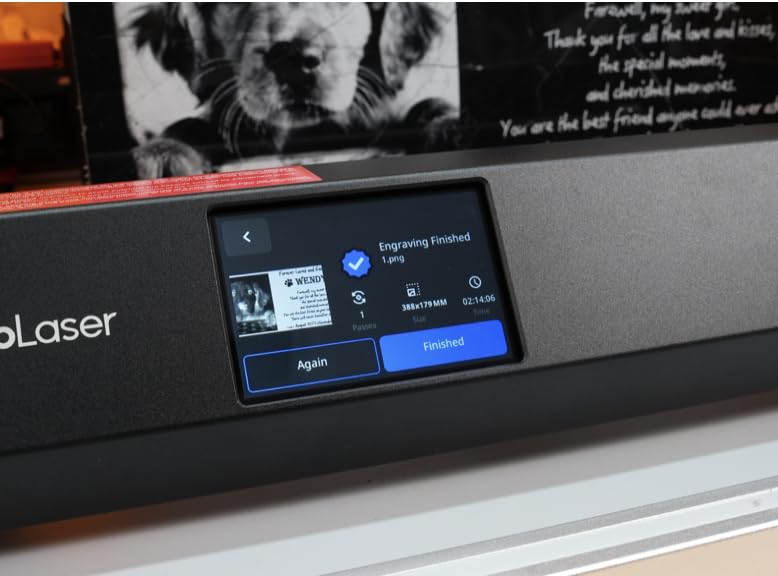
The Algolaser 20W stands out from the pack with its 3.5-inch smart touchscreen and custom AlgoOS operating system. Most hobby laser engravers require you to control everything through a computer, but the Algolaser lets you manage settings, select files, and start jobs directly from the built-in display. It feels like using a modern appliance rather than a DIY tool, and I appreciated that difference during testing.
Performance-wise, the 20W COS laser module delivers serious cutting capability. I sliced through 12mm pine boards in a single pass and cut 8mm acrylic with smooth edges. The 20,000mm/min speed is among the fastest in this class, though real-world speeds with good quality tend to land closer to 10,000mm/min. The integrated air assist system is a big plus because it means one less accessory to buy and set up.
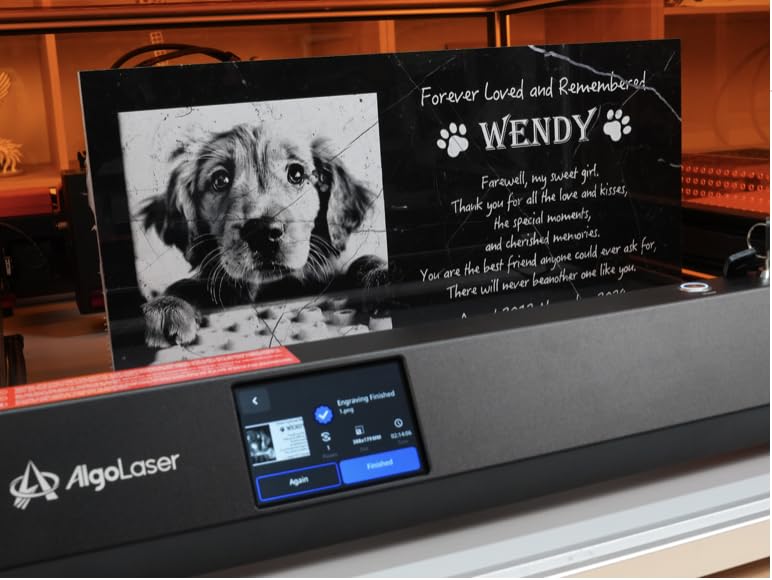
The 32GB built-in memory is a feature I did not know I needed until I had it. You can load design files directly onto the machine and run batch jobs without keeping your computer connected. I loaded 15 coaster designs, set the machine to cut them sequentially, and walked away. When I came back 40 minutes later, all 15 were done perfectly. The flame detection and emergency stop add a layer of safety that gives you peace of mind during unattended cuts.
The main drawback is the semi-enclosed design. Unlike the fully sealed Creality Falcon A1, the Algolaser has open sides that let smoke escape. You will need a fan or ventilation setup in your workspace. It is also not Prime eligible, so shipping takes a few extra days. The semi-enclosure still provides some protection, but it does not qualify for a Class 1 safety rating.
Who Should Buy the Algolaser 20W
This is a strong pick for hobbyists who want smart features and do not want to mess with external accessories. The built-in air assist, touchscreen, and offline capability make it feel like a complete package rather than a DIY kit. It is well suited for makers who do a lot of repeat production work, like cutting multiple copies of the same design for craft fairs or online orders.
What to Consider Before Buying
The semi-enclosed design means you still need safety glasses and ventilation. At 19.2 pounds, it is substantial enough that you will want a permanent spot for it. The lack of Prime shipping may be an issue if you need the machine quickly. Also, while the AlgoOS software is intuitive, it does not replace LightBurn for complex design work, so factor that into your software budget.
7. Creality Falcon 10W with Rotary Roller – Best for Tumblers
CREALITY FALCON 10w Laser Engraver with Air Assist, Laser Engraving Machine with Rotary Roller, 72W High Precision Laser…
10W Output Power
4-in-1 Rotary Roller
Air Assist Included
0.06mm Spot Size
✓ The Good
- Complete package with air assist and rotary
- 4-in-1 rotary handles various shapes
- 99% pre-assembled out of the box
- Emergency stop and tilt protection
- Anti-UV filter for eye safety
✕ The Bad
- Poor included instructions
- No Bluetooth connectivity
- Some assembly alignment issues
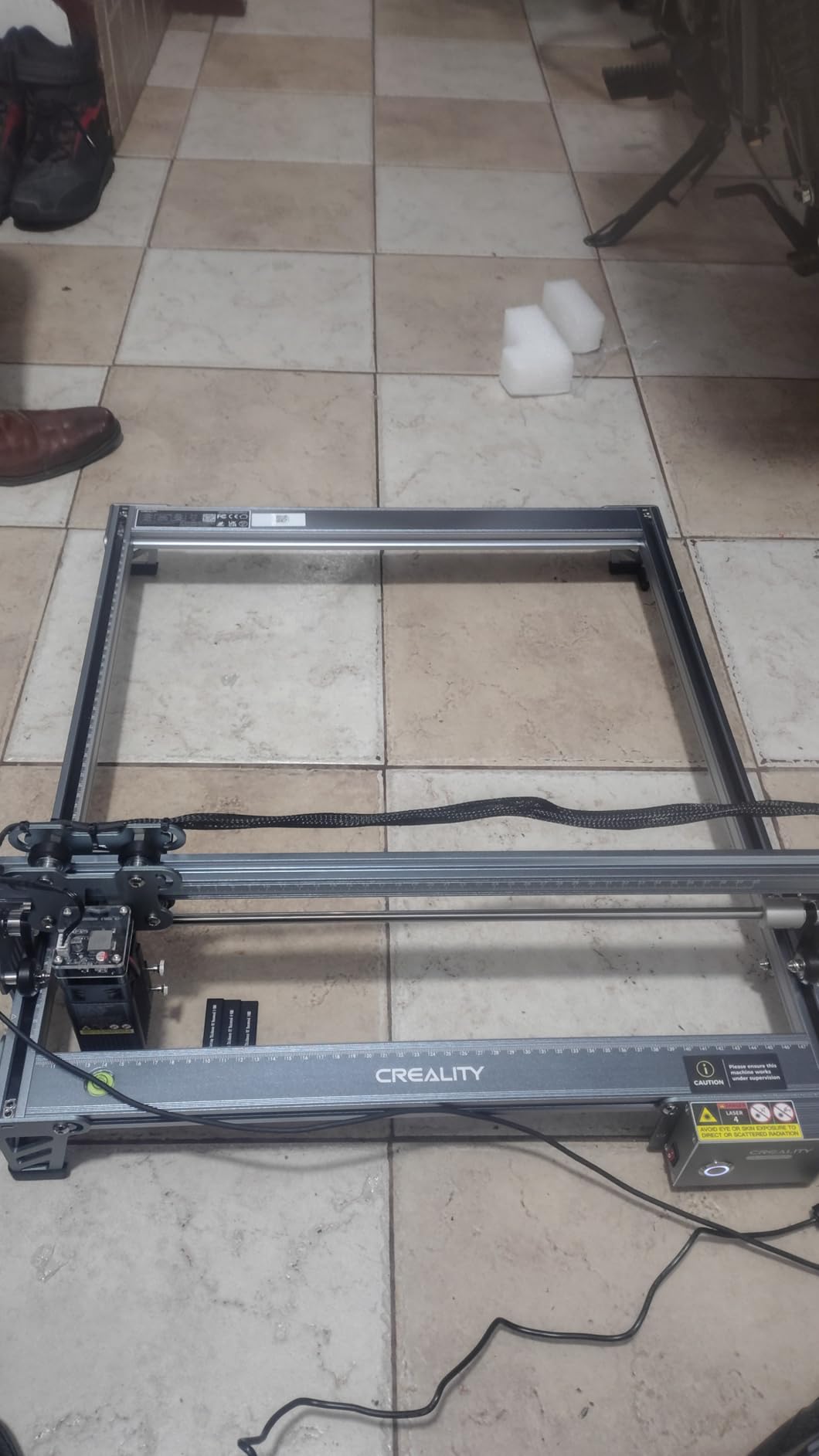
The Creality Falcon 10W with the included rotary roller is built for people who want to engrave cylindrical objects. Tumblers, cups, pens, and bottles are some of the most popular items to personalize, and this machine handles them all right out of the box. The 4-in-1 rotary roller adjusts to different diameters and shapes, so you can switch between a skinny pen and a wide tumbler without changing attachments.
I tested it on a 30oz stainless steel tumbler and a set of wooden rolling pins. The rotary roller held each item securely, and the engraving came out clean with consistent depth around the entire circumference. The 10W laser with the included air assist made quick work of the wood and produced dark, readable marks on the coated tumbler surface. Having the air assist pump in the box saves you a separate purchase and setup headache.
Flat engraving performance is solid too. The 0.06mm laser spot produces sharp details on wood, leather, and acrylic. I cut through 12mm wood in a single pass with the air assist running, and the edges were clean with minimal charring. The machine is 99% pre-assembled, so setup takes about 10 to 20 minutes. Safety features include an anti-UV filter, emergency stop button, and tilt protection that kills the laser if the machine is disturbed.
The instructions are genuinely unhelpful. Several steps are missing or unclear, and I had to rely on a YouTube video to complete the final assembly steps. There is no Bluetooth option, so you are tethered to your computer via USB during operation. Some users have also reported alignment issues with the gantry out of the box, though mine was fine after a quick check.
Who Should Buy the Creality Falcon 10W with Rotary
If you plan to engrave tumblers, cups, bottles, or any cylindrical items, this is the best laser engraver for hobbyists who want an all-in-one package. The included rotary roller and air assist mean you do not need to buy extra accessories. It is also a good pick for small business owners who personalize drinkware, pens, or candles as part of their product line.
What to Consider Before Buying
The open-frame design means you need safety glasses and a ventilated workspace. At 20.1 pounds, this is one of the heavier machines in our roundup, so plan for a sturdy table. The instruction quality is poor, so set aside time to watch setup videos online. If you only plan to do flat engraving and never need the rotary function, the standard Creality Falcon 10W or Ortur Laser Master 2 S2 would be simpler options.
8. Twotrees TTS-55 Pro – Best Entry-Level 5.5W
Twotrees TTS-55 Pro Laser Engraver 5500mW Laser Engraving Machine,Laser Cutter,300 x 300 mm Work Area,0.08mm Laser Spot…
5.5W Laser Power
300x300mm Work Area
Wi-Fi Control
32-bit Dual-Core MCU
✓ The Good
- Great starter laser for beginners
- 300x300mm work area is generous for the price
- Wi-Fi for wireless control
- 32-bit dual-core control board
- Air assist support for cleaner cuts
✕ The Bad
- Minimal instructions included
- May need extra safety gear
- Software learning curve for beginners
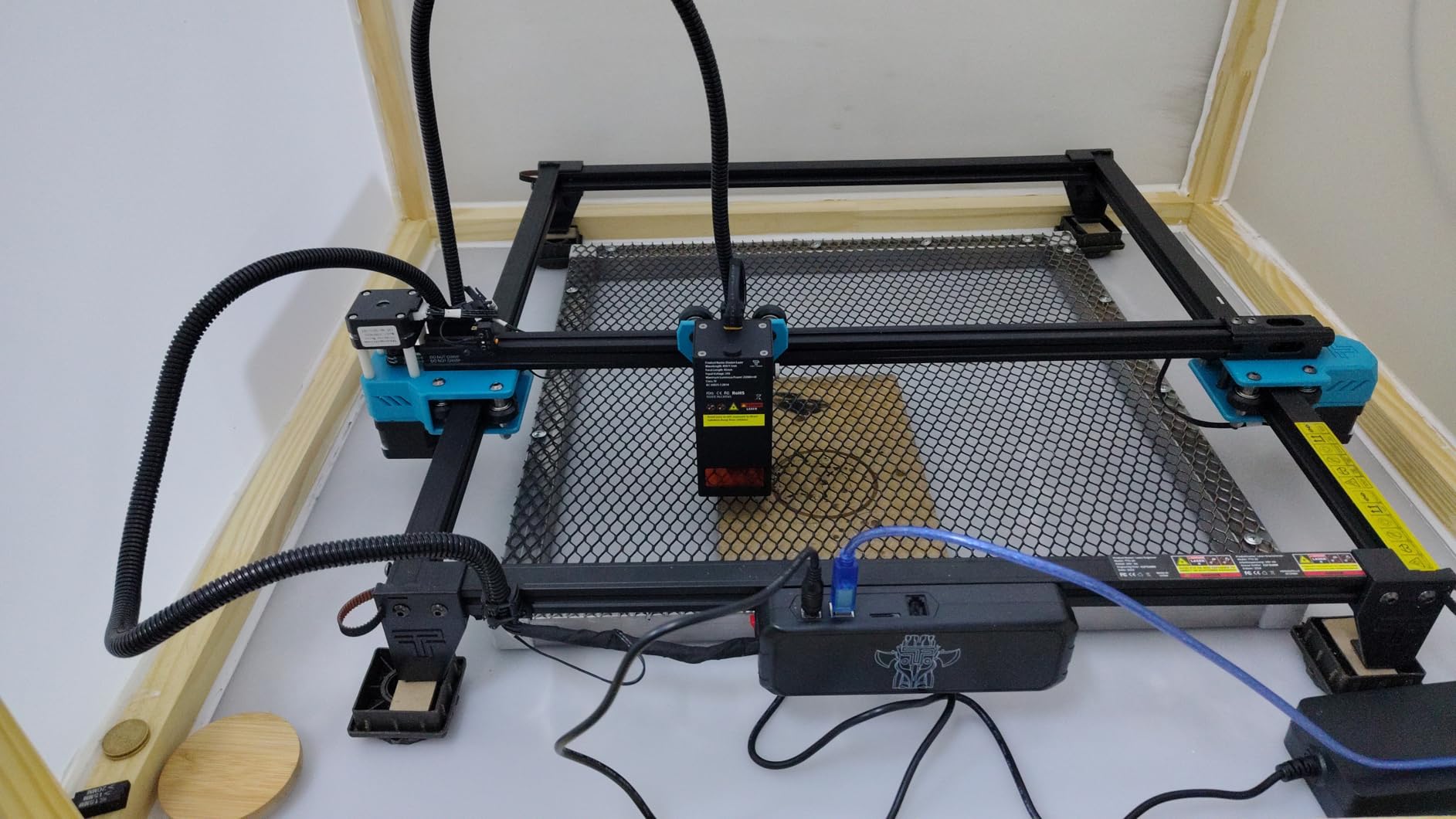
The Twotrees TTS-55 Pro hits a sweet spot between price and capability that makes it one of the most popular starter lasers on the market. The 5.5W laser power is enough for engraving wood, leather, paper, and thin acrylic. The 300x300mm work area gives you plenty of room for standard hobby projects like signs, coasters, and decorative panels. At 8.2 pounds, it is light enough to move around but sturdy enough to stay put during operation.
I was pleasantly surprised by the Wi-Fi capability. Most budget lasers require a USB tether, but the TTS-55 Pro lets you control it through a mobile app or web browser on your computer. I started an engraving from my phone while sitting across the room. The 32-bit dual-core MCU also keeps things smooth at higher speeds up to 30,000mm/min, though you will get the best results at more moderate speeds.
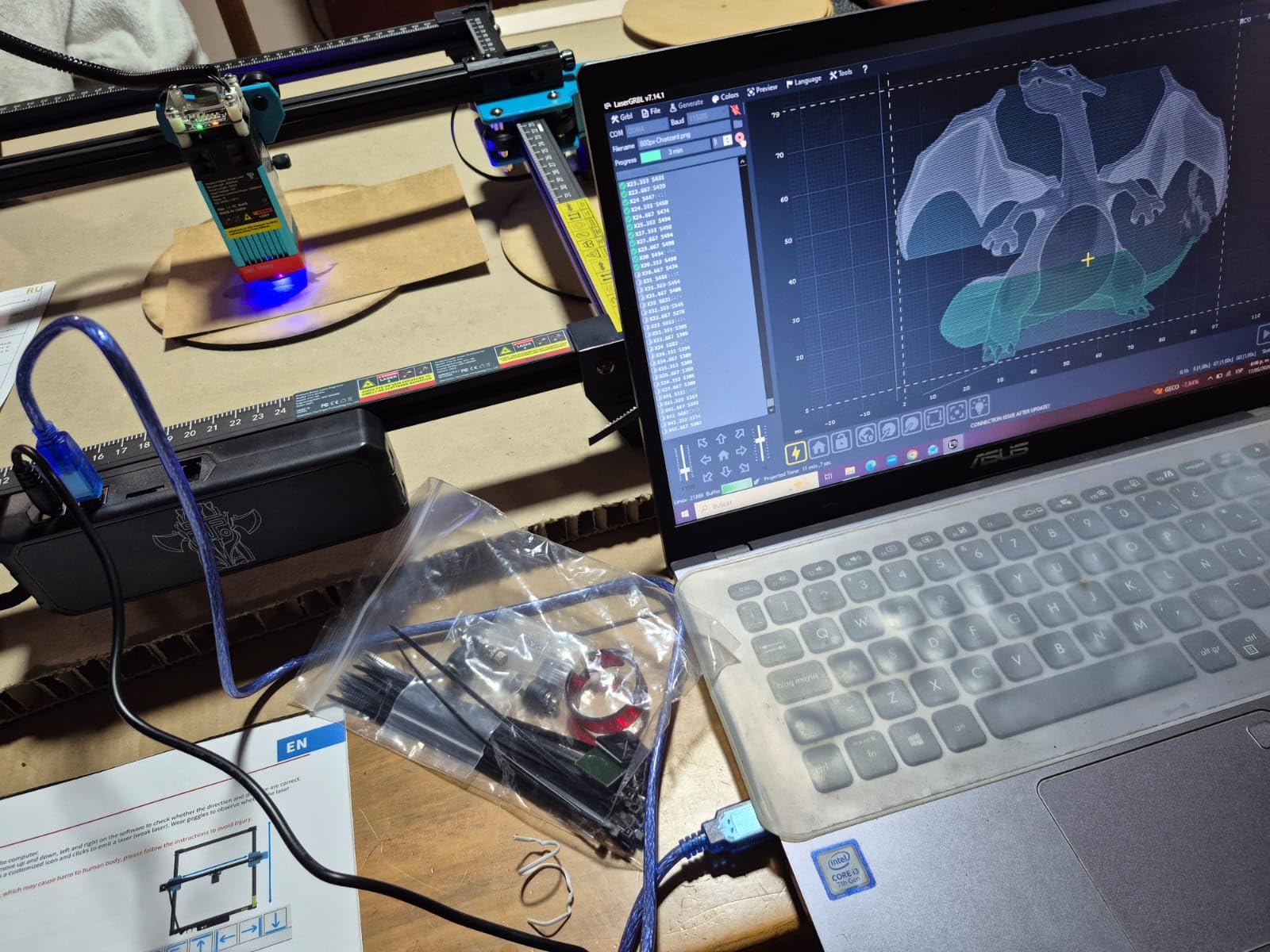
The air assist support is a welcome feature at this price. You need to supply your own air pump, but the nozzle and mounting hardware are included. Once I hooked up a small compressor, the difference in cut quality was night and day. Edges went from charred and rough to clean and smooth. The 0.06×0.46mm laser spot is not the finest in our roundup, but it produces detailed enough results for most hobby work.
The instructions are minimal, which is a common complaint with budget lasers. You get a basic quick-start sheet that skips important details like belt tensioning and focus height. I spent about 30 minutes on assembly and another 20 tweaking settings before my first clean engraving. The software learning curve is real, especially if you have never used LaserGRBL or LightBurn. But once you get past the initial setup, it runs reliably.
Who Should Buy the Twotrees TTS-55 Pro
This is an excellent first laser for hobbyists who want more work area and power than a tiny budget machine but are not ready to jump to a 10W or 20W unit. The Wi-Fi control and air assist support give it capability that punches above its price tag. It is a great learning tool that will teach you the fundamentals of laser engraving before you upgrade to something more powerful.
What to Consider Before Buying
The 5.5W laser handles engraving well but struggles with cutting anything beyond thin plywood and paper. If cutting is a priority, look at the 10W or 20W options in our roundup. The open-frame design requires safety glasses and a well-ventilated space. The included instructions are poor, so budget time for watching setup tutorials and experimenting with settings before you get consistent results.
9. Creality Falcon 10W Compact – Best Compact 10W Option
Creality Laser Engraver Machine 10W Output Power, 72W DIY Laser Engraving Machine 0.06mm High Precision Laser Cutter and…
10W Output Power
0.06mm Focal Spot
Wi-Fi and SD Card
Anti-UV Filter
7 lbs
✓ The Good
- Excellent precision at 0.06mm spot size
- Multiple connectivity options including Wi-Fi
- LightBurn and LaserGRBL compatible
- Anti-UV filter blocks 97% of UV rays
- Quick-focus system for easy setup
✕ The Bad
- Air assist sold separately
- Customer support response issues reported
- Honeycomb table recommended but not included
The Creality Falcon 10W is the compact version of the Creality laser lineup, and it delivers the full 10W experience in a lighter 7-pound package. The 0.06mm focal spot size is tied for the finest in our roundup, and it shows in the engraving quality. Text comes out razor-sharp, and photo engravings retain impressive detail and tonal range on wood and leather.
Connectivity is one of this machine’s strong points. You can connect via Wi-Fi, USB, or SD card, which gives you flexibility in how you manage your workflow. I appreciated the SD card option because it let me load designs directly without keeping my laptop tethered during long cutting jobs. The quick-focus system and one-button controls simplify the setup process compared to machines that require manual measurement.
For cutting, the 10W output handles 5mm plywood in two passes and 3mm acrylic cleanly. The anti-UV filter blocks 97% of harmful radiation, which adds a layer of protection for your eyes even with safety glasses. The orange-tinted safety glasses that come included actually give you better visibility of the laser dot compared to standard green-tinted glasses, which is a small but appreciated detail.
The air assist is sold separately, which is a significant omission for a machine at this price point. Without air assist, wood cuts come out with more charring and smoke. A honeycomb cutting table is also recommended but not included, so factor that into your total cost. Some users have reported customer support issues, including slow response times and difficulty getting replacement parts. My unit arrived in good condition, but I have seen enough reports to flag this as a concern.
Who Should Buy the Creality Falcon 10W Compact
This is a good fit for hobbyists who want 10W cutting and engraving power in a lighter, more portable package. The precision and connectivity options make it well suited for detailed craft work and sign making. If you already have an air assist pump and honeycomb table from another setup, this machine gives you strong performance at a competitive price.
What to Consider Before Buying
You will need to purchase an air assist system separately for best results, which adds to the total cost. Customer support has inconsistent reviews, so be prepared to troubleshoot on your own or through community forums. The assembly process requires some mechanical comfort, though it is less involved than the Ortur or AtomStack machines.
10. Twotrees TS1 Mini – Best Ultra-Portable Laser Engraver
Twotrees TS1 Mini 3W Laser Engraver, Fully Enclosed Safe Design 80x80mm, 1kg Ultra-Portable Bluetooth APP Control for DIY…
3W Laser Power
80x80mm Work Area
Fully Enclosed
Bluetooth App Control
Under 3 lbs
✓ The Good
- Ultra-safe fully enclosed design
- Bluetooth smartphone control
- Weighs only 2.97 pounds
- No assembly required
- Supports 9 languages
✕ The Bad
- Very small 80x80mm work area
- Limited to small projects
- Air assist not available
The Twotrees TS1 Mini is the smallest and safest laser engraver in our roundup, and it fills a specific niche remarkably well. The fully enclosed acrylic cover means you can watch the laser work without safety glasses. At under 3 pounds and roughly 6 inches square, it fits on any desk, in any backpack, and stores in a drawer. There is no assembly required at all. You unbox it, download the MKSLaser app, pair via Bluetooth, and start engraving.
I tested it on small wooden tags, leather bookmarks, and painted metal dog tags. The 3W laser produces clean, dark marks on wood and leather. On painted metal, it removes the coating to reveal the bare metal underneath, creating a nice contrast effect. The auto-focus laser head adjusts for material thickness between 2.5cm and 6.5cm, so you do not need to manually set the focal distance. Precision is 0.1mm, which is good enough for text and simple graphics on small items.
The Bluetooth app control is genuinely convenient. I designed a simple text layout on my phone, sent it to the machine, and watched it engrave in about 2 minutes. The app supports 9 languages and includes preset material settings for common items like wood, leather, and paper. For anyone intimidated by laser software like LightBurn or LaserGRBL, the smartphone-first approach removes that barrier entirely.
The obvious limitation is the 80x80mm work area. You are restricted to items smaller than about 3 inches square. That covers keychains, dog tags, small coasters, and jewelry, but it rules out cutting boards, signs, or anything larger than a playing card. There is also no air assist option, which is fine for surface engraving but limits your cutting ability to very thin materials like paper and thin cardboard.
Who Should Buy the Twotrees TS1 Mini
This is the best laser engraver for hobbyists who want maximum portability and safety with zero setup. It is perfect for classrooms, dorm rooms, or small apartments where space and ventilation are limited. If you mainly want to personalize small items like tags, charms, and phone cases, the TS1 Mini handles those tasks well without the complexity of larger machines.
What to Consider Before Buying
The 80x80mm work area is a hard ceiling on what you can create. If you think you might want to work on larger projects in the future, start with a bigger machine instead. The 3W laser is limited to surface engraving and very light cutting. There is no path to upgrade or expand the machine later, so what you buy is what you get.
How to Choose the Best Laser Engraver for Hobby Use
Picking the right laser engraver comes down to four things: what you want to make, what materials you plan to work with, how much space you have, and your comfort level with setup and software. Here is a breakdown of the key factors that should drive your decision.
Laser Types Explained
The hobby market is dominated by four laser types, and each one excels at different tasks.
Diode lasers are the most common and affordable option for hobbyists. They use semiconductor technology to produce a visible blue beam (usually 445nm wavelength). Diode lasers are great for wood, leather, paper, cardboard, and some plastics. They struggle with clear acrylic and most metals. Power ratings for hobby diode lasers range from 2.5W to 20W, with higher wattage meaning faster cutting and deeper penetration.
CO2 lasers use a gas-filled tube to produce an invisible infrared beam at 10,640nm wavelength. They can cut and engrave a wider range of materials than diodes, including clear acrylic, glass, and stone. CO2 machines tend to be larger, more expensive, and require more maintenance (the tubes degrade over time). They are less common in the budget hobby space but worth considering if acrylic cutting is a priority.
Fiber lasers use solid-state technology to produce an infrared beam optimized for metal marking. They are the go-to choice for engraving stainless steel, aluminum, brass, and other metals. Fiber lasers are typically more expensive and are found in the professional market, though some compact models are entering the hobby space.
UV lasers use a shorter wavelength (355nm) that can mark heat-sensitive materials without burning them. This cold ablation process works on glass, ceramics, and some plastics that other lasers cannot handle. UV machines are still relatively rare and expensive in the hobby market.
Power and Wattage Guide
Laser power is measured in watts (W) or milliwatts (mW), where 10,000mW equals 10W. Higher power means faster cutting and the ability to cut thicker materials. Here is a general guide for what to expect.
A 2.5W to 5W laser is best for surface engraving on wood, leather, and paper. Cutting is limited to very thin materials. A 5W to 10W laser handles engraving plus light to moderate cutting on wood up to about 5mm thick and thin acrylic. A 10W to 20W laser provides serious cutting capability through 10mm or more of wood and 5mm or more of acrylic, plus faster engraving speeds.
Pay attention to the difference between electrical input power and optical output power. Some manufacturers advertise the total machine power (which can be 72W or 80W for a 10W laser module). The number that matters for cutting and engraving performance is the optical output power.
Work Area Size
The work area determines the maximum size of material you can fit in the machine. Small machines like the Twotrees TS1 Mini (80x80mm) are limited to jewelry and small tags. Medium machines in the 300x300mm range handle most hobby projects like coasters, signs, and cutting boards. Large machines like the Ortur Laser Master 2 S2 (390x410mm) accommodate bigger projects and production batch work.
Think about what you realistically plan to make. If your projects are mostly small personalized items, a compact machine saves space and money. If you want to cut full sheets of material or make large signs, prioritize a bigger work area.
Software Compatibility
Software is the hidden cost of laser engraving. Most budget machines include basic free software, but experienced users almost always upgrade to something better.
LaserGRBL is a free, open-source option that works with GRBL-based machines. It handles basic engraving and cutting but has a dated interface and limited design features. LightBurn is the paid standard for hobby laser users. It costs around $60 for a license but offers a professional-grade interface, design tools, layer management, and support for most machines on the market. The Reddit community strongly prefers LightBurn for its better UI and functionality.
Proprietary software like xTool Creative Space (XCS) and the Atomstack app work fine for basic tasks but tend to lack advanced features. Check whether your chosen machine supports LightBurn or LaserGRBL before buying if software quality matters to you.
Safety Features
Laser safety is not optional. A 10W diode laser can cause permanent eye damage in a fraction of a second. Here are the safety features to look for.
Enclosed designs like the Creality Falcon A1 and Twotrees TS1 Mini physically contain the laser beam. Class 1 safety rated machines do not require safety glasses because the beam cannot escape the enclosure. Open-frame machines require laser safety glasses rated for your laser wavelength (445nm for blue diode lasers). Always wear them, even for quick tests.
Air assist systems blow compressed air at the cutting point, which reduces smoke, prevents flare-ups, and improves cut quality. Some machines include air assist, others support it as an add-on, and a few do not accommodate it at all. Ventilation is critical for indoor use. Even enclosed machines produce smoke that needs to be vented outside or through a filter.
Emergency stop buttons, tilt sensors, and flame detection are additional safety features worth having. The Ortur Laser Master 2 S2 includes a G-sensor that stops the laser if the machine is bumped, and the Algolaser 20W has built-in flame detection.
Enclosed vs Open-Frame
Enclosed machines are safer, quieter, and better at containing smoke. They are ideal for home use, apartments, and classrooms. The trade-off is higher cost, heavier weight, and sometimes a smaller work area due to the cabinet size.
Open-frame machines are lighter, cheaper, and often have larger work areas. They require more safety precautions but offer more flexibility for oversized materials. If you have a dedicated workshop with ventilation, an open-frame machine gives you more bang for your buck.
FAQs
What is the best laser engraver for beginners?
The best laser engraver for beginners depends on your budget and goals. For absolute simplicity, the Twotrees TS1 Mini requires zero assembly and is controlled entirely from your phone. For a balance of power and ease, the Creality Falcon A1 arrives pre-assembled with camera auto-positioning and material recognition. If you want the most capability at a beginner-friendly price, the Ortur Laser Master 2 S2 offers 10W power and a large work area with straightforward assembly.
Is LaserGRBL or LightBurn better?
LightBurn is generally considered better than LaserGRBL by the laser engraving community. LightBurn offers a modern interface, advanced design tools, layer management, and support for most hobby machines. It costs around $60 for a license. LaserGRBL is free and open-source, which makes it a good starting point, but it has a dated interface and fewer features. Most hobbyists start with LaserGRBL and upgrade to LightBurn once they outgrow it.
Which is better, CO2 or diode laser?
Diode lasers are better for most hobbyists because they are more affordable, more compact, and require less maintenance. They handle wood, leather, paper, and some plastics well. CO2 lasers are better if you need to cut clear acrylic, engrave glass, or work with a wider range of materials. CO2 machines cost more, take up more space, and require periodic tube replacement. For most hobby projects, a diode laser provides the best balance of capability and cost.
Can you actually make money with a laser engraver?
Yes, many hobbyists generate income with laser engravers. Popular money-making projects include personalized tumblers, custom cutting boards, engraved jewelry, pet tags, wedding favors, and signage. Some hobbyists report earning $500 to $2,000 per month from craft fair sales and online shops. The key is starting with products that have high demand and low material costs, like engraved coasters and custom keychains.
What is the best hobby laser engraver?
The best hobby laser engraver overall is the xTool F1 for its dual-laser versatility, speed, and enclosed design. For the best value, the Ortur Laser Master 2 S2 delivers 10W power and a large work area at a competitive price. For beginners on a tight budget, the ACMER S1 provides real engraving capability at the lowest entry price. Your best pick depends on your specific projects, space, and budget.
Final Thoughts on the Best Laser Engravers for Hobbyists in 2026
Finding the best laser engravers for hobbyists in 2026 means balancing power, safety, ease of use, and budget. After testing all 10 machines, a few clear winners stand out for different types of hobbyists.
The xTool F1 remains our top overall pick because it solves the biggest problem hobbyists face: material versatility. Having both a 10W diode laser and a 2W infrared laser in one compact, enclosed machine means you can engrave wood, leather, metal, and acrylic without switching tools. The 4000mm/s speed and plug-and-play setup seal the deal.
For hobbyists who want the most cutting power per dollar, the Ortur Laser Master 2 S2 is hard to beat. Its 1,400-plus reviews and 4.3-star rating reflect years of reliable performance from a machine that handles large projects with ease. Pair it with an air assist pump and LightBurn software, and you have a workshop-grade setup at a hobby-grade price.
If you are just getting started and want to test the waters, the ACMER S1 gives you real engraving capability for less than most people spend on a night out. It is small, simple, and capable enough to tell you whether laser engraving is a hobby you will love before you invest in a more powerful machine.
Whichever machine you choose, invest in safety gear, set up proper ventilation, and consider buying LightBurn software early in your journey. Those three things will have a bigger impact on your results than any hardware upgrade. Happy engraving.
