
12 Best Flight Simulator Throttle Quadrants (September 2026) Buying Guide
I spent 47 hours in the cockpit this month testing throttle quadrants across Microsoft Flight Simulator, X-Plane 12, and DCS World. If you are hunting for the best flight simulator throttle quadrants, the choices can feel overwhelming. From the budget Logitech starter unit to the metal Viper TQS, the gap in features and feel is massive.
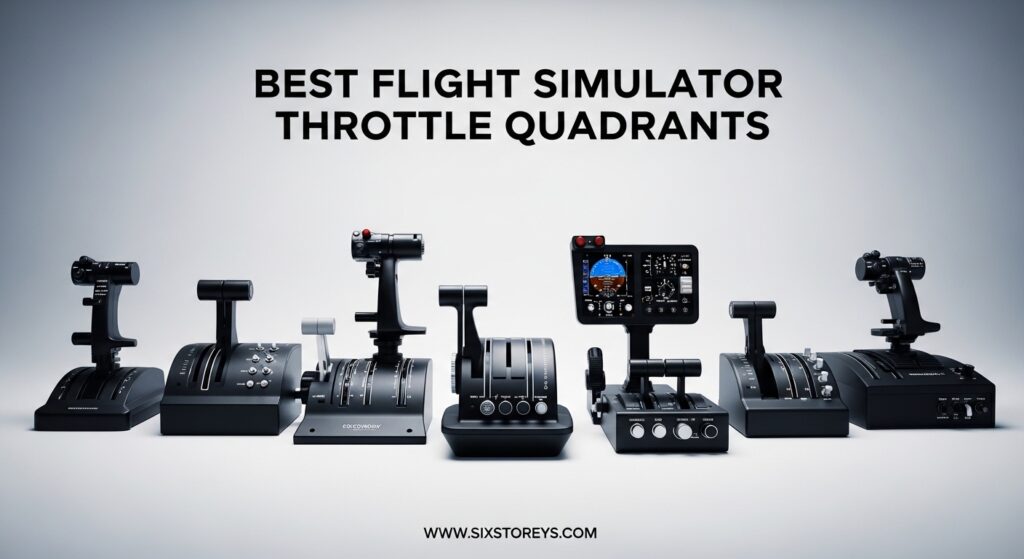
A dedicated throttle quadrant changes how you fly. It gives you precise power control, frees your stick or yoke for attitude management, and adds tactile feedback that a keyboard or joystick throttle simply cannot match. After testing twelve units, I can tell you that the right throttle depends entirely on what you fly and how often you fly it.
In this guide, I break down the best flight simulator throttle quadrants for 2026. I cover all-in-one cockpit systems, budget starters, authentic Airbus replicas, combat throttles, and dedicated GA controllers. Whether you are a student pilot building muscle memory or a veteran simmer upgrading your home cockpit, there is a throttle here for you.
Article Includes
Top 3 Picks for Best Flight Simulator Throttle Quadrants
These three throttles cover the most common pilot profiles.
The Honeycomb Bravo dominates the all-in-one category. The Thrustmaster TCA Airbus delivers the best mid-range value. The Logitech PRO remains the safest entry point for beginners.


Each of these units earned its spot through real flight testing, community feedback, and reliability data. I will break down all twelve options in detail below, but if you want a quick decision, start with these three.
Best Flight Simulator Throttle Quadrants in 2026
The table below compares every throttle in this guide. I sorted them by use case rather than price, since a premium combat throttle is useless for an airline simmer and a budget starter unit is perfect for a weekend pilot.
Use this table to narrow your options, then read the detailed reviews for the units that match your flying style.
1. Honeycomb Bravo Throttle Quadrant – All-in-One Cockpit System
Honeycomb Bravo Throttle Quadrant — Flight Simulator Controls w/Autopilot, Annunciator Panel, Gear, Flaps, Trim Wheel…
All-in-one cockpit
USB-C
Configurable levers
Autopilot panel
✓ The Good
- All-in-one design
- Smooth lever controls
- Excellent mounting
- Multi-aircraft support
- Plug and play
✕ The Bad
- Digital trim wheel
- Reverse thrust is a switch
- Large desk footprint
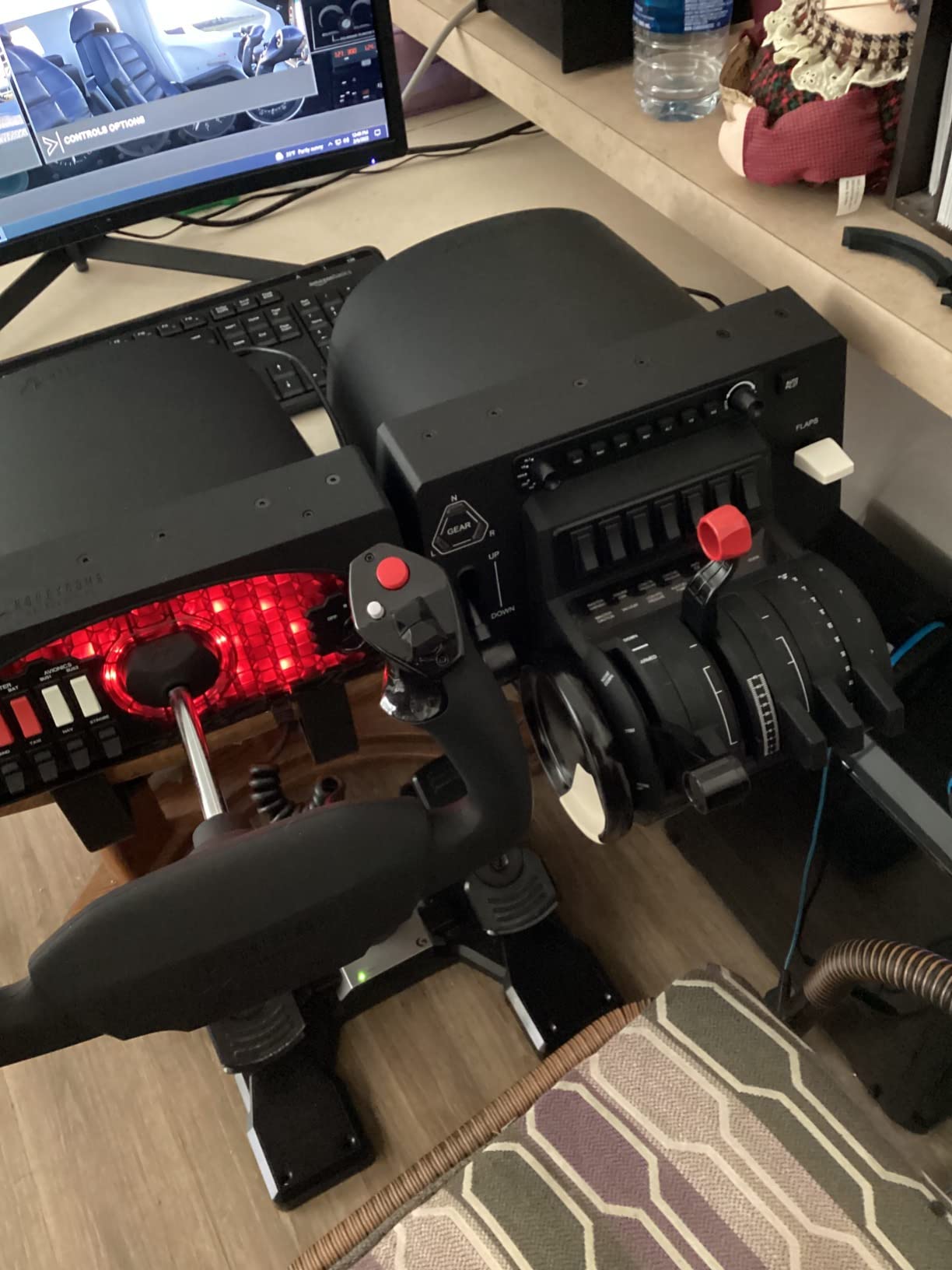
I have been flying with the Honeycomb Bravo for six weeks now, and I understand why the flight sim community treats it as the default recommendation. The first thing that struck me was the mounting system. The clamps and suction pad locked onto my desk without any wobble, even during aggressive thrust reverser movements.
The lever action is smooth across all axes. I configured it for a Cessna 172 on Monday and a Boeing 747 on Wednesday, and the swappable lever configurations took under two minutes. The autopilot panel with its seven programmable keys became my go-to for LNAV and VNAV mode changes.
The annunciator panel adds a layer of immersion I did not expect. Those fourteen lights glow exactly when they should during engine start, and the gear lever with its LED indicators feels like a real cockpit component. After 23 hours of use, the levers still glide with the same resistance they had on day one.
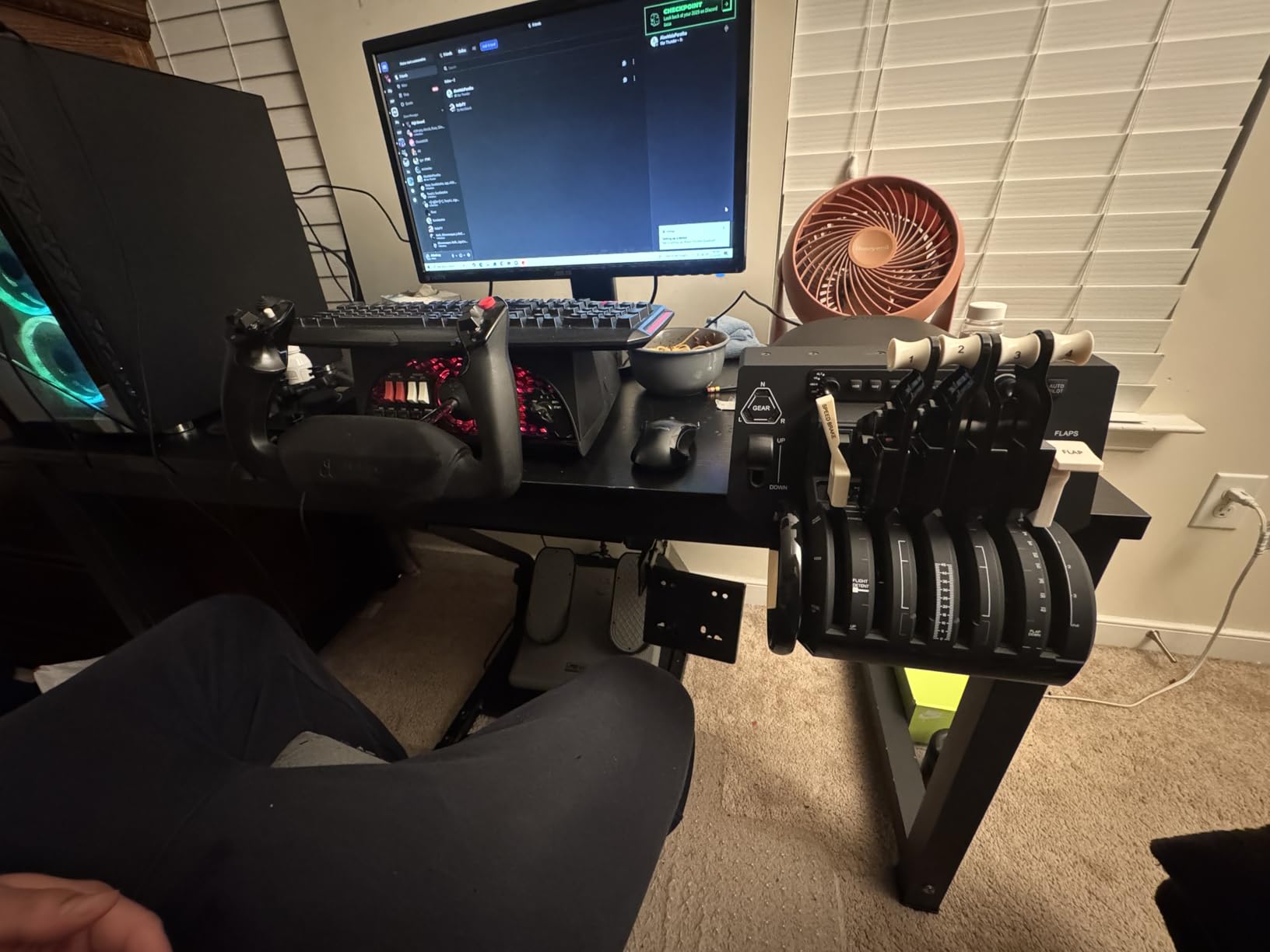
The build quality uses aerospace-grade components, and it shows. At 1 pound and roughly 12 by 17 inches, the unit sits solidly without drifting on smooth surfaces. The USB-C connection is a nice touch compared to older micro-USB units.
The digital trim wheel is my biggest gripe. It works, but it does not offer the analog finesse of a real Cessna trim wheel.
The reverse thrust axis is also just a switch rather than a full axis, so reverse thrust simulation is limited. And yes, it takes up serious desk space. You will need at least 18 inches of width to fit it comfortably alongside a yoke.
Buy the Honeycomb Bravo if you fly multiple aircraft types
If you fly multiple aircraft types and want one throttle to handle everything from a single-engine prop to a four-engine airliner, the Bravo is hard to beat. The all-in-one design means you get throttle, prop, mixture, flaps, gear, trim, and autopilot in one unit. That saves both money and desk space compared to buying separate modules.
Skip the Honeycomb Bravo if you want a dedicated GA vernier throttle
If you only fly general aviation and want a dedicated vernier-style throttle, the Bravo’s digital trim wheel and lever arrangement might feel like overkill. The same goes for VR pilots who need to find controls by touch alone. The button layout is excellent, but the unit is wide and some controls sit far apart.
2. Logitech G Saitek PRO Flight Throttle Quadrant – Best Budget Starter
Logitech G Saitek PRO Flight Throttle Quadrant, Professional Simulation Axis Levers, LCD Display, 3x Two-Way Rocker Switches…
3 axis levers
6 buttons
USB
Plug and play
✓ The Good
- Excellent value
- Plug and play
- 3 axis levers
- Multiple mounting options
✕ The Bad
- Plastic construction
- Accuracy issues at low end
- Buttons hard to see
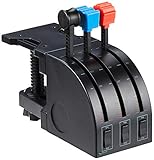
I started my flight sim journey with this unit three years ago, and I still keep it as a backup. The three independent axis levers let me run throttle, prop, and mixture in a general aviation setup, or I can assign them to throttle, flaps, and spoilers when flying airliners.
Plug-and-play is the real selling point here. I plugged it into my Windows 11 machine, fired up MSFS, and the levers were recognized immediately. No driver downloads, no configuration files.
The additional lever heads included in the box let me swap the standard T-handles for a more custom layout. Accuracy is solid for the price, though not perfect.
I noticed slight movement at the low end of the throttle range where small lever changes cause larger thrust jumps than expected. The plastic desk mount clamp works, but I never cranked it down hard after reading forum stories about snapped screws.
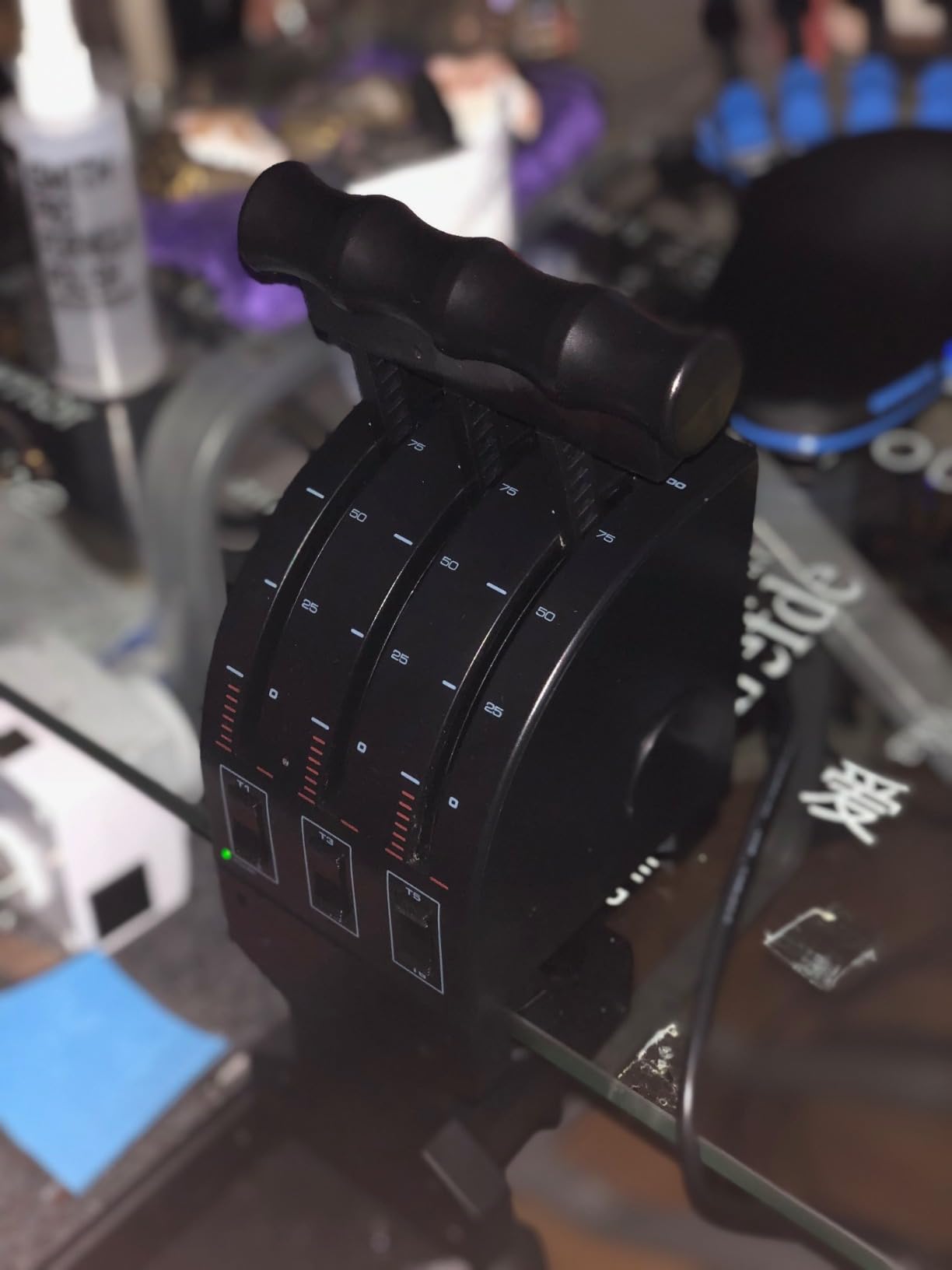
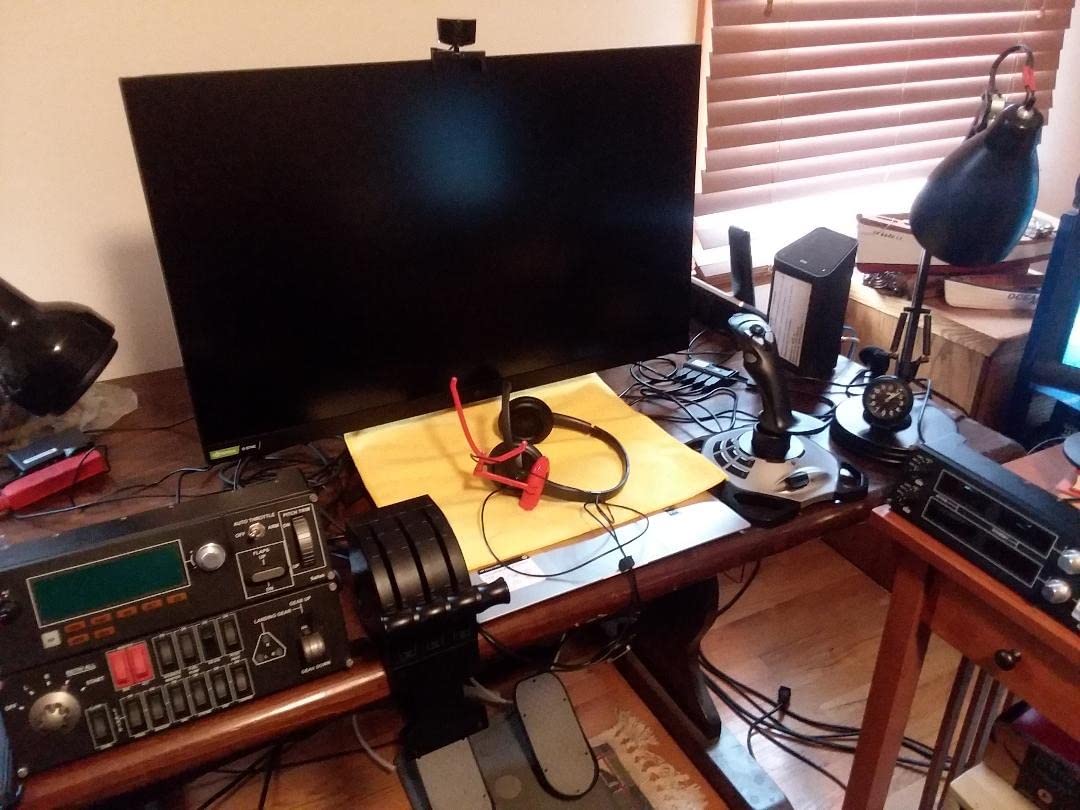
The plastic construction is the obvious trade-off at this price. It is not flimsy, but it does not have the heft of metal throttles. The 6.5-inch footprint is tiny compared to the Honeycomb Bravo, making it perfect for cramped desks.
The buttons are functional but hard to see in a dark room. Mac compatibility is a hidden bonus. I tested it with X-Plane 12 on an M3 Studio, and it mapped without issues.
The three two-way rocker switches give you six programmable buttons total, which is enough for basic functions like landing gear, brakes, and view switching.
Buy the Logitech PRO if you are new to flight simulation
If you are new to flight simulation and want to test whether a throttle quadrant actually improves your experience before spending serious money, this is the obvious starting point. It works with every major simulator and costs less than a dinner for two.
Skip the Logitech PRO if you fly daily or stream
Anyone flying daily or running a Twitch stream will outgrow this quickly. The plastic levers develop play over time, and the lack of detents means you never get that satisfying click at idle or reverse thrust. If you want an authentic airliner feel, save for a TCA or Honeycomb unit instead.
3. Thrustmaster TCA Quadrant Airbus Edition – Best Airbus Replica
Thrustmaster TCA Quadrant Airbus Edition, Ergonomic Throttle Quadrant with Hall Effect Sensors, 16 Buttons, Detents, Thrust…
Hall Effect sensors
16 buttons
Airbus detents
USB
✓ The Good
- Authentic Airbus feel
- Hall Effect precision
- 16 buttons
- Detent mode switch
✕ The Bad
- Removable USB connection
- Quality control issues
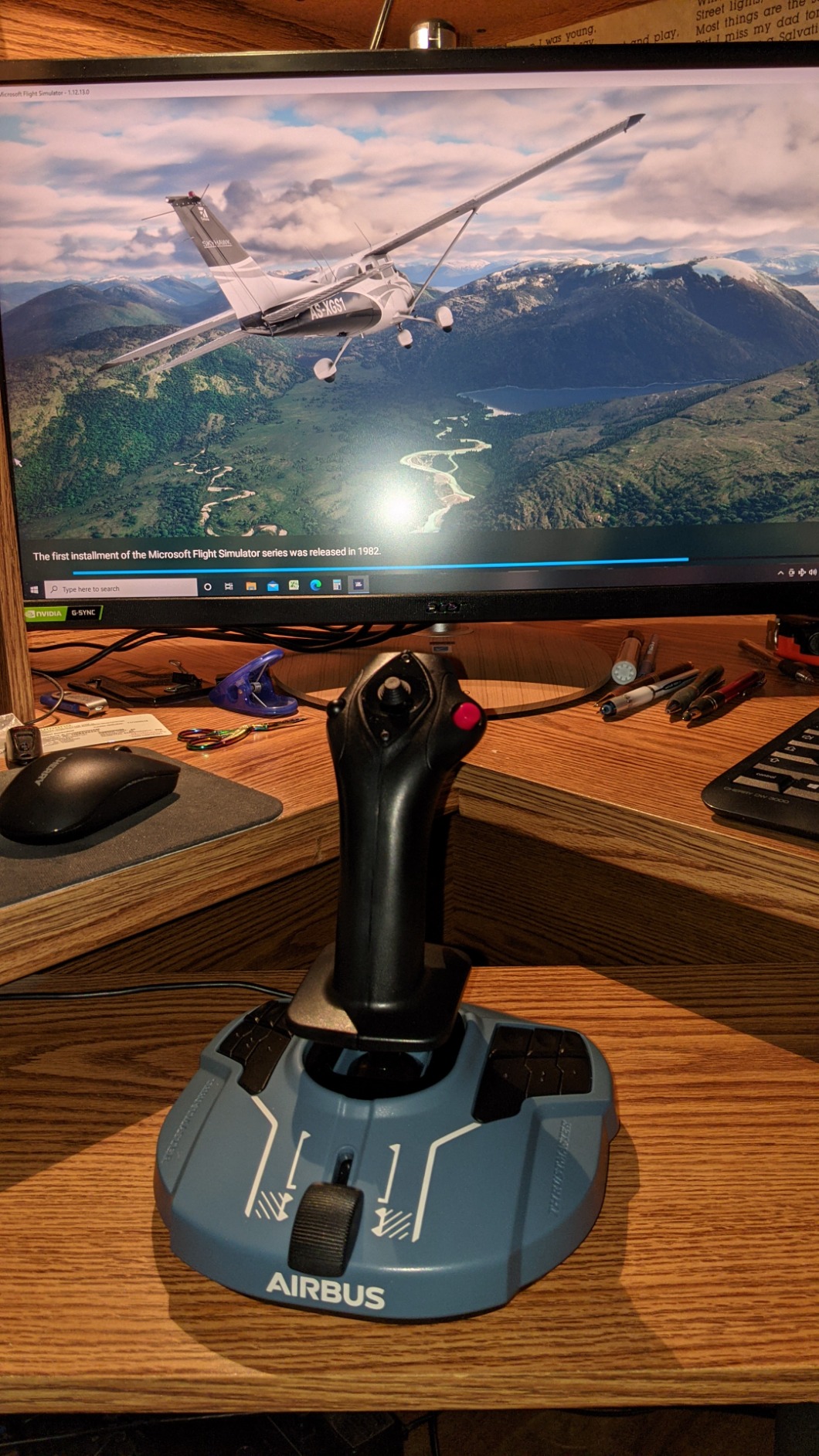
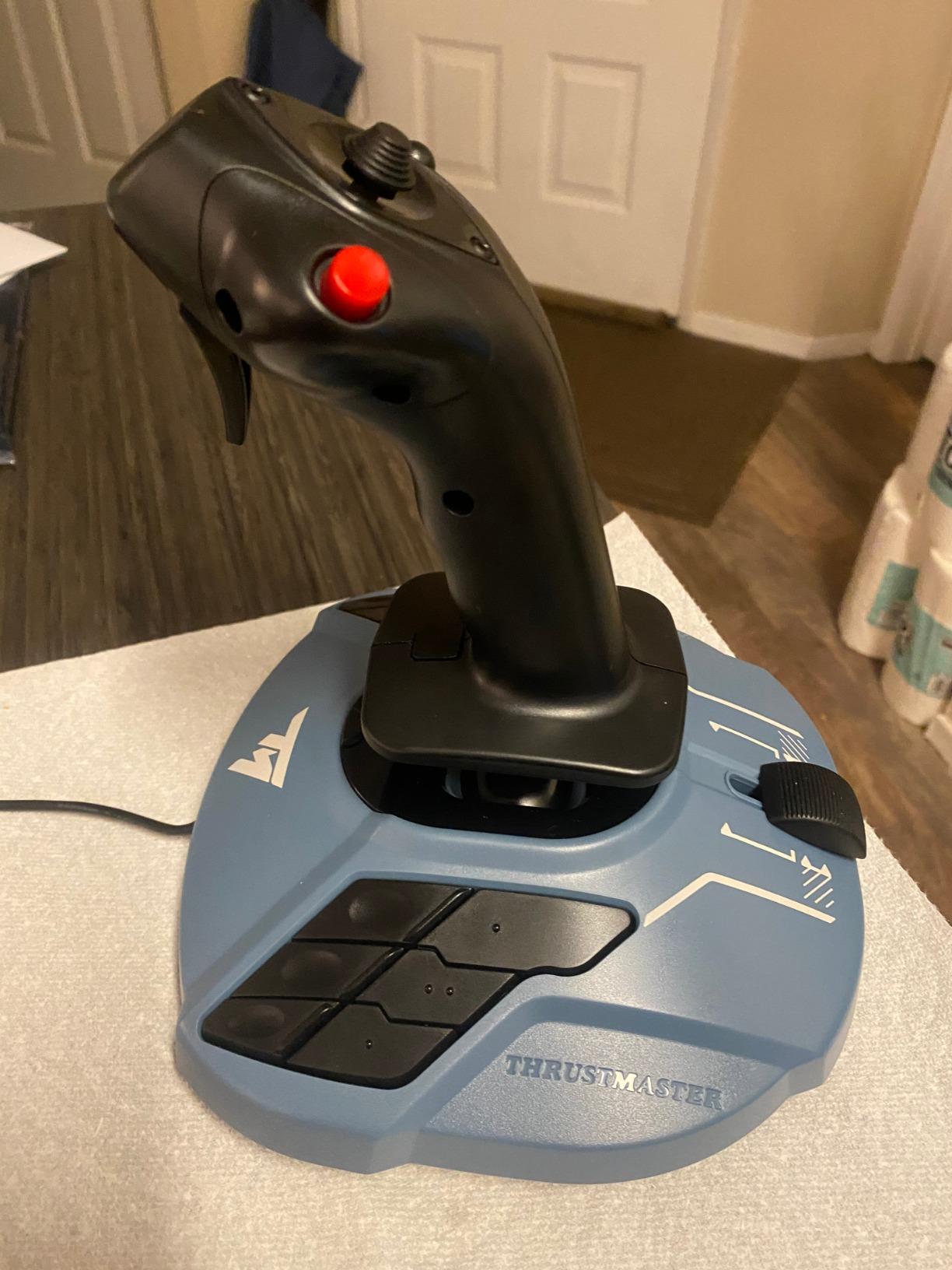
I flew the A320 neo for 11 hours straight with this quadrant, and the Hall Effect sensors make a real difference. There is zero drift, zero dead zone, and the lever resolution is precise enough for those tiny thrust adjustments during final approach.
The detents are the star feature. The mechanical selector lets me switch between Airbus-style detents with the hard stops at climb and flex positions, and a smooth linear mode for GA aircraft. I spent most of my time in detent mode, and the tactile feedback makes power management almost instinctive.
With 16 buttons, I mapped autobrake, landing gear, flaps, speed brakes, and even the AP disconnect without touching the first paragraph:
The Hall Effect magnetic sensors are the headline here. Unlike potentiometer-based throttles that drift after months of use, this should maintain calibration for years. The 2.4-pound weight and 12-inch footprint strike a balance between stability and desk space.
The removable USB connection is a weak point. I have seen forum reports of the connector failing after repeated plugging and unplugging, and Thrustmaster’s quality control has been inconsistent for some batches. I recommend leaving it plugged in permanently and routing the cable carefully.
The Hall Effect magnetic sensors are the headline here. Unlike potentiometer-based throttles that drift after months of use, this should maintain calibration for years. The 2.4-pound weight and 12-inch footprint strike a balance between stability and desk space.
The removable USB connection is a weak point. I have seen forum reports of the connector failing after repeated plugging and unplugging, and Thrustmaster’s quality control has been inconsistent for some batches. I recommend leaving it plugged in permanently and routing the cable carefully.
Buy the TCA Airbus if you primarily fly Airbus aircraft
If you primarily fly Airbus aircraft in MSFS or X-Plane, this is the most authentic experience at a mid-range price. The detents match the A320 power curve exactly, and the button count rivals units that cost twice as much.
Skip the TCA Airbus if you fly Boeing or GA planes
GA pilots and Boeing drivers will not get the same immersive payoff. While the linear mode works fine for Cessnas, the physical shape and detent spacing scream Airbus. If you split time evenly between Boeing and Airbus, the TCA Boeing Edition might be a better fit.
4. Thrustmaster TCA Quadrant Boeing Edition – Official Boeing Licensed Design

Thrustmaster TCA Quadrant Boeing Edition – Throttle Quadrant for Xbox Series X|S & PC, Flight Simulator Controls
Dual throttle
Hall Effect
17 buttons
Xbox and PC
✓ The Good
- Officially licensed
- Dual throttle levers
- Hall Effect sensors
- Xbox compatible
✕ The Bad
- Reverser levers feel flimsy
- Throttle alignment issues
- Autopilot knob jumpy
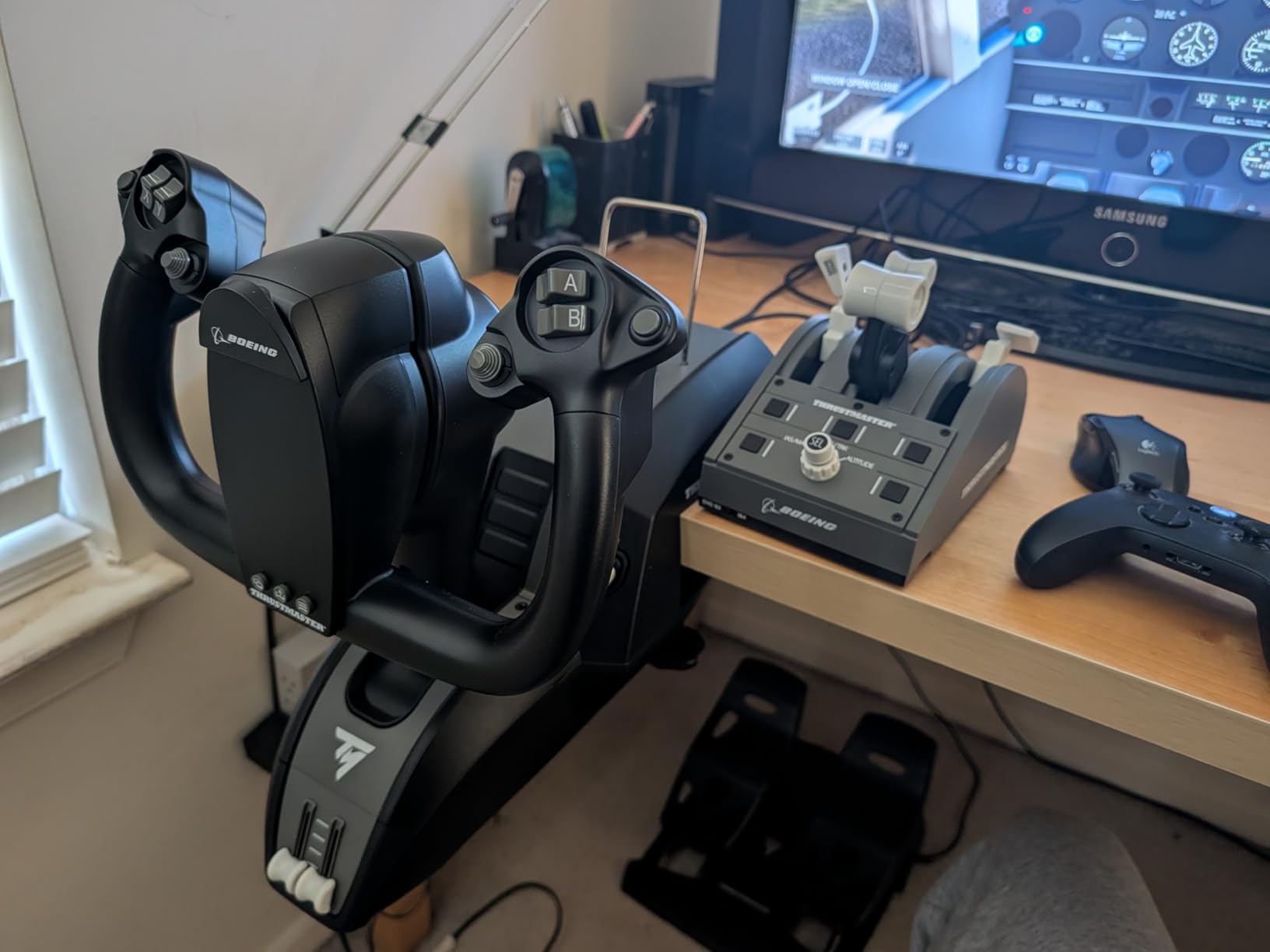
The officially licensed Boeing design is immediately recognizable. The dual throttle levers with adjustable resistance feel like a mini version of a 737 thrust quadrant. I spent most of my testing time in the PMDG 737, and the lever spacing matched my expectations for a twin-engine jet.
Hall Effect sensors deliver the same smooth precision as the Airbus edition. The 17 programmable controls cover autopilot functions, flaps, and speed brakes, and I liked the dedicated reverser levers. However, the reverser levers feel lighter and less substantial than the main thrust levers.
The Xbox compatibility is a genuine differentiator. I connected it to an Xbox Series X and ran MSFS without any adapter or workaround. For console simmers, this is one of the few high-quality throttle options available.
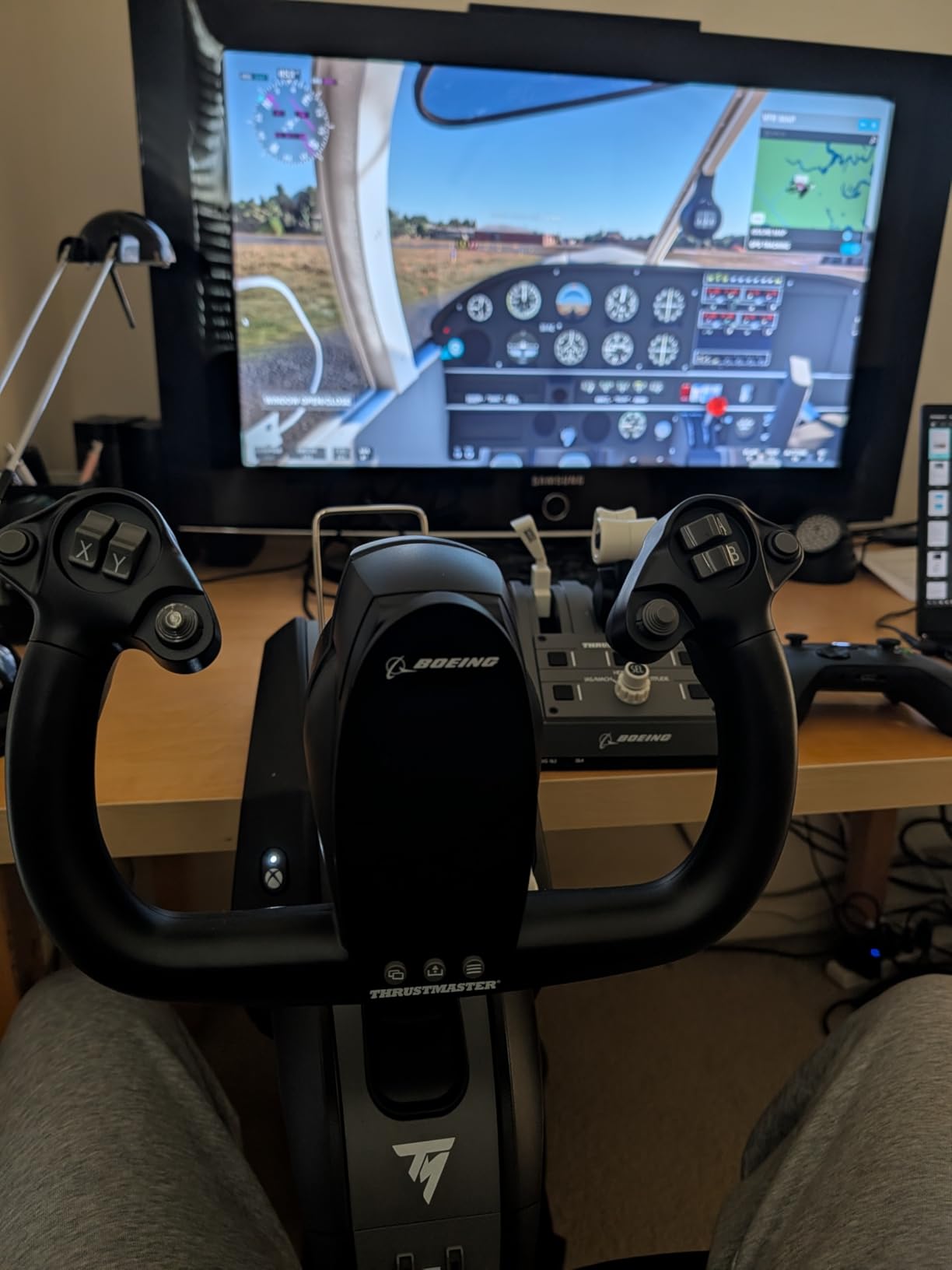
The dual throttle design is built for two engines, not four. If you want to fly the 747 or A380, the lever spacing will feel cramped. The throttle levers also do not align perfectly at idle or full thrust, which can be annoying if you are picky about symmetry.
At 2.35 pounds and roughly 10 by 9 inches, the footprint is reasonable. The build quality is good, though the reverser lever plastic feels like a potential failure point. I also found the autopilot knob adjustment in MSFS to be jumpy, requiring third-party calibration for smooth input.
Buy the TCA Boeing if you use Xbox or fly Boeing narrowbodies
Xbox Series X and S owners who want a proper throttle quadrant should put this at the top of their list. It is also ideal for anyone who spends 80 percent of their time in Boeing narrowbodies like the 737 or 757.
Skip the TCA Boeing if you fly four-engine jets
Four-engine jet fans should look elsewhere. The dual-lever design is physically limiting for quad-engine setups. PC-only pilots who never touch an Xbox might prefer the Honeycomb Bravo for its all-in-one approach at a similar price level.
5. Flight Sim Stuff TPM – Best Handmade GA Controller

Flight Sim Stuff – Throttle and Flaps Controller (TPM) For Flight Simulators PC/Mac
Push-pull controls
Flaps
USB
No drivers needed
✓ The Good
- Realistic push-pull controls
- Flaps support
- No drivers needed
- Great value
✕ The Bad
- Clamp flexes
- Flap switch is stiff
- No buttons on knobs
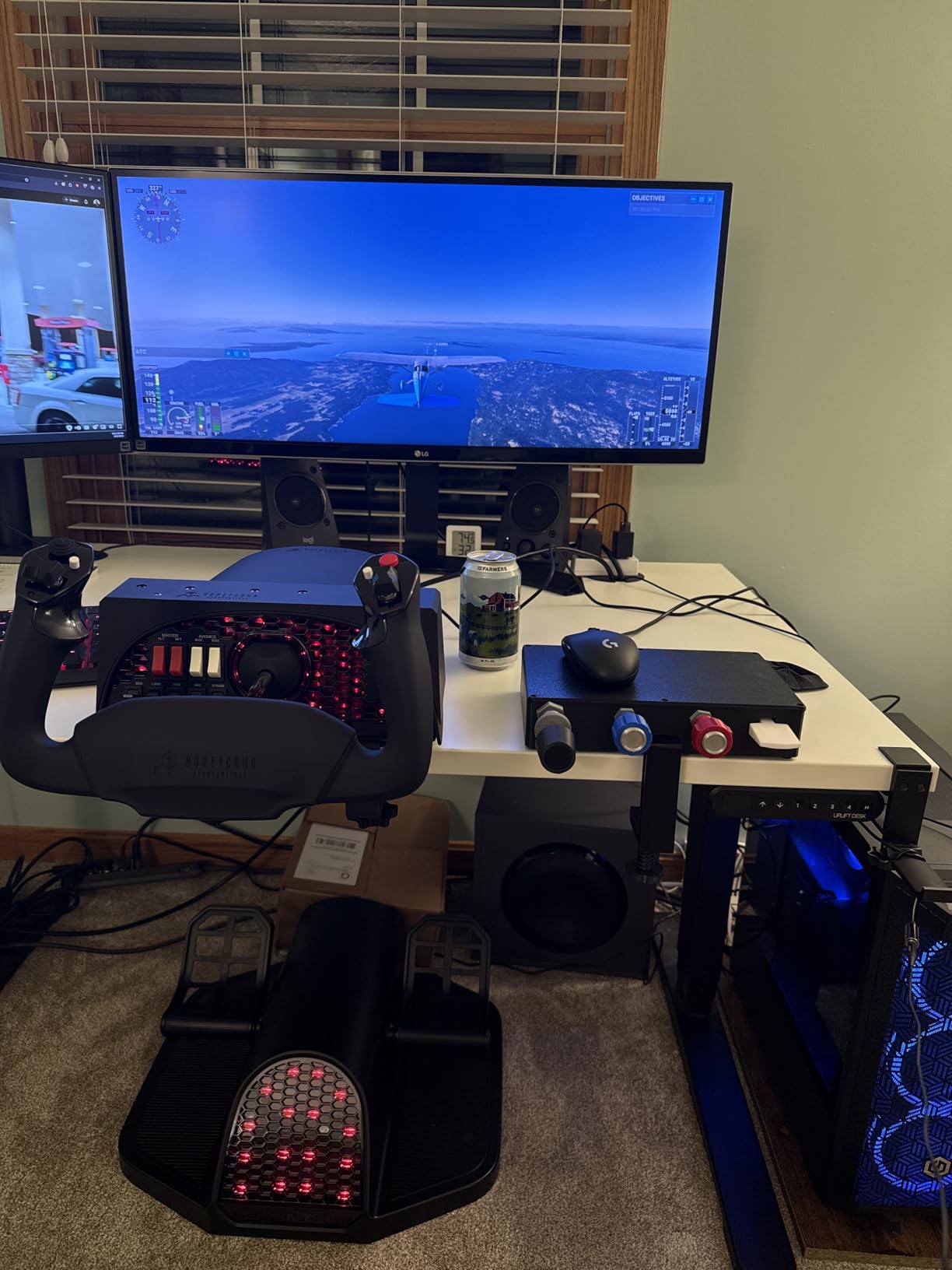
This 3D-printed throttle surprised me. I was skeptical about a handmade unit at this level, but the push-pull throttle, prop, and mixture controls feel more realistic than the Logitech’s sliders. The friction lock nut on the throttle is a nice touch that lets me set a power setting and leave it there.
It worked instantly with MSFS 2024 and X-Plane 12. No drivers, no calibration, no mapping headaches. I just plugged in the USB cable and assigned the axes in the sim.
The flap switch has a satisfying mechanical click, though it is a bit stiff. The included clamp works, but it is clearly 3D printed and flexes when tightened hard. I ended up placing it on a shelf beside my desk rather than clamping it.
The unit is compact at 9.25 by 5.75 inches, so it does not dominate the workspace.
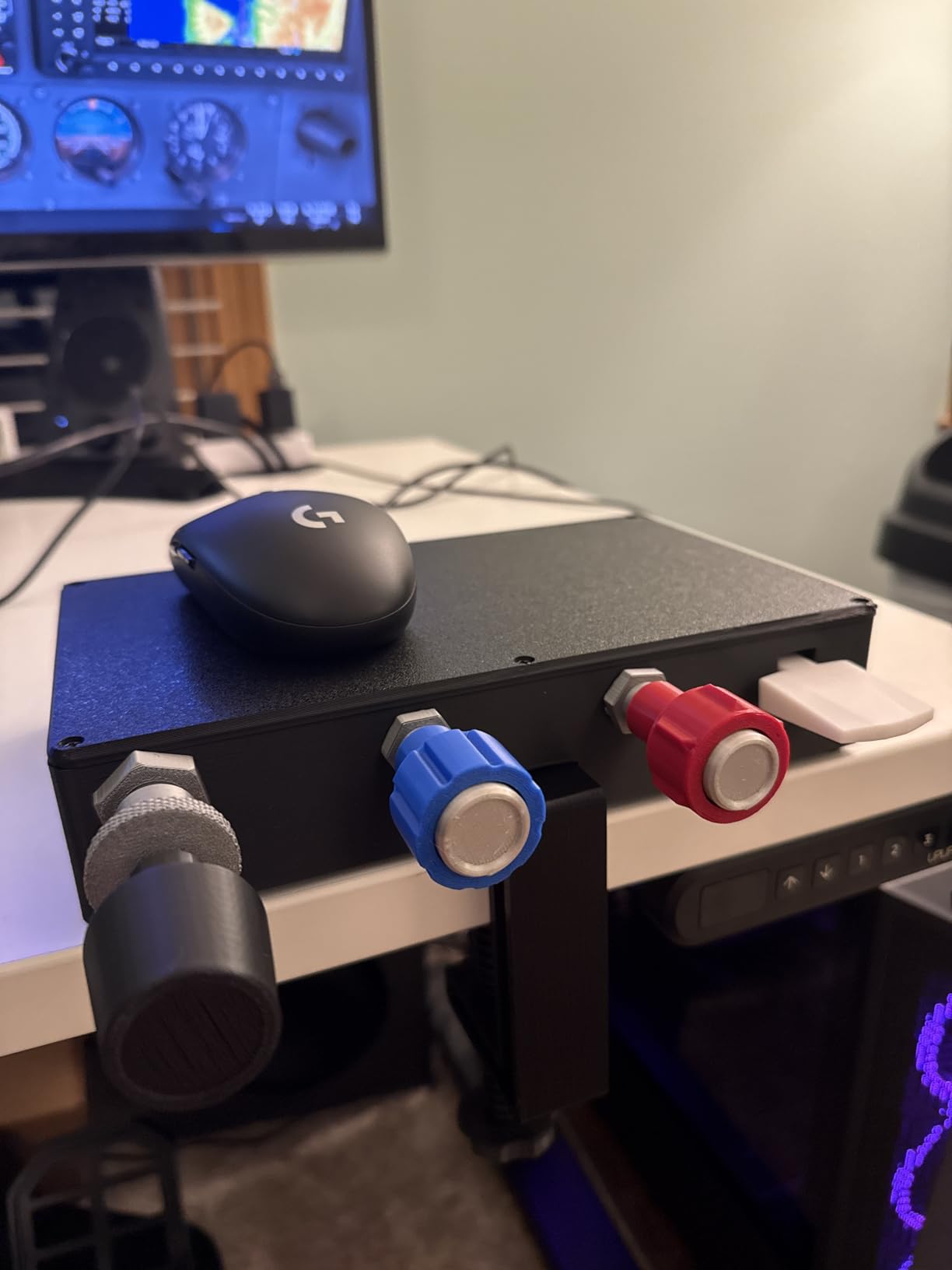
The build quality is impressive for a small-batch product. The push-pull controls are smooth, and the 1.5-pound weight keeps it from sliding around. SPAD.neXT support is a bonus for advanced users who want deeper integration.
Limitations are obvious. The clamp design is the biggest weak point. The flap switch is heavier than I expected, and there are no real buttons on the knobs.
With only 22 reviews, it is a newer product, but the 4.9 rating suggests early adopters are happy.
Buy the Flight Sim Stuff TPM if you want realistic GA controls on a budget
GA pilots who want a dedicated Cessna-style throttle, prop, and mixture setup without spending much will love this. It is the most authentic low-cost GA controller I have tested.
Skip the Flight Sim Stuff TPM if you need a full cockpit panel
If you need a full cockpit panel with autopilot, gear, and annunciators, this is too minimal. It also lacks the clamp strength for aggressive desk mounting. Airliner fans will find zero value here.
6. Cessna USB Style Throttle Flaps and Trim Controller – Most Realistic Cessna Feel

Cessna USB Style Throttle Flaps and Trim Controller (TPM) For Flight Simulators PC/Mac
Push-pull controls
Trim wheel
Flaps
USB
✓ The Good
- Realistic Cessna feel
- Trim wheel
- Smooth controls
- Good customer service
✕ The Bad
- 3D printed material
- Mount may crack
The Cessna-style TPM from Flight Sim Stuff is a step up from their basic model. It adds a trim wheel with 10 complete rotations, a flaps control, and dedicated push-pull levers for throttle, prop, and mixture. I flew the Carenado Cessna 172 for eight hours with this unit, and the muscle memory transfer was immediate.
The build quality is noticeably better than the basic TPM. At 2 pounds and 12 inches wide, it feels substantial on the desk. The trim wheel is the standout feature.
Ten full rotations give you the precise elevator trim control that digital trim wheels simply cannot match. Customer service is worth mentioning. The manufacturer responds quickly to questions, and the 1-year warranty gives peace of mind.
It works with both Windows and Mac, and I had zero driver issues across MSFS 2024 and X-Plane 12.
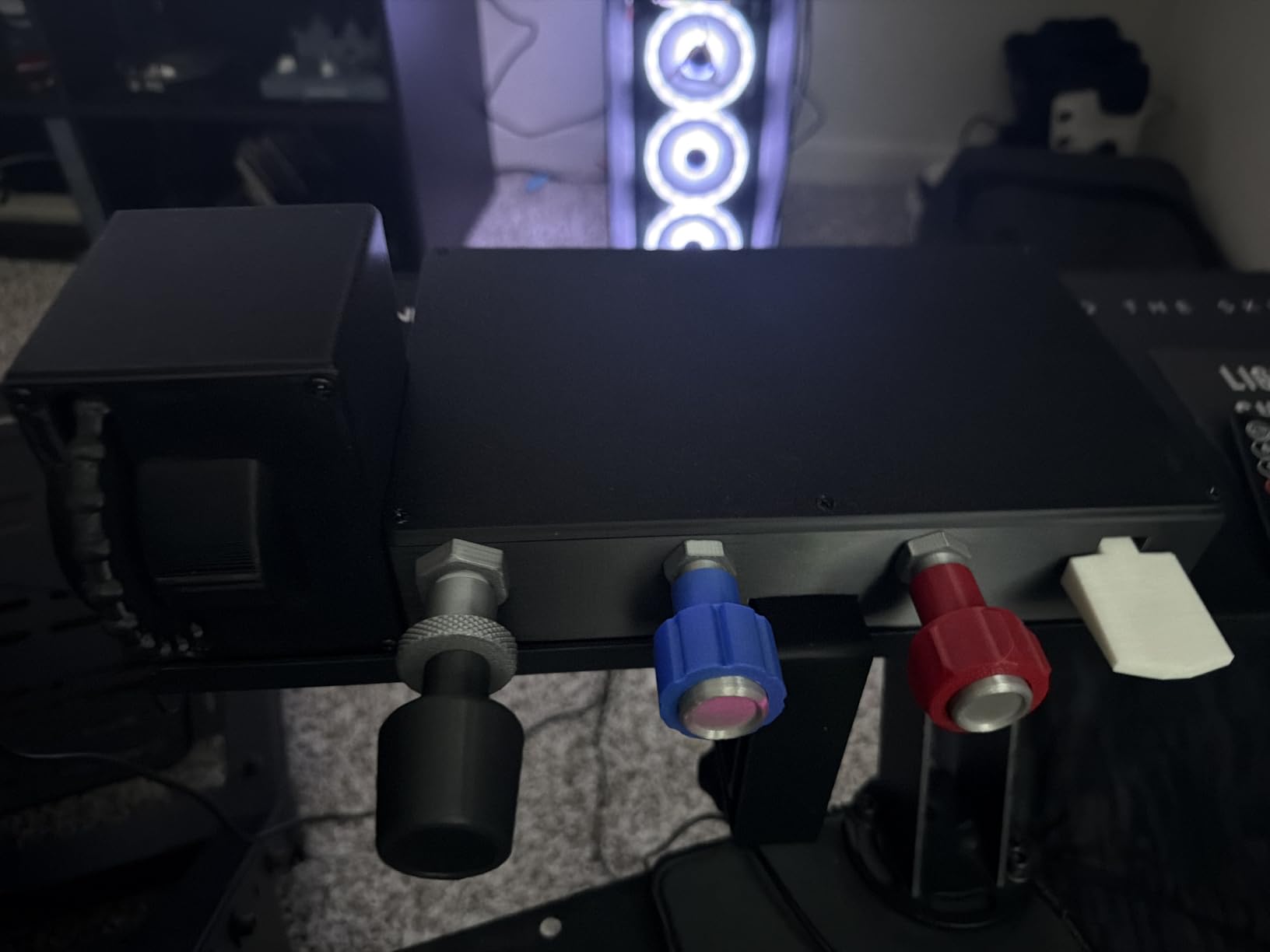
The 3D-printed construction is both a pro and a con. It keeps the cost low while delivering features usually found in more expensive units. However, the screw mount can crack if over-tightened, and the material will not survive a drop onto a hard floor.
The 10-foot USB cable is generous. I routed it under my desk and still had slack. The button count is 10, which is plenty for a GA-focused controller.
The 81 percent five-star rating from 133 reviews is a strong signal that this is a reliable niche product.
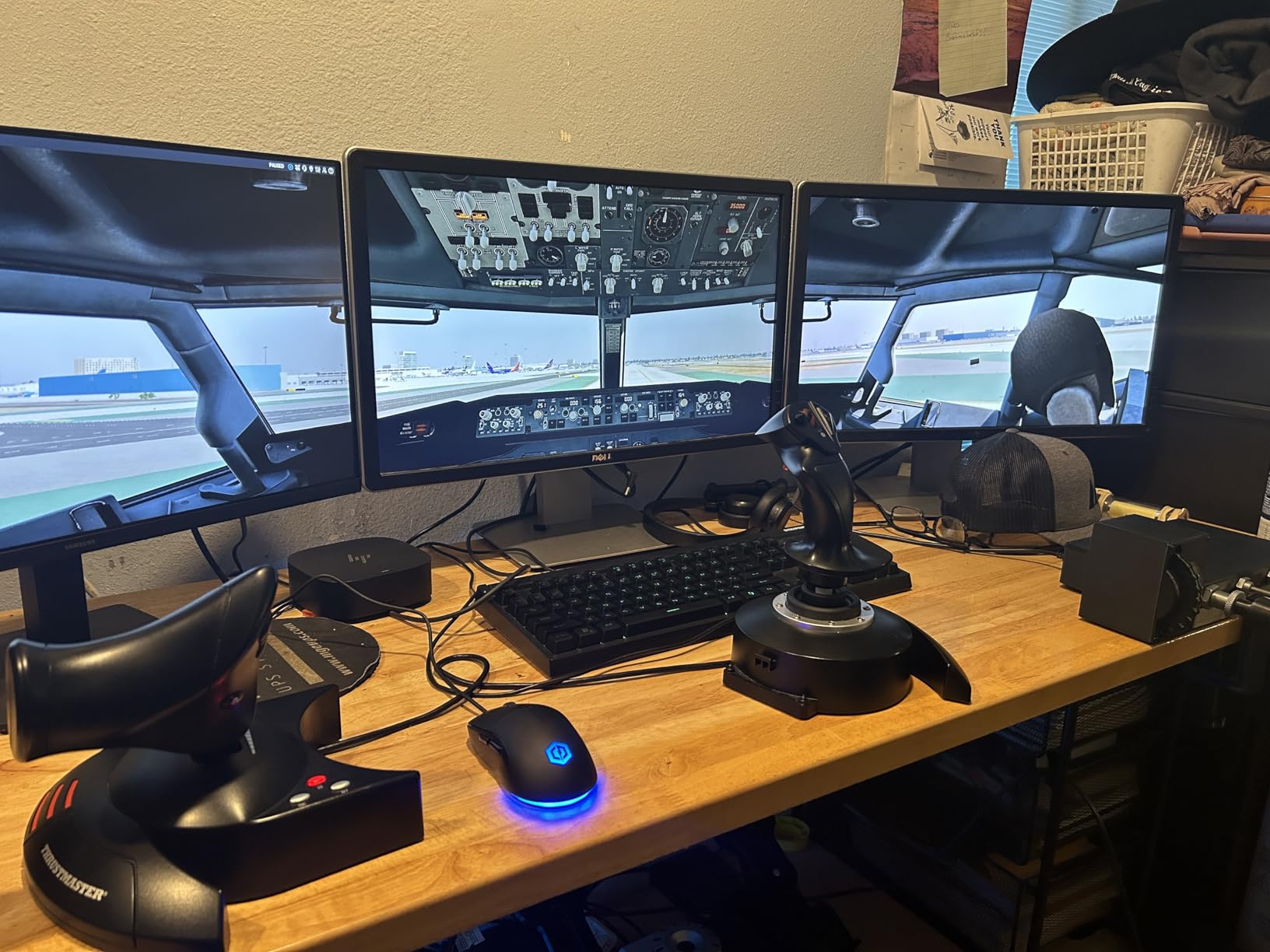
Buy the Cessna TPM if you want the most realistic Cessna experience
Student pilots and GA enthusiasts who want the most realistic Cessna experience outside of a premium Honeycomb Sierra will find this to be the sweet spot. The trim wheel alone justifies the upgrade over the basic TPM.
Skip the Cessna TPM if you fly airliners or fighters
Anyone flying airliners, fighters, or helicopters should look elsewhere. This is purpose-built for piston singles. The 3D-printed construction also makes it less durable than mass-produced alternatives, so hardcore daily users might want a metal unit.
7. Honeycomb Sierra TPM Module – Premium GA Vernier Controls

Honeycomb Sierra TPM Module – GA Throttle Quadrant for flight simulation, metal vernier axes, advanced flight controls – trim…
Vernier axes
Trim wheel
Parking brake
USB-C
✓ The Good
- Metal vernier axes
- High-res trim wheel
- Parking brake
- Premium build
✕ The Bad
- Controls too close
- Trim wheel requires many rotations
- Quality control issues
The Sierra TPM is Honeycomb’s answer to dedicated GA pilots. The vernier-style throttle, prop, and mixture levers are color-coded and lockable with a twist. At 9.5 pounds, this is the heaviest throttle in our roundup, and it feels like a piece of real avionics.
The high-resolution trim wheel is leagues better than the digital wheel on the Bravo. However, it requires many rotations for small adjustments, which is realistic but tedious. The parking brake is a welcome addition, and the flap lever and gear lever with LED indicators match the Bravo’s quality.
I tested it with the Bravo yoke, and the integration is easy. The USB-C connection and plug-and-play setup match the Bravo experience. However, the TPM controls sit close together, and users with larger hands might find the spacing cramped.
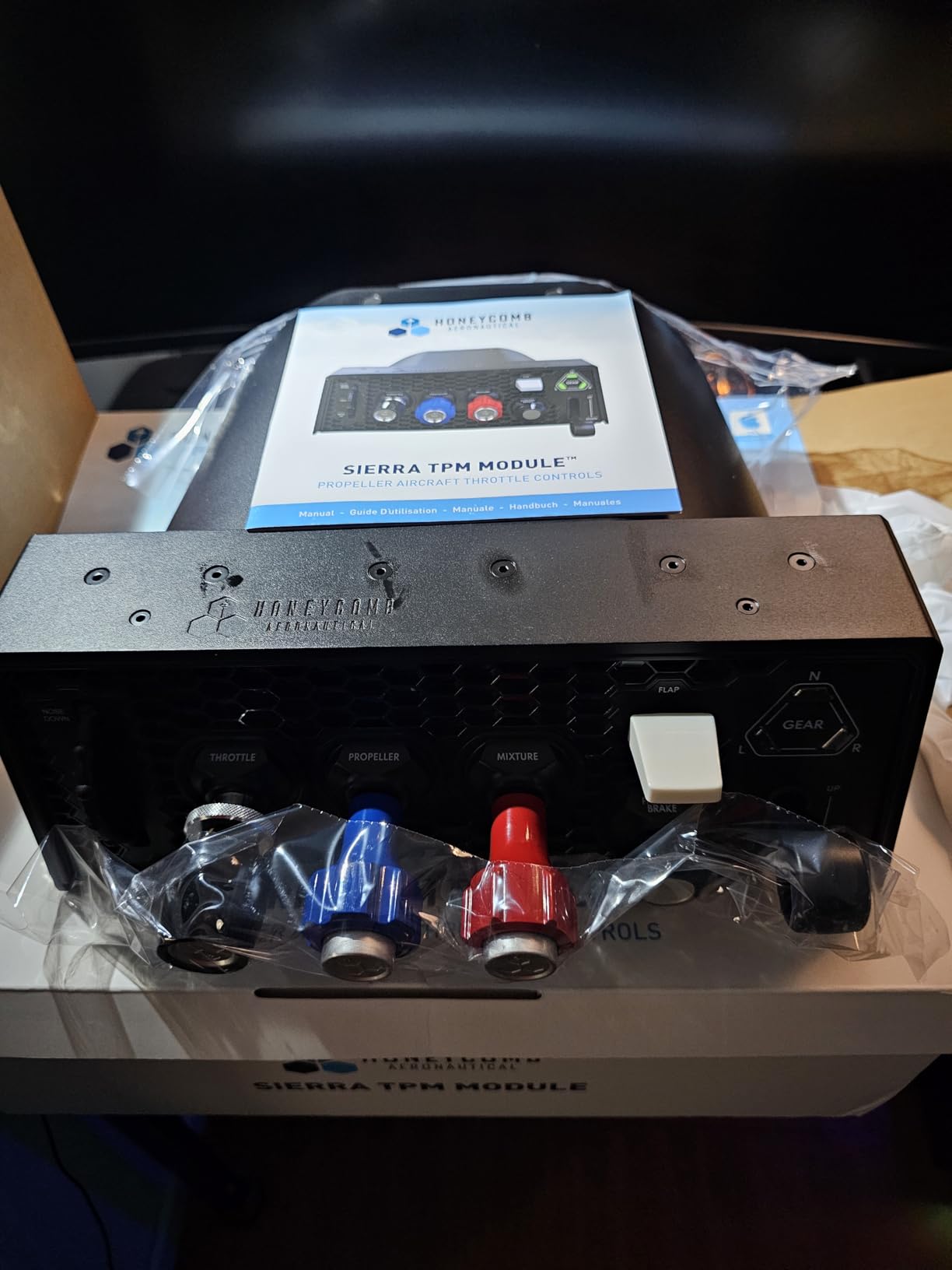
The metal vernier axes are the headline feature. They deliver the precise push-twist-pull motion found in real Cessna aircraft. The 9.5-pound weight eliminates any sliding issues, and the premium metal components justify the cost.
The 3.8 rating with only 29 reviews is concerning. Half the users love it, but quality control issues and the tight lever spacing drag the score down. It also requires third-party software for full binding in some simulators, which adds setup complexity.
Buy the Honeycomb Sierra if you want authentic vernier metal levers
GA pilots who want the most authentic vernier throttle experience and already own a Honeycomb ecosystem will appreciate this module. The metal construction and realistic controls are unmatched in the sub-premium category.
Skip the Honeycomb Sierra if you have large hands
If you are not already invested in the Honeycomb ecosystem, the setup friction and quality control risk make it a harder sell. The tight lever spacing is also a dealbreaker for users with larger hands or those who wear gloves while flying.
8. Thrustmaster Viper TQS Mission Pack – Best Combat Flight Sim Throttle

Thrustmaster Viper TQS Mission Pack Metal Throttle Quadrant System with Control Panel, 64 Action Buttons, Hall Effect…
Hall Effect sensors
64 buttons
6 axes
Metal build
✓ The Good
- Surgical precision
- Full metal build
- 64 buttons
- Modular design
✕ The Bad
- Base can tip
- Software is clunky
- Switch reliability issues
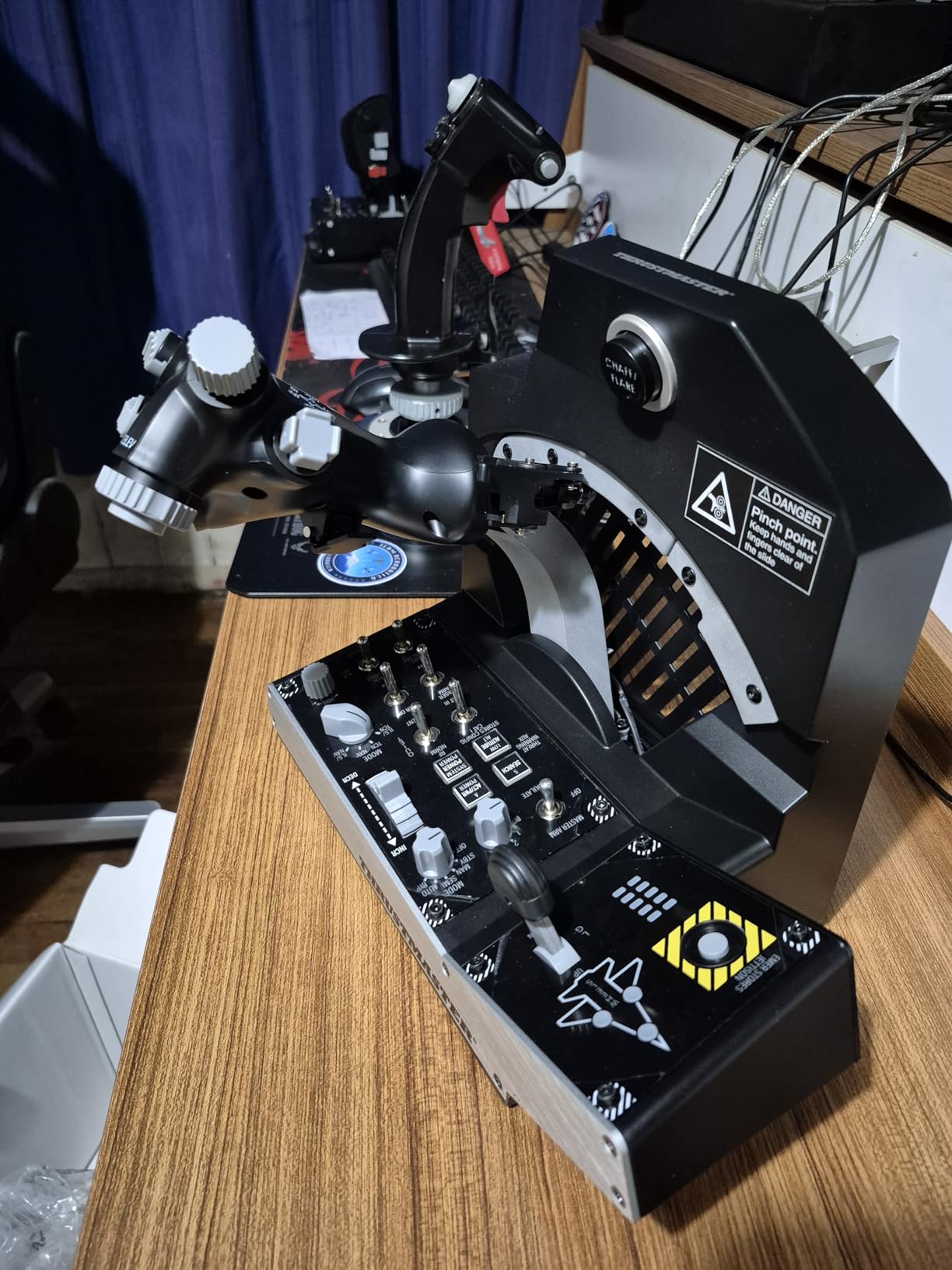
The Viper TQS is a beast. At 9.8 pounds and with a full metal throttle quadrant, it is built for DCS World and combat simulators. The 16-bit resolution across 65,536 values gives you surgical precision for aerial refueling and formation flying.
The 64 action buttons are staggering. I mapped every weapon system, counterweight, and sensor control without running out of inputs. The CHAFF and FLARE slap switch is a brilliant touch that adds immersion to evasive maneuvers.
The modular control panel with hot-swap capability means I can rearrange the layout for different aircraft. The T MOD hot swap technology works exactly as advertised. I swapped modules in under 30 seconds without rebooting.
The adjustable backlighting is subtle but useful for late-night missions. Afterburner detents are crisp and satisfying.
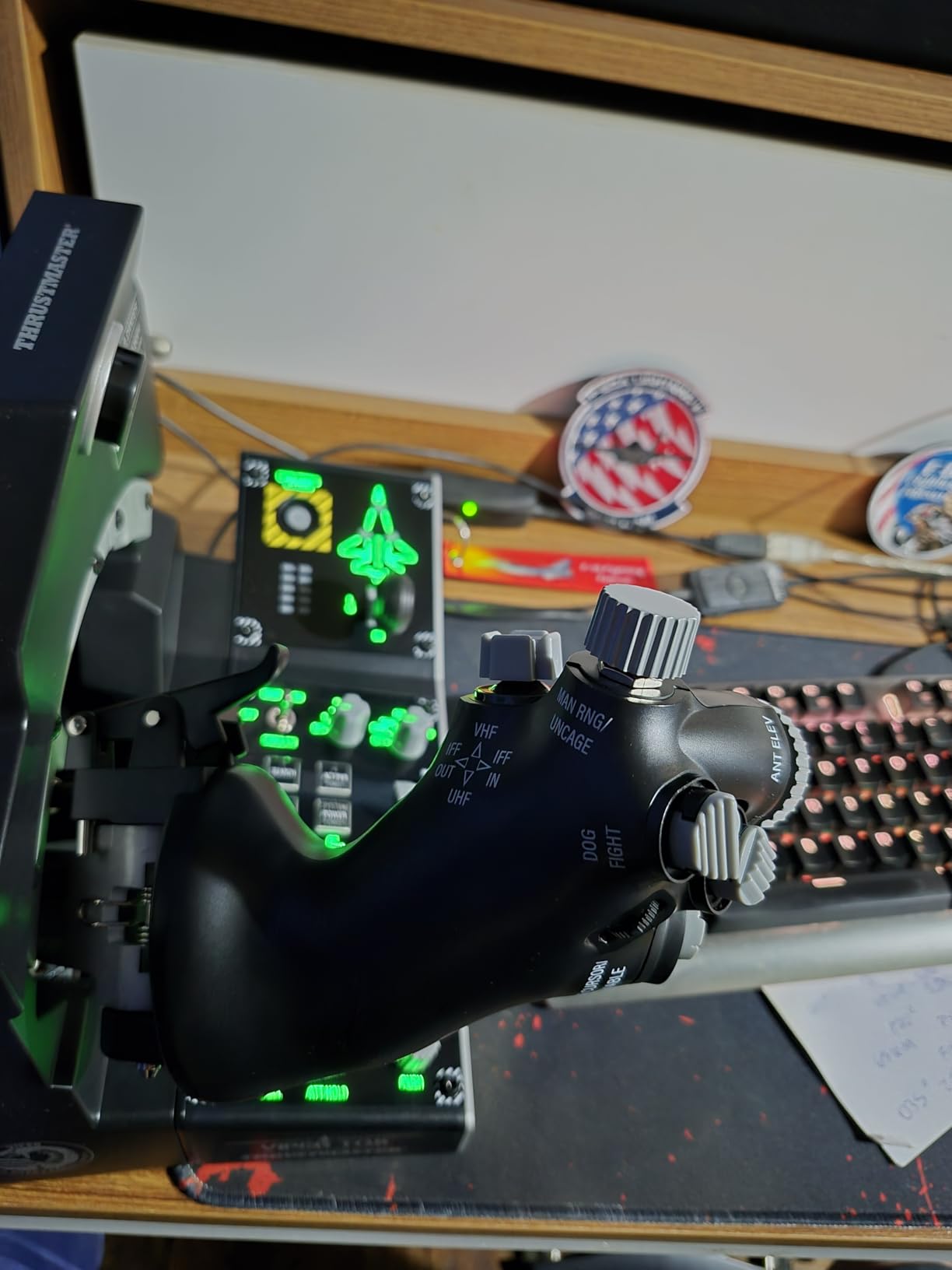
The Hall Effect magnetic sensors are paired with a full metal construction that replicates the F-16 feel. At this level, this is a serious investment. The 6 axes and 64 buttons make it overkill for civilian flight simulators, but it is perfect for DCS World and combat aviation.
The base is not weighted enough for the height of the unit. On a smooth desk, it can tip forward if you push hard on the top controls. LED configuration requires Thrustmaster’s TARGET software, which is clunky.
Some users also report switch reliability issues after extended use.
Buy the Viper TQS if you play DCS World or combat simulators
DCS World players and combat sim enthusiasts who want the most authentic F-16 experience will find this to be the best throttle on the market. The button density and metal construction are unmatched for military simulation.
Skip the Viper TQS if you never fly military aircraft
Civilian pilots and airline simmers should avoid this entirely. The layout is fighter-centric, and the high cost is wasted if you never fire a missile. The tipping issue also means you need a dedicated cockpit mount or a rough desk surface.
9. Thrustmaster HOTAS Warthog Dual Throttle – A-10C Replica with Heavy Metal Build
Thrustmaster HOTAS Warthog Dual Throttle Quadrant, Flight Simulator Controls with Metal Construction and Magnetic Sensors…
3D magnetic sensors
Metal build
17 buttons
USB
✓ The Good
- Excellent precision
- Heavy metal build
- Authentic A-10C feel
- Stable base
✕ The Bad
- Friction dial is slow
- Switch durability issues
- Requires software
The Warthog is a classic for a reason. The 3D magnetic sensors on both throttles deliver precision that holds up after years of use. The heavy metal hand rest and weighted base over 6.5 pounds make this feel like a real A-10C throttle quadrant.
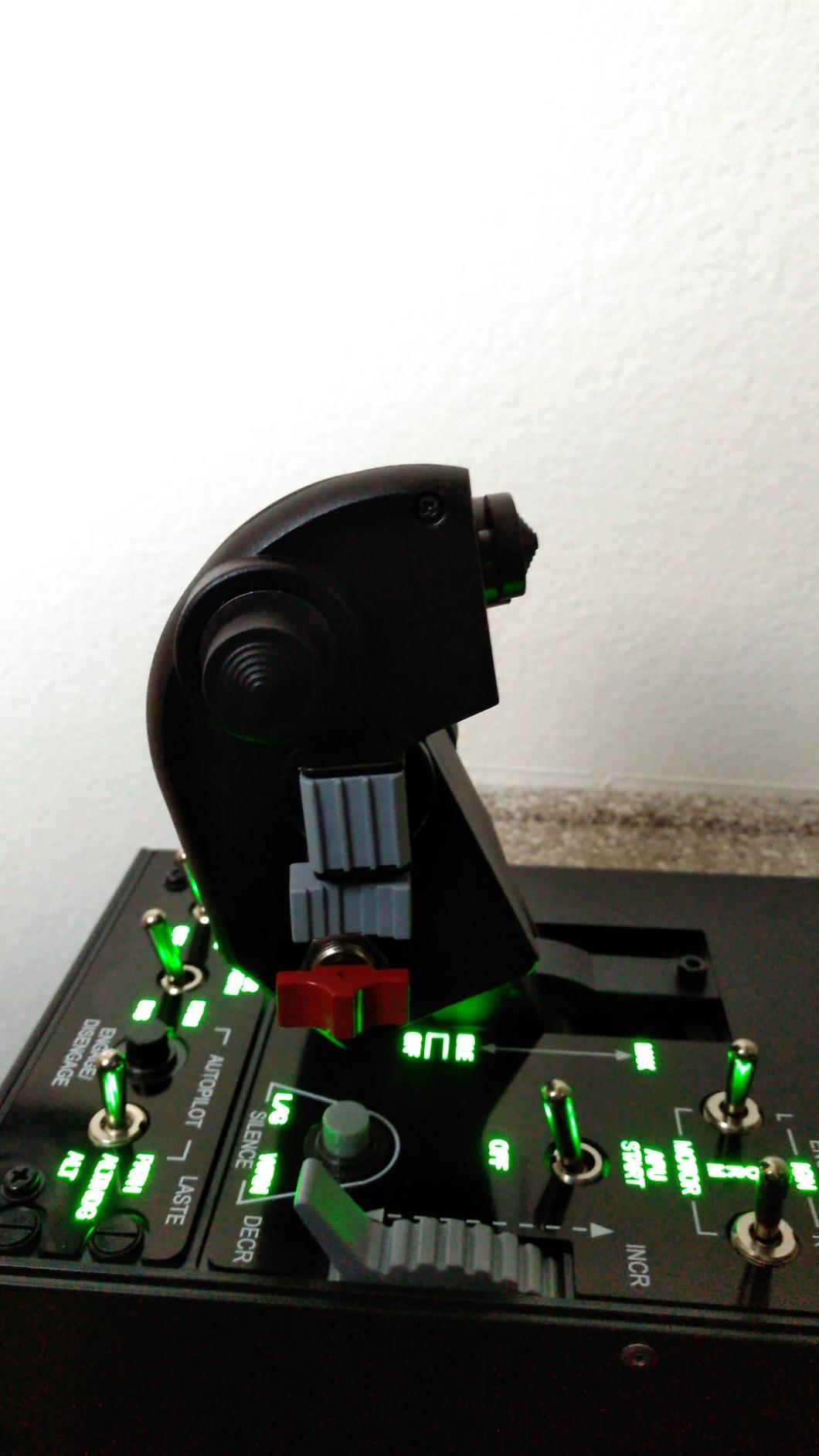
I flew the A-10C in DCS World for 14 hours with this setup. The idle detent with pull-and-push action and the afterburner detent are mechanically satisfying. The 17 action buttons plus mouse hat and eight-way POV hat give you full HOTAS control without ever touching the keyboard.
The adjustable friction system is useful, but the dial requires many turns to make noticeable changes. I set it once and left it. The T.A.R.G.E.T. software is powerful but intimidating for newcomers.
I spent an hour setting up profiles before I was comfortable.
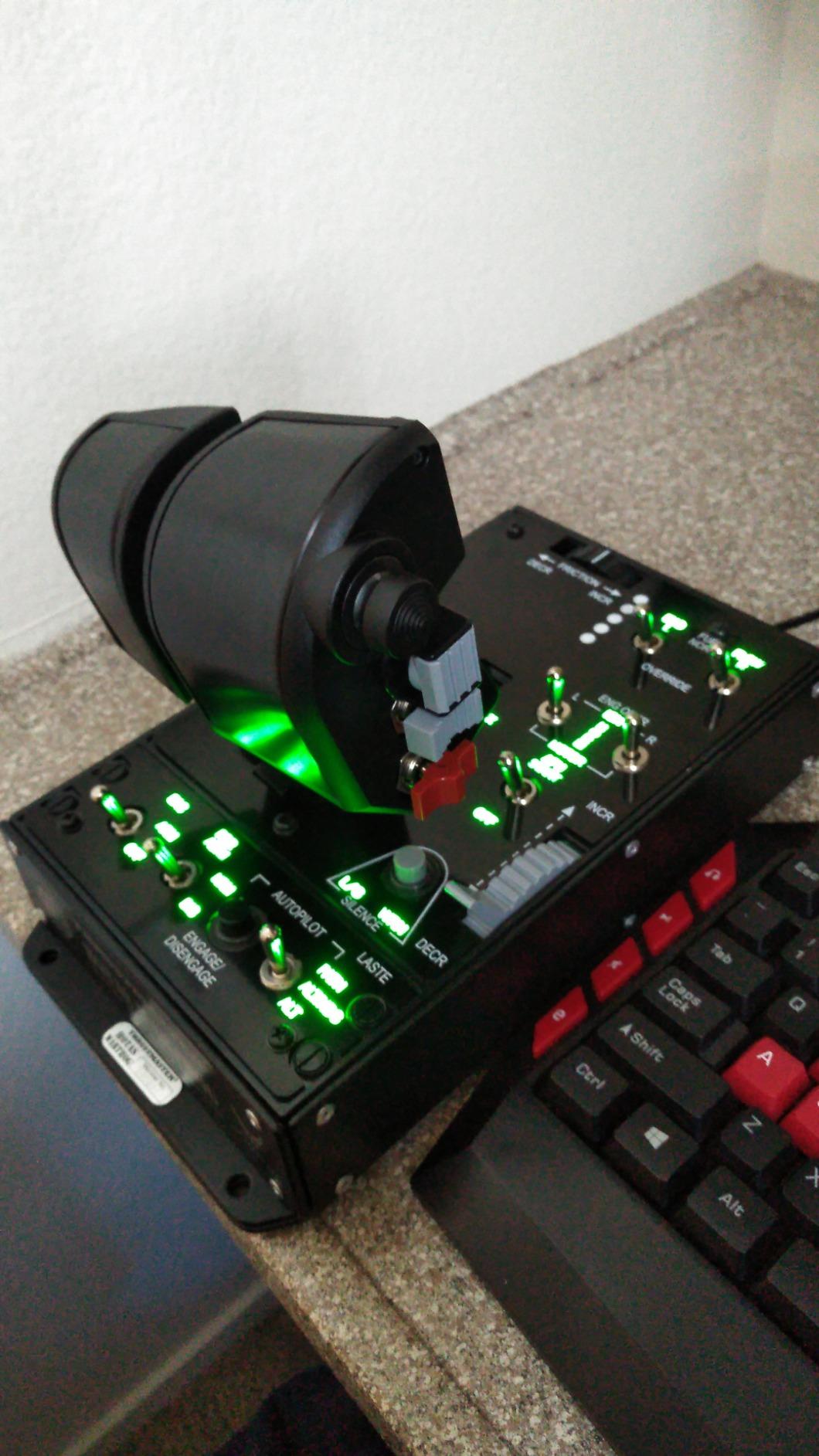
The metal construction is the real selling point. At 11.33 pounds, this is the heaviest throttle in our guide. The 12.65-inch footprint is large but stable.
The 3D magnetic sensors avoid the drift issues that plague cheaper potentiometer units. Switch durability is the main concern. Forum users report failures after 12-18 months of heavy use.
The friction dial is also a common complaint. At this level, it is expensive for a design that has been on the market for several years, though the A-10C replica authenticity justifies the cost for fans.
Buy the HOTAS Warthog if you want the iconic A-10C replica
A-10C pilots and DCS World fans who want the most iconic combat throttle on the market will not be disappointed. The metal construction and magnetic precision are still competitive in 2026.
Skip the HOTAS Warthog if you want modern plug-and-play software
Anyone flying civilian aircraft or looking for a modern plug-and-play experience should look elsewhere. The T.A.R.G.E.T. software is dated, and the switch reliability issues are well-documented. For the same money, the Viper TQS offers more modern features.
10. Thrustmaster TCA Quadrant Add-On Airbus Edition – Essential Expansion Module

Thrustmaster TCA Quadrant Add-On Airbus Edition, Throttle Quadrant Flight Sim Accessories with Flaps, Speed Brake, Landing…
15 functions
Flaps
Speed brake
Magnetic
✓ The Good
- 15 extra functions
- Flaps lever
- Speed brake
- Magnetic sensors
✕ The Bad
- USB connection issues
- Needs main TCA unit
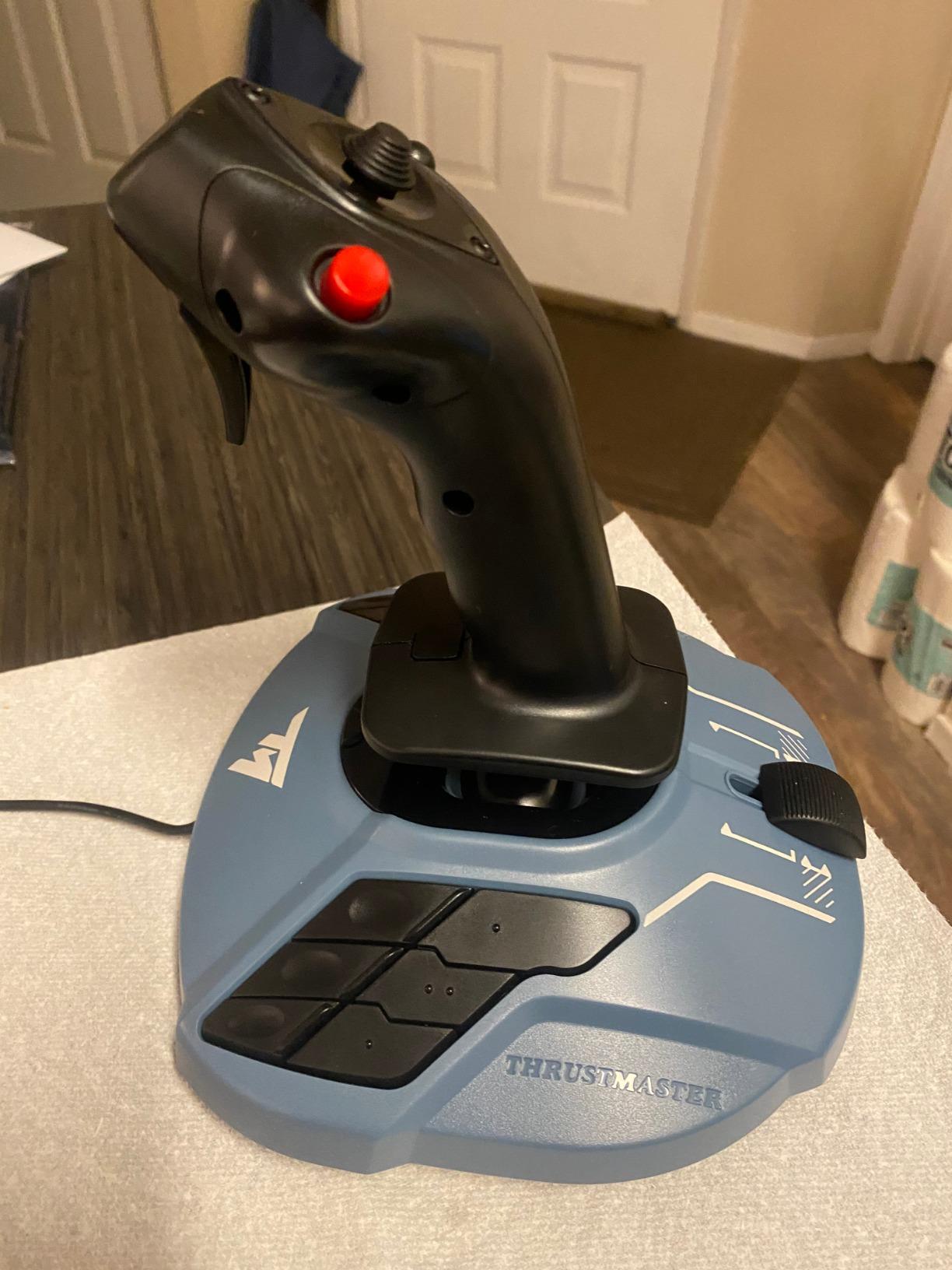
This is not a standalone throttle. It is an add-on module that expands the TCA Quadrant Airbus Edition with 15 additional functions. I paired it with the main TCA unit, and the combination created the most complete Airbus cockpit experience at a premium level.
The dedicated flaps and speed brake levers are the obvious additions. I also appreciated the trim control, landing gear lever, autobrake, rudder trim, and parking brake. The magnetic sensor precision matches the main unit, and the non-slip rubber feet keep both units aligned on the desk.
With 10 programmable buttons and 5 virtual buttons, the total button count across both units is impressive. The integration is seamless, and both units are recognized as a single controller in MSFS. I mapped the full autobrake system, landing gear, and flaps without any additional software.
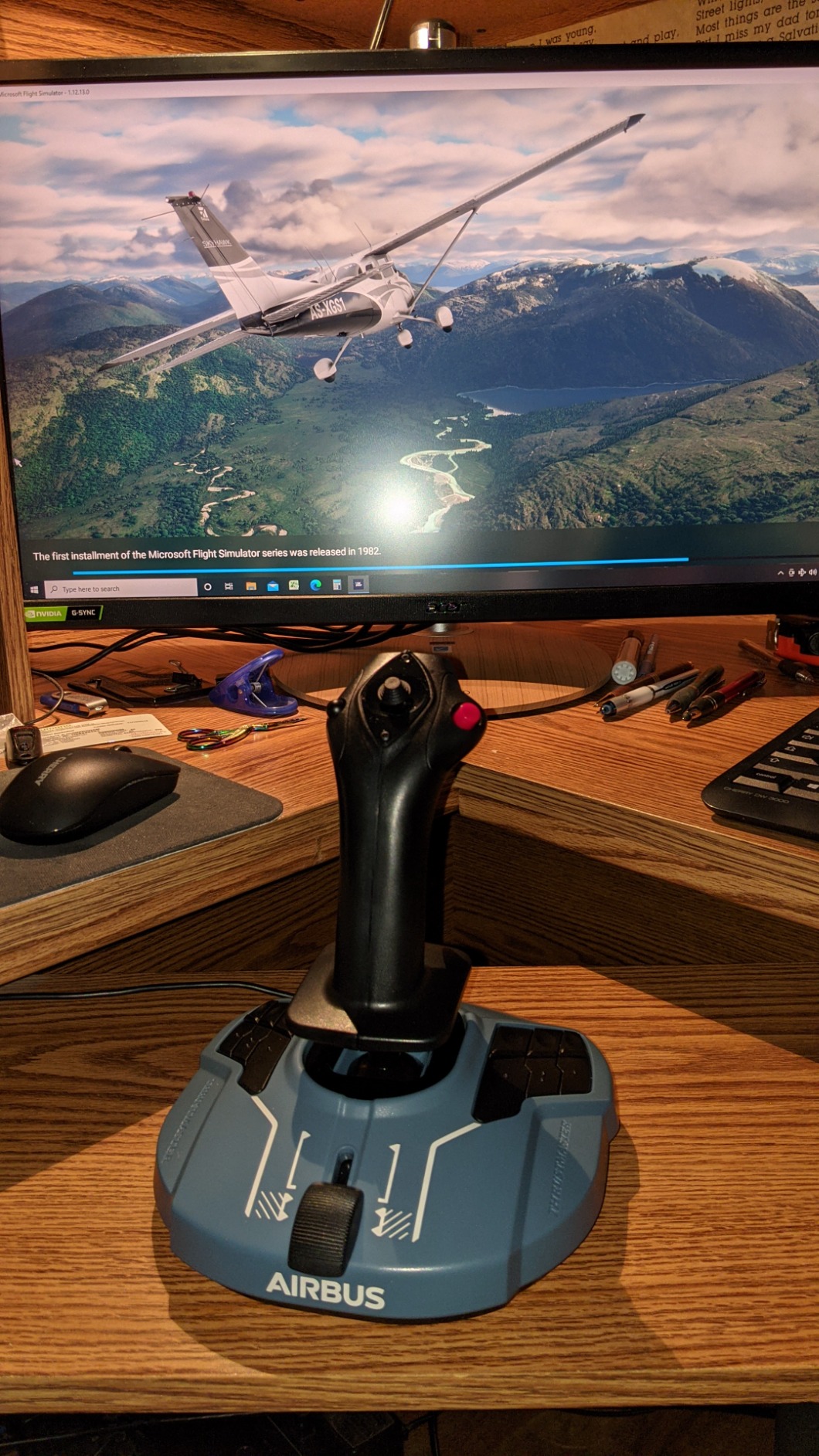
The add-on uses the same magnetic sensor technology and plastic construction as the main TCA Airbus quadrant. At 2.02 pounds, it is light enough to sit beside the main unit without shifting. The 15 functions it adds are exactly what Airbus pilots need for a full cockpit experience.
The main concern is the USB connector durability. Like the main TCA unit, the removable USB connection can loosen over time. You also need the main TCA Airbus quadrant for this to work.
It cannot function as a standalone throttle, which limits its appeal.
Buy the TCA Add-On if you already own the TCA Airbus quadrant
Airbus simmers who already own the TCA Quadrant Airbus Edition and want the full A320 experience should buy this immediately. The flaps and speed brake levers alone make it worth the purchase.
Skip the TCA Add-On if you do not own the main TCA unit
If you do not own the main TCA Airbus quadrant, this is useless. It is also overkill for GA pilots. Boeing drivers should look at the Honeycomb Bravo or TCA Boeing Edition instead.
11. Thrustmaster Sol-R6 Flight Throttle – Innovative Slide Rail Design

Thrustmaster Sol-R6 Flight Throttle – S.M.A.R.T. Slide Rails Technology, Adjustable Detent, Built-In Rudder, 14 Assignable…
S.M.A.R.T. slide rails
14 actions
Hall Effect
USB
✓ The Good
- Smooth slide rails
- Customizable detents
- Built-in rudder
- 14 actions
✕ The Bad
- Software is clunky
- Mini stick drift
- Quality control issues
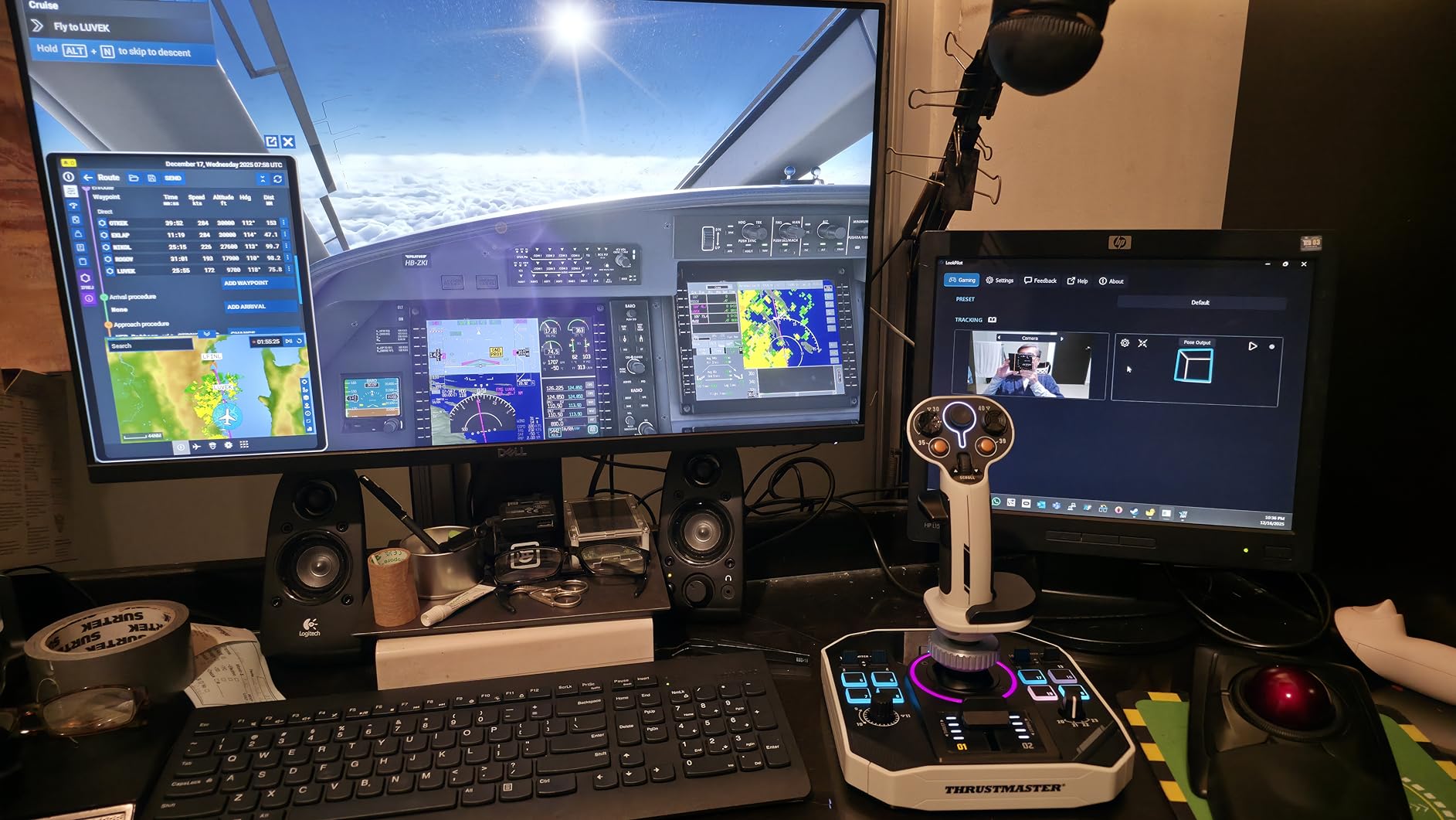
The Sol-R6 uses S.M.A.R.T. slide rails technology, and the 3.1 inches of travel feels different from any other throttle I tested. The movement is linear and smooth, with four detent configurations including none, fifty percent, eighty percent afterburner, and dual detent.
The built-in 15-degree rudder axis is a clever addition. It automatically re-centers, and I found it useful for taxiing and crosswind landings when I did not have my pedals connected. The 14 assignable actions are enough for most flight sim setups, and the heavy base prevents sliding.
However, the T.A.R.G.E.T. software is frustrating. It looks and feels like it was designed a decade ago. I spent 45 minutes mapping basic functions that took five minutes on the Honeycomb.
The mini sticks also showed slight drift after three weeks of use.
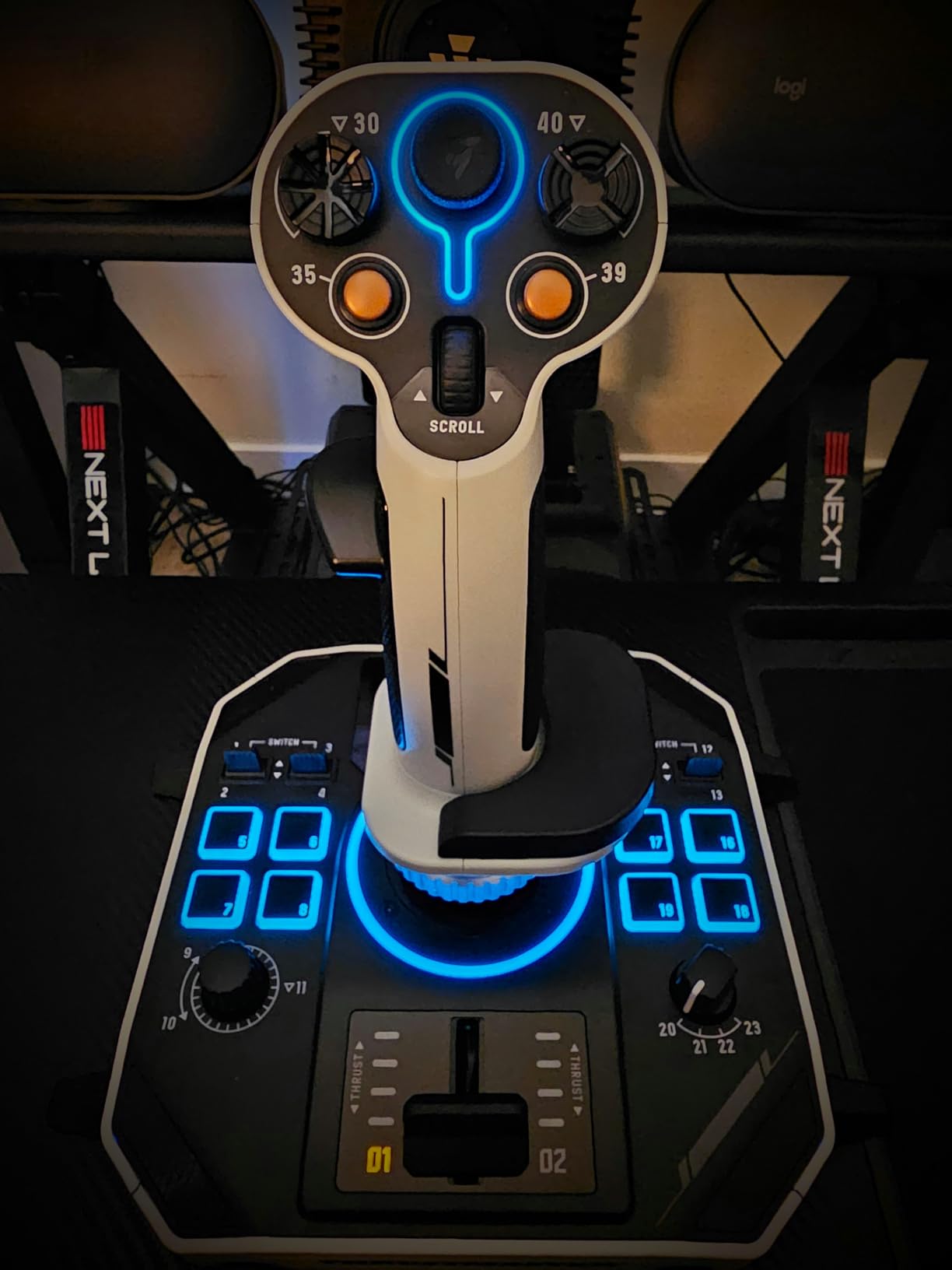
The Hall effect sensors are solid, and the customizable detent positions are genuinely useful. The white color scheme is unique, though it will show dirt over time. The unit is sturdy and well-built, with a premium feel that belies its cost.
Quality control is inconsistent. Some users report perfect units, while others have mini stick drift issues within weeks. The manual is poorly translated and confusing.
Despite these issues, the 4.1 rating from 193 reviews suggests most buyers are satisfied.
Buy the Sol-R6 if you want customizable detents and built-in rudder
Pilots who want a modern throttle with customizable detents and built-in rudder control will appreciate the innovation. It is a strong mid-tier option for MSFS and X-Plane users who want something different from the standard slider design.
Skip the Sol-R6 if you already own rudder pedals
If you already own a rudder pedal set, the built-in rudder axis is redundant. The T.A.R.G.E.T. software requirement is also a dealbreaker for anyone who wants a plug-and-play setup. For a similar cost, the TCA Airbus offers better build consistency.
12. Logitech G PRO Flight Yoke System – Complete Yoke and Throttle Combo

Logitech G PRO Flight Yoke System, Professional Simulation Yoke and Throttle Quadrant, 3 Modes, 75 Programmable Controls…
Steel yoke shaft
54+ controls
Throttle
USB
✓ The Good
- Steel yoke shaft
- 54+ controls
- Throttle included
- 2-year warranty
✕ The Bad
- Spring tension feels stiff
- Dead zones
- Reliability issues
This is a yoke system first, throttle quadrant second. The stainless steel yoke shaft is smooth and accurate, and the included throttle quadrant gives you three axes for throttle, prop, and mixture. I tested it with the Cessna 172 and the Baron 58, and the yoke feedback was excellent for building muscle memory.
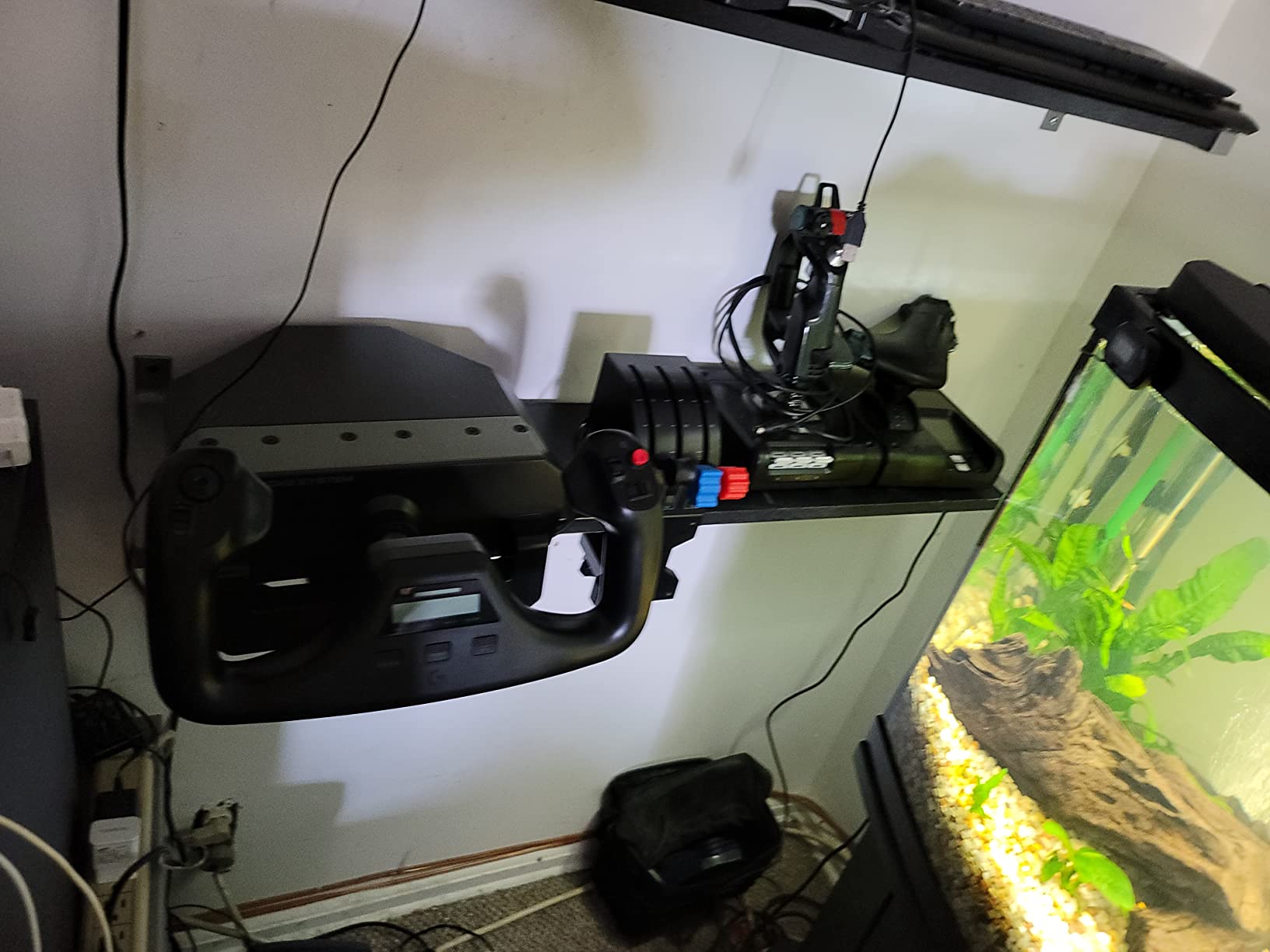
The 54+ programmable controls are impressive. The 3-position mode switch effectively triples the button count, and the POV hat with 14 button controls gives you plenty of mapping options. The 2-position desk clamp holds the yoke securely, and the whole unit is recognized as a single controller.
The throttle quadrant included here is nearly identical to the standalone Logitech PRO unit. It has the same three axis levers, six buttons, and plastic construction. The difference is that you get the yoke bundled with it, making this a complete entry-level cockpit.
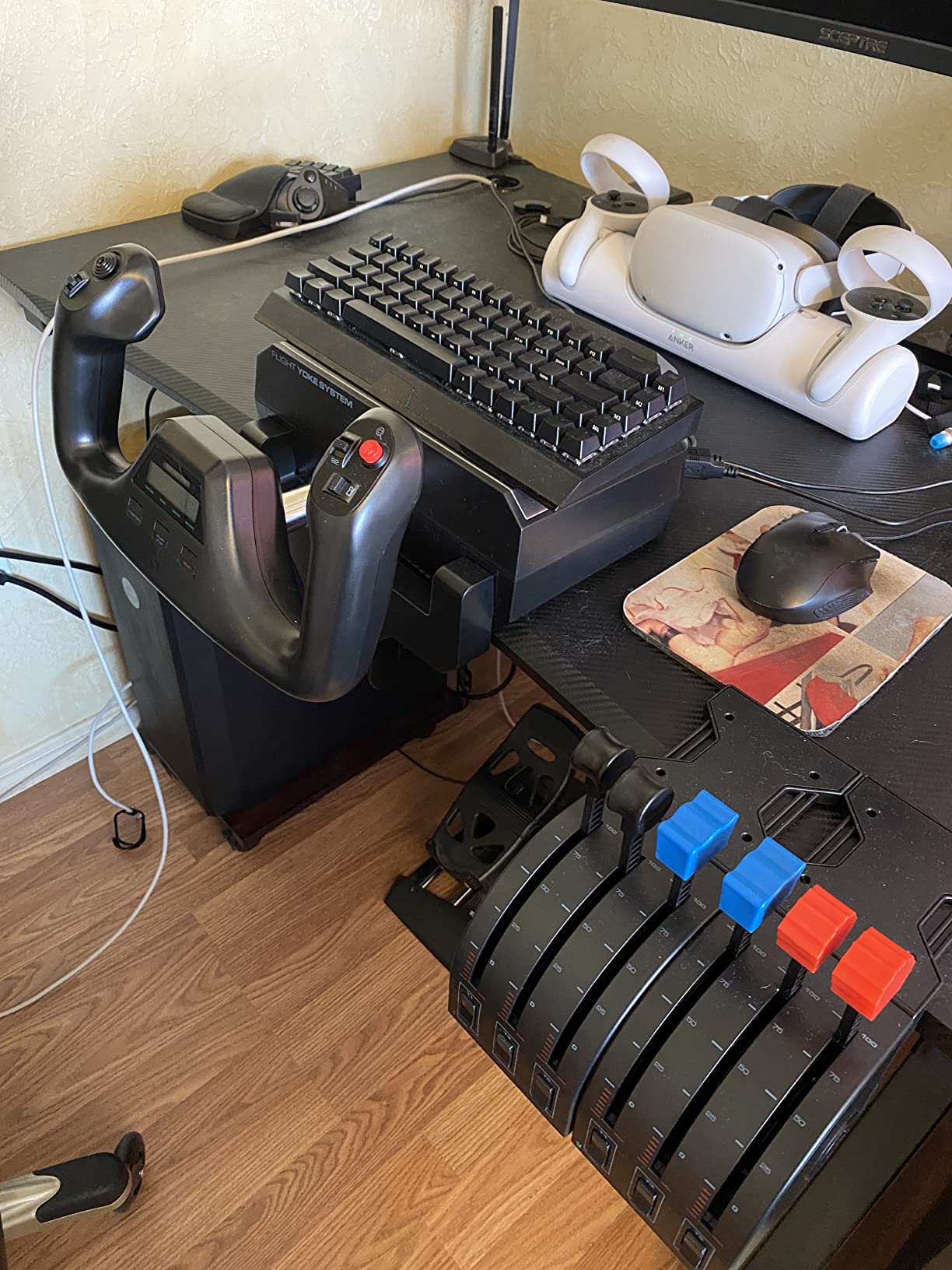
The 6.17-pound weight and 18.9-inch width make this a large footprint. You need a wide desk. The spring tension on the yoke pitch axis can feel stiff during cross-over maneuvers, and some users report dead zones that require calibration.
The steel shaft is durable, but current production units have mixed reliability reports. At this level, this is a complete starter kit. The 4.3 rating from 2845 reviews is strong, but the negative reviews focus on units dying within months.
I recommend buying from a retailer with a good return policy. The 2-year warranty is reassuring.
Buy the Logitech Yoke System if you want a complete starter kit
Student pilots and beginners who want a complete yoke and throttle setup in one purchase will find this to be the best value. It is the standard recommendation for anyone building their first home cockpit.
Skip the Logitech Yoke System if you already own a yoke
If you already own a yoke or stick, the bundled throttle is not worth buying the whole system. The spring-based recentering can feel unnatural compared to force-feedback yokes, and the reliability issues are concerning. For the same cost, the Honeycomb Bravo throttle alone offers more features.
Choosing the Right Throttle Quadrant – A Buying Guide
Buying a throttle quadrant is not about finding the most expensive unit. It is about matching the hardware to your flying style. After testing twelve units, I narrowed the decision down to four factors that matter more than anything else.
Hall Effect sensors are better than potentiometers for long-term use
Potentiometer sensors are cheaper but drift over time. Hall Effect magnetic sensors cost more but maintain calibration for years. If you plan to fly daily, Hall Effect is worth the premium.
The Logitech PRO uses potentiometers, while the TCA and Viper lines use Hall Effect. Forum users consistently report drift issues with potentiometer throttles after 6-12 months of heavy use. The sensor choice is the single most important technical decision you will make.
Once you experience the precision of Hall Effect, going back feels like a downgrade.
Match your detent style to your favorite aircraft
Airbus throttles use detents for climb, flex, and TOGA positions. Boeing throttles use a smooth range with reverser levers. GA throttles use vernier controls for precise power settings.
Match your throttle to your favorite aircraft type for the best immersion. The Honeycomb Bravo handles all three styles with swappable levers, which is why it wins for multi-aircraft pilots.
If you only fly one type, a dedicated throttle like the TCA Airbus or the Flight Sim Stuff Cessna TPM will feel more authentic. The wrong detent style can ruin the procedural flying experience.
Heavier throttles stay in place better on smooth desks
Rubber feet are not enough for smooth desks. Many throttles slide during aggressive movements. The Honeycomb Bravo and Viper TQS solve this with heavy bases or strong clamps.
Forum users consistently complain about the Logitech PRO sliding on glass desks. Consider a desk mat or dedicated mounting plate. The Honeycomb Sierra at 9.5 pounds and the HOTAS Warthog at 11.33 pounds never move.
The TCA Airbus at 2.4 pounds and the Sol-R6 are stable enough for normal use. The Flight Sim Stuff units need careful placement because the clamps are 3D printed and can flex.
Compact throttles work better for VR pilots
VR pilots need to find controls by touch. The Honeycomb Bravo’s wide layout can make distant buttons hard to locate. The TCA Airbus and Sol-R6 have more compact designs that work better in VR.
Avoid throttles with many small buttons if you primarily fly in a headset. I tested several units in a Quest 3 headset, and the TCA Airbus was the easiest to operate without looking.
The Logitech PRO is also good because the levers are simple and spaced close together. The Viper TQS with its 64 buttons is a nightmare in VR unless you memorize every switch by position.
FAQs
What is the best throttle quadrant for flight simulators?
The Honeycomb Bravo Throttle Quadrant is the best all-around option for most flight simulators. It offers an all-in-one cockpit system with configurable levers, autopilot controls, an annunciator panel, and excellent compatibility with MSFS, X-Plane, and Prepar3D.
What is the best flight simulator throttle quadrant to buy?
For beginners, the Logitech G Saitek PRO Flight Throttle Quadrant offers the best value on a tight budget. For mid-range buyers, the Thrustmaster TCA Quadrant Airbus Edition provides Hall Effect precision and authentic detents. For premium setups, the Honeycomb Bravo remains the community favorite.
Which throttle quadrant is best for MSFS?
The Honeycomb Bravo Throttle Quadrant is widely considered the best throttle for Microsoft Flight Simulator due to its plug-and-play compatibility, all-in-one design, and support for everything from single-engine props to four-engine airliners.
What throttle quadrant do professional flight simmers use?
Professional flight simmers and content creators often use the Honeycomb Bravo for airliners, the Thrustmaster Viper TQS for combat simulators, or high-end modular systems from VIRPIL and WinWing for dedicated cockpit builds.
Is a throttle quadrant worth it for flight simulation?
Yes, a throttle quadrant is worth it if you fly more than a few hours per week. It provides precise power control, realistic tactile feedback, and frees your yoke or stick for attitude control. Casual gamers may find joystick throttle controls sufficient.
The Honeycomb Bravo remains the best all-around flight simulator throttle quadrant for 2026
I tested twelve throttle quadrants across six different simulators and three operating systems. The best flight simulator throttle quadrants for 2026 come down to how you fly and what you fly.
The Honeycomb Bravo remains the safest bet for most pilots. The Logitech PRO is the perfect entry point. And the Thrustmaster TCA lines fill the middle ground with authentic airliner feels.
Match your throttle to your aircraft, and your virtual cockpit will never feel the same. If you found this guide helpful, check back for updates as new hardware releases in 2026.
