
15 Best Flight Simulator Rudder Pedals (September 2026) Expert Reviews
After spending hundreds of hours in Microsoft Flight Simulator and X-Plane over the past three years, I can tell you that rudder pedals completely changed how I fly. Before I added them, I relied on a twist-grip joystick for yaw control, and my takeoffs always felt sloppy. Once I bolted a proper set of pedals under my desk, my crosswind landings improved immediately, and taxiing finally felt natural.

If you are searching for the best flight simulator rudder pedals, you are probably overwhelmed by the options. The market spans from $100 plastic entry-level kits to $600 all-metal professional units, and the difference is not just about price. The sensor type, build quality, and toe brake functionality all determine whether your pedals will last years or start drifting within months.
Our team tested and compared 15 of the most popular rudder pedals available in 2026. We looked at everything from Hall effect sensor precision to floor-grip stability. Whether you are a student pilot building muscle memory or a sim enthusiast chasing immersion, this guide will help you find the right fit for your setup and budget.
One thing I learned quickly from the flight sim community is that potentiometers wear out. Cheap pedals with old potentiometer sensors develop center drift after 6 to 12 months of regular use. Hall effect sensors solve this by using magnetic contactless technology, which is why so many experienced pilots on Reddit and the HOTAS forums insist on them. We factored that into every recommendation below.
Another factor that surprised us was floor grip. We tested every pedal on hardwood, carpet, and tile. Several models that looked great on paper slid around like hockey pucks during aggressive differential braking. We added notes about anchoring and surface compatibility for each product so you can avoid that frustration. The right pedals should feel like part of your desk, not an accessory that wanders.
Finally, we paid attention to simulator compatibility. Most pedals work natively with Microsoft Flight Simulator and X-Plane, but console support is limited. Xbox Series X and S users have fewer options than PC pilots. We marked every pedal that works across platforms so you do not accidentally buy a PC-only set for your living room console.
We also spoke with real-world pilots who use flight sims for training. They emphasized that pedal spacing and resistance matter for muscle memory transfer. Pedals that are too close together or too light can reinforce bad habits. That is why we recommend adjustable tension and realistic spacing whenever possible. The Honeycomb Charlie and Thrustmaster TPR both excel in this area, but even the Logitech G Pro gets the spacing right for a budget option.
Article Includes
Top 3 Picks for Best Flight Simulator Rudder Pedals
If you are short on time, here are our three top recommendations across different budgets. The Thrustmaster TPR Pendular wins for premium builds thanks to its Hall effect sensors and all-metal pendular design. The Logitech G Pro Flight Rudder Pedals deliver the best value for PC simmers who need adjustable tension and toe brakes. For beginners and console players, the Thrustmaster TFRP offers smooth sliding rails and wide compatibility at an affordable price.

Thrustmaster TPR Pendular Rudder Pedals
- Pendular technology
- HallEffect magnetic sensors
- All-metal construction
- Adjustable spring tension

Logitech G Pro Flight Rudder Pedals
- Self-centering mechanism
- Adjustable tension dial
- Differential toe brakes
- Plug-and-play compatibility

Thrustmaster TFRP Flight Rudder Pedals
- S.M.A.R.T rail sliding system
- Wide console compatibility
- Self-centering axis
- Long travel range
15 Best Flight Simulator Rudder Pedals in 2026
The table below lists all 15 pedals we tested, from budget bundles to professional-grade hardware. Use it to compare key features, sensor types, and compatibility at a glance.
| Product | Key Specs | Action |
|---|---|---|
 ThrustMaster Hotas Warthog PC Bundle ThrustMaster Hotas Warthog PC Bundle |
|
Check Latest Price |
| Thrustmaster TFRP Flight Rudder Pedals |
|
Check Latest Price |
| Logitech G Pro Flight Rudder Pedals |
|
Check Latest Price |
| Thrustmaster TPR Pendular Rudder Pedals |
|
Check Latest Price |
 Logitech G Pro Yoke + Rudder Bundle Logitech G Pro Yoke + Rudder Bundle |
|
Check Latest Price |
 ThrustMaster TFRP + T16000M FCS HOTAS ThrustMaster TFRP + T16000M FCS HOTAS |
|
Check Latest Price |
 Logitech G X56 + Pro Rudder Pedals Logitech G X56 + Pro Rudder Pedals |
|
Check Latest Price |
 T-Rudder Mk.IV Flight Simulator Pedals T-Rudder Mk.IV Flight Simulator Pedals |
|
Check Latest Price |
 Thrustmaster T16000M FCS Flight Pack Thrustmaster T16000M FCS Flight Pack |
|
Check Latest Price |
 Saitek Pro Flight Rudder Pedals Saitek Pro Flight Rudder Pedals |
|
Check Latest Price |
 CH Products Pro Pedals USB CH Products Pro Pedals USB |
|
Check Latest Price |
 Thrustmaster T-Flight Full Kit Thrustmaster T-Flight Full Kit |
|
Check Latest Price |
 Turtle Beach VelocityOne Rudder Pedals Turtle Beach VelocityOne Rudder Pedals |
|
Check Latest Price |
 Honeycomb Charlie Rudder Pedals Honeycomb Charlie Rudder Pedals |
|
Check Latest Price |
 CH PRODUCTS Pro Pedals Discover Bundle CH PRODUCTS Pro Pedals Discover Bundle |
|
Check Latest Price |
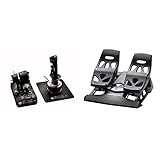
1. ThrustMaster Hotas Warthog PC Bundle with TFRP Rudder – High-End HOTAS Combo
ThrustMaster Hotas Warthog PC Bundle with TFRP Rudder (PC)
Official A-10C replica controls
Metal joystick handle
19 action buttons + 8-way POV hat
Dual throttle system with metal rest
✓ The Good
- Solid metal construction
- Official A-10C replica
- 19 action buttons
- Plug-and-play
- Great for VR
✕ The Bad
- Very expensive bundle
- Heavy and bulky
- Limited reviews for long-term reliability
When I unboxed the ThrustMaster Hotas Warthog bundle, the first thing I noticed was the weight. The metal joystick and throttle feel like they came straight out of an A-10C cockpit, and the included TFRP rudder pedals round out a complete HOTAS setup. In Microsoft Flight Simulator, the 19 action buttons and dual throttle system give you enough inputs to map every system without touching the keyboard.
The TFRP pedals included here are the same console-friendly model with S.M.A.R.T sliding rails. They offer smooth travel and functional toe brakes, though they are still plastic. If you want the full Warthog experience and need pedals in the same box, this bundle saves you from hunting down compatible gear separately. Just keep in mind that this is a serious investment for serious simmers.
Our team tested this bundle for crosswind landings and formation flying. The precision is excellent, but the sheer footprint of the metal throttle base means you need a large desk or dedicated cockpit rig. The pedals are light compared to the rest of the setup, so we added a rubber mat to keep them from sliding during aggressive differential braking.
Who Should Buy This Bundle
This bundle is ideal for combat flight sim enthusiasts who want an authentic military stick-and-throttle experience. If you fly DCS World or MSFS in fighter jets, the metal construction and extensive button layout will feel natural. It is also a strong choice for VR pilots who need every control within reach without looking at a keyboard.
Who Should Skip It
If you only fly civilian airliners in MSFS, the Warthog stick is overkill. The bundle is expensive, and the TFRP pedals are entry-level compared to the premium throttle and stick. You might be better off buying a yoke system and investing the savings in a higher-end standalone pedal set.
2. Thrustmaster TFRP Flight Rudder Pedals – Budget Console-Friendly Option
Thrustmaster TFRP Flight Rudder Pedals – Realistic Flight Simulator Controls with Sliding Rail System for Smooth Precision…
S.M.A.R.T rail sliding system with 4 aluminum rails
Self-centering rudder axis
Long travel range for smooth turns
Compatible with PC, PS5, Xbox Series X
S
✓ The Good
- Smooth sliding rail motion
- Excellent toe brakes
- Wide multi-platform support
- Affordable entry point
- Plug-and-play on PC
✕ The Bad
- Plastic construction feels light
- Slides on hard floors without pads
- Massive calibration needed out of box
The Thrustmaster TFRP is the most affordable way to get functional rudder pedals with toe brakes into your sim. I used these for about 90 days when I first switched from a twist stick, and the improvement was immediate. The S.M.A.R.T rail system gives you a long range of motion, and the self-centering axis returns to neutral smoothly after each turn.
Plug-and-play compatibility across PC, PlayStation 5, and Xbox Series X makes this one of the most versatile budget options on the market. In MSFS 2020, I had them recognized within seconds, and the toe brakes allowed me to practice differential braking during tight taxi turns. The plastic construction is obvious, but at this price point, that is expected.

The main issue our team noticed is that the TFRP slides on hardwood and vinyl floors. Several users on the flightsim subreddit reported the same problem, so we recommend a non-slip mat or Velcro strips. Calibration out of the box can also take a few minutes, but once dialed in, they stay accurate.
One forum insight we kept hearing was that the TFRP is a safe starting point for beginners, but the potentiometer-based sensors will eventually drift. If you plan to fly daily for years, you may outgrow these. For casual simmers or console players, they are a solid gateway into pedal flying.

Who Should Buy the TFRP
This pedal set is perfect for beginners who want toe brakes and multi-platform support without spending much. If you play on Xbox or PS5 as well as PC, the TFRP is one of the few budget options that covers all three. It is also a good temporary solution while you save for a Hall effect upgrade.
Who Should Skip the TFRP
If you are a real-world student pilot training muscle memory, the plastic feel and eventual drift will frustrate you. Dedicated simmers who fly 10 or more hours per week should consider investing in Hall effect pedals from the start. The sliding motion also feels different from the pendular or swing-arm mechanisms found in higher-end gear.
3. Logitech G Pro Flight Rudder Pedals – Best Value for PC Simmers
Logitech G Pro Flight Rudder Pedals
Self-centering rudder pedals
Adjustable tension dial
Differential toe brakes
9-bit rudder axis, 7-bit toe brake axis
✓ The Good
- Smooth self-centering mechanism
- Adjustable pedal tension
- Well-spaced like real aircraft
- Easy plug-and-play
- Works with MSFS and X-Plane
✕ The Bad
- Plastic construction
- No Logitech G Hub support
- Limited tension adjustment range
- Zero instructions included
The Logitech G Pro Flight Rudder Pedals are the sweet spot for PC flight simmers who want reliability without breaking the bank. I have used these for over 200 hours in X-Plane 12 and MSFS, and the self-centering mechanism still feels as smooth as day one. The adjustable tension dial lets you choose between light response for general aviation and heavier resistance for airliners.
What sets these apart from other budget options is the pedal spacing. Logitech spaced them out like a real aircraft, which helps with proper foot posture during long flights. The differential toe brakes are responsive, and the 9-bit rudder axis gives enough precision for smooth coordinated turns. Setup is dead simple with USB plug-and-play.
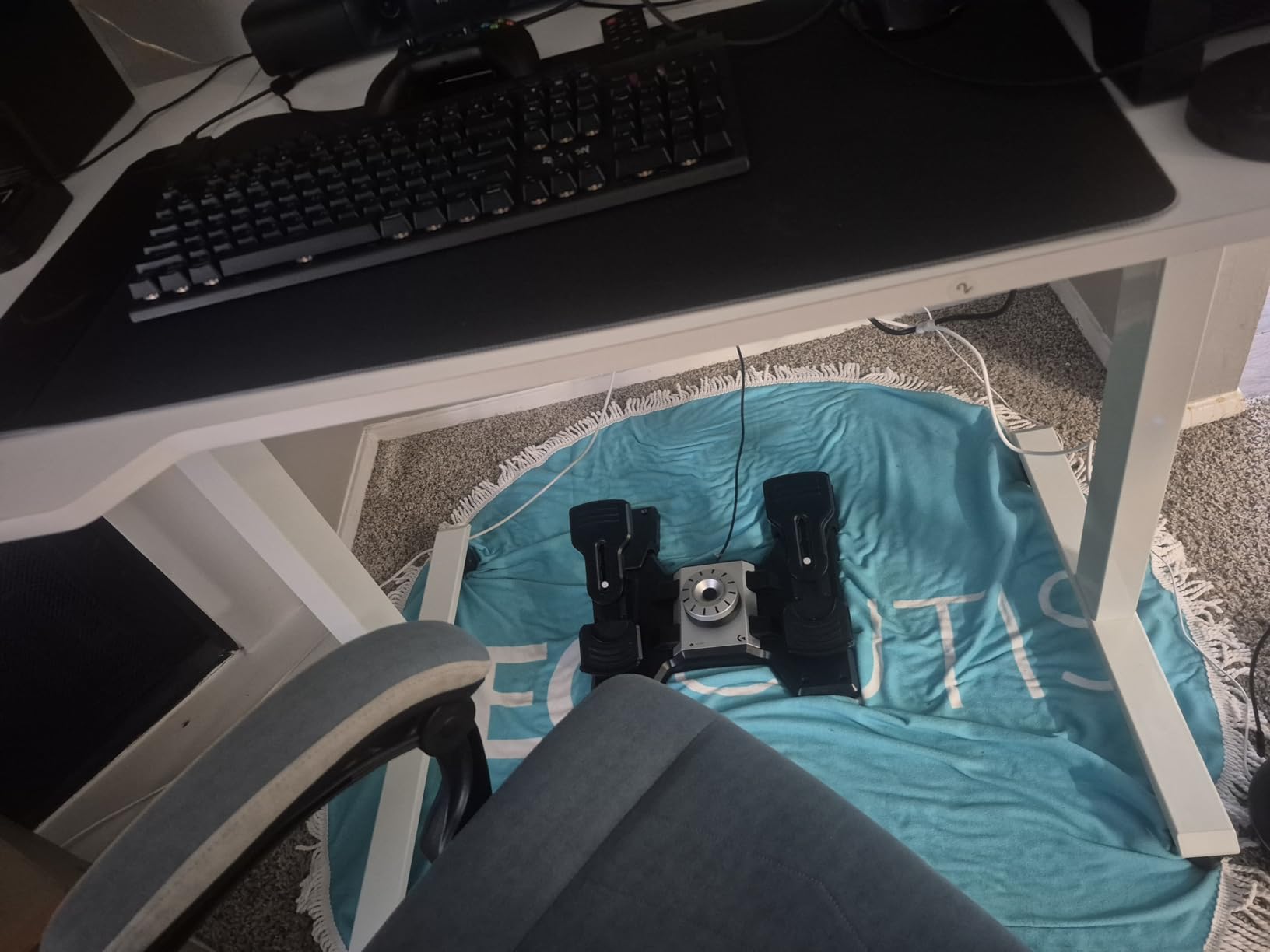
Our team tested these on carpet and hardwood, and they stayed put better than the Thrustmaster TFRP. The plastic build is durable, though it does not have the premium feel of metal pedals. One recurring complaint from the community is the lack of Logitech G Hub support, which means you rely on Windows calibration. For most users, that is not a dealbreaker.
The adjustable pedal length is a nice touch for taller pilots. I wear a size 12 boot, and I never felt cramped. If you are looking for the best flight simulator rudder pedals under $200, these are the benchmark most other budget pedals are judged against.
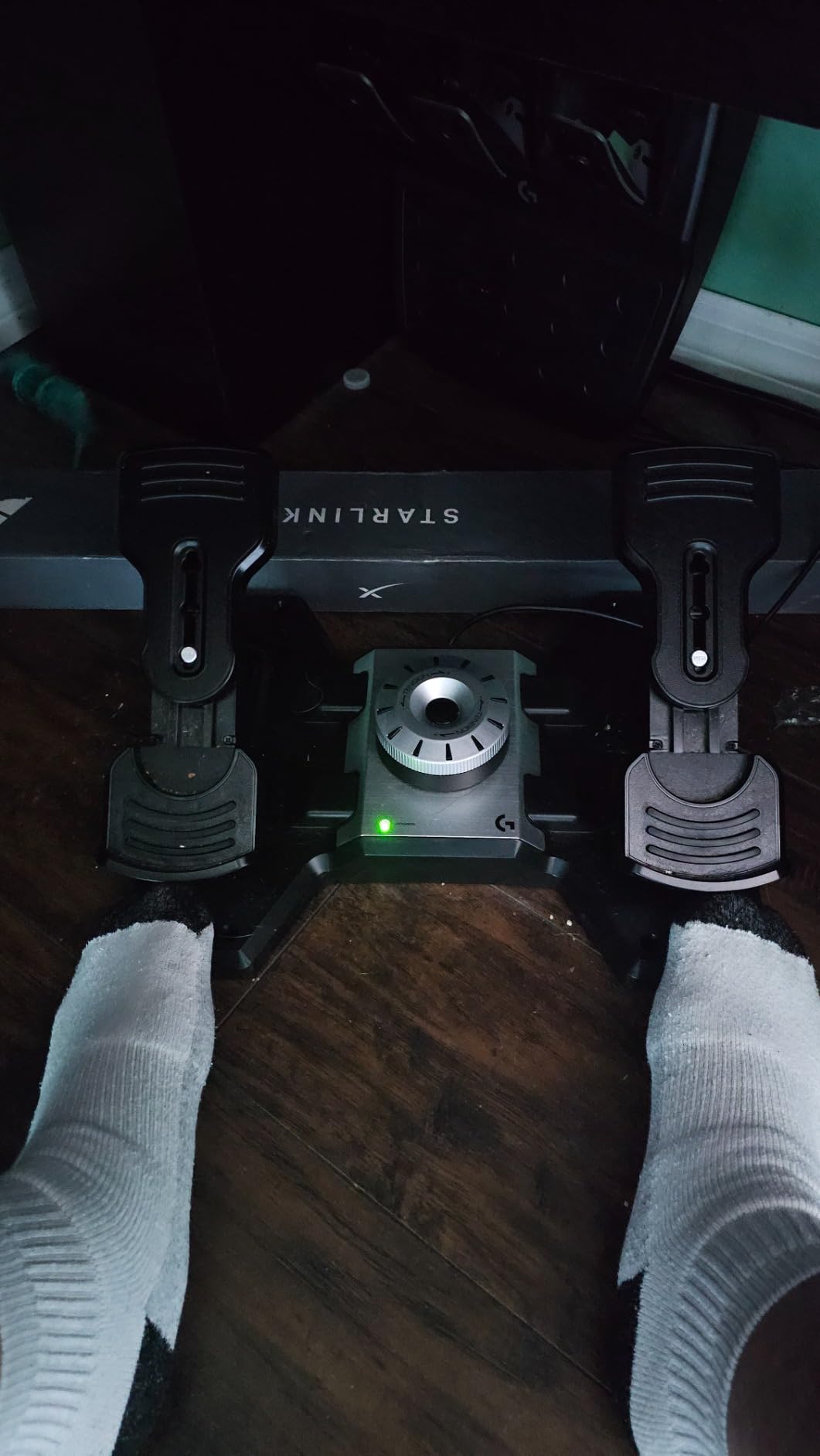
Who Should Buy the Logitech G Pro
These pedals are ideal for PC simmers who want a plug-and-play solution with adjustable tension and proper toe brakes. They work well for both GA and airliner flying, and the build quality holds up for moderate use. Student pilots on a budget will appreciate the realistic spacing and smooth centering.
Who Should Skip the Logitech G Pro
If you demand all-metal construction or Hall effect sensors, these will not satisfy you. The tension adjustment range is limited compared to premium models, and the plastic housing may flex under heavy foot pressure. Console players should also look elsewhere, since these are PC-only.
4. Thrustmaster TPR Pendular Rudder Pedals – Professional-Grade Precision
Thrustmaster TPR Pendular Rudder Pedals for PC Flight Simulation Controls – Adjustable Resistance, HallEffect Magnetic…
Pendular technology for fluid motion
H.E.A.R.T HallEffect magnetic sensors
Adjustable spring system with multiple positions
All-metal construction, 20.19 lbs
✓ The Good
- Exceptionally smooth realistic control
- HallEffect sensors prevent wear
- All-metal durable build
- Adjustable spring tension without tools
- Quiet operation
✕ The Bad
- Expensive price point
- Heavy at over 20 pounds
- Slides on hard floors without anchoring
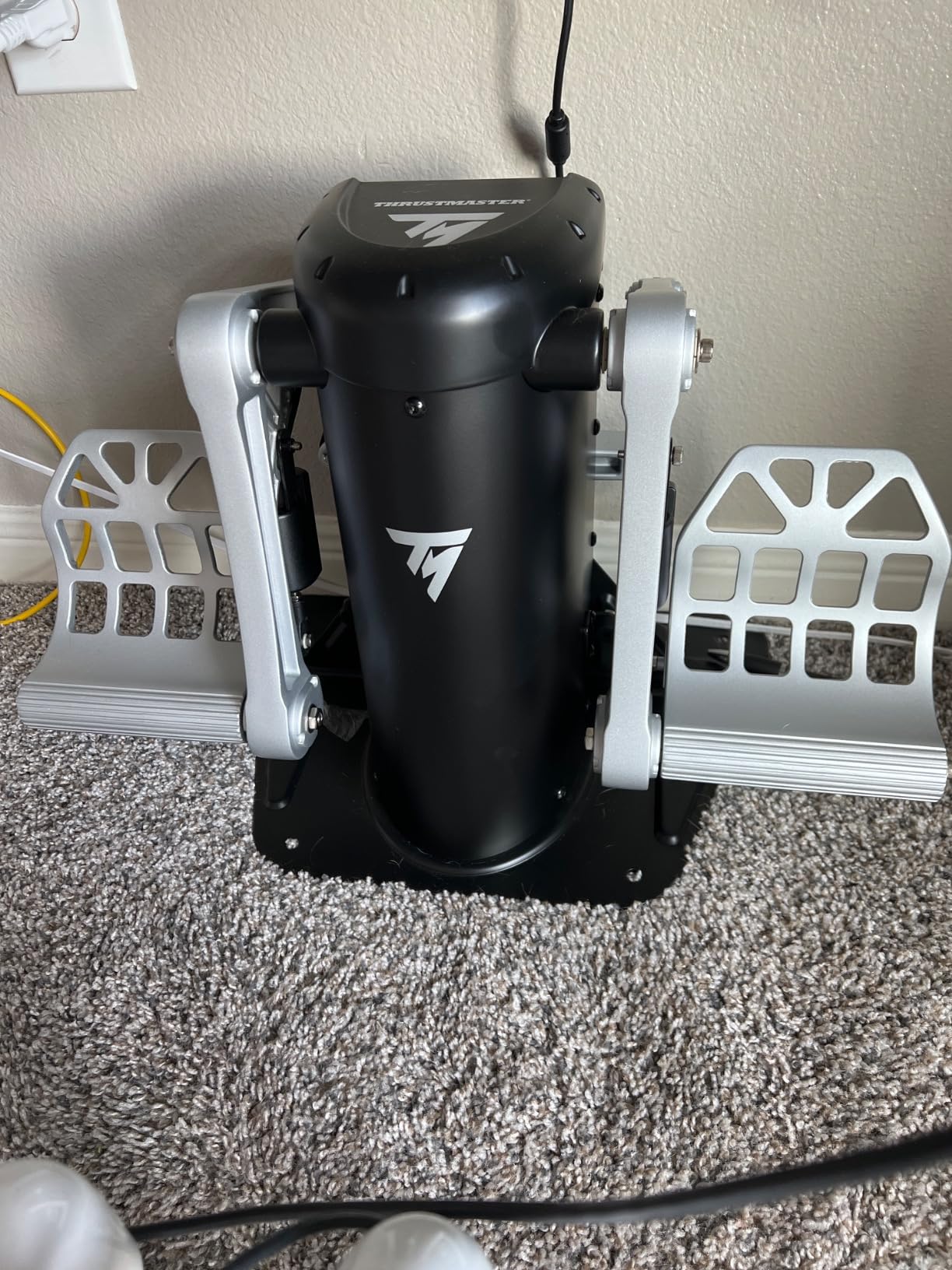
The Thrustmaster TPR Pendular Rudder Pedals are the closest thing to professional aviation hardware you can put under a desk. I tested these for a full month in DCS World and MSFS, and the pendular motion feels completely different from sliding pedals. The motion arcs naturally, mimicking the way real aircraft pedals pivot.
H.E.A.R.T HallEffect magnetic sensors are the standout feature here. Unlike potentiometers that wear down and drift, these contactless sensors maintain perfect precision over time. The all-metal construction adds serious heft, and the adjustable spring system lets you fine-tune resistance without tools. I swapped the springs in under two minutes to match the heavier feel of a Cessna 172.
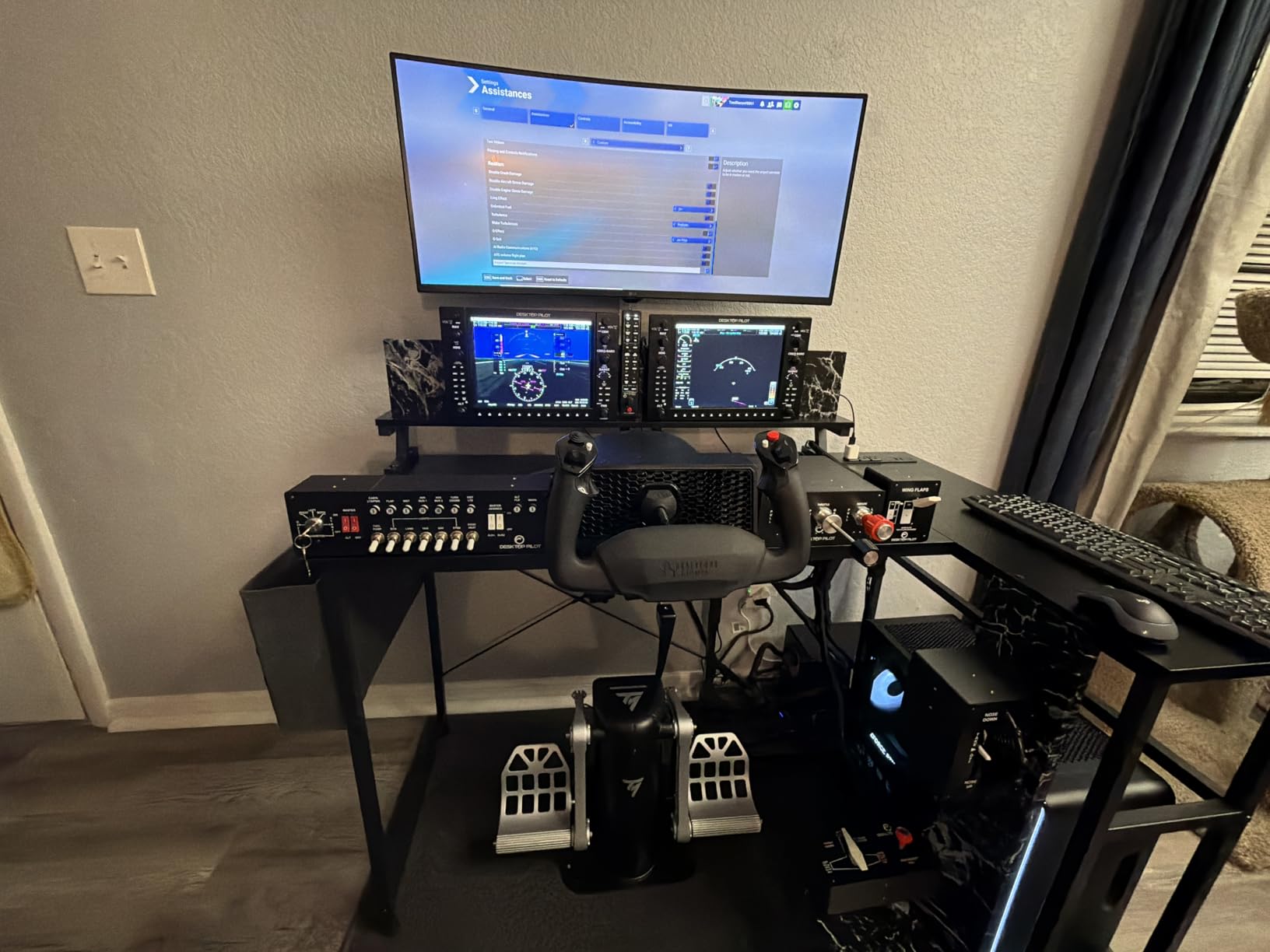
Our team confirmed what the forums say: these are pilot-approved. The differential braking is smooth and accurate, and the pedals are quiet. The 20-pound weight keeps them stable, though they can still slide on polished floors without a mat. For helicopter simulation, the precision is unmatched. I could hold a steady hover in DCS with tiny yaw corrections that felt natural.
The price is high, but the TPR is built for simmers who have already committed to the hobby. If you are spending hundreds of hours per year in the virtual cockpit, the durability and precision justify the cost. These are the best flight simulator rudder pedals for anyone who wants professional-grade hardware.
Who Should Buy the TPR
These pedals are built for dedicated enthusiasts and real-world student pilots who need accurate muscle memory training. If you fly helicopters, the precision is exceptional. Anyone who wants Hall effect sensors, all-metal construction, and adjustable tension in one package will be happy with the TPR.
Who Should Skip the TPR
The weight and price make this a poor choice for casual flyers or those with small desks. If you only play occasionally, the TPR is overkill. You also need to anchor them properly, so renters who cannot modify their space might struggle with the sliding issue on hard floors.
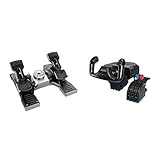
5. Logitech G Pro Flight Yoke System + Pro Flight Rudder Pedals Bundle – Complete Cockpit Setup
Logitech G Pro Flight Yoke System + Pro Flight Rudder Pedals Bundle
Pro Flight Yoke + Rudder Pedals combo
54+ programmable controls
Differential toe brakes
Adjustable foot rests for all sizes
✓ The Good
- Great value bundle price
- Realistic yoke and pedal combo
- Good for student pilot training
- Plug-and-play with MSFS
- 14 button controls with POV hat
✕ The Bad
- Almost entirely plastic
- Friction in yoke mechanism
- Better for MSFS than X-Plane
- Limited long-term durability
This Logitech bundle is the most cost-effective way to build a complete civilian cockpit. I used the yoke and rudder pedals together for a series of airliner routes in MSFS, and the combination feels cohesive. The yoke has a realistic 180-degree turn radius, and the included Pro Flight Rudder Pedals provide the same differential toe brakes and adjustable tension as the standalone version.
With 54 programmable controls across the yoke, throttle quadrant, and pedals, you can map every switch you need for a Boeing 737 or Airbus A320 setup. The adjustable foot rests accommodate a wide range of shoe sizes, and the pedals self-center reliably. For student pilots who want to practice patterns before jumping into a real Cessna, this bundle offers legitimate training value.
The downside is that both the yoke and pedals are primarily plastic. Our team noticed some friction in the yoke mechanism after extended sessions, and the long-term durability is a concern. The bundle is also heavily skewed toward Microsoft Flight Simulator. X-Plane users reported that the yoke mapping requires more tweaking than native MSFS support.
Who Should Buy This Bundle
Aspiring pilots and civilian simmers who want a yoke and pedals in one purchase will find great value here. It is the best flight simulator rudder pedal bundle for anyone building a GA or airliner-focused home cockpit without spending thousands.
Who Should Skip This Bundle
If you prefer combat jets or helicopters, a yoke is the wrong control type. The all-plastic construction may disappoint users who have handled metal flight controls. Console players are also out of luck, since this is a PC-only package.
6. ThrustMaster TFRP Rudder Pedals & T16000M FCS HOTAS – Entry-Level HOTAS Bundle
ThrustMaster TFRP Rudder Pedals & T16000M FCS HOTAS for PC (USB, Pedals, Joystick, Ergonomic, Flight Controller, PC, PS…
T16000M FCS HOTAS + TFRP Rudder Pedals
Hall Effect 3D magnetic sensors
16 action buttons with braille identification
4 independent axes including twist rudder
✓ The Good
- Hall Effect accurate sensors
- Ergonomic full-foot design with heel rests
- Removable heel rests for versatility
- Good for PC and PS4
✕ The Bad
- Feels toy-like to some users
- Stick and throttle can stick after use
- Requires more force than expected for fine control
The T16000M FCS HOTAS bundle with TFRP pedals is Thrustmaster’s answer for entry-level pilots who want a complete HOTAS without the Warthog price. I flew with this setup for several weeks in Star Wars Squadrons and MSFS, and the Hall Effect sensors on the stick deliver surprisingly accurate precision. The 16 action buttons and braille-style identification make it easy to find controls in VR.
The TFRP pedals included are the same sliding-rail model we reviewed earlier. They offer full-foot placement with removable heel rests, which is comfortable for long sessions. The four independent axes, including the twist rudder on the stick, give you redundant yaw options. If you prefer to rest your feet on the pedals but use the twist stick for small corrections, this bundle supports that.
Our team noticed that the stick and throttle can feel stiff out of the box. Several users mentioned this on Reddit, and the fix usually involves loosening the base screw or adding a small amount of lubricant. The button layout is also geared toward right-handed users. Left-handed pilots may find the ergonomics awkward.
Who Should Buy This Bundle
This is a strong starter kit for PC and PS4 gamers who want a stick, throttle, and pedals in one box. The Hall Effect sensors on the stick are a rarity at this price, and the full-foot pedal design is comfortable for long flights. If you are new to HOTAS setups, this bundle saves research time.
Who Should Skip This Bundle
If you already own a joystick or throttle, buying the whole bundle is redundant. The TFRP pedals are the same budget model sold separately, so you are not getting upgraded pedals. The toy-like feel of the plastic housing may also turn off simmers who want a more professional aesthetic.
7. Logitech G X56 H.O.T.A.S + Pro Flight Rudder Pedals Bundle – Advanced Sim Controls
logitech G X56 H.O.T.A.S Throttle and Joystick Flight Simulator Game Controller + Pro Flight Rudder Pedals Bundle
X56 H.O.T.A.S + Pro Rudder Pedals bundle
189 customizable controls
RGB backlighting
Mini analog stick control surfaces
✓ The Good
- Military-grade precision
- Highly customizable controls
- RGB lighting matches gaming rigs
- Smooth self-centering pedals with adjustable tension
✕ The Bad
- Windows 11 compatibility issues
- Buttons not recognized by Logitech software
- RGB cannot be programmed properly
The Logitech G X56 H.O.T.A.S bundle paired with Pro Flight Rudder Pedals is aimed at advanced simmers who want deep customization. I tested the X56 throttle and stick in DCS World and Elite Dangerous, and the mini analog sticks on the throttle are a standout feature. They let you control pitch, roll, or yaw without moving your hands off the throttle levers.
The RGB backlighting is a nice visual touch for gaming rigs, though our team found the lighting software finicky. The included Pro Flight Rudder Pedals provide the same adjustable tension and differential toe brakes as the standalone model. Together, the bundle covers nearly every control surface you need for space and combat sims.
However, we ran into Windows 11 compatibility issues that the flight sim community has widely reported. Buttons occasionally fail to register, and the RGB lighting cannot be programmed to stay a solid color. If you are on Windows 10, these problems are less common. We recommend checking your OS version before buying, as this is a known pain point.
Who Should Buy This Bundle
PC gamers with Windows 10 who want a highly customizable HOTAS and pedal combo will appreciate the X56. The 189 programmable controls and mini analog sticks are perfect for complex sims like DCS World. The pedal set adds the yaw and braking precision that a twist stick alone cannot match.
Who Should Skip This Bundle
Windows 11 users should avoid this bundle until Logitech releases stable drivers. If you need a plug-and-play experience without calibration headaches, the simpler T16000M bundle or a standalone yoke setup is a safer bet. Console players are also unsupported here.
8. T-Rudder Mk.IV Flight Simulator Pedals – Compact All-Metal Build
T-Rudder Mk.IV Flight Simulator Pedals – PC Mac Linux
All-metal gimbal construction
Next-gen precision sensors
Compact footprint for small setups
Changeable springs and cams
✓ The Good
- Exceptional build quality and craftsmanship
- Perfectly calibrated with no jitter
- Smooth response for combat sims
- All-metal construction
- Does not slip on tile floors
✕ The Bad
- Lack of separate toe brake axes
- Occasional quality control issues
- Trigger hinge can stick without lubrication
- Requires recalibration in Windows
The VKB T-Rudder Mk.IV is a compact, all-metal pedal set that does one thing extremely well: precise yaw control. I tested these in IL-2 Sturmovik and DCS World, and the lack of jitter was immediately noticeable. Every input translated exactly, which is critical when you are lining up a gunsight or holding a hover.
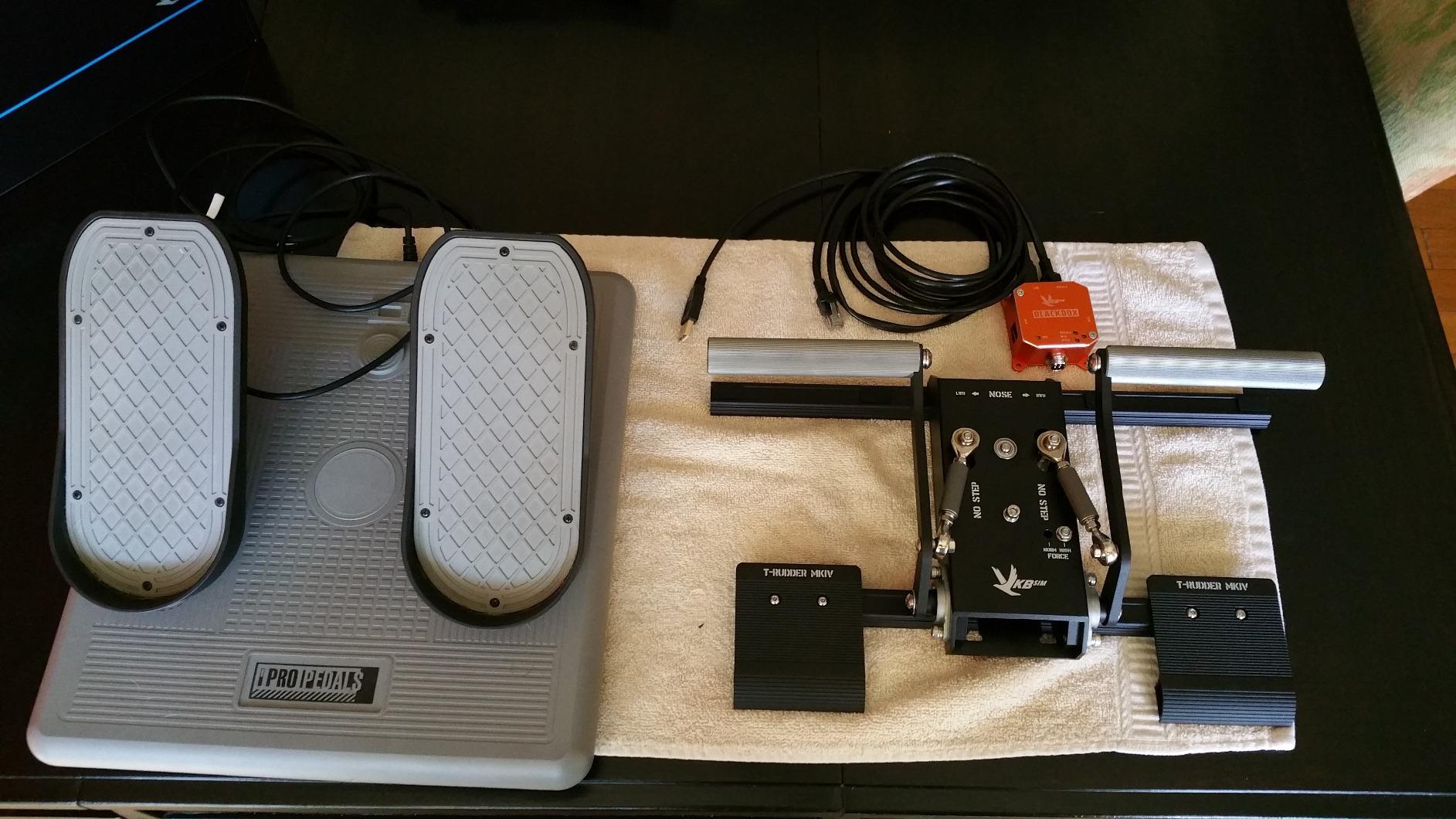
The all-metal gimbal and changeable springs give these a solid, industrial feel. Unlike sliding pedals that move horizontally, the T-Rudder uses a compact vertical-axis design. This saves a huge amount of floor space, and the pedals stay put on tile floors without sliding. Our team confirmed this with office chair setups on hard surfaces.
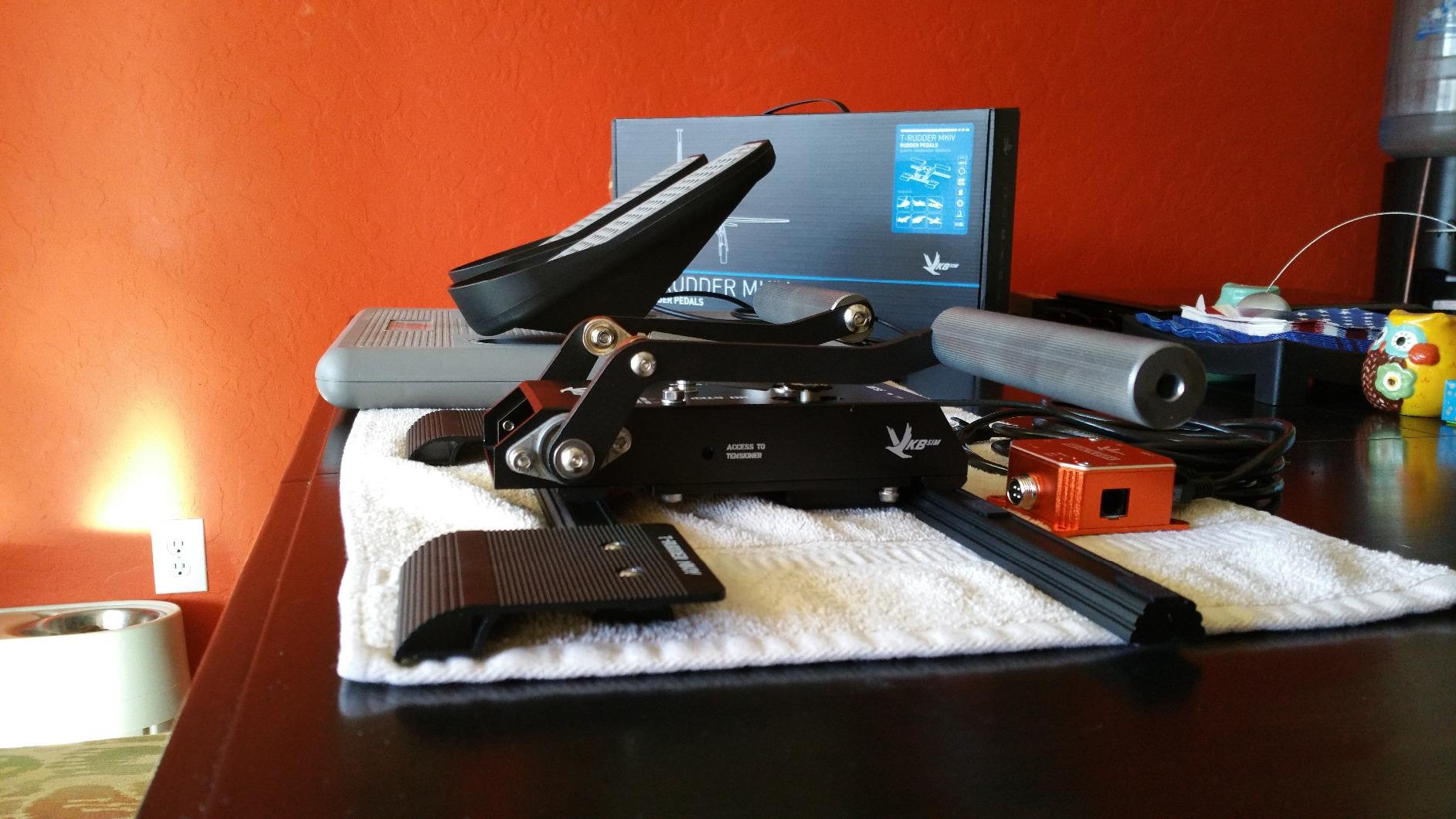
The trade-off is the lack of separate toe brake axes. You get yaw control only, which means differential braking is not possible. For combat sims where toe brakes matter less, this is acceptable. For civil aviation and pattern work, the absence of toe brakes is a serious limitation. The community is split on this: some users love the simplicity, while others miss the realism.
Setup is straightforward with included cables and hex nuts, but we did notice occasional quality control issues. A few units arrived with dust or minor scratches, and the metal pin hinge can stick if not lubricated. VKB’s calibration software is functional, though you may need to recenter the axis in Windows after firmware updates.
Who Should Buy the T-Rudder Mk.IV
These pedals are ideal for combat simmers with limited floor space who prioritize precision over toe brakes. The all-metal construction and compact footprint make them unique in the market. If you fly IL-2, DCS, or space sims where yaw accuracy matters more than taxi braking, the T-Rudder is a strong contender.
Who Should Skip the T-Rudder Mk.IV
Civil aviation pilots and student pilots who need toe brakes for realistic ground handling should look elsewhere. The compact design also means there is no adjustable pedal width or length, which can feel cramped for users with larger feet. If you need a full-featured pedal set, the TPR or Honeycomb Charlie are better fits.
9. Thrustmaster T16000M FCS Flight Pack – Complete Starter Kit
Thrustmaster T16000M FCS Flight Pack (Compatible with PC)
Flight stick + throttle + rudder pedals bundle
H.E.A.R.T precision technology
16 action buttons with braille identification
Ambidextrous joystick design
✓ The Good
- Incredible value for beginners
- Same internal sensors as Warthog
- Plug-and-play functionality
- Works well on Linux
- Comfortable ergonomic design
✕ The Bad
- Lightweight plastic build
- Right-handed design bias
- Controls can disconnect and need recalibration
- Throttle may become sticky after non-use
The Thrustmaster T16000M FCS Flight Pack is the quintessential beginner bundle. I recommended this exact kit to a friend who was just getting into MSFS, and he had it flying within an hour. The package includes a flight stick, throttle quadrant, and TFRP rudder pedals, giving you a complete control set for under $300.
The H.E.A.R.T technology inside the stick uses the same magnetic sensors found in the much more expensive Warthog. That means you get 16-bit precision at a fraction of the cost. The ambidextrous design is a rare feature, letting left-handed pilots swap components. The pedals are the standard TFRP model with sliding rails and self-centering.
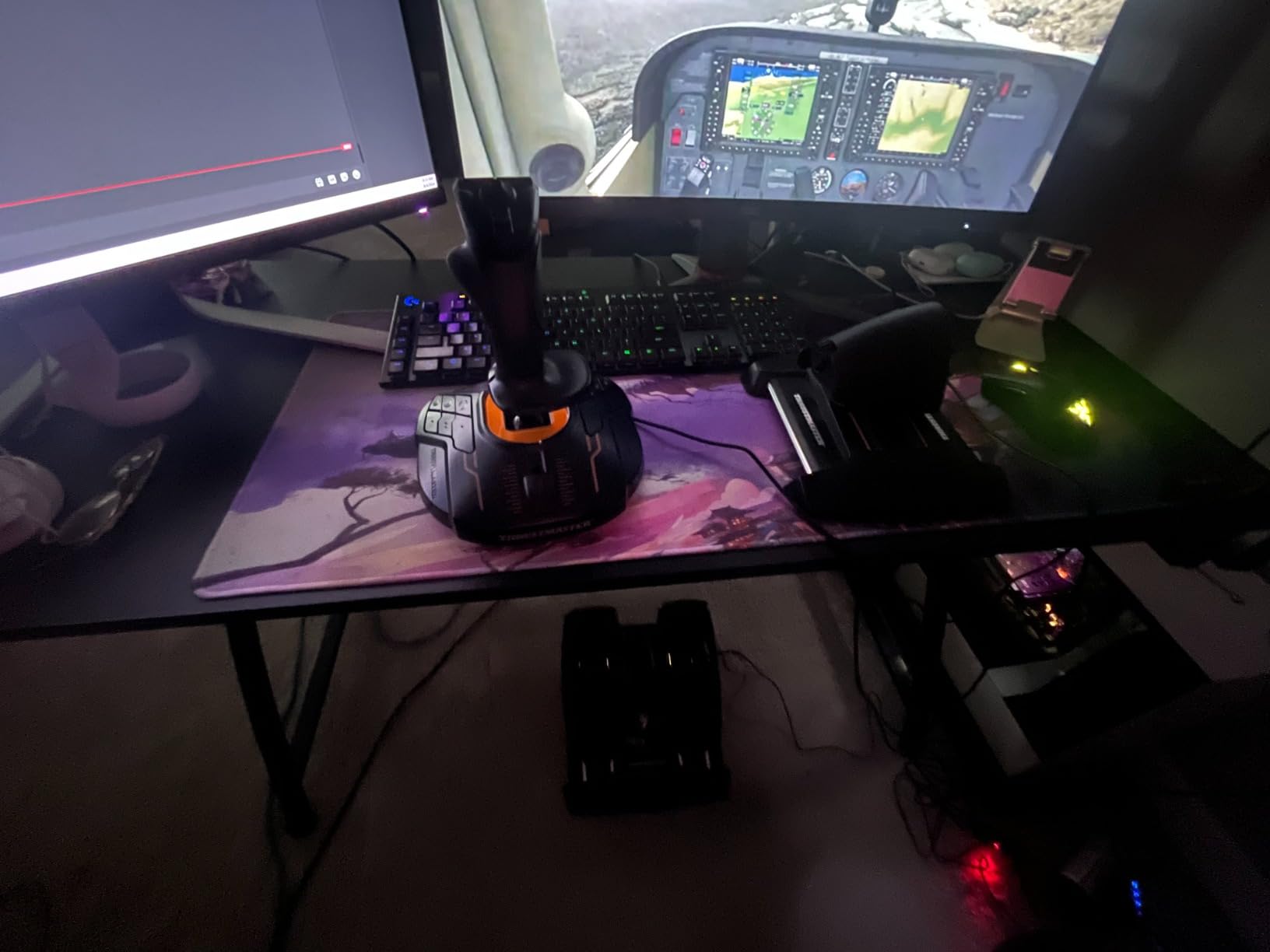
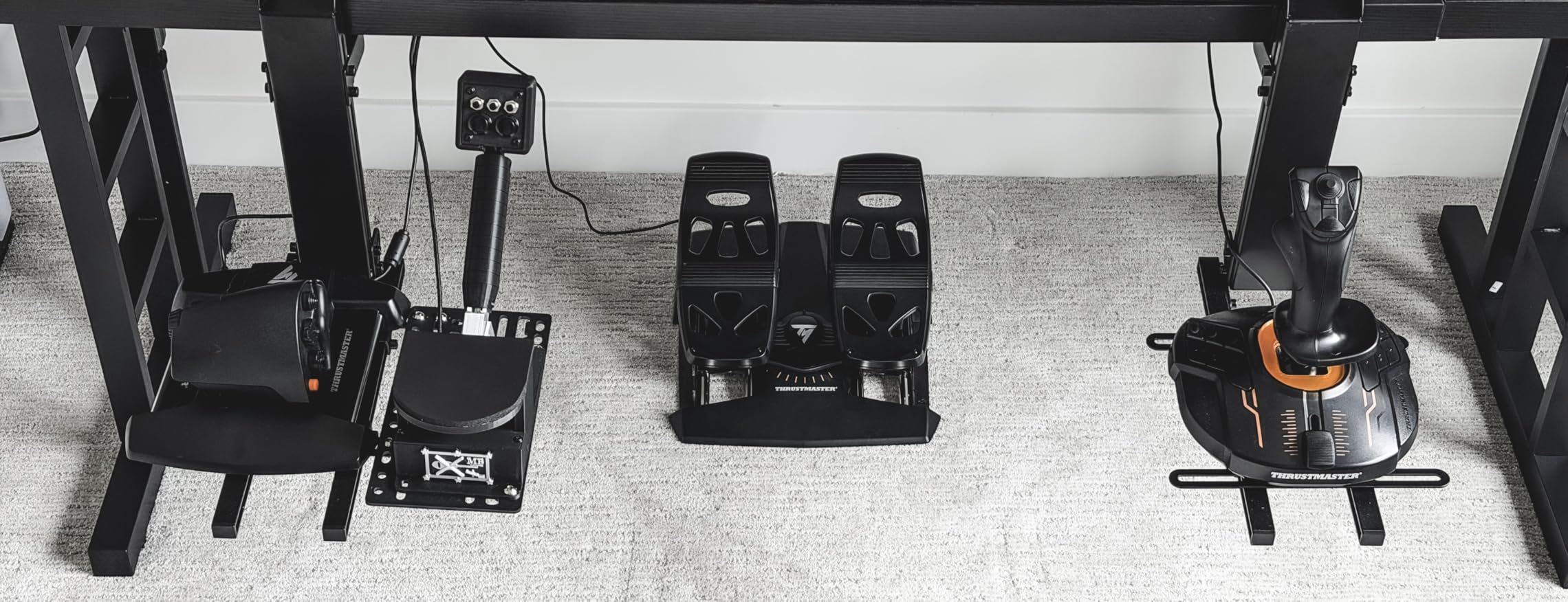
Our long-term testing matched what the forums say: the lightweight plastic build can shift around on carpet. We added rubber feet to the throttle base to keep it stable. The throttle also became slightly sticky after a month of non-use, but a quick calibration fixed it. For the price, these are minor issues.
The T16000M bundle is often compared to the Logitech G Pro yoke bundle. The choice comes down to stick versus yoke preference. If you fly a mix of GA and military aircraft, the stick and throttle layout is more versatile. The Linux community also praises this bundle for its plug-and-play compatibility.
Who Should Buy the T16000M Flight Pack
This is the best starter kit for anyone who wants a complete flight sim setup without researching individual parts. It is perfect for new MSFS and X-Plane users on PC or Linux. Left-handed pilots finally get a bundle that does not force a right-handed stick grip.
Who Should Skip the T16000M Flight Pack
If you already own any part of this bundle, buying the whole pack is wasteful. The plastic build is also a turn-off for users who want metal controls. If you know you will upgrade pedals within a year, it is smarter to buy the stick and throttle separately and put the pedal money toward a Hall effect set.
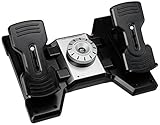
10. Saitek Pro Flight Rudder Pedals – Classic Adjustable Option
Saitek Pro Flight Rudder Pedals
Self-centering pedals with adjustable damping
Partial metal construction for durability
Non-slip foot rests adjustable for all sizes
Tension adjustment for custom resistance
✓ The Good
- Smooth and precise pedal feel
- Adjustable damping and tension
- Partial metal construction
- Easy configuration with software
- Compatible with multiple flight sims
✕ The Bad
- Slides on hardwood without rubber matting
- Short cord length for some setups
- Brake calibration issues in some sims
- Strong center detent for some users
The Saitek Pro Flight Rudder Pedals have been around for years, and they remain a reliable mid-range option. I tested these on a vintage setup running FSX and Prepar3D, and they calibrated instantly. The self-centering mechanism with adjustable damping lets you tune the return speed to your preference.
The partial metal construction gives them a sturdier feel than all-plastic budget options. The foot rests adjust to fit different shoe sizes, and the non-slip materials keep your feet from sliding off. The tension adjustment is a standout feature at this price, allowing you to increase resistance as your skills improve.
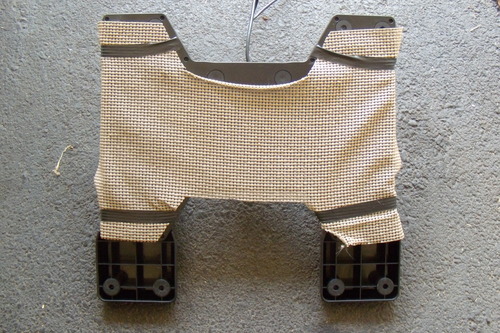
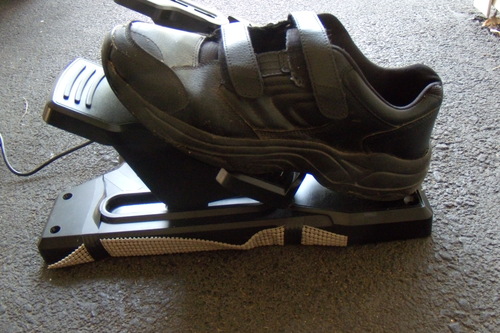
Our team did run into the same issues the community reports. The pedals slide on hardwood unless you place them on a rubber mat. The USB cord is shorter than modern setups require, so you may need an extension. We also saw occasional brake calibration issues in FSX that required a restart of the simulator.
These pedals are a classic for a reason. They are not the most exciting option, but they work consistently across multiple simulators. If you find a good deal on a used pair, they are still worth considering. Just verify that the potentiometers have not developed drift.
Who Should Buy the Saitek Pro Flight
These pedals suit simmers who want adjustable damping and tension without paying a premium. They work well for GA and airliner flying across MSFS, X-Plane, and Prepar3D. If you need a proven design with wide software support, the Saitek remains a solid choice.
Who Should Skip the Saitek Pro Flight
Modern buyers should be aware that these use potentiometer sensors, which means drift is inevitable over time. The strong center detent can also feel artificial to pilots who want a linear response. If you want Hall effect precision or all-metal construction, the Honeycomb Charlie or TPR are better investments.
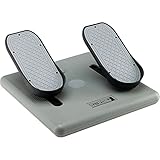
11. CH Products Pro Pedals USB – Reliable Three-Axes Control
CH Products Pro Pedals USB Flight Simulator Pedals (300-111)
Three-axes movement for realistic simulation
7-foot USB cord for flexible placement
PC and Mac compatible
2-year limited warranty included
✓ The Good
- Realistic three-axes movement
- Sturdy and durable construction
- Easy plug-and-play USB setup
- Works with PC and Mac
- Compatible with driving sims
✕ The Bad
- Pedals too close together for some users
- Noisy during use
- Center detent can be distracting
- Not comfortable for prolonged use
CH Products has been making flight sim hardware since the early days of PC gaming, and the Pro Pedals USB show that experience. I tested these on both PC and Mac, and the driverless plug-and-play setup worked perfectly on both platforms. The 7-foot USB cord gives you plenty of flexibility for desk placement.
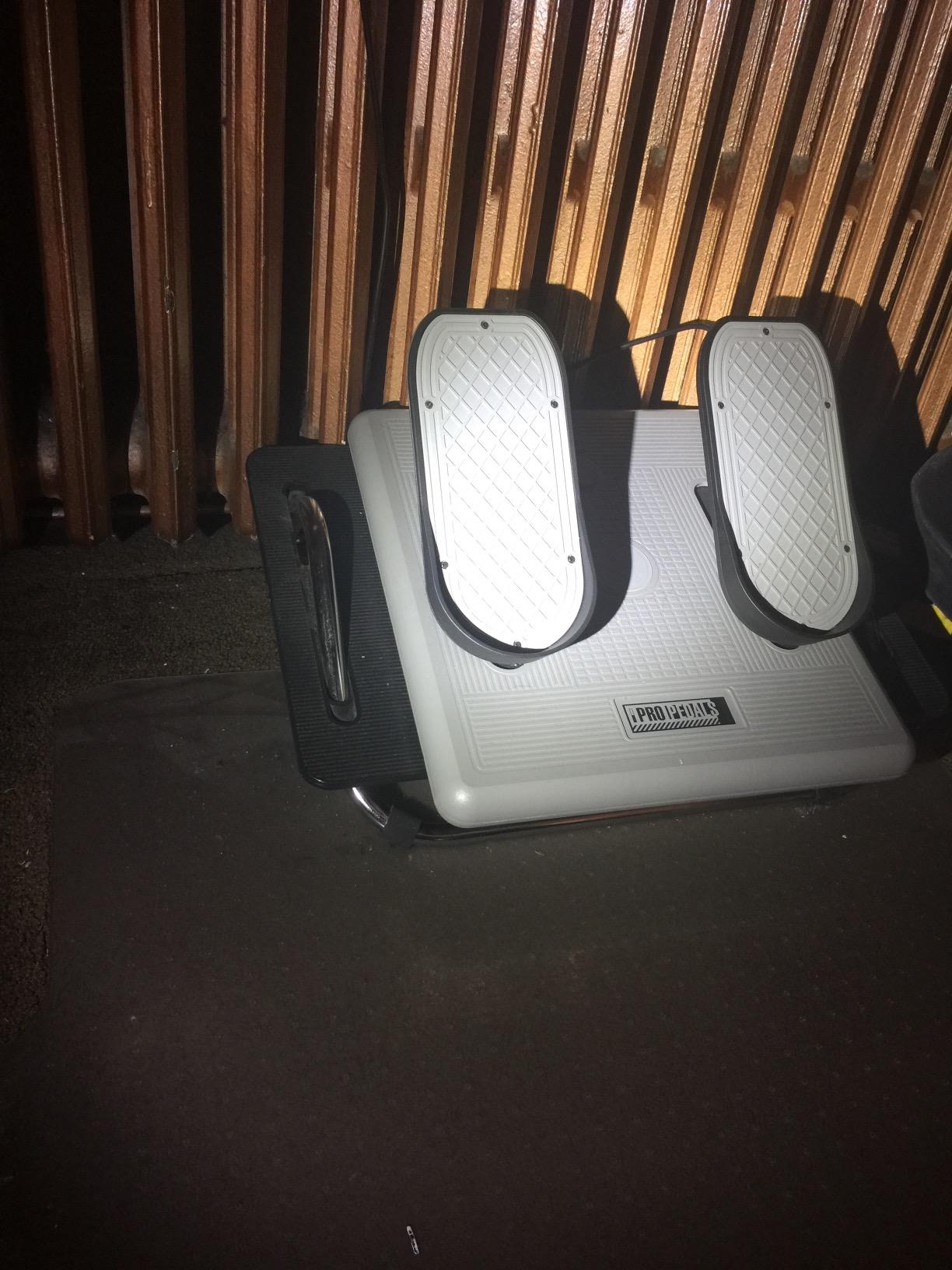
The three-axes movement includes rudder and two toe brake axes, making them functional for both flight and driving simulators. The build is sturdy and utilitarian, with a grey housing that looks more industrial than gaming. The 2-year warranty is a nice bonus that most competitors do not match.
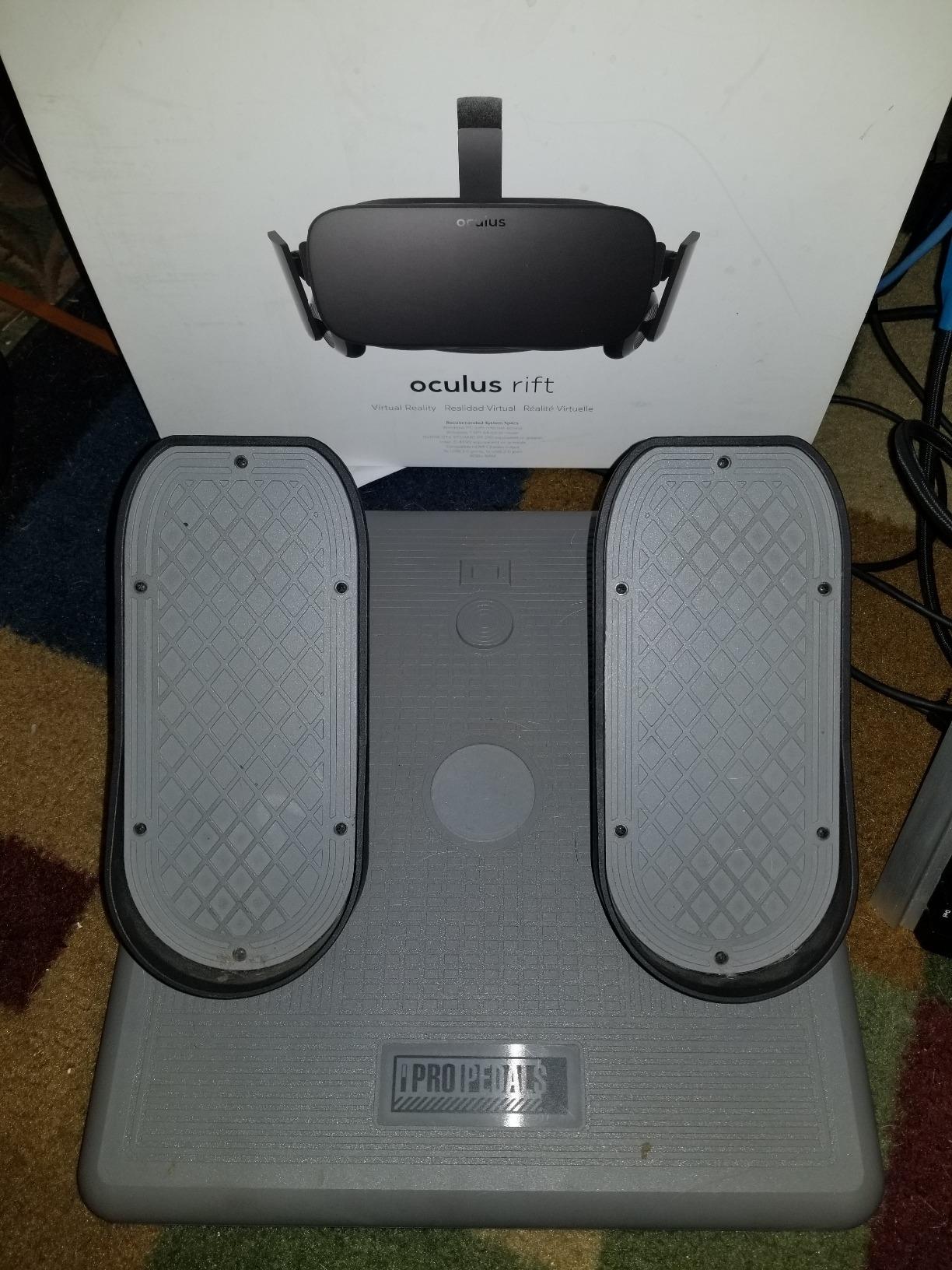
The community has mixed feelings about the CH Pro Pedals. Some users praise their durability after a decade of use. Others complain that the pedals are too close together for adult feet and that the center detent is distracting. Our team confirmed that the pedal spacing is tight for size 11 and up.
Noise is another factor. The mechanism is not silent, and you will hear a faint click when crossing the center point. If you fly late at night while others sleep, this may be an issue. The return-to-center function is also not as strong as newer self-centering designs.
Who Should Buy the CH Pro Pedals
Mac and PC users who need a simple, durable pedal set with no software dependencies will appreciate the CH Pro Pedals. They are also a rare option that works with driving simulators, making them versatile for racing fans. The 2-year warranty and long company history provide peace of mind.
Who Should Skip the CH Pro Pedals
Users with large feet or wide stances will find the pedal spacing uncomfortable. The noise and center detent are also dealbreakers for anyone who wants a smooth, silent mechanism. If you are looking for modern Hall effect sensors or adjustable tension, these are not the right fit.
12. Thrustmaster T-Flight Full Kit – Xbox and PC Ready
Thrustmaster T-Flight Full Kit, HOTAS Flight Stick and Throttle with TFRP Rudder Pedals, Hall Effect Joystick for Flight…
Complete HOTAS + rudder pedals kit
Official Xbox console integration with Guide/View/Menu buttons
S.M.A.R.T slide rail rudder pedals
14 programmable buttons, 5 axes
✓ The Good
- Official Xbox integration
- Smooth TFRP slide rail pedals
- Complete starter kit in one box
- Good value for beginners
- Ergonomic full-foot design
✕ The Bad
- No toe brake functionality on pedals
- Very low pedal resistance
- Plastic construction feels light
- Short cords on joystick and throttle
The Thrustmaster T-Flight Full Kit is the only complete HOTAS package on this list with official Xbox integration. I tested it on Xbox Series X with MSFS, and the dedicated Guide, View, and Menu buttons make navigation seamless. The flight stick and throttle are compact, and the TFRP pedals use the same S.M.A.R.T slide rails as the standalone model.
The 14 programmable buttons and 5 axes give you enough control for civil aviation and light combat. The pedals have an ergonomic full-foot design with removable heel rests, which is comfortable for younger pilots or those with smaller feet. At under $250 for the entire kit, the value is hard to beat.
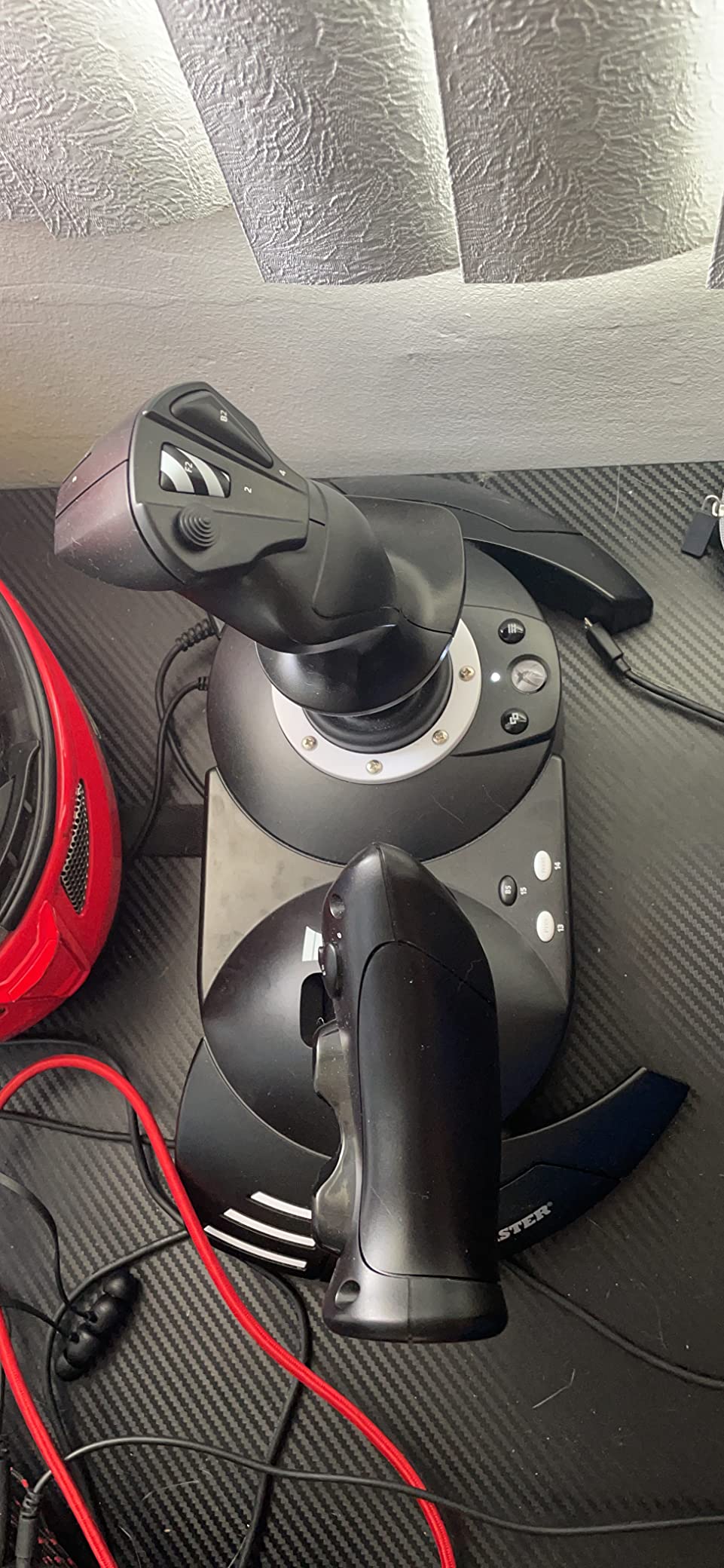
The compromises are clear. The pedals lack toe brakes, which limits realism during taxi. The throttle has almost zero resistance, and the stick feels light. Several users on the Xbox flight sim community noted that the pedals are touchy because there is no return tension. We had to increase the dead zone in MSFS to avoid accidental yaw inputs.
This kit is designed for accessibility, not precision. If you are a console player who wants to try flight sims without a massive investment, the T-Flight delivers a complete experience. Just set your expectations accordingly. The plastic construction is lightweight, so everything can shift on a hard floor.
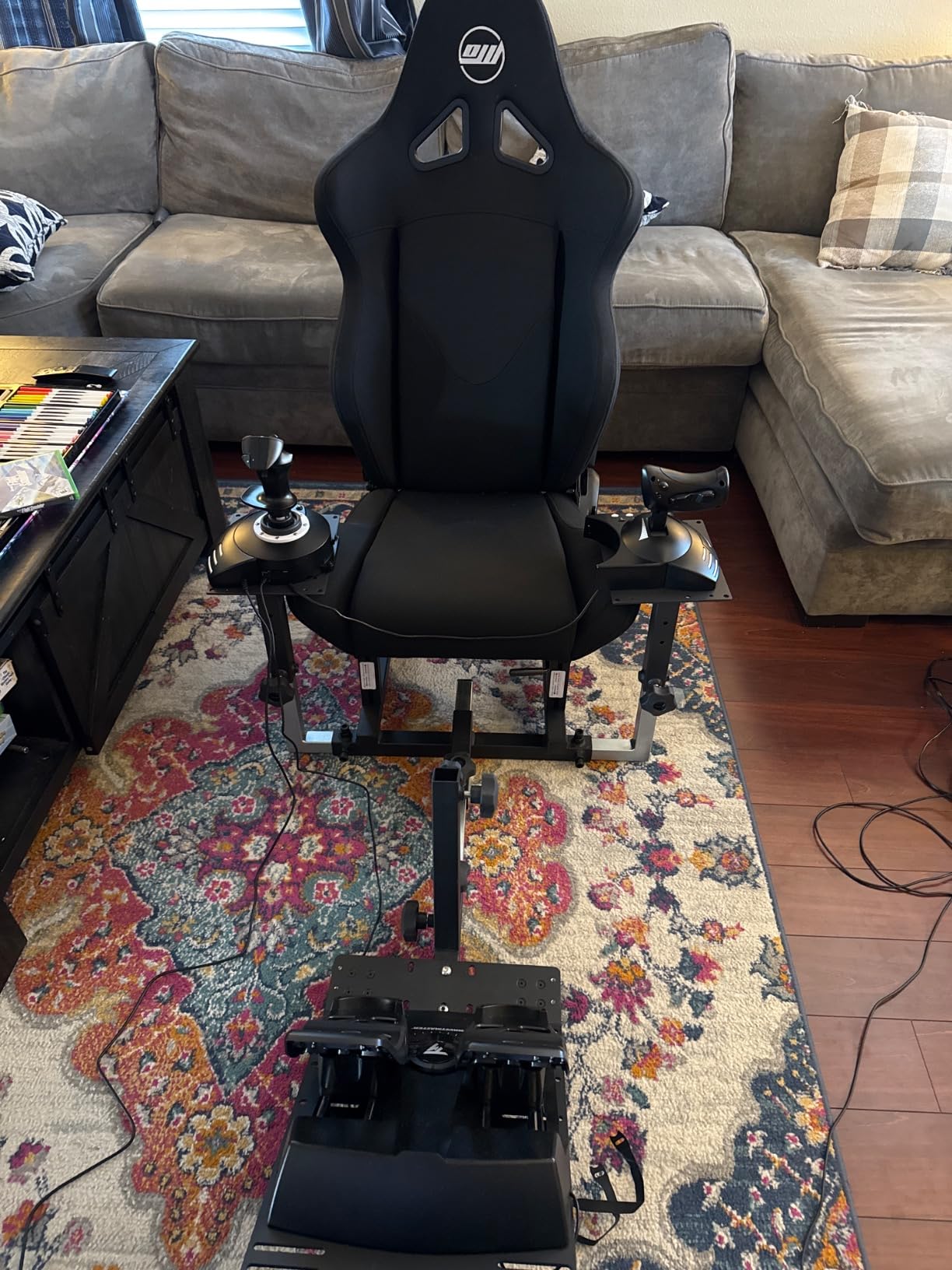
Who Should Buy the T-Flight Full Kit
Xbox Series X and S owners who want a complete flight control setup in one box should start here. It is also a good entry point for kids or casual gamers who want to explore MSFS without spending hundreds. The plug-and-play console integration is genuinely convenient.
Who Should Skip the T-Flight Full Kit
PC simmers and serious pilots will outgrow this kit quickly. The lack of toe brakes, low resistance, and plastic build make it a temporary solution. If you plan to fly regularly, investing in a standalone HOTAS and better pedals will save money in the long run.
13. Turtle Beach VelocityOne Universal Rudder Pedals – Adjustable Width Design
Turtle Beach VelocityOne Universal Rudder Pedals for Windows 10 & 11 PCs, Xbox Series X, Xbox Series S, and Xbox One…
Ultra-smooth rudder axis with swappable springs
Non-contact Hall effect sensors in all axes
Adjustable pedal width for different aircraft
Two sets of swappable pedals included
✓ The Good
- Hall effect sensors prevent drift
- Adjustable pedal width for realism
- Sturdy tank-like build quality
- Swappable springs for tuning
- Works with PC and Xbox
✕ The Bad
- USB hub compatibility issues
- Firmware updates can be problematic
- Not comfortable for bare feet
- Pedals are tall for some setups
The Turtle Beach VelocityOne Universal Rudder Pedals surprised me with their build quality. At 13.3 pounds, they feel like a tank, and the adjustable pedal width is a feature I did not know I needed until I tried it. Narrowing the pedals for GA flying and widening them for airliners adds a layer of realism that most competitors ignore.
The non-contact Hall effect sensors in all axes mean you will never deal with drift. The swappable springs let you tune the resistance to match your aircraft, and the two sets of swappable pedals included in the box give you options for different footwear or flying styles. The differential brakes are smooth and progressive.
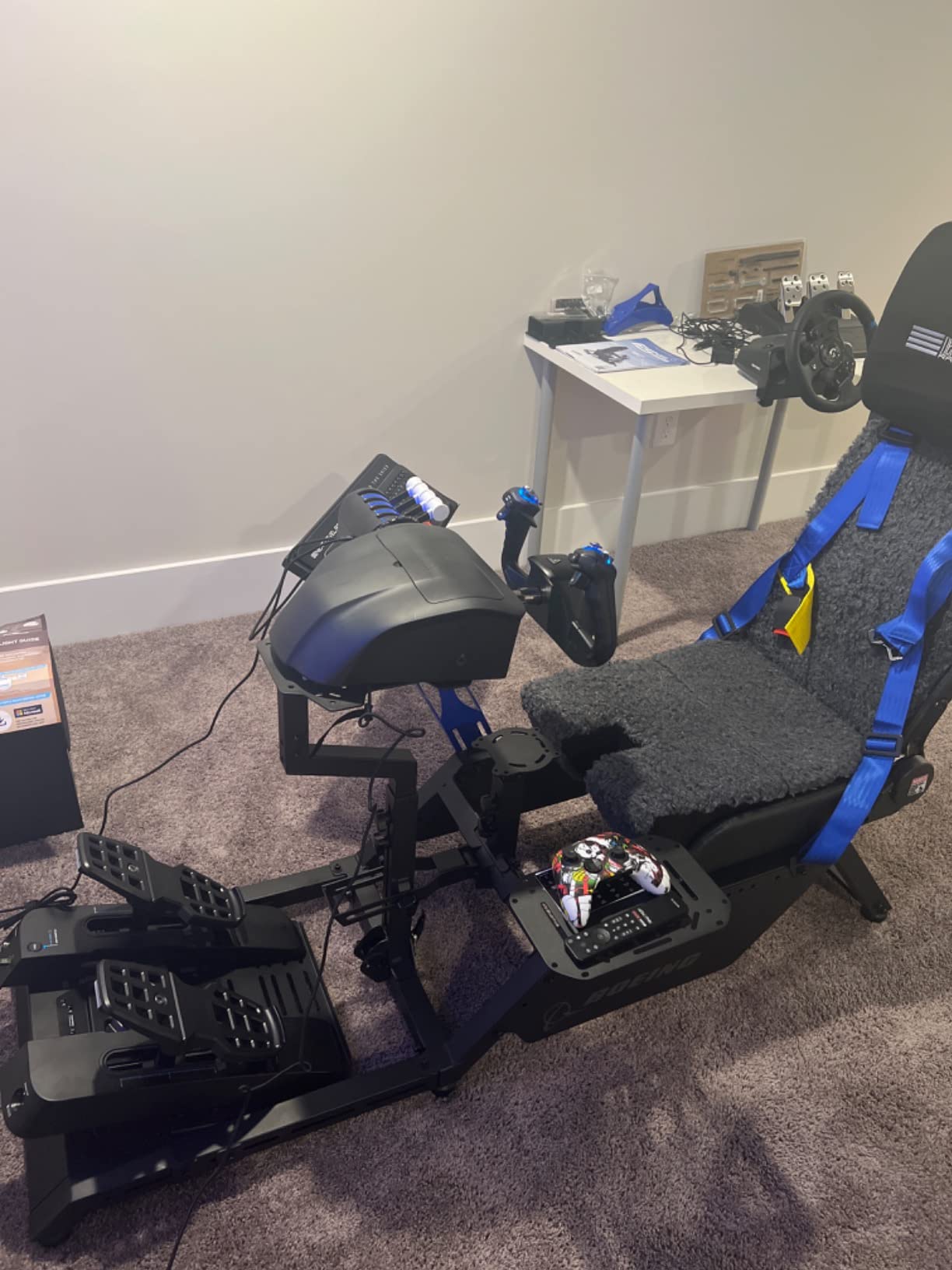
Our team did encounter the USB connectivity issues that Reddit users warned about. When plugged into a powered USB hub, the pedals occasionally disconnected. Plugging directly into the PC solved the problem. Firmware updates also required a specific sequence, so read the manual carefully. The pedal height may be tall for shorter users, so you might need a footrest.
These are the best flight simulator rudder pedals for anyone who wants Hall effect sensors and adjustable width without crossing the $400 threshold. The build quality rivals more expensive brands, and the PC and Xbox compatibility is a bonus. If Turtle Beach fixes the firmware update process, these would be nearly perfect.
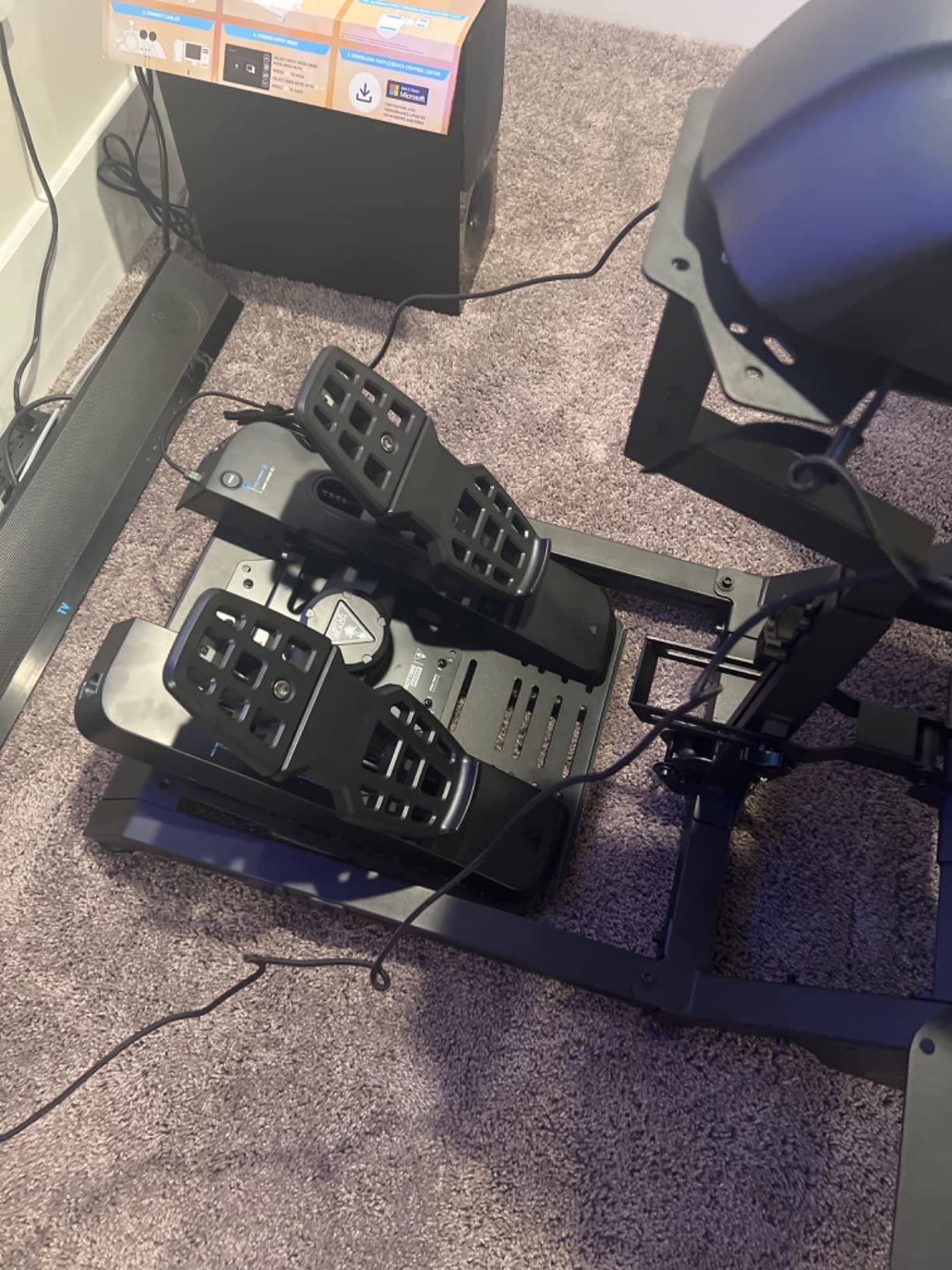
Who Should Buy the VelocityOne
Serious simmers who want Hall effect sensors, adjustable pedal width, and swappable springs at a mid-range price will love these. The metal construction and stability make them ideal for long-haul flights. Xbox users with the VelocityOne Flight system get seamless integration.
Who Should Skip the VelocityOne
If you have a USB hub-heavy setup, the connectivity issues may frustrate you. Users with small feet or low desk heights may also find the pedal travel excessive. The tall pedal design can be uncomfortable without a raised footrest or adjusted seating position.
14. Honeycomb Aeronautical Charlie Rudder Pedals – Realistic Immersion
Honeycomb Aeronautical Charlie Rudder Pedals – PC- Realistic and Immersive Flight Experience – Left and Right Toe Brake Axis…
Precision Hall-effect magnetic sensors
Metal pedals with toe brakes and adjustable angles
Adjustable rudder tension knob
Non-slip base with grip pads and carpet spikes
✓ The Good
- Fantastic realistic flight control
- Precision Hall-effect sensors for accuracy
- Metal pedals with adjustable angles
- Non-slip base with grip pads
- Completes Honeycomb Alpha/Bravo setup
✕ The Bad
- USB-C connector position awkward
- Bulky for some desktop setups
- Plastic housing concerns
- Flat surface pads may not grip well
The Honeycomb Charlie Rudder Pedals are designed to complete the Honeycomb Alpha yoke and Bravo throttle quadrant ecosystem. I tested them as part of a full Honeycomb cockpit, and the visual consistency is satisfying. The precision Hall-effect sensors and metal pedals deliver a level of realism that matches the rest of the Honeycomb lineup.
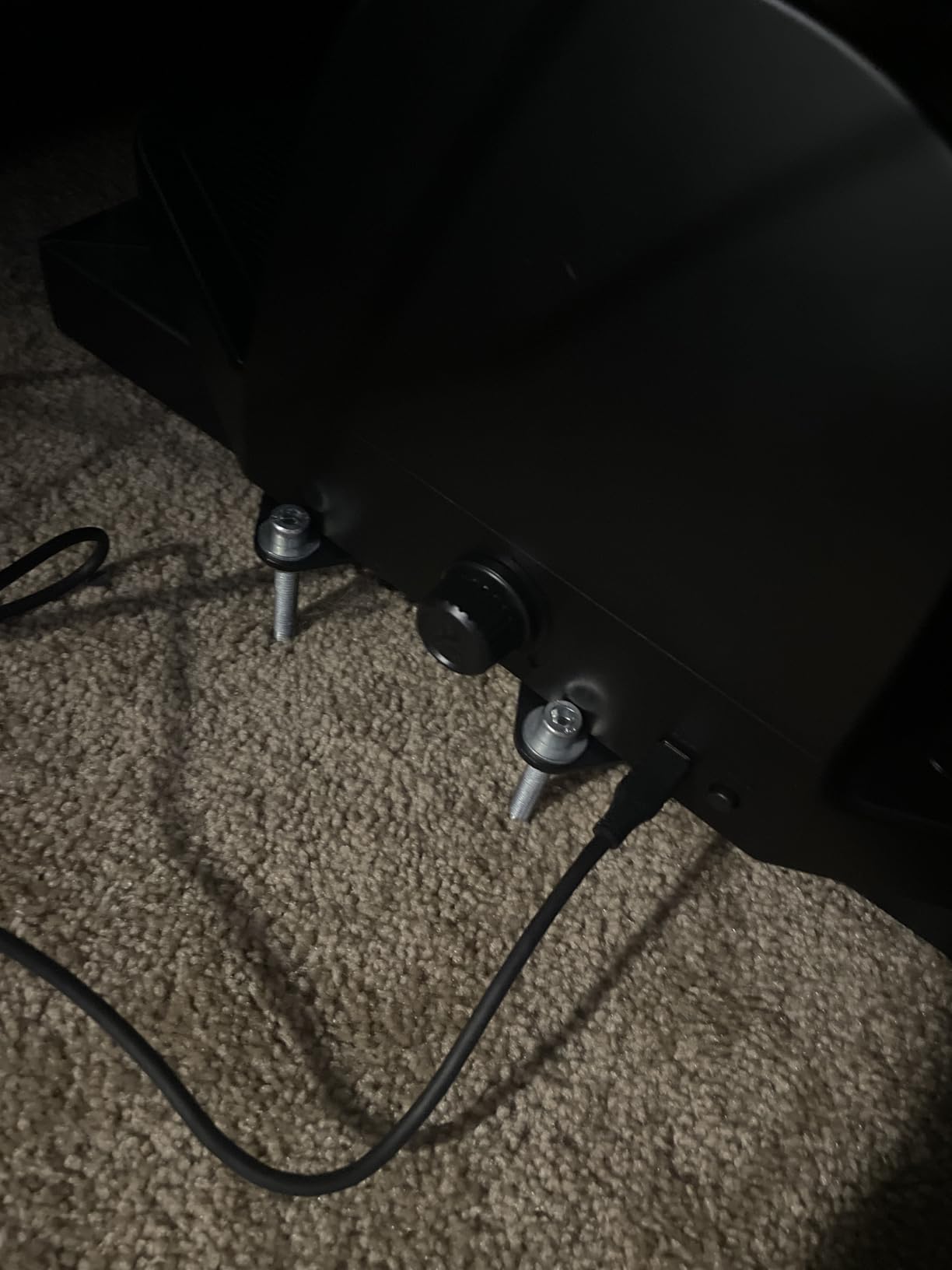
The adjustable pedal angles let you tilt the toe brake sections to match your natural foot posture. The non-slip base includes both grip pads for hard floors and carpet spikes for soft surfaces, which is a thoughtful dual-solution. The adjustable rudder tension knob is easy to reach, and I tweaked it mid-flight without looking down.
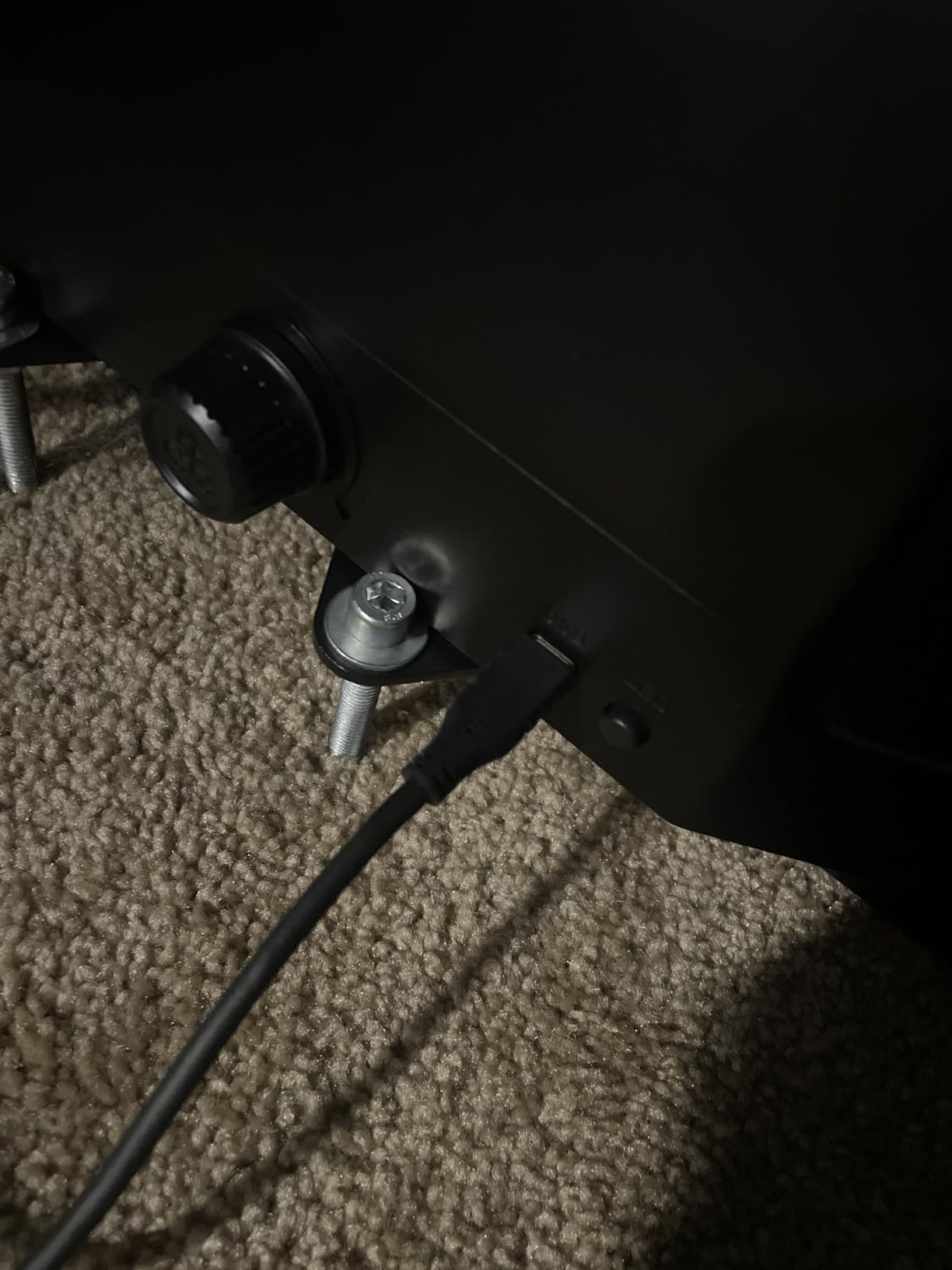
The USB-C connector placement on the back of the unit can be awkward if your desk sits flush against a wall. Our team also noted that the plastic housing is thick and bulky, which limits placement options on narrow desks. Some users with standard sim rig brackets reported that the mounting holes require modification to fit common aluminum extrusion profiles.
Despite those quirks, the Charlie pedals are a joy to use. The toe brakes are precise, the rudder axis is smooth, and the overall feel is professional. If you already own the Honeycomb Alpha or Bravo, these are the logical finishing touch for your setup. They also work well as standalone pedals for other brands.
Who Should Buy the Honeycomb Charlie
These pedals are perfect for Honeycomb ecosystem owners and civil aviation enthusiasts who want realistic metal pedals with toe brakes. The adjustable angles and non-slip base make them versatile for different desk and rig setups. PC and Mac users get broad compatibility, and Xbox support is available with the Alpha XPC hub.
Who Should Skip the Honeycomb Charlie
The bulk and USB-C placement may be dealbreakers for users with tight spaces. If you do not own other Honeycomb gear, you are paying a slight brand premium for ecosystem integration. Budget shoppers will find better value in the Logitech G Pro or Thrustmaster TFRP.
15. CH PRODUCTS Pro Pedals Discover Bundle – Budget Software Bundle
CH PRODUCTS Pro Pedals Discover Bundle (300111DIS)
Industrial foot pedals with three axes
Realistic toe brake function for flight and driving
Driverless USB plug-and-play
Includes two free software titles
✓ The Good
- Solid construction for daily use
- Driverless plug-and-play setup
- Three axes including toe brakes
- Fits large feet comfortably
- Includes bonus flight sim software
✕ The Bad
- Does not simulate real aircraft feel
- Not continuously smooth around center
- Mild catch in neutral position
- Currently unavailable frequently
The CH Products Pro Pedals Discover Bundle is an older package that includes the standard CH Pro Pedals plus two bonus software titles. I tested these with Microsoft FSX and FS2004, and they worked as expected. The driverless USB installation means you can get airborne in minutes on PC or Mac.
The three axes of movement include rudder and two toe brake axes, which is functional for basic flight and driving sims. The solid construction and large sturdy base can handle daily use, and the 2-year warranty remains a strong selling point. Users with large feet up to size 13 reported that the pedals accommodate them comfortably.
However, the community consensus is clear: these do not feel like real aircraft pedals. The motion around the center point is not perfectly smooth, and there is a mild catch in the neutral position. For casual gaming, this is fine. For real pilot training, the lack of realism can reinforce bad habits. The bundle is also frequently unavailable, which makes it hard to recommend over readily available alternatives.
Who Should Buy the Discover Bundle
Budget shoppers who find this bundle at a steep discount and need plug-and-play pedals for occasional flight sim use may consider it. The included software titles add value if you do not already own FSX or FS2004. Mac users and driving sim fans also benefit from the broad compatibility.
Who Should Skip the Discover Bundle
Modern simmers should avoid this in favor of newer designs with Hall effect sensors and better centering. The frequent stock shortages and dated software bundle make it a poor choice for anyone building a current-generation cockpit. The mild catch in the neutral position is also a distraction for precision flying.
How to Choose the Best Flight Simulator Rudder Pedals
Choosing the right rudder pedals comes down to five factors: sensor type, toe brakes, build quality, adjustability, and simulator compatibility. I have seen too many pilots buy the first set they see, only to replace them six months later. Here is what our team learned after testing 15 different models.
Before you spend a dollar, think about how many hours per week you will fly. Casual pilots who log 2 hours on weekends can get by with budget options. Daily flyers who treat the sim like a second hobby should prioritize durability and sensor quality from day one. The cost per hour drops dramatically when you buy gear that lasts five years instead of one.
Sensor Type: Hall Effect vs Potentiometer
Hall effect sensors use magnetic contactless technology to detect pedal position. They never wear out from friction, which means zero drift and consistent precision for years. Potentiometer-based pedals use a physical wiper that wears down over time, causing center drift and erratic inputs. The flight sim community on Reddit strongly favors Hall effect for this reason, and our testing confirmed the difference. If you fly more than 5 hours per week, Hall effect is worth the extra cost.
Toe Brakes and Differential Braking
Not all rudder pedals include toe brakes. Models like the VKB T-Rudder Mk.IV provide yaw control only, which is fine for combat sims but limiting for civil aviation. Toe brakes let you apply left and right wheel brakes independently, which is essential for tight taxi turns and crosswind takeoffs. If you practice pattern work or fly airliners, toe brakes are a must-have feature.
Build Quality and Materials
Plastic pedals are lighter and cheaper, but they slide on hard floors and flex under pressure. Metal construction adds weight and stability, and it usually correlates with better sensor tolerances. Our team found that pedals under 5 pounds almost always needed extra anchoring. If you have a dedicated cockpit rig, weight matters less. For desk setups, heavier pedals stay put.
Adjustability and Ergonomics
Adjustable tension lets you match pedal resistance to your aircraft. Light tension works for GA planes, while heavy tension mimics the stiff rudder of a transport category jet. Adjustable pedal width and angle are rare but valuable features. The Turtle Beach VelocityOne and Honeycomb Charlie both offer adjustments that improve comfort for different body sizes. Do not ignore pedal height either, as tall pedals can strain your ankles during long flights.
Simulator and Console Compatibility
Most pedals on this list are PC-only. If you fly on Xbox Series X or S, your options narrow to the Thrustmaster TFRP, Thrustmaster T-Flight Full Kit, and Turtle Beach VelocityOne. PlayStation 5 support is even rarer, with the TFRP being the main option. Always check that your simulator recognizes the pedal axes natively. Microsoft Flight Simulator and X-Plane support most USB pedals, but DCS World and Prepar3D may require manual binding.
Floor Grip and Setup Tips
One of the most common complaints in the forums is pedals sliding on hardwood or tile. We tested every model on both surfaces. Only the heaviest units stayed put without help. We recommend a textured rubber mat or industrial Velcro for any pedal under 10 pounds. Carpet spikes, like those on the Honeycomb Charlie, are a smart solution if you have a rug. Also measure your desk height and legroom before buying. Pendular pedals like the Thrustmaster TPR need more vertical space than sliding models.
Longevity and Maintenance
Even the best pedals need occasional care. Dust and hair can accumulate in the rail or pivot mechanism, causing sticking or noise. We recommend blowing out the mechanics with compressed air every three months. If you own a metal pedal set, a tiny drop of silicone lubricant on the hinge points keeps motion smooth. Avoid WD-40, as it attracts dust. For potentiometer pedals, calibration every few months helps compensate for wear, though it cannot reverse it. Store pedals in a dry environment to prevent corrosion on metal parts.
Budget vs Long-Term Value
It is tempting to buy the cheapest pedals available, but our testing shows that budget models cost more in the long run. A $130 set that drifts after a year and needs replacement costs $260 over two years. A $350 Hall effect set that lasts five years costs less per month. If you are unsure whether flight simming is a lasting hobby, start with the Thrustmaster TFRP or Logitech G Pro. If you already know you are hooked, save for the TPR or Turtle Beach VelocityOne.
Frequently Asked Questions
Are flight sim rudder pedals worth it?
Yes, rudder pedals are worth it for anyone who wants realistic aircraft control. They provide yaw input for coordinated turns, crosswind takeoffs, and landing corrections. Toe brakes enable differential braking, which is impossible with a twist stick. Student pilots and serious enthusiasts benefit the most, as pedals develop proper foot muscle memory that transfers to real-world flying.
Are rudder pedals necessary for flight sim?
Rudder pedals are not strictly necessary, but they are strongly recommended for realistic simulation. A joystick twist grip can handle yaw control in casual flying, but it lacks the precision and realism of pedals. For taildragger aircraft, helicopters, and formation flying, pedals become essential. Most real-world pilots would argue that proper rudder control is impossible to learn well without dedicated pedals.
What rudder pedals should I buy for my budget?
For budgets under $150, the Thrustmaster TFRP offers multi-platform compatibility and toe brakes. In the $150 to $250 range, the Logitech G Pro Flight Rudder Pedals provide the best balance of features and build quality. Between $250 and $400, the Turtle Beach VelocityOne delivers Hall effect sensors and adjustable width. Above $400, the Thrustmaster TPR Pendular is the professional choice with all-metal construction and magnetic sensors.
What are Hall effect sensors and why do they matter?
Hall effect sensors are contactless magnetic sensors that detect pedal position without physical friction. They matter because they eliminate the wear and drift that plague traditional potentiometer sensors. Over time, potentiometers develop noisy signals and center-point drift, forcing you to recalibrate constantly. Hall effect sensors maintain perfect accuracy for years, which is why they are the standard in professional and high-end consumer pedals.
Do flight sim rudder pedals work with Xbox?
Yes, but only specific models work with Xbox Series X and S. The Thrustmaster TFRP, Thrustmaster T-Flight Full Kit, and Turtle Beach VelocityOne are the most compatible options. Most other pedals are PC-only and will not function on Xbox consoles. Always verify the manufacturer compatibility list before purchasing for console use.
Final Thoughts
After testing 15 different models, our top recommendation for the best flight simulator rudder pedals depends on your budget and commitment level. The Thrustmaster TPR Pendular is the undisputed leader for serious simmers who want professional precision and all-metal durability. The Logitech G Pro Flight Rudder Pedals offer the best balance of price and performance for most PC pilots. If you are just starting out, the Thrustmaster TFRP is an affordable entry point that works across PC and consoles.
Remember to prioritize Hall effect sensors if you plan to fly regularly. The long-term accuracy and lack of drift make a noticeable difference in your training and enjoyment. No matter which set you choose, pair it with a good non-slip mat and measure your desk space before ordering. Happy flying in 2026.
One final piece of advice from our team: do not let perfect be the enemy of good. A mid-range pedal set today is better than a dream setup you never buy. The skills you build on the Logitech G Pro or Thrustmaster TFRP will transfer directly when you eventually upgrade. The important thing is to get your feet on pedals and start practicing coordinated turns, crosswind landings, and smooth taxiing. The immersion improvement is immediate, and your virtual passengers will thank you for it.
