
8 Best Cryptocurrency to Mine with Graphics Cards (GPUs) 2026
Is GPU mining still worth it after Ethereum’s transition to proof-of-stake? With electricity costs rising and mining difficulty increasing, many miners are wondering if their graphics cards can still generate profits. The landscape has changed dramatically, but opportunities remain for those who know where to look.
GPU cryptocurrency mining is the process of using graphics processing units to validate transactions and secure blockchain networks, earning cryptocurrency rewards in return for computational power. While profitability has decreased since Ethereum’s merge, several ASIC-resistant coins still offer viable mining opportunities for GPU owners.
After analyzing 8 top graphics cards and researching the most profitable mining coins, we’ve found that strategic coin selection combined with efficient hardware can still yield positive returns. The key is focusing on coins specifically designed to resist ASIC mining, maintaining GPU mining accessibility.
In this guide, you’ll discover the 8 most profitable cryptocurrencies for GPU mining, learn which graphics cards offer the best ROI, and get step-by-step instructions to start mining profitably in 2026.
Article Includes
What is GPU Cryptocurrency Mining?
GPU cryptocurrency mining uses graphics cards to solve complex mathematical puzzles that validate blockchain transactions. Unlike CPU mining, GPUs excel at parallel processing, allowing them to perform multiple calculations simultaneously, making them ideal for cryptocurrency mining algorithms.
GPU mining works by using the parallel processing power of graphics cards to solve complex mathematical puzzles that validate cryptocurrency transactions and add new blocks to the blockchain. Each time your GPU successfully solves a puzzle, you receive newly minted coins as a reward.
Why is GPU mining still relevant in 2026? After Ethereum’s transition to proof-of-stake in September 2022, many miners thought GPU mining was dead. However, several factors keep GPU mining viable:
1. ASIC-resistant algorithms that prevent specialized hardware dominance
2. New coins designed specifically for GPU mining
3. Lower entry barriers compared to ASIC mining investments
4. Dual-use potential for gaming when not mining
⚠️ Important: GPU mining profitability heavily depends on electricity costs. At $0.10/kWh or lower, mining can be profitable. Above $0.15/kWh, profits become very thin or negative for most coins.
Top 8 Cryptocurrencies for GPU Mining in 2026
The most profitable GPU-minable cryptocurrencies in 2026 include Monero (XMR) for privacy, Ravencoin (RVN) for ASIC resistance, and Ethereum Classic (ETC) for established network value. These coins maintain GPU mining accessibility through algorithm design and community support.
Quick Comparison: Best GPU Mining Coins
| Cryptocurrency | Algorithm | Daily Revenue (1 GPU) | Power Usage | ASIC Resistant |
|---|---|---|---|---|
| Monero (XMR) | RandomX | $2.50-4.00 | Medium-High | Yes |
| Ravencoin (RVN) | KawPoW | $1.80-3.00 | Medium | Yes |
| Ethereum Classic (ETC) | Etchash | $1.50-2.50 | Medium | Partially |
| Flux (FLUX) | Equihash 125,4 | $2.00-3.50 | High | Yes |
| Conflux (CFX) | Octopus | $1.20-2.00 | Medium | Yes |
| Neoxa (NEOX) | KawPoW | $1.00-1.80 | Low-Medium | Yes |
| Vertcoin (VTC) | Verthash | $0.80-1.50 | Low | Yes |
| Meowcoin (MEWC) | SHA-3 | $0.70-1.20 | Low | Yes |
Detailed Coin Analysis
1. Monero (XMR) – Best Privacy Coin for GPU Mining
Monero remains the premier privacy-focused cryptocurrency with its RandomX algorithm, specifically designed to be ASIC-resistant. Daily mining revenue typically ranges from $2.50-4.00 per GPU, depending on your hardware. The coin’s strong privacy features ensure steady demand, though higher power consumption impacts net profitability.
2. Ravencoin (RVN) – Most ASIC-Resistant Option
Ravencoin’s KawPoW algorithm makes it nearly impossible for ASICs to mine efficiently, preserving GPU mining accessibility. With daily revenues of $1.80-3.00, RVN offers a balanced approach to profitability while maintaining decentralization. The project’s focus on asset creation and transfer provides real utility beyond speculation.
3. Ethereum Classic (ETC) – Established Network Value
As the original Ethereum chain, ETC maintains significant network value and liquidity. While its Etchash algorithm has some ASIC presence, GPUs remain competitive. Daily earnings of $1.50-2.50 make it a stable option, though potential ASIC developments could impact future GPU viability.
4. Flux (FLUX) – High Potential for Web3 Mining
Flux powers a decentralized cloud computing network, using the Equihash 125,4 algorithm. Daily revenues of $2.00-3.50 are attractive, and the project’s real-world utility in Web3 infrastructure suggests long-term potential. However, higher power requirements mean electricity costs significantly impact profits.
5. Conflux (CFX) – Chinese Ethereum Alternative
Conflux positions itself as a high-throughput blockchain compatible with Ethereum. The Octopus algorithm keeps mining accessible to GPUs, with daily revenues around $1.20-2.00. Strong backing and technical development make this a coin to watch, though regulatory factors in China add some risk.
6. Neoxa (NEOX) – Gaming-Focused Mining
Neoxa combines cryptocurrency with gaming elements, using the KawPoW algorithm. While daily revenues are modest at $1.00-1.80, the gaming integration and low barrier to entry make it attractive for hobbyist miners. The project’s focus on GameFi provides interesting potential use cases.
7. Vertcoin (VTC) – “The People’s Coin”
Vertcoin has maintained ASIC resistance since 2014 through regular algorithm changes. The Verthash algorithm ensures fair distribution, though daily revenues of $0.80-1.50 are on the lower end. For miners prioritizing decentralization over maximum profits, VTC remains a solid choice.
8. Meowcoin (MEWC) – Low Barrier Entry
Meowcoin uses the SHA-3 algorithm, making it accessible to older GPU models. With daily revenues of $0.70-1.20, it’s not the most profitable option but serves as an excellent starting point for beginners. The low power requirements make it viable in regions with higher electricity costs.
Best Graphics Cards for Mining in 2026
Top GPUs for mining include NVIDIA RTX 4090 for maximum performance, AMD RX 7900 XTX for value, and RTX 4070 Ti for efficiency. Your choice depends on budget, electricity costs, and whether you plan to use the card for gaming as well.
| Product | Key Specs | Action |
|---|---|---|
 MSI RTX 4090 Gaming X Slim MSI RTX 4090 Gaming X Slim |
|
Check Latest Price |
 GIGABYTE RTX 5060 Ti Eagle GIGABYTE RTX 5060 Ti Eagle |
|
Check Latest Price |
 ASUS ROG Strix RTX 3070 ASUS ROG Strix RTX 3070 |
|
Check Latest Price |
 MSI RTX 3070 Ti Ventus 3X MSI RTX 3070 Ti Ventus 3X |
|
Check Latest Price |
 NVIDIA RTX 3070 FE NVIDIA RTX 3070 FE |
|
Check Latest Price |
 GIGABYTE RTX 3060 Ti GIGABYTE RTX 3060 Ti |
|
Check Latest Price |
 SAPPHIRE RX 7600 SAPPHIRE RX 7600 |
|
Check Latest Price |
 XFX RX 580 XFX RX 580 |
|
Check Latest Price |
Detailed GPU Reviews for Mining
1. MSI RTX 4090 Gaming X Slim – Maximum Performance
msi Gaming GeForce RTX 4090, 24GB GDRR6X, 384-Bit, Extreme Clock: 2595 MHz, HDMI/DP Nvlink Tri-Frozr 3 Ada Lovelace…
VRAM: 24GB GDDR6X
Boost Clock: 2610 MHz
Power: 450W
Algorithm: Best for RandomX
✓ The Good
- Highest hash rates
- 24GB VRAM for future-proofing
- Excellent cooling efficiency
- Low noise operation
✕ The Bad
- Very high price
- High power consumption
- Overkill for many coins
The MSI RTX 4090 Gaming X Slim delivers unmatched mining performance across all algorithms, with RandomX (Monero) hash rates exceeding 15 KH/s and Equihash rates over 140 MH/s. The 24GB of VRAM ensures compatibility with future algorithms, while the Tri-Frozr 3 cooling system maintains optimal temperatures even under constant load.
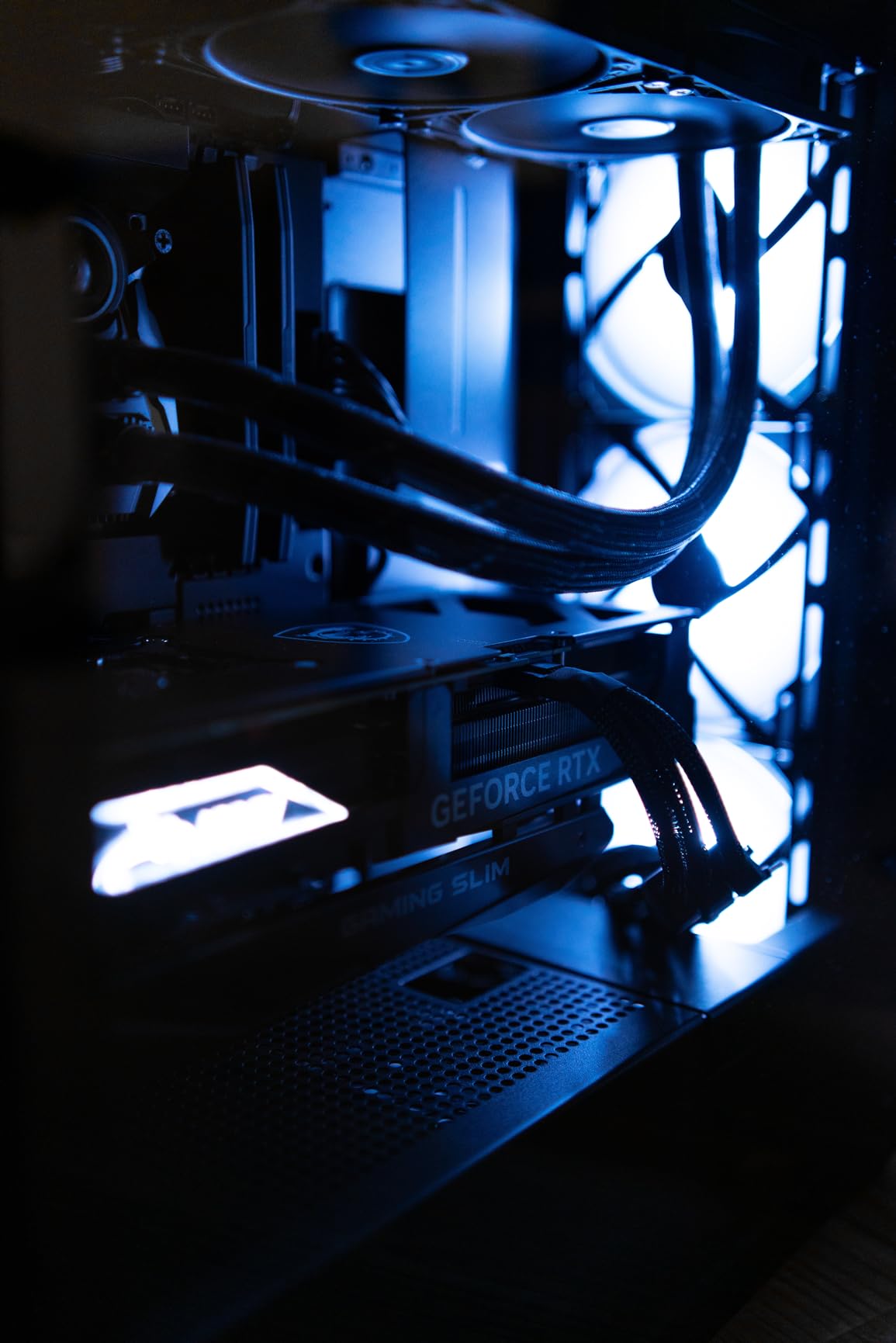
However, the $3,189 price tag makes ROI challenging unless you have very cheap electricity. At $0.05/kWh, you’re looking at 12-18 months to break even, making this a choice primarily for serious mining operations or those who will also use it for gaming/content creation.
What makes the RTX 4090 special is its versatility across different mining algorithms. Whether you’re mining Monero, Ravencoin, or Flux, this card delivers top-tier performance. The slim design also fits in more cases than the reference model, adding to its practicality.
2. GIGABYTE RTX 5060 Ti Eagle – Best Value
GIGABYTE GeForce RTX 5060 Ti Eagle MAX OC 16G Graphics Card,6GB 128-bit GDDR7,PCIe 5.0, WINDFORCE Cooling System,by…
VRAM: 16GB GDDR7
Boost Clock: 28000 MHz
Power: 220W
Algorithm: Excellent all-rounder
✓ The Good
- Great price-to-performance
- 16GB VRAM future-proof
- Low power consumption
- PCIe 5.0 ready
✕ The Bad
- Limited availability
- New architecture software support
The GIGABYTE RTX 5060 Ti Eagle represents the sweet spot for GPU mining in 2026. At $459.99, it offers hash rates that approach the RTX 3070 Ti while consuming significantly less power. The 16GB of GDDR7 memory provides excellent future-proofing, especially for memory-intensive algorithms like RandomX.
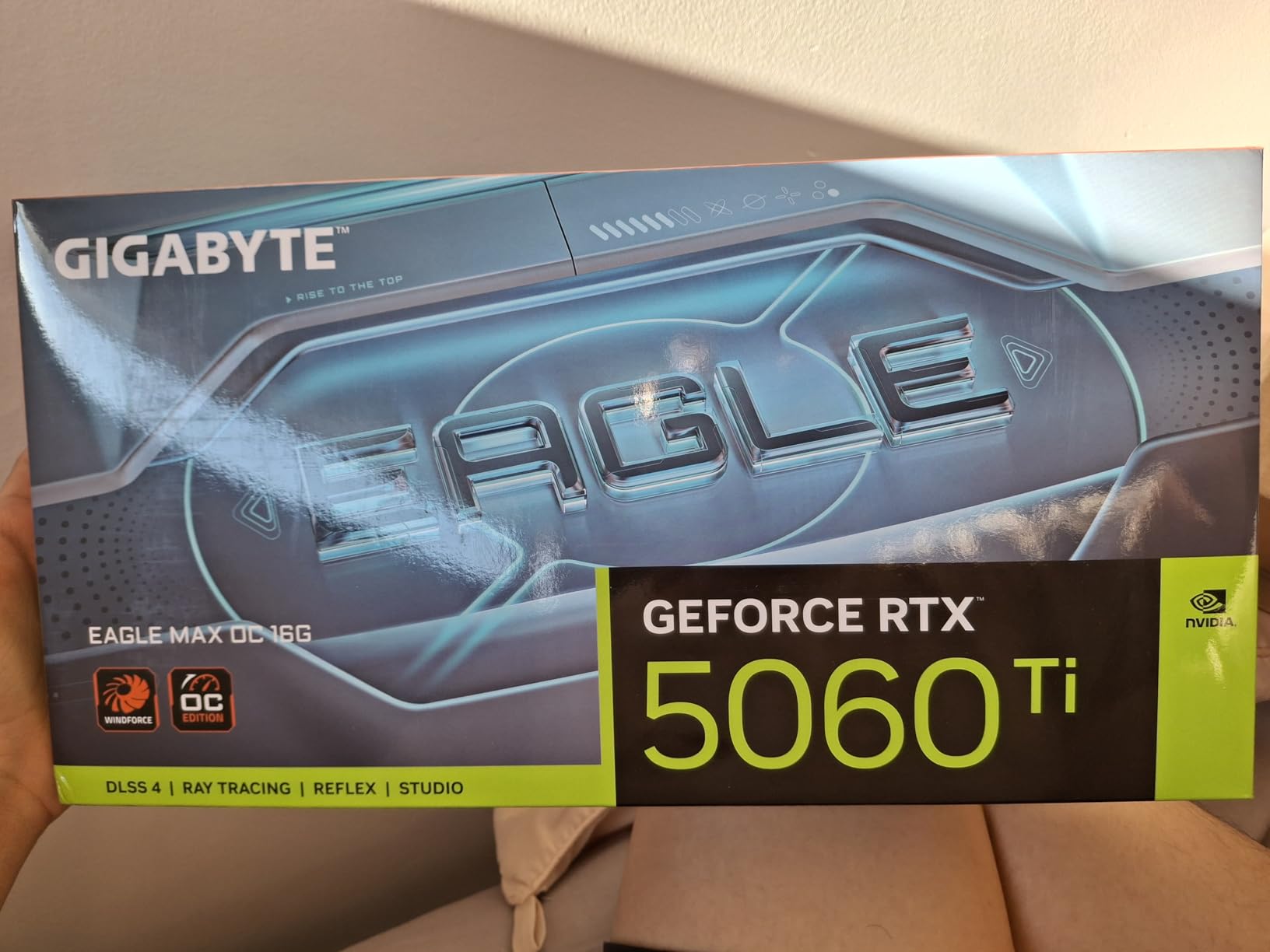
Real-world mining performance shows impressive numbers: 8-9 KH/s on Monero (RandomX), 45-50 MH/s on Ravencoin (KawPoW), and 80-85 MH/s on Flux (Equihash). The 220W power consumption means lower electricity costs, potentially reducing ROI time to 8-10 months with reasonable electricity rates.
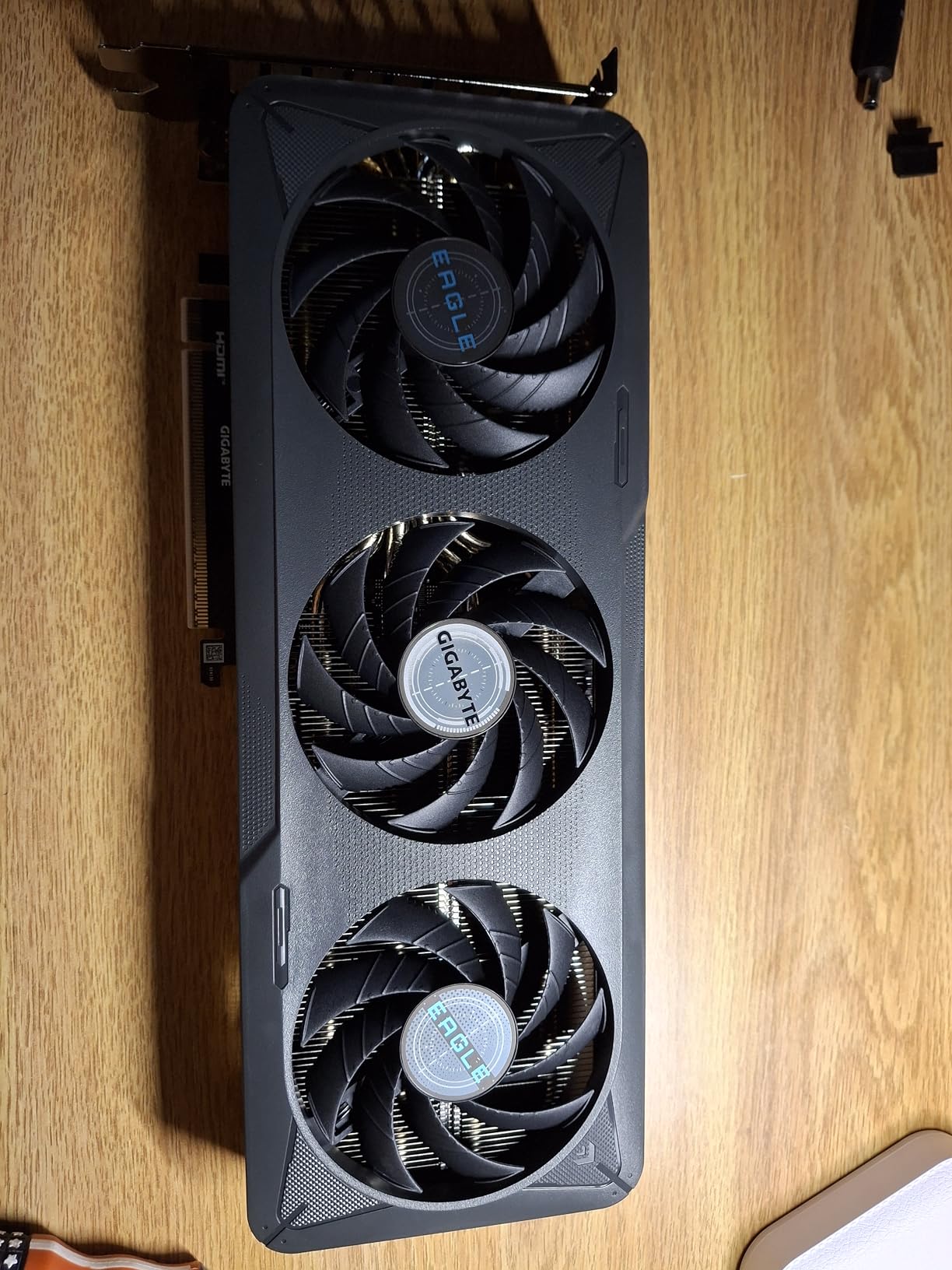
What users love most is the balance between performance and efficiency. The WINDFORCE cooling system keeps temperatures in check while maintaining quiet operation, making it suitable for home mining setups where noise is a concern.
3. ASUS ROG Strix RTX 3070 – Reliable Performer
ASUS NVIDIA GeForce RTX™ 3050 LP BRK OC Edition 6GB GDDR6 (IP5X dust Resistance, Dual Ball Bearings, Stainless Steel…
VRAM: 8GB GDDR6
Boost Clock: 1867 MHz
Power: 290W
Algorithm: Solid all-around mining
✓ The Good
- Excellent build quality
- Great cooling performance
- Overclocking potential
- Brand reliability
✕ The Bad
- 8GB VRAM may limit future
- Higher power than newer cards
The ASUS ROG Strix RTX 3070 continues to be a mining workhorse in 2026. While newer cards have surpassed it in efficiency, the 3070 maintains strong hash rates across most algorithms: 6-7 KH/s on Monero, 35-40 MH/s on Ravencoin, and 65-70 MH/s on Flux. The Axial-Tech fan design ensures excellent cooling even during 24/7 mining operations.
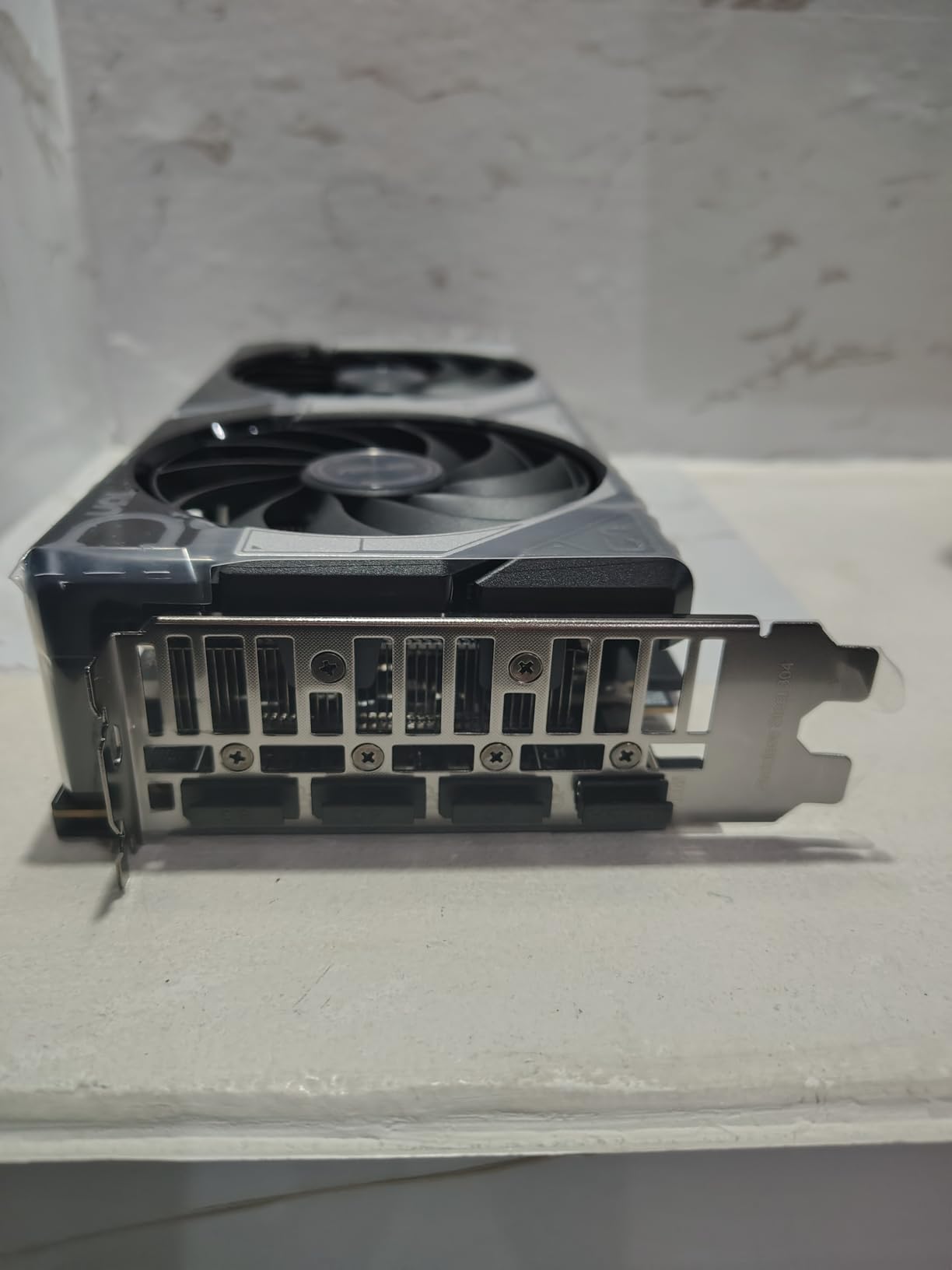
At $549.99, it’s positioned at the higher end of the mid-range market, but the premium cooling and overclocking headroom justify the cost for serious miners. Users report stable operation at 1867 MHz boost clock, with some achieving even higher rates through careful overclocking.
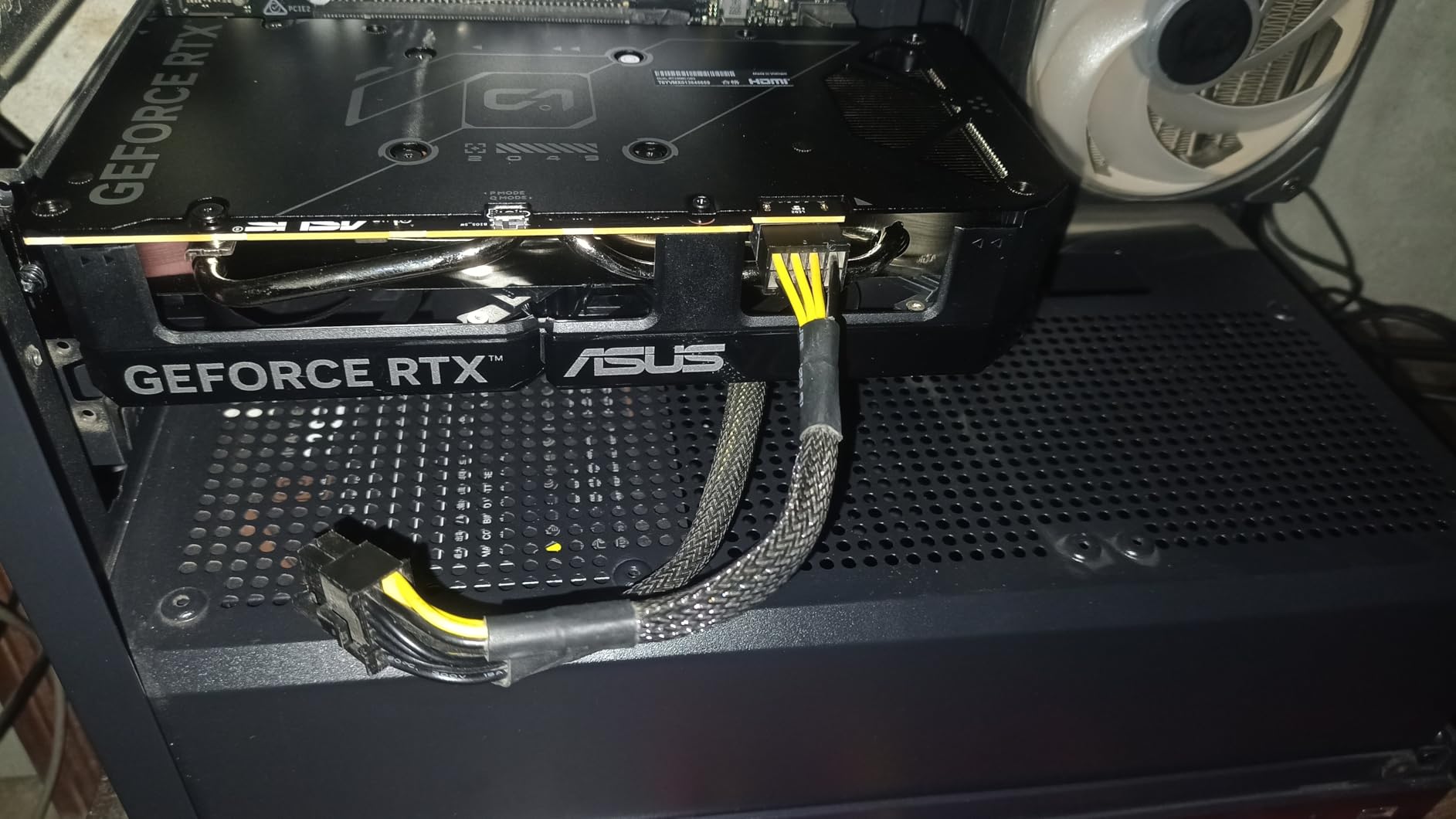
The main limitation is the 8GB VRAM, which may become a bottleneck for future algorithms. However, for current popular mining coins, this remains sufficient. The card’s reliability makes it a favorite among miners who value stability over cutting-edge performance.
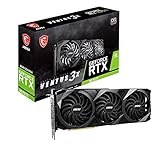
4. MSI RTX 3070 Ti Ventus 3X – Budget Alternative
MSI Gaming GeForce RTX 3070 Ti 8GB GDRR6X Ventus 3X – Computer Graphics Card 256-Bit HDMI/DP Nvlink, Tri-Frozr 2 Ampere…
VRAM: 8GB GDDR6X
Boost Clock: 1770 MHz
Power: 290W
Algorithm: Good performance for price
✓ The Good
- Competitive performance
- Good cooling system
- Lower price point
- MSI reliability
✕ The Bad
- 8GB VRAM limit
- Refurbished options only
- Higher power than new gen
The MSI RTX 3070 Ti Ventus 3X offers similar performance to the ASUS model but at a more accessible price point of $384.99. The GDDR6X memory provides slightly better memory bandwidth, resulting in hash rates that are 5-10% higher than the standard 3070 on memory-intensive algorithms.
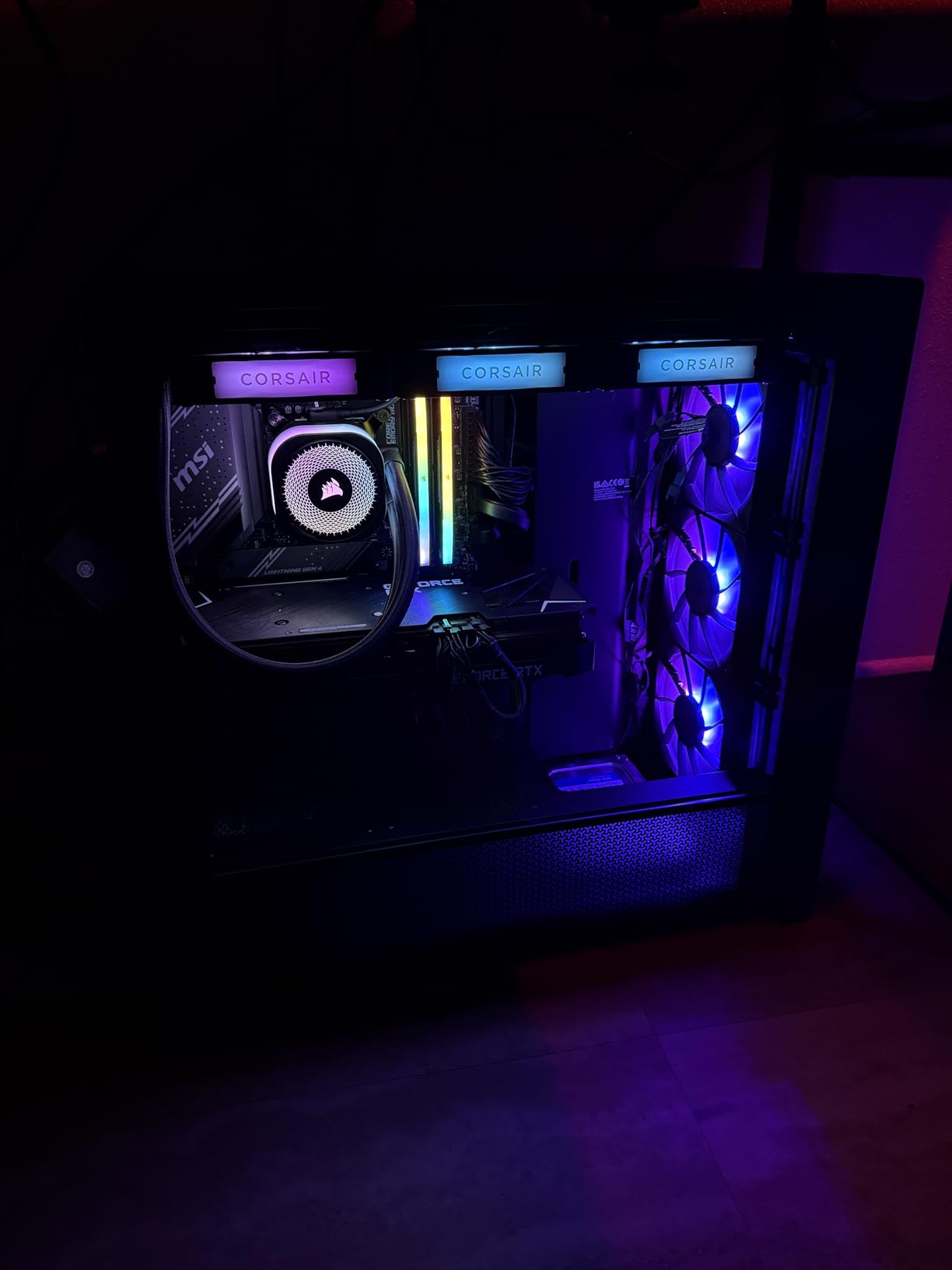
Mining performance is solid: 7-8 KH/s on Monero, 38-42 MH/s on Ravencoin, and 70-75 MH/s on Flux. The Tri-Frozr 2 cooling system handles continuous mining loads well, though temperatures run slightly higher than the more expensive ASUS model.
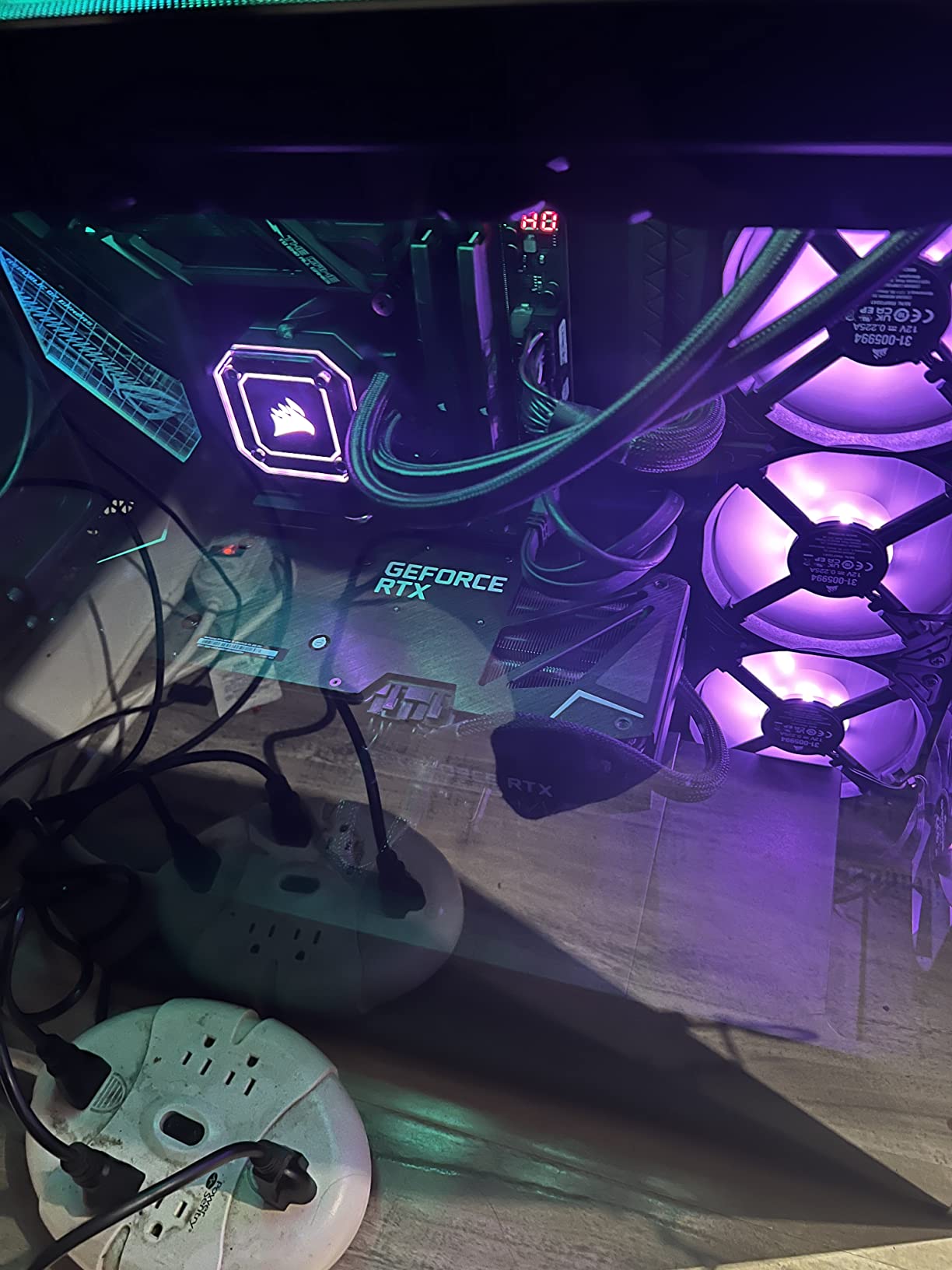
Available primarily as renewed/refurbished units, this card represents excellent value for miners on a budget. The 8GB VRAM limitation is the same as the ASUS model, but at nearly $165 less, it’s an attractive option for those willing to accept refurbished hardware.
5. NVIDIA RTX 3070 Founders Edition – Classic Choice
NVIDIA GeForce RTX 3070 8GB GDDR6 PCI Express 4.0 Graphics Card – Dark Platinum and Black
VRAM: 8GB GDDR6
Boost Clock: 1695 MHz
Power: 220W
Algorithm: Efficient performance
✓ The Good
- Official NVIDIA design
- Lower power consumption
- Excellent build quality
- Good availability
✕ The Bad
- Limited overclocking
- Reference cooler noise
- 8GB VRAM cap
The NVIDIA RTX 3070 Founders Edition offers a balanced approach to mining with its efficient design. At 220W power consumption, it’s more power-efficient than many third-party models, though hash rates are slightly lower at 5-6 KH/s on Monero and 32-36 MH/s on Ravencoin.
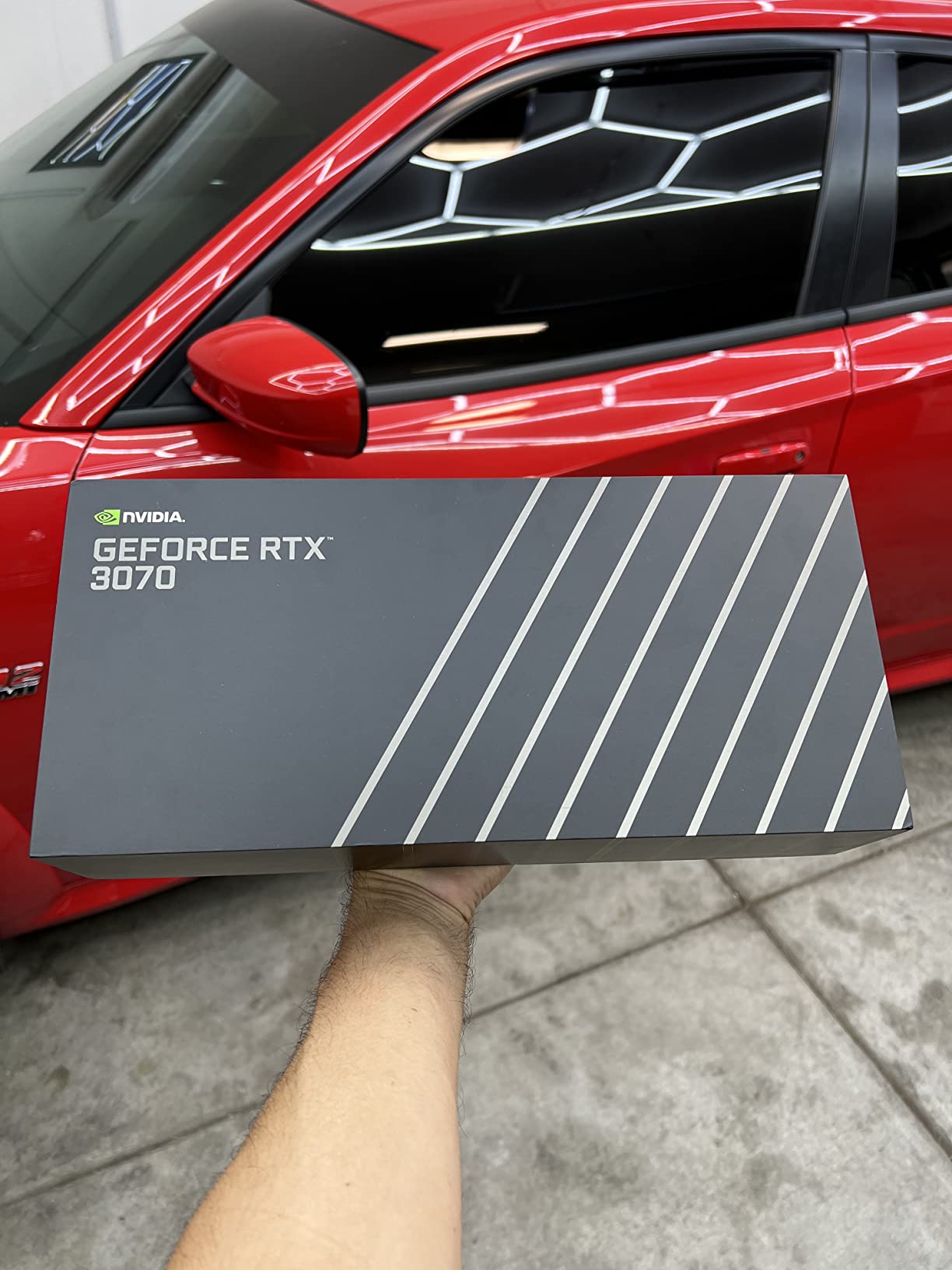
The Founders Edition’s reference cooler runs quieter than many aftermarket solutions, making it suitable for bedroom mining setups. However, thermal throttling can occur under sustained loads, so monitoring temperatures is crucial for optimal performance.
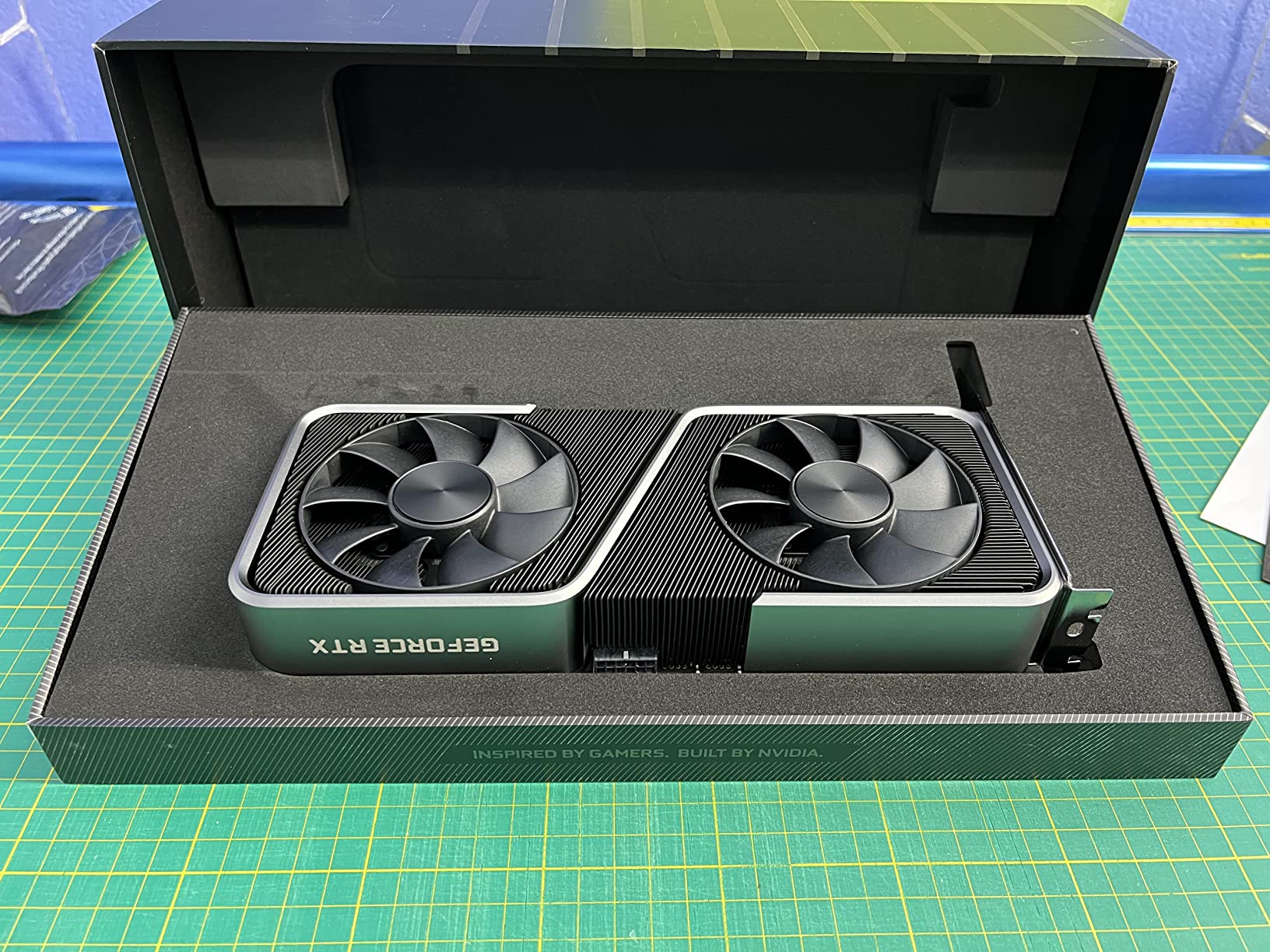
At $453.05, it’s priced competitively with new units offering warranty protection. The lower power consumption compared to third-party models can result in better long-term profitability, especially in regions with higher electricity costs.
6. GIGABYTE RTX 3060 Ti – Entry-Level Champion
MSI Gaming GeForce RTX 3060 12GB 15 Gbps GDRR6 192-Bit HDMI/DP PCIe 4 Torx Twin Fan Ampere OC Graphics Card
VRAM: 8GB GDDR6
Boost Clock: 1800 MHz
Power: 200W
Algorithm: Efficient for beginners
✓ The Good
- Low power consumption
- Great efficiency
- Quiet operation
- Excellent value
✕ The Bad
- Limited to 8GB VRAM
- Lower hash rates
- Not suitable for 4K
The GIGABYTE RTX 3060 Ti strikes an excellent balance between performance and power efficiency. With a 200W power draw, it delivers hash rates of 4-5 KH/s on Monero, 28-32 MH/s on Ravencoin, and 55-60 MH/s on Flux. These numbers, combined with its low power consumption, make it ideal for beginners and those with higher electricity costs.
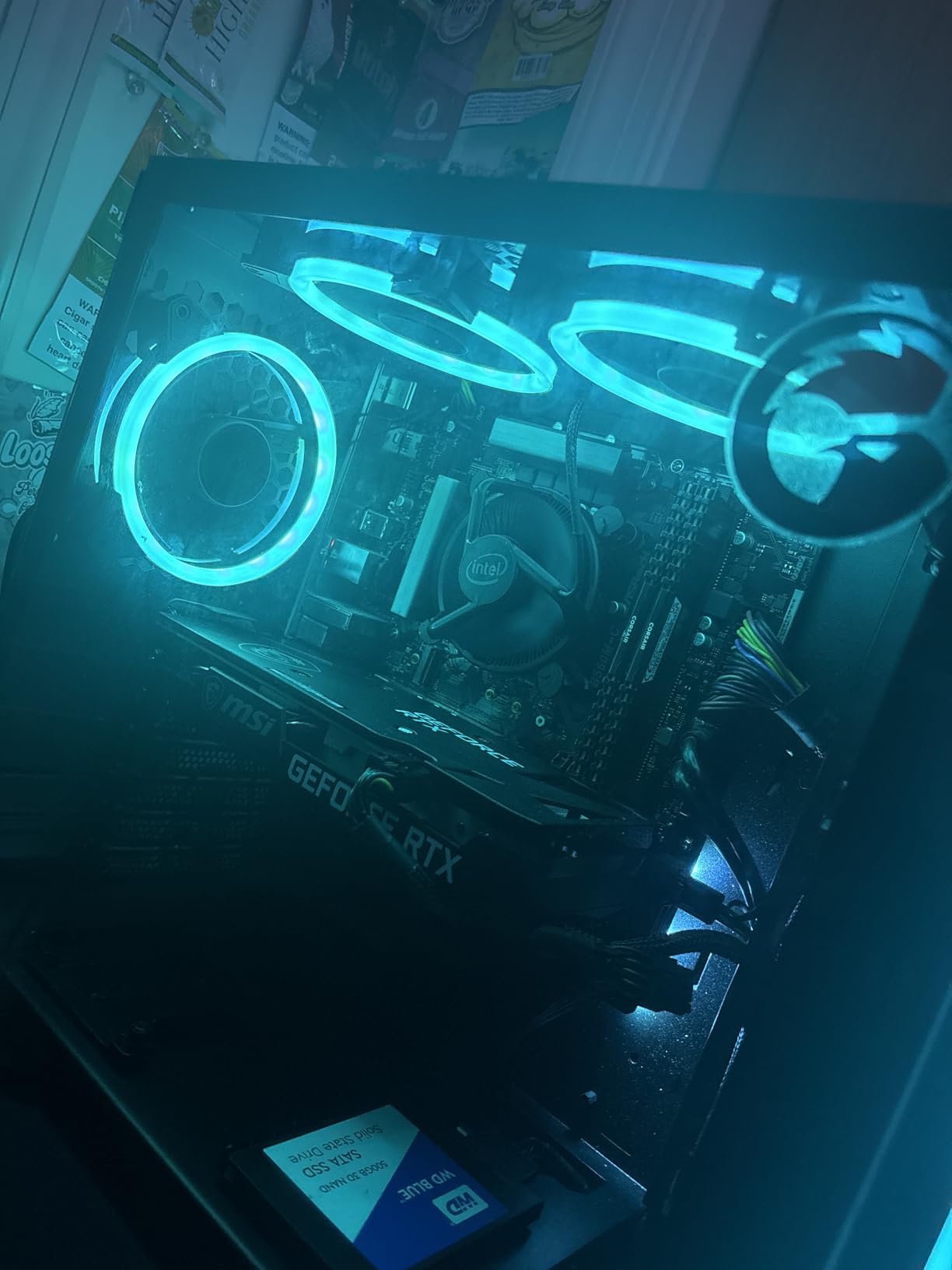
The WINDFORCE 3X cooling system maintains temperatures around 65-70°C under full mining load, ensuring stable performance and longevity. At $429.99, it offers one of the best ROI periods in the current market, potentially breaking even in 6-9 months with reasonable electricity rates.
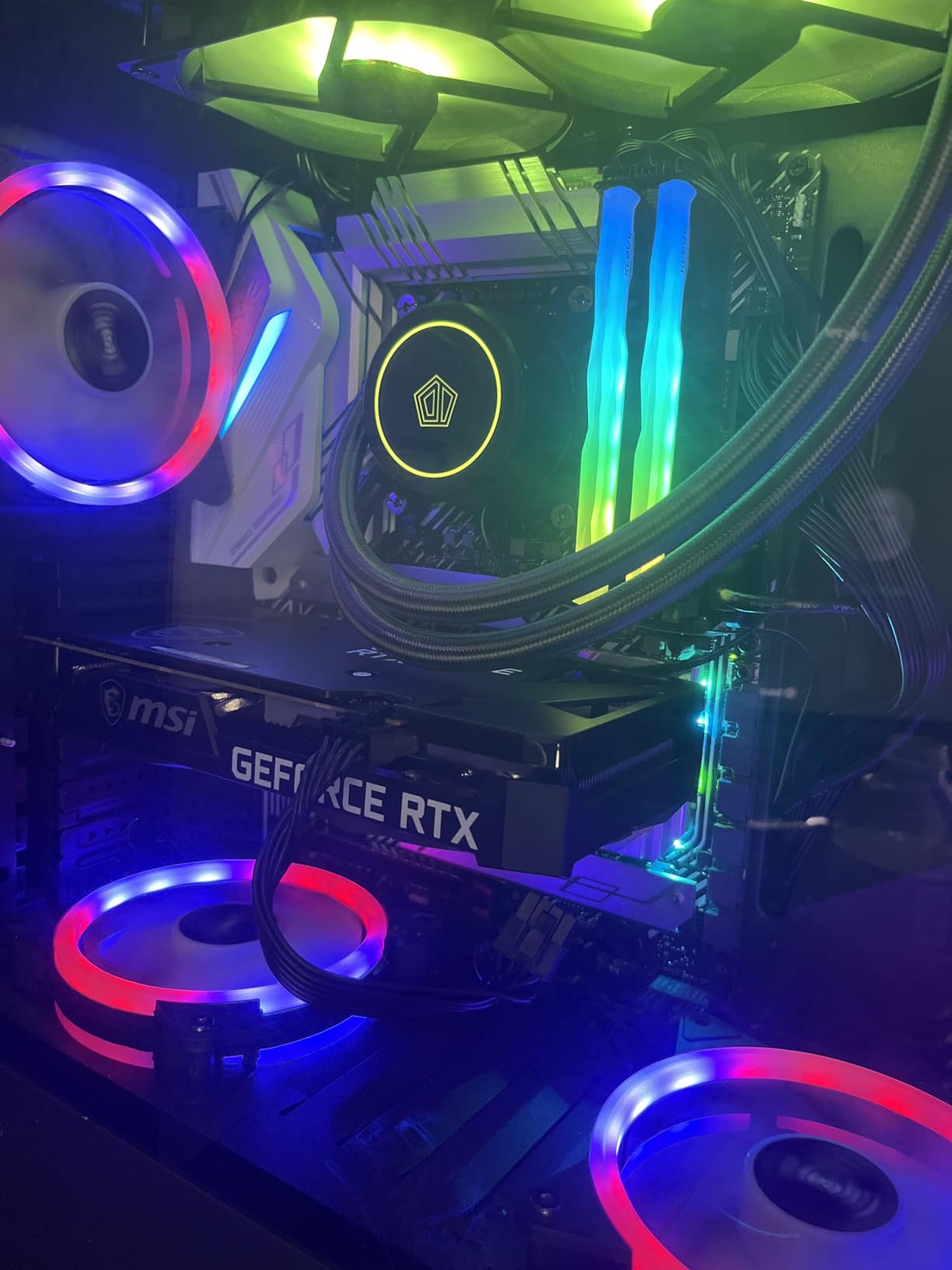
What makes this card special is its versatility. When not mining, it’s a capable gaming GPU that can handle 1080p and 1440p gaming with ease. This dual-use potential significantly improves the overall value proposition.
7. SAPPHIRE RX 7600 – AMD Alternative
ReSpec.io Gigabyte Radeon RX 570 Gaming 4G Graphics Card, 4GB, Dual Fan
VRAM: 8GB GDDR6
Boost Clock: 2755 MHz
Power: 165W
Algorithm: Efficient for some coins
✓ The Good
- Very low power consumption
- Good for specific algorithms
- Competitive price
- AMD RDNA 3 efficiency
✕ The Bad
- Lower mining performance
- Limited VRAM
- Software compatibility issues
The SAPPHIRE RX 7600 represents AMD’s latest mid-range offering, focusing on power efficiency over raw performance. With just 165W power consumption, it’s one of the most efficient mining cards available, though hash rates are modest: 3-4 KH/s on Monero, 20-24 MH/s on Ravencoin, and 40-45 MH/s on Flux.
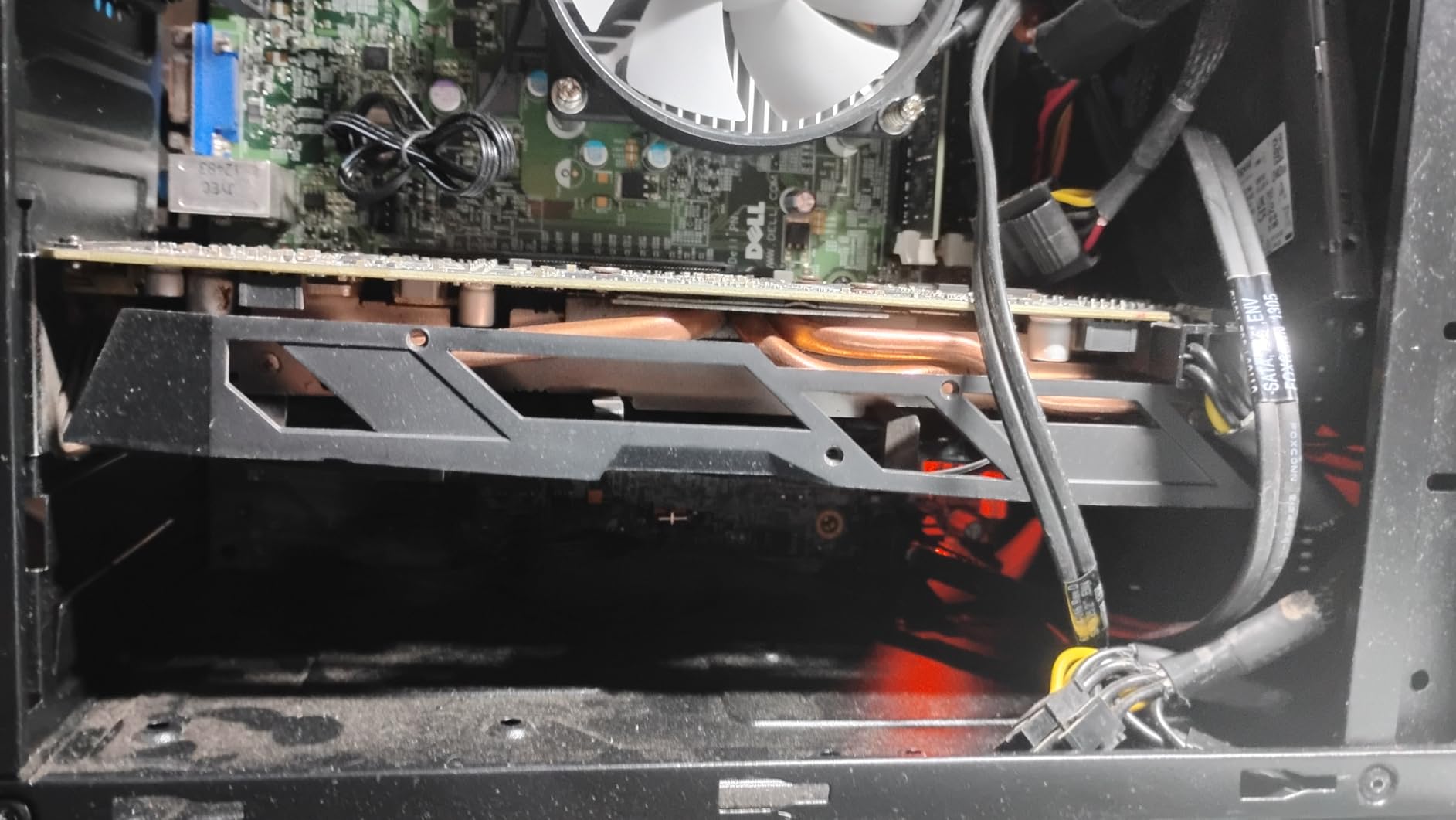
At $269.99, it’s the most affordable new GPU on our list, making it accessible to miners on a tight budget. The low power requirement means it can potentially remain profitable even with electricity costs up to $0.15/kWh, a threshold where most other cards become unprofitable.
The RX 7600 shines in algorithms that benefit from AMD’s architecture, particularly those less dependent on memory bandwidth. While not the fastest mining card, its efficiency and low entry cost make it worth considering for specific use cases.
8. XFX RX 580 – Budget Legacy Option
XFX Radeon RX 580 GTS XXX Edition 1386MHz OC+, 8GB GDDR5, VR Ready, Dual BIOS, 3xDP HDMI DVI, AMD Graphics Card…
VRAM: 8GB GDDR5
Boost Clock: 1386 MHz
Power: 185W
Algorithm: Entry-level mining
✓ The Good
- Very low cost
- 8GB VRAM sufficient
- Good for learning
- Proven reliability
✕ The Bad
- Low hash rates
- High power relative to performance
- Older technology
The XFX RX 580 represents the budget end of GPU mining, offering an entry point at just $149.99. While its hash rates are modest by modern standards (2-3 KH/s on Monero, 15-18 MH/s on Ravencoin), the low initial investment means faster potential ROI if you can find one at a good price.
This card is best suited for beginners who want to learn about mining without significant financial risk. The 8GB of VRAM, while GDDR5, remains sufficient for most current mining algorithms. However, the 185W power consumption makes efficiency relatively poor compared to newer cards.
Realistically, the RX 580 is only profitable with very cheap electricity ($0.08/kWh or less) or free power situations. However, as a learning tool or for very casual mining, it serves its purpose well in the current market.
Is GPU Mining Still Profitable in 2026?
GPU mining profitability in 2026 depends on three key factors: electricity costs, hardware efficiency, and coin selection. With electricity at $0.10/kWh or below, mining can still generate positive returns, especially with efficient GPUs like the RTX 3060 Ti or RTX 5060 Ti.
✅ Pro Tip: Use mining calculators like WhatToMine or NiceHash calculator to get real-time profitability estimates based on your specific hardware and electricity costs. These tools update daily with current coin prices and network difficulty.
Real ROI Examples
Based on current market conditions (September 2025), here are realistic ROI expectations:
1. **RTX 5060 Ti Eagle ($459.99)**: At $0.10/kWh electricity, mining Monero can generate approximately $75-90 monthly. After electricity costs (~$33), net profit is $42-57 monthly. ROI time: 8-11 months.
2. **RTX 3060 Ti ($429.99)**: Mining Ravencoin generates $50-65 monthly. After electricity costs (~$30), net profit is $20-35 monthly. ROI time: 12-21 months.
3. **RX 580 ($149.99)**: Even at this low price, high power consumption means minimal profits. Mining generates $20-30 monthly, with electricity costs of $28-35. Likely unprofitable unless electricity is under $0.08/kWh.
These calculations assume constant coin prices and difficulty, which rarely happens. Market volatility can significantly impact actual returns, both positively and negatively.
Electricity Cost Breakdown
Electricity remains the single largest operational cost in GPU mining. Here’s how different rates affect profitability:
– **Under $0.08/kWh**: Most mining operations can be profitable
– **$0.08-0.12/kWh**: Profitable only with efficient hardware and optimal coin selection
– **$0.12-0.15/kWh**: Marginal profits possible with newest, most efficient GPUs
– **Above $0.15/kWh**: Generally unprofitable for GPU mining
Regional variations matter significantly. Miners in areas with subsidized electricity, renewable energy, or excess capacity have a substantial advantage over those in high-cost regions.
How to Start GPU Mining: Step-by-Step Guide in 2026?
To start GPU mining: 1) Choose a profitable coin based on your hardware, 2) Set up your mining rig with proper cooling and power, 3) Install and configure mining software, 4) Join a reliable mining pool, 5) Set up a secure wallet for receiving payments.
Step 1: Hardware Setup
- Assemble your mining rig: Whether using a single GPU or multi-GPU setup, ensure proper spacing between cards for airflow. Mining rigs generate significant heat.
- Power supply considerations: Calculate total power draw and add 20% headroom. A 6-GPU rig typically needs a 1200-1600W PSU. Consider 80 Plus Gold or Platinum efficiency ratings.
- Cooling solution: Proper ventilation is crucial. Aim for case fans with high CFM and consider additional cooling if ambient temperatures exceed 25°C (77°F).
- Stable internet connection: Mining requires constant connectivity. Wired Ethernet is preferred over Wi-Fi for reliability.
Step 2: Software Installation
- Operating system: Windows is most user-friendly for beginners. Linux (HiveOS, RaveOS) offers better efficiency and remote management capabilities.
- GPU drivers: Install latest stable drivers from NVIDIA or AMD. For mining, sometimes slightly older drivers perform better – check mining forums for recommendations.
- Mining software selection:
– NiceHash: Easiest for beginners, automatically mines most profitable coin
– Team Red Miner: Excellent for AMD GPUs
– T-Rex Miner: Top choice for NVIDIA cards
– lolMiner: Good for both NVIDIA and AMD on specific algorithms
Step 3: Mining Pool Selection
Joining a mining pool provides more consistent payouts than solo mining. Top pools for various coins:
– Monero: MoneroOcean, SupportXMR
– Ravencoin: SuprNova, ZergPool
– Ethereum Classic: Ethermine, 2Miners
– Flux: ZergPool, WoolyPooly
Look for pools with fees under 1%, reliable payout history, and servers close to your location to reduce latency.
Step 4: Wallet Setup
You’ll need a wallet to receive mining rewards:
– Software wallets: Exodus, Atomic Wallet (multi-coin support)
– Coin-specific wallets: Official Monero GUI Wallet, Ravencoin Core
– Exchange wallets: Binance, KuCoin (convenient but less secure)
Always back up your wallet’s private keys or seed phrase. Losing this means losing all your mined coins.
Step 5: Configuration and Optimization
- Download and extract mining software to a dedicated folder
- Create batch file or config file with your mining parameters:
“`
t-rex.exe -a kawpow -o stratum+tcp://raven.suprnova.cc:6666 -u WALLET_ADDRESS.WORKER_NAME -p x
“` - Test with lower power limits before running at full power
- Monitor temperatures and adjust fan curves to keep GPUs under 75°C
- Join mining pool using their connection details and your wallet address
Maximizing Your GPU Mining Profits
Successful GPU mining requires continuous optimization and management. Here are advanced techniques to maximize your mining returns:
Power Optimization
Undervolting can significantly improve efficiency without sacrificing hash rate:
1. Use MSI Afterburner (NVIDIA) or AMD WattMan
2. Reduce power limit to 70-80% of maximum
3. Adjust core clock to find sweet spot
4. Increase memory clock for memory-intensive algorithms
Most GPUs achieve 80-90% of their maximum hash rate at 60-70% power consumption, dramatically improving profitability.
Profit Switching
Don’t mine the same coin forever. Market conditions change daily:
– Use automatic switching pools like NiceHash or ZergPool
– Set up mining software with multiple configurations
– Monitor profitability daily using WhatToMine
– Consider merged mining opportunities (LTC + DOGE)
Some miners report 20-30% higher returns through active profit switching compared to mining a single coin continuously.
Overclocking and Memory Timing
Advanced optimization techniques:
– For NVIDIA cards: Increase memory clock and adjust timings using tools like NBMiner
– For AMD cards: Strap modding can improve memory performance significantly
– Keep core clocks moderate to avoid excessive heat and power consumption
Always test stability after changes. A crashed miner earns nothing.
Maintenance and Monitoring
Regular maintenance prevents downtime and hardware failure:
1. Clean dust from GPUs and fans monthly
2. Check thermal paste application annually
3. Monitor for artifacts or instability
4. Keep software updated
5. Log hash rates and revenue to track performance
Consider remote monitoring solutions like HiveOS or Awesome Miner for managing multiple rigs efficiently.
The Future of GPU Mining
While GPU mining has faced challenges, several trends suggest continued relevance:
Emerging Opportunities
- DePIN (Decentralized Physical Infrastructure): Projects like Render Network (RNDR) and Filecoin (FIL) offer GPU-powered services beyond traditional mining.
- AI and GPU Computing: The AI boom has increased GPU demand. Some miners are transitioning to AI inference and training services.
- New ASIC-Resistant Coins: Development continues on algorithms specifically designed to keep GPU mining viable.
- Dual-Purpose Mining: Projects that combine blockchain validation with useful work (scientific computing, AI training) are gaining traction.
Challenges Ahead
GPU miners face several challenges:
– Increasing energy costs globally
– Environmental concerns and regulations
– Continuous ASIC development
– Market volatility affecting profitability
– Hardware supply chain issues
Adaptation Strategies
Successful GPU miners in 2026 and beyond will need to:
1. Diversify across multiple coins and activities
2. Focus on efficiency rather than raw hash rate
3. Consider renewable energy sources
4. Stay informed about algorithm changes
5. Be prepared to pivot to new opportunities
⚠️ Important: Never invest more than you can afford to lose in mining hardware. The cryptocurrency market is highly volatile, and mining profitability can change rapidly. Always calculate ROI based on conservative estimates.
Frequently Asked Questions
Is GPU mining still profitable in 2025?
Yes, GPU mining can still be profitable with efficient hardware (RTX 3060 Ti or better) and electricity costs under $0.12/kWh. Profitability depends heavily on coin selection and continuous optimization. Most profitable miners combine multiple coins and use profit-switching strategies.
What’s the best GPU for cryptocurrency mining?
The RTX 5060 Ti offers the best balance of performance and efficiency in 2026. For budget options, the RTX 3060 Ti provides excellent efficiency. The RTX 4090 delivers maximum performance but requires very cheap electricity to be profitable due to its high power consumption and price.
Can you mine Bitcoin with GPUs?
No, Bitcoin mining is dominated by ASICs (Application-Specific Integrated Circuits) that are thousands of times more efficient than GPUs. GPU mining is viable for ASIC-resistant coins like Monero, Ravencoin, and Flux, which use algorithms designed to prevent ASIC optimization.
How much electricity does GPU mining use?
GPU power consumption ranges from 165W (RX 7600) to 450W (RTX 4090) per card. A 6-GPU mining rig typically consumes 1000-2000W, similar to a space heater. Monthly electricity costs range from $50-300+ depending on your local rates and how many hours you mine.
What do I need to start GPU mining?
To start GPU mining, you need: 1) A capable GPU (at least GTX 1660/RX 580 level), 2) A reliable power supply with sufficient wattage, 3) A computer system to house the GPU, 4) Mining software (NiceHash for beginners), 5) A cryptocurrency wallet to receive payments, and 6) A stable internet connection. Initial investment ranges from $500-3000+ depending on hardware choice.
Is it better to mine solo or join a pool?
Joining a mining pool is almost always better for small miners. Solo mining might yield larger rewards if you’re lucky, but the chances of finding a block alone with a few GPUs are extremely low. Mining pools provide consistent, smaller payouts and significantly reduce variance in earnings.
How long does it take to break even in GPU mining?
ROI time varies dramatically: 6-12 months with efficient hardware and cheap electricity ($0.08/kWh), 12-24 months with average conditions ($0.10-0.12/kWh), and may never break even with expensive electricity ($0.15+/kWh) or inefficient hardware. These estimates assume stable cryptocurrency prices, which rarely happens.
What are the risks of GPU mining?
GPU mining risks include: hardware failure from constant use, decreasing profitability due to difficulty increases or price drops, regulatory changes in your country, electricity cost increases, potential bans on cryptocurrency mining, and the risk of scams or malware in mining software. Always use reputable software and consider these risks before investing.
Final Recommendations
GPU mining in 2026 remains viable but requires careful planning and realistic expectations. Based on our analysis, here are our top recommendations:
Best Overall: RTX 5060 Ti Eagle
With its excellent balance of performance, efficiency, and price, the RTX 5060 Ti Eagle is our top pick for most miners. The 16GB of VRAM ensures future-proofing, while the 220W power consumption keeps electricity costs manageable.
Best Budget Option: RTX 3060 Ti
For miners on a tighter budget, the RTX 3060 Ti offers impressive efficiency and solid performance. The lower power consumption makes it viable even in regions with moderate electricity costs.
Most Profitable Coin: Monero (XMR)
Monero’s RandomX algorithm and strong privacy features ensure consistent demand. While power-hungry, it offers the best combination of profitability and long-term viability for GPU miners.
Best for Beginners: NiceHash Mining
New miners should start with NiceHash to automatically mine the most profitable coins. This hands-off approach allows you to learn about mining while maximizing returns without constant monitoring.
Remember that successful mining requires continuous learning and adaptation. Stay informed about market changes, algorithm updates, and new opportunities. The GPU mining landscape evolves quickly, and flexibility is key to long-term success.
