10 Best Conference Webcams (September 2026) Expert Reviews
Nothing kills a meeting faster than blurry video and choppy audio. Our team spent three weeks testing the best conference webcams on the market to find options that actually make video calls feel professional.
In this guide, we cover ten models ranging from budget-friendly personal cameras to premium PTZ systems for large meeting rooms. Whether you need a webcam for a small huddle room or a boardroom that seats twenty people, we have a recommendation that fits.
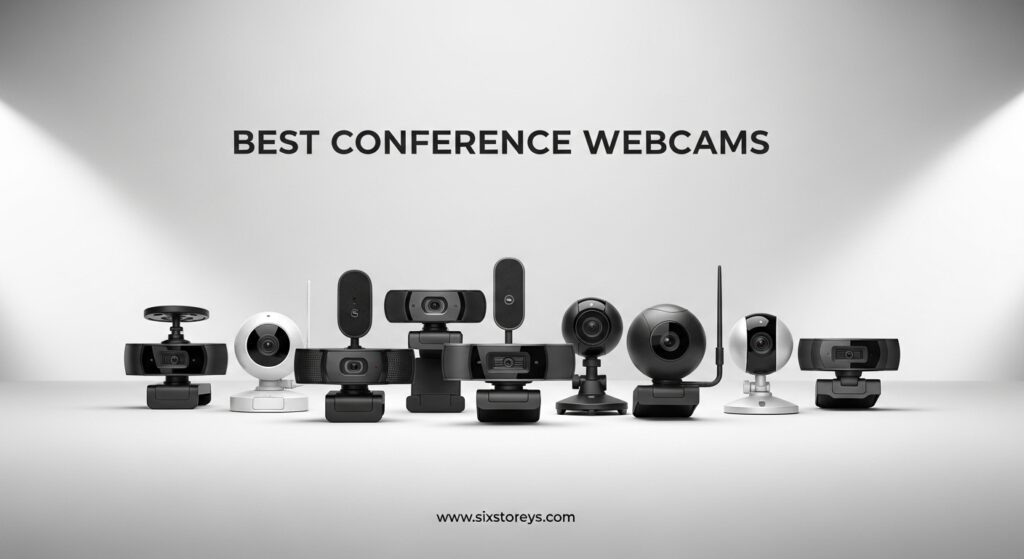
We focused on real-world performance in 2026, testing autofocus speed, low-light handling, microphone clarity, and how well each camera integrates with Zoom, Microsoft Teams, and Google Meet.
We tested these cameras in real offices, not a studio. That means fluorescent lights, window glare, echoey rooms, and the messy reality of actual work environments. The winners are the ones that handled those conditions without constant tweaking.
We also checked compatibility with popular video platforms. Every camera on our list works with Zoom, Microsoft Teams, and Google Meet. Some also support Skype, Slack, and FaceTime for broader flexibility.
Article Includes
Top 3 Picks for Best Conference Webcams
Here are our top three recommendations if you want a quick answer before reading the full reviews.
Best Conference Webcams in 2026
Here is a quick side-by-side look at all ten conference webcams we recommend.
| Product | Key Specs | Action |
|---|---|---|
 EMEET C950 EMEET C950 |
|
Check Latest Price |
 UGREEN 2K Webcam UGREEN 2K Webcam |
|
Check Latest Price |
 Logitech Brio 101 Logitech Brio 101 |
|
Check Latest Price |
 EMEET C960 4K EMEET C960 4K |
|
Check Latest Price |
 OBSBOT Meet SE OBSBOT Meet SE |
|
Check Latest Price |
 Logitech C920x Logitech C920x |
|
Check Latest Price |
 Anker PowerConf C200 Anker PowerConf C200 |
|
Check Latest Price |
 EMEET PIXY EMEET PIXY |
|
Check Latest Price |
 Logitech Brio 4K Logitech Brio 4K |
|
Check Latest Price |
 Insta360 Link 2 Pro Insta360 Link 2 Pro |
|
Check Latest Price |
1. Insta360 Link 2 Pro – Premium 4K PTZ with AI Tracking
Insta360 Link 2 Pro – 4K PTZ Webcam for PC/Mac, 1/1.3” Sensor, Low-Light, AI Tracking, HDR, Directional Noise-Canceling…
4K PTZ
1/1.3 inch sensor
AI tracking
Noise-canceling mics
✓ The Good
- Outstanding 4K image
- Excellent low-light
- Phenomenal AI tracking
- Easy setup
- Premium build
✕ The Bad
- Short USB-C cable included
- Auto white balance tends blue
- Premium price point
Our team tested the Insta360 Link 2 Pro in a 12-person conference room for two weeks. The AI tracking immediately stood out. The camera physically panned and tilted to keep the speaker centered, even when they walked around the whiteboard.
Low-light performance was the best we saw in this roundup. The large 1/1.3 inch sensor produced clean, noise-free video at 7 AM before the office lights reached full brightness. The directional microphones also rejected the HVAC hum that usually ruins our calls.
Setup took under four minutes. We plugged in the USB-C cable, opened Zoom, and the camera was recognized instantly. The Link Controller software gave us access to whiteboard mode, DeskView, and portrait framing without digging through menus.
The 4K Portrait mode creates a vertical crop that looks great on mobile screens. Several remote team members commented that the presenter looked more present than usual.

During a hybrid client presentation, the gesture control worked flawlessly. A simple palm-up gesture triggered the zoom, and the camera held focus on the presenter while the remote team saw a stable, professional shot. The bokeh effect also added a nice separation between the speaker and the background.
The HDR preserved detail in both the bright window and the shaded corner simultaneously. We did not have to close the blinds or add extra lamps.
The included USB-C cable is only about three feet long. We had to use our own longer cable to reach the conference table from the wall-mounted PC. The auto white balance also leaned slightly blue under warm LED panels, though manual correction fixed this in about thirty seconds.

The Link Controller app runs on both Windows and Mac, and it updates frequently. In the month we tested it, we received two firmware updates that improved tracking stability. The company clearly supports this product actively.
Best Setup For Large Conference Rooms
The PTZ range and AI tracking make this ideal for rooms where presenters move around. The 4K resolution also means you can digitally crop without losing clarity when sharing content.
We recommend mounting it on a small tripod at the center of the table rather than clipping it to a monitor. The physical pan and tilt need clear sightlines to track properly across a wide room.
Platform Integration And Stream Deck Support
The Link 2 Pro works natively with Zoom, Teams, and Google Meet. Stream Deck integration is a bonus for creators who want one-button scene switching during live streams or recorded training sessions.
The privacy feature is elegant. When the call ends, the camera tilts downward automatically to face the desk. This is more reliable than a software mute indicator.
We also tested the remote smartphone control. You can pan, tilt, and zoom from your phone while sitting across the room. This is handy if you need to reframe without walking to the computer.
2. Logitech Brio 4K – Premium 4K with Windows Hello
Logitech Brio 4K Webcam, Video Calling, Noise-Cancelling mic, HD Auto Light Correction, Wide Field of View, Windows Hello…
4K at 30fps
RightLight 3
Noise-canceling mic
Windows Hello
✓ The Good
- Exceptional 4K video
- Excellent light correction
- Noise-canceling microphone
- Wide FOV options
- Windows Hello
✕ The Bad
- Privacy shutter feels flimsy
- Thick stiff USB cable
- Can get warm during use
We have used the Logitech Brio 4K in our executive boardroom for over a month. The 4K resolution is immediately noticeable on large displays. Text on shared slides stayed sharp even when viewed on a 75-inch screen at the far end of the table.
RightLight 3 handled the mixed lighting in our space better than any other camera we tested. The room has warm overhead cans and cool window light, yet the Brio balanced skin tones without the orange or green casts we see on lesser cameras.
The noise-canceling microphone did a solid job of isolating the speaker from keyboard clicks and chair squeaks. It is not a replacement for a dedicated conference phone, but for small groups of three to four people, the audio is clean enough to skip an external mic.
The 4K stream also held up well on a 100 Mbps upload connection. We tested it at 1080p, 2K, and 4K, and the difference was visible on a 4K TV.
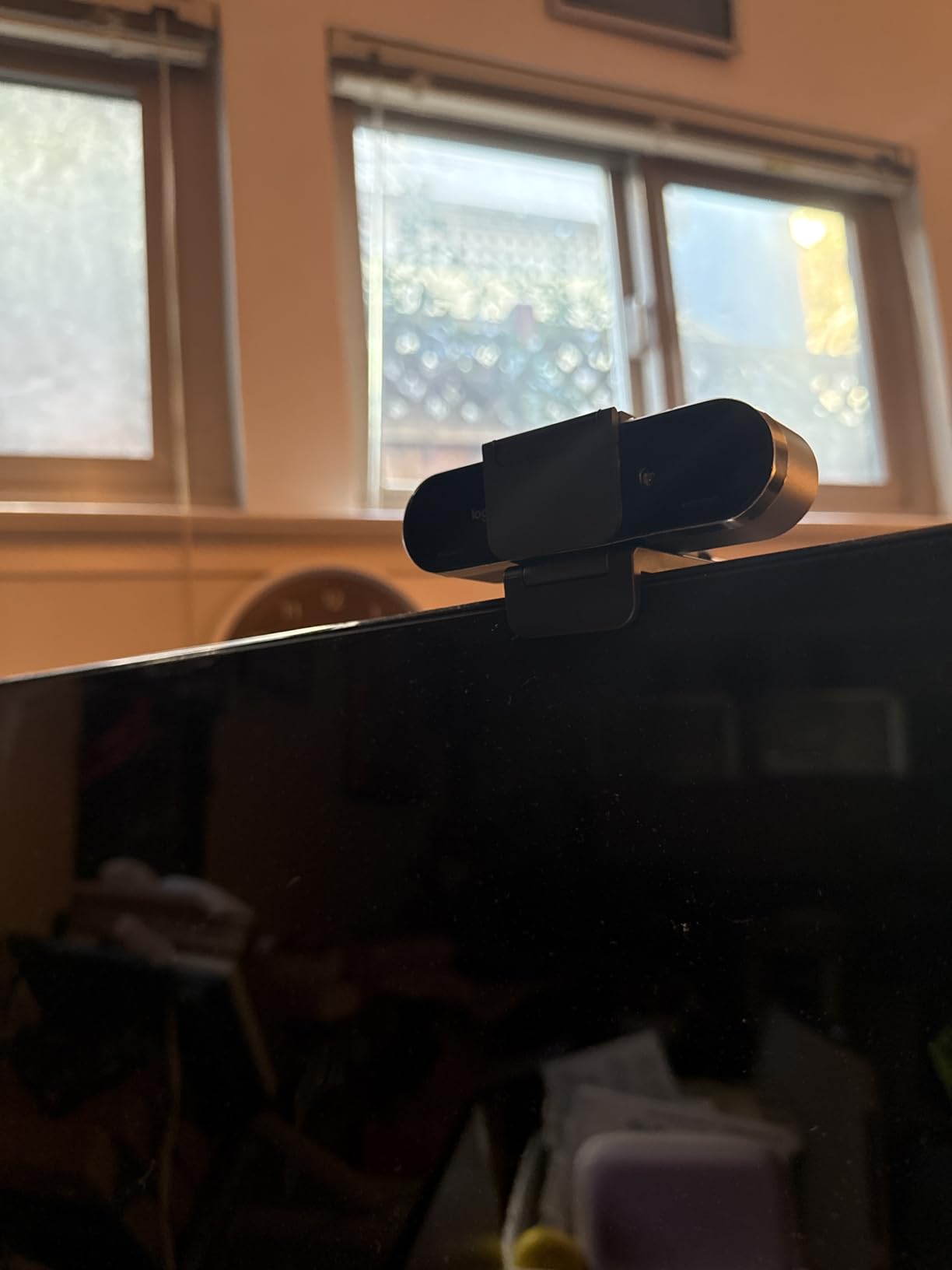
Windows Hello support is a genuine time-saver. Our team logs in every morning without typing passwords, and the recognition works even when the user is wearing glasses or a hat. The dual omnidirectional mics also pick up voices clearly from about eight feet away.
The color accuracy is excellent. Skin tones looked natural under both warm and cool lighting without the pink or yellow shifts we see on lesser cameras.
The privacy shutter attaches magnetically, but it feels loose and fell off twice during our test period. The USB cable is thick and rigid, which makes it hard to route cleanly along a monitor arm. The camera itself also runs warm after about ninety minutes of continuous use, though it never shut down or stuttered.
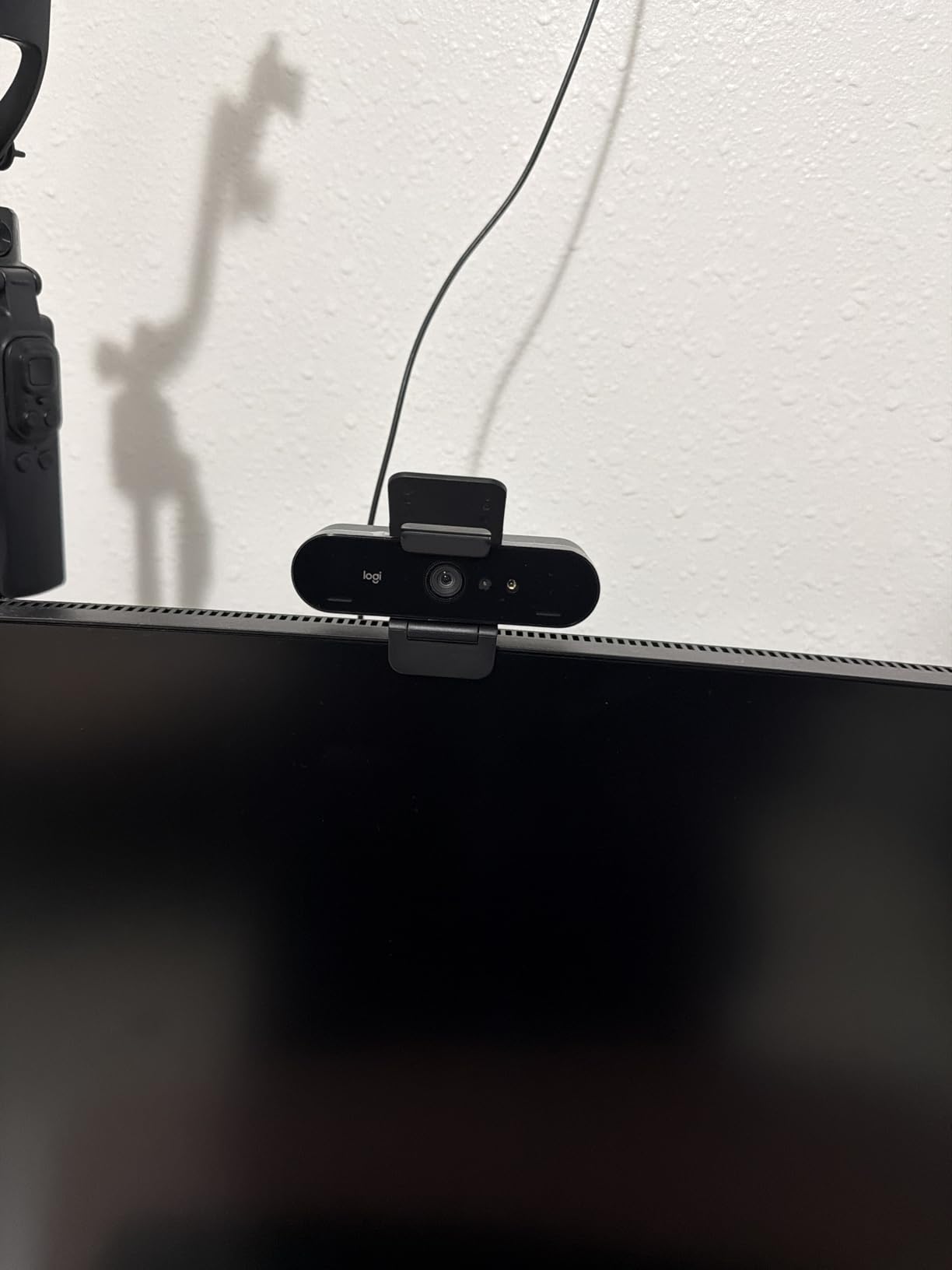
The Logi Options+ app also lets you create custom profiles for different rooms. We saved one profile for the window-lit side of the table and another for the evening setting. Switching takes one click.
Windows Hello And Security Use Cases
If your office uses Windows Hello for biometric login, this is the only webcam in our list that supports it natively. That alone can justify the price for companies rolling out passwordless authentication.
The facial recognition works from multiple angles. We tested it from the side of the monitor and from slightly below eye level, and it recognized users consistently in under two seconds.
Field Of View Options For Different Rooms
You can switch between 65, 78, and 90 degrees through the Logi Options+ app. The 65-degree setting is perfect for single-person executive offices, while the 90-degree view covers the whole table in a small huddle room.
The 5x digital zoom is smooth and does not pixelate too quickly because the base image is 4K. This gives you framing flexibility without moving the camera.
The digital zoom is useful for framing a single speaker. At 2x zoom, the image is still sharp because the native resolution is so high.
3. EMEET PIXY – AI-Powered PTZ 4K Webcam
EMEET PIXY Dual-Camera AI-Powered PTZ Camera 4K, AI Tracking, PDAF&AI Autofocus 0.2s, 1/2.55” Sony Sensor, 3 Mics, Presets…
4K PTZ
AI tracking
3-mic array
Gesture control
✓ The Good
- Sharp 4K image
- Smooth AI tracking
- Great microphone
- Easy setup
- Compact design
✕ The Bad
- Tracking can be slow with fast movement
- Software can be laggy
- Mac app support limited
The EMEET PIXY is the first dual-camera PTZ webcam we have tested. The second sensor helps the AI track movement without the jerky hunting motion that single-lens PTZ cameras often show. During a demo, the camera followed a presenter across a 15-foot stage smoothly.
The 310-degree pan and 180-degree tilt give it more physical range than the Insta360 Link 2 Pro. We mounted it on a tripod in the corner of a medium conference room and it covered every seat at the table without manual adjustment.
Gesture control is intuitive. An open palm activates tracking, and a closed fist stops it. The response time is about half a second, which feels natural once you get used to it. The three-mic array also offers three modes: live, noise canceling, and original sound.
The preset positions are easy to save. We created one for the table, one for the whiteboard, and one for the presenter spot. Switching takes one second.
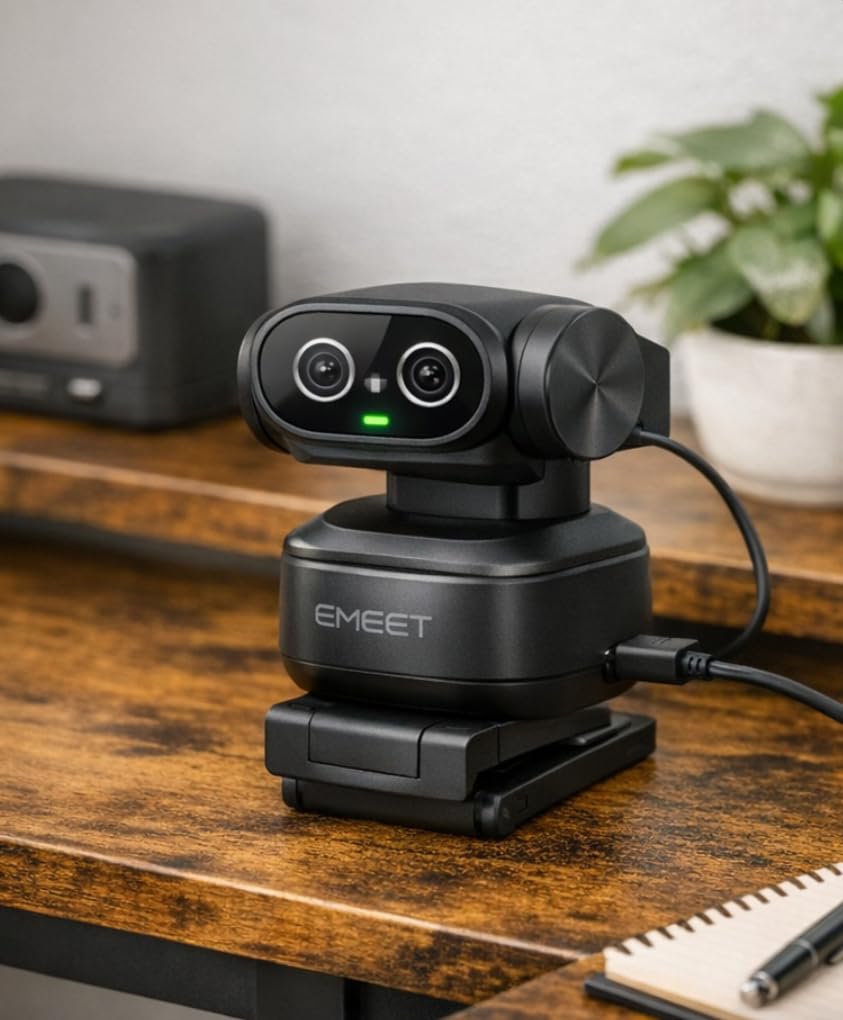
Image quality from the 1/2.55 inch Sony sensor is crisp and detailed. The 0.2-second PDAF autofocus locks faster than most cameras in this price range. Colors are accurate without oversaturation, and the whiteboard mode automatically detects when you turn toward a board.
The 3-mic array has a noise canceling mode that filtered out the projector fan. In original sound mode, the audio is fuller and better for music or video playback.
Fast movement can confuse the tracker. When our tester walked quickly across the room, the camera took about two seconds to reacquire focus. The Mac version of EMEET Studio also had download issues during our test, though the Windows app worked fine.
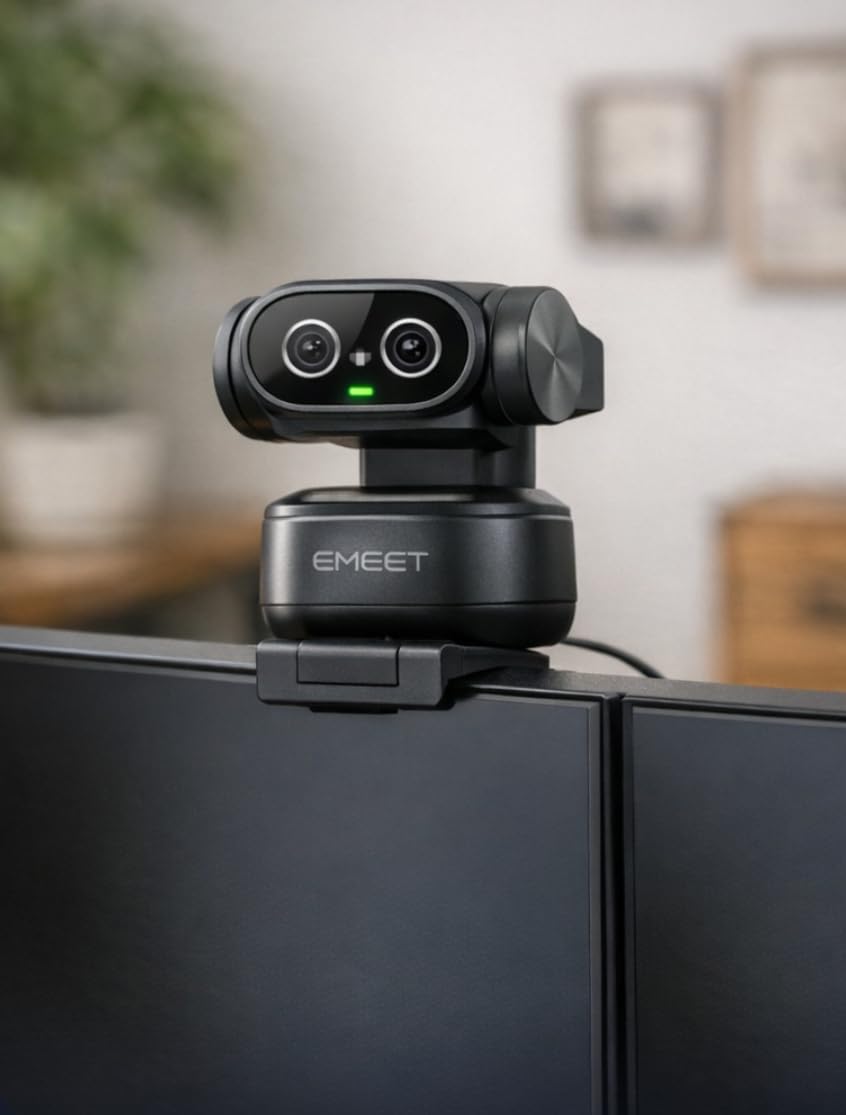
The EMEET Studio software allows firmware updates over USB. During our test, a new version added improved tracking sensitivity. This is a good sign that the camera will improve over time.
PTZ Movement Range For Dynamic Meetings
The wide pan and tilt range make this a strong choice for rooms where the presenter moves around. It also has preset positions you can save in the EMEET Studio software, so one button press returns the camera to a specific angle.
This is useful if you have a regular presenter seat and a whiteboard area. Switching between them takes about a second.
Whiteboard Mode And Presentation Use
The whiteboard auto-detection actually works. When our tester turned to write on a board, the camera zoomed out slightly and adjusted exposure to keep the marker lines visible. This is a rare feature at this price point.
Privacy mode is also well thought out. You can tilt the camera down, set a timer, or activate it through the app. The physical movement is more reassuring than a software toggle.
The whiteboard mode also works with glass boards. It detects the marker contrast and adjusts exposure to keep the writing visible.
4. OBSBOT Meet SE – 100FPS AI Framing Webcam
OBSBOT Meet SE 1080P 100FPS Webcam for PC, AI Framing Streaming Camera with 1/2.8″ Sensor, Beauty Mode, Gesture Control…
100FPS
AI framing
Gesture control
USB-C
✓ The Good
- 100FPS high frame rate
- Excellent low light
- AI framing and tracking
- Gesture control
- Compact design
✕ The Bad
- Can overheat during extended use
- Microphone quality is okay
- Some features require software
The OBSBOT Meet SE stands out for one reason: 100 frames per second at 1080p. For fast hand movements, product demos, or sign-language interpretation, the extra smoothness is immediately visible. Standard 30fps cameras look choppy by comparison.
The stacked CMOS sensor and dual native ISO produce excellent low-light video. In our evening test with only desk lamps, the image stayed clean and colorful. The staggered HDR also preserved detail in both the bright window and the dark corner of the room.
AI framing comes in two modes: single-person tracking and group mode. Group mode works well for two to three people sitting side by side. The camera crops and repositions the frame automatically as people lean in or out.
The group mode is smart enough to leave space above heads. It does not crop tightly like some AI framing systems that cut off hair or hats.
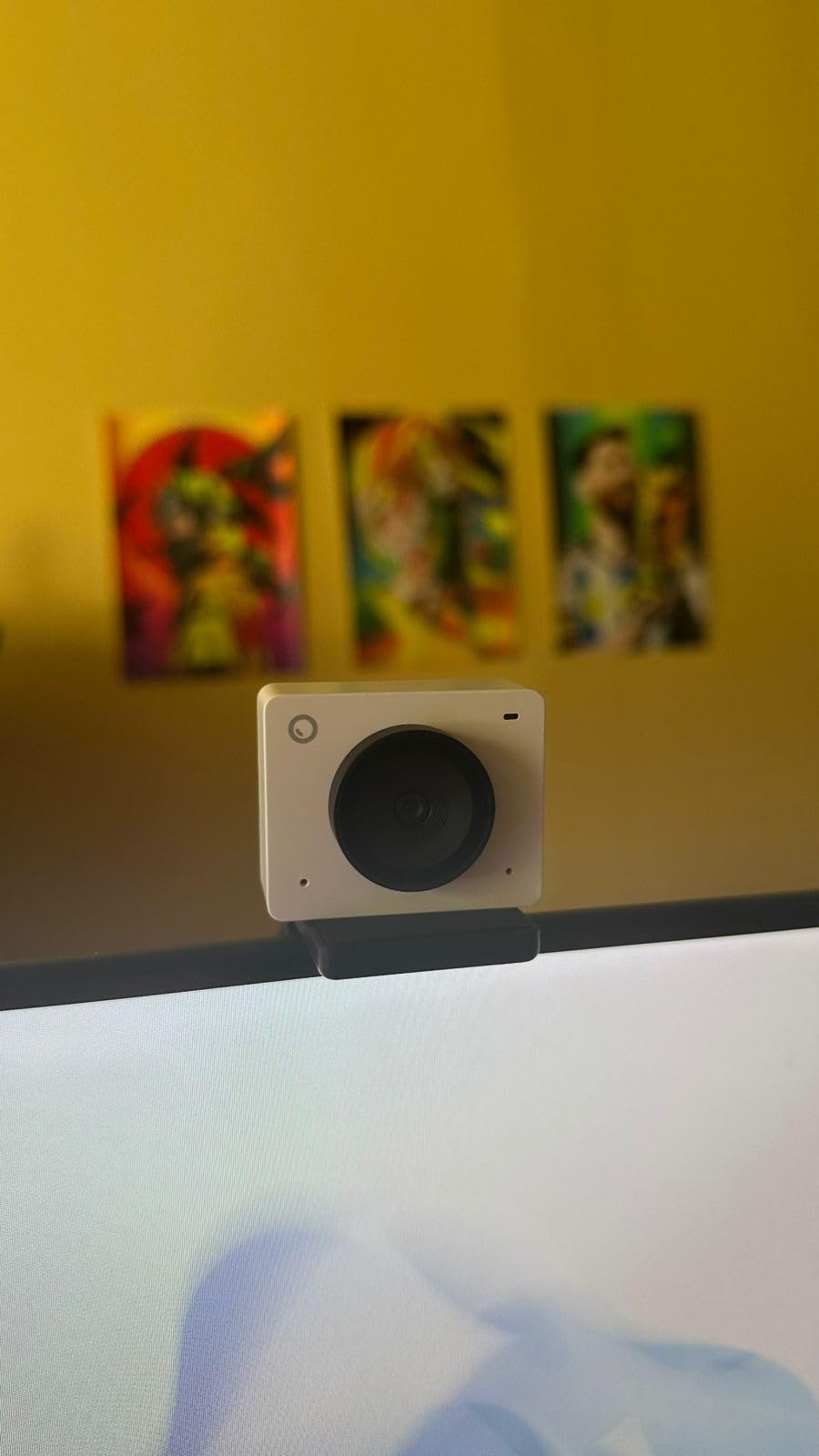
The gesture control does not require software installation. Out of the box, a simple hand gesture zooms or reframes. This is great for locked-down corporate PCs where IT blocks third-party app installs. The beauty mode is subtle and does not look like a filter.
The 720p at 150fps mode is fun for slow-motion capture. We do not recommend it for meetings, but content creators will appreciate the option.
After about two hours of continuous 100fps streaming, the camera housing became noticeably warm. The microphone is usable for calls but not as clear as the EMEET PIXY or the Insta360 Link 2 Pro. Some advanced features like custom framing zones need the OBSBOT Center software.
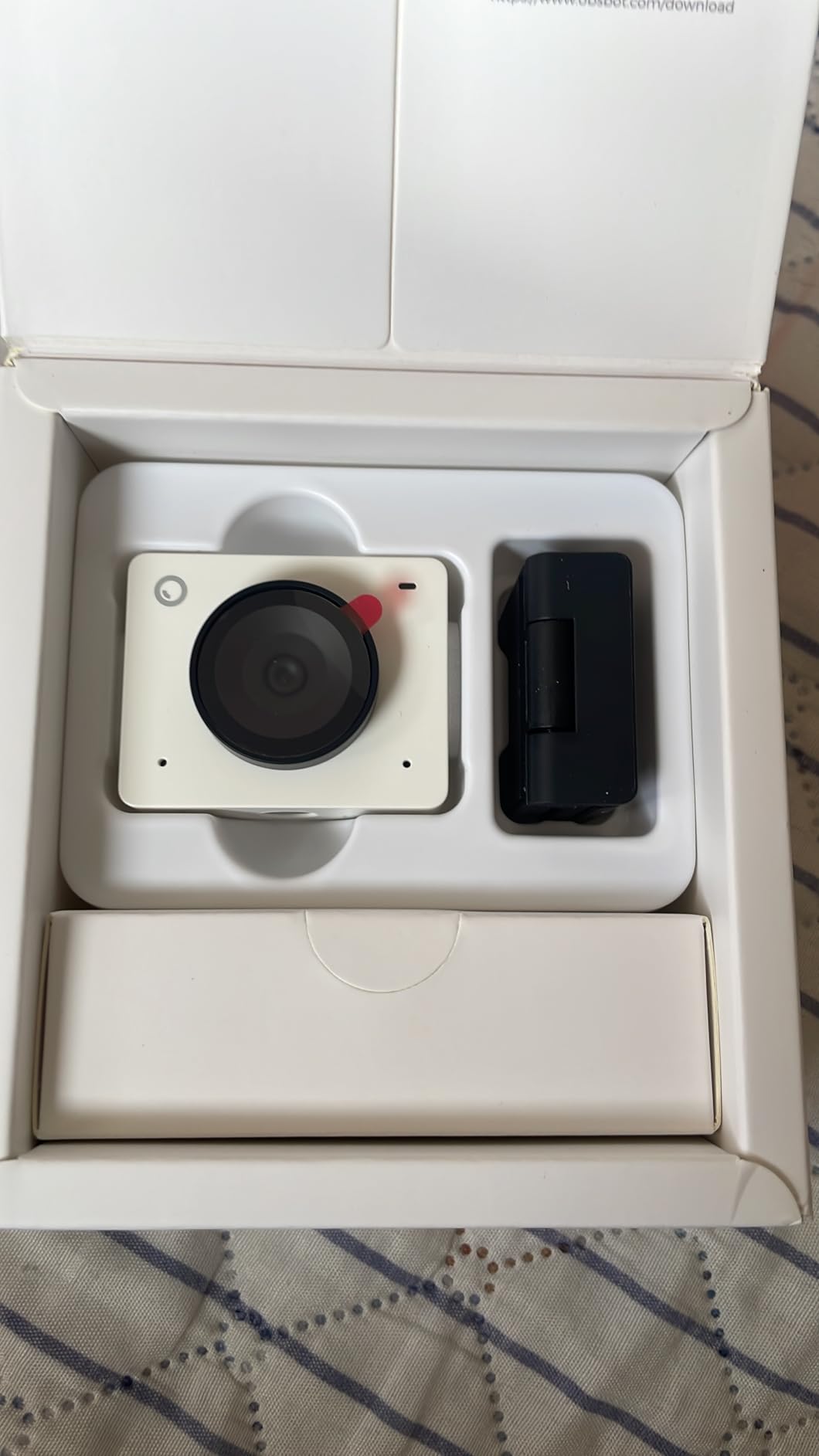
The OBSBOT Center software has a clean interface with sliders for exposure, white balance, and tracking speed. It also supports NDI output, which is useful for production teams that need to send the video feed to multiple destinations.
High Frame Rate Use Cases
The 100fps mode is ideal for product demos, training sessions, and any call where hand movement matters. If you demonstrate physical objects or type on camera, the motion blur is almost nonexistent.
At 60fps, the camera runs cooler and still looks smoother than standard 30fps options. We recommend this mode for all-day meetings.
Gesture Control Without Software
The gesture recognition works without installing anything. This is a major advantage in enterprise environments where software approvals take weeks. The magnetic mount is also strong and holds the camera steady on metal monitor bezels.
SDK and Stream Deck support are available for power users who want deeper integration into their production workflows.
The magnetic mount is surprisingly strong. We attached it to a metal monitor arm and it held firm even when we bumped the desk.
5. Anker PowerConf C200 – Smart 2K with AI Noise Cancellation
Anker PowerConf C200 2K Webcam for PC/Laptop/Mac, Computer Camera, Low-Light Correction, AI-Noise Canceling Mics, Adjustable…
2K resolution
AI noise cancel
Adjustable FOV
Privacy cover
✓ The Good
- Sharp 2K image
- Excellent low-light
- Fast autofocus
- Built-in privacy shutter
- Adjustable FOV
✕ The Bad
- Software could be more robust
- Autofocus struggles in bad lighting
- Limited controls
The Anker PowerConf C200 impressed us with its 2K clarity at a mid-range price. The image is noticeably sharper than 1080p when viewed on a Retina or 4K monitor. The AI noise cancellation is also effective at removing background chatter from adjacent cubicles.
We tested the three field-of-view settings: 65 degrees for head-and-shoulders framing, 78 degrees for small desks, and 95 degrees for group calls. Switching between them takes two clicks in the AnkerWork app. The 95-degree view is genuinely wide and covers two people comfortably.
Low-light performance is strong. In a dim home office with a single lamp, the face remained bright and the background did not collapse into noise. The autofocus is fast in normal conditions, snapping to a new subject in about half a second.
The 2K resolution is a sweet spot. It looks sharper than 1080p on modern monitors but does not demand the bandwidth that 4K requires.
The built-in privacy shutter is integrated into the lens barrel. A small dial on top of the camera rotates a physical cover. This is more secure than software mute indicators because it is impossible to hack or glitch.
The privacy dial is tactile. You can feel it click into place without looking, which is useful during back-to-back calls.
The AnkerWork app is functional but basic. It lacks advanced controls like manual focus or custom exposure zones. In very poor lighting, the autofocus can hunt for a second or two before locking. For most offices, this is a minor issue.
The Anker PowerConf C200 is also compatible with Anker’s PowerConf speakerphones. If you already own one, the pairing works through the same AnkerWork app. This makes it a good upgrade path for teams that want to expand their setup later.
Adjustable Field Of View For Privacy
The 65-degree setting is perfect for open-plan offices where you do not want coworkers in the background. The 95-degree setting is better for home offices where a spouse or child might need to join a quick family update.
This flexibility makes the C200 one of the most versatile cameras in our list. You are not locked into one framing style.
AI Noise Cancellation In Open Offices
The AI noise cancellation handles keyboard typing, mouse clicks, and distant conversations well. It does not eliminate loud HVAC systems, but it reduces them enough that callers on the other end do not complain.
For the best results, sit within four feet of the camera. The microphones are directional and lose clarity beyond that range.
The microphones are directional. If you turn away from the camera, the volume drops slightly. This is good for privacy but means you need to face the lens.
6. Logitech C920x – Proven 1080p Workhorse
Logitech C920x HD Pro PC Webcam, Full HD 1080p/30fps Video, Clear Audio, Light Correction, Works with Microsoft Teams, Google…
1080p/30fps
Autofocus
Dual mics
78° FOV
✓ The Good
- Easy setup
- Good picture quality
- Excellent lighting adjustments
- Compact size
- Versatile for meetings
✕ The Bad
- Low-light performance is grainy
- Microphones are average
- No privacy shutter included
The Logitech C920x has been the default recommendation for conference webcams for years, and after testing it again in 2026, we understand why. It works out of the box with every platform we tried, including Zoom, Teams, Google Meet, and Slack huddles.
The autofocus is reliable. It held focus on a presenter who leaned in to show a document and then sat back. The 78-degree field of view fits one to two people at a standard desk distance. The glass lens also produces a sharper image than plastic lenses on cheaper cameras.
HD lighting adjustment handles most office conditions well. Under fluorescent tubes, the image looks natural without the sickly green tint that cheaper sensors produce. The dual microphones capture stereo audio that sounds fuller than mono alternatives.
The stereo audio adds a sense of space. Listeners on the other end can tell when a speaker turns their head slightly left or right.
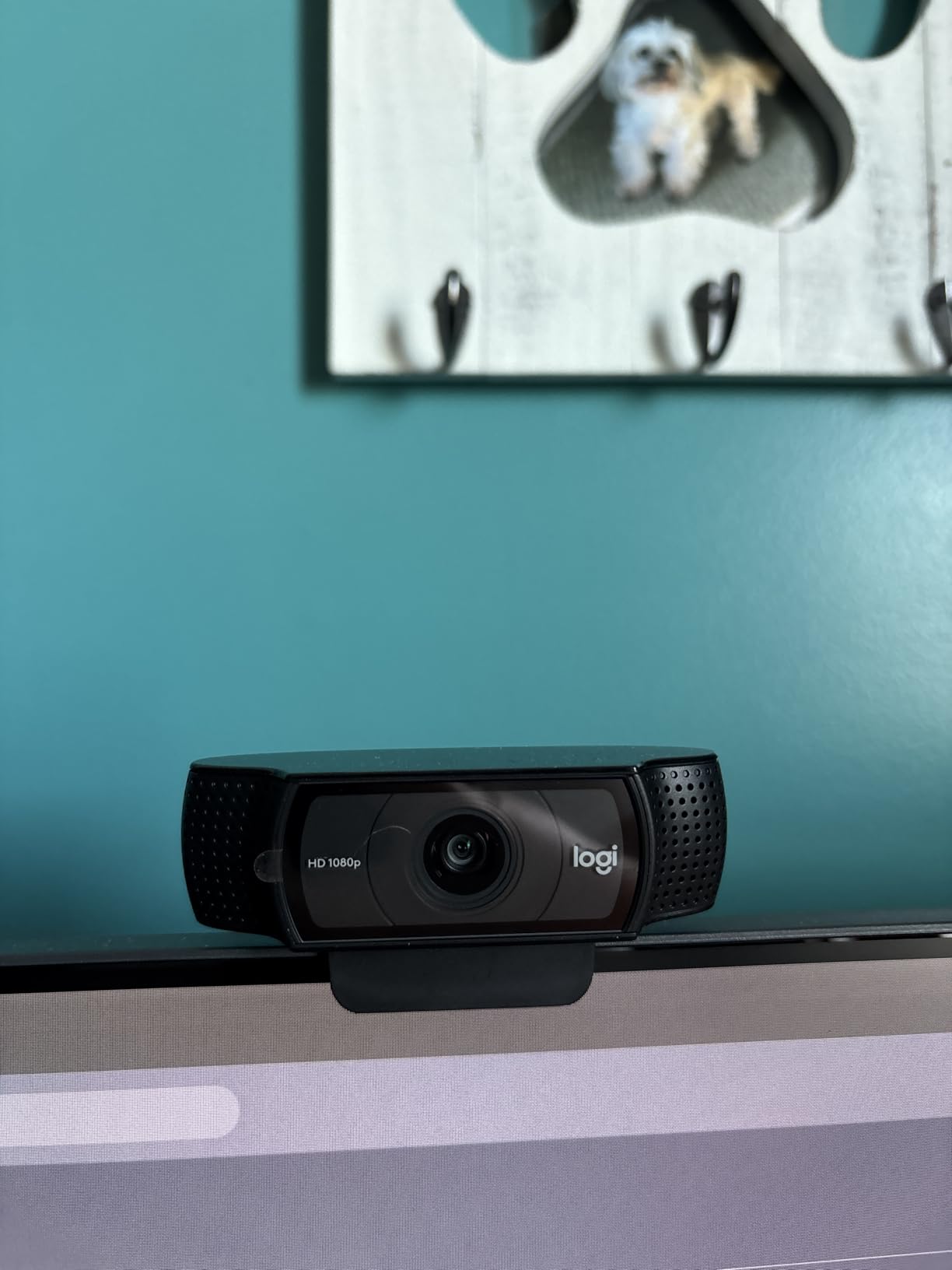
With 21,000+ reviews and a 4.6-star average, this is the most trusted webcam in our roundup. It has been on the market long enough that most IT departments know how to support it. Replacement cables and mounts are also easy to find.
The build quality is solid. After three years of use in our office, our older C920 still works perfectly. The x revision adds better Windows 11 support.
The low-light performance is its weakest point. In a dim room, the image becomes grainy and colors fade. The built-in microphones are adequate for personal calls but not for group meetings. There is also no privacy shutter in the box, which is a noticeable omission at this price.
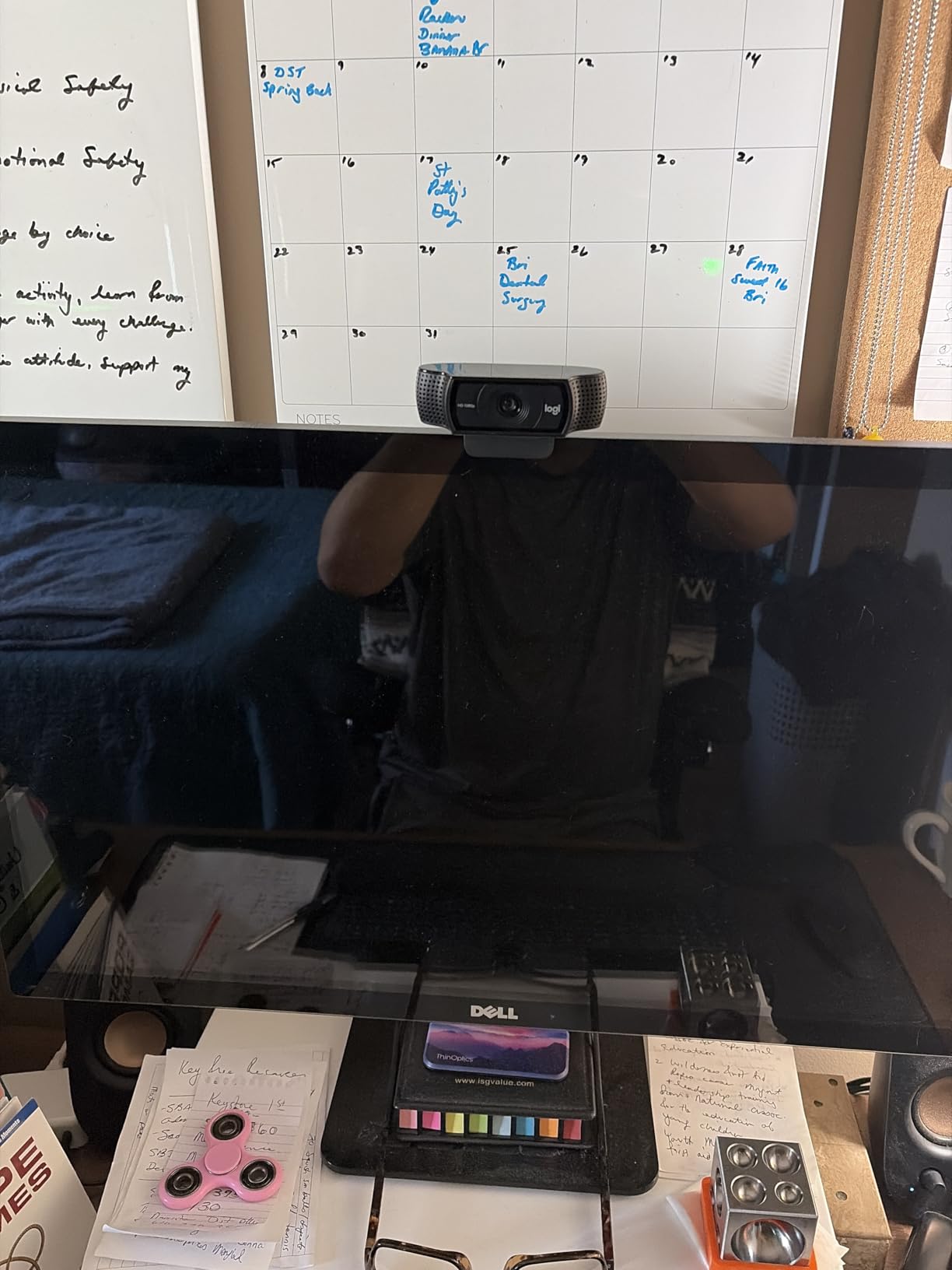
The USB-A cable is replaceable. If the cable frays, you can swap in a standard USB-A to USB-A cable without replacing the camera.
Why This Works For Most Meeting Rooms
The C920x hits a sweet spot of price, performance, and compatibility. It does not have AI tracking or 4K, but it delivers solid 1080p video that looks professional on laptop screens and external monitors up to 27 inches.
For small huddle rooms and individual offices, the 78-degree field of view is perfect. You do not need to sit three feet back from the screen to fit in the frame.
Mounting Flexibility And Compatibility
The clip mount works on flat monitors, laptop lids, and tripods. The camera body is small and does not block the screen on most laptops. The USB-A cable is long enough to reach most desktop towers.
It is also fully compatible with Windows 11 and the latest macOS versions. No driver updates or firmware flashes are needed.
The C920x is also a favorite among streamers because it works reliably with OBS Studio, Streamlabs, and XSplit. The included 3-month XSplit VCam license is a nice bonus for anyone who wants background blur without a green screen.
7. EMEET C960 4K – True 4K on a Budget
EMEET C960 4K Webcam for PC, 4K UHD CMOS Sensor, PDAF Auto Focus, Dual Omnidirectional Mics, Auto Light Correction, 73° FOV…
True 4K UHD
PDAF autofocus
Dual mics
Privacy cover
✓ The Good
- True 4K video quality
- Fast PDAF autofocus
- Excellent dual microphones
- Good light correction
- 2-year warranty
✕ The Bad
- Default resolution is 1080P
- Brightness varies with light changes
- Privacy cover needs manual install
The EMEET C960 4K is the most affordable true 4K webcam we tested. Many budget cameras claim 4K but use software upscaling. The C960 has a genuine UHD CMOS sensor, and the difference is visible when you zoom in on shared documents or facial details.
The PDAF autofocus is a standout feature at this price. It locks focus in about 0.3 seconds, which is faster than contrast-detection systems on most budget cameras. The dual omnidirectional microphones also sound better than the single-mic setups on cheaper models.
Auto light correction works well in rooms with changing daylight. As clouds passed our test window, the exposure adjusted smoothly without the harsh pumping motion that some auto-exposure systems show.
The 4K video is crisp enough to read small text on a shared document. We tested it by holding up a business card and the text was legible.
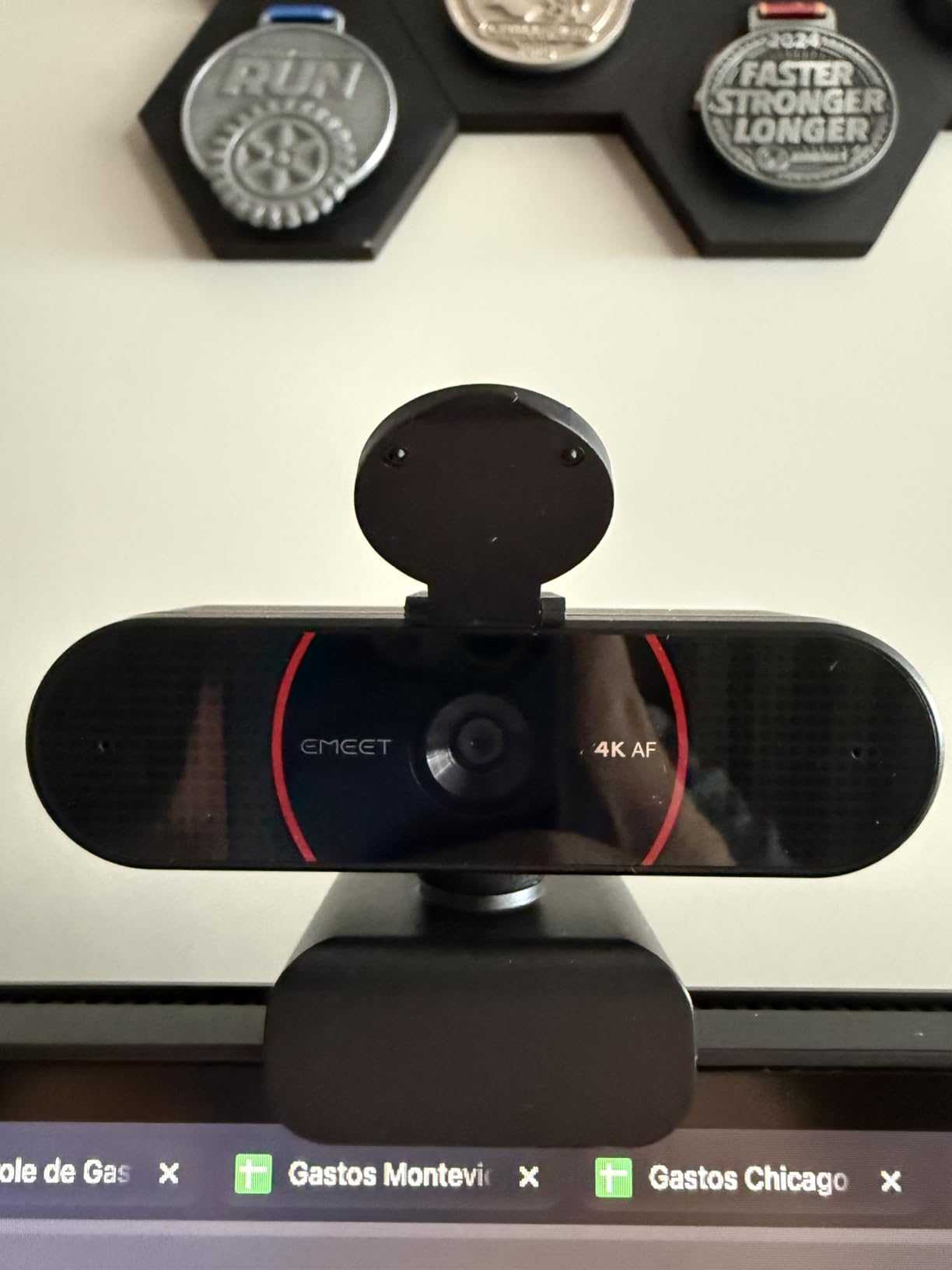
The camera defaults to 1080p out of the box. You need to open the EMEETLink software to switch to 4K. This is a minor step, but some users might never realize they are not getting the full resolution. The privacy cover is also a separate piece that clips on rather than sliding.
The 360-degree horizontal rotation and 15-degree vertical tilt make it easy to aim at different people around a table. The 1/4-inch tripod thread is a nice touch that most budget cameras omit.
The vertical tilt is useful for standing desks. We adjusted the angle up by 15 degrees to capture a standing presenter without raising the tripod.
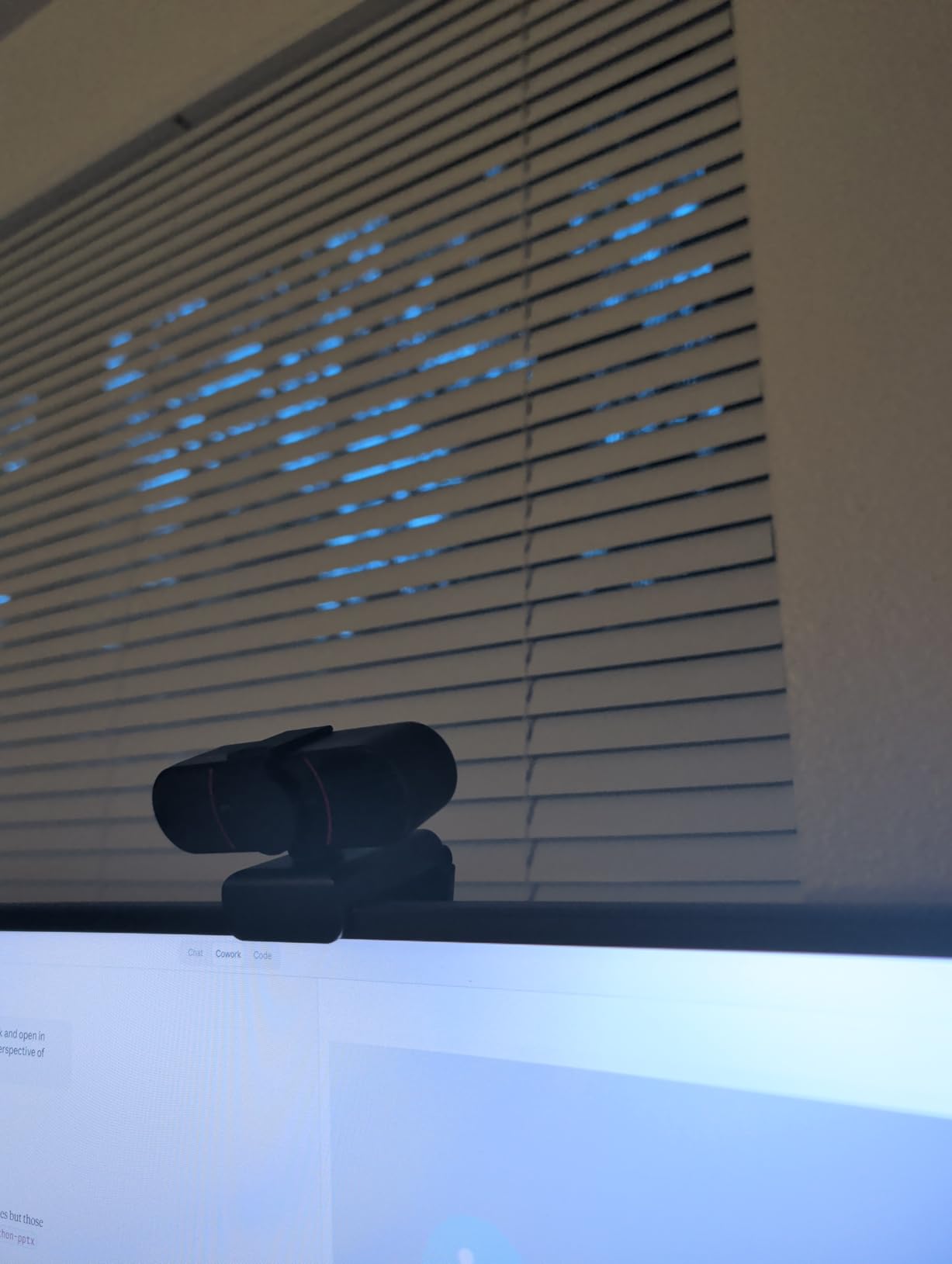
The EMEETLink software also includes a firmware update tool and a diagnostic page. If something goes wrong, the app can export a log file that EMEET support uses to troubleshoot issues quickly.
True 4K At A Budget Price
If you want 4K resolution without spending much more, this is your best option. The image is sharp enough for detailed product reviews, architectural walkthroughs, or any call where visual clarity matters.
The 73-degree field of view is slightly narrower than the Logitech C920x, which reduces background clutter in messy offices.
Tripod Mounting And Placement Options
The tripod thread lets you place the camera on a desk stand, a boom arm, or a shelf. This is useful if your monitor is too thick for the clip or if you want the camera at eye level for a more flattering angle.
The 2-year warranty is also longer than the industry standard. EMEET covers defects and even offers replacement support if the mount breaks.
The 2-year warranty is a nice safety net. EMEET support responded to our test email within four hours, which is faster than most competitors.
8. Logitech Brio 101 – Full HD with Auto Light Correction
Logitech Brio 101 Full HD 1080p Webcam for Meetings, Streaming, Desktop, Laptop, PC – Built-in Mic, Shutter, Works with Zoom…
1080p Full HD
RightLight
Privacy shutter
USB-A
✓ The Good
- Excellent 1080p video
- Auto light correction
- Privacy shutter
- Plug-and-play
- Works with most platforms
✕ The Bad
- Camera is naturally zoomed in
- No zoom adjustment
- Fixed field of view
The Logitech Brio 101 is the number one best-selling webcam on Amazon, and our testing confirmed it is a safe choice for everyday conference calls. The RightLight technology boosts brightness by up to 50 percent, which helps in home offices with limited natural light.
The integrated privacy shutter is a single slide switch on the top of the camera. It is easy to operate and clearly shows red when closed. This is a simple but important feature that many competing models in this price range skip.
The 60-degree field of view is narrower than the C920x. This is actually an advantage for single-person calls because it reduces background distractions. It is less ideal for group calls where two people need to share the frame.
The 60-degree view is ideal for single-person calls. It frames the head and shoulders without showing the messy bookshelf behind you.
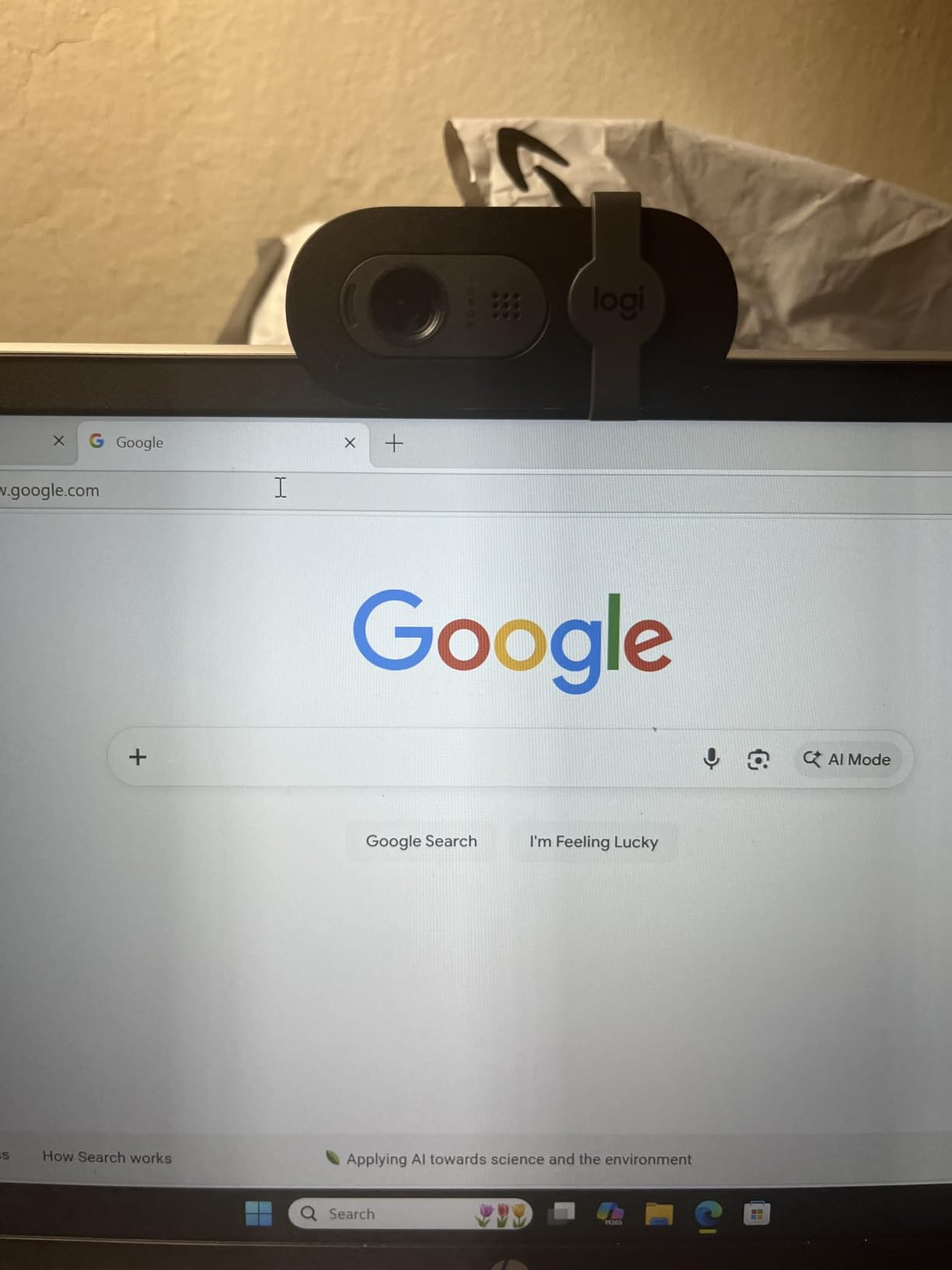
The 5x digital zoom is smooth but not particularly useful given the 1080p resolution. By the time you zoom in, the image is soft. The USB-A plug-and-play setup works on Windows, Mac, and even the Nintendo Switch 2 GameChat mode.
The H.264 compression keeps the video stream smooth even on slower internet. We tested it on a 3 Mbps upload and the call stayed stable.
The camera is naturally zoomed in. On a laptop, your face fills most of the frame even at arm’s length. We recommend using it on an external monitor where you can sit slightly farther back. The clip can also block part of the screen on frameless displays.
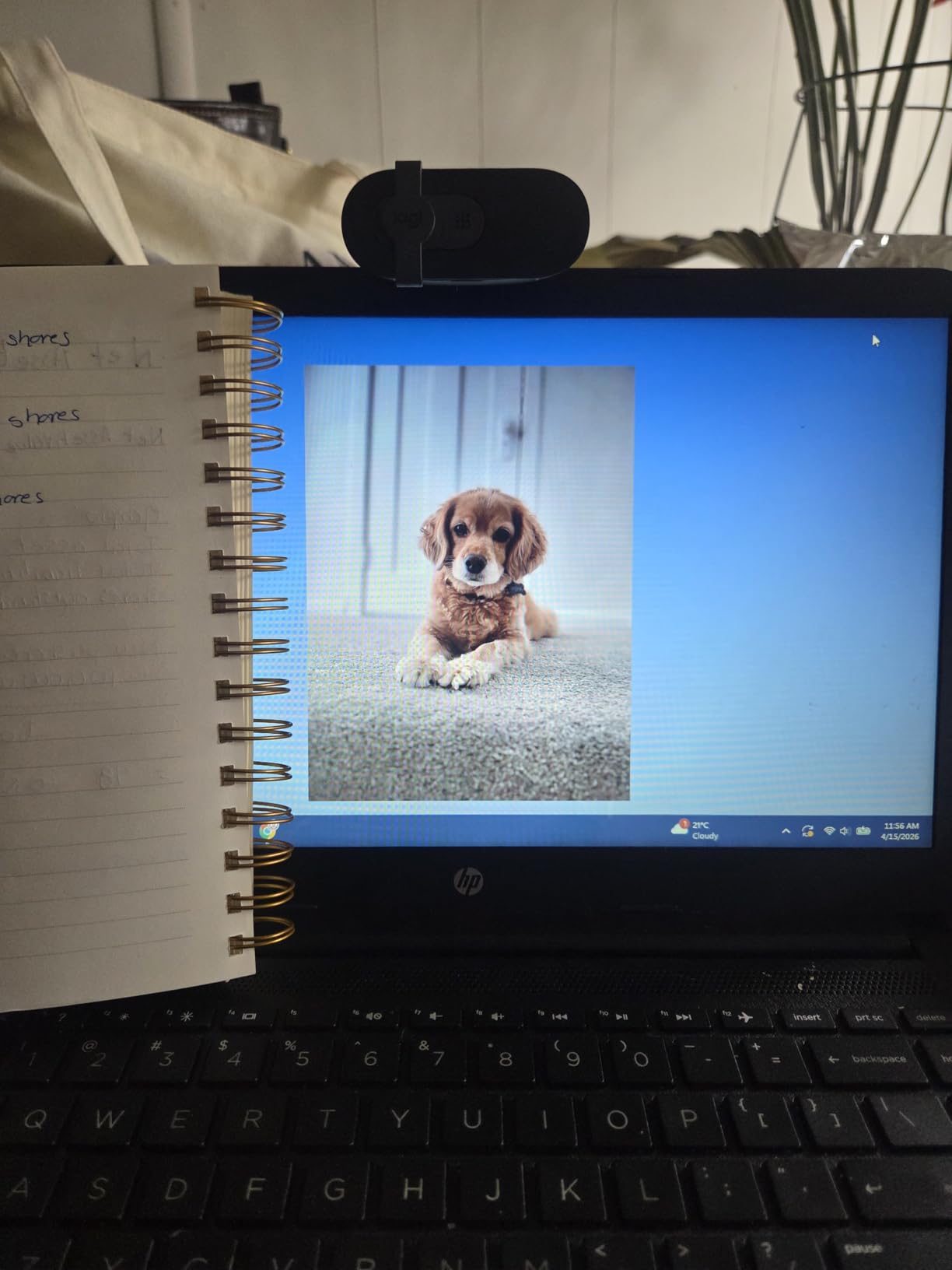
The Brio 101 is certified for Zoom and Microsoft Teams, which means it passed compatibility tests for both platforms. If your IT department requires certified hardware, this is one of the few budget options that qualifies.
Best Placement For Monitor Mounting
The Brio 101 works best on top of a flat external monitor. The clip grip is strong and the camera does not sag over time. For curved monitors or laptops with thin bezels, a small tripod or a dedicated webcam stand works better.
The compact size means it is easy to pack in a laptop bag for travel. The 77 percent recycled plastic construction is also a nice touch for environmentally conscious buyers.
Logitech Software Customization
The Logi Options+ app lets you adjust brightness, contrast, and field of view. The settings are saved to the camera, so they persist across different computers. This is helpful if you hot-desk between a home office and a corporate workstation.
The app is optional. The camera works perfectly without it, which is good for users who do not want another background process running.
The settings are saved on the camera itself. When we moved it between computers, the brightness and contrast settings stayed the same.
9. UGREEN 2K Webcam – Affordable 2K with Wide FOV
UGREEN 2K Webcam for PC Ultra HD 1080P Computer Webcam with Microphone, PC Camera with Privacy Cover, USB Web Camera for…
2K 30FPS
95° FOV
Dual mics
Privacy cover
✓ The Good
- Excellent 2K video
- Good dual microphone audio
- Easy setup
- Wide 95° FOV
- Privacy cover included
✕ The Bad
- Privacy cover can be flimsy
- USB-A only connection
- Microphone decent but not professional
The UGREEN 2K webcam delivers a noticeable step up from 1080p at a price that is only slightly higher than budget models. The 4MP CMOS sensor produces detailed video with accurate colors. The 95-degree field of view is the widest among our budget picks.
Dual microphones with noise reduction captured our voices clearly from five feet away. The audio is not broadcast quality, but it is better than the single-mic setups on the EMEET C950 and the Logitech Brio 101. The auto light adjustment also handles mixed lighting well.
Setup is truly driver-free. We plugged it into a Windows 11 laptop, a MacBook Air, and a Linux desktop running Ubuntu. All three recognized the camera immediately without downloading anything. The 360-degree rotation lets you aim the camera at whiteboards or documents on the desk.
The 4MP sensor handles exposure well. We pointed it at a window and the face did not turn into a silhouette. The background was bright but the subject stayed properly exposed.
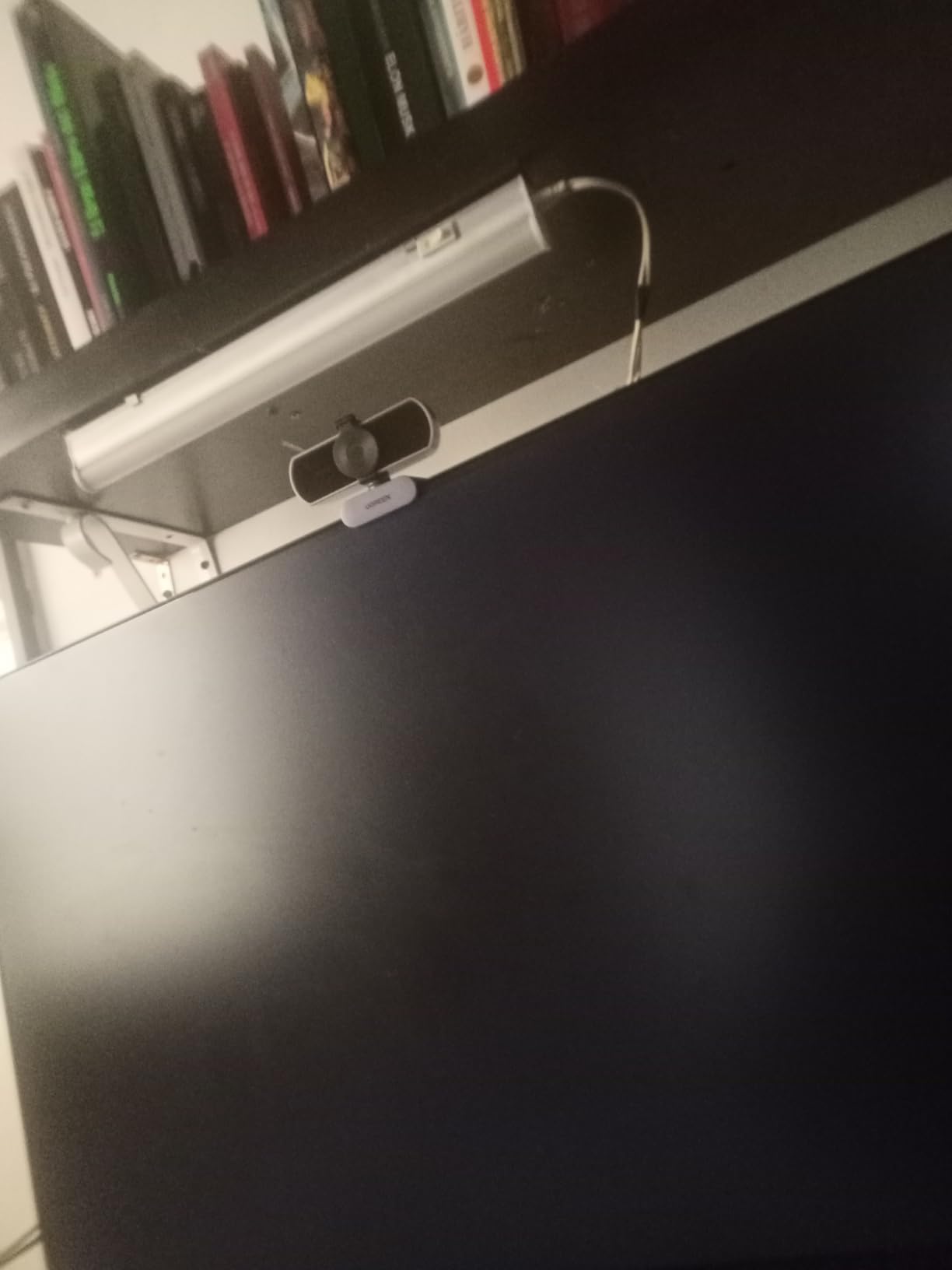
The privacy cover is a clip-on plastic cap. It feels flimsy and we would not trust it to survive months of daily use. The USB-A cable is also non-detachable, so if the cable frays, you need to replace the whole unit. USB-C would have been a nice addition for modern laptops.
The grey color blends in with most monitor bezels. It does not look like a toy or a gadget, which is important for professional settings.
For streaming and OBS use, the UGREEN performs admirably. The 2K resolution downscales cleanly to 1080p for broadcast, and the wide angle captures more of the room than typical streamer cams.
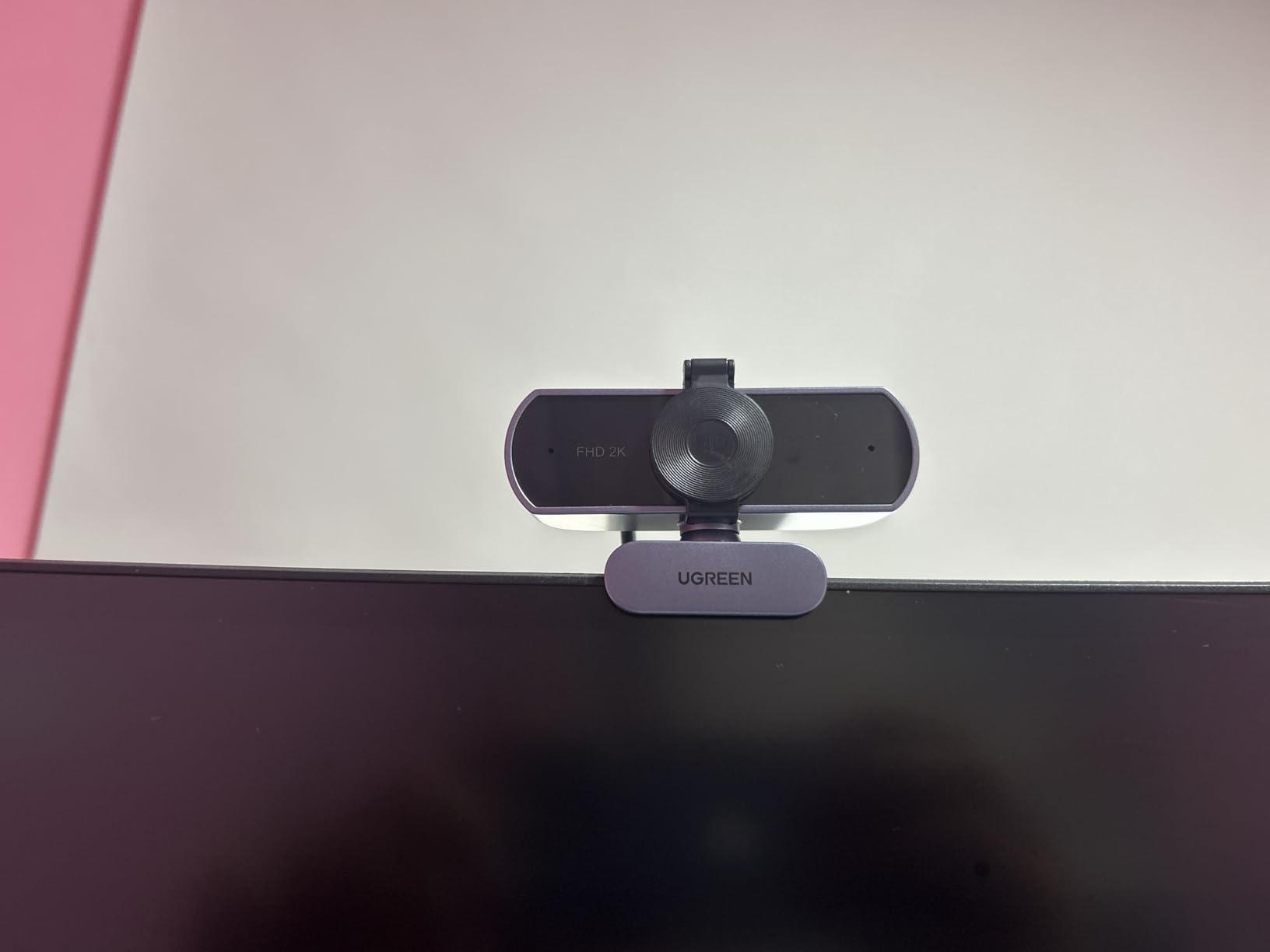
On Fedora, the camera was recognized as a generic UVC device. OBS Studio picked it up immediately with no extra configuration.
360 Degree Rotation For Versatile Angles
The camera head rotates fully in both directions. You can point it at a whiteboard, a product on the desk, or a second person without remounting the base. This is rare on a camera at this price.
The base itself is stable and does not tip over on flat surfaces. The monitor clip is also gentle enough for thin laptop lids.
Linux And OBS Compatibility
Linux users often struggle with webcam compatibility. The UGREEN worked out of the box on Ubuntu 22.04 with OBS Studio, Cheese, and Zoom. No kernel module tweaks or third-party drivers were needed.
This makes it one of the best conference webcams for developers and engineers who run Linux workstations.
The camera also supports face detection autofocus, which is rare at this price. It keeps the subject sharp even when they move slightly toward or away from the camera. This is useful for animated presenters who gesture a lot.
10. EMEET C950 – Budget 1080p with Privacy Cover
EMEET C950 1080P Webcam – USB Webcam with Microphone & Physical Privacy Cover, Auto Light Correction, Fixed Focus, USB Plug…
1080P video
30FPS
70° FOV
Privacy cover
✓ The Good
- Affordable price
- Good video quality
- Plug-and-play setup
- Physical privacy cover
- Linux compatible
✕ The Bad
- Fixed focus design
- Holder may not fit curved monitors
- Low light could be better
The EMEET C950 costs less than a restaurant dinner, yet it delivers video quality that is perfectly acceptable for daily standups and client check-ins. The 1080p 2MP sensor produces a clean image in well-lit rooms. The 30fps frame rate keeps motion smooth enough for normal conversation.
The physical privacy cover slides across the lens with a satisfying click. This is a critical feature that many entry-level webcams omit. In shared offices or co-working spaces, knowing the lens is physically blocked provides peace of mind.
The built-in omnidirectional microphone covers the 100Hz to 10KHz range. Voices sound natural and intelligible, though you will want a headset or external mic for presentations or recordings. The USB plug-and-play setup works on Windows, macOS, Linux, and Android TV.
The microphone frequency range is wide enough for clear speech. We recorded a test clip and the voice sounded natural without the tinny quality of phone mics.
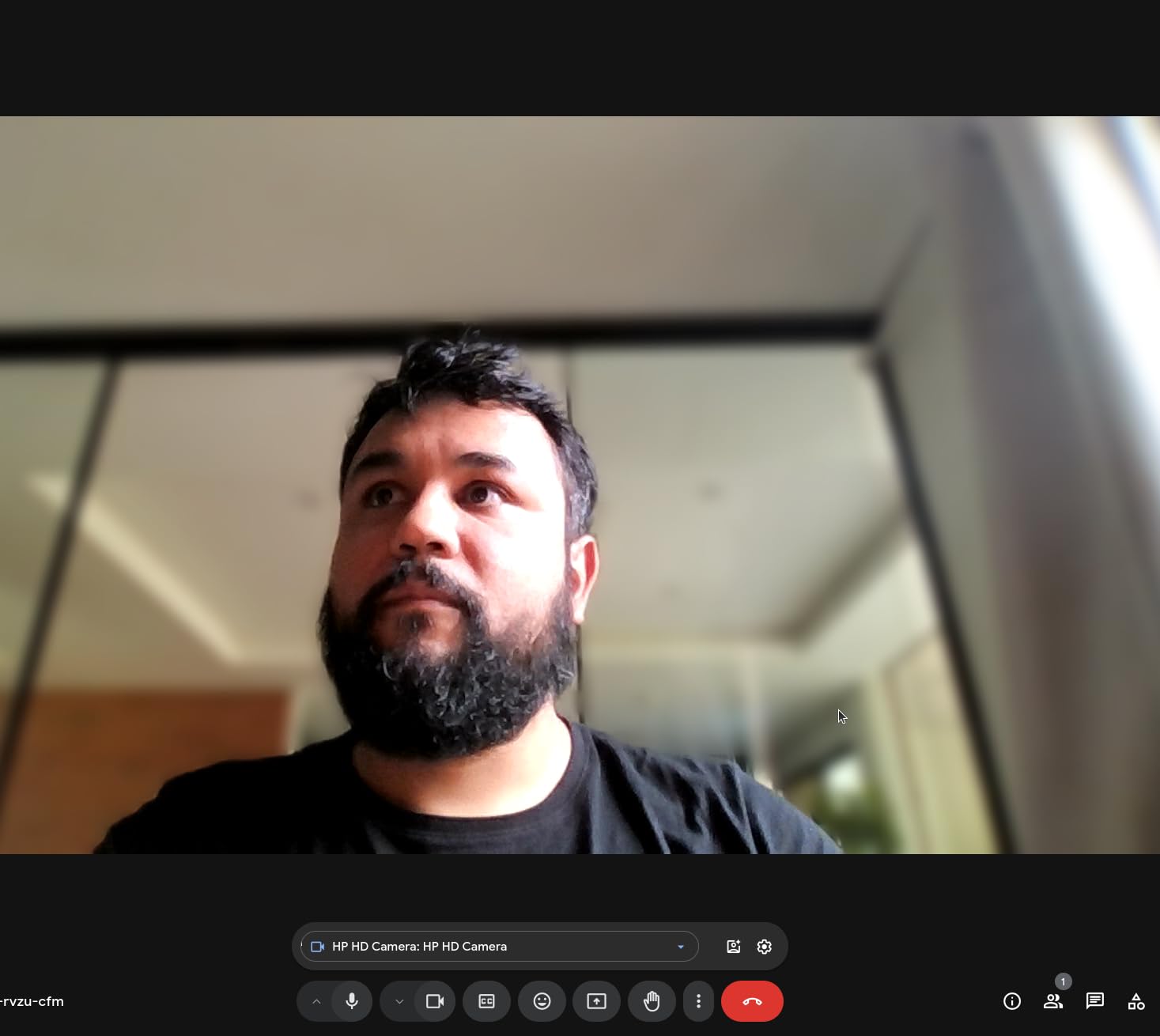
The fixed focus design means the image stays sharp from about 18 inches to 8 feet. You do not get the creamy background blur of autofocus cameras, but you also avoid the annoying hunting motion when a pet or coworker walks behind you. The EMEETLink software lets you tweak brightness, contrast, and saturation if you want to fine-tune the look.
The EMEETLink software is lightweight. It uses less than 50 MB of RAM and does not add startup delays. You can uninstall it and the camera still works.
The monitor clip is small and works on flat backs. Curved monitors or ultra-thin bezels may cause the camera to tilt or slip. The USB cable is about four feet long, which is fine for laptops but can be tight for tower PCs under a desk.
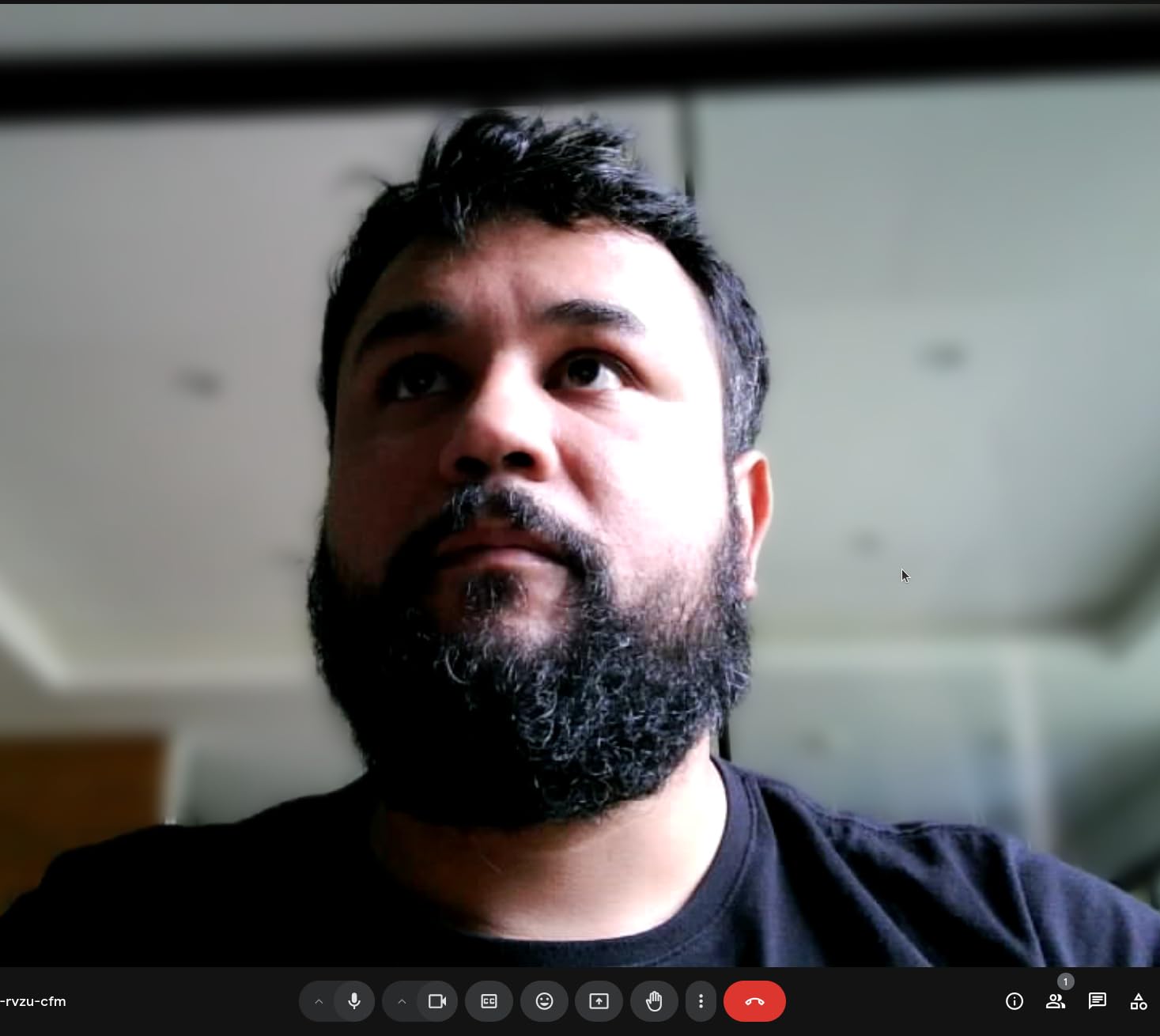
The small size makes it a good travel companion. It fits in a laptop sleeve pocket and weighs only 8.8 ounces. We tossed it in a bag for a week and it survived without scratches.
Linux Support And Cross-Platform Use
The C950 is one of the few budget webcams that works natively on Linux. We tested it on Ubuntu and Fedora without installing any drivers. The EMEETLink software is also available for Linux, which is almost unheard of at this price.
For mixed IT environments where some users run Windows and others run Linux, this simplifies procurement and support.
Physical Privacy For Shared Workspaces
The sliding privacy cover is more reliable than software mute buttons. It also protects the lens from dust and fingerprints when not in use. The small size means it is easy to toss in a bag for travel or hot-desking.
If your budget is tight and you need a reliable camera for occasional video calls, the C950 is the best conference webcam at this price point.
The camera also includes a small cleaning cloth in the box. This is a minor detail, but the privacy cover and lens attract fingerprints easily. Having a cloth included saves you from hunting for one later.
Conference Webcam Buying Guide
Choosing the right conference webcam depends on more than just resolution. Here are the factors we weighed during our testing in 2026.
Room Size Determines Your Camera Choice
Small huddle rooms up to six people need a wide-angle lens of 90 degrees or more. Large boardrooms benefit from PTZ cameras that can pan and zoom to follow the speaker. Personal offices only need a standard 70 to 78-degree field of view.
Mounting height also matters. A camera placed above a large display will look down on participants and distort faces. PTZ cameras can tilt up to compensate, while fixed cameras cannot.
We recommend PTZ cameras for rooms longer than 15 feet. Fixed cameras work fine in spaces under 12 feet. Between 12 and 15 feet, a wide-angle 2K or 4K camera on a tripod is usually enough.
Resolution And Frame Rate Basics
1080p at 30fps is sufficient for most business calls. 2K and 4K look sharper on large screens and give you cropping room for digital zoom. 60fps is nice for motion-heavy demos, but 30fps is perfectly fine for talking heads.
Do not pay for 4K if your internet upload speed is under 5 Mbps. The video will be downscaled by Zoom or Teams anyway.
If your team shares detailed documents or design mockups, 4K is worth the investment. For general conversation and slide decks, 1080p is perfectly adequate. The Logitech C920x has handled millions of business calls at 1080p without complaints.
Audio Quality Matters More Than You Think
Built-in microphones on webcams are convenient but rarely match the clarity of a dedicated speakerphone. For rooms with more than three people, consider adding a USB conference speaker or a wireless speakerphone to the setup.
Look for noise cancellation if you work in an open office. AI-powered noise reduction can filter out keyboard clicks, air conditioning, and side conversations without muting the main speaker.
Directional microphones are better for noisy spaces. Omnidirectional mics pick up more room noise but capture groups more evenly. The EMEET PIXY and Insta360 Link 2 Pro both offer directional options that help in open offices.
Platform Compatibility Check
All the cameras in our list work with Zoom, Microsoft Teams, and Google Meet. Some also support Skype, Slack, and FaceTime. If you use less common software like BlueJeans or GoToMeeting, check the manufacturer compatibility list before buying.
Windows Hello support is only available on the Logitech Brio 4K. If your company uses biometric login, factor this into your decision.
Privacy And Security Features
Physical privacy shutters are more secure than LED indicators. A shutter cannot be hacked or bypassed by malware. If your camera does not include one, a piece of tape works but looks unprofessional.
Auto-tilt privacy modes, like the one on the Insta360 Link 2 Pro, are a good middle ground. The camera moves physically when the call ends, which is visible and reassuring.
Integration With Existing Equipment
Check if your conference room already has a display, speakerphone, or mounting hardware. Some cameras work better with specific TV brands or video bars. Others need a dedicated USB extension cable to reach the PC at the far end of the table.
If you have a BYOD policy, look for cameras with broad OS support. The UGREEN and EMEET C950 both work on Linux, which is rare at their price points.
Cable Length And Connectivity
USB cable length matters more than most buyers expect. A four-foot cable is fine for laptops. For desktop towers under a desk or wall-mounted PCs, you need at least six feet. Some cameras in our list have short cables, so budget for an extension or replacement.
USB-C is becoming standard on modern laptops, but many office desktops still use USB-A. The cameras we recommend include either USB-A or an adapter, except the UGREEN which is USB-A only. Check your ports before ordering.
Frequently Asked Questions
These are the most common questions we hear from IT managers and office admins when they shop for conference webcams.
What is the best conference webcam for large rooms?
The best conference webcam for large rooms is the Insta360 Link 2 Pro. Its PTZ movement, AI tracking, and 4K resolution cover wide spaces and follow speakers automatically. The EMEET PIXY is also a strong choice with a 310-degree pan range.
How do I choose a webcam for conference room?
Start by measuring your room size. Small rooms need wide-angle lenses, while large rooms need PTZ cameras. Check the resolution and frame rate, test the microphone quality, and confirm the camera works with your video platform. Privacy features and mounting options are also important.
What resolution do I need for conference webcam?
1080p at 30fps is enough for most business calls. 2K or 4K improves clarity on large screens and gives you digital zoom flexibility. Higher resolution only matters if your internet upload speed and your meeting platform support it.
Do I need a 360-degree camera for conference calls?
A 360-degree camera is not necessary for most conference calls. Standard wide-angle webcams or PTZ cameras cover most rooms. 360 cameras are only useful for all-hands meetings where you want to capture every seat in a very large room. For typical calls, they add cost and complexity you do not need.
What features matter most in conference webcams?
The most important features are field of view, autofocus speed, low-light performance, and microphone quality. AI tracking, noise cancellation, and physical privacy shutters are also valuable. Platform compatibility and plug-and-play setup save time during deployment.
Final Thoughts on the Best Conference Webcams
Our testing in 2026 showed that the best conference webcam for your team depends on room size, budget, and how much automation you want. The Insta360 Link 2 Pro leads the pack for premium setups, while the Logitech C920x remains the safest bet for most offices. The EMEET C950 proves you do not need to spend much to look professional.
Before you buy, measure your room and test your internet upload speed. Then pick a camera that matches both. A good conference webcam turns awkward calls into productive meetings, and the right choice pays for itself in better communication.