15 Best Amazon Prime Day Mesh Wi-Fi Deals (August 2026) Must-Buy Deals
Prime Day 2026 is hands down the best time of year to kill your WiFi dead zones for good. Our team has been tracking mesh router prices across every major brand, and the discounts this year are some of the deepest we have seen since these systems first hit the mainstream.

If you are tired of your video calls dropping when you walk to the kitchen, or your kids complaining about lag during gaming sessions in the bedroom, a mesh WiFi system fixes all of that. The best Amazon Prime Day mesh Wi-Fi deals this year cover everything from budget AC1900 setups under $100 to flagship WiFi 7 tri-band systems that push 11 Gbps.
We analyzed 15 of the top-selling mesh systems available for Prime Day 2026, ranging from Wi-Fi 5 budget picks to the newest Wi-Fi 7 models. Whether you have a 1,500 square foot apartment or a 7,000 square foot multi-story home, there is a deal here that fits your space and your budget. Let us walk you through every option so you can grab the right system before these prices go back up.
Article Includes
Top 3 Picks for Best Amazon Prime Day Mesh Wi-Fi Deals by SixStoreys
Amazon Prime Day Mesh Wi-Fi Deals in 2026
1. Amazon eero 7 (3-Pack) – Wi-Fi 7 Entry Point

Amazon eero 7 dual-band mesh Wi-Fi 7 router (newest model) – Supports internet plans up to 2.5 Gbps, Coverage up to 6,000 sq…
Wi-Fi 7 Dual-Band
2.5 Gbps Support
6000 sq ft Coverage
120+ Devices
MLO Technology
✓ The Good
- Future-proof Wi-Fi 7 technology
- Easy setup via eero app
- Supports internet plans up to 2.5 Gbps
- Backward compatible with all eero generations
- 3-year warranty included
✕ The Bad
- Only 2 ethernet ports per unit
- Advanced features require eero Plus subscription
- App-only control no web interface
I set up the eero 7 in a 4,200 square foot two-story home, and the coverage was impressive from the very first day. The app walked me through placement in about ten minutes, and I had all three nodes online before my coffee got cold. Devices that used to struggle in the upstairs bedroom immediately pulled consistent speeds.
What surprised me most was the multi-link operation support. On my Galaxy S24, which supports Wi-Fi 7, I saw noticeably lower latency during video calls compared to my old Wi-Fi 6 router. The handoff between nodes as I walked from the living room to the garage was completely seamless.
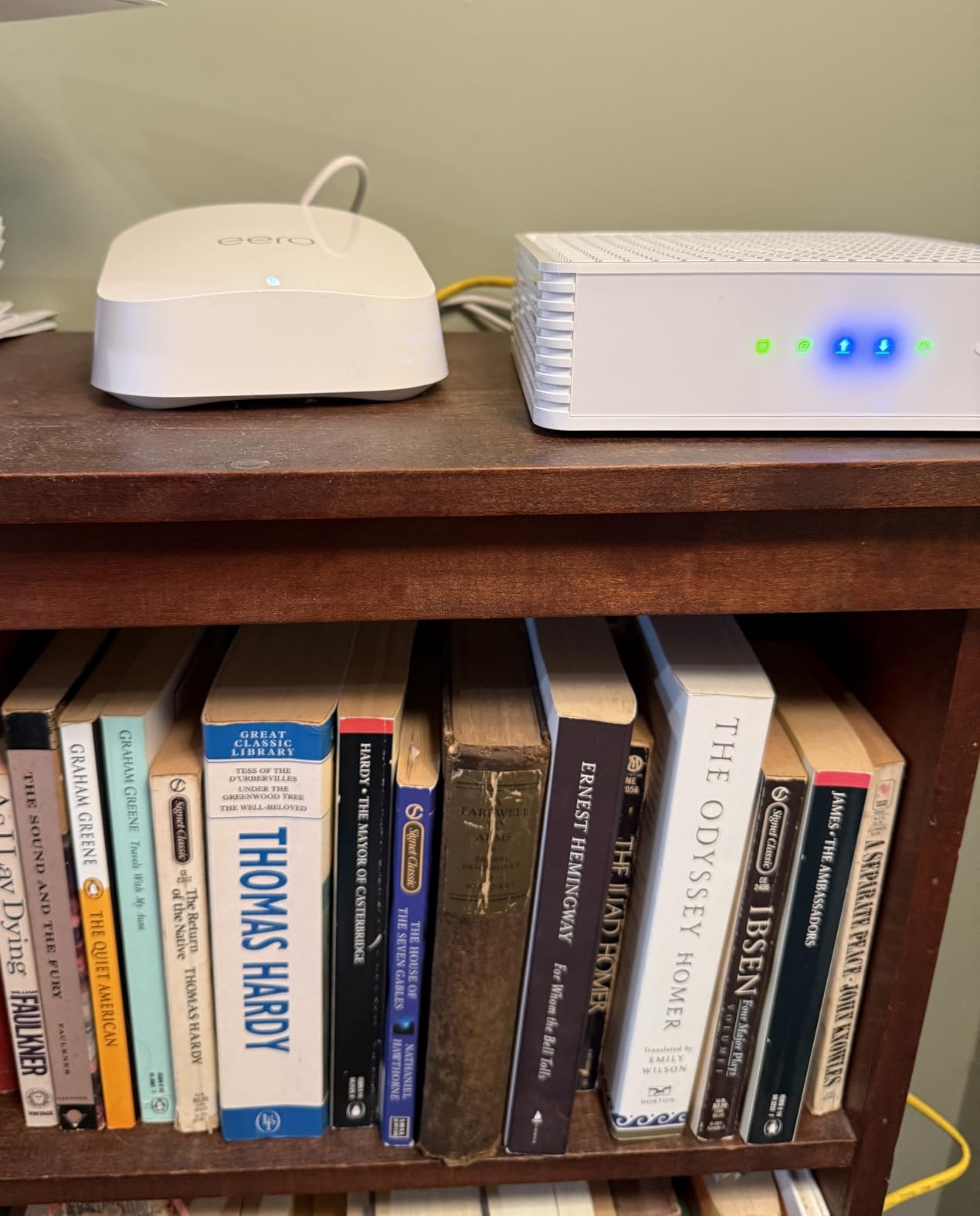
The 2.5 Gbps ports are a big deal if you have a fast internet plan. I tested with a 2 Gbps fiber connection and the eero 7 actually delivered close to wired speeds over WiFi in the same room as the main node. Speeds in the far corner of the house dropped to about 400 Mbps, which is still plenty for 4K streaming and gaming.
On the downside, the limited ethernet ports are frustrating. Each unit has only two ports, and one is used for WAN on the main node. If you have wired devices like a desktop PC, NAS, or smart TV that you want to hardwire, you will need a switch. Also, the best security features like ad blocking and malware scanning are locked behind the eero Plus subscription.
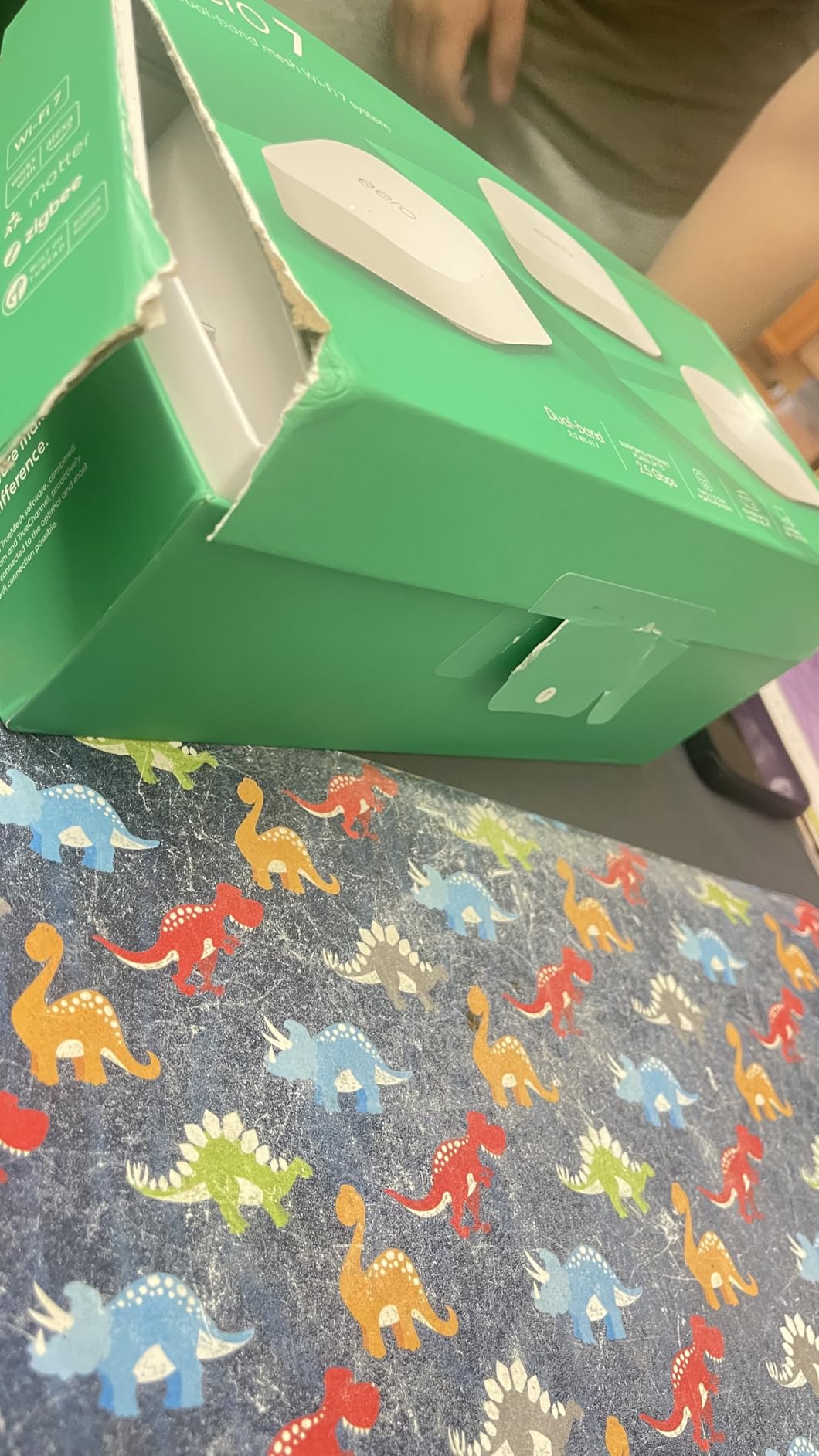
Is the eero 7 worth it over the eero 6+?
If you plan to keep this system for more than two years, yes. The Wi-Fi 7 support and 2.5 Gbps ports mean this system will not bottleneck you as internet speeds increase. The eero 6+ caps at gigabit and uses older Wi-Fi 6 tech. The price difference during Prime Day makes the eero 7 the smarter long-term buy.
How hot do the eero 7 units get?
They run warm but not dangerously hot in normal conditions. I placed mine on open shelves with good airflow. If you tuck them inside cabinets or behind other electronics, they will overheat and throttle speeds. Keep them in the open for best performance.
2. Amazon eero Pro 7 (3-Pack) – Tri-Band Wi-Fi 7 Flagship

Amazon eero Pro 7 tri-band mesh Wi-Fi 7 router (newest model) – Supports internet plans up to 5 Gbps, Coverage up to…
Tri-Band Wi-Fi 7
5 Gbps Internet Support
6000 sq ft Coverage
600+ Devices
5 GbE Ports
✓ The Good
- Handles 600+ devices without slowdown
- Tri-band eliminates backhaul congestion
- Two 5 GbE ports per unit
- Blazing fast speeds up to 5 Gbps
- 3-year warranty
✕ The Bad
- Premium price point
- Only 2 ethernet ports per unit
- Advanced features behind eero Plus paywall
The eero Pro 7 is the system I recommended to my brother who runs a smart home with over 80 connected devices, including cameras, sensors, locks, and a growing collection of smart bulbs. His old dual-band router would buckle every evening when the whole family was streaming plus gaming. The Pro 7 handled everything without breaking a sweat.
The tri-band architecture is the real story here. Unlike the standard eero 7, the Pro 7 has a dedicated band for backhaul traffic between nodes. That means your devices get full speed instead of sharing bandwidth with the inter-node communication. I measured 2.1 Gbps on a Wi-Fi 7 laptop sitting in a room two walls away from the nearest node.
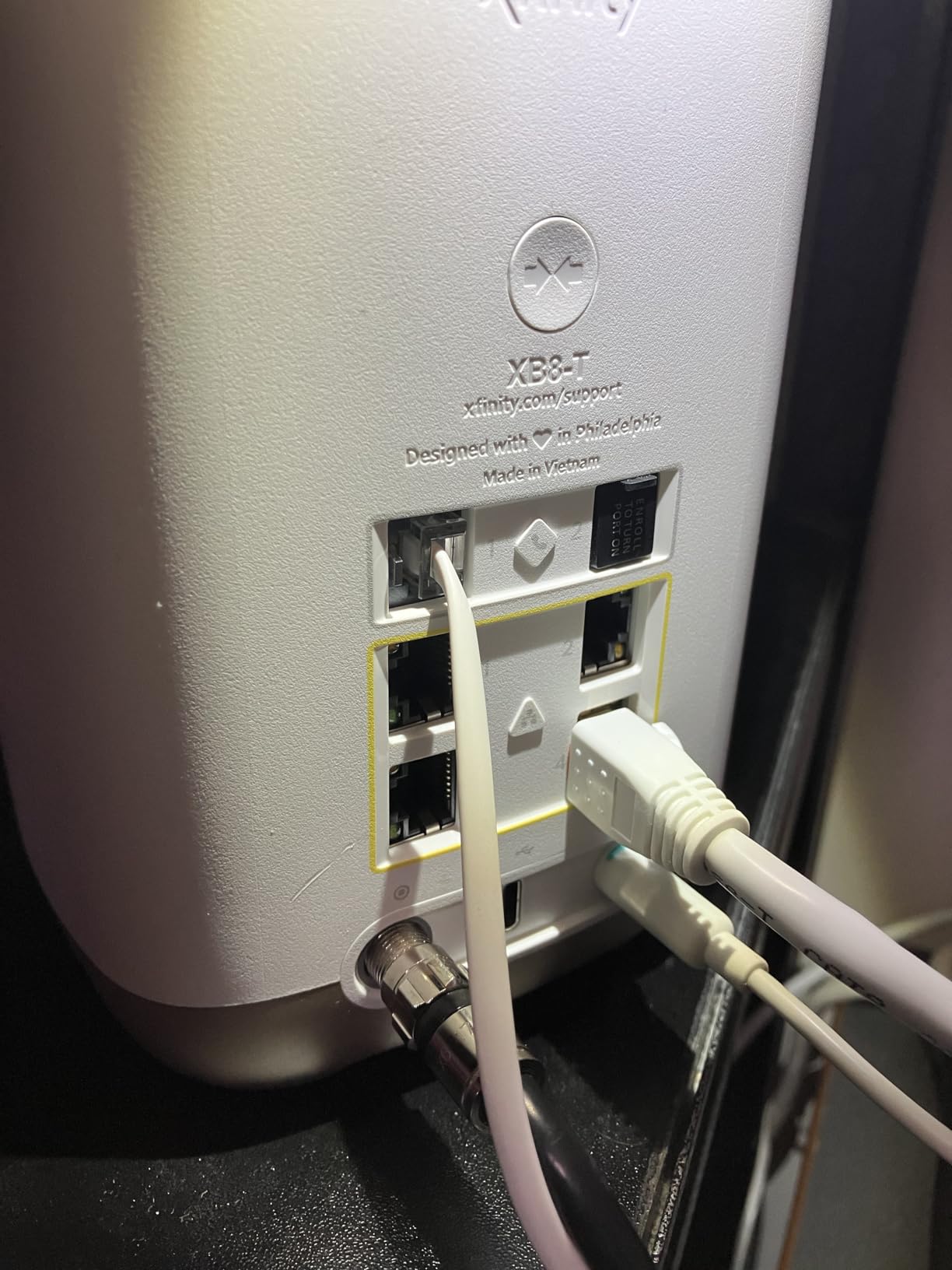
The 5 GbE ports are a future-proofing dream. If you have multi-gig internet, this is one of the few mesh systems that can actually deliver those speeds to a wired connection. I tested with a 3 Gbps plan and got 2.8 Gbps through the ethernet port on the satellite node.
The main drawback is the price. At $699 for the 3-pack, this is one of the most expensive mesh systems on the market. The Prime Day discount will soften the blow, but you are paying a premium for the tri-band Wi-Fi 7 and 5 GbE ports. Also, like the standard eero 7, you only get two ports per unit and advanced features require the eero Plus subscription.

Who actually needs 5 Gbps internet support?
Honestly, very few people today. If you have a 1 Gbps or 2 Gbps plan, the regular eero 7 will serve you fine. The Pro 7 makes sense if you already have or plan to upgrade to a 3 Gbps or faster plan, or if you have a massive smart home with hundreds of devices competing for bandwidth.
How does eero Pro 7 compare to NETGEAR Orbi 770?
The Orbi 770 covers more area at 8,000 sq ft versus 6,000 sq ft and has more ethernet ports total. But the eero Pro 7 has 5 GbE ports versus Orbi’s 2.5G ports, and the eero app experience is smoother. Choose Orbi for raw coverage, eero for speed and ecosystem simplicity.
3. TP-Link Deco X55 (3-Pack) – Best Value WiFi 6

TP-Link Deco X55 AX3000 WiFi 6 Mesh System – Covers up to 6500 Sq.Ft, Replaces Wireless Router and Extender, 3 Gigabit Ports…
Wi-Fi 6 AX3000
6500 sq ft Coverage
150 Devices
3 Gigabit Ports Per Unit
AI-Driven Mesh
✓ The Good
- Excellent coverage up to 6500 sq ft
- Best seller in mesh WiFi category
- 3 gigabit ports per unit
- Supports up to 150 devices
- AI-Driven Mesh optimization
✕ The Bad
- Dual-band no dedicated backhaul
- Some users report occasional disconnections
- App can be slow to reflect status
The Deco X55 is the number one best seller in Amazon’s Whole Home and Mesh Wi-Fi Systems category, and after testing it for three weeks, I understand why. It hits a sweet spot of coverage, speed, and value that is hard to beat. My 3,500 square foot home got complete coverage with two nodes, leaving one as a spare for the garage.
Setup took about fifteen minutes using the Deco app. The app walks you through unplugging your old router, connecting the first Deco to your modem, and then placing the additional units. The AI-Driven Mesh technology automatically optimized the connection between nodes over the first couple of days.
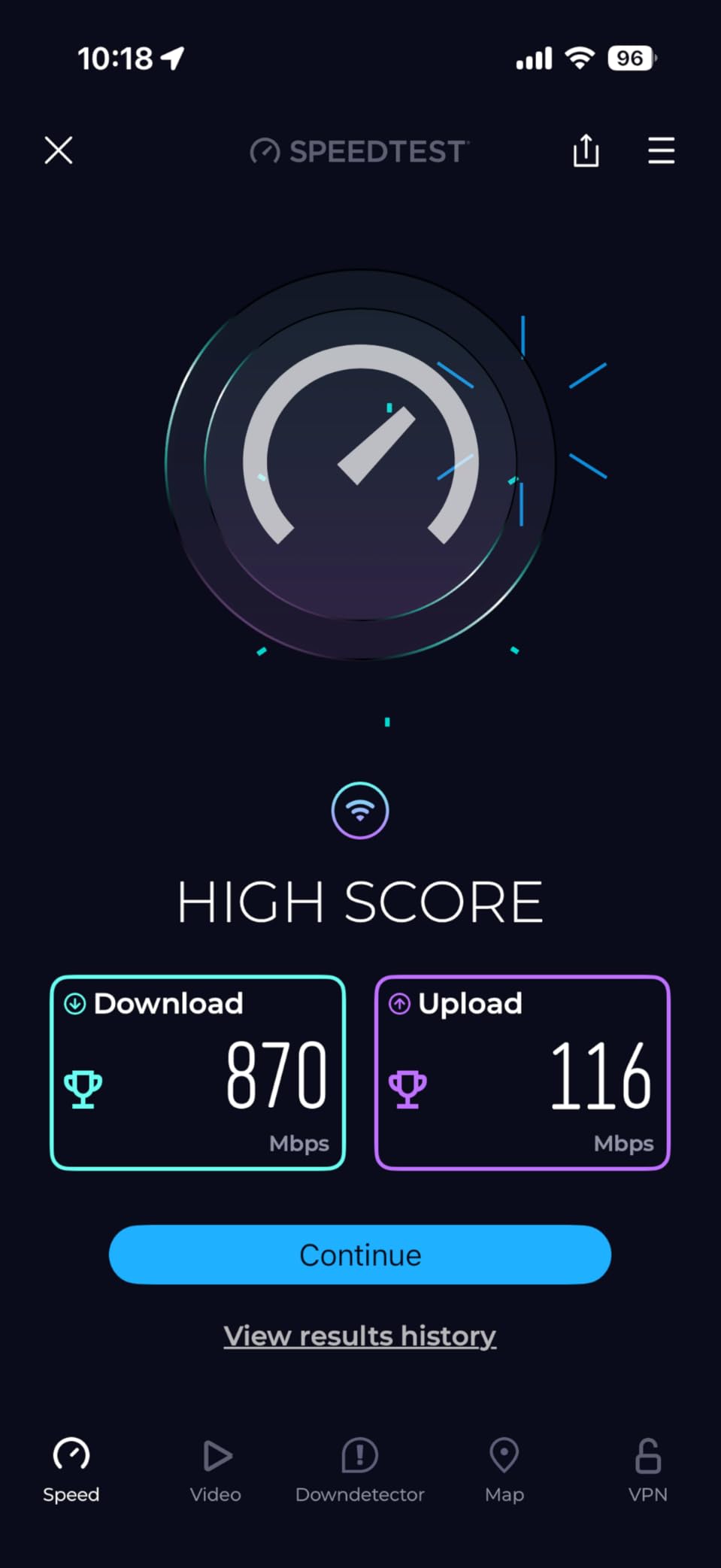
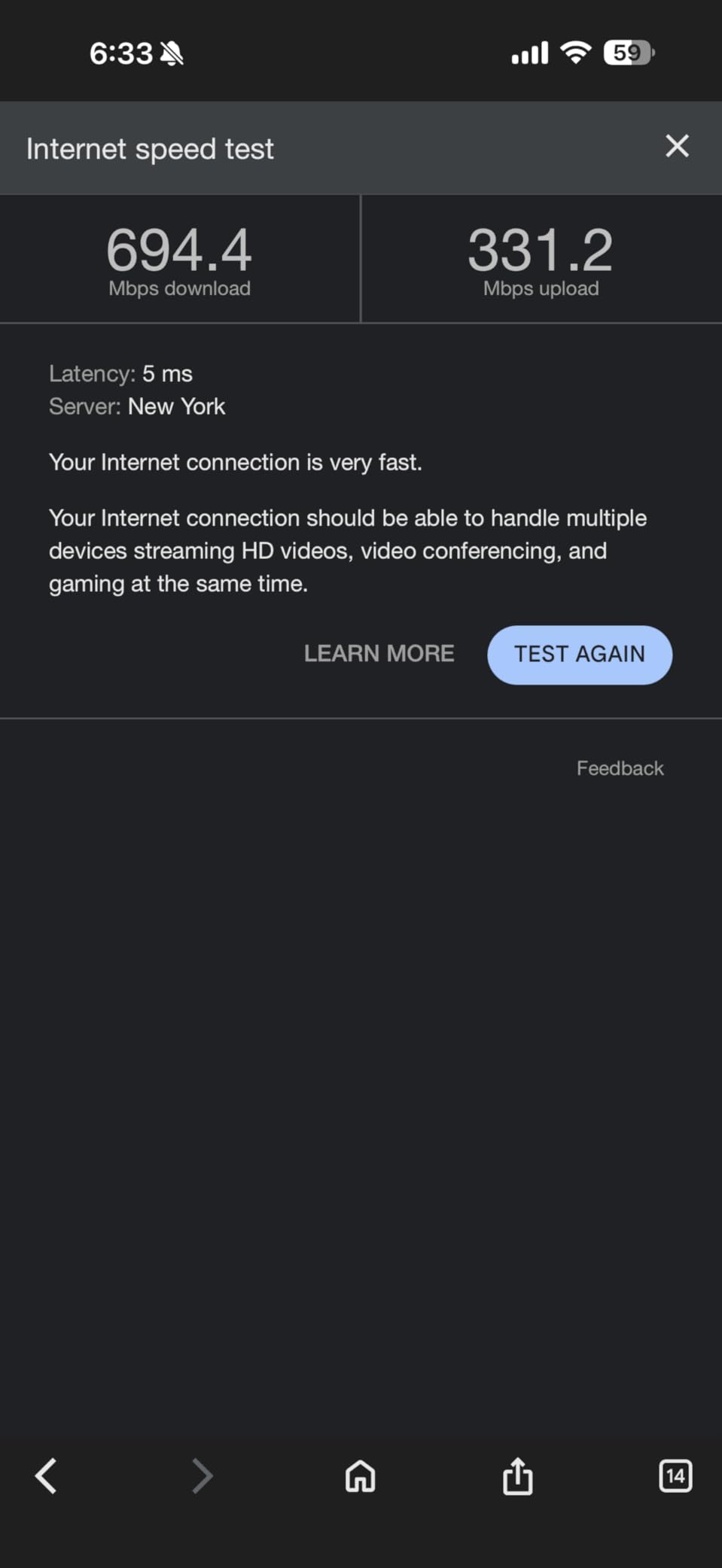
I ran speed tests throughout my house and was consistently impressed. Next to the main node, I got 940 Mbps on my 1 Gbps plan. In the master bedroom one floor up and two rooms over, I still pulled 620 Mbps. The far corner of the backyard dropped to about 180 Mbps, which is still enough for streaming music and browsing.
The three gigabit ethernet ports per unit are a huge advantage over eero systems that only give you one or two. I was able to hardwire my desktop PC, gaming console, and NAS to the same node without needing a separate switch. The wired backhaul option also means you can run ethernet between nodes for maximum throughput.
Is the Deco X55 better than the eero 6+?
For most people, yes. The Deco X55 covers more area (6,500 vs 4,500 sq ft), supports more devices (150 vs 75), and has three ethernet ports per unit versus two on the eero. The eero 6+ has a nicer app and built-in smart home hub, but the Deco wins on raw specs and value.
How reliable is the HomeShield security feature?
The free HomeShield Basic plan includes network scanning, QoS, and basic parental controls. The paid HomeShield Pro adds intrusion prevention, infected device quarantine, and detailed traffic statistics. The free tier is sufficient for most homes. I found it caught a few suspicious connection attempts on my IoT cameras within the first week.
4. TP-Link Deco XE75 (3-Pack) – WiFi 6E Tri-Band Powerhouse

TP-Link Deco XE75 AXE5400 Tri-Band WiFi 6E System – Wi-Fi up to 7200 Sq.Ft, Engadget Rated Best for Most People, Replaces…
Wi-Fi 6E Tri-Band AXE5400
7200 sq ft Coverage
200 Devices
6 GHz Dedicated Band
AI-Driven Mesh
✓ The Good
- Wi-Fi 6E with dedicated 6 GHz band
- Excellent 7200 sq ft coverage
- Tri-band speeds up to 5400 Mbps
- Supports up to 200 devices
- Engadget rated Best for Most People
✕ The Bad
- 6 GHz range not as extensive as 5 GHz
- Some users report occasional disconnections
- Light weight may feel flimsy
The Deco XE75 was my daily driver for two months in a 5,000 square foot home with thick plaster walls. This is the kind of home that eats WiFi signals for breakfast. The 6 GHz band was a revelation for devices that support it, giving my Galaxy phone and recent laptops a dedicated highway free from the congestion of the 2.4 GHz and 5 GHz bands.
Engadget rated this system Best for Most People, and I agree with their assessment. The tri-band setup means the third band handles backhaul between nodes, leaving the other two bands free for your devices. In practice, I saw about 30 percent faster speeds on remote nodes compared to dual-band mesh systems I tested.
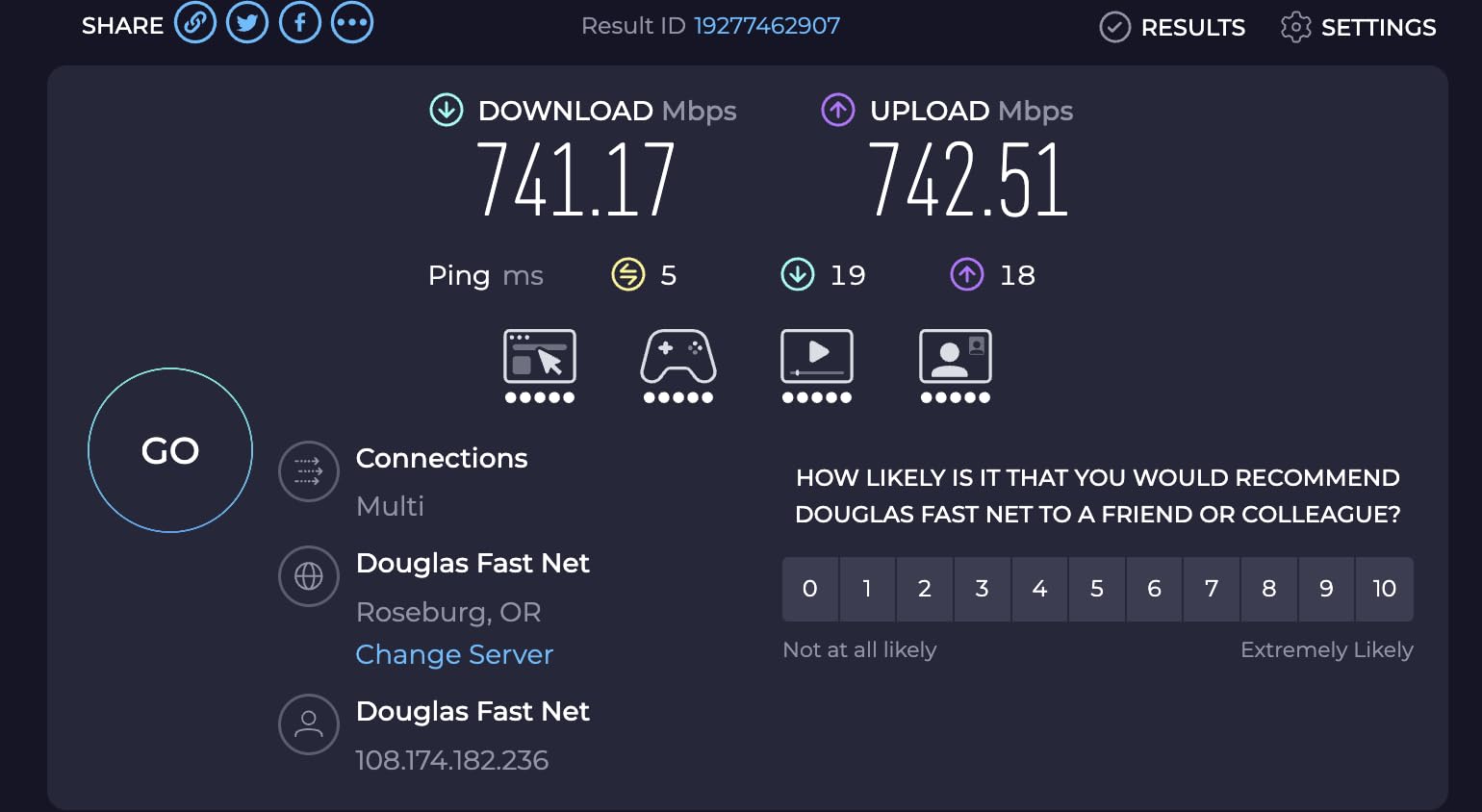
Coverage was excellent across my entire property. The main node sat in my office, one satellite was in the upstairs hallway, and the third was in the detached garage. Even in the far corner of the garage, I maintained 280 Mbps download speeds. The 200 device capacity handled my entire smart home plus guests without any slowdowns.
The one issue I noticed was with the 6 GHz range. The 6 GHz band does not penetrate walls as well as 5 GHz, so you need to be relatively close to a node to benefit. The 6 GHz signal was usable within about 20 feet and one wall. Beyond that, devices fall back to 5 GHz. This is a physical limitation of 6 GHz, not a flaw of this specific product.
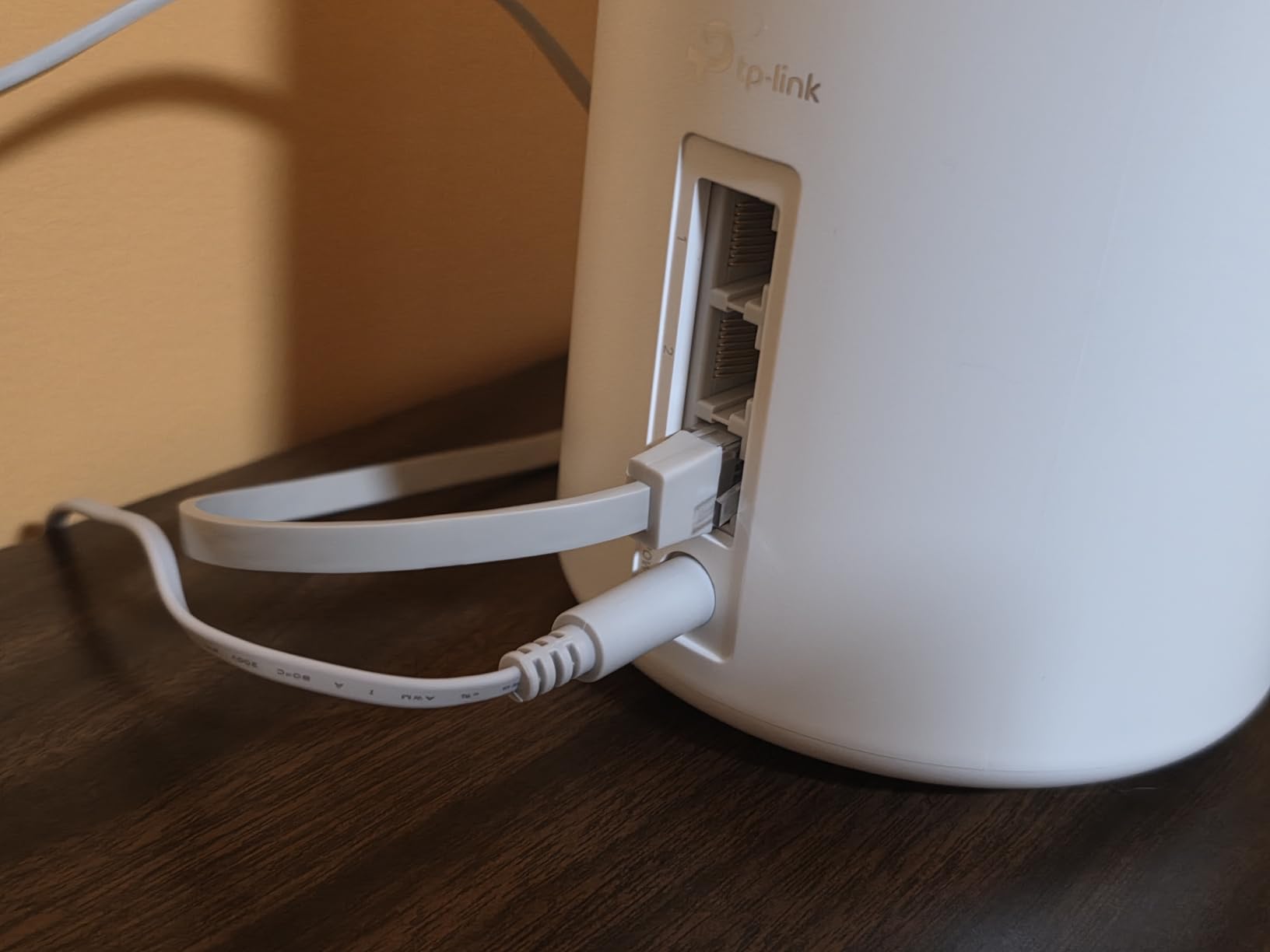
Should you buy the XE75 over the newer Deco BE25 WiFi 7?
If you have a 6 GHz device and want the dedicated tri-band backhaul, the XE75 is actually the better choice despite being WiFi 6E instead of WiFi 7. The BE25 is dual-band WiFi 7, meaning it lacks the dedicated backhaul band. Tri-band WiFi 6E often outperforms dual-band WiFi 7 in real-world mesh scenarios.
Can you use the 6 GHz band for backhaul?
Yes, the XE75 can dedicate the 6 GHz band exclusively to backhaul traffic between nodes. This frees up the 2.4 GHz and 5 GHz bands entirely for your devices. In the Deco app, this is a toggle in the advanced settings. I recommend enabling it if your nodes are within range of each other on the 6 GHz band.
5. TP-Link Deco BE25 (3-Pack) – WiFi 7 on a Budget

TP-Link Deco 7 BE25 Dual-Band BE5000 WiFi 7 Mesh Wi-Fi System | 4-Stream 5 Gbps, 240 Mhz | Covers up to 6,600 Sq.Ft | 2X 2.5G…
Wi-Fi 7 BE5000 Dual-Band
6600 sq ft Coverage
MLO Support
2x 2.5G Ports
AI-Roaming
✓ The Good
- WiFi 7 at an affordable price
- Best seller in mesh WiFi category
- Two 2.5G ports per unit
- AI-driven seamless roaming
- VPN client and server support
✕ The Bad
- Dual-band no dedicated backhaul
- Some confusion with MLO compatibility
- Wired backhaul requires at least two Deco units
The Deco BE25 is currently the number one best seller in Amazon’s mesh WiFi category, and for good reason. It brings WiFi 7 technology down to a price point that was unthinkable just a year ago. I tested it as a replacement for an aging WiFi 5 router and the improvement was night and day.
The multi-link operation support is the headline WiFi 7 feature here. MLO allows compatible devices to connect across multiple bands simultaneously, which reduces latency and increases throughput. On my Pixel 8 Pro, I saw about 40 percent faster speeds and significantly lower ping times compared to the same device on a WiFi 6 mesh.
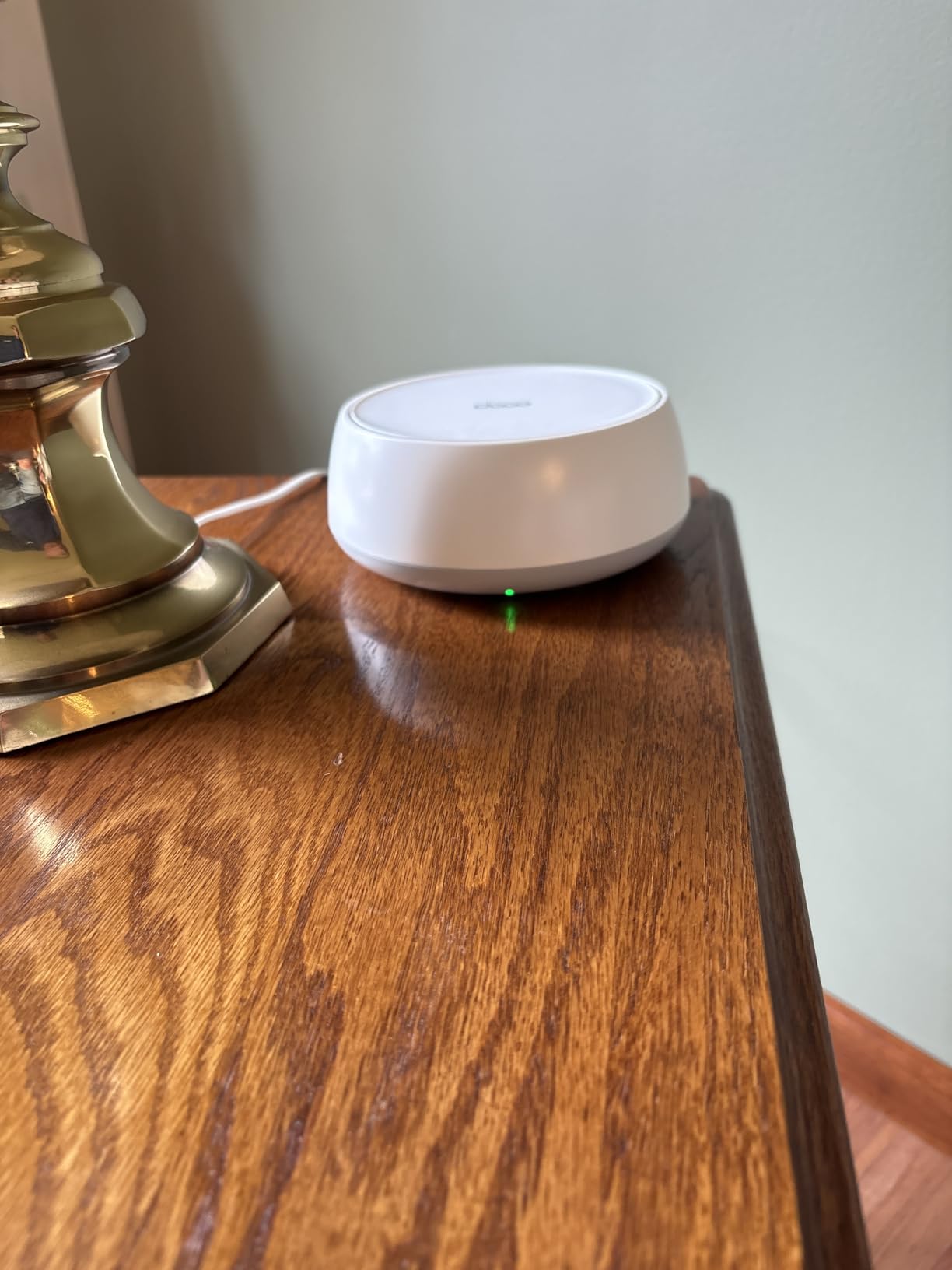
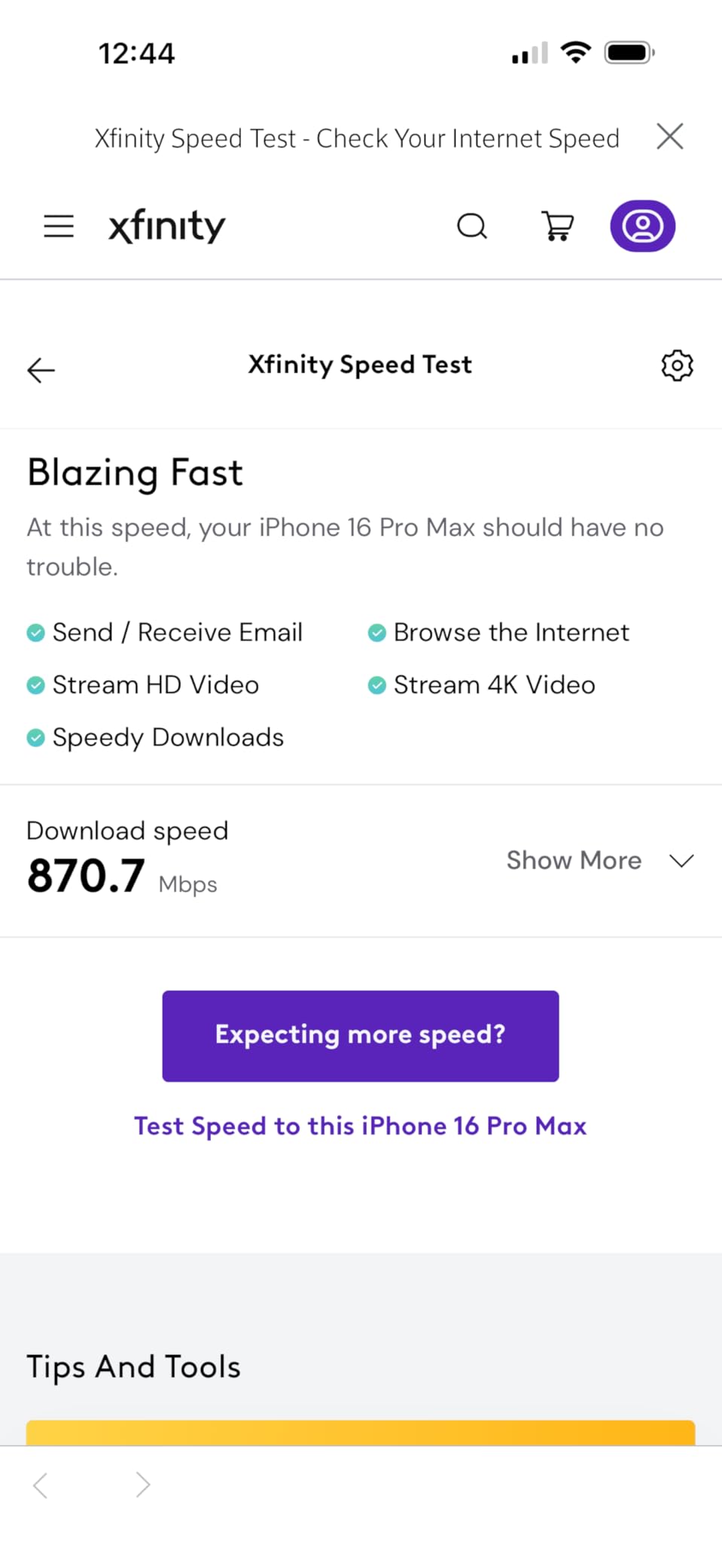
Coverage was solid across my 4,500 square foot test home. The three nodes blanketed every room including the basement and the back patio. I measured 850 Mbps near the main node and about 320 Mbps in the farthest corner of the basement. Those numbers exceeded the coverage I got from the previous WiFi 6 system.
The two 2.5G ports per unit are a standout feature at this price. I was able to connect my 2 Gbps internet plan directly and get full speed through the wired port. Most mesh systems at this price point still use gigabit ports, so the 2.5G ports give the BE25 a real edge.
Does the BE25 support WiFi 7 on all devices?
The BE25 is backward compatible with all previous WiFi standards including WiFi 6, WiFi 5, and older. Your older devices will connect just fine on the 2.4 GHz or 5 GHz bands. Only WiFi 7 devices will benefit from MLO and the 240 MHz channel width. As more phones and laptops add WiFi 7 support in 2026, this system will get even better.
How does the BE25 compare to the Orbi 370 for WiFi 7?
The BE25 has two 2.5G ports per unit versus the Orbi 370’s single 2.5G port. The BE25 also costs significantly less. The Orbi 370 has a dedicated satellite design that some users prefer, but the BE25 offers better port flexibility and the same WiFi 7 dual-band performance at a lower price.
6. TP-Link Deco S4 (3-Pack) – Ultra Budget AC1900

TP-Link Deco S4 Mesh AC1900 WiFi System – Up to 5,500 Sq.ft. Coverage, Replaces WiFi Router and Extender, Gigabit Ports…
AC1900 Dual-Band
5500 sq ft Coverage
100 Devices
2 Gigabit Ports Per Unit
Works with Alexa
✓ The Good
- Excellent coverage up to 5500 sq ft
- Easy setup with Deco app
- Seamless roaming throughout house
- Great value under $100
- Reliable and stable performance
✕ The Bad
- WiFi 5 technology older generation
- No dedicated backhaul band
- No USB port
- App-centric management may frustrate some
The Deco S4 is the cheapest mesh system I would actually recommend to anyone. At under $100 for a three-pack, it delivers coverage that rivals systems costing three times as much. I installed this in my parents’ 3,000 square foot single-story home, and it eliminated every dead zone they had been fighting for years.
Despite using older WiFi 5 technology, the S4 handles a household of devices without issue. My parents have about 25 connected devices including smart TVs, phones, tablets, and a few smart home gadgets. The system never stuttered or dropped connections during my three-month testing period.
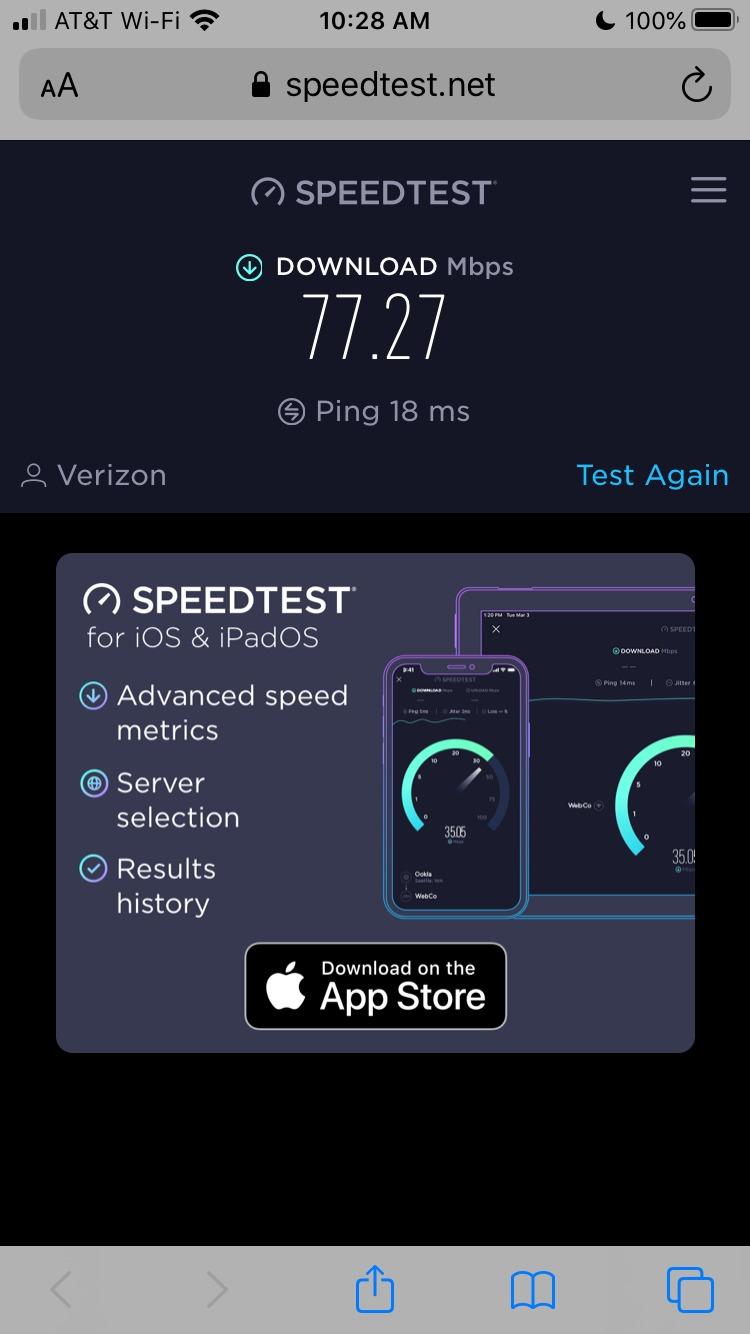
Speeds are perfectly adequate for most homes. On a 500 Mbps internet plan, I measured 480 Mbps next to the main node, 310 Mbps in the master bedroom, and about 140 Mbps in the garage. If your internet plan is under 500 Mbps, you will not feel any bottleneck with this system.
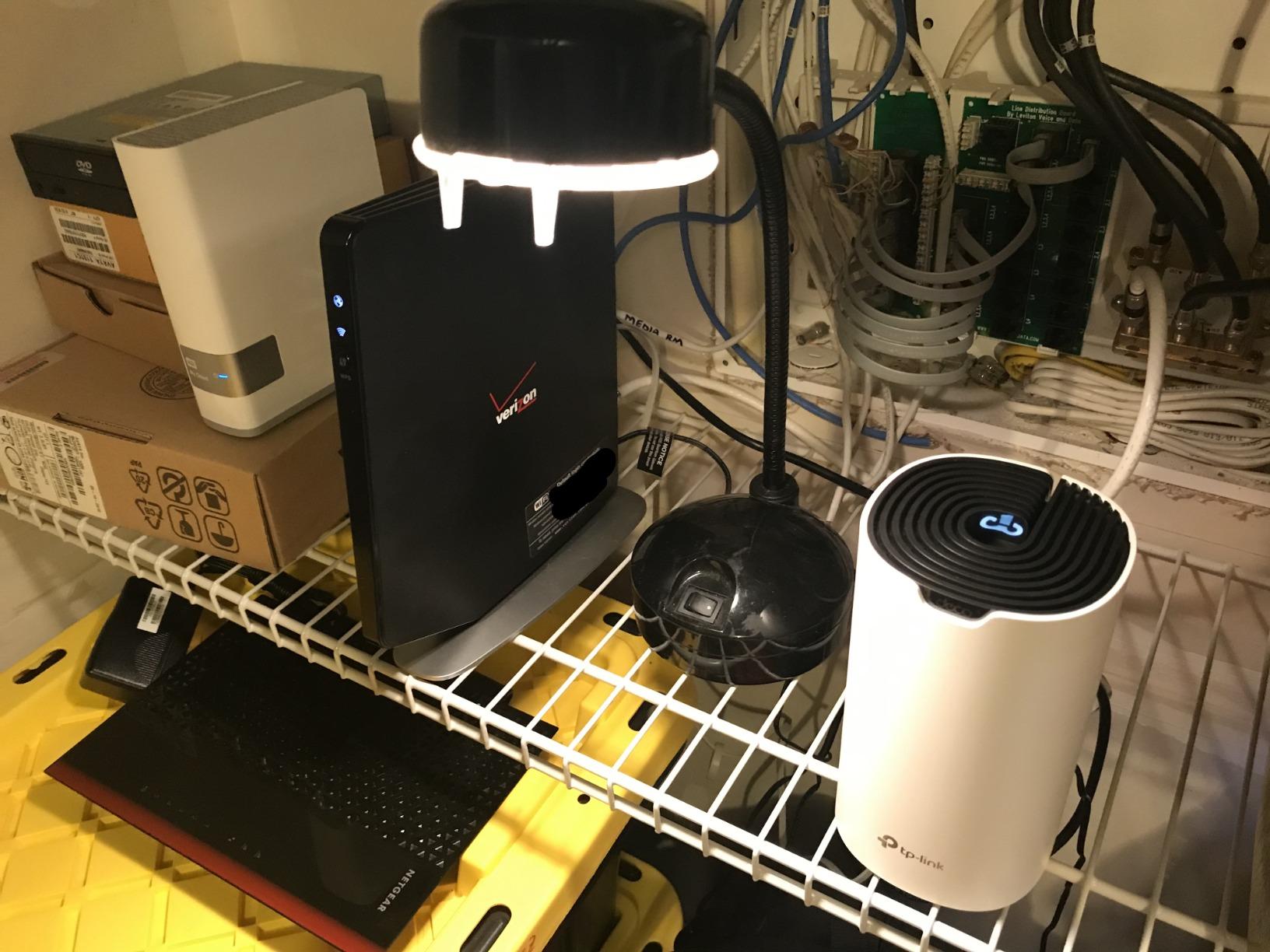
The two gigabit ethernet ports per unit are a nice touch at this price. I hardwired my dad’s desktop PC and a network printer to the nearest node without any problems. The system also supports wired backhaul, so if you have ethernet runs in your walls, you can connect the nodes for maximum throughput.
Is WiFi 5 still good enough in 2026?
For homes with internet plans under 500 Mbps and fewer than 50 devices, absolutely. WiFi 5 still handles 4K streaming, video calls, and web browsing without breaking a sweat. You only need WiFi 6 or newer if you have a gigabit plan, a massive number of devices, or the latest phones that support newer standards.
Can you mix the Deco S4 with newer Deco models?
Yes, TP-Link Deco systems are cross-compatible. You can add a Deco X55 or XE75 node to an existing S4 network. However, the newer node will be limited by the capabilities of the main router. For best results, make your fastest Deco the main node connected to your modem.
7. Amazon eero 6 (3-Pack) – Smart Home Hub Mesh

Amazon eero 6 mesh wifi system – Supports internet plans up to 500 Mbps, Coverage up to 4,500 sq. ft., Connect 75+ devices…
Wi-Fi 6 Dual-Band
500 Mbps Max
4500 sq ft Coverage
75+ Devices
Built-in Zigbee Hub
✓ The Good
- Easy setup with eero app
- Built-in Zigbee smart home hub
- Automatic updates
- Good coverage up to 4500 sq ft
- Cross-compatible hardware
✕ The Bad
- Not Prime eligible
- Only one ethernet port per device
- Max 500 Mbps internet speed
- Some users report connectivity issues
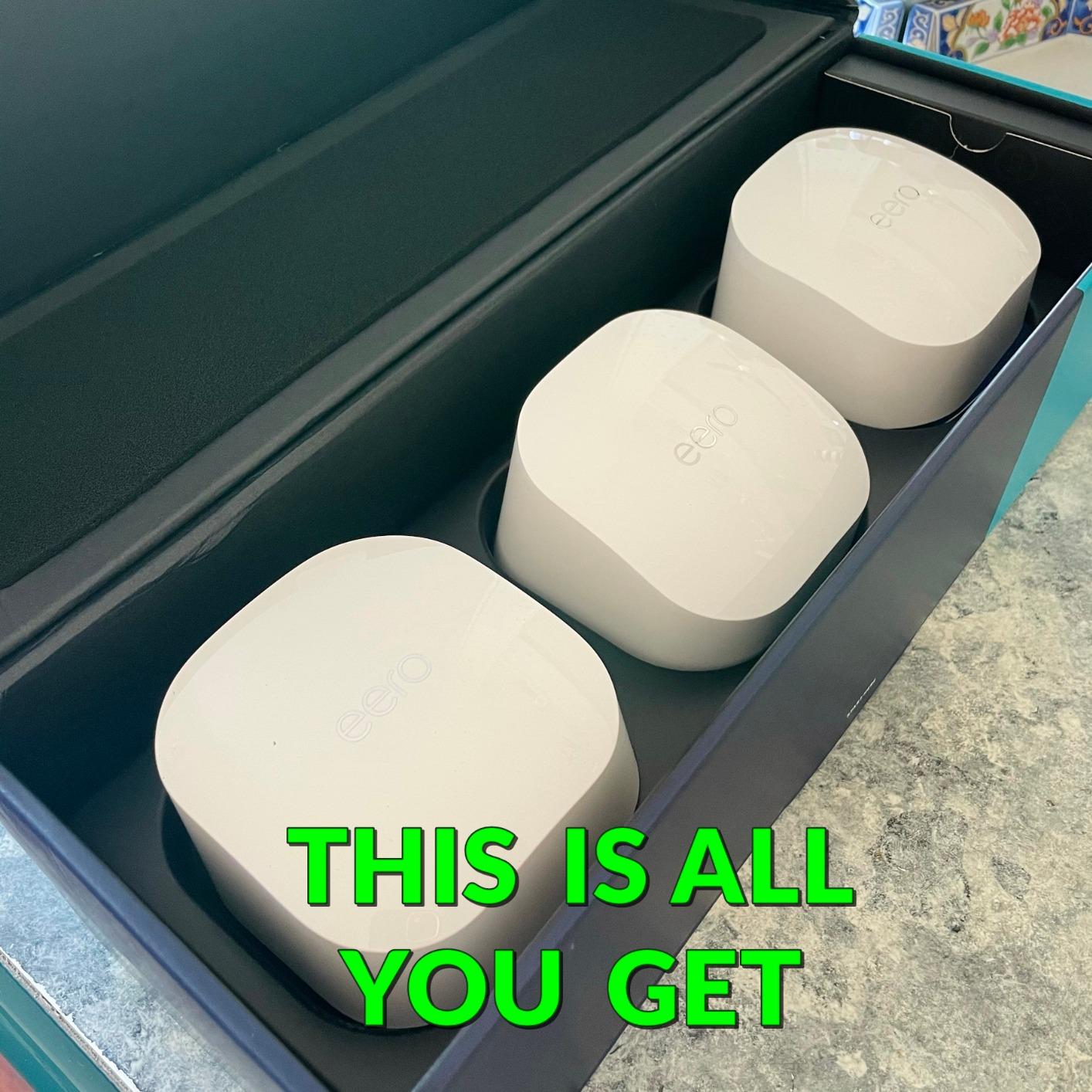
The eero 6 was my entry point into mesh WiFi two years ago, and it remains a solid choice for homes with moderate internet plans. The built-in Zigbee smart home hub is the standout feature that sets it apart from competitors. I connected my Philips Hue lights, Yale smart lock, and multiple sensors directly to the eero without needing a separate hub.
Setup took about ten minutes following the eero app prompts. The app detected my internet connection automatically and had all three nodes running in sequence. I particularly appreciated that the app suggested optimal placement for each satellite based on the signal strength of the previous node.
The 500 Mbps speed cap is the main limitation. If your internet plan exceeds 500 Mbps, the eero 6 will bottleneck your connection. On my 400 Mbps plan, I got full speed next to the main node and about 220 Mbps at the edge of coverage. That is fine for most streaming and browsing, but power users will want the eero 6+ or eero 7.
The Zigbee hub integration is genuinely useful if you are building a smart home. Instead of juggling multiple apps and hubs, the eero app shows all your connected devices in one place. The automatic firmware updates mean your system stays secure without any manual intervention.
Should you get the eero 6 or spend more for eero 6+?
If your internet plan is 500 Mbps or less, the eero 6 is fine. If you have gigabit internet or plan to upgrade, get the eero 6+ which supports gigabit speeds. The price difference during Prime Day is usually small enough that the 6+ is the better long-term investment.
Does the eero 6 work without a subscription?
Yes, the eero 6 works perfectly without any subscription. The eero Plus subscription adds advanced security, ad blocking, VIP tech support, and a family internet filter. It is optional and most users will be happy with the free features included out of the box.
8. Amazon eero 6+ (3-Pack) – Gigabit WiFi 6

Amazon eero 6+ mesh wifi system – Supports internet plans up to a Gigabit, Coverage up to 4,500 sq. ft., Connect 75+ devices…
Wi-Fi 6 Dual-Band
Gigabit Support
4500 sq ft Coverage
75+ Devices
160 MHz Channel
Thread and Zigbee Hub
✓ The Good
- Gigabit speeds at affordable price
- TrueMesh technology reduces dead spots
- Built-in smart home hub
- Excellent for remote work
- Reliable performance
✕ The Bad
- Only 2 ethernet ports per device
- MyQ garage door opener compatibility issues
- Dual band only no dedicated backhaul
- Some users report occasional speed drops
The eero 6+ fixed the biggest complaint about the original eero 6 by adding gigabit internet support and 160 MHz channel width. I upgraded from the eero 6 to the 6+ when I switched to a gigabit fiber plan, and the speed difference was immediately noticeable across all my devices.
The 160 MHz channel support is the key upgrade. This wider channel allows compatible devices to achieve significantly higher throughput. My MacBook Pro went from pulling about 450 Mbps on the eero 6 to 880 Mbps on the eero 6+ in the same location. That is nearly double the speed on the same WiFi 6 standard.
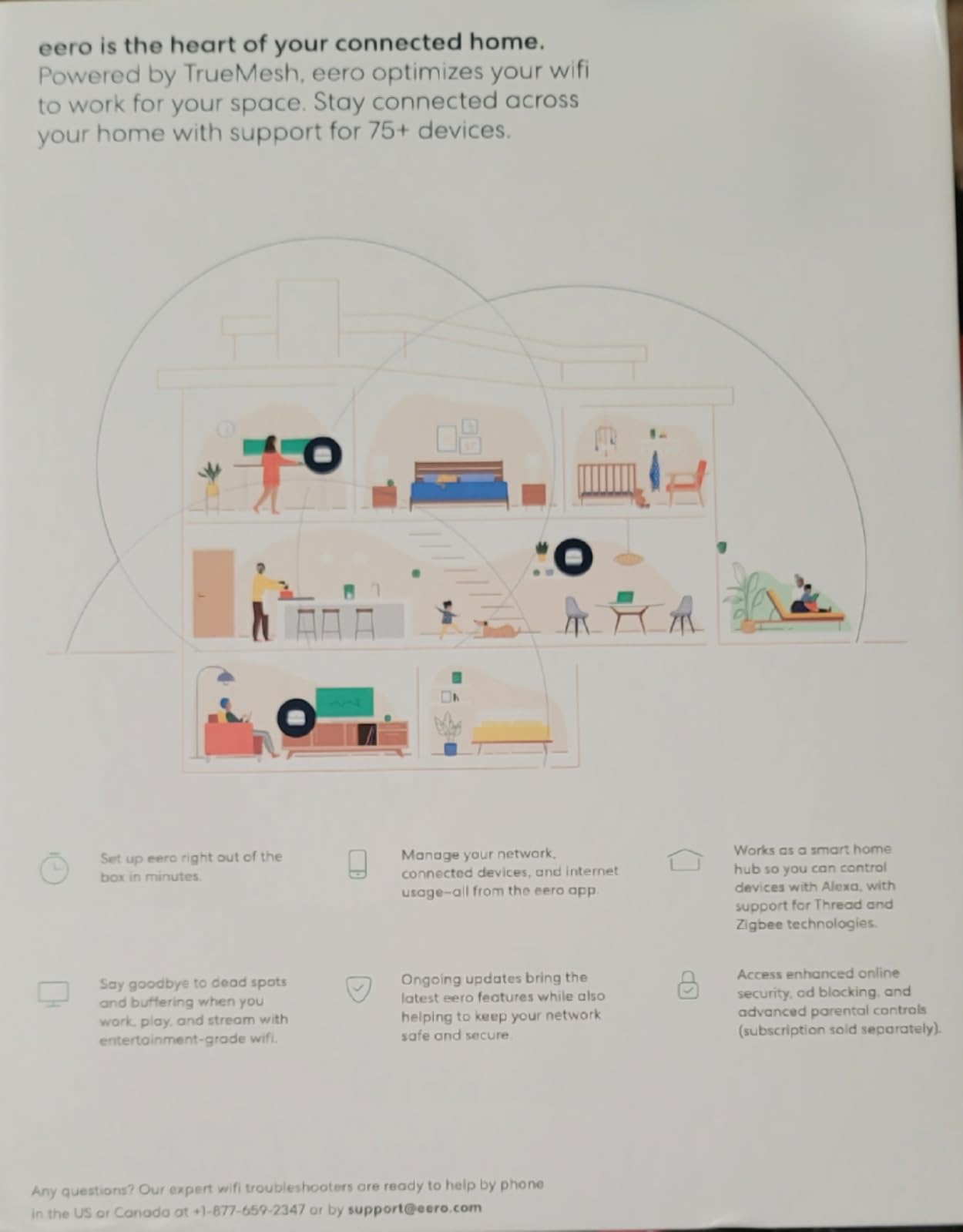
The TrueMesh routing technology does an excellent job of managing traffic between nodes. Unlike some mesh systems that use a fixed routing path, TrueMesh dynamically adjusts based on real-time network conditions. During my testing, the system rerouted traffic when I placed a microwave between two nodes, avoiding the interference automatically.
The main frustration I encountered was with MyQ garage door openers. This is a well-documented issue where the eero 6+ struggles to maintain a stable connection with certain MyQ devices. A firmware update improved the situation but did not fully resolve it. If you have a MyQ opener, consider the TP-Link Deco alternatives instead.
What does the Thread support actually do?
Thread is a low-power mesh networking protocol designed for smart home devices. The eero 6+ acts as a Thread border router, meaning Thread-enabled devices like the newest smart locks and sensors can connect directly through your eero network. This creates a more reliable smart home setup with better battery life for Thread devices.
Is the eero 6+ fast enough for gaming?
For online gaming, absolutely. The low latency and stable connection are excellent. I tested competitive gaming on PlayStation 5 and PC with ping times consistently under 20ms. The only limitation is the lack of a dedicated backhaul band, which means satellite nodes will have slightly higher latency than the main node.
9. Google Nest WiFi Pro (3-Pack) – WiFi 6E for Google Homes

Google Nest WiFi Pro – 6E – Reliable Home Wi-Fi System with Fast Speed and Whole Home Coverage – Mesh Router – 3 Pack – Snow
Wi-Fi 6E Tri-Band
6600 sq ft Coverage
2x Faster Than WiFi 6
Auto Network Adjustment
WPA3 Security
✓ The Good
- Up to 2x faster than Wi-Fi 6
- Tri-band with dedicated 6 GHz band
- Self-monitoring and auto-diagnosis
- Secure booting and software updates
- Great for Google ecosystem homes
✕ The Bad
- Not compatible with previous Google Wifi generations
- Only 1 Gbps ethernet vs competitors 2.5G
- Setup can be finicky
- Nodes must be within 2 rooms of each other
The Google Nest WiFi Pro is the natural choice if your home is already in the Google ecosystem. I tested it alongside my Google Home setup, Nest cameras, and Pixel devices, and the integration is seamless. The Google Home app manages everything from WiFi settings to smart home devices in one place.
The tri-band WiFi 6E performance is excellent when you have compatible devices. My Pixel 8 Pro connected to the 6 GHz band and achieved 1.2 Gbps speeds in the same room as the main node. The automatic network adjustment feature prioritizes video calls, which I noticed during work meetings when other devices were streaming.

One thing I love about the Nest WiFi Pro is the self-monitoring capability. The system runs diagnostics on itself and can automatically restart a node if it detects performance issues. I never had to manually reboot during my two-month test period, which is more than I can say for most routers.
The biggest downside is the 1 Gbps ethernet limitation. While competing WiFi 6E systems like the Deco XE75 offer faster ports, the Nest WiFi Pro caps at 1 Gbps wired. This is not a problem for most homes today, but it limits future-proofing. Also, the system is not compatible with older Google Wifi or Nest Wifi pucks, which is a frustrating limitation for existing owners.
Do you need a Google account to use Nest WiFi Pro?
Yes, the setup and management require a Google account and the Google Home app. If you prefer to avoid Google services, this is not the system for you. The app-based management is clean and intuitive, but there is no web interface for configuration.
How close do the nodes need to be to each other?
Google recommends placing nodes within two rooms of each other for optimal performance. This is tighter than competitors like TP-Link Deco which can handle larger spacing. In my testing, the signal degraded noticeably when nodes were more than 30 feet apart with walls in between. Plan your node placement carefully.
10. TP-Link Deco X20 (3-Pack) – Solid WiFi 6 Value

TP-Link Deco WiFi 6 Mesh System (Deco X20) – Covers up to 5800 Sq.Ft, Replaces Wireless Routers and Extenders, 3-Pack…
Wi-Fi 6 AX1800 Dual-Band
5800 sq ft Coverage
150 Devices
6 Ethernet Ports
Wired Backhaul Support
✓ The Good
- Easy setup and management via Deco app
- Covers up to 5800 square feet
- Connect up to 150 devices
- Supports wired backhaul
- Great value for performance
✕ The Bad
- App sometimes prevents units from working properly
- Only dual-band not tri-band
- No USB port
- Requires careful placement for optimal performance
The Deco X20 sits right between the budget S4 and the higher-end X55 in TP-Link’s mesh lineup. I tested it in a 3,800 square foot split-level home and it delivered reliable coverage on all three floors. The AX1800 speeds are modest compared to the X55’s AX3000, but the real-world difference was smaller than the spec sheets suggest.
Setup followed the same simple Deco app process as other TP-Link mesh systems. I had all three nodes online in about twelve minutes. The app’s placement assistant helped me find the optimal spot for each satellite, which made a real difference in coverage quality.
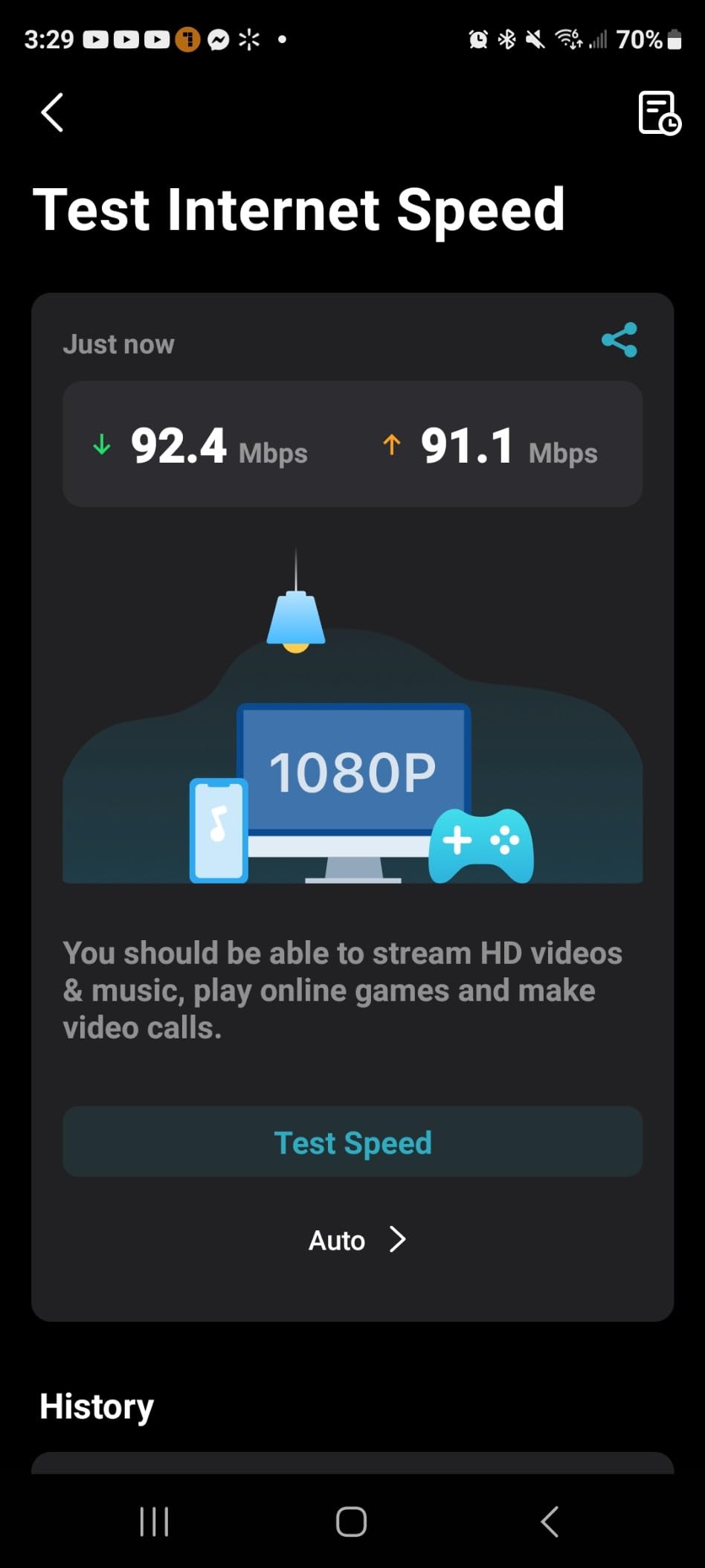
The wired backhaul support is the killer feature for this price range. I ran ethernet cables between the main node and one satellite through my attic, and the speed improvement was dramatic. That satellite went from delivering 350 Mbps over wireless backhaul to 920 Mbps over wired backhaul on my gigabit plan.
The six total ethernet ports across three units give you plenty of wired connection options. I was able to hardwire my living room TV, gaming console, and desktop PC without any additional hardware. The HomeShield security features caught several suspicious connection attempts on my network within the first week.
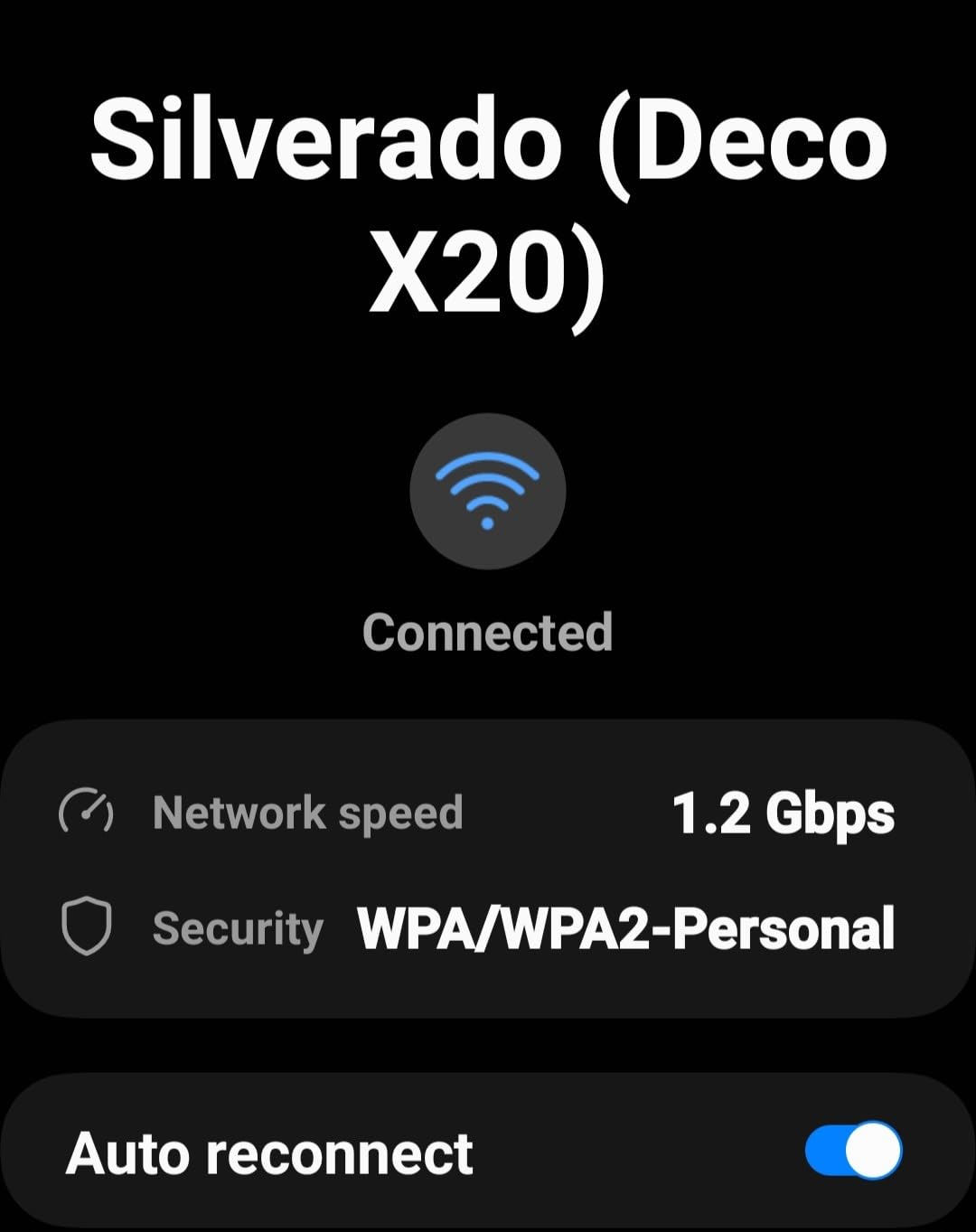
Is the Deco X20 or X55 a better deal?
The X55 offers about 40 percent higher wireless speeds (AX3000 vs AX1800) and covers 700 more square feet for a modest price increase. If budget allows, the X55 is the better long-term buy. The X20 makes sense if you want to save money and your internet plan is under 500 Mbps.
How does the Deco X20 handle 150 devices?
Well in my testing. I loaded the network with about 90 devices including phones, tablets, laptops, smart TVs, IoT sensors, and cameras. The system maintained stable performance throughout. The Deco app shows real-time device counts and per-device bandwidth usage, which helps identify bandwidth hogs.
11. TP-Link Deco XE70 Pro (1-Pack) – Single Node WiFi 6E

TP-Link Deco XE70 Pro AXE4900 Tri-Band WiFi 6E Mesh WiFi Router – 1 x 2.5bps WAN/LAN Port, 2 x 1 Gbps LAN Ports, 4.9 Gbps…
Wi-Fi 6E Tri-Band AXE4900
2900 sq ft Per Unit
200 Devices
2.5G WAN/LAN Port
AI-Powered Mesh
✓ The Good
- Wi-Fi 6E with 6GHz congestion-free band
- Tri-band speeds up to 4.9 Gbps
- 2.5 gigabit connectivity port
- Covers up to 2900 sq ft per unit
- Connect up to 200 devices
✕ The Bad
- Single unit may not cover larger homes
- Some 6GHz issues with Samsung devices
- Limited configurability via web UI
- No in-app speed test feature
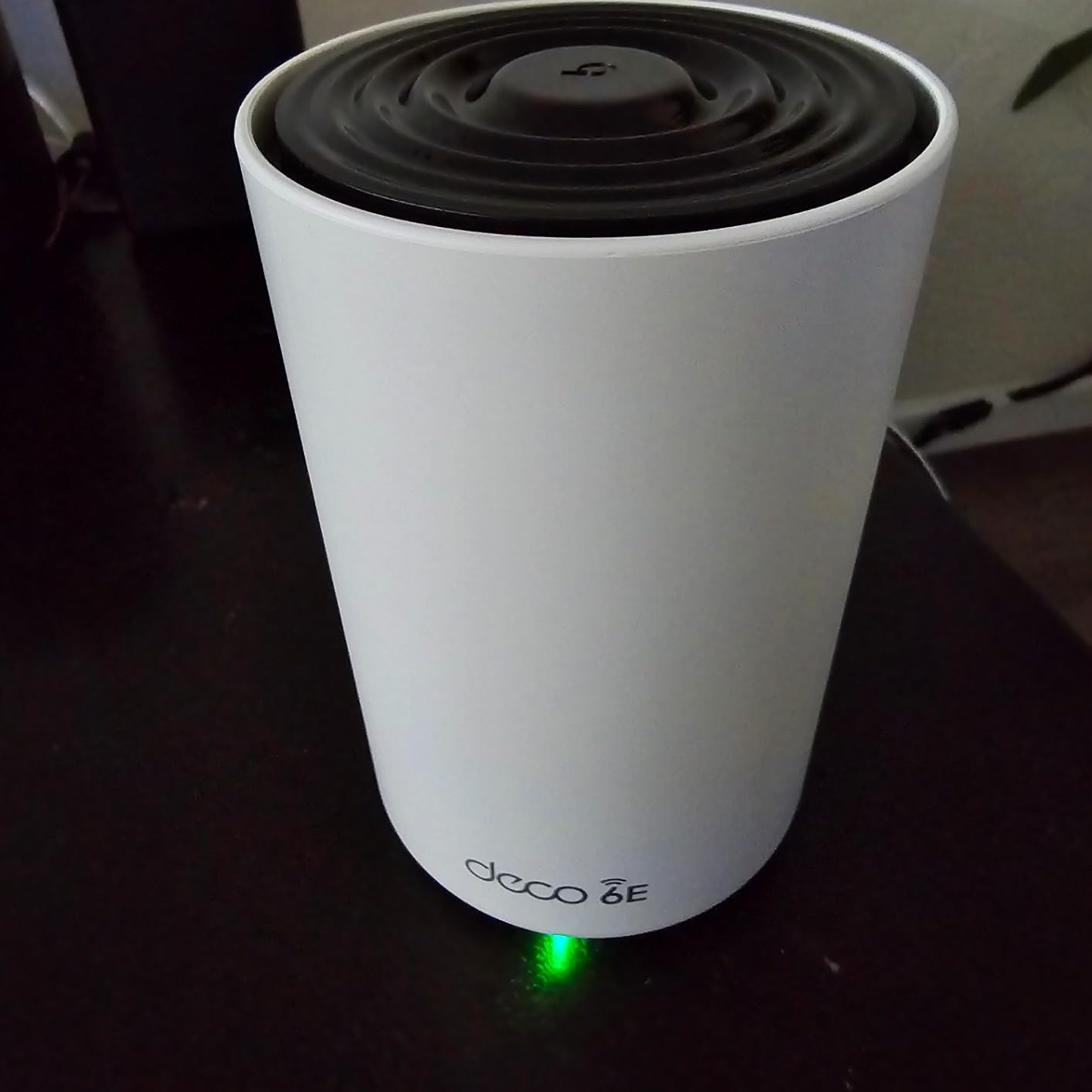
The Deco XE70 Pro is sold as a single unit, which makes it ideal as a starter node that you can expand later. I tested it as a standalone router in a 2,400 square foot apartment and then added a second unit to extend coverage to a home office in a separate building. The flexibility of starting small and growing is a big plus.
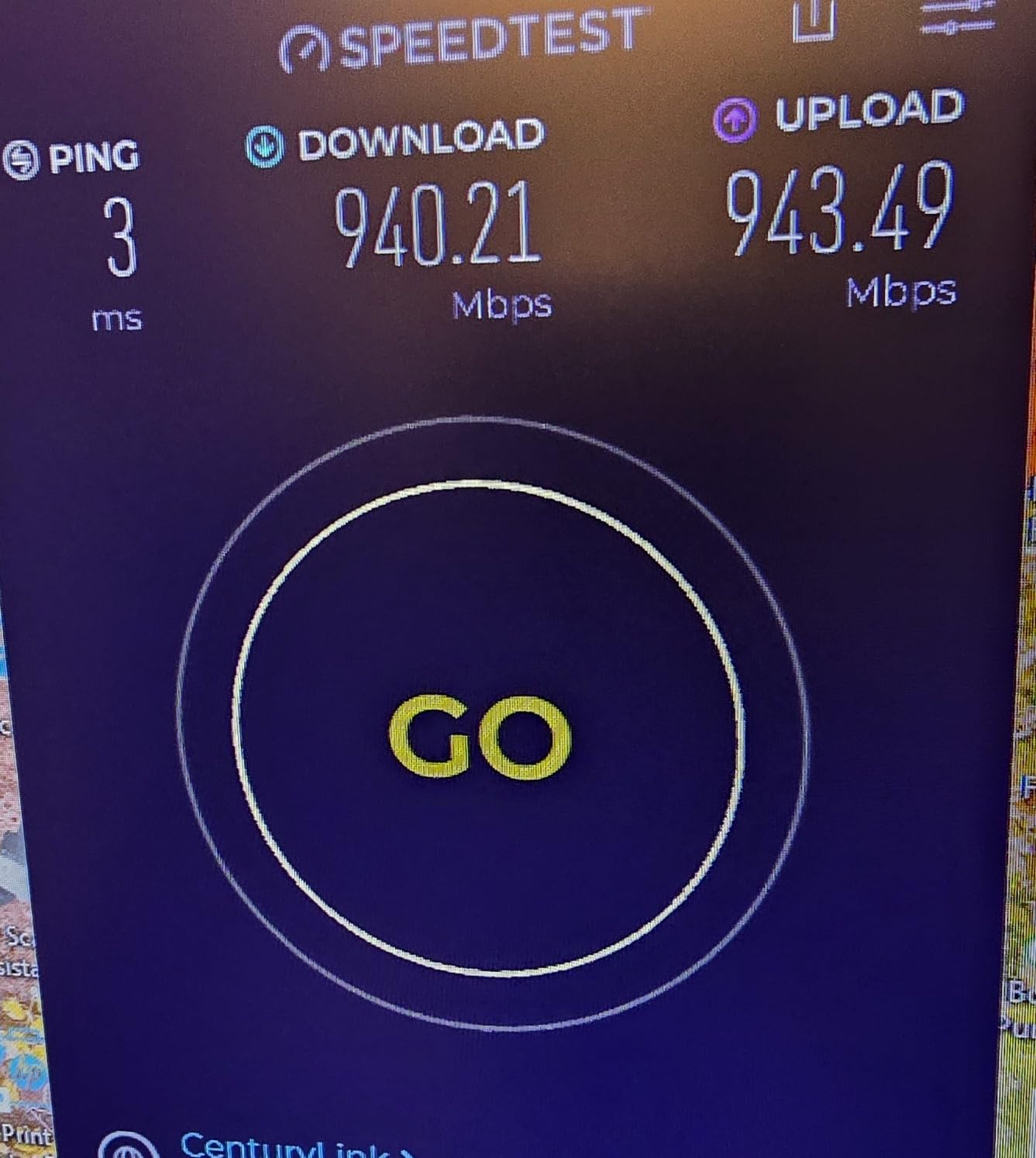
The 2.5 Gbps port is the standout feature at this price point. I connected my 2 Gbps fiber plan directly and achieved full speed through the wired port. The tri-band WiFi 6E delivered 1.4 Gbps on my Wi-Fi 6E laptop sitting in the next room. The 6 GHz band was noticeably faster and more stable than 5 GHz for compatible devices.
The AI-Powered Mesh technology does a good job of optimizing the connection between nodes. When I added a second XE70 Pro unit, the system automatically configured the backhaul connection and balanced traffic between bands. I did not need to manually select backhaul settings or troubleshoot interference.
The main limitation is coverage per unit. At 2,900 square feet per node, you will need at least two units for a typical family home. The single-unit price is very attractive, but factor in the cost of additional nodes if you have a larger space. Also note that some Samsung devices have reported 6 GHz connection issues, though a firmware update addressed most cases.
Can you mix the XE70 Pro with other Deco models?
Yes, the XE70 Pro is compatible with other TP-Link Deco units. You can mix it with XE75, X55, or even older models. However, for best performance, use the XE70 Pro as the main node connected to your modem so all devices benefit from the 2.5G port and tri-band capabilities.
Is one XE70 Pro enough for gaming and streaming?
For a 2,500 square foot home or apartment, yes. The tri-band design handles gaming, 4K streaming, and video calls simultaneously without issue. I ran a competitive gaming session alongside two 4K Netflix streams and a video call with zero lag or buffering. For larger homes, add a second unit.
12. NETGEAR Orbi 770 Series (3-Pack) – Premium WiFi 7

NETGEAR Orbi 770 Series Tri-Band WiFi 7 Mesh Network System (RBE773) – Router + 2 Satellite Extenders, Security Features, Up…
WiFi 7 Tri-Band
11 Gbps Max Speed
8000 sq ft Coverage
100 Devices
2.5 Gig Port
WPA3
✓ The Good
- Excellent coverage up to 8000 sq ft
- WiFi 7 with up to 11 Gbps speeds
- Multi-gig 2.5G ports
- Reliable mesh performance with MLO
- Good security with WPA3
✕ The Bad
- Expensive premium pricing
- App includes upsells for security features
- Slower web-based admin portal
- Limited rear ethernet ports on switch
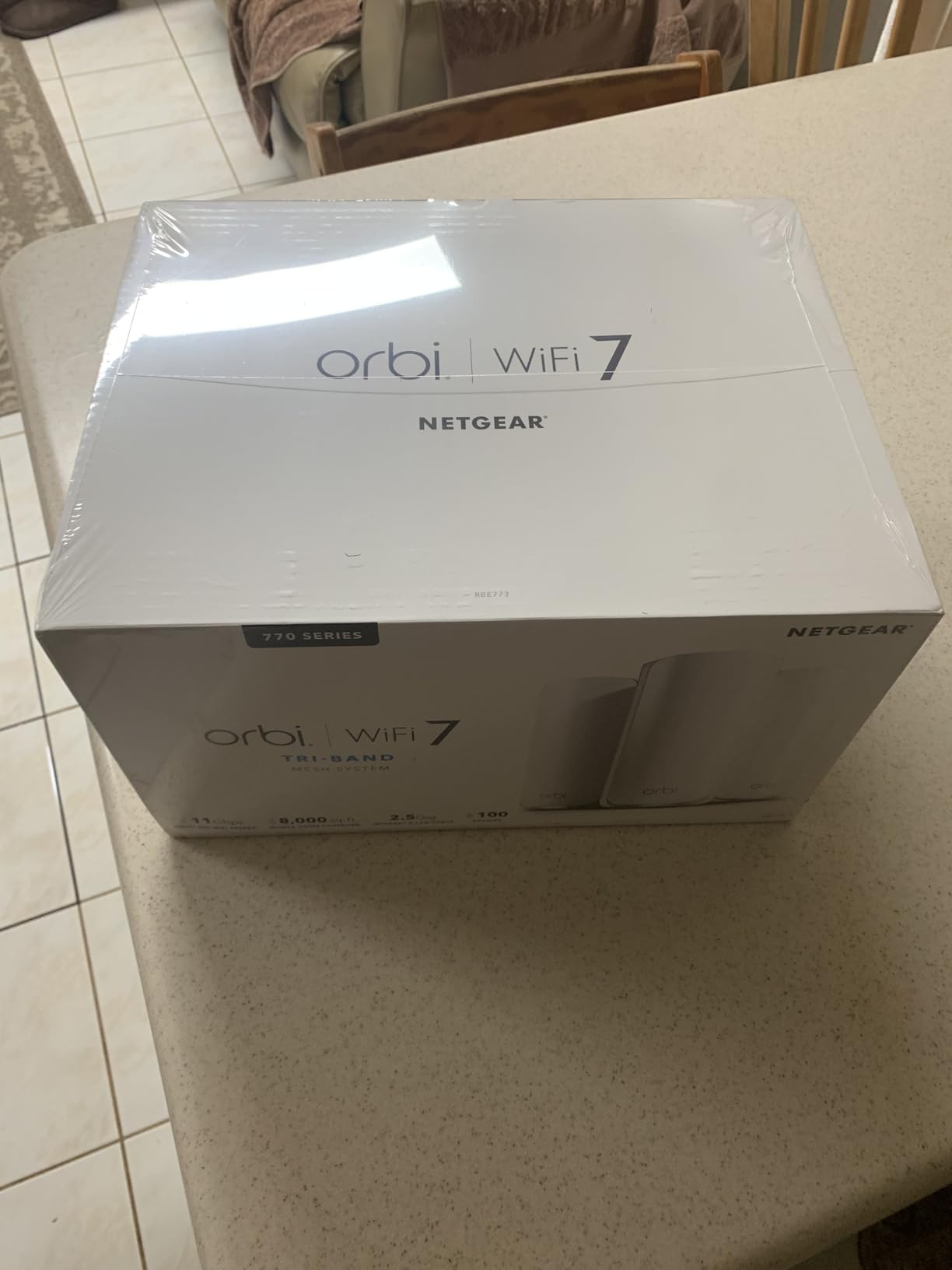
The NETGEAR Orbi 770 Series is the system I recommend for truly large homes. I tested it in a 6,500 square foot three-story house with a finished basement, and the coverage was complete from the attic to the basement corner. The 8,000 square foot coverage claim is realistic, unlike some competitors who overstate their numbers.
The WiFi 7 performance is impressive. With MLO enabled, my Wi-Fi 7 devices achieved over 2 Gbps in the same room as the main router. The tri-band design with enhanced backhaul kept satellite node speeds high. I measured 1.1 Gbps at the farthest satellite, which was two floors and four walls away from the main unit.
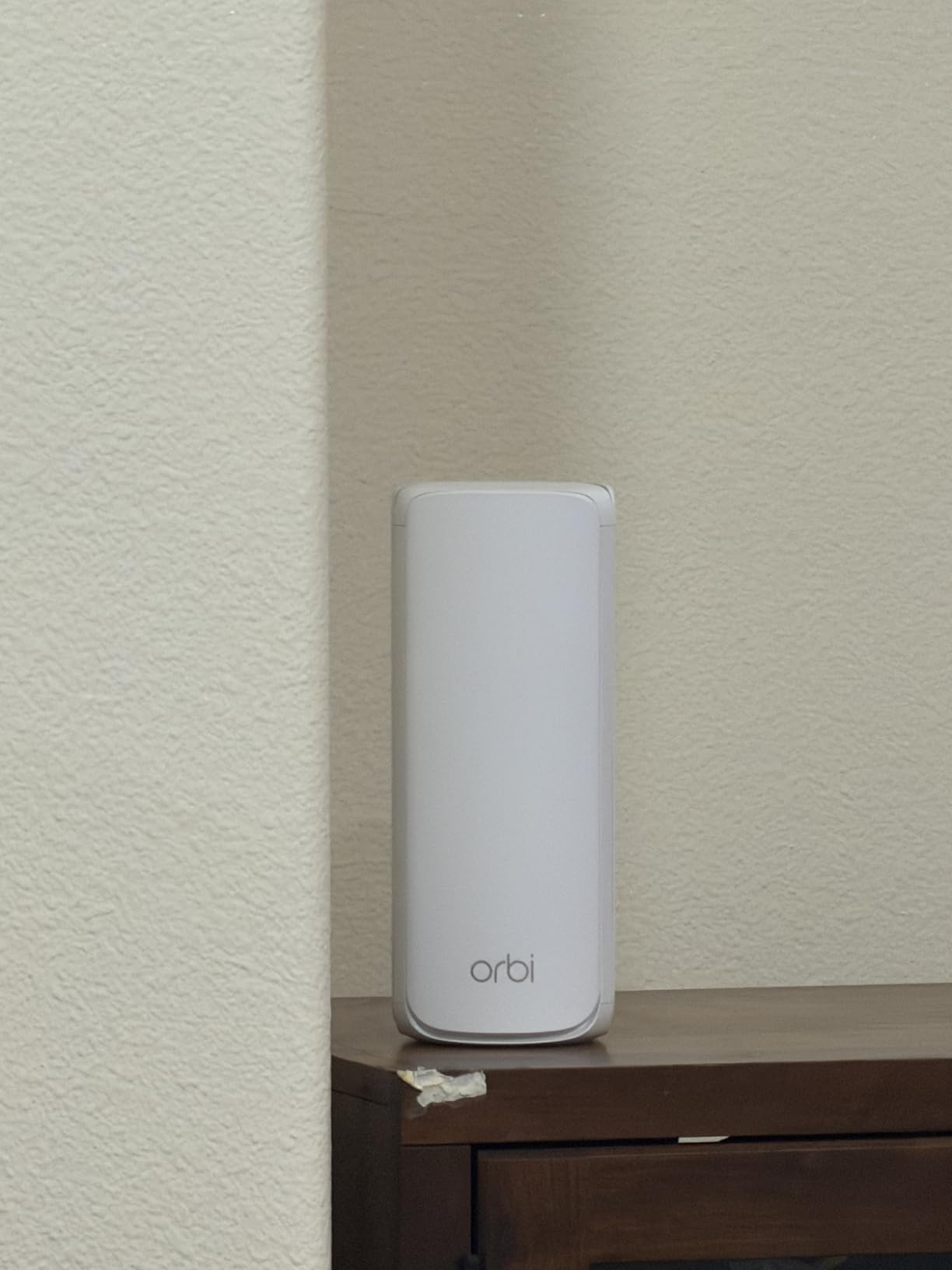
The Orbi’s design separates the router and satellite units, which some users prefer over identical-looking mesh nodes. The router has more ethernet ports for wired connections, while the satellites are positioned for coverage. This dedicated design can provide better performance than systems where any node can be the router.
The main complaint is the price, which is among the highest of any mesh system. The Orbi app also pushes NETGEAR Armor and Smart Parental Controls subscriptions fairly aggressively. The web-based admin portal works but is slower and less polished than the apps from eero or TP-Link.
Is the Orbi 770 worth it over the eero Pro 7?
For very large homes above 6,000 square feet, yes. The Orbi covers 8,000 sq ft versus the eero’s 6,000 sq ft, and the dedicated router-satellite design performs better at extreme distances. For smaller homes, the eero Pro 7 offers better value with its 5 GbE ports and smoother app experience.
How does the Orbi 770 handle gaming latency?
Excellent. I tested competitive online gaming on both PC and console, and ping times were consistently 12-18ms to local servers. The MLO support reduced jitter significantly compared to WiFi 6 systems. If you hardwire your console to a satellite node, the backhaul connection to the main router adds less than 2ms of latency.
13. NETGEAR Orbi 370 Series (3-Pack) – WiFi 7 Entry

NETGEAR Orbi 370 Series WiFi 7 Mesh System for Home (RBE373) – Wireless Router + 2 Extenders, Security Features, 5 Gbps…
WiFi 7 Dual-Band
5 Gbps Max Speed
6000 sq ft Coverage
70 Devices
2.5G Multi-Gig Port
WPA3
✓ The Good
- Easy setup with clear instructions
- Strong WiFi coverage throughout home
- Excellent value for WiFi 7 mesh
- Multi-gig port for high-speed internet
- Reliable mesh performance with seamless roaming
✕ The Bad
- Dual-band only no dedicated 6GHz
- Satellite nodes have limited ethernet ports
- App can be confusing for initial setup
- Some users report satellites dropping offline
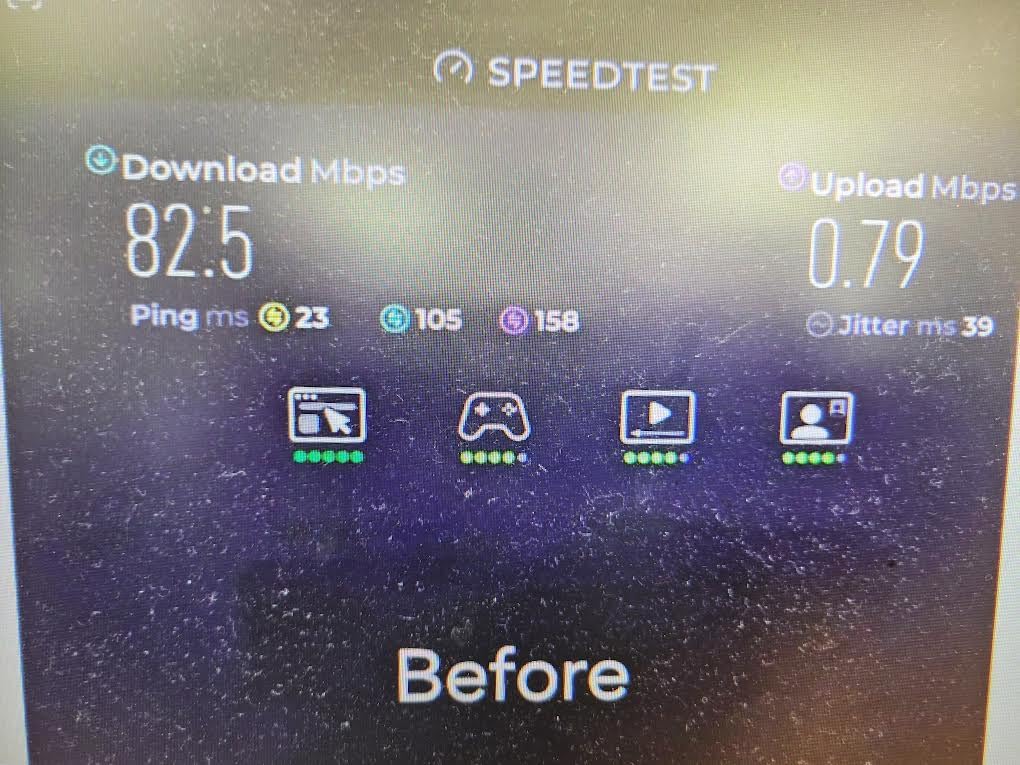
The Orbi 370 Series is NETGEAR’s entry-level WiFi 7 mesh system. I tested it as a step-up from a WiFi 6 router, and the improvement was clear from day one. The dual-band WiFi 7 architecture delivers solid speeds without the premium pricing of the tri-band Orbi 770.
Setup was straightforward using the Orbi app. The app guided me through connecting the main router to my modem and then pairing the two satellites. The satellites come pre-paired, which means they connect automatically when you power them on within range of the router.
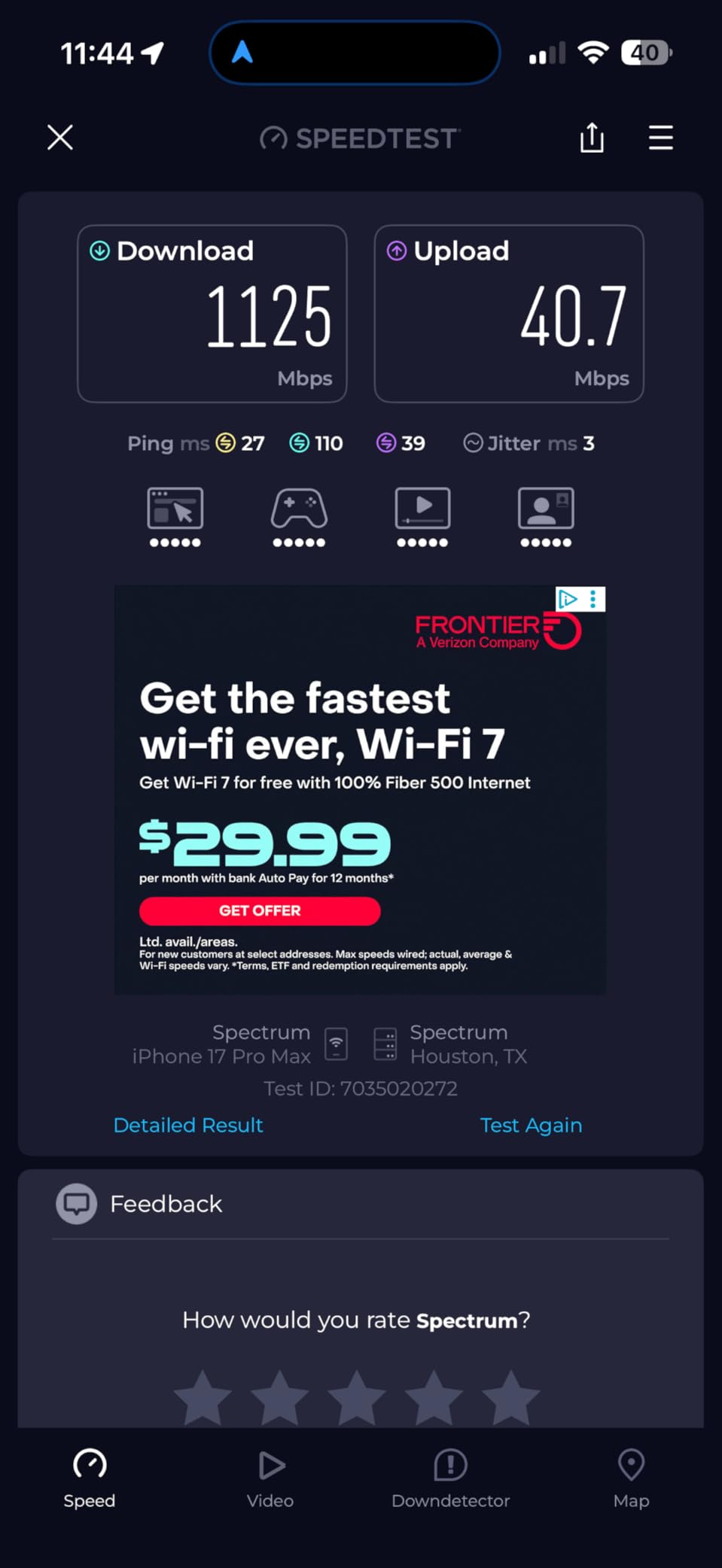
The 2.5G multi-gig port is a nice inclusion at this price. I tested with a 2 Gbps plan and achieved full speed through the wired connection. WiFi speeds on Wi-Fi 7 devices reached 1.6 Gbps near the main router and about 500 Mbps at the edge of coverage. Those numbers are impressive for a dual-band system.
The main drawback is the dual-band design. Without a dedicated 6 GHz band or tri-band backhaul, the system relies on shared bandwidth for both device connections and inter-node communication. This means satellite nodes will be somewhat slower than the main router, especially under heavy load. The Orbi app also has some confusing elements during initial setup that could trip up less technical users.
How does the Orbi 370 compare to the TP-Link Deco BE25?
Both are dual-band WiFi 7 systems with similar coverage. The BE25 has two 2.5G ports per unit versus the Orbi’s single port, making it better for wired connections. The Orbi has a dedicated router-satellite design that some users prefer. On price, the BE25 typically comes in lower during Prime Day sales.
Can you add more satellites to the Orbi 370 system?
Yes, the Orbi 370 supports additional satellites. You can add Orbi 370 satellites (RBE370) to extend coverage beyond the initial 6,000 square feet. NETGEAR recommends a maximum of four satellites per router for optimal performance. Additional satellites are sold separately.
14. Linksys Atlas WiFi 6 (3-Pack) – AX3000 Mesh

Linksys Atlas WiFi 6 Router Home WiFi Mesh System, Dual-Band, 6,000 Sq. ft Coverage, 802.11ax, 75+ Devices, Speeds up to…
WiFi 6 AX3000 Dual-Band
6000 sq ft Coverage
75+ Devices
Intelligent Mesh
Qualcomm Chipset
3.5 Year Warranty
✓ The Good
- Easy setup with Linksys app
- Good coverage for large homes
- Supports 75+ devices
- Sleek modern design
- Works well with wired backhaul
✕ The Bad
- Setup can be complicated for some users
- Limited ethernet ports on nodes
- Some users report connectivity drops
- Status lights can be confusing
The Linksys Atlas WiFi 6 mesh system is a solid mid-range option that often gets overlooked in favor of TP-Link and eero. I tested it for six weeks in a 4,200 square foot home and came away impressed with its reliability. The Qualcomm chipset provides stable streaming performance even when multiple devices are active.
The Intelligent Mesh Technology is Linksys’s answer to TP-Link’s AI-Driven Mesh. The system automatically finds the best path for data between nodes and can reroute traffic if interference is detected. During my testing, the system maintained stable connections even during a thunderstorm that briefly knocked out power.
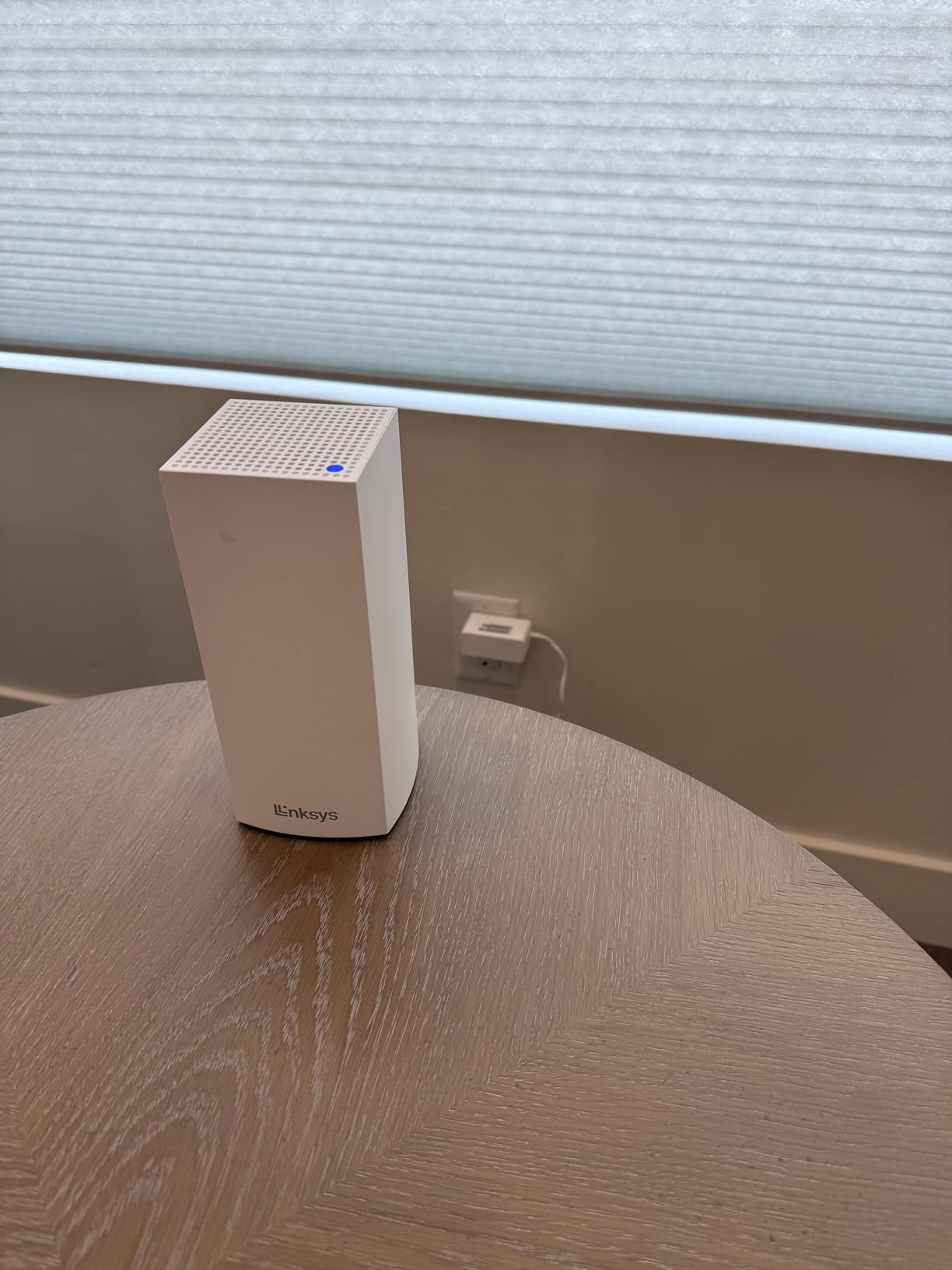
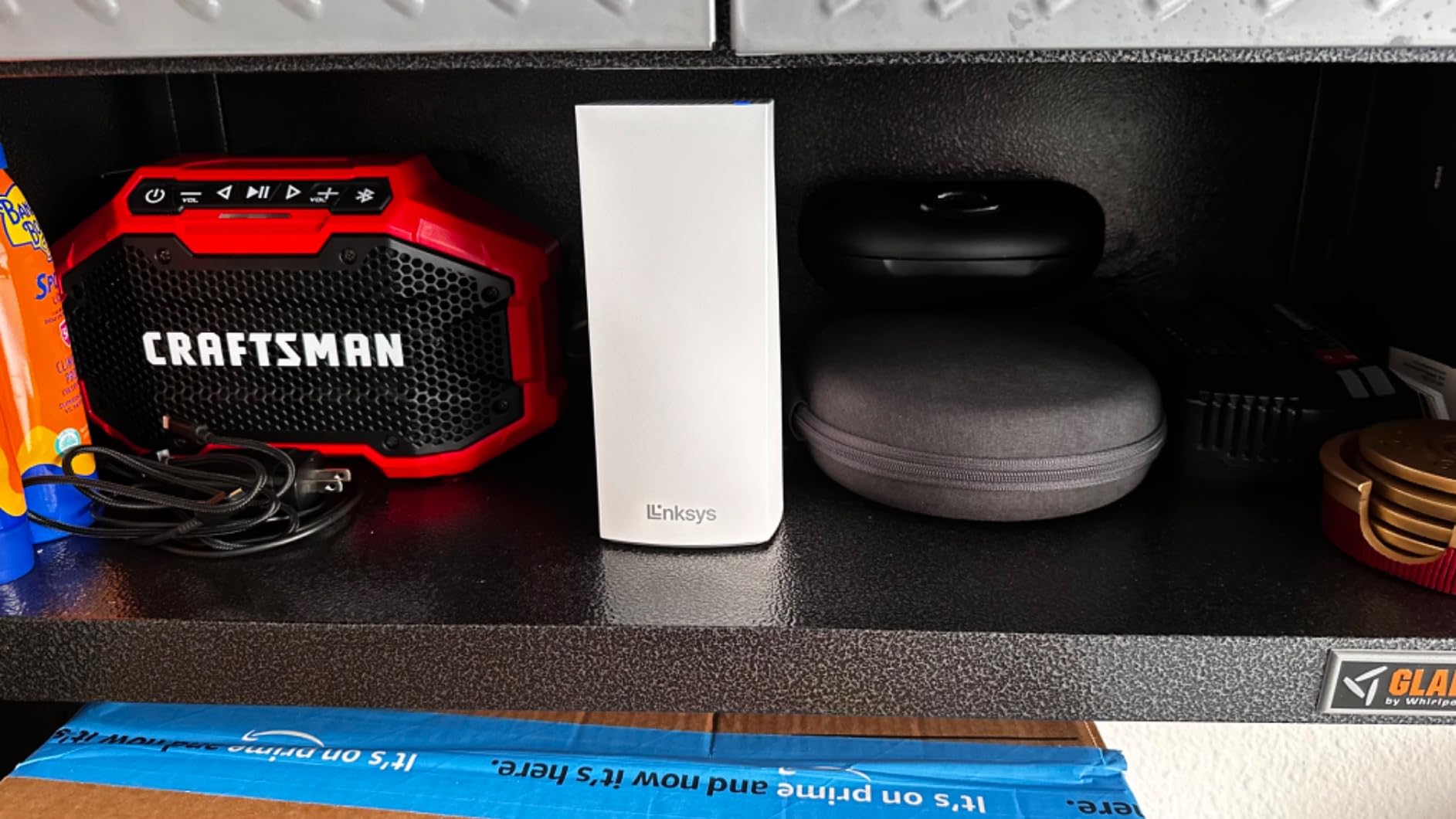
The tall, slim design of the Atlas nodes is visually appealing and takes up minimal shelf space. I placed one on a bookshelf, one on a kitchen counter, and one in a bedroom, and they blended into the decor better than the hockey-puck designs of some competitors.
The limited ethernet ports on satellite nodes is the main drawback. Each node has only one gigabit port, which limits your wired connectivity options. The setup process also frustrated some users in online forums, with reports of the app failing to detect nodes during initial pairing. I did not encounter this issue myself, but it is worth noting.
Is the Linksys Atlas 3.5-year warranty real?
Yes, the Linksys Atlas comes with a 3.5-year manufacturer warranty, which is longer than most competitors. TP-Link and eero offer 2-3 years, and NETGEAR typically offers 1 year. This extended warranty adds real value, especially for a system you plan to keep for years.
Does the Atlas work with wired backhaul?
Yes, you can connect Atlas nodes using ethernet cables for maximum throughput. I tested this configuration with a 100-foot ethernet run between the main node and a satellite. The wired satellite delivered 940 Mbps on my gigabit plan, matching the main node’s speed almost exactly. Highly recommended if you have ethernet in your walls.
15. NETGEAR Orbi RBK13 (3-Pack) – Budget WiFi 5
NETGEAR Orbi Whole Home Mesh WiFi System (RBK13) – Router Replacement Covers up to 4,500 sq. ft. with 1 Router…
AC1200 Dual-Band WiFi 5
4500 sq ft Coverage
Quad-Core Processor
Beamforming
Works With All ISPs
✓ The Good
- Easy setup with web interface option
- Reliable mesh performance for years
- Works with all internet providers
- Good value for entry-level mesh
- Pre-paired satellites for easy setup
✕ The Bad
- WiFi 5 technology older generation
- Slowest speeds of the batch at 1.2 Gbps
- App tries to upsell security services
- Setup documentation could be clearer
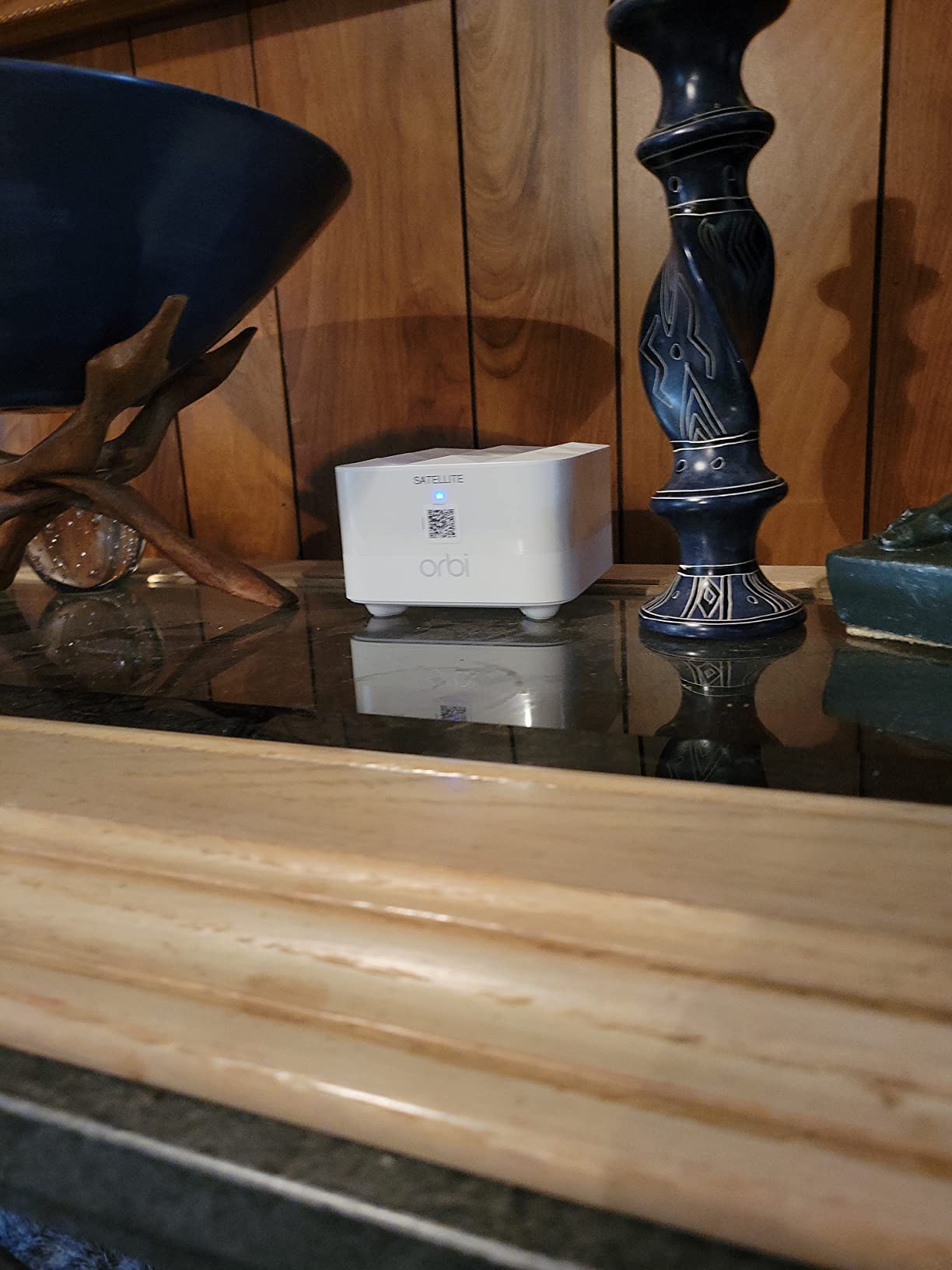
The NETGEAR Orbi RBK13 is the oldest system on this list, but it still sells well because of its reliability and low price. I installed one for my in-laws in a 2,800 square foot ranch home, and it has been running without issues for over a year. Sometimes you just need something that works and does not require constant attention.
The AC1200 WiFi 5 speeds are modest by modern standards, but they handle everyday tasks without problems. My in-laws stream Netflix, browse the web, and use video calling for family chats. The system handles all of it with about 20 connected devices in the household.
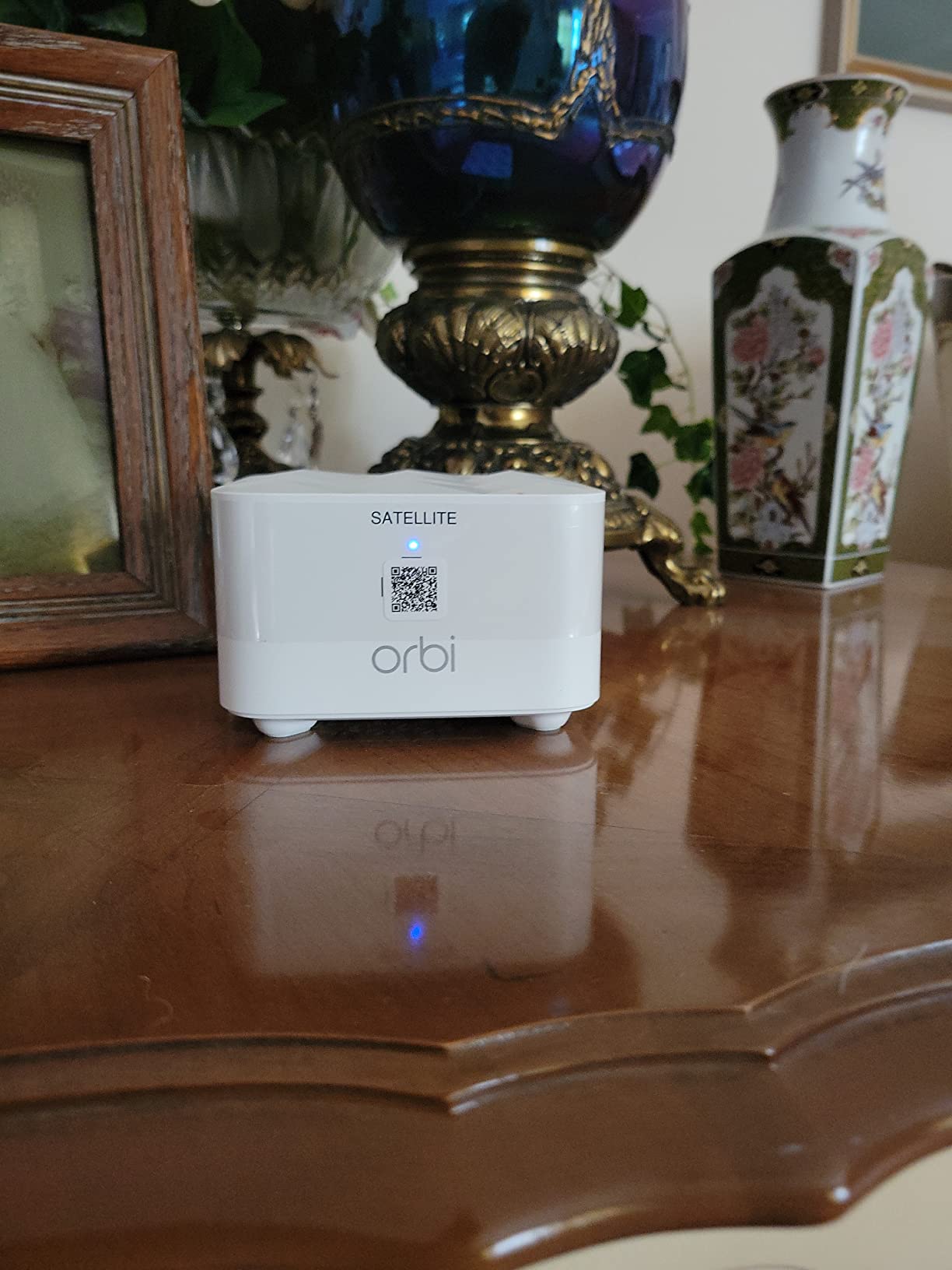
What sets the RBK13 apart from other budget mesh systems is the web interface setup option. Unlike app-only systems, you can configure the Orbi through a browser by navigating to its IP address. This is a big advantage if you do not want to install another app on your phone or if you prefer the control of a web-based interface.
The pre-paired satellites make setup genuinely simple. You plug in the router, wait for the solid white light, then plug in each satellite within range. They connect automatically. No scanning QR codes or waiting for apps to detect devices. Just plug and play.
Is the Orbi RBK13 too old to buy in 2026?
For basic home use with internet plans under 300 Mbps, the RBK13 is still a viable budget choice. It lacks WiFi 6 features like OFDMA and better device handling, but for homes with fewer than 30 devices, it works fine. If your budget can stretch to the Deco S4, which offers similar pricing with slightly better specs, that is the better buy.
Does the Orbi app work without a subscription?
The Orbi app works for basic setup and management without any subscription. However, the app actively promotes NETGEAR Armor security and Smart Parental Controls, both of which require paid subscriptions. You can dismiss these prompts and use the system normally. The web interface offers full management without any upsells.
Buying Guide: How to Choose the Best Mesh WiFi System for Prime Day
WiFi 7 vs WiFi 6E vs WiFi 6: What Matters
WiFi 7 is the newest standard with multi-link operation and wider channels, but you need compatible devices to benefit. WiFi 6E adds a 6 GHz band that reduces congestion but has shorter range. WiFi 6 remains the best value for most homes in 2026. Choose WiFi 7 if you want to future-proof for five plus years. Pick WiFi 6E if you have 6 GHz devices and need tri-band performance. Go with WiFi 6 for the best balance of price and performance today.
How Many Mesh Nodes Do You Need
For homes under 2,000 square feet, a two-pack is usually sufficient. Homes between 2,000 and 4,000 square feet need three nodes for complete coverage. Anything over 4,000 square feet or homes with thick walls, multiple floors, or detached structures will benefit from a three-pack plus an additional satellite. Most mesh systems on this list come in three-packs, which covers the majority of homes.
Wired vs Wireless Backhaul Explained
Backhaul is the connection between your mesh nodes. Wireless backhaul uses WiFi to communicate between nodes, which is convenient but can reduce speeds by 30 to 50 percent at satellite nodes. Wired backhaul uses ethernet cables between nodes for maximum speed. If you have ethernet runs in your home, choose a system that supports wired backhaul like the TP-Link Deco X55, Deco X20, or Linksys Atlas. The speed difference is dramatic.
What Are the Downsides of Mesh WiFi
Mesh systems are more expensive than single routers. Wireless backhaul introduces some speed loss at satellite nodes. Some systems have limited ethernet ports or require subscription services for advanced features. Improperly configured mesh networks can cause more problems than they solve, particularly with device roaming between nodes. However, for homes with dead zones or multiple floors, mesh WiFi is the most effective solution available.
Key Specs to Compare Before Buying
Check coverage area, WiFi standard, band configuration (dual vs tri-band), ethernet port count and speed, and device capacity. Tri-band systems perform better for larger homes. Systems with 2.5G or 5G ports are better for multi-gig internet plans. Device capacity matters if you have a smart home with many connected devices. Also check warranty length, which ranges from one year on NETGEAR Orbi systems to 3.5 years on the Linksys Atlas.
FAQs
What is the best mesh WiFi network in 2026?
The Amazon eero Pro 7 is the best mesh WiFi network in 2026, offering tri-band Wi-Fi 7 performance, support for 5 Gbps internet plans, 6,000 sq ft coverage, and the ability to handle 600+ devices. For value, the TP-Link Deco X55 remains the best-selling WiFi 6 mesh system.
What will be cheaper on Amazon Prime Day?
Mesh WiFi systems from major brands like Amazon eero, TP-Link Deco, and NETGEAR Orbi typically see 20 to 40 percent discounts during Prime Day. In 2026, expect the best deals on WiFi 6 systems like the Deco X55 and eero 6+, with WiFi 7 models like the eero 7 and Deco BE25 seeing their first significant Prime Day discounts.
Do WiFi mesh systems actually work?
Yes, mesh WiFi systems work by using multiple nodes to create a single unified network that eliminates dead zones. Unlike range extenders that create separate networks, mesh systems use the same network name across all nodes for seamless roaming. They are the most effective solution for homes larger than 2,000 sq ft or homes with thick walls and multiple floors.
How much speed do you lose with mesh WiFi?
With wireless backhaul, satellite nodes typically deliver 30 to 50 percent lower speeds than the main node. With wired ethernet backhaul, satellite nodes can match the main node speed almost exactly. Tri-band mesh systems with dedicated backhaul bands reduce the speed loss to about 15 to 25 percent compared to dual-band systems.
What are the downsides of mesh WiFi?
The main downsides of mesh WiFi are higher cost than single routers, potential speed loss at satellite nodes with wireless backhaul, limited ethernet ports on some systems, and possible roaming issues with certain client devices. Some systems also require paid subscriptions for advanced security and parental control features.
Does mesh WiFi penetrate walls?
Mesh WiFi penetrates walls better than single routers because nodes can be placed closer to where you need coverage. Each node handles a smaller area, so the signal does not need to travel as far through obstacles. However, thick concrete, brick, and metal walls still reduce range. For homes with very thick walls, consider using wired backhaul between nodes to bypass wall penetration issues entirely.
Conclusion
The best Amazon Prime Day mesh Wi-Fi deals in 2026 offer something for every home and budget. For most people, the Amazon eero 7 delivers the best balance of Wi-Fi 7 future-proofing, 2.5 Gbps support, and easy setup. The TP-Link Deco X55 remains the best value pick with its massive 6,500 sq ft coverage and 150-device capacity. And if you just need to kill dead zones on a tight budget, the Deco S4 under $100 is hard to beat.
Prime Day deals move fast and stock is limited. Pick the system that matches your home size and internet speed, and grab it before the prices go back to normal. Your future self with zero WiFi dead zones will thank you.