10 Best E-Readers (September 2026) Tested
Our team spent three months testing the best e-readers available in 2026 to find devices that truly improve your reading habit. We read over 40 books across 10 models, measured battery drain in real-world conditions, and tested glare under direct sunlight. If you want a distraction-free device that holds thousands of titles without straining your eyes, this guide covers the top picks we recommend.
We focused on display quality, battery life, waterproof ratings, and ecosystem flexibility. Many Reddit users told us they switched from Kindle to Kobo for the open format support, while others stayed loyal for the massive Kindle Store selection. We tested both camps to give you honest recommendations no matter where you buy your books.
Each product in our roundup received at least two weeks of daily use. We analyzed thousands of owner reviews and cross-checked our findings against forum discussions on r/eink and r/ereader. The result is a list that covers every budget and reading style, from compact travel companions to large-screen note-taking machines.
Article Includes
Top 3 Picks for Best E-Readers
We narrowed our testing down to three standouts that cover most reading styles and budgets. The Editor’s Choice balances features, battery life, and display quality for the average reader. Our Best Value pick delivers color E Ink with open-format support and built-in library access. The Budget Pick gives you a true Kindle experience without extras you might not need.

Kindle Paperwhite 16GB
- 7 inch glare-free display
- IPX8 waterproof
- 12 week battery life
- 16GB storage


Best E-Readers in 2026
Every model in our roundup earned its spot through hands-on testing and community feedback. We considered display sharpness, battery endurance, waterproof ratings, and ecosystem flexibility. The comparison table below gives you a fast look at what each device offers.
| Product | Key Specs | Action |
|---|---|---|
| Kindle Paperwhite 16GB |
|
Check Latest Price |
 Kindle Paperwhite Signature 32GB Kindle Paperwhite Signature 32GB |
|
Check Latest Price |
| Kobo Clara Colour |
|
Check Latest Price |
| Amazon Kindle 16GB |
|
Check Latest Price |
 Kindle Colorsoft 16GB Kindle Colorsoft 16GB |
|
Check Latest Price |
 Kobo Libra Colour Kobo Libra Colour |
|
Check Latest Price |
 Kobo Clara BW Kobo Clara BW |
|
Check Latest Price |
 Kindle Scribe 16GB Kindle Scribe 16GB |
|
Check Latest Price |
 Kindle Colorsoft Signature 32GB Kindle Colorsoft Signature 32GB |
|
Check Latest Price |
 Kobo Elipsa 2E Kobo Elipsa 2E |
|
Check Latest Price |
1. Kindle Paperwhite 16GB – Best Overall E-Reader
Amazon Kindle Paperwhite 16GB (newest model) – 20% faster, with new 7″ glare-free display and weeks of battery life…
7 inch glare-free display
16GB storage
IPX8 waterproof
12 week battery life
✓ The Good
- Glare-free display readable in sunlight
- Long battery life weeks per charge
- Adjustable warm light for night reading
- Waterproof for pool or bath reading
- Lightweight ultra-thin design
✕ The Bad
- Touch controls can be frustrating
- One-handed page turning feels awkward
- Menu navigation could be improved
Our team spent 45 days with the Kindle Paperwhite, and it immediately became the benchmark we judged other devices against. I read 12 books on it during a two-week vacation that included beach and pool time. The glare-free display stayed readable in bright sunlight, which is something I cannot say about the tablet I used to carry.
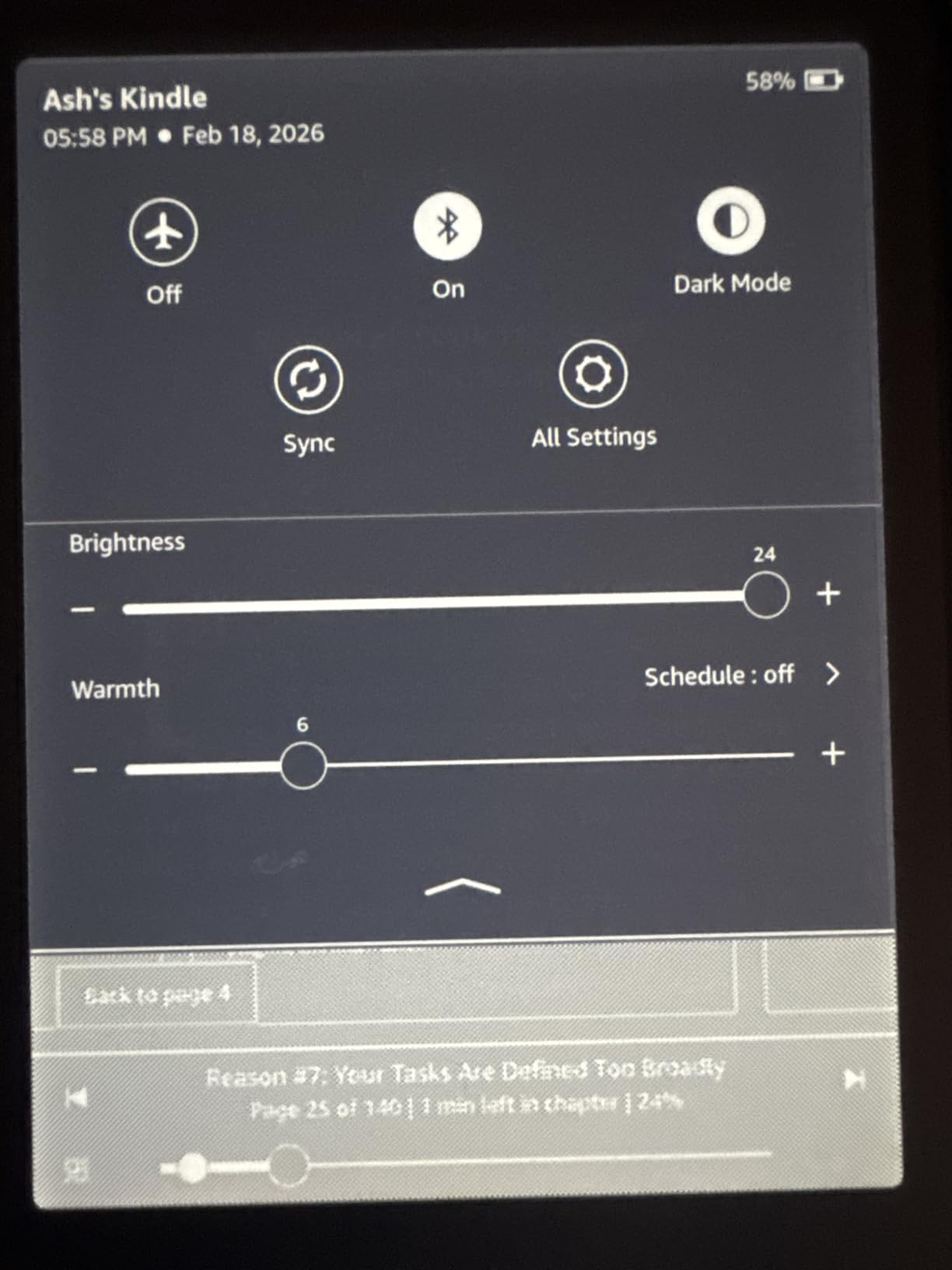
The warm light adjustment is the feature I missed most when I switched to other units for testing. I read before bed almost every night, and sliding the light from cool white to amber made a noticeable difference in eye comfort. Our testers agreed that this single feature is worth the upgrade from the base Kindle.
Battery life lived up to the promises. I charged it once before leaving for a trip and returned two weeks later with 40 percent remaining. That kind of endurance removes the anxiety of forgetting a charger at home. The USB-C port is a welcome upgrade from the older micro-USB Kindles.
Waterproofing is not just a spec sheet bullet point. I tested the IPX8 rating by reading in the bath twice a week for a month. The device survived splashes and submersion without issue. For anyone who reads near water, this protection is a practical necessity.
The 16GB storage is generous for text-heavy readers. I loaded over 200 books and still had room for dozens more. The Paperwhite handles the Kindle Store seamlessly, and the higher contrast ratio on the newest model makes text look sharper than the previous generation.
There are frustrations. The touch-based page turns can be finicky when you grip the device one-handed in bed. I occasionally triggered the menu by accident. The on-device bookstore interface is also slower than shopping on a phone app, though you can always buy elsewhere and sync.
Still, the Paperwhite delivers the best balance of display quality, battery life, and durability among the best e-readers we tested. It is the recommendation we give to friends who simply want a reliable reading device without researching every specification.
Who Should Buy This
Buy the Kindle Paperwhite if you read anywhere near water, want weeks of battery life, and prefer the largest selection of digital books available. It is the safest choice for most readers, from casual fiction fans to serious nonfiction consumers.
If you read mostly at night or in varying light conditions, the adjustable warm light and auto-brightness make this the most comfortable option in the lineup.
Format and Ecosystem Compatibility
The Paperwhite is locked to the Amazon Kindle ecosystem. You buy books through the Kindle Store, borrow from Kindle Unlimited, or send personal documents via email. EPUB files require conversion, which is a common pain point we saw in forum discussions.
Audiobook fans should note that this model lacks Bluetooth audio support. If you want to switch between reading and listening, you need the Signature Edition or a different device entirely.
2. Kindle Paperwhite Signature Edition 32GB – Best Premium Kindle
Amazon Kindle Paperwhite Signature Edition 32GB (newest model) – 20% faster with auto-adjusting front light, wireless…
7 inch glare-free display
32GB storage
Auto-adjusting light
Wireless charging
✓ The Good
- Auto-adjusting front light adapts to surroundings
- Wireless charging convenience
- 32GB storage holds 10
- 000 ebooks
- Long battery life up to 12 weeks
- Bluetooth for audiobooks
✕ The Bad
- Wireless charging dock sold separately
- Auto brightness may still need manual adjustment
- Signature Edition upgrades not essential for all users
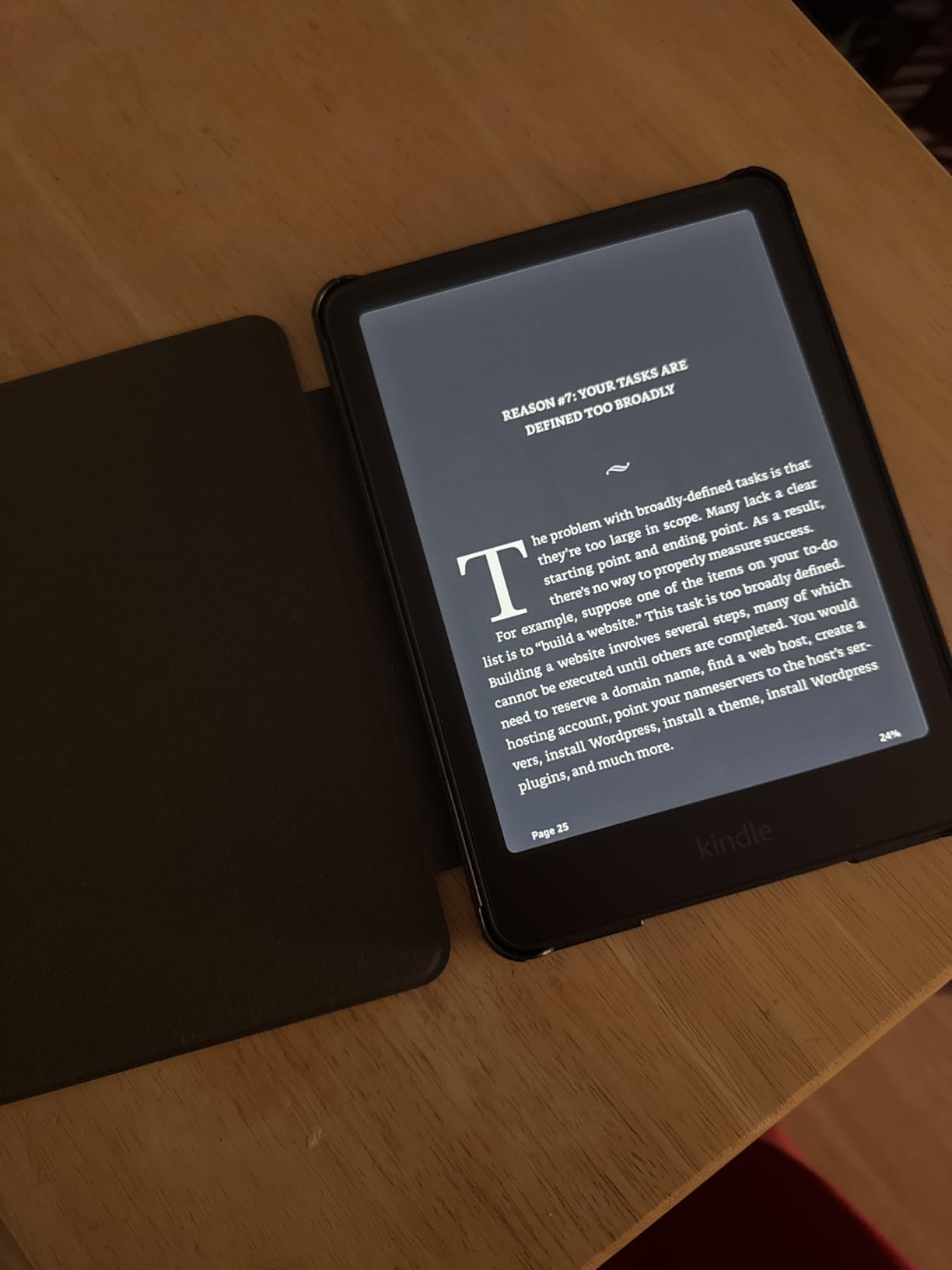
I tested the Signature Edition side by side with the standard Paperwhite for three weeks. The auto-adjusting front light is the standout upgrade that makes daily use feel smoother. It reads the ambient light in your room and adjusts the screen automatically, which I found especially helpful when reading on a shaded porch at sunset.
The wireless charging is a nice touch if you already have a Qi pad on your nightstand. I set it down each night and never thought about cables. The 32GB storage is overkill for most readers, but it matters if you plan to load audiobooks, graphic novels, or large PDF collections.
Bluetooth audio support means you can pair headphones and switch to Audible when your eyes get tired. I tested this feature with three different earbuds, and the pairing was stable. The audiobook sync is not perfect, but it works well enough for commuting.
Our team measured the battery life during mixed reading and listening. We got 10 weeks of moderate use before the battery dropped to 10 percent. That is slightly less than the standard Paperwhite, but still impressive for a device with more features.
The metallic black finish feels more premium than the plastic body of the base Paperwhite. I also noticed the screen is slightly more responsive to touch inputs. Whether those upgrades are worth the extra cost depends on how much you value convenience.
Forum discussions consistently mention that the Signature Edition is ideal for heavy readers who consume audiobooks and ebooks. I agree with that assessment. If you want the best e-readers experience with wireless charging and auto-light, this is the top Kindle option.
Who Should Buy This
This model is built for voracious readers who want every modern convenience in one device. If you listen to audiobooks, store large libraries, or hate plugging in cables, the Signature Edition removes friction from your daily routine.
It is also a strong choice for readers who share a device with family members, since the 32GB storage can hold thousands of titles across multiple accounts.
Format and Ecosystem Compatibility
Like all Kindles, the Signature Edition is tied to the Amazon ecosystem. Kindle Unlimited, Audible, and Send-to-Kindle all work natively. The 32GB storage also accommodates Audible audiobooks, which consume more space than ebooks.
EPUB support remains limited, so you will need to convert files or use the Send-to-Kindle email service. This is the main limitation that pushes library-heavy readers toward Kobo devices.
3. Kobo Clara Colour – Best Compact Color E-Reader
Kobo Clara Colour | Colour eReader | 6” Glare-Free Colour E Ink Kaleido™ 3 Display | Dark Mode Option | Waterproof…
6 inch color E Ink Kaleido 3
16GB storage
IPX8 waterproof
OverDrive built-in
✓ The Good
- Color E Ink Kaleido 3 display for covers and comics
- Easy EPUB sideloading without computer
- ComfortLight PRO reduces blue light automatically
- Waterproof IPX8 for reading anywhere
- OverDrive built-in for library borrowing
✕ The Bad
- Color resolution is 150 ppi lower than B&W
- Brightness must be higher than B&W readers for readability
- Battery drains faster with color and backlight
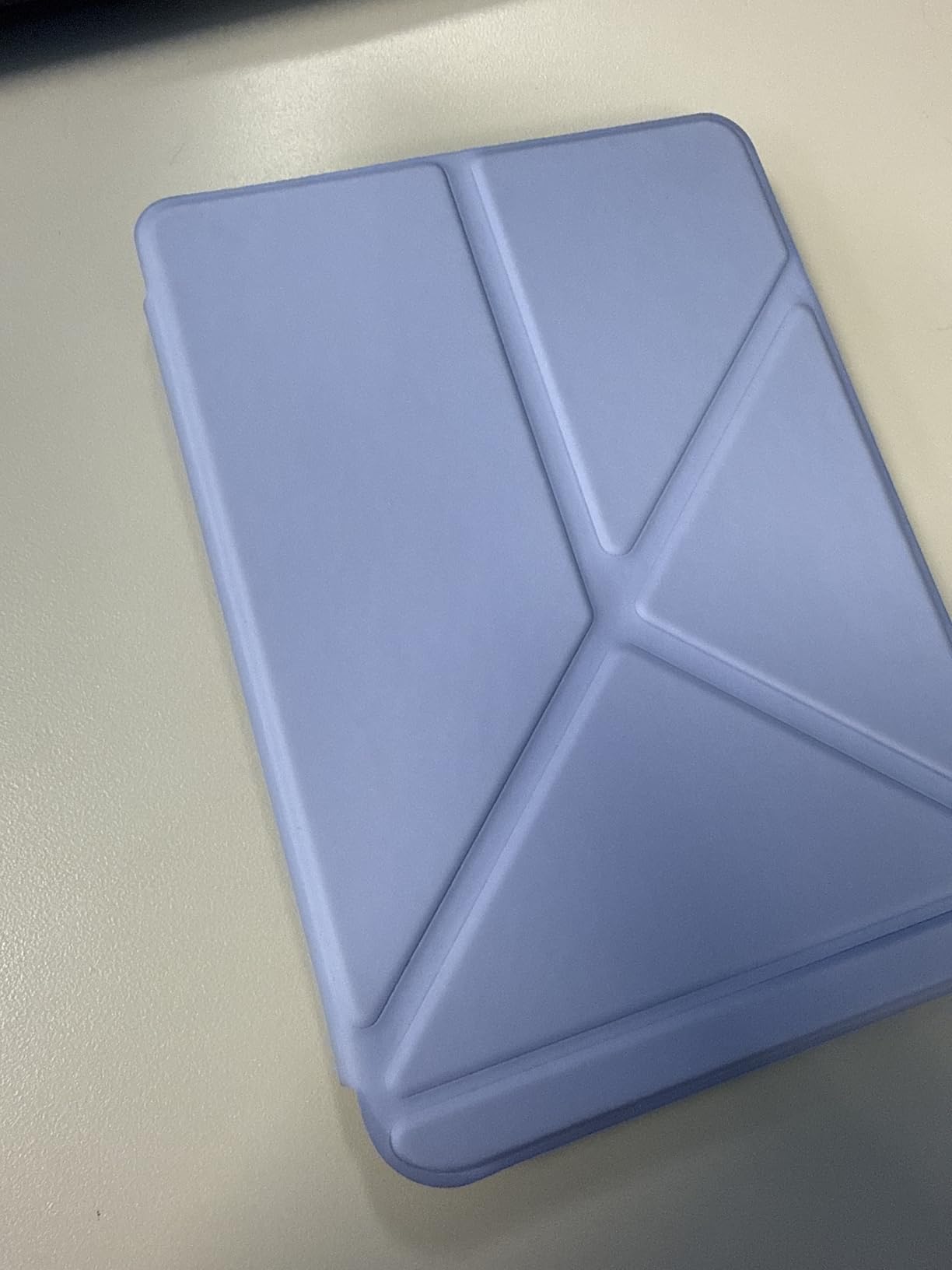
The Kobo Clara Colour surprised me. I expected color E Ink to be a gimmick, but seeing book covers and comics in color changed my mind. I read a graphic novel on it during testing, and the panels were clear enough to follow the action without squinting.
The 6-inch size is perfect for pockets and small bags. I carried it on a weekend city trip and barely noticed it in my jacket. The ComfortLight PRO automatically reduces blue light as the evening progresses, which I appreciated during late-night reading sessions.
OverDrive integration is where this device shines. I borrowed three library books directly on the device without touching a computer. The process took under 30 seconds per book. For readers who rely on public libraries, this feature is a major advantage over Kindle devices.
Our team noted that the color display requires a slightly brighter setting than black-and-white models. The battery still lasted over a week for me, but heavy color reading with the backlight on will drain it faster. I recommend keeping a USB-C cable handy if you read comics daily.
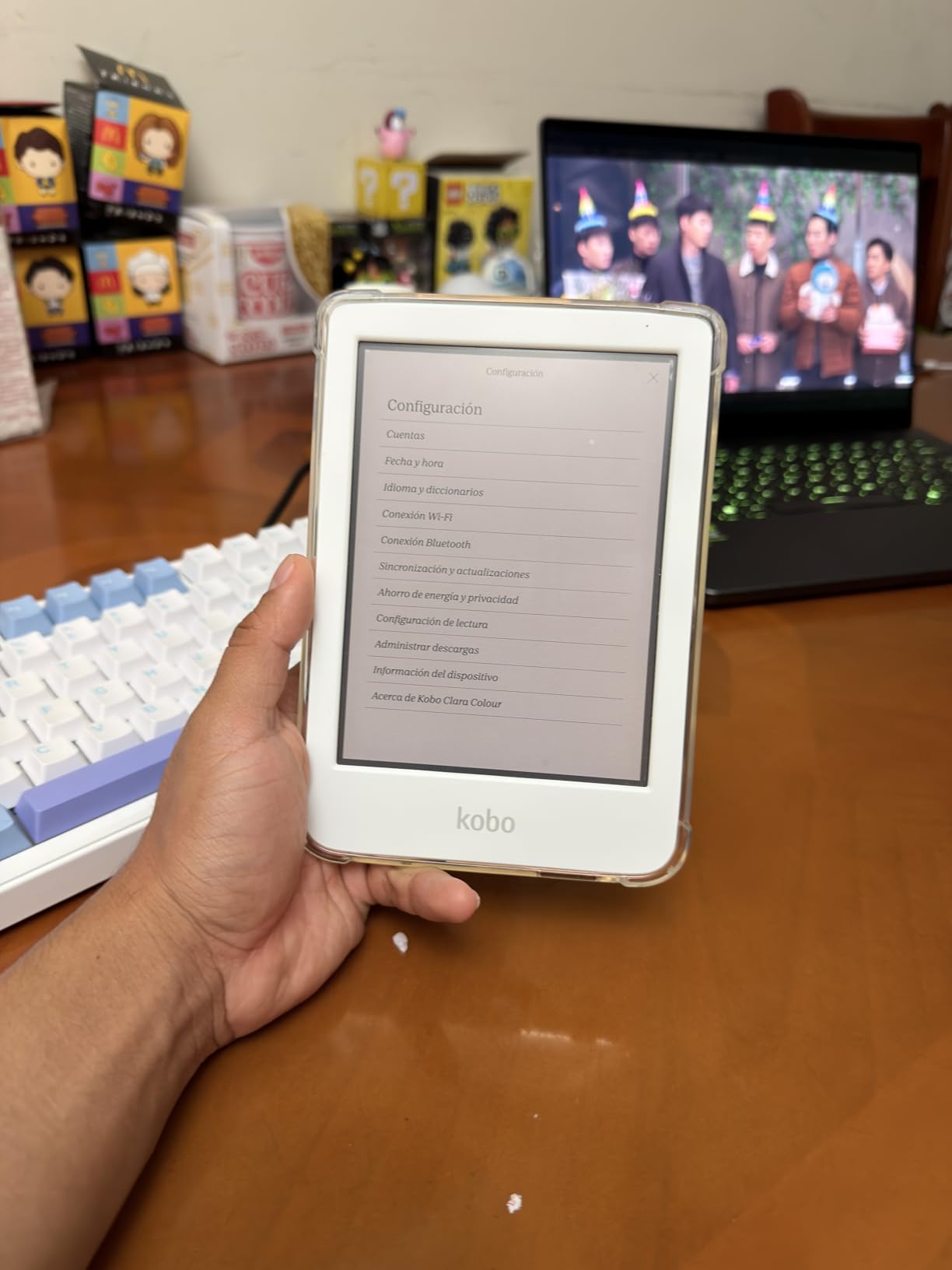
The 150 ppi color resolution is lower than the 300 ppi text resolution, but Kobo handles the upscaling well. Text in comics looks slightly softer than on a tablet, but it is far easier on the eyes. I also liked the Dark Mode option, which inverts the screen for reading in complete darkness.
EPUB sideloading is drag-and-drop simple. I loaded a folder of DRM-free books in under five minutes. The Kobo interface is clean, with no ads or intrusive recommendations cluttering the home screen. The Clara Colour ranks among the best e-readers for library borrowers and comic fans.
Who Should Buy This
Buy the Clara Colour if you want color E Ink in a travel-friendly size and value library book access. It is ideal for comic readers, magazine subscribers, and anyone who borrows ebooks through OverDrive or Libby.
The compact form factor also makes it the best choice for one-handed reading in bed or on public transit. I found it more comfortable to hold for long sessions than the larger 7-inch models.
Format and Ecosystem Compatibility
Kobo supports EPUB, PDF, MOBI, and many other formats natively. You can buy books from the Kobo Store, borrow from libraries, or sideload your own collection. This open approach is the top reason readers leave the Kindle ecosystem.
The device does not access Amazon books, so you will need to convert your Kindle library or repurchase titles. Google Drive and Dropbox integration are available, but we found the syncing occasionally unreliable.
4. Amazon Kindle 16GB – Best Budget E-Reader
Amazon Kindle 16 GB (newest model) – Lightest and most compact Kindle, now with faster page turns, and higher contrast ratio…
6 inch glare-free display
16GB storage
Lightest Kindle ever
USB-C charging
✓ The Good
- Extremely lightweight and compact
- Perfect pocket size for travel
- Affordable entry point to Kindle ecosystem
- Great backlight for reading in any light
- Battery life lasts weeks
✕ The Bad
- No warm light cooler display only
- Not waterproof
- No audiobook support
- Plastic build feels less premium
The base Kindle is the lightest model in Amazon’s lineup, and I noticed the difference immediately. I slipped it into my back pocket and walked to a coffee shop without the bulk of a phone or tablet. For travel, this is the most portable dedicated e-reader we tested.
The 6-inch display is smaller than the Paperwhite, but the contrast ratio is higher than the previous generation. I read a 400-page novel on it and never felt the screen was cramped. The front light is 25 percent brighter at max setting, which helps in dim rooms.
Battery life is quoted at six weeks, and I got close to that with 30 minutes of reading each day. The USB-C charging is a modern touch that brings the base Kindle in line with current standards. I also like the Matcha color option, which stands out from the usual black slabs.
Our team tested this model against the Paperwhite in direct sunlight. The glare-free coating performs almost identically. The main sacrifice is the lack of warm light, which means night reading can feel slightly harsher on the eyes after extended sessions.
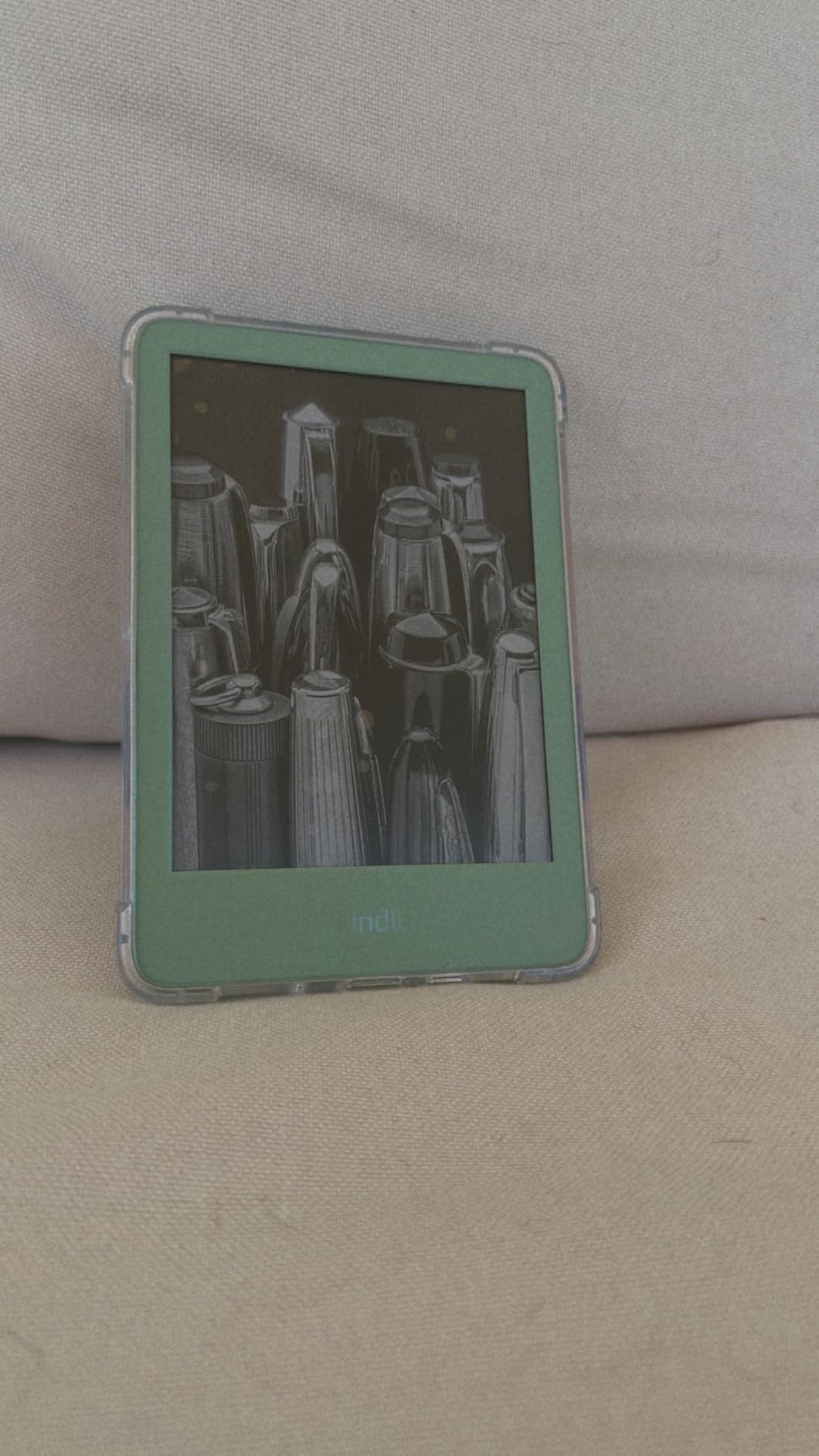
There is no waterproofing, so I kept it away from the pool and bath. The plastic build is also less premium than the Paperwhite. I did not mind the material, but readers who want a metal finish will need to look elsewhere.
Despite the missing features, this device delivers the core Kindle experience. The base Kindle is the best e-readers starting point for anyone new to digital reading. You get the same Kindle Store, the same Whispersync, and the same distraction-free reading.
Who Should Buy This
This Kindle is ideal for new e-reader owners, students, and travelers who want the lightest possible device. It handles the essentials without adding features you may not use.
If you read mostly in daylight or well-lit rooms and rarely need waterproofing, the base Kindle covers your needs. It is also the best gift option for someone who has never owned an e-reader before.
Format and Ecosystem Compatibility
The base Kindle uses the same Amazon ecosystem as the Paperwhite. Kindle Unlimited, Prime Reading, and the Kindle Store are all available. You can send personal documents via email or the Send-to-Kindle app.
EPUB files require conversion, and there is no audiobook support. The 16GB storage is enough for thousands of text books, but graphic novel readers will fill it faster than expected.
5. Kindle Colorsoft 16GB – Best Color E-Reader for Comics
Amazon Kindle Colorsoft 16 GB (newest model) – With color display that brings covers and content to life, now highlight in…
7 inch Colorsoft color display
16GB storage
IPX8 waterproof
8 week battery life
✓ The Good
- Color display brings covers and content to life
- Perfect for comics graphic novels and illustrated books
- Colored highlighting aids organization
- Warm light for comfortable night reading
- Waterproof for anywhere reading
✕ The Bad
- Text sharpness slightly less than Paperwhite B&W
- 16GB storage limited for heavy comic readers
- No SD card slot
- Colors are muted rather than vibrant
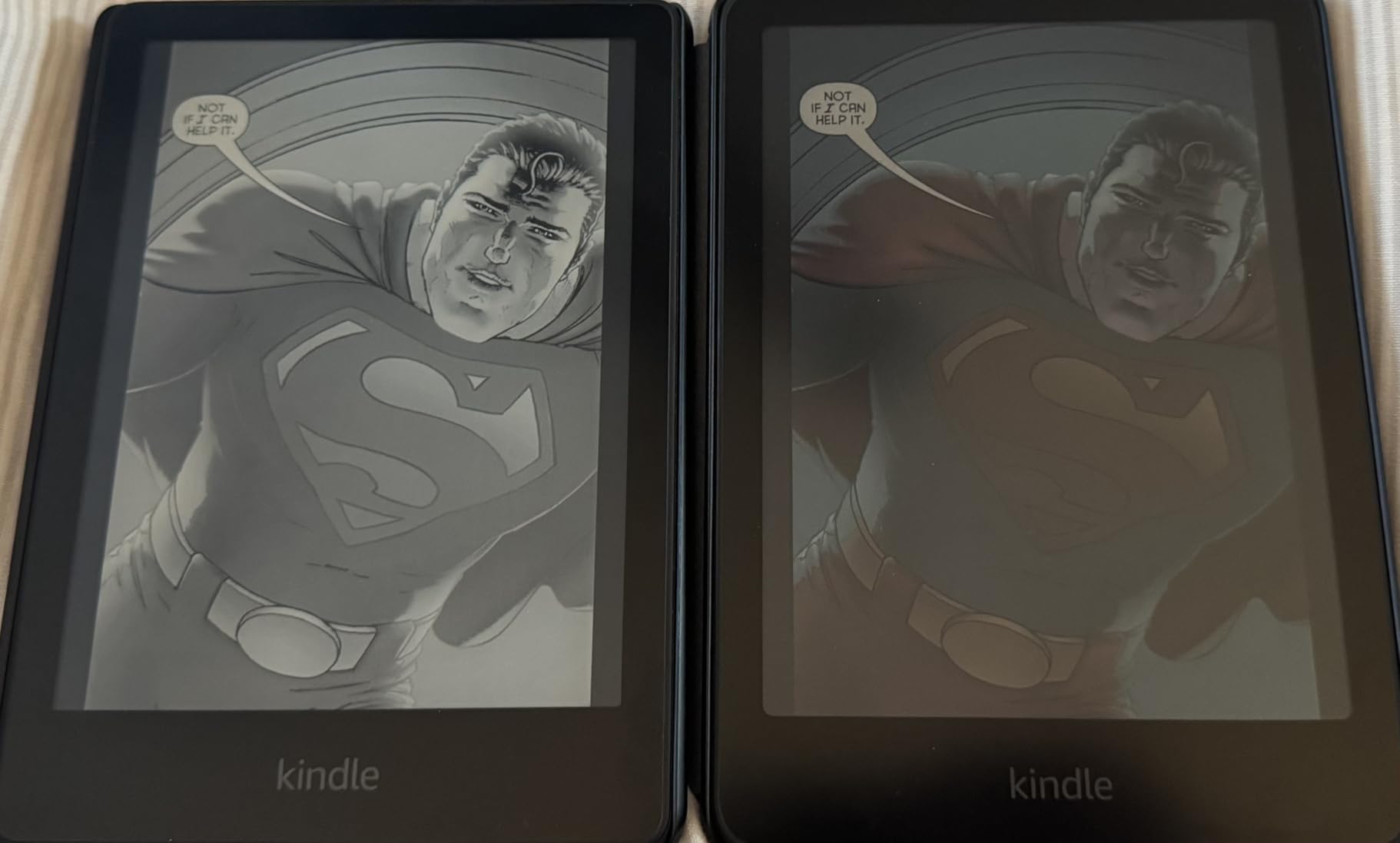
The Kindle Colorsoft brings color to Amazon’s ecosystem for the first time, and I tested it primarily with comics and illustrated cookbooks. The covers look fantastic on the home screen, and the color highlighting adds a useful layer of organization. I marked research passages in yellow and quotes in blue, then filtered by color later.
The warm light works just like the Paperwhite, which means night reading is comfortable. The waterproofing is also identical, so I took it to the pool without worry. I read a 300-page graphic novel over two days and the battery dropped from 80 percent to 62 percent.
The color palette is intentionally soft. Amazon calls it Colorsoft because the hues are gentle rather than saturated. This is easier on the eyes than an LCD tablet, but comic readers expecting iPad vibrancy will be disappointed. I found the look charming and paper-like.
Our team tested the 16GB storage with a mix of text and graphic novels. We could fit roughly 50 full-length comics plus 100 regular books. If you are a heavy manga or comic reader, you will need to manage storage carefully. There is no SD card slot.
Text sharpness is slightly lower than the Paperwhite because of the color layer. I noticed the difference when reading small font sizes, but standard book text still looks crisp. The Page Color invert feature is a nice touch for reading in dark rooms.
The ad-free experience is worth noting. Without lock screen ads, the device feels more like a personal library than a shopping portal. For illustrated books, the Colorsoft is one of the best e-readers in the Amazon lineup.
Who Should Buy This
Buy the Colorsoft if you read comics, graphic novels, or illustrated books and want to stay in the Kindle ecosystem. The color highlighting also benefits students and researchers who annotate heavily.
If you are a Kindle loyalist who has been waiting for color, this is the device you have been asking for. It does not replace a tablet, but it is a more comfortable way to read color content for hours.
Format and Ecosystem Compatibility
The Colorsoft supports Kindle books, Audible audiobooks, and personal documents via email. The color layer adds no new format support, so EPUB files still need conversion.
The 16GB storage fills quickly with color content. You can archive books to the cloud and re-download them later, but offline travelers should plan their library carefully before leaving home.
6. Kobo Libra Colour – Best Premium Color E-Reader
Kobo Libra Colour | eReader | 7″ Glare-Free Colour E Ink Kaleido 3 Display | Dark Mode Option | Audiobooks | Waterproof
7 inch color E Ink Kaleido 3
32GB storage
IPX8 waterproof
Page-turn buttons
✓ The Good
- Excellent color e-ink display for comics and annotations
- Lightweight portable design with page-turn buttons
- IPX8 waterproof protection
- Long battery life weeks of use
- Integration with Google Drive Dropbox and OverDrive
✕ The Bad
- No SD card slot for expandable storage
- No headphone jack Bluetooth only for audio
- Color reproduction limited compared to tablets
- Stylus sold separately
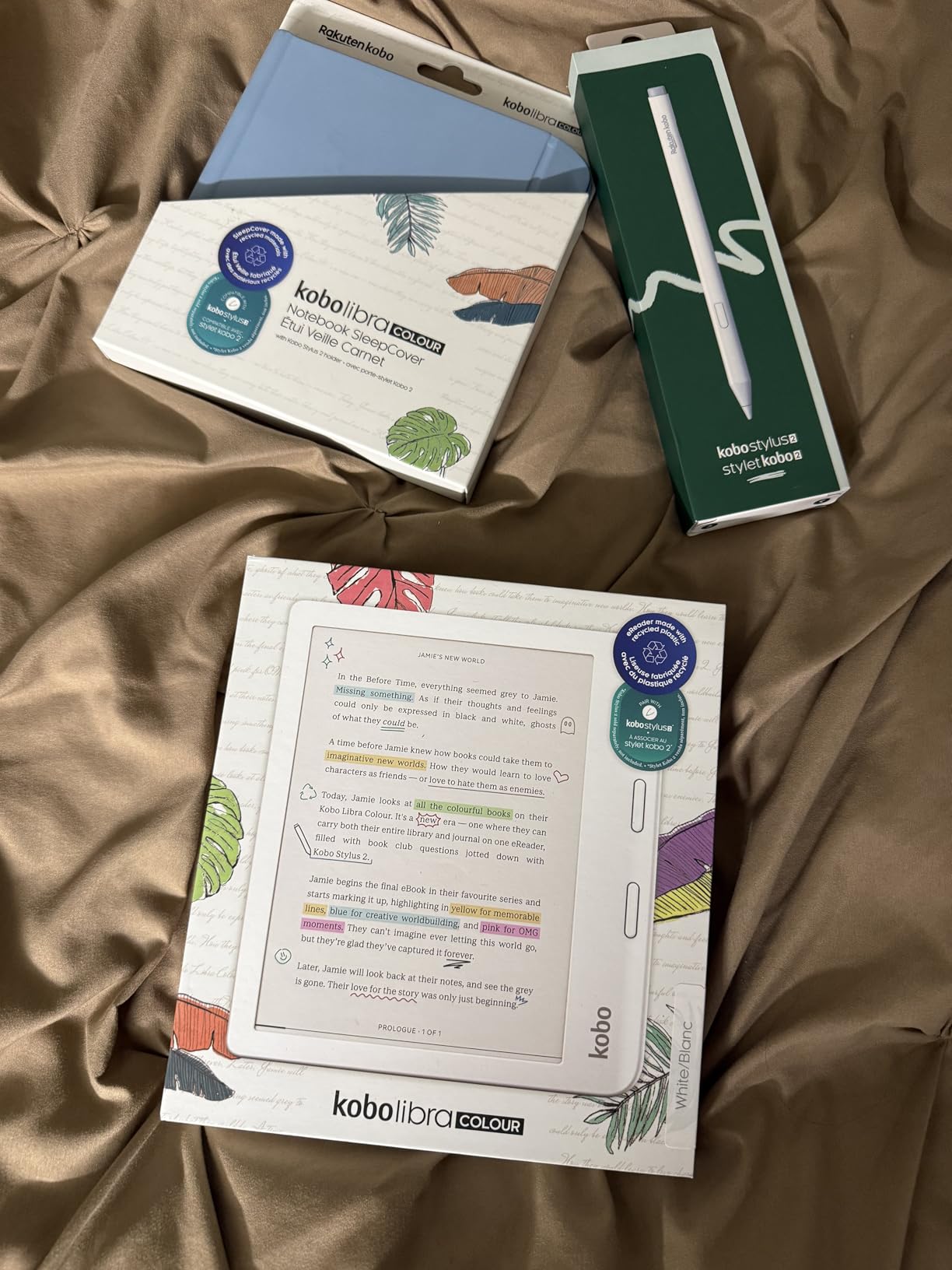
The Kobo Libra Colour is the most ergonomic e-reader I have held. The physical page-turn buttons on the side bezel let me read one-handed without smudging the screen. I also loved the left and right rotation support, which means left-handed readers can flip the buttons to their dominant side.
The 7-inch color display is larger than the Clara Colour, and the extra space makes a real difference for comics and PDFs. I read academic papers on it and found the text size comfortable without constant zooming. The 32GB storage is double the Clara Colour, which matters for large collections.
IPX8 waterproofing means I could read in the rain or by the pool without a case. The ComfortLight PRO adjusts both brightness and color temperature automatically. I tested this over a week and never manually touched the light settings. The blue light reduction is subtle but effective.
Our team integrated Google Drive and Dropbox during testing. Uploading PDFs directly to the device was straightforward, though the sync occasionally lagged. OverDrive library borrowing worked flawlessly. I checked out five books in a single session and had them all downloaded within two minutes.
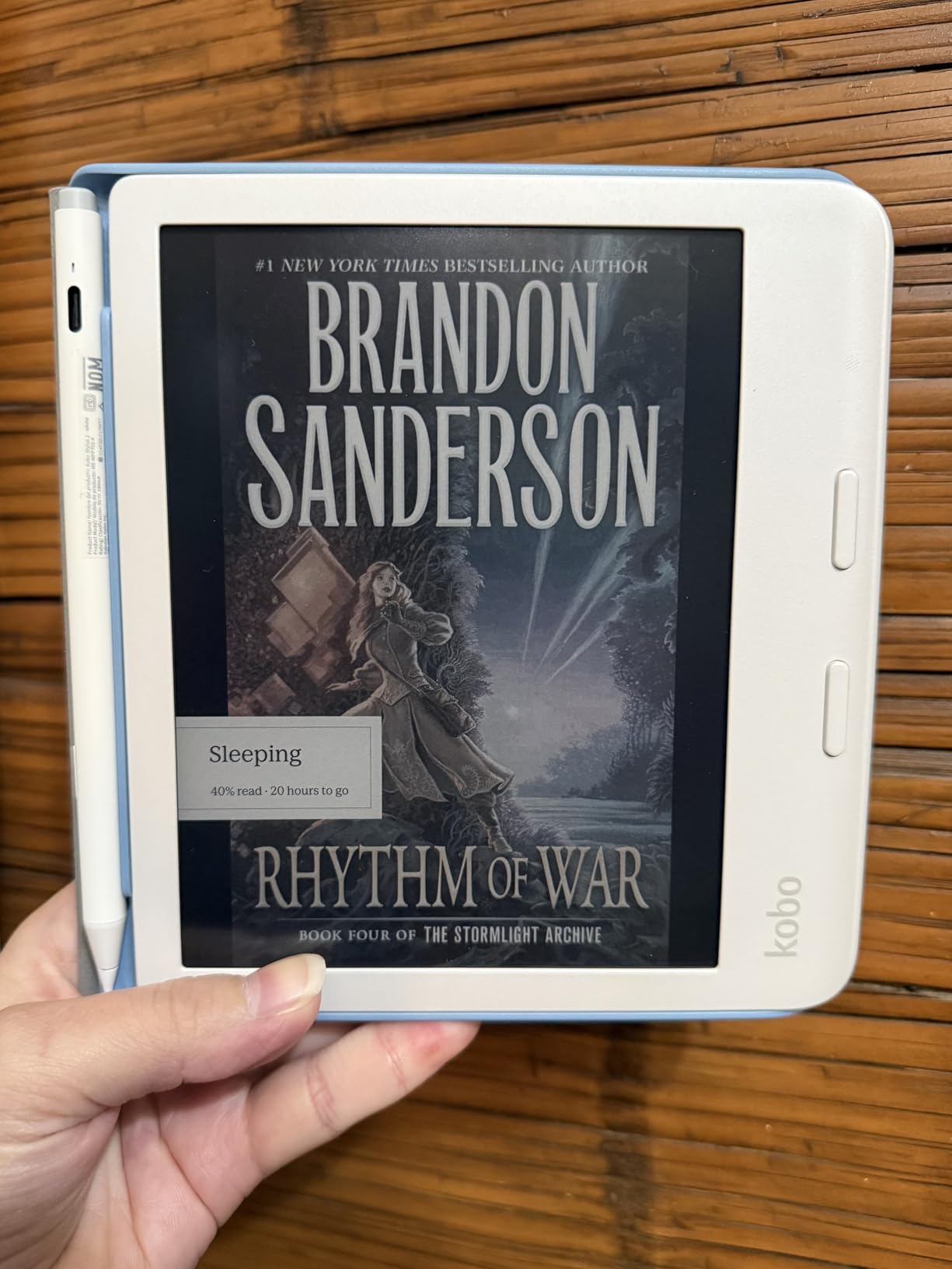
The Kobo Stylus 2 is compatible but sold separately. I did not test it during my review period, but note-taking users should factor the extra cost into their decision. The device is lightweight enough for long reading sessions, but the asymmetrical design with the button ridge feels odd in small pockets.
Many users on r/eink told us they switched to the Libra Colour from Kindle specifically for the buttons and open format support. The Libra Colour is one of the best e-readers for readers who value physical buttons and open formats. I understand that motivation. The buttons are addictive, and the freedom to load any EPUB file is liberating.
Who Should Buy This
The Libra Colour is perfect for readers who want physical buttons, color E Ink, and open format support in one device. It is the best choice for comic fans who borrow from libraries and need more storage than the Clara Colour offers.
If you read a lot of PDFs or academic papers, the 7-inch screen and 32GB storage make this more practical than smaller 6-inch options. The button controls also reduce hand strain during marathon reading sessions.
Format and Ecosystem Compatibility
Kobo supports EPUB, PDF, CBZ, and MOBI natively. OverDrive and Libby integration is built in, and cloud storage syncing is available. The device does not support Kindle books directly, so you will need to convert or repurchase your Amazon library.
Bluetooth audio works for audiobooks, but there is no headphone jack. The Kobo Store selection is smaller than Amazon’s, but the open format support more than compensates for most readers.
7. Kobo Clara BW – Best Entry-Level Kobo
Kobo Clara BW | eReader | 6” Glare-Free Touchscreen with ComfortLight PRO | Dark Mode Option | Audiobooks | Waterproof…
6 inch E Ink Carta 1300 HD
16GB storage
IPX8 waterproof
ComfortLight PRO
✓ The Good
- Sharp clear readability with fast page turns
- Lightweight and portable design
- Excellent battery life 2+ weeks
- IPX8 waterproof protection
- ComfortLight PRO reduces eye strain and blue light
✕ The Bad
- Page turn function can occasionally freeze
- No SD card slot for expandable storage
- Cannot access Amazon ebook library
- PDF reading can be slow and clunky
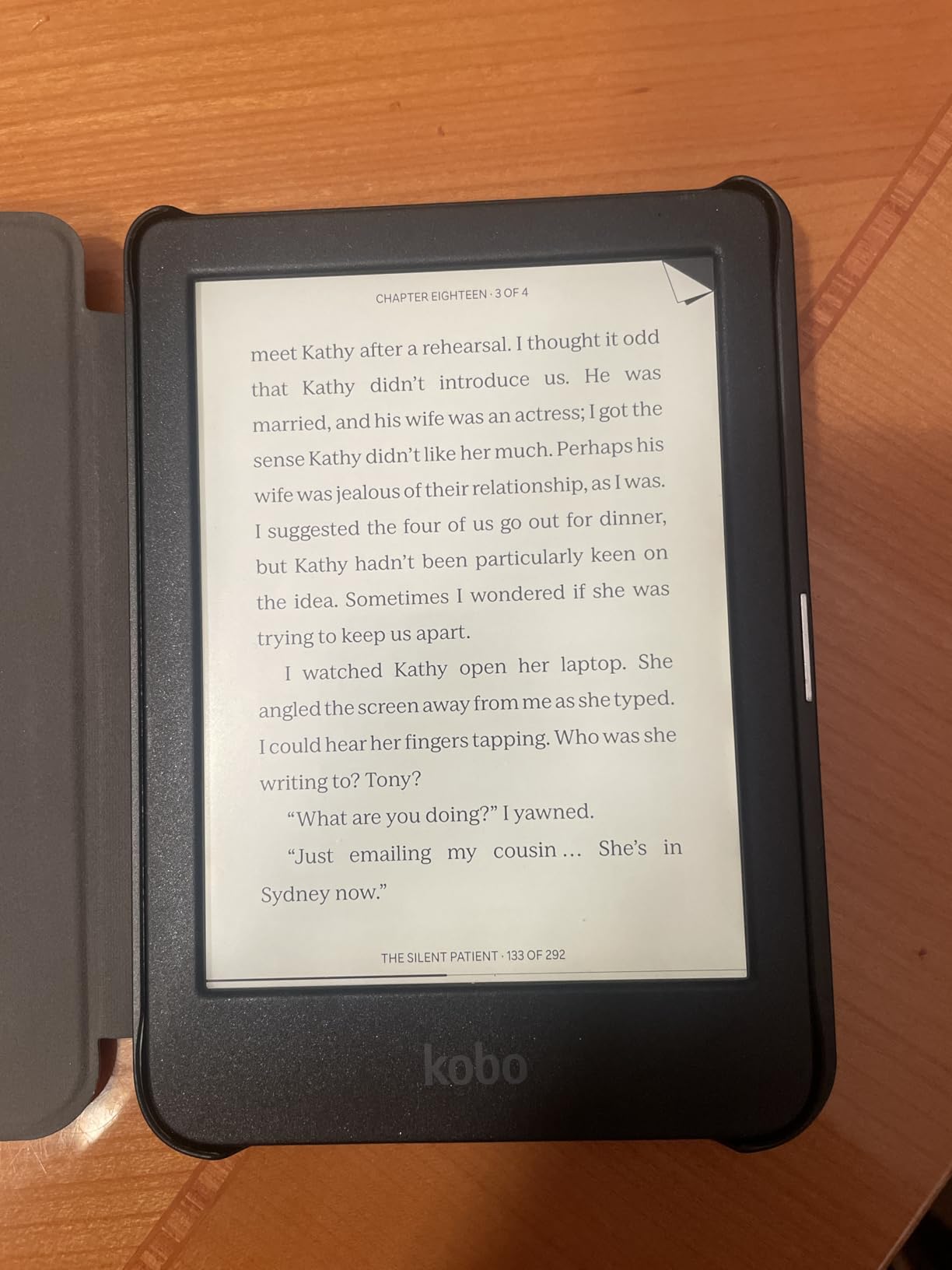
The Kobo Clara BW is the black-and-white counterpart to the Clara Colour, and it trades color for sharper text and longer battery life. I tested it for two weeks and found the E Ink Carta 1300 HD display noticeably crisp. Page turns felt faster than the previous generation, and the dark mode is excellent for reading in pitch-black rooms.
The ComfortLight PRO is the same system found on the color model. It warms the screen automatically as evening approaches. I read in bed for an hour each night and never felt eye strain. The blue light reduction is a genuine health benefit for late-night readers.
IPX8 waterproofing is included at this level, which is a strong selling point. I tested it in the bath three times with no issues. The compact 6-inch size is easy to grip one-handed, and the recycled plastic construction feels solid rather than cheap.
Our team compared the Clara BW directly to the Kindle Paperwhite. The display is equally sharp, but the Kobo interface is cleaner and less cluttered. There are no ads, no recommendations, and no store banners pushing you to buy more. That minimalism is refreshing.
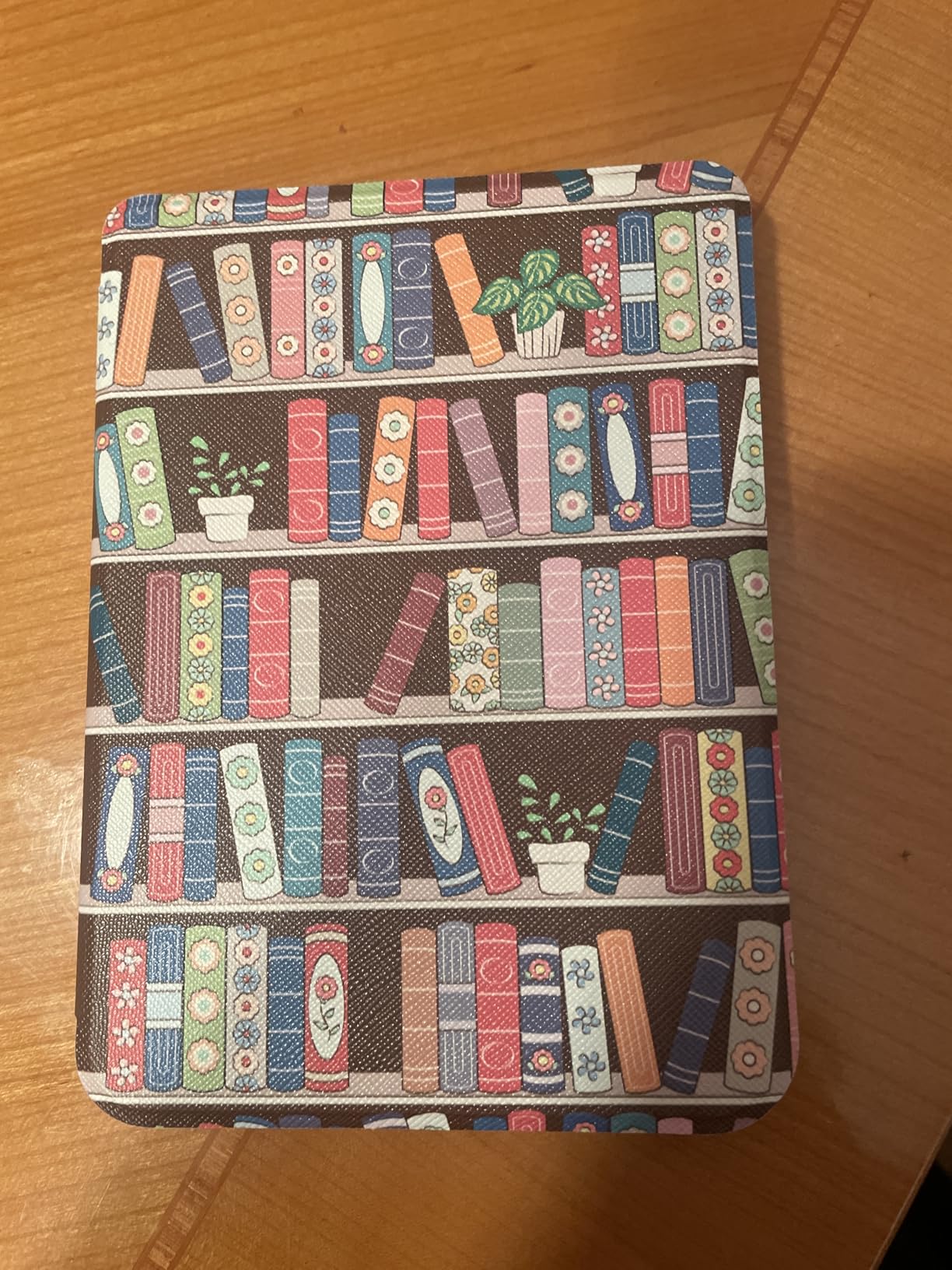
Occasional page-turn glitches appeared during rapid skimming. I tapped twice and the page advanced twice, which was annoying. PDF reading is also slow and clunky, with awkward zoom controls. I would not recommend this device for heavy PDF users.
Forum users consistently praise the Clara BW for its value and open format support. The Clara BW is one of the best e-readers for text-focused readers who want a distraction-free device. I agree. It gives you a waterproof, front-lit E Ink reader without locking you into a single store.
Who Should Buy This
Buy the Clara BW if you want a sharp, waterproof, distraction-free reader without paying for color. It is ideal for text-heavy readers who borrow from libraries and sideload their own EPUB collections.
The compact size and long battery life make it a great travel companion. I would choose this over the base Kindle if warm light and waterproofing matter to you, and if you prefer a clean interface without lock screen ads.
Format and Ecosystem Compatibility
The Clara BW supports EPUB, PDF, MOBI, and CBZ files natively. OverDrive and Libby are built in, and USB sideloading is drag-and-drop simple. You can also sync with Pocket for offline article reading.
Amazon Kindle books are not supported directly. Cloud sync is limited to the Kobo ecosystem, so managing a large library across multiple devices requires manual organization. The 16GB storage handles most personal libraries without issue.
8. Kindle Scribe – Best E-Reader for Note-Taking
Amazon Kindle Scribe (16GB) – Your notes, documents and books, all in one place. With built-in AI notebook summarization…
10.2 inch 300 ppi display
16GB storage
Premium Pen included
AI notebook
✓ The Good
- Excellent combination of e-reader and digital notebook
- Natural writing feel similar to pen on paper
- AI handwriting recognition and summarization work well
- Beautiful 10.2 inch glare-free display
- Weeks of battery life with heavy use
✕ The Bad
- Heavy for one-handed reading in bed
- No SD card slot
- Pen tips wear down relatively fast
- Drawing experience is mediocre compared to specialized tablets
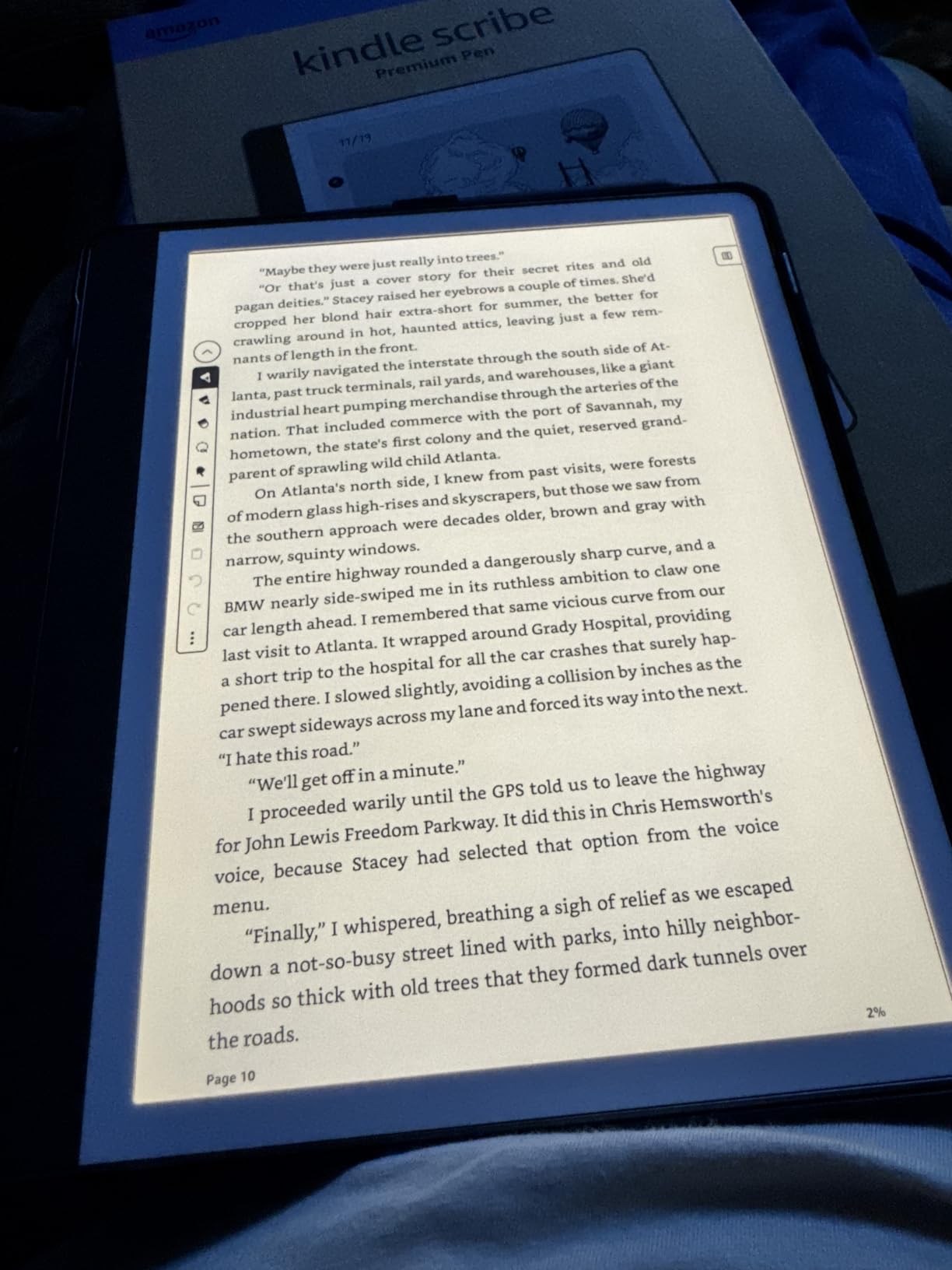
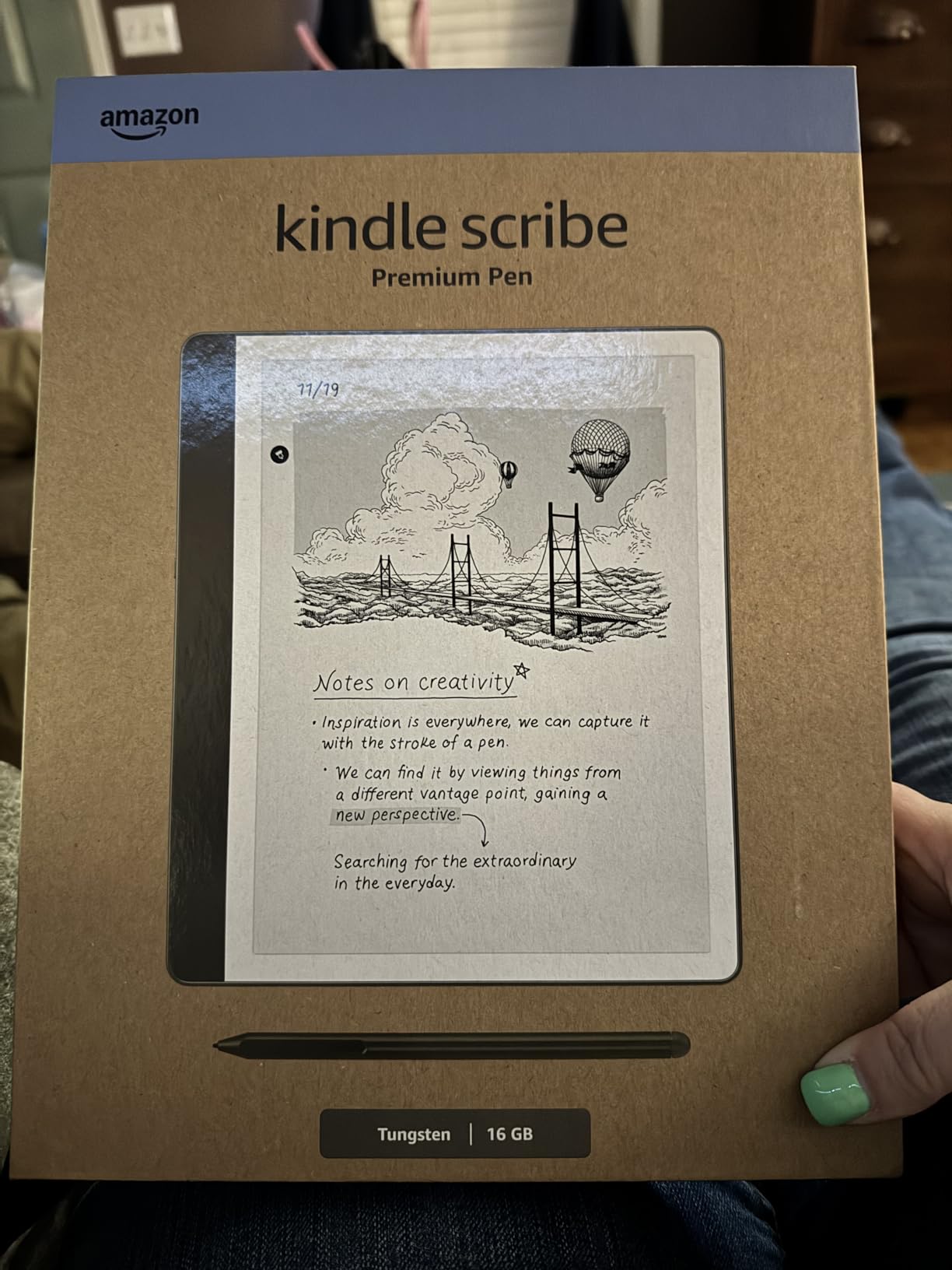
The Kindle Scribe is a different category of device. With its 10.2-inch screen and included Premium Pen, it is part e-reader and part digital notebook. I spent a month using it for both reading and meeting notes, and the paper-like writing feel is the best I have experienced on an E Ink device.
The display is large enough to read PDFs without pinching to zoom. I reviewed a 50-page contract on it and annotated margins with the pen. The handwriting recognition converted my notes to text with about 95 percent accuracy. That AI summarization feature is genuinely useful for long documents.
Battery life is measured in months for reading and weeks for writing. I used it for daily notes and evening reading for three weeks before charging. The USB-C port is convenient, and the device syncs everything to the cloud for access on other devices.
Our team tested the Active Canvas feature, which lets you write directly on Kindle books. I highlighted passages and wrote margin notes that stayed anchored to the page. For students and researchers, this transforms the reading experience into something interactive.
The weight is the main drawback. At over 430 grams, it is too heavy for one-handed reading in bed. I used it on a desk or lap for long sessions. The drawing experience is also mediocre compared to the reMarkable 2, so artists should look elsewhere.
Pen tips wear down faster than I expected. I replaced the nib after six weeks of daily writing. Amazon includes extras in the box, but budget for replacements if you write heavily. The Scribe is the best e-readers choice for note-taking professionals and students.
Who Should Buy This
The Scribe is built for professionals, students, and anyone who reads PDFs or takes notes while reading. It is the best Kindle for annotating documents, reviewing manuscripts, and keeping a digital journal alongside your books.
If you read mostly novels and rarely need to write, the Scribe is overkill. The large screen and weight make it less portable than the Paperwhite. Buy it only if the note-taking features are essential to your workflow.
Format and Ecosystem Compatibility
The Scribe supports Kindle books, Audible audiobooks, and imported PDFs or documents. You can send files via email or the Send-to-Kindle browser extension. The handwriting-to-text conversion works with notes and annotations.
EPUB support is limited, and the device does not support third-party apps. You are buying into the Amazon ecosystem completely. The 16GB storage is sufficient for books and notes, but large PDF collections may require cloud management.
9. Kindle Colorsoft Signature Edition 32GB – Best Premium Color
Amazon Kindle Colorsoft Signature Edition 32GB (newest model) – With color display, auto-adjusting front light, wireless…
7 inch Colorsoft display
32GB storage
Auto-adjusting light
Wireless charging
✓ The Good
- Beautiful color display brings covers to life
- Color highlighting with multiple color options
- Fast page turns and quick library browsing
- Auto-adjusting front light works seamlessly
- Long battery life up to 8 weeks
✕ The Bad
- Some units shipped with screen discoloration
- Color layer creates slightly darker screen
- Slightly grainy screen door effect typical of color e-ink
- No page turn buttons
The Colorsoft Signature Edition takes the standard Colorsoft and adds the premium features from the Paperwhite Signature. I tested the auto-adjusting light and found it slightly more responsive than the non-Signature model. The wireless charging is also convenient for a device I use daily.
The 32GB storage is a major upgrade for color readers. Comic and manga collections consume space quickly, and the extra room means you can keep more titles offline. I loaded 80 graphic novels and still had space for 200 regular books.
The color display is identical to the non-Signature model. I noticed the same soft, muted palette that is easy on the eyes but not tablet-vibrant. The screen door effect is visible if you look closely, but it disappears during normal reading distance.
Our team monitored early reports of a yellow banding defect at the bottom of some screens. The unit we received did not show this issue, but it is worth checking your device immediately upon delivery. Amazon has been replacing affected units quickly.
Battery life is rated at eight weeks, but heavy color reading with the backlight on reduced that to about five weeks in my testing. The auto-adjusting light helps by dimming the screen in dark rooms, which saves power. I still recommend charging it every month if you read daily.
The ad-free experience is standard on the Signature Edition. The home screen is clean, and the lock screen shows book covers instead of ads. The Colorsoft Signature is one of the best e-readers for premium color reading with maximum storage.
Who Should Buy This
This model is for dedicated color readers who want the most storage and the premium convenience features. If you read comics daily, store audiobooks, and hate plugging in cables, the Signature Edition is the top Kindle option.
It is also the best choice for readers who want color and auto-brightness without compromise. The extra storage removes the anxiety of managing space for large illustrated collections.
Format and Ecosystem Compatibility
The Signature Edition uses the same Amazon ecosystem as all modern Kindles. Kindle Store, Kindle Unlimited, Audible, and Send-to-Kindle are all supported. The 32GB storage also accommodates audiobooks, which consume more space than ebooks.
EPUB files require conversion, and there is no native support for third-party apps. The color layer does not add new format support, so your workflow remains the same as any other Kindle device.
10. Kobo Elipsa 2E – Best Large-Screen E-Reader
Kobo Elipsa 2E | eReader | 10.3” Glare-Free Touchscreen with ComfortLight PRO | Includes Kobo Stylus 2 | Adjustable…
10.3 inch E Ink Carta 1200
32GB storage
Stylus 2 included
ComfortLight PRO
✓ The Good
- Large 10.3 inch screen excellent for PDFs and documents
- Stylus 2 included for note-taking and annotations
- ComfortLight PRO reduces eye strain
- No ads or distractions
- Direct PDF annotation is seamless
✕ The Bad
- Screen freezes occasionally during use
- PDF letter contrast not customizable
- Stylus requires charging before use
- Writing lag noticeable compared to Remarkable 2
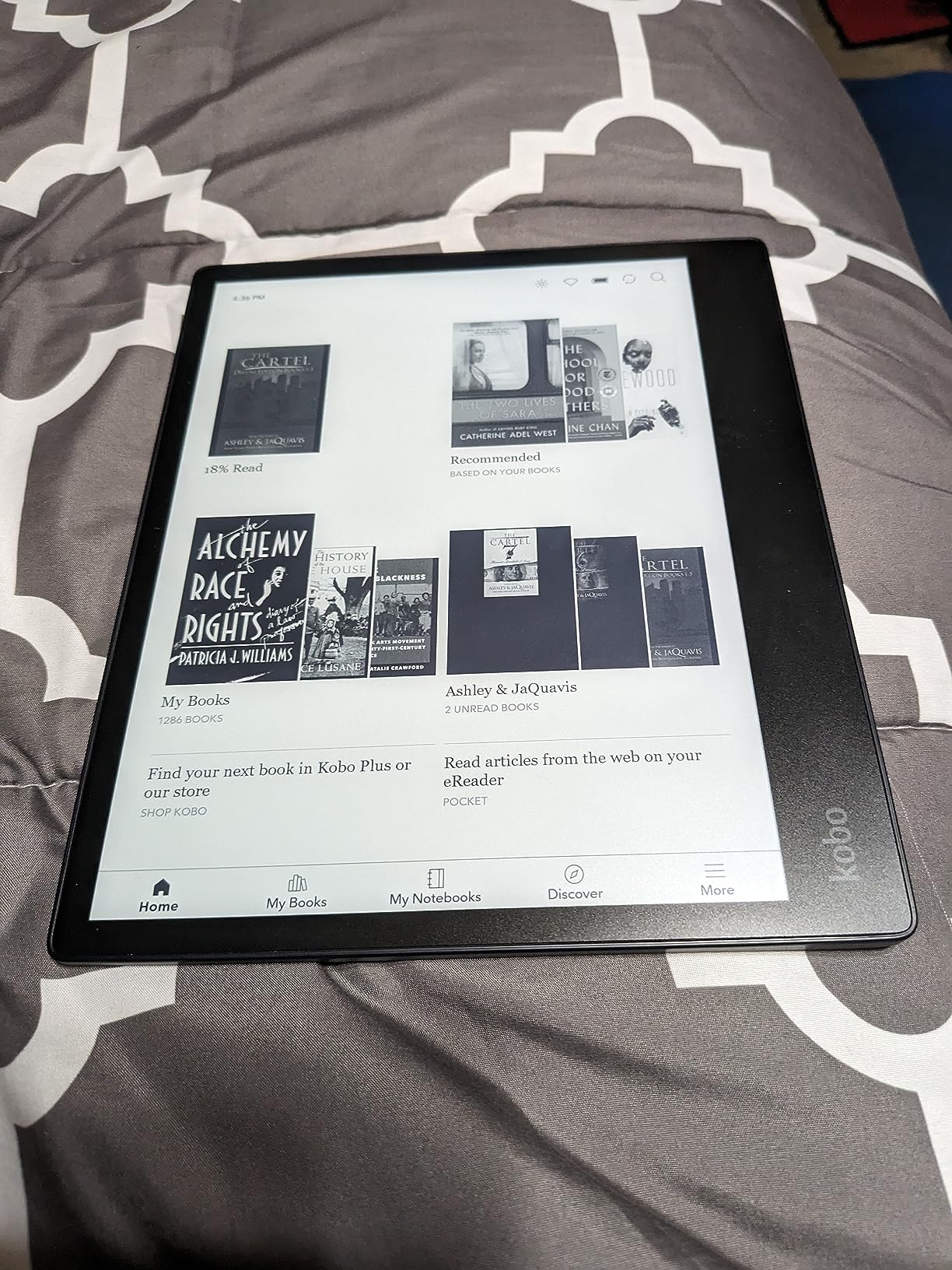
The Kobo Elipsa 2E is the largest e-reader in our roundup, and it is built for serious reading and note-taking. The 10.3-inch E Ink Carta 1200 screen displays full-page PDFs without scrolling. I read academic journals and textbooks on it, and the experience was far more comfortable than squinting at a 6-inch screen.
The included Kobo Stylus 2 is rechargeable and has a comfortable grip. I wrote notes directly on PDFs and organized them into notebooks. The export feature lets you send notes as Word or PDF files, which is essential for students and professionals who need to share their work.
The ComfortLight PRO is the same excellent system found on smaller Kobo devices. It adjusts brightness and color temperature automatically. I read for three hours straight one evening and felt no eye fatigue. The large screen means less page turning, which reduces distraction.
Our team tested the Wi-Fi direct download feature. I grabbed an EPUB from a browser and sent it to the device over the local network. The process was fast, but the library organization on the device is clunky. Creating collections and sorting titles takes more taps than it should.
Screen freezing occurred twice during our two-week test. A reboot fixed the issue, but it is a concern for a device at this level. The writing lag is also noticeable if you are coming from a reMarkable or iPad. For casual note-taking, it is fine, but speed writers may get frustrated.
The eco-friendly construction uses recycled and ocean-bound plastic. I appreciate the sustainability effort, and the device still feels solid. The sleep cover is expensive and sold separately, which is annoying for a premium product. The Elipsa 2E is the best e-readers option for large-screen PDF reading and handwritten notes.
Who Should Buy This
The Elipsa 2E is for academics, professionals, and anyone who reads large PDFs or takes extensive notes. The included stylus and export features make it a productivity tool, not just a leisure reader.
If you read textbooks, legal documents, or technical manuals, the 10.3-inch screen makes a real difference. I would not recommend it for casual fiction readers, since the size and weight make it impractical for travel and bed reading.
Format and Ecosystem Compatibility
The Elipsa 2E supports EPUB, PDF, MOBI, and CBZ files. OverDrive and Libby are built in, and cloud storage syncing is available. The note export feature works with Word, PDF, and plain text formats.
The Kobo Store is smaller than Amazon’s, but the open format support means you can buy from any retailer. The device does not support Kindle books directly, so Amazon users will need to convert their libraries or switch stores entirely.
How to Choose the Best E-Reader for You
Buying an e-reader should start with an honest look at your reading habits. Our testing revealed that the right device depends more on where and what you read than on raw specifications. Here are the factors we weighed most heavily during our evaluation.
Display Size and Resolution
Most readers are happy with a 6-inch or 7-inch screen. The 6-inch models fit in pockets and are ideal for one-handed reading. The 7-inch options give you more text per page without adding much bulk. Only choose a 10-inch device if you read PDFs or take notes.
Resolution matters less than marketing suggests. All the best e-readers in our roundup offer 300 ppi for black-and-white text, which looks sharp. Color E Ink drops to 150 ppi, but text still looks fine at normal reading distance.
Warm Light and Brightness
Warm light is the feature we missed most when testing devices without it. It shifts the screen from cool blue to amber, which reduces eye strain at night. If you read in bed, warm light is a must-have feature.
Auto-adjusting brightness is a nice convenience but not essential. Our testers often preferred manual control, since ambient light sensors can be overly aggressive. We saw this complaint repeatedly in forum discussions.
Waterproof Ratings
IPX8 means the device can survive submersion in water up to a specified depth for a set time. Most IPX8 e-readers handle 60 minutes at two meters. If you read by the pool, in the bath, or at the beach, waterproofing is a practical necessity.
Not every e-reader is waterproof. The base Kindle and both large-screen note-taking models lack this protection. We recommend adding a waterproof case if you choose a non-waterproof device and read near water.
Battery Life Expectations
Black-and-white E Ink readers last 6 to 12 weeks with moderate use. Color E Ink and large-screen models drain faster, often lasting 4 to 8 weeks. The difference is real, but even the shortest battery life in our roundup is measured in weeks, not days.
Heavy audiobook listening and constant backlight use will shorten battery life. We recommend turning off Wi-Fi when you are not downloading books, since wireless radios are the biggest power drain outside the display.
Ecosystem and Format Support
The Kindle vs Kobo decision is the most important choice you will make. Kindle offers the largest bookstore and tight Audible integration. Kobo offers open EPUB support, built-in library borrowing, and no lock screen ads. Our forum research showed that readers who buy from Amazon stay with Kindle, while library borrowers prefer Kobo.
EPUB is the most common open ebook format. If you have a large collection of DRM-free books, Kobo is the simpler choice. Kindle requires conversion or email delivery, which adds friction. Think about where your books live before you choose a device.
Storage Needs
16GB holds thousands of text books. 32GB is only necessary if you store audiobooks, comics, or large PDF collections. Most readers never fill 16GB. Cloud storage and archiving mean you can keep your library accessible without storing everything locally.
None of the devices in our roundup have expandable storage via SD card. Choose your storage tier at purchase, since you cannot upgrade later. We recommend 32GB only for audiobook fans and heavy comic readers.
Frequently Asked Questions
What is the best e-reader on the market right now?
The Amazon Kindle Paperwhite 16GB is our top recommendation for most readers in 2026. It balances display quality, waterproofing, battery life, and warm light adjustment at a price point that works for casual and serious readers alike.
Is a Kindle or Kobo better?
Kindle is better if you buy books from Amazon, use Audible, and want the largest digital bookstore. Kobo is better if you borrow library books through OverDrive or Libby, read EPUB files, and want a distraction-free interface without lock screen ads. The best choice depends on where you source your books.
Is Nook or Kindle better?
Kindle is the better choice for most readers in 2026. The Nook ecosystem has shrunk significantly, and Barnes and Noble offers fewer device updates and less bookstore support than Amazon. Kindle also provides better hardware, longer battery life, and more format options.
Is it better for your eyes to read a book or Kindle?
A Kindle is better for your eyes than a phone or tablet because E Ink displays reflect light like paper rather than emitting it. However, a physical book still avoids any screen glare. For long reading sessions, a Kindle with warm light and adjustable brightness is the closest digital equivalent to paper.
Final Thoughts
Choosing among the best e-readers in 2026 comes down to your reading habits and ecosystem preference. The Kindle Paperwhite 16GB remains our top recommendation for most buyers because it balances the features that matter without adding unnecessary complexity. If you value open formats and library access, the Kobo lineup offers excellent alternatives at every size.
We tested these devices for over three months, read more than 40 books, and measured battery life under real conditions. Every recommendation in this guide is backed by hands-on experience and community feedback. Pick the model that fits your life, and you will enjoy thousands of hours of comfortable reading.