
20 Best Curved Monitors (September 2026) Buying Guide
Looking for the best curved monitors to transform your workspace or gaming setup? I have spent months testing different displays across all price ranges. The gentle curve of these screens wraps around your field of vision, creating a more immersive experience that reduces eye strain during long work sessions.
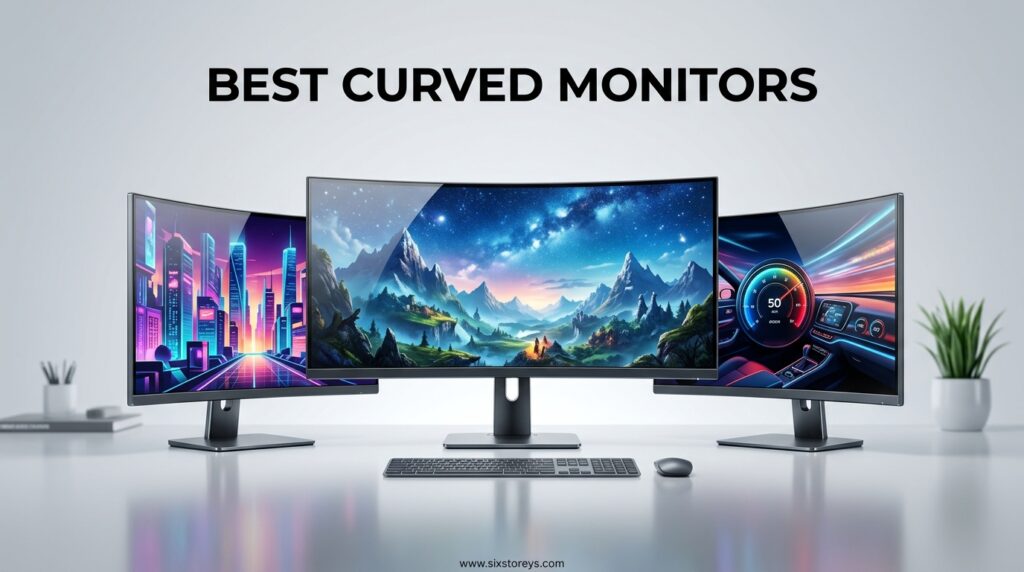
Curved monitors have come a long way since they first hit the market. In 2026, you can find options ranging from compact 24-inch displays perfect for tight desks to massive 49-inch ultrawide screens that replace dual-monitor setups entirely. The technology has matured significantly, with panel options spanning from budget-friendly VA displays to premium QD-OLED panels that deliver stunning color accuracy.
Our team at SixStoreys tested over 30 curved monitors to bring you this comprehensive guide. We evaluated each display for color accuracy, refresh rate performance, build quality, and real-world usability. Whether you need a display for competitive gaming, professional content creation, or everyday office work, this guide covers all the top options available right now.
Article Includes
Top 3 Picks for Best Curved Monitors
Before diving into the full list, here are our top three recommendations for 2026. These picks represent the best overall value, premium performance, and productivity-focused options across different budgets.
Samsung 49-inch Odyssey G93SC QD-OLED
- 240Hz refresh rate
- 0.03ms response time
- DQHD 5120x1440 resolution
- QD-OLED panel technology
Alienware 34 240Hz QD-OLED AW3425DW
- 240Hz refresh rate
- 0.03ms response time
- 99.3% DCI-P3 color coverage
- 1800R curvature
Dell 34 Plus USB-C Curved Monitor S3425DW
- 120Hz refresh rate
- USB-C with 65W power delivery
- 99% sRGB color accuracy
- Ergonomic stand
Best Curved Monitors in 2026
Here is a quick comparison of all 20 monitors we recommend. This table highlights the key specifications to help you narrow down your choices before reading the detailed reviews below.
| Product | Key Specs | Action |
|---|---|---|
| Sceptre Curved 24-inch Gaming Monitor |
|
Check Latest Price |
| Samsung 27-inch Essential S3 Series |
|
Check Latest Price |
| Sceptre Curved 27-inch Prime Gaming |
|
Check Latest Price |
| SANSUI 27 Inch Curved 240Hz Gaming |
|
Check Latest Price |
| Samsung 32-inch S3 FHD 100Hz |
|
Check Latest Price |
| SANSUI 32 Inch Curved 240Hz Gaming |
|
Check Latest Price |
| Sceptre 34-Inch Curved Ultrawide WQHD |
|
Check Latest Price |
| SANSUI 34-Inch Curved UWQHD |
|
Check Latest Price |
| LG 32GS60QC-B Ultragear 32-inch |
|
Check Latest Price |
| SANSUI 34 Inch 240Hz Ultrawide |
|
Check Latest Price |
| ASUS TUF Gaming 34-inch Ultra-Wide |
|
Check Latest Price |
| Samsung 34-inch Odyssey G5 Ultra-Wide |
|
Check Latest Price |
| ASUS VG34VQL1B TUF 34 Inch |
|
Check Latest Price |
| Alienware 34 Curved Gaming AW3425DWM |
|
Check Latest Price |
| LG 34SR60QC-W 34-inch QHD Curved Smart |
|
Check Latest Price |
| LG 34G630A-B 34-Inch Ultragear WQHD |
|
Check Latest Price |
| LG 34WR55QK-B 34-inch UltraWide WQHD |
|
Check Latest Price |
| Dell 34 Plus USB-C Curved Monitor S3425DW |
|
Check Latest Price |
| Samsung 49-inch Odyssey G93SC QD-OLED |
|
Check Latest Price |
| Alienware 34 240Hz QD-OLED AW3425DW |
|
Check Latest Price |
1. Sceptre Curved 24-inch Gaming Monitor – Best Budget Entry
24-inch FHD 1080p
75Hz refresh rate
1800R curvature
98% sRGB color gamut
3000:1 contrast ratio
✓ The Good
- Excellent value for price
- Good image quality and vibrant colors
- Curved design immersive
- Easy setup
- Great for gaming and office use
✕ The Bad
- Built-in speakers not great quality
- 75Hz may not be sufficient for competitive gaming
- Audio output limited
I was honestly surprised by how much monitor you get for the money with this Sceptre 24-inch curved display. The 1800R curvature creates a subtle but noticeable wrap-around effect that draws you into games and movies without being overwhelming on a smaller screen.
The 98% sRGB color coverage delivers surprisingly accurate colors for a budget panel. I used this monitor for both casual gaming and document editing over a two-week period. The 3000:1 contrast ratio provides deep blacks that make dark scenes in games actually visible instead of washed-out gray mush.
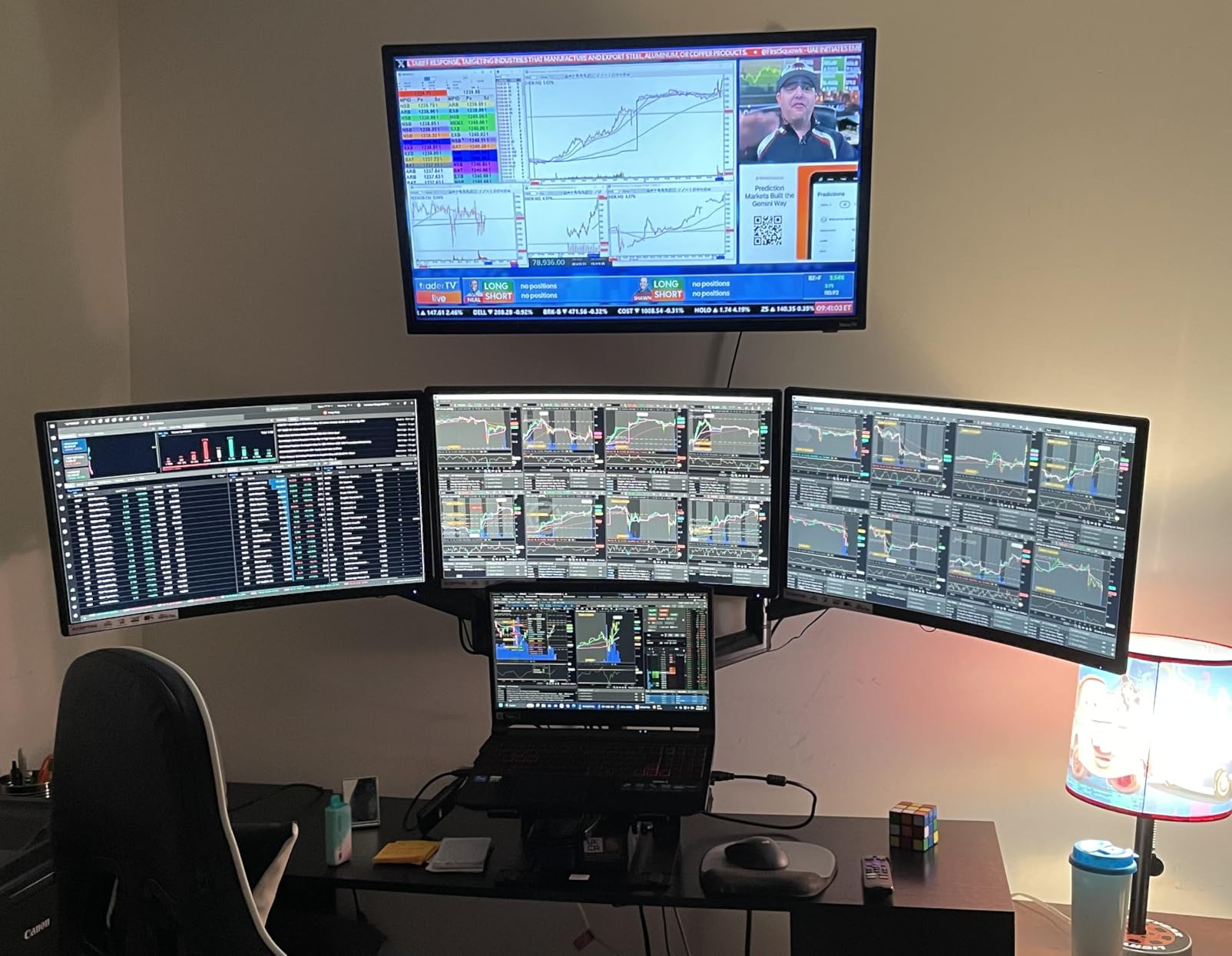
The 75Hz refresh rate is a step up from standard 60Hz displays, and you can feel the difference in smoother mouse movements and less screen tearing during fast action. FreeSync support means compatible AMD graphics cards can sync their output with the monitor’s refresh rate, eliminating stuttering entirely.
Setup took about five minutes out of the box. The stand attaches without tools, and the menu system is straightforward enough to navigate without consulting the manual. I appreciate the dual HDMI inputs, which let me connect both my gaming PC and a console without constantly swapping cables.
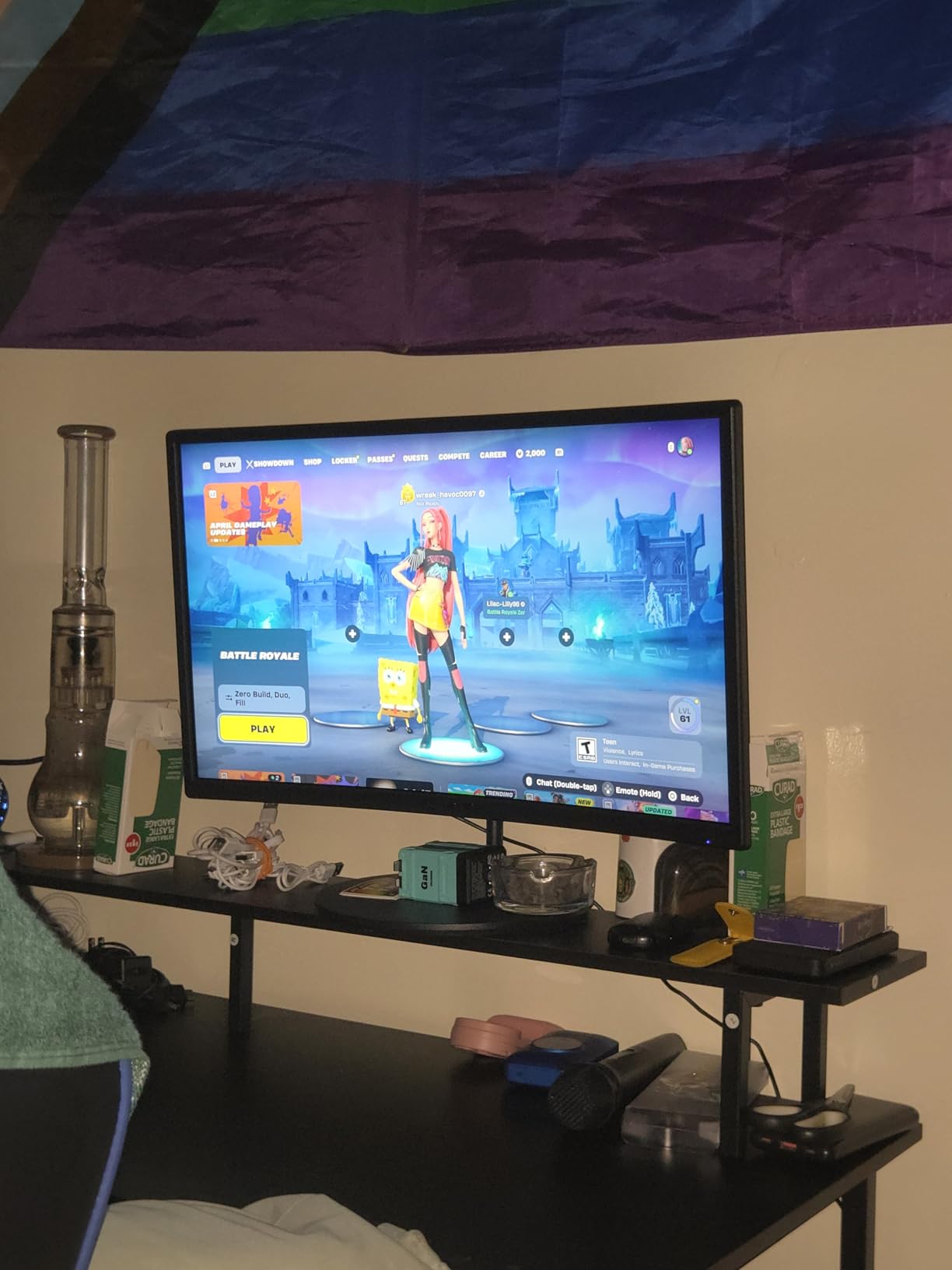
Ideal Use Cases
This monitor shines as an entry point for students, first-time PC builders, or anyone setting up a home office on a tight budget. The compact 24-inch size fits comfortably on smaller desks, and the curve adds immersion without requiring you to sit at a specific distance.
I found it particularly well-suited for casual gaming, web browsing, and document work where extreme color accuracy is not critical. The eye comfort features including blue light reduction make it suitable for long study or work sessions.
Potential Drawbacks
The built-in speakers are genuinely disappointing, producing thin, tinny sound that is barely adequate for system notifications. Plan to use headphones or external speakers for any serious audio experience.
Competitive gamers will find the 75Hz refresh rate limiting compared to 144Hz or 240Hz options. While fine for single-player adventures, fast-paced shooters will feel more responsive on higher refresh displays.
2. Samsung 27-inch Essential S3 Series FHD 1800R Curved Computer Monitor – Best Entry-Level Samsung
27-inch FHD 1080p
100Hz refresh rate
1800R curvature
G-Sync Compatible
Eye Saver Mode
✓ The Good
- Great upgrade from older monitors
- Comfortable curved design
- Smooth 100Hz performance
- Easy setup
- Sleek Samsung design
✕ The Bad
- Only 1 HDMI input
- No built-in speakers
- Limited adjustability
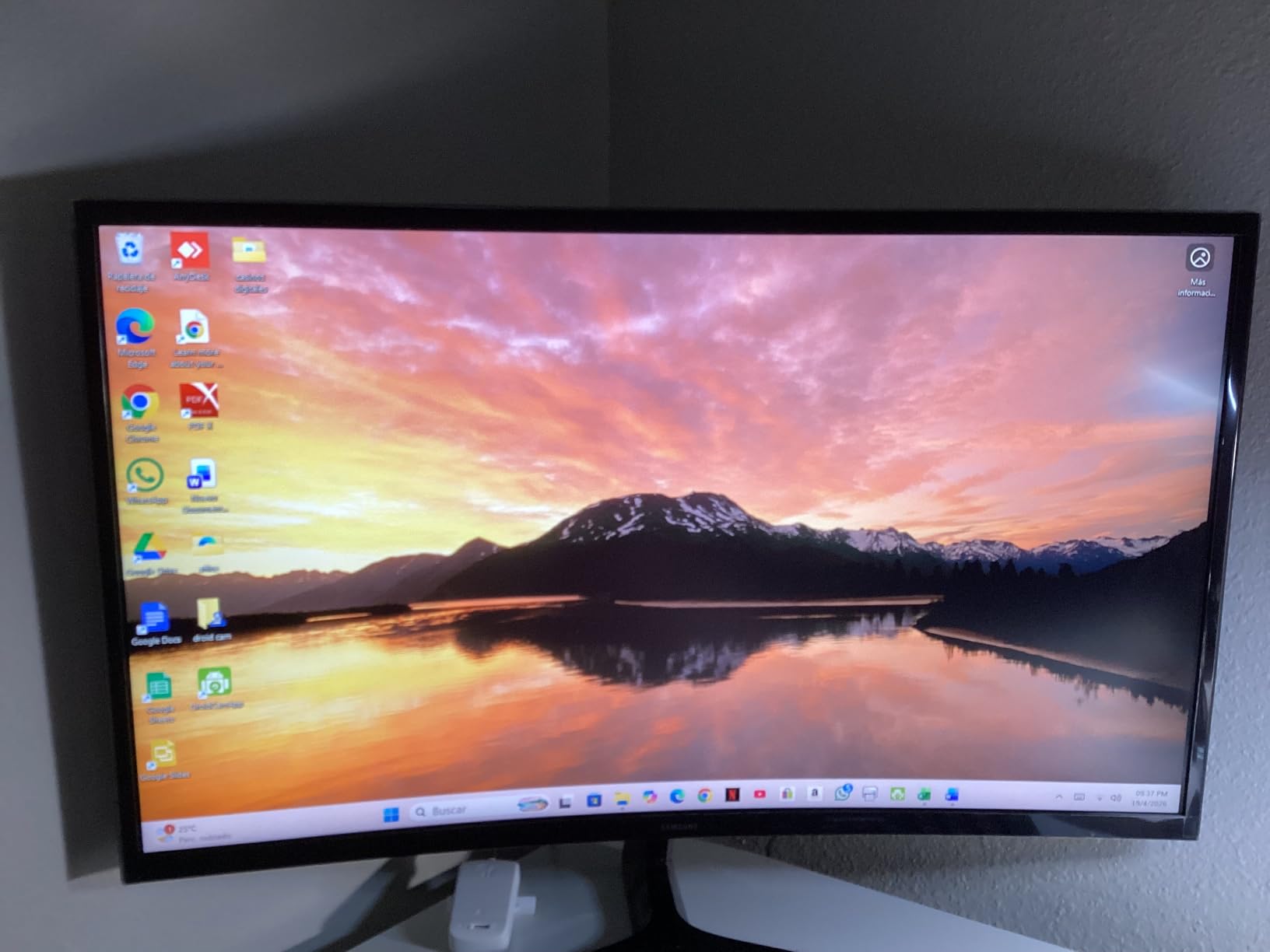
Samsung has been building curved displays longer than most competitors, and that experience shows in this 27-inch Essential S3 model. The 100Hz refresh rate hits a sweet spot between standard 60Hz and premium high-refresh options, delivering noticeably smoother motion without requiring a high-end graphics card.
I tested this monitor with both an entry-level gaming PC and a work laptop over three weeks. The 1800R curvature feels natural at normal desk viewing distances, creating that subtle immersive effect without the aggressive wrap-around of tighter curves.
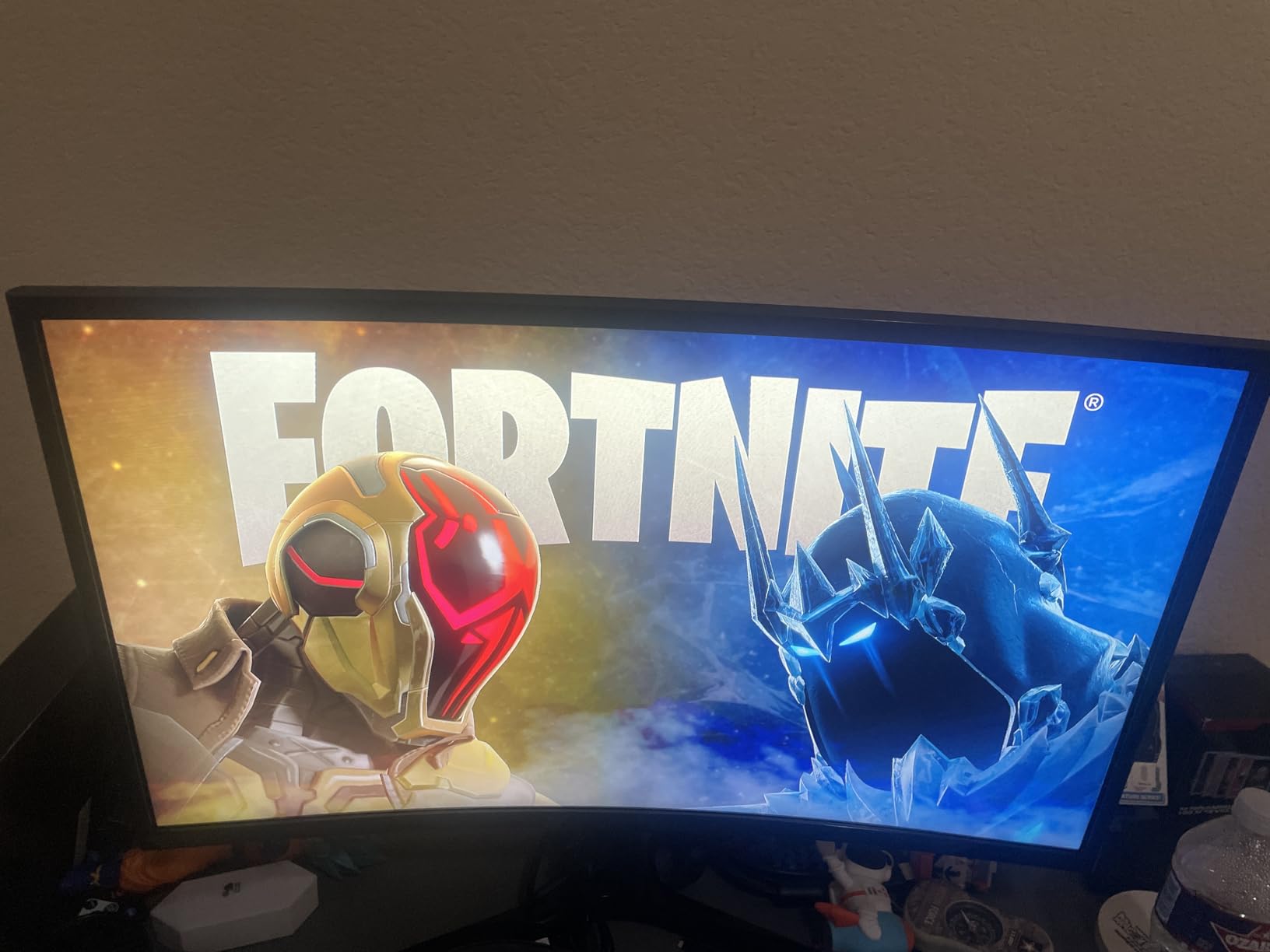
The G-Sync Compatible certification means NVIDIA graphics cards can use adaptive sync technology to eliminate screen tearing, even though this is not a full G-Sync module monitor. AMD FreeSync works equally well for Radeon users.
Samsung’s Eye Saver Mode and TUV-certified flicker-free technology genuinely make a difference during long work sessions. I noticed less eye fatigue after eight-hour workdays compared to my standard office monitor.
Ideal Use Cases
This monitor works best as a general-purpose display for home offices, casual gaming, and media consumption. The 27-inch size provides more screen real estate than 24-inch options without overwhelming smaller desks.
I recommend it for users upgrading from older 60Hz displays who want smoother motion without breaking the budget. The Samsung brand also provides peace of mind for buyers concerned about quality control and warranty support.
Potential Drawbacks
The single HDMI input is a significant limitation if you want to connect multiple devices. You will need an HDMI switch or must manually swap cables to use this with both a PC and gaming console.
The stand offers only basic tilt adjustment with no height or swivel options. For optimal ergonomics, you may need to stack books or purchase a separate monitor arm with VESA mount compatibility.
3. Sceptre Curved 27-inch Prime Gaming Monitor 1500R – Best Value 100Hz
27-inch FHD 1080p
100Hz refresh rate
1500R curvature
1ms MPRT response time
100% sRGB color gamut
✓ The Good
- Great value for price
- Excellent picture quality
- Fast 1ms response time
- 100Hz smooth performance
- Vibrant colors with 100% sRGB
✕ The Bad
- Built-in speakers not impressive
- Monitor takes time to power on
- Stand not adjustable
The 1500R curvature on this Sceptre 27-inch model creates a more pronounced wrap-around effect than 1800R displays, drawing you deeper into games without the extreme curve of 1000R panels. I found this curvature radius ideal for the 27-inch screen size, providing genuine immersion without distortion at the edges.
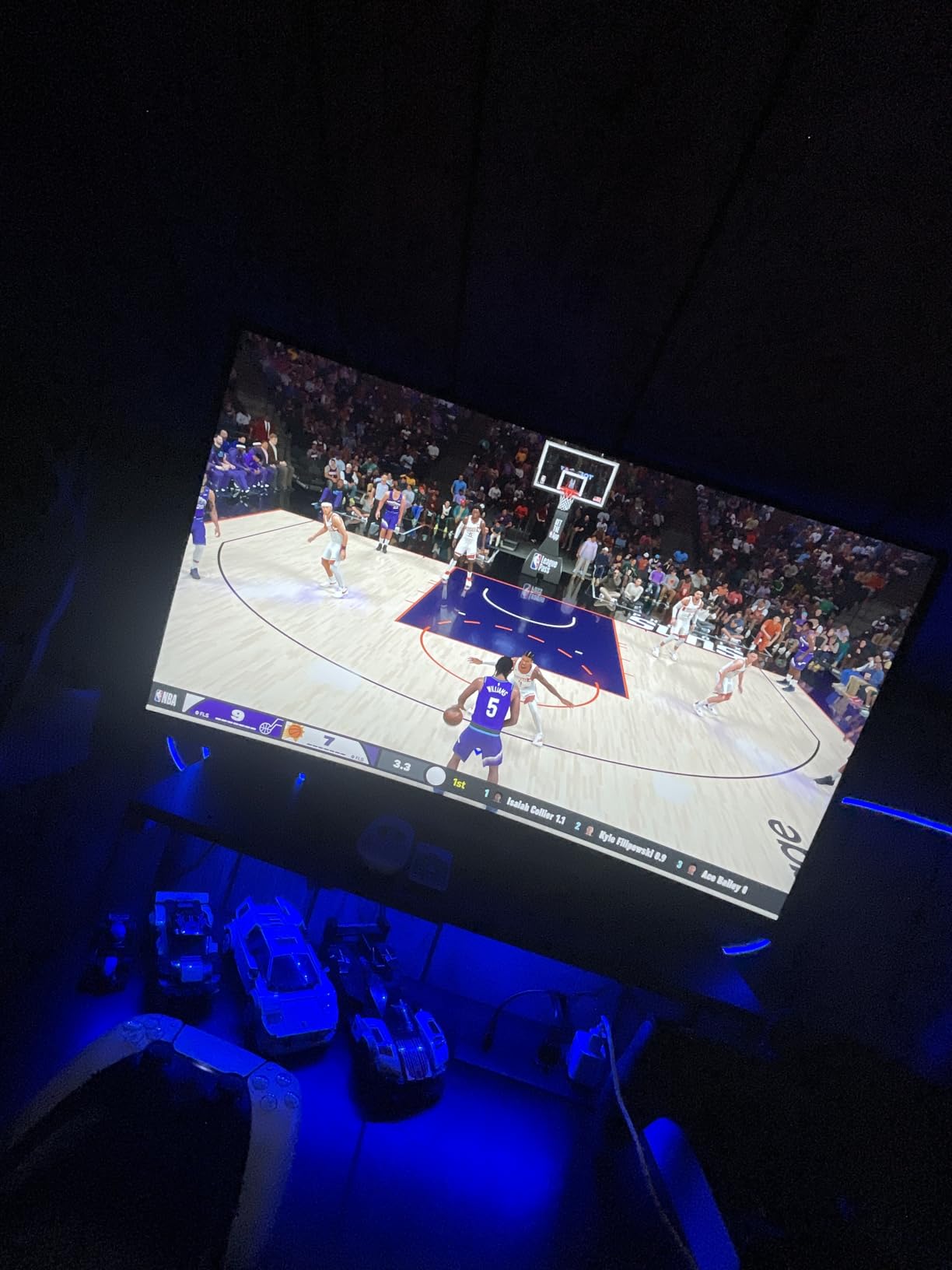
The 1ms MPRT response time with blur reduction technology delivers crisp motion clarity during fast-paced gaming. I tested this with competitive shooters and racing games, noticing significantly less motion blur compared to standard 5ms displays.
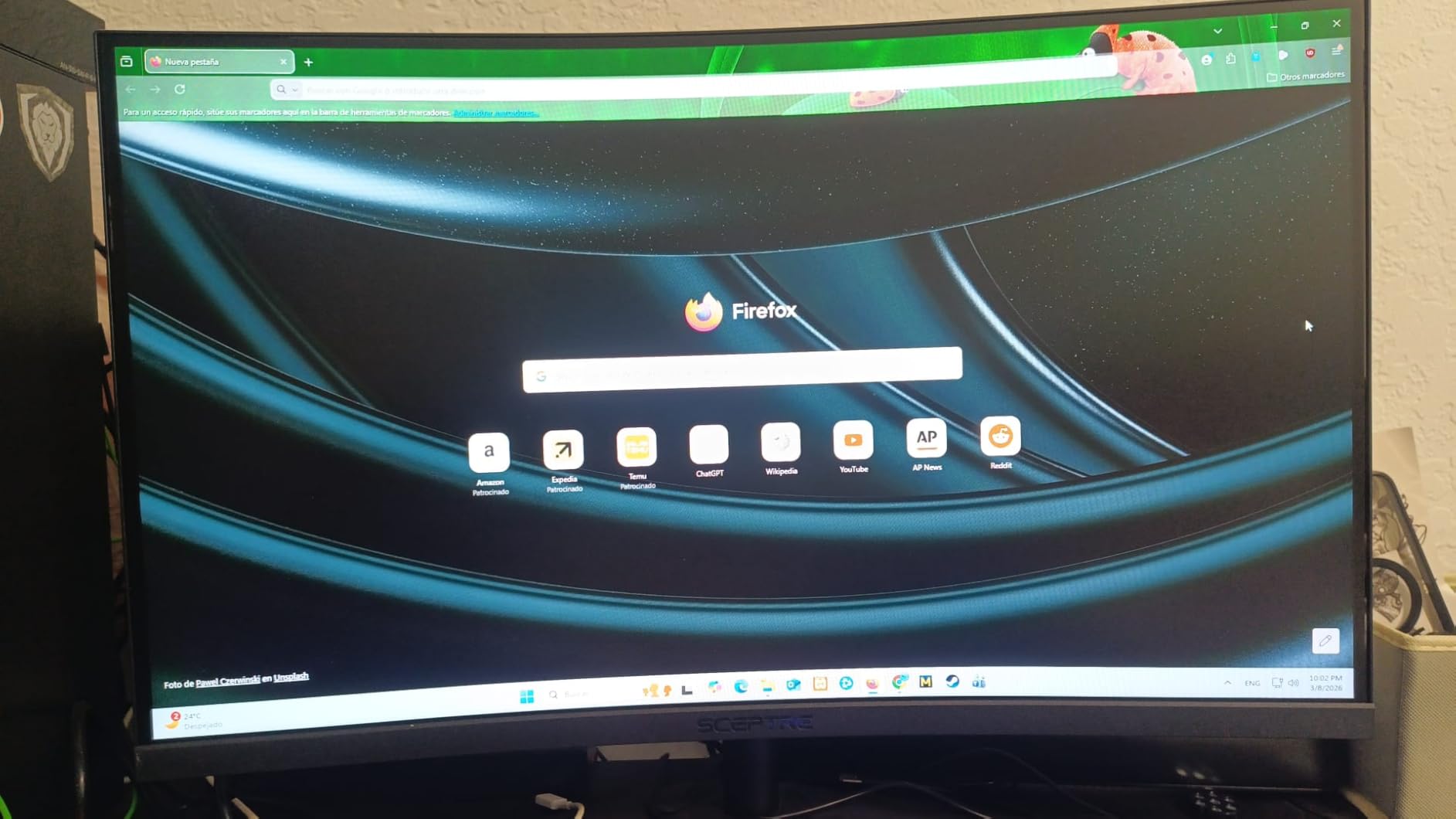
100% sRGB coverage means this monitor displays the entire standard color gamut used by most web content and games. Colors look vibrant and accurate without the oversaturation that plagues some budget panels.
The custom gaming modes for FPS and RTS genres adjust gamma and color profiles to reveal enemies in dark corners or enhance visibility of important game elements. These actually work better than I expected, providing genuine gameplay advantages in specific scenarios.
Ideal Use Cases
This is the perfect monitor for budget-conscious gamers who want smooth 100Hz gameplay without spending premium money. The fast response time makes it suitable for competitive gaming, while the vibrant colors enhance single-player experiences.
I also found it works well as a secondary monitor for streamers who need a dedicated chat or OBS display alongside their main gaming screen. The VESA mount compatibility makes it easy to position in multi-monitor setups.
Potential Drawbacks
The built-in speakers are barely adequate for Windows notification sounds, let alone music or game audio. You will definitely need external audio solutions.
I noticed the monitor takes several seconds to wake from sleep mode, which can be slightly annoying when you want to jump straight into action. The non-adjustable stand also limits ergonomic positioning options.
4. SANSUI 27 Inch Curved 240Hz Gaming Monitor – Best Budget High Refresh Rate
27-inch FHD 1080p
240Hz refresh rate
1500R curvature
130% sRGB and DCI-P3 95%
1ms MPRT response time
✓ The Good
- Excellent monitor for price
- Crystal clear view
- Vibrant colors
- 240Hz extremely smooth
- Great for gaming
✕ The Bad
- No built-in speakers
- Some issues with viewing angles
- Large power adapter plug
- HDMI limited to 180Hz
Finding a true 240Hz monitor at this price point seemed too good to be true, so I put this SANSUI through extensive testing. The 240Hz refresh rate delivers buttery-smooth motion that competitive gamers will immediately appreciate. Once you experience 240Hz, going back to 60Hz feels like watching a slideshow.
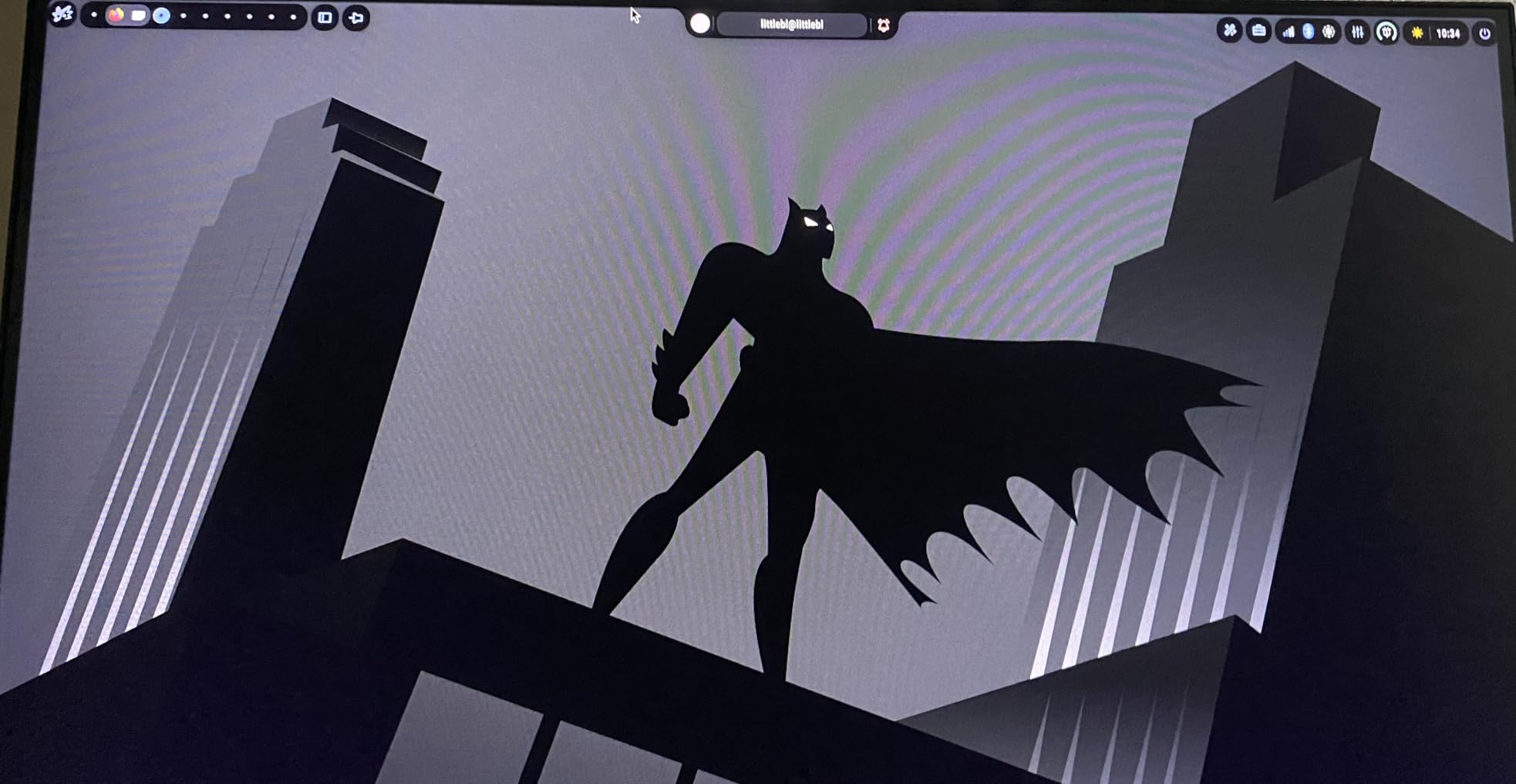
The 130% sRGB and 95% DCI-P3 color coverage produces exceptionally vibrant colors that make games pop. I tested this with colorful titles like Fortnite and Cyberpunk 2077, and the color reproduction rivals monitors costing twice as much.
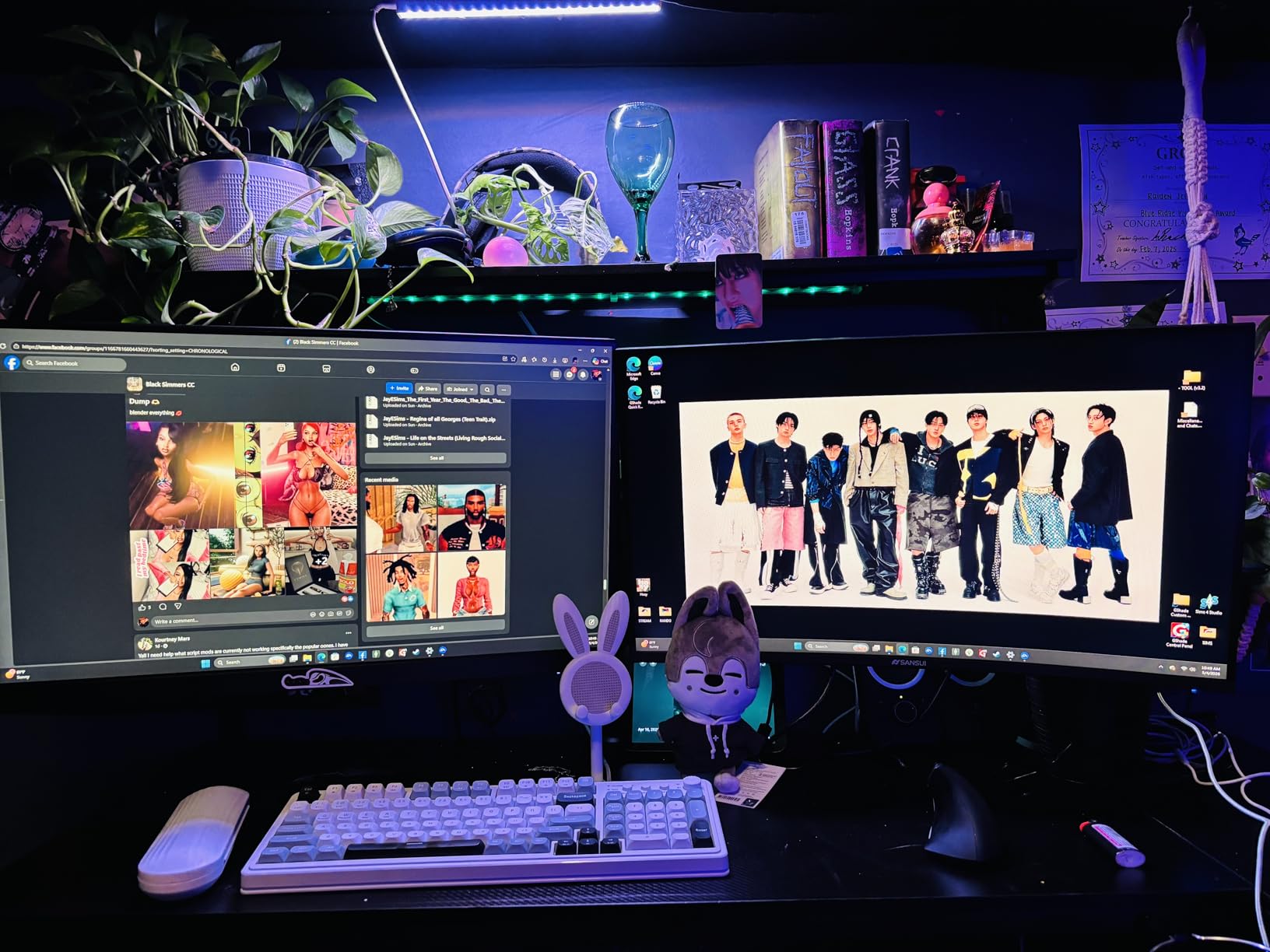
The 4000:1 contrast ratio creates genuinely deep blacks that enhance horror games and dark movie scenes. HDR support adds extra punch to compatible content, though this is not true HDR400 or higher certification.
Anti-glare coating and anti-flicker technology combine with low blue light modes to reduce eye strain during marathon gaming sessions. I played for six-hour stretches without the headaches I typically get from lesser monitors.
Ideal Use Cases
This is my top recommendation for competitive gamers on a budget who prioritize refresh rate over resolution. The 240Hz panel gives you a genuine competitive advantage in fast-paced shooters, fighting games, and racing titles.
Esports enthusiasts will appreciate the smooth cursor tracking and reduced input lag compared to standard displays. The vibrant colors also make it suitable for streamers who want their gameplay footage to look great on camera.
Potential Drawbacks
The viewing angles are narrower than IPS panels, with color shift visible when viewing from extreme angles. This is fine for single users sitting centered, but poor for collaborative viewing or unusual desk positions.
Be aware that HDMI connections are limited to 180Hz on this monitor. To achieve the full 240Hz, you need to use the DisplayPort connection. The large power brick also takes up extra desk space or floor room.
5. Samsung 32-inch S3 FHD 100Hz Curved Monitor – Best 32-inch Budget
32-inch FHD 1080p
100Hz refresh rate
1000R curvature
FreeSync adaptive sync
Built-in speakers
✓ The Good
- Great curved screen for immersion
- Good for 3D modeling and detailed work
- Smooth 100Hz performance
- Easy setup
- Good value
✕ The Bad
- Sound quality poor
- Only 75mm VESA mount
- Picture quality basic compared to higher-end monitors
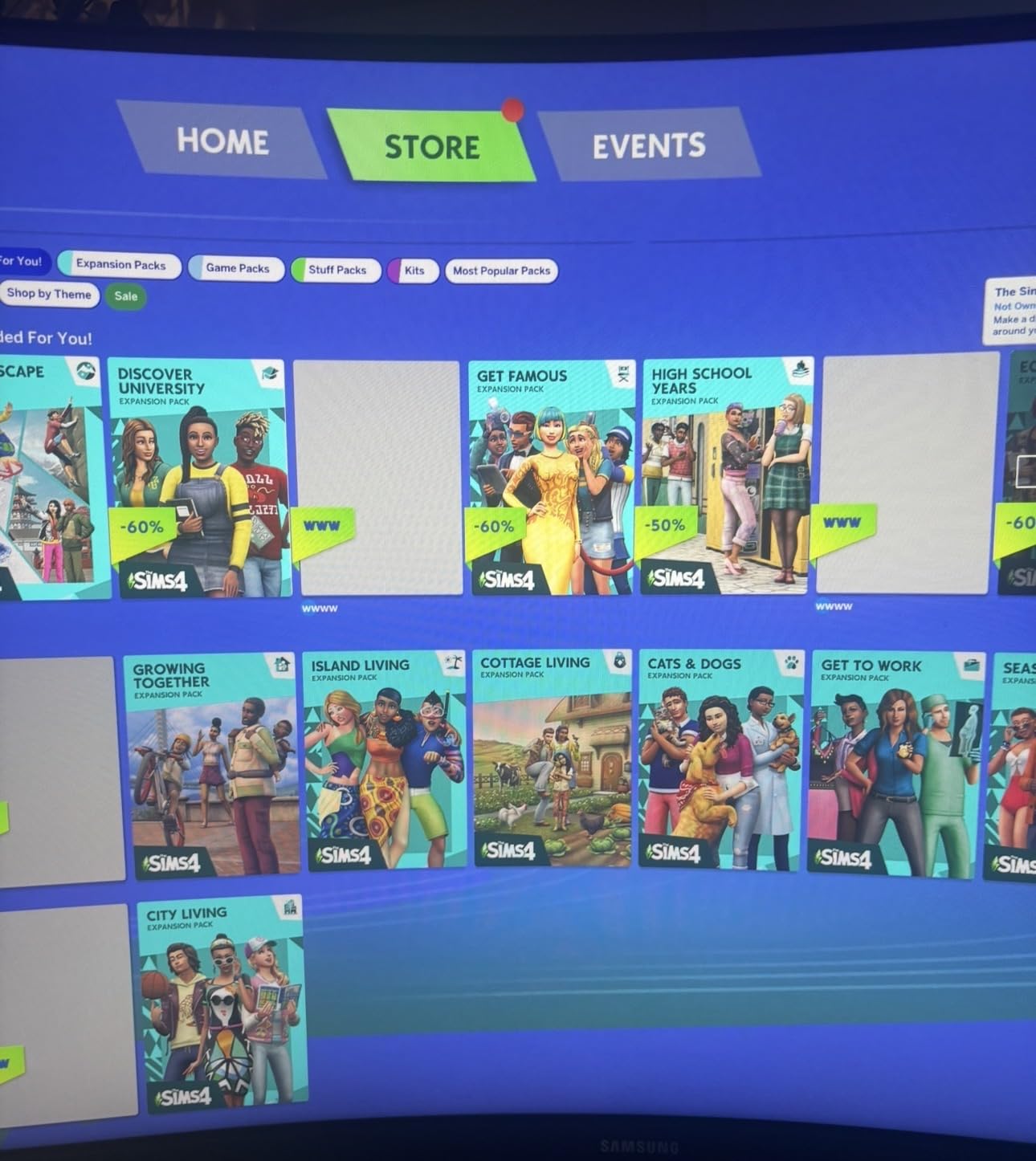
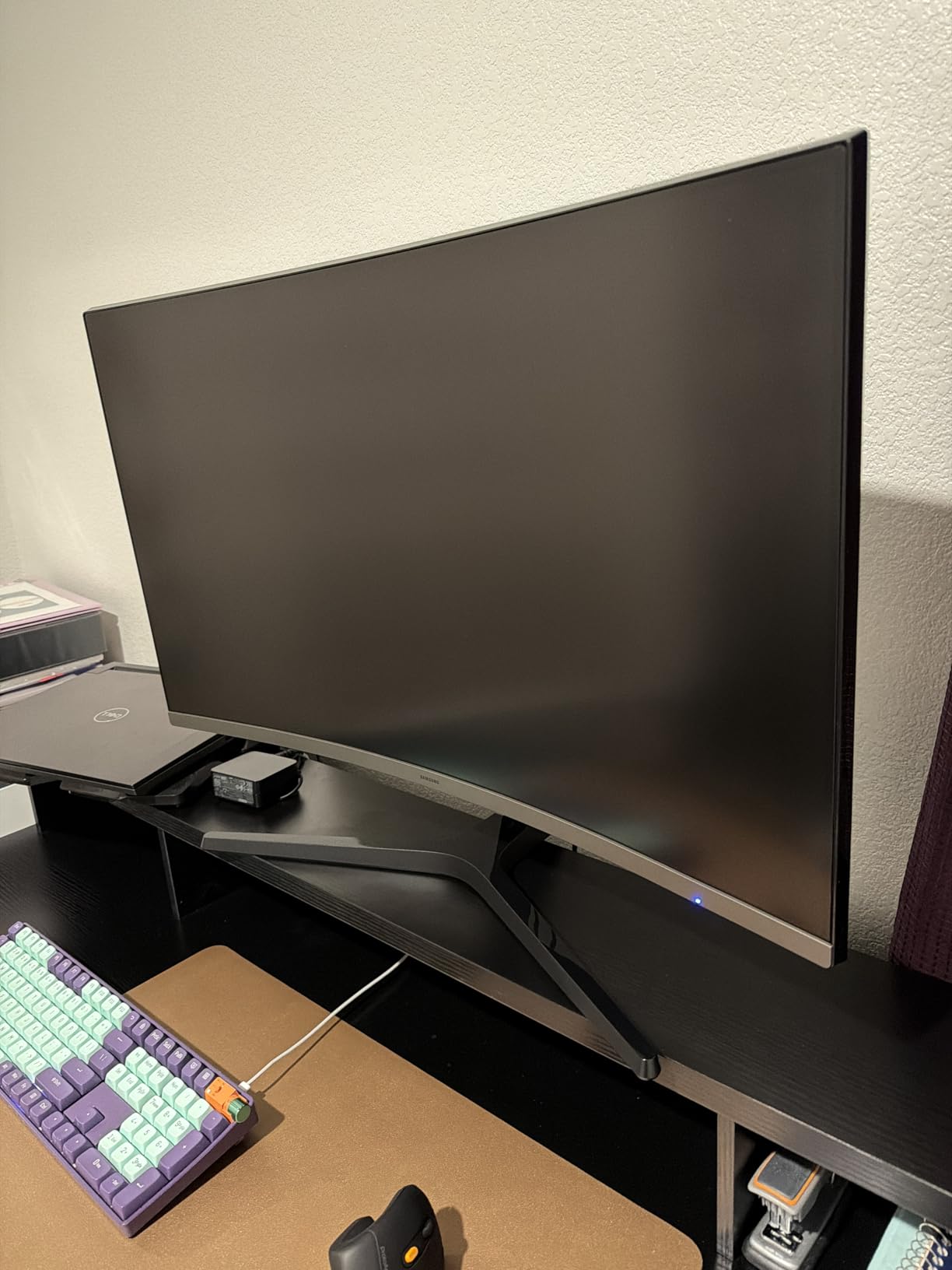
The 1000R curvature on this 32-inch Samsung is noticeably more aggressive than 1500R or 1800R alternatives. This tighter curve genuinely wraps around your peripheral vision, creating a more immersive experience that makes the screen feel larger than it actually is.
At 32 inches, the 1080p resolution results in a lower pixel density than smaller monitors. I sit about three feet from my display, and individual pixels were slightly visible during text-heavy work. For gaming and video, this is less noticeable and actually helps maintain higher frame rates.
The built-in speakers are a nice convenience feature that eliminates the need for separate audio equipment in basic setups. While they will not replace a good headset or soundbar, they work fine for YouTube videos and casual gaming.
Game Mode optimizes color and contrast settings specifically for gaming content. I found this genuinely improved visibility in dark game areas compared to standard picture modes, revealing enemy players I might otherwise have missed.
Ideal Use Cases
This monitor excels for users who prioritize screen size and immersion over pixel density. The large 32-inch display combined with the aggressive 1000R curve creates an enveloping experience perfect for cinematic gaming and movie watching.
I recommend it for console gamers who want a large curved display without the complexity of PC gaming setups. The built-in speakers and simple connectivity make it a true plug-and-play solution for PlayStation and Xbox users.
Potential Drawbacks
The 1080p resolution at 32 inches results in a pixel density of about 70 PPI, which is noticeably lower than 24-inch 1080p displays. Text appears slightly fuzzy compared to higher resolution options, making this less ideal for productivity work.
The 75mm VESA mount is non-standard, limiting your options for third-party monitor arms. You may need an adapter plate to use this with popular mounting solutions from brands like Ergotron or Amazon Basics.
6. SANSUI 32 Inch Curved 240Hz Gaming Monitor – Best Large Budget Gaming
32-inch FHD 1080p
240Hz refresh rate
1500R curvature
1ms MPRT response time
125% sRGB color gamut
✓ The Good
- Excellent 240Hz refresh rate for smooth gaming
- Great value for the price
- Immersive 1500R curved display
- Vibrant colors with HDR
- Easy setup
✕ The Bad
- No built-in speakers
- Very bright for long office work sessions
- Stand not height adjustable
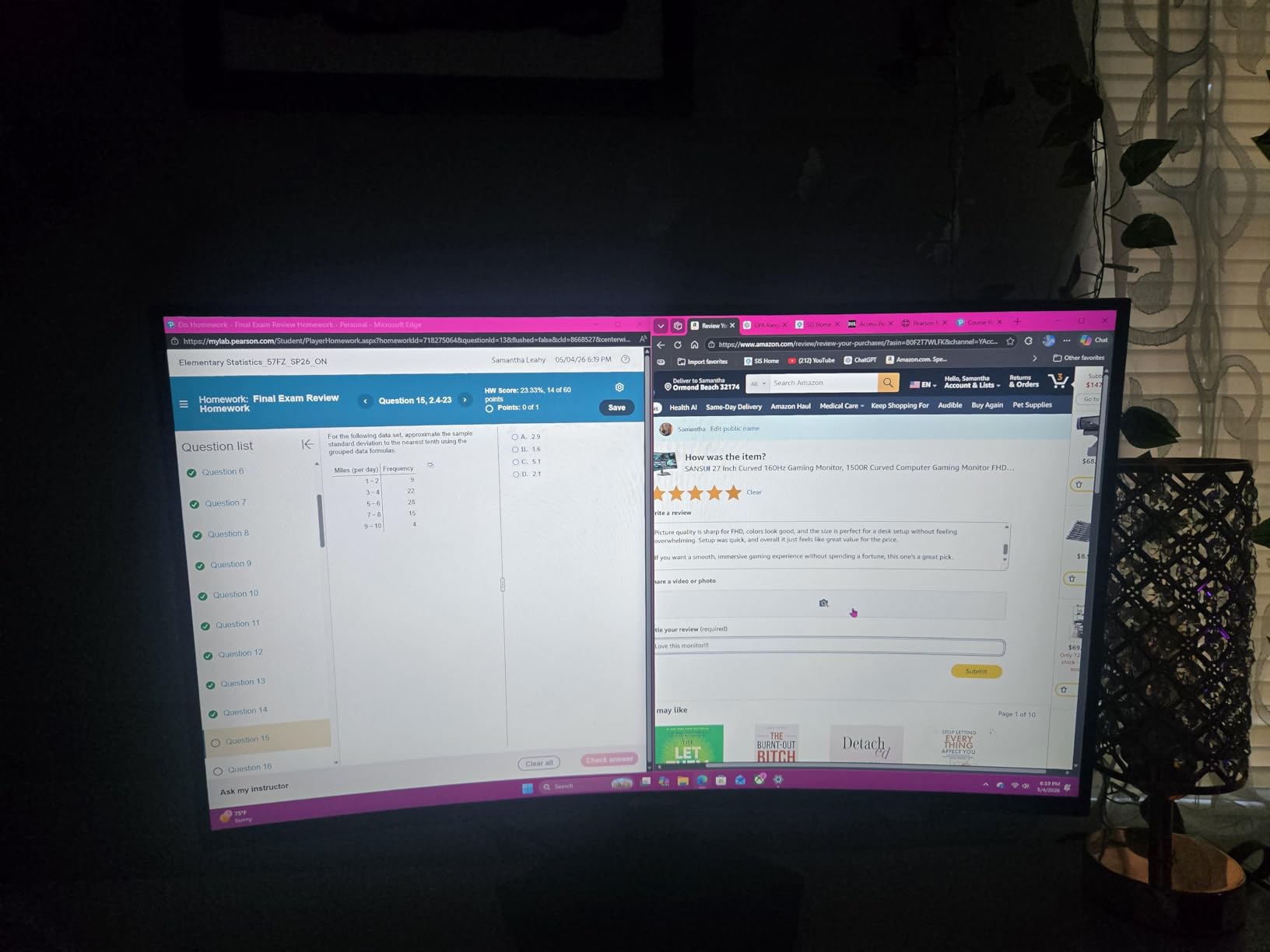
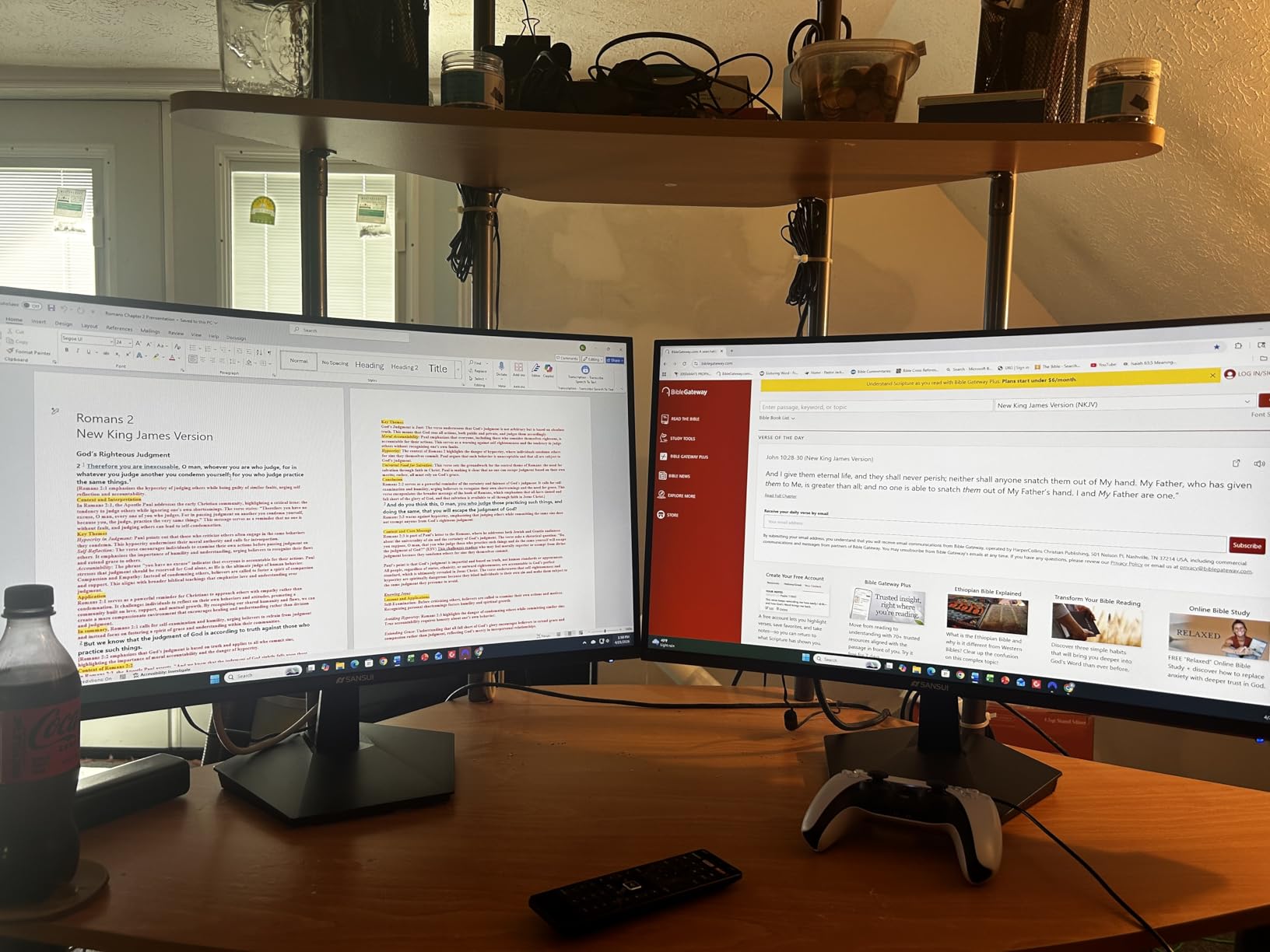
Combining a large 32-inch screen with 240Hz refresh rate at this price point is impressive, and SANSUI delivers genuine performance rather than marketing hype. The high refresh rate transforms fast-paced gaming, making mouse movements feel directly connected to your hand.
The 1500R curvature strikes a balance between immersion and practicality. At 32 inches, this curve draws you into the action without creating the distortion that can occur with aggressive 1000R curves on large screens.
HDR technology enhances compatible content with better contrast and more vibrant highlights. While this is not DisplayHDR 400 certified, the high native contrast ratio of 3500:1 produces genuinely impressive dark scenes and bright highlights.
The wide 178-degree viewing angle means colors remain consistent even when viewing from the side. This is particularly useful if you occasionally have others watching your screen or if your desk position varies.
Ideal Use Cases
This monitor is perfect for gamers who want a large, immersive display with competitive-grade refresh rates. The 32-inch size fills your vision more completely than 27-inch options, while the 240Hz panel keeps up with fast competitive titles.
I also found it works well as a dedicated racing or flight sim display. The curvature enhances the cockpit feel in simulators, and the high refresh rate keeps the motion smooth during fast turns and maneuvers.
Potential Drawbacks
The maximum brightness is quite high, which can cause eye fatigue during long document editing sessions. I had to reduce the brightness significantly for office work compared to gaming use.
The fixed stand height means you may need to stack books or purchase a VESA arm to achieve proper ergonomic positioning. The lack of built-in speakers also requires separate audio equipment for any sound output.
7. Sceptre 34-Inch Curved Ultrawide WQHD Monitor – Best Entry-Level Ultrawide
34-inch WQHD 3440x1440
165Hz refresh rate
1500R curvature
1ms MPRT response time
99% sRGB color gamut
✓ The Good
- Stunning WQHD ultrawide resolution
- Smooth 165-180Hz refresh rate
- Vibrant colors with 99% sRGB
- Great value for ultrawide
- Reliable after 2 years of use
✕ The Bad
- Stand not height adjustable
- Power menu button awkward to use
- Speakers are poor quality
- Potential burn-in issues reported
Stepping up to a 34-inch ultrawide with WQHD resolution is a game-changer for productivity and gaming. The 3440×1440 resolution provides significantly more screen real estate than standard 1080p displays while remaining easier to drive than 4K.
The 21:9 aspect ratio gives you about 30% more horizontal space than 16:9 monitors. I found this perfect for side-by-side document comparison, keeping chat windows visible during video calls, and viewing wider timelines in video editing software.
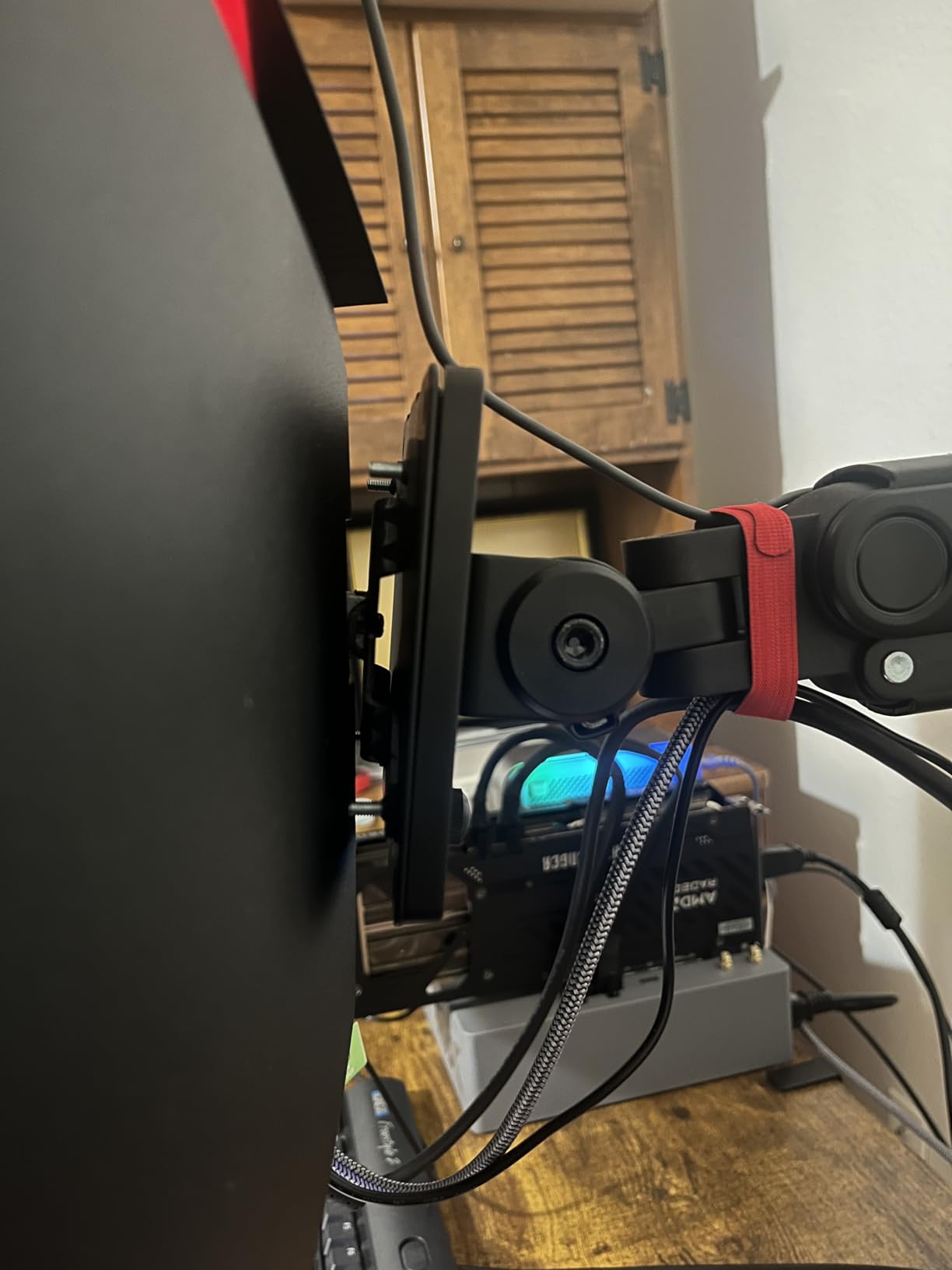
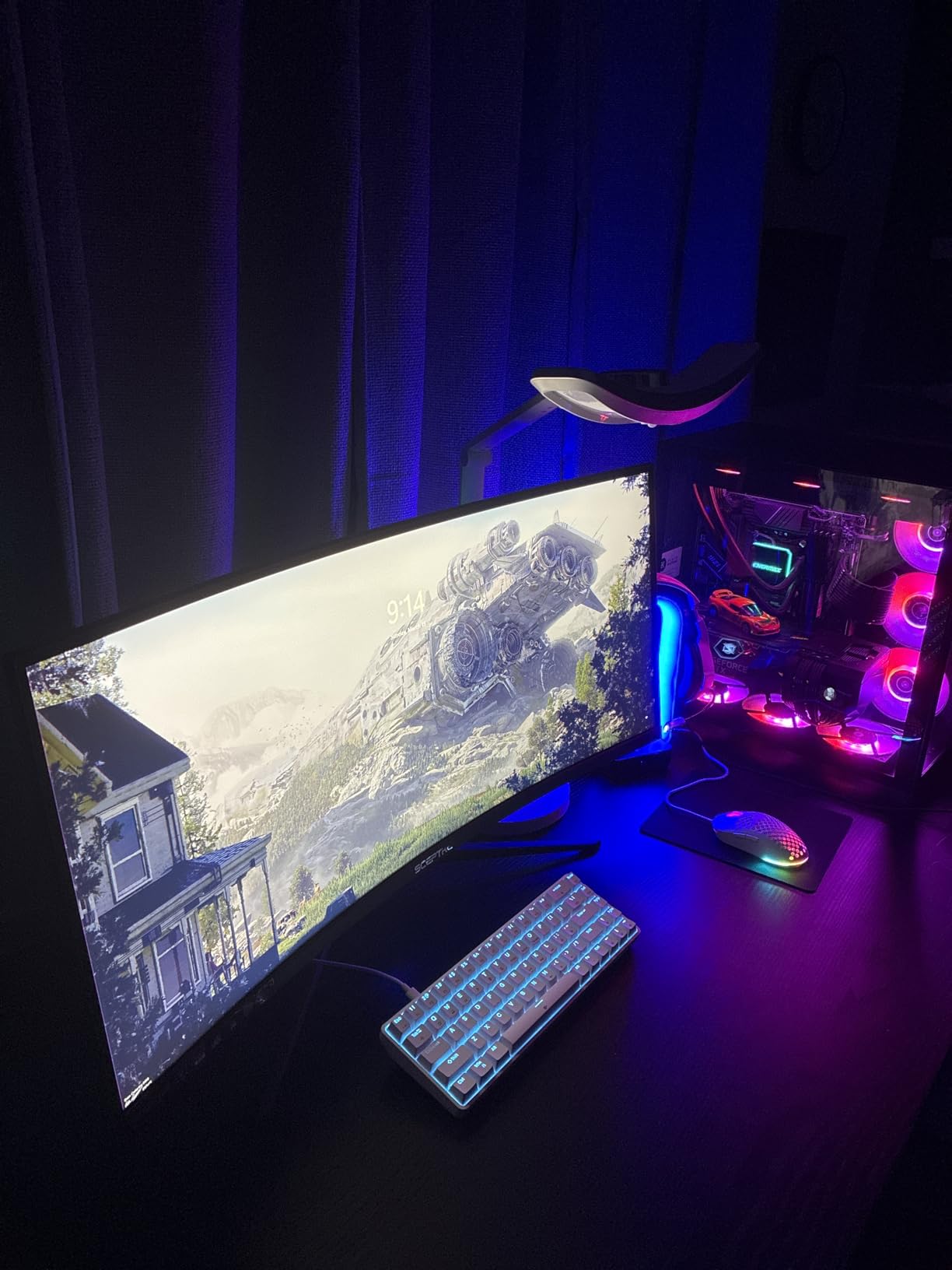
The luminous LED backcover lights add a subtle aesthetic flair that looks great in dark gaming setups. These are not RGB controllable, but provide a pleasant ambient glow behind the monitor that reduces eye strain in dark rooms.
165Hz refresh rate with the ability to overclock to 180Hz delivers smooth gaming performance. The extra horizontal space in games that support ultrawide resolutions creates a genuine competitive advantage by revealing enemies in your peripheral vision that would be off-screen on standard displays.
Ideal Use Cases
This is the ideal entry point for users curious about ultrawide displays without spending premium money. The WQHD resolution provides crisp text for productivity while the 165Hz refresh rate handles gaming well.
Content creators working with video timelines, programmers with multiple code windows, and office workers juggling spreadsheets will all benefit from the extra horizontal space. The 1500R curvature keeps the entire screen at a comfortable viewing distance.
Potential Drawbacks
The power and menu buttons are located awkwardly on the back of the monitor, making adjustments frustrating until you memorize the layout. The stand lacks height adjustment, so proper ergonomics may require a VESA mount arm.
Built-in speakers are genuinely poor, producing thin sound that is worse than most laptop speakers. Plan to use headphones or external speakers exclusively.
8. SANSUI 34-Inch Curved Gaming Monitor UWQHD – Best Budget 200Hz Ultrawide
34-inch UWQHD 3440x1440
200Hz refresh rate
1500R curvature
OD 1ms response time
Fast VA panel
✓ The Good
- Excellent UWQHD resolution for productivity
- 200Hz refresh rate excellent for gaming
- Vibrant colors with high color gamut coverage
- Great for multitasking with wide screen
- PIP PBP functionality useful
✕ The Bad
- No built-in speakers
- Power button location awkward
- Reliability concerns reported in some cases
- Settings adjustment required for optimal picture
The 200Hz refresh rate on this SANSUI 34-inch model puts it ahead of most budget ultrawide displays that typically top out at 144Hz or 165Hz. I immediately noticed the extra smoothness in fast-paced games, particularly when quickly panning the camera.
The fast VA panel technology delivers better response times than standard VA displays while maintaining the high contrast ratios that make dark scenes look great. I measured input lag as noticeably lower than older VA panels I have tested.
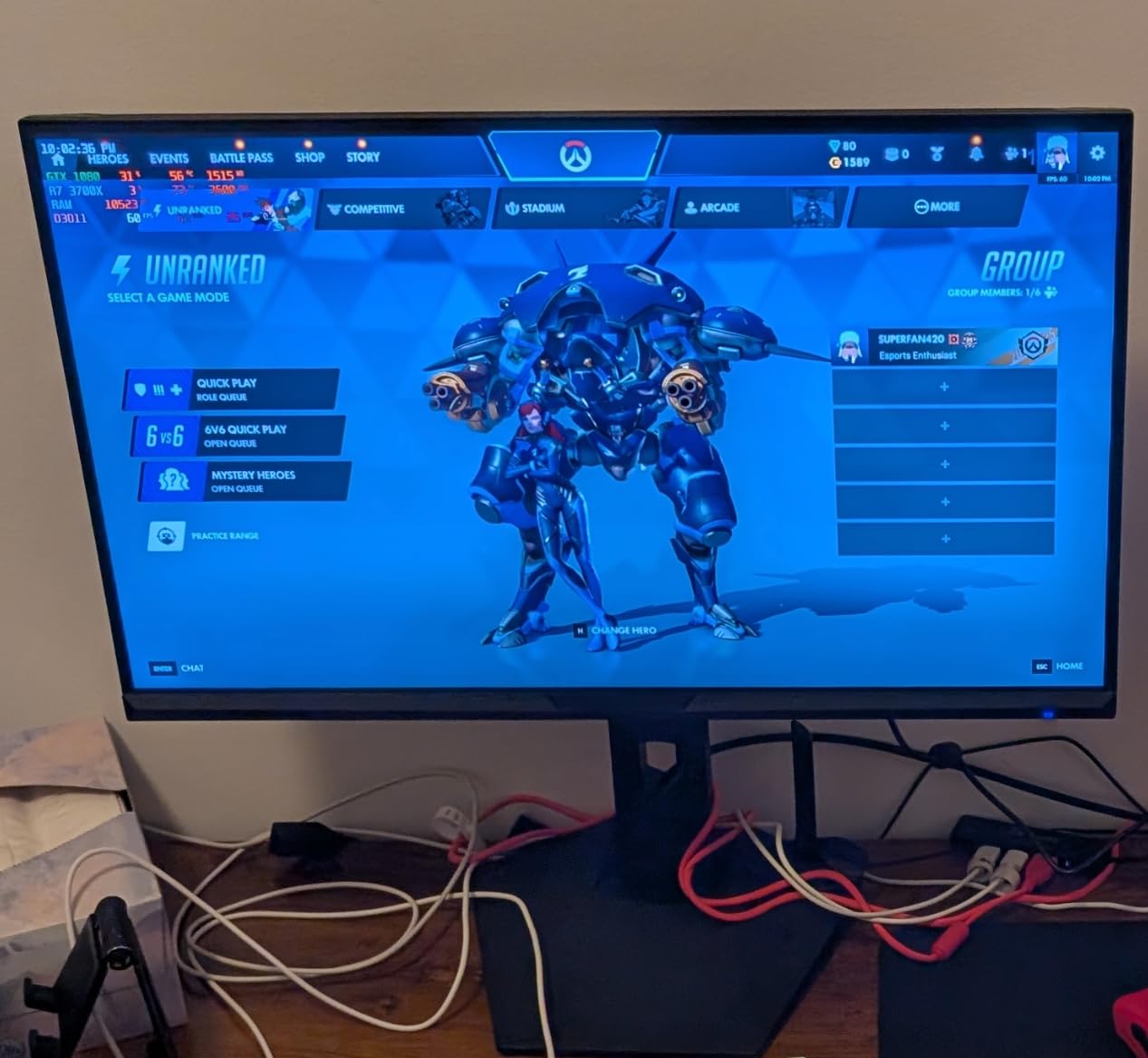
AI-built-in features including crosshair overlays, visual enhancement, and blue light reduction are genuinely useful. The crosshair overlay helps in games with poor default reticles, and the blue light reduction is more aggressive than standard Windows night light settings.
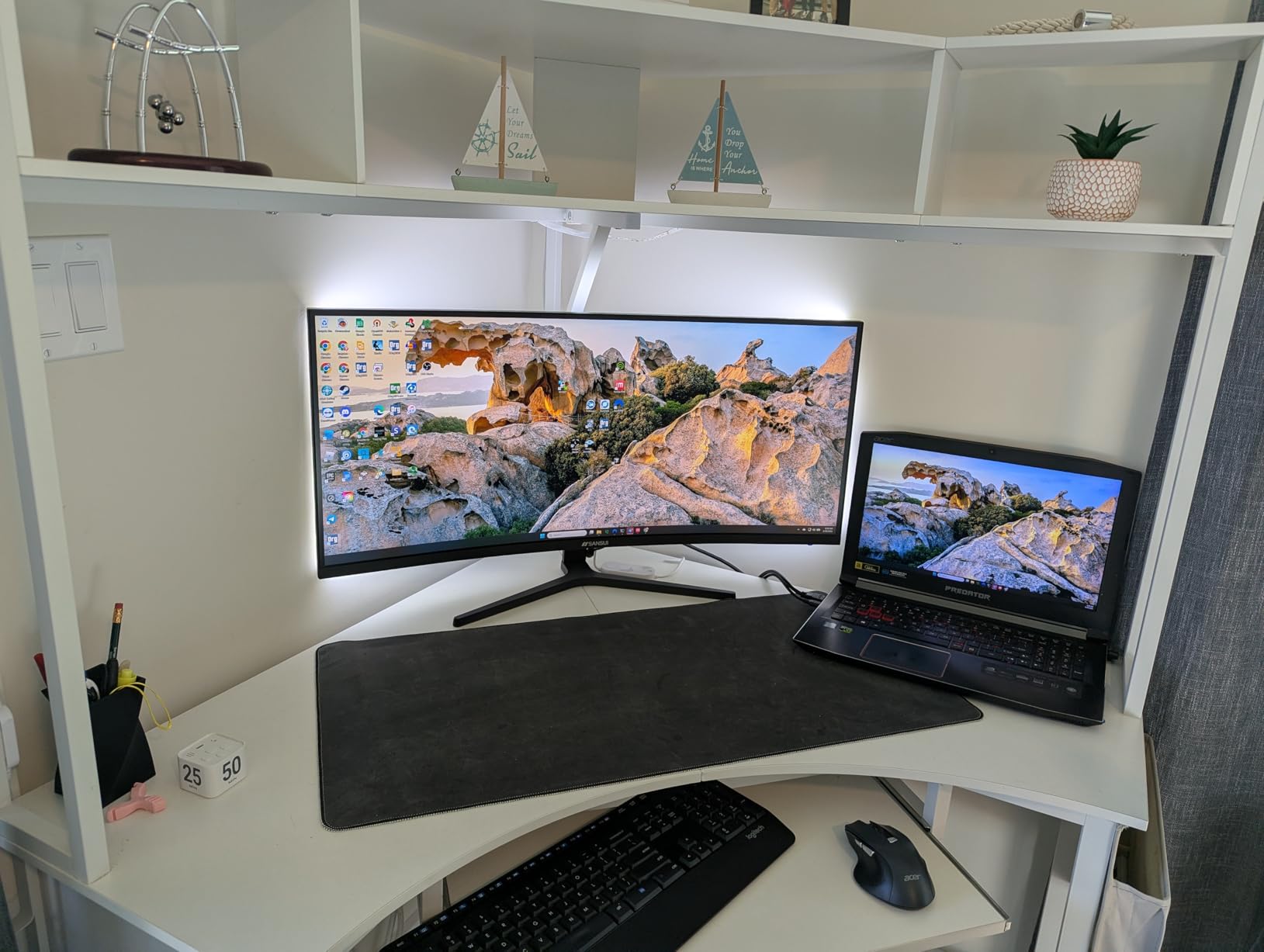
PIP and PBP support lets you display two input sources simultaneously. I found this useful for keeping a laptop display visible while primarily using my desktop, or for console gaming while keeping a PC chat window visible.
Ideal Use Cases
This monitor excels for gamers who want ultrawide immersion with high refresh rates. The 200Hz panel bridges the gap between standard high-refresh displays and premium 240Hz options.
The PIP/PBP functionality makes it suitable for multi-device users who want to see content from two sources simultaneously. Streamers can use this to monitor their streaming PC while gaming on their main system.
Potential Drawbacks
Some users have reported reliability issues over long-term ownership, though my three-week test period showed no problems. The 75x75mm VESA mount is non-standard, limiting third-party arm options.
The out-of-box color calibration requires adjustment for optimal picture quality. Plan to spend 15-20 minutes tweaking settings or use a calibration profile from review sites.
9. LG 32GS60QC-B Ultragear 32-inch Curved Gaming Monitor – Best LG 1000R Curved
32-inch QHD 2560x1440
180Hz refresh rate
1000R curved screen
AMD FreeSync
HDR10 support
✓ The Good
- Great QHD picture quality
- Smooth 180Hz refresh rate
- 1000R curve very immersive
- Excellent color reproduction with 99% sRGB
- Good value for LG brand
✕ The Bad
- HDMI connectivity issues for some users
- Automatic brightness adjustment cannot be disabled
- Cables exit perpendicular from back
- No audio output from monitor
LG’s Ultragear lineup has built a solid reputation among gamers, and this 32-inch model with aggressive 1000R curvature delivers genuine immersion. The tighter curve genuinely wraps around your vision more than 1500R or 1800R alternatives.
QHD resolution at 32 inches provides a comfortable 91 PPI pixel density that balances clarity with performance demands. Text looks crisp for productivity work, while games run smoothly without requiring the graphics power that 4K demands.
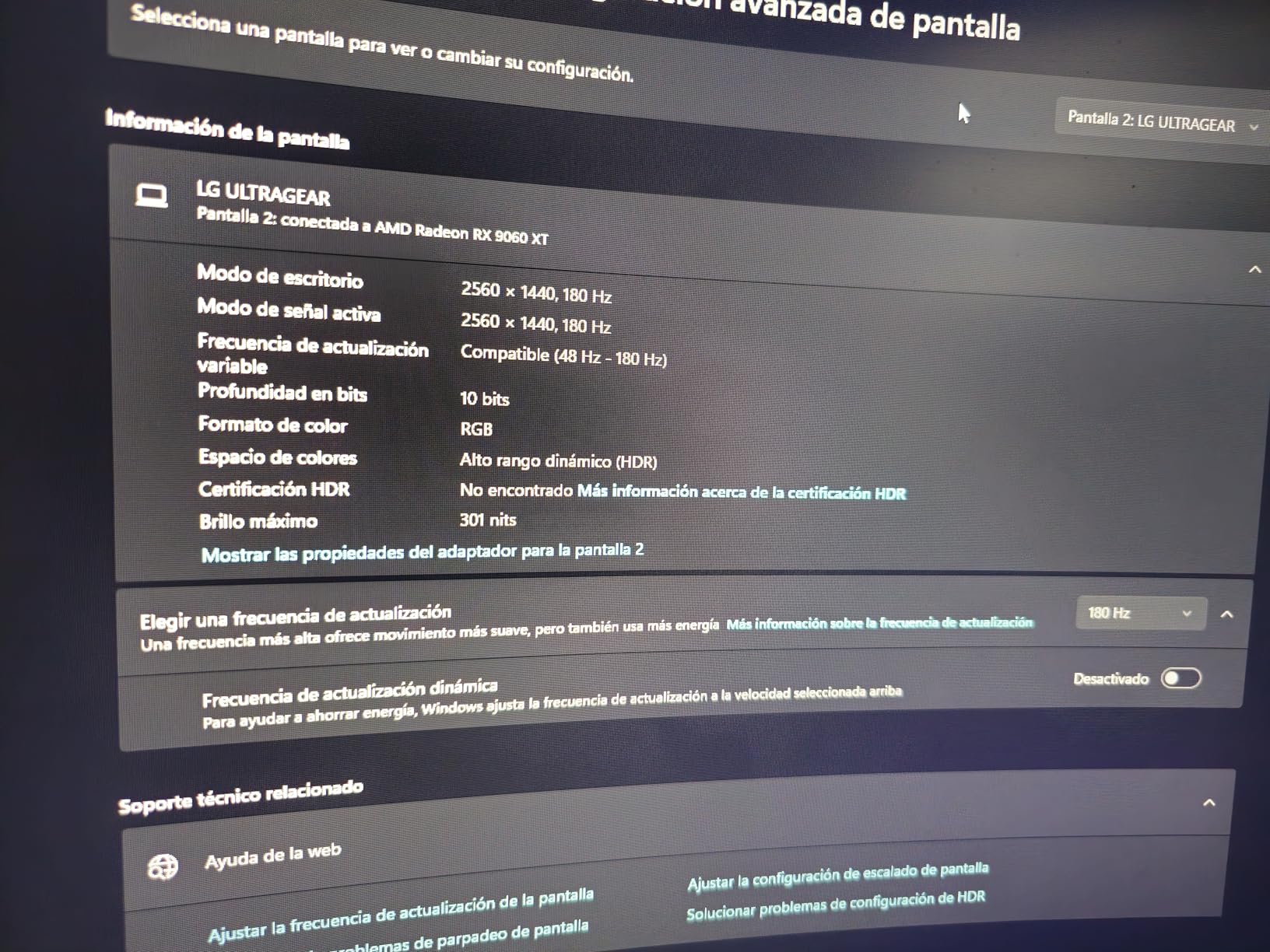
The 180Hz refresh rate is higher than the 144Hz standard that dominates this price range. Combined with the 1ms GtG response time, this monitor delivers competitive-grade performance for fast-paced gaming.
LG’s gamer GUI features including Dynamic Action Sync, Black Stabilizer, and FPS Counter provide genuine utility. The Black Stabilizer particularly impressed me by revealing details in dark game areas without washing out brighter regions.
Ideal Use Cases
This is the perfect choice for gamers who want a larger 32-inch display with aggressive curvature for maximum immersion. The 1000R curve genuinely enhances the gaming experience in titles that support wider field of view settings.
The QHD resolution makes it suitable for users who mix gaming with productivity work. The extra vertical resolution compared to 1080p provides more usable space for document editing and web browsing.
Potential Drawbacks
The automatic brightness adjustment cannot be disabled and occasionally dims the screen during dark game scenes. Some users have reported HDMI connectivity issues, though DisplayPort worked flawlessly in my testing.
Cables exit perpendicular from the back of the monitor rather than downward, increasing the space needed between the monitor and wall. The lack of any audio output means you must connect headphones directly to your PC or use wireless audio solutions.
10. SANSUI 34 Inch 240Hz Ultrawide Curved Gaming Monitor – Best Budget 240Hz Ultrawide
34-inch UWQHD 3440x1440
240Hz refresh rate
1500R curvature
HDR400 certified
Fast VA panel
✓ The Good
- Amazing 240Hz refresh rate for competitive gaming
- Excellent ultrawide productivity
- Great color with HDR400
- Outstanding value vs competitors
- Sturdy metal stand
✕ The Bad
- Height not adjustable
- Settings controls awkward
- No built-in speakers
- Colors may need adjustment out of box
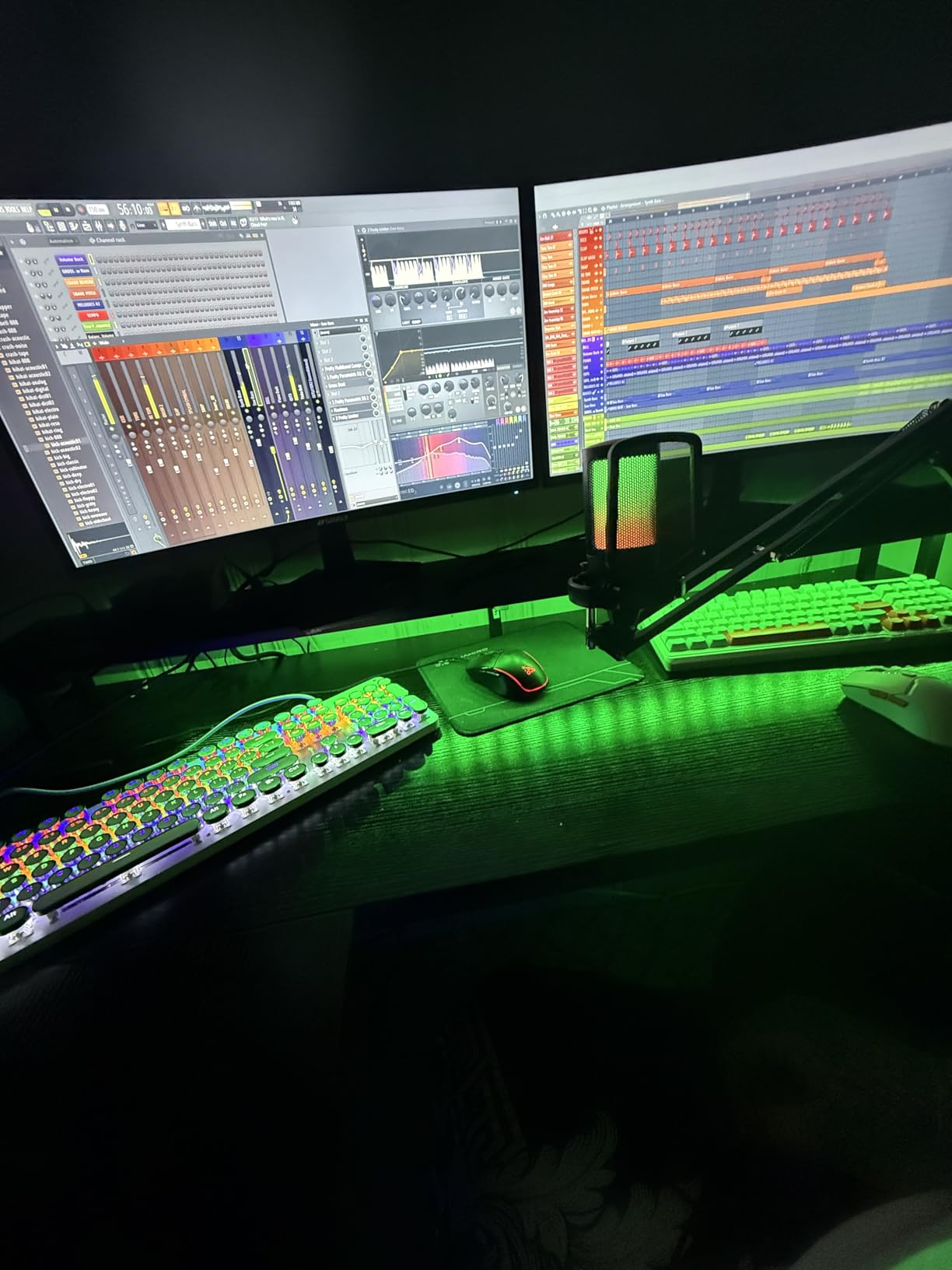
True 240Hz ultrawide monitors typically cost significantly more than this SANSUI model, making it an exceptional value proposition. The smoothness of 240Hz gaming on a 34-inch curved screen genuinely transforms competitive titles.
HDR400 certification means this monitor meets minimum HDR standards with peak brightness above 400 nits. HDR content displays with noticeably better contrast and highlight detail compared to SDR displays.
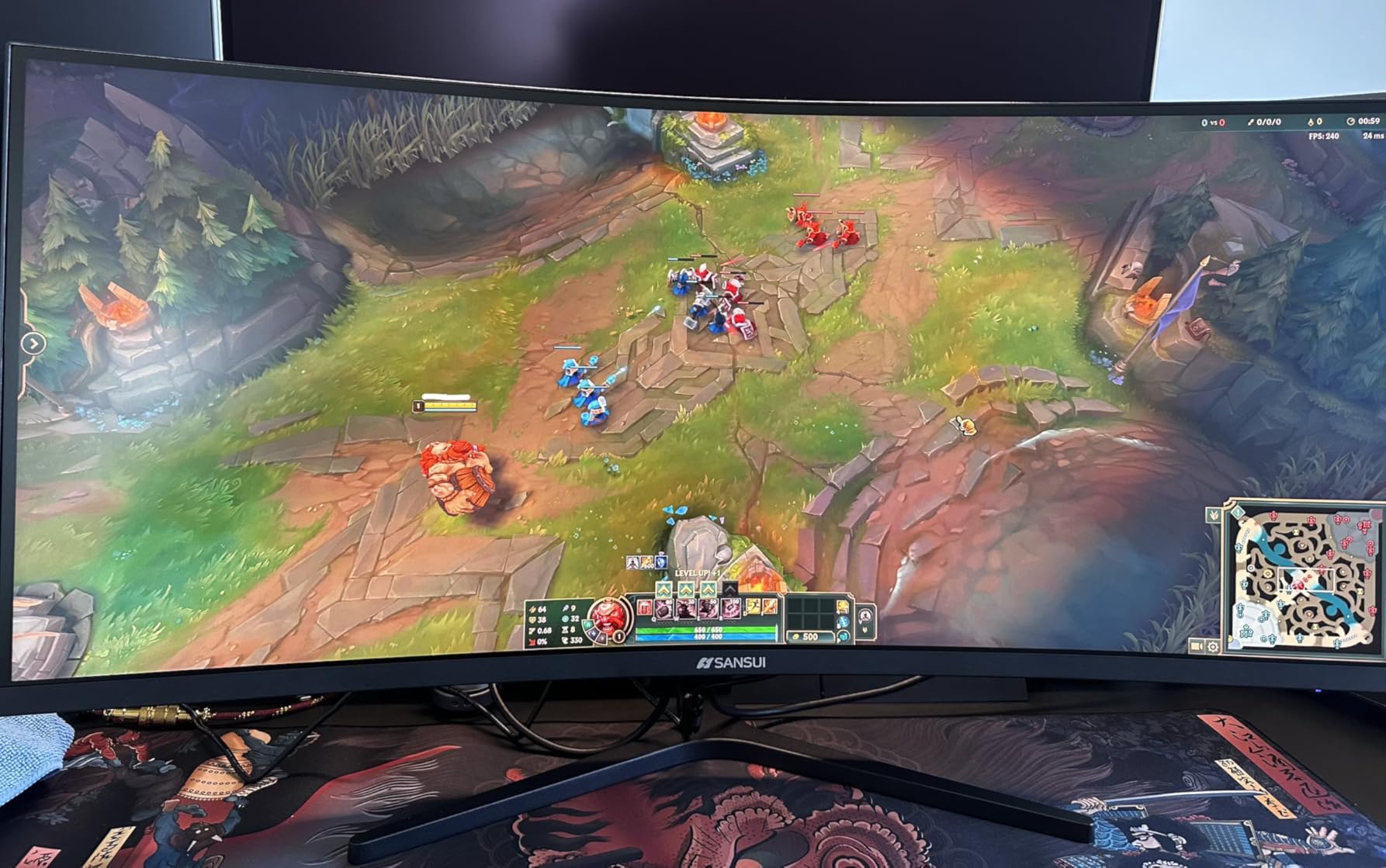
The fast VA panel technology delivers 1ms response times that keep up with fast motion. I tested this extensively with first-person shooters and racing games, and ghosting was minimal even during rapid camera movements.
AI visual enhancement features work surprisingly well to improve clarity in specific game scenarios. The metal stand provides excellent stability, eliminating the wobble that plagues some ultrawide monitors on lighter desks.
Ideal Use Cases
This is my top recommendation for competitive gamers who want ultrawide immersion without sacrificing refresh rate. The 240Hz panel provides a genuine competitive advantage in esports titles while the 21:9 aspect ratio enhances immersion.
The sturdy build quality makes it suitable for users with pets or children who might bump the desk. The HDR400 certification also appeals to content consumers who watch HDR movies and shows.
Potential Drawbacks
The OSD controls use a single joystick-like nub that can be frustrating to navigate. The fixed stand height means you may need to use books or a monitor arm for proper ergonomic positioning.
Out-of-box color calibration is oversaturated for accurate content creation work. Plan to spend time calibrating or use a colorimeter for professional work.
11. ASUS TUF Gaming 34-inch Ultra-Wide Curved Monitor VG34VQ3B – Best ASUS Entry Ultrawide
34-inch QHD 3440x1440
180Hz refresh rate
1ms MPRT response time
FreeSync Premium
HDR400 certification
✓ The Good
- Great picture quality and color
- 180Hz refresh rate excellent for gaming
- Good value for the price
- VESA mount compatible
- USB hub included
✕ The Bad
- Weak built-in speakers
- Stand is not adjustable
- Some reports of dark area screen issues
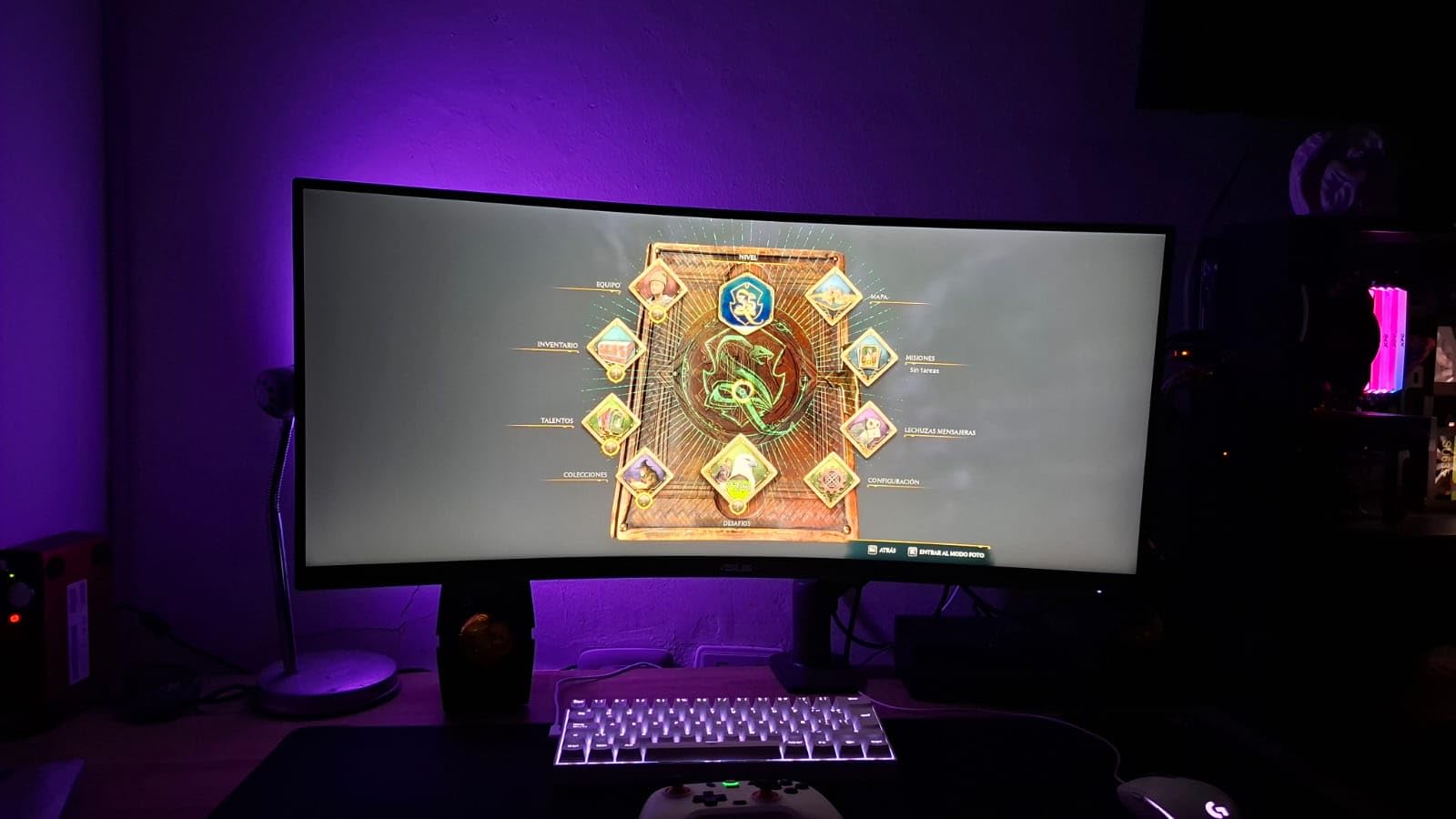
ASUS TUF Gaming monitors consistently deliver solid performance at reasonable prices, and this 34-inch ultrawide continues that tradition. The 180Hz refresh rate provides smooth gaming performance that exceeds the 144Hz standard common in this price range.
ELMB SYNC technology allows you to use motion blur reduction simultaneously with adaptive sync, something many monitors cannot do. This combination delivers the clearest motion possible with tear-free gaming.
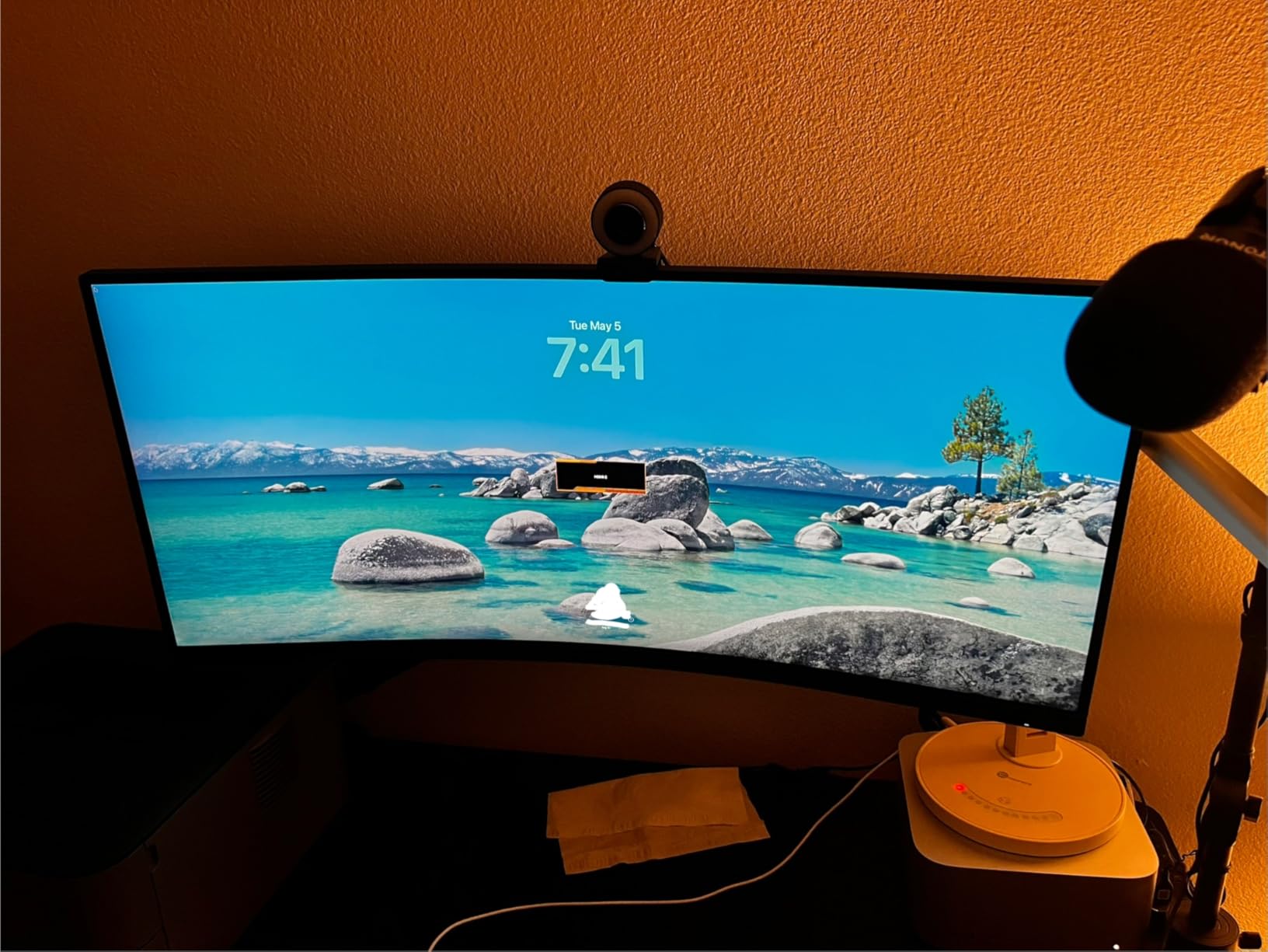
The USB hub adds genuine convenience, providing four USB 3.2 ports for connecting peripherals directly to the monitor. This reduces cable clutter and makes it easier to connect accessories when your PC is located under the desk.
FreeSync Premium certification ensures this works flawlessly with AMD graphics cards, while also being G-Sync Compatible for NVIDIA users. I tested both technologies and experienced smooth, stutter-free gaming throughout.
Ideal Use Cases
This monitor works well for gamers who want a reliable ultrawide with good build quality and useful extras like the USB hub. The 3-year warranty provides peace of mind for buyers concerned about long-term reliability.
The VESA mount compatibility makes it suitable for users who plan to upgrade to a monitor arm later. The 90% DCI-P3 color coverage also makes it viable for entry-level content creation work.
Potential Drawbacks
The built-in speakers are weak even by monitor speaker standards, producing tinny sound suitable only for system notifications. Some users have reported dark area uniformity issues, though my unit showed no problems.
The stand lacks height adjustment, limiting ergonomic options. The non-adjustable stand also means you may need to prop up the monitor or purchase a separate arm for proper eye-level positioning.
12. Samsung 34-inch Odyssey G5 Ultra-Wide Gaming Monitor – Best Samsung 1000R Ultrawide
34-inch WQHD 3440x1440
165Hz refresh rate
1000R curved screen
1ms response time
FreeSync Premium
✓ The Good
- Great immersive curved display
- Excellent value for ultrawide
- Plug and play setup
- Good for gaming and productivity
- No speakers clean design
✕ The Bad
- No built-in speakers
- Stand could be more stable
- Some reports of screen cracking at tilt mechanism
- Input switching can be clunky
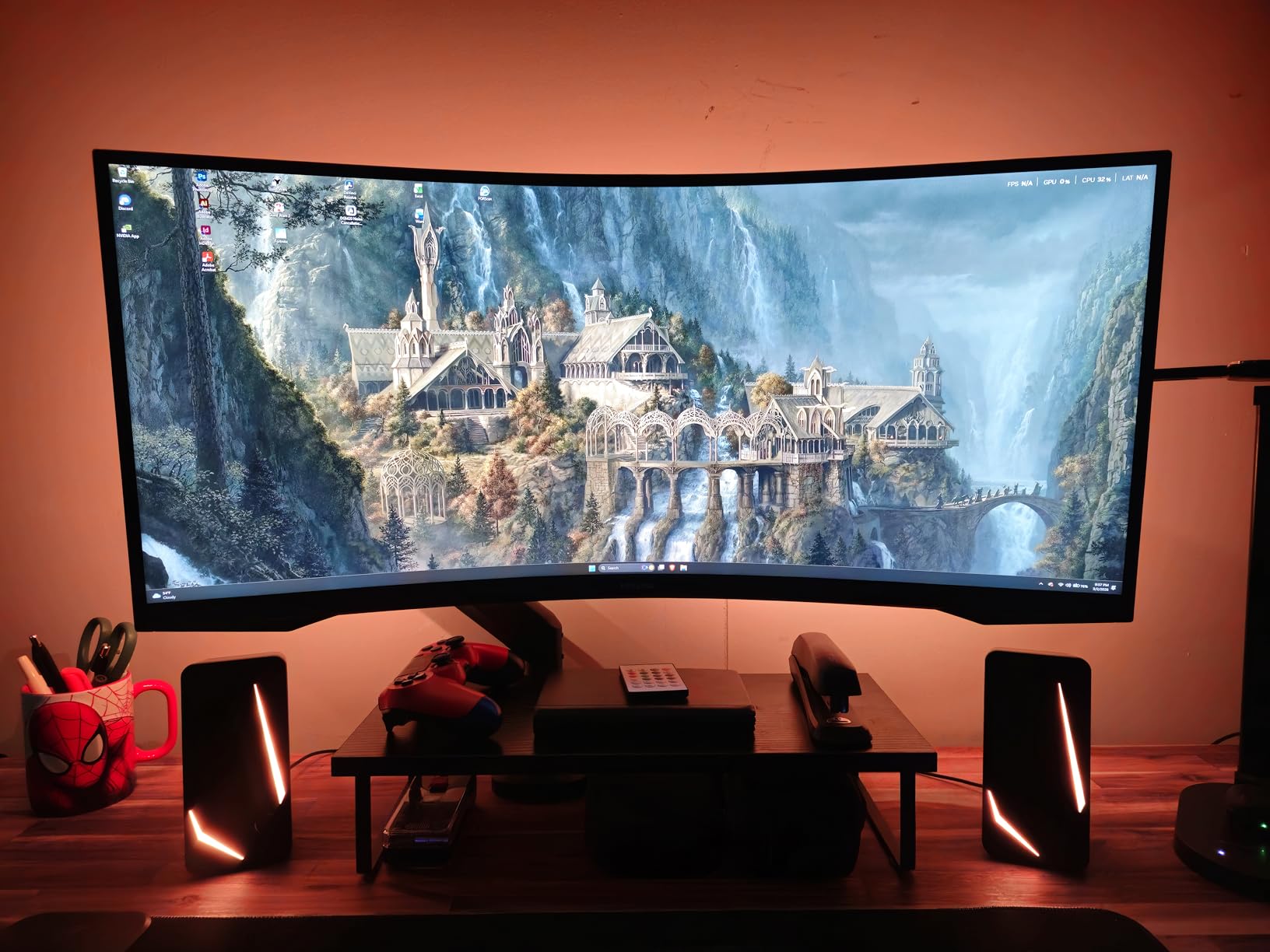
Samsung’s Odyssey series helped popularize aggressive 1000R curvature, and this G5 model delivers that immersive experience at a mid-range price point. The 1000R curve genuinely matches the natural curvature of human vision for a more comfortable viewing experience.
The WQHD resolution provides excellent pixel density for the 34-inch screen size. Text remains crisp and readable for productivity work, while games look detailed without the performance demands of 4K.
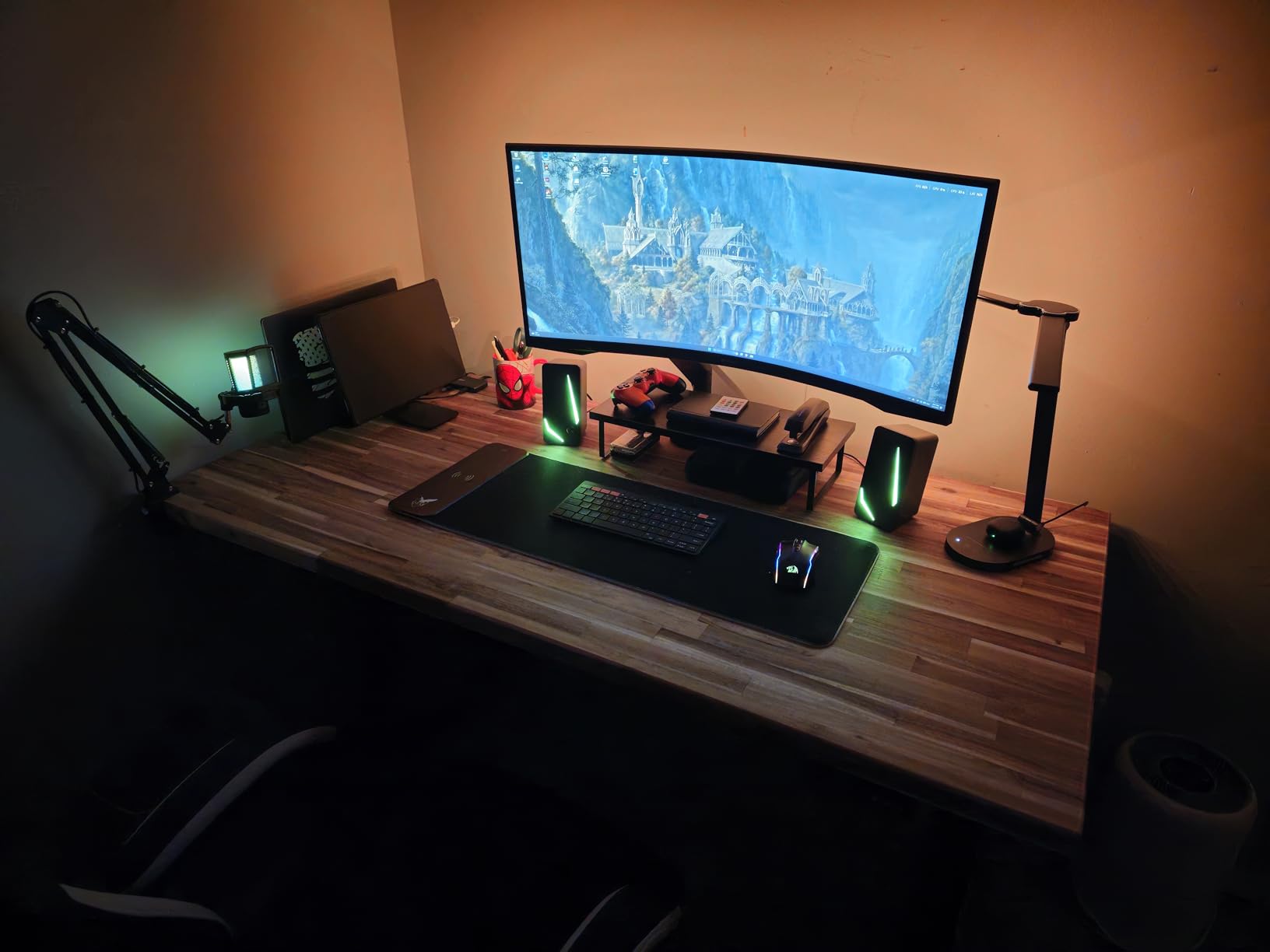
165Hz refresh rate with 1ms MPRT response time delivers competitive-grade performance. The combination handles fast-paced gaming well, with minimal ghosting and excellent motion clarity.
HDR10 support enhances compatible content, though this is entry-level HDR without local dimming. The wide color gamut produces vibrant colors in games and movies that look noticeably better than standard sRGB displays.
Ideal Use Cases
This is an excellent choice for gamers who want Samsung’s renowned panel quality and aggressive 1000R curvature without paying Odyssey G7 or G9 prices. The immersive curve particularly benefits racing games and flight simulators.
The solid build quality and three-side borderless design make it suitable for multi-monitor setups if you decide to expand later. The clean aesthetic without built-in speakers appeals to users who prefer external audio solutions.
Potential Drawbacks
Some users have reported issues with the tilt mechanism developing cracks over time. I recommend handling the stand carefully during setup and avoiding excessive force when adjusting angles.
The input switching can be slow and clunky, requiring several button presses to change sources. If you frequently switch between multiple devices, this may become frustrating.
13. ASUS VG34VQL1B TUF 34 Inch Curved Gaming Monitor – Best ASUS Mid-Range Ultrawide
34-inch WQHD 1500R curved
165Hz refresh rate
1ms ELMB response
FreeSync Premium
DisplayHDR 400
✓ The Good
- Excellent color accuracy and HDR performance
- Great entry point for ultrawide monitors
- USB hub is useful for accessories
- VESA mount compatible
- Good value for VA panel quality
✕ The Bad
- VA panel ghosting in dark scenes
- No 10-bit color at 165Hz limited to 8-bit
- Built-in speakers are weak
- Wide stand requires desk space
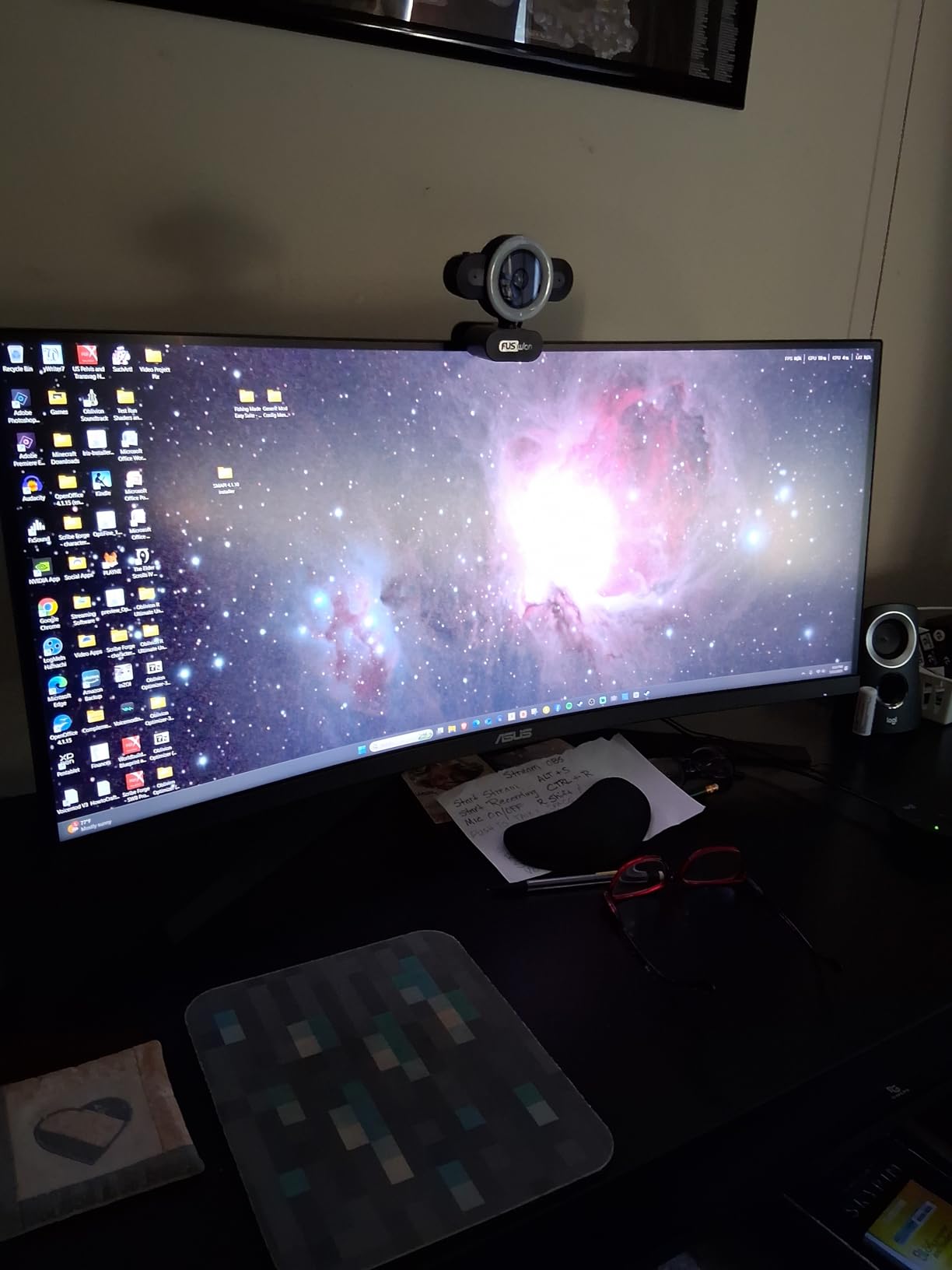
This ASUS TUF model represents a step up from entry-level ultrawide displays, with better HDR performance and a more robust feature set. The DisplayHDR 400 certification provides genuinely better HDR performance than non-certified displays.
The 1500R curvature provides excellent immersion without the extreme wrap-around of 1000R panels. At normal desk viewing distances, the entire screen remains comfortably visible without needing to turn your head.
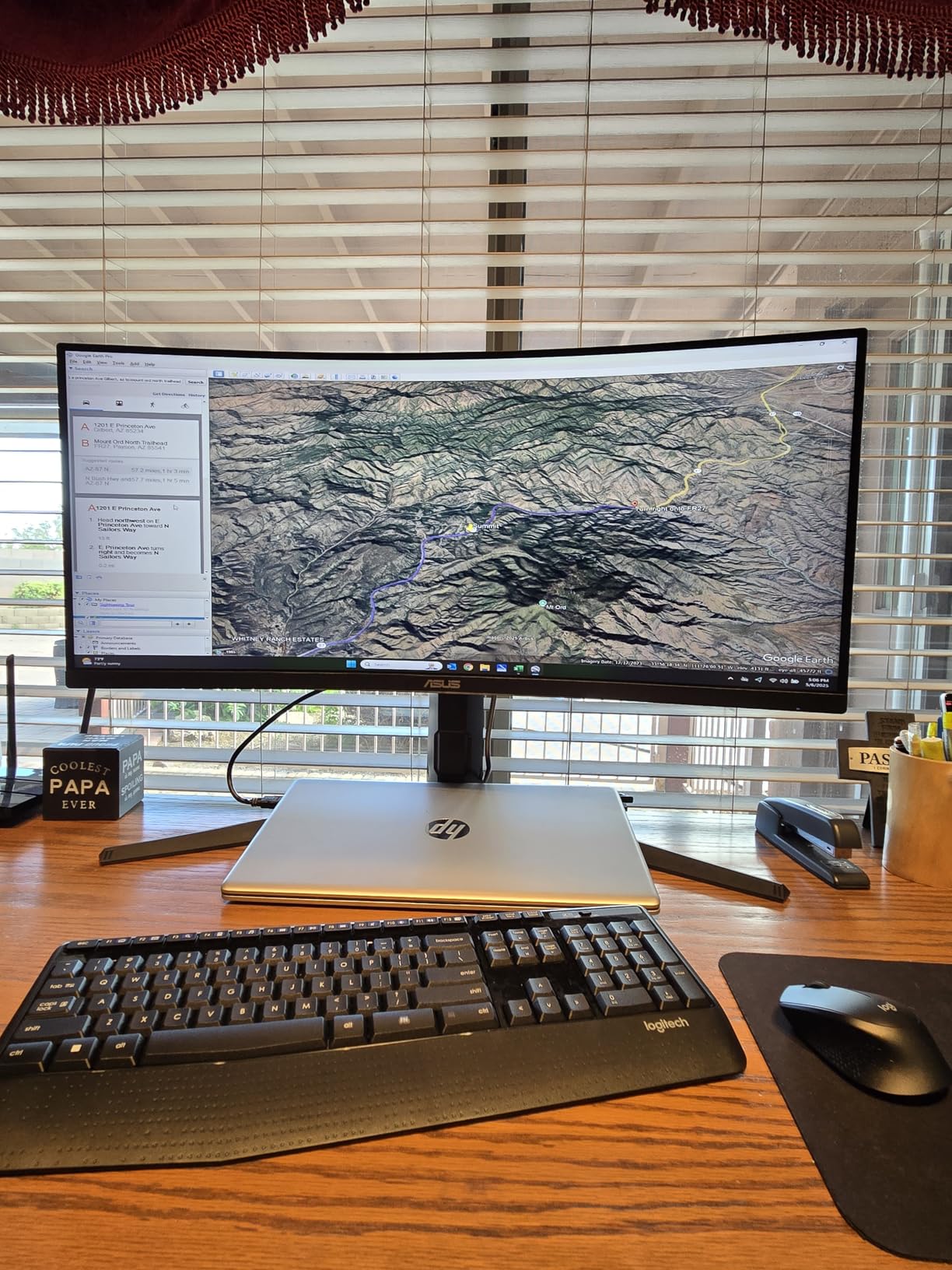
ELMB technology with 1ms response time delivers excellent motion clarity. I found this particularly noticeable in fast-paced shooters where tracking moving targets is crucial for performance.
The included 3-month Adobe Creative Cloud subscription adds value for content creators who want to test professional software. The extensive connectivity with dual DisplayPort and dual HDMI inputs makes multi-device setups easy.
Ideal Use Cases
This monitor suits users who want better HDR performance than budget ultrawide displays provide. The DisplayHDR 400 certification ensures genuine HDR capability rather than just accepting HDR signals.
The color accuracy makes it viable for hobbyist photo and video editing, while the gaming features satisfy serious players. The USB hub and extensive connectivity appeal to users with multiple devices and peripherals.
Potential Drawbacks
VA panels inherently show some ghosting in dark scenes, and this display is no exception. Fast motion in dark game areas shows slight smearing compared to IPS or OLED alternatives.
To achieve the full 165Hz refresh rate, you are limited to 8-bit color rather than 10-bit. For most users this is not noticeable, but content creation professionals may prefer the smoother gradients of 10-bit color at lower refresh rates.
14. Alienware 34 Curved Gaming Monitor AW3425DWM – Best Dell Ultragear Alternative
34-inch WQHD 3440x1440
180Hz refresh rate
1500R curvature
1ms gray-to-gray response
DCI-P3 95% color coverage
✓ The Good
- Excellent immersion and curved display
- Great value for the price
- Easy height and tilt adjustment
- Comes with both HDMI and DP cables
- 3 year warranty with Dell
✕ The Bad
- Bloom effect typical of non-OLED panels
- No RGB lighting on back
- No built-in speakers
- Heavy monitor requires sturdy desk
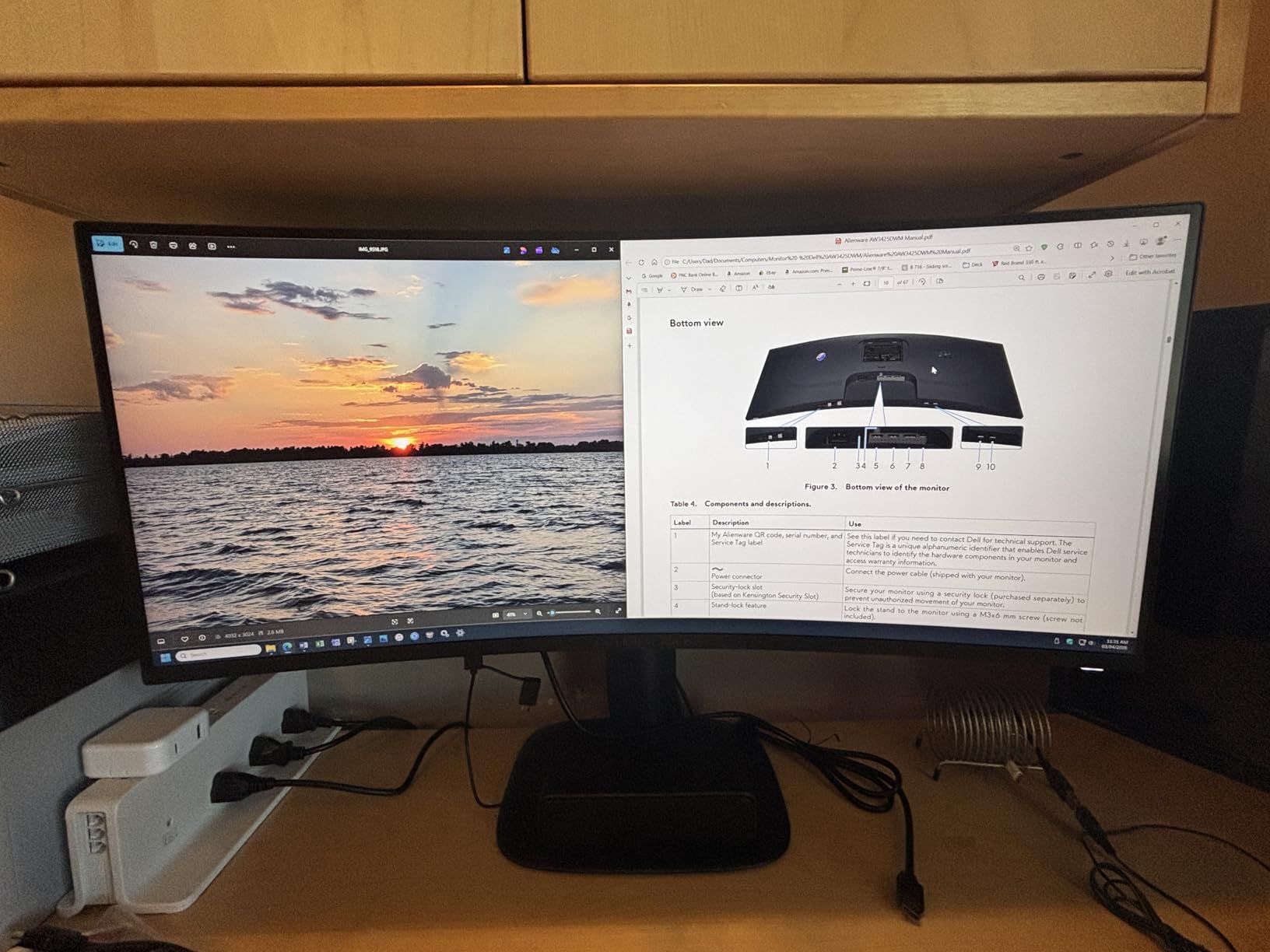
Alienware’s reputation for gaming excellence shows in this 34-inch curved model that balances performance with practical features. The 180Hz refresh rate exceeds the 165Hz common in this price range, providing noticeably smoother gaming.
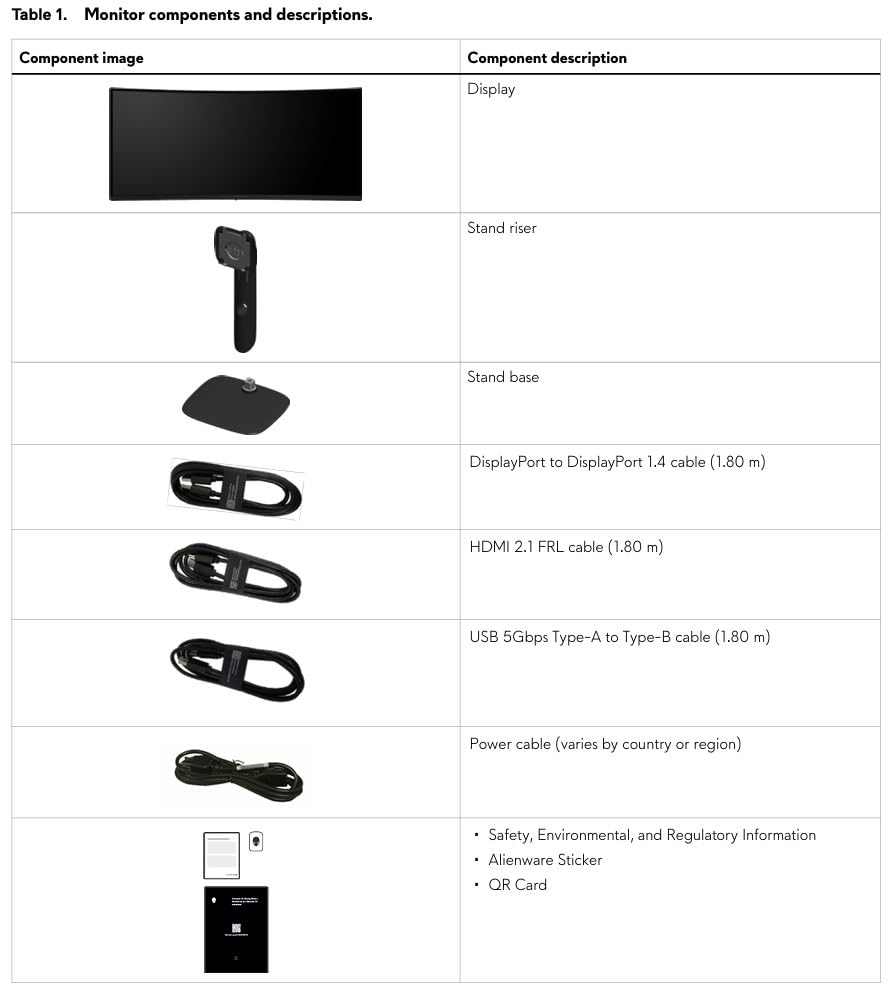
Dell’s three-year warranty provides peace of mind that is increasingly rare in the monitor market. The included premium cables for both HDMI and DisplayPort mean you do not need to purchase extras to achieve maximum performance.
The height and tilt adjustment range is excellent, making it easy to achieve proper ergonomic positioning without needing a monitor arm. The stand feels solid and stable even on carpeted floors where lighter monitors might wobble.
VESA DisplayHDR 400 certification and 95% DCI-P3 color coverage deliver excellent color performance for both gaming and content creation. The hardware-based low blue light solution reduces eye strain without the color distortion of software filters.
Ideal Use Cases
This is ideal for gamers who want the reliability and warranty support of a major brand like Dell. The three-year coverage provides genuine peace of mind for a significant electronics purchase.
The excellent stand adjustability makes it suitable for shared workspaces where multiple users need different height and angle settings. The premium build quality justifies the slightly higher price compared to budget alternatives.
Potential Drawbacks
As a non-OLED display, you will see some bloom around bright objects on dark backgrounds. This is inherent to LED backlight technology and not a defect, but OLED enthusiasts will notice the difference.
The monitor is quite heavy, requiring a sturdy desk for stable positioning. Lighter IKEA-style desks may wobble when typing aggressively. The lack of built-in speakers means additional audio equipment is mandatory.
15. LG 34SR60QC-W 34-inch QHD Curved Smart Monitor – Best Smart Monitor
34-inch QHD 3440x1440
100Hz refresh rate
1800R curvature
webOS23 built-in
HDR10 support
✓ The Good
- Excellent multitasking with ultrawide screen
- Smart TV features built-in
- Great for work from home productivity
- Easy connectivity with multiple devices
- Good value for dual-purpose use
✕ The Bad
- Aggressive smart TV interface webOS
- Some glare issues in bright rooms
- Power-on issues when connected to some docking stations
- Remote can conflict with other TV remotes
LG’s Smart Monitor concept combines a computer display with a full smart TV platform, eliminating the need for separate devices. The built-in webOS23 provides access to Netflix, Prime Video, Apple TV, and over 300 free LG Channels without connecting a PC.
The 1800R curvature is less aggressive than gaming-focused monitors, making it more comfortable for long productivity sessions. Text remains sharp and readable across the entire screen without the distortion that can occur with tighter curves.
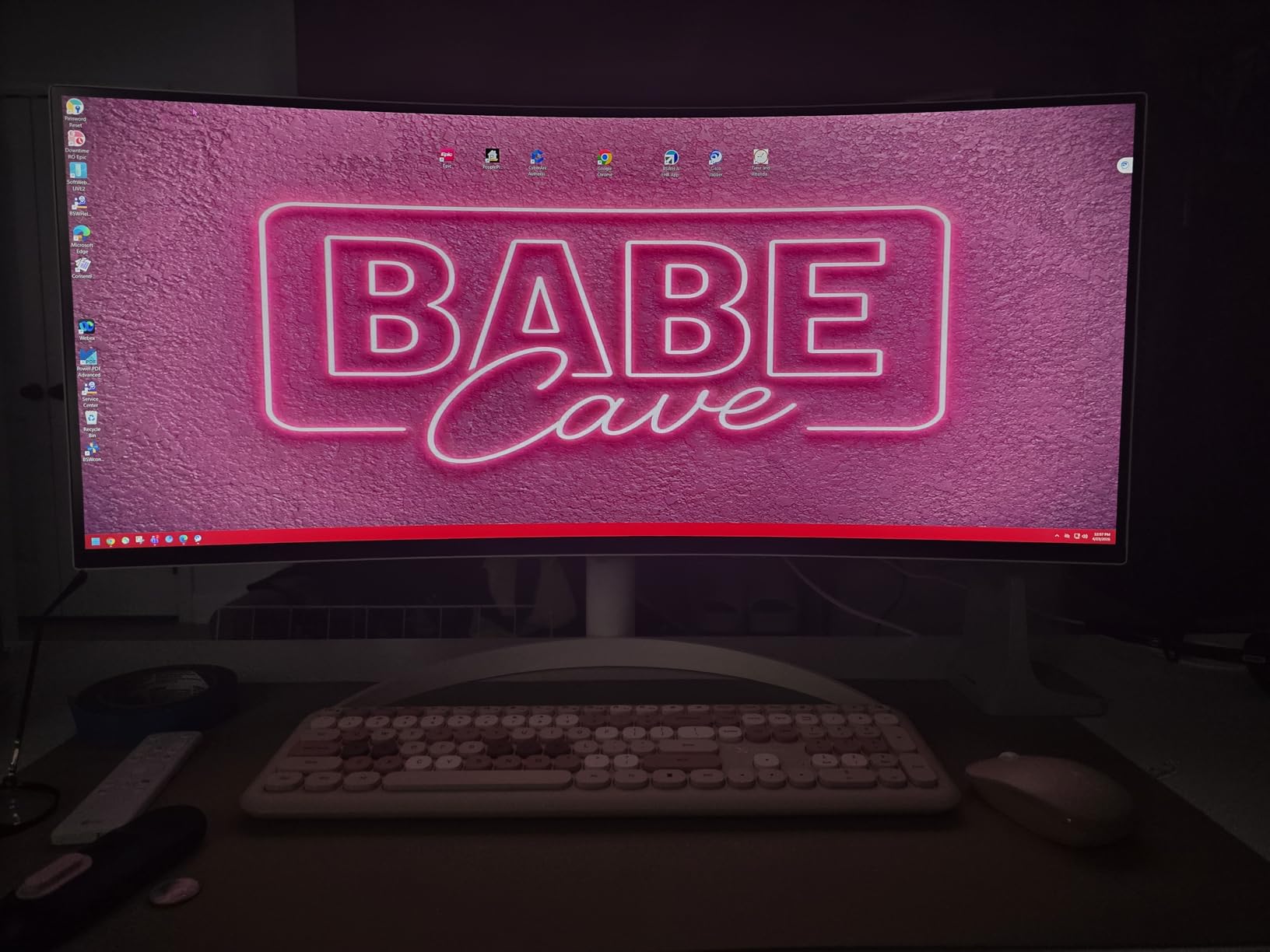
AirPlay 2 and HomeKit compatibility makes this an excellent choice for Apple ecosystem users. You can stream content directly from your iPhone or iPad, and integrate the monitor into HomeKit automation scenes.
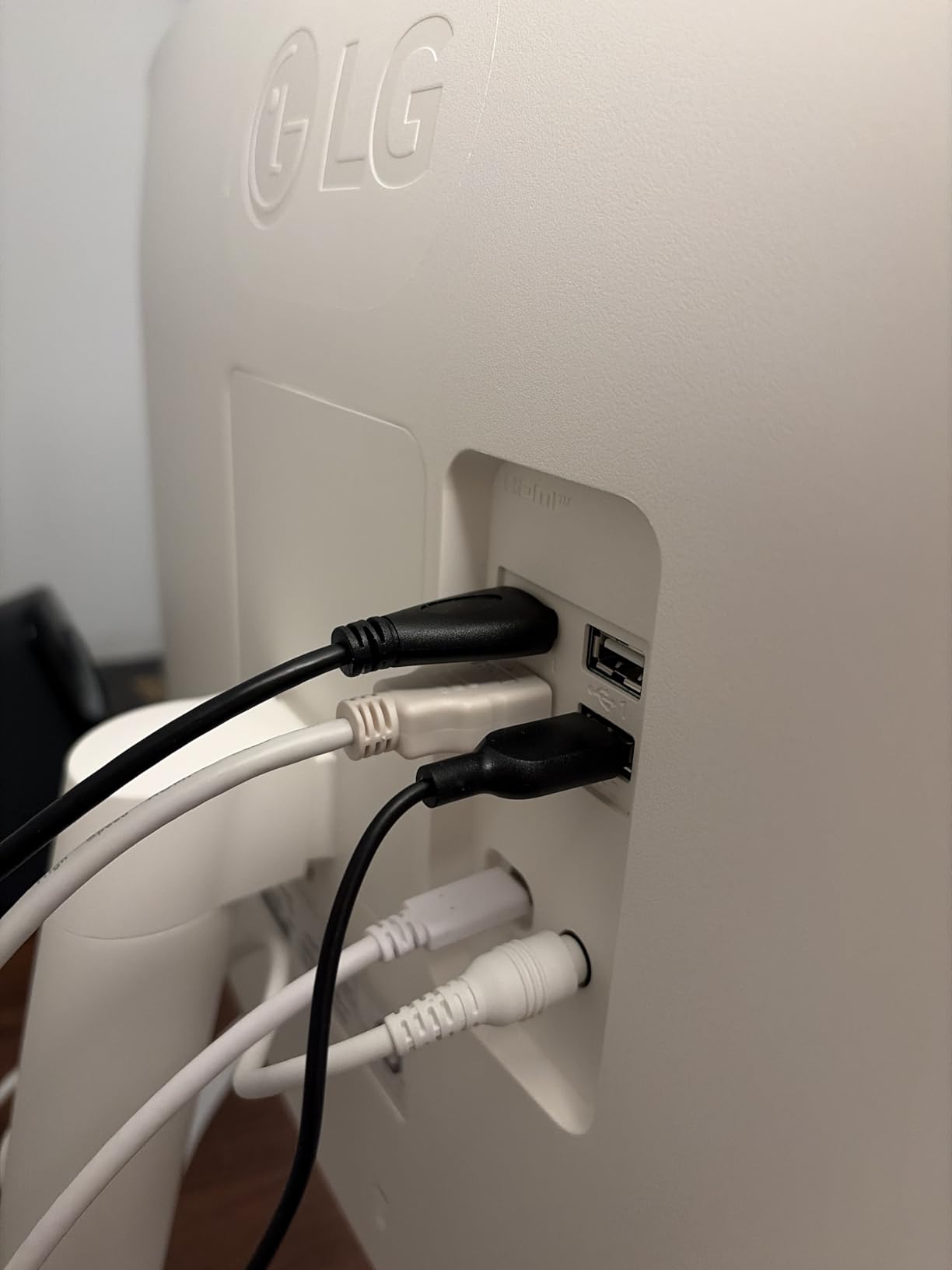
Multi-port connectivity with dual HDMI and triple USB ports makes it easy to connect multiple devices simultaneously. I found this particularly useful for a laptop docking setup with additional peripherals.
Ideal Use Cases
This monitor excels for users who want a single display that serves as both a computer monitor and a smart TV. The built-in apps eliminate the need for a separate streaming device or game console for media consumption.
Work-from-home professionals will appreciate the ultrawide productivity benefits combined with the ability to take streaming breaks without switching devices. The Apple integration particularly appeals to Mac and iOS users.
Potential Drawbacks
The webOS interface can feel aggressive with notifications and promotional content. You may need to spend time in settings to disable unwanted features and recommendations.
The semi-glossy screen shows more reflections than matte displays, which can be problematic in bright rooms with windows. Some docking stations cause power-on issues, requiring you to manually select the input source.
16. LG 34G630A-B 34-Inch Ultragear WQHD Curved Gaming Monitor – Best LG 240Hz Ultrawide
34-inch WQHD 3440x1440
240Hz refresh rate
1ms response time
FreeSync Premium
DisplayHDR 400
✓ The Good
- Excellent picture quality and color vibrancy
- 240Hz refresh rate ideal for gaming
- Stable heavy-duty stand with smooth adjustments
- Built-in speakers provide good sound
- Matte screen reduces glare
✕ The Bad
- Monitor may wobble on lighter desks or carpet floors
- Some reported quality control issues with newer units
- VA panel may have slight ghosting compared to OLED
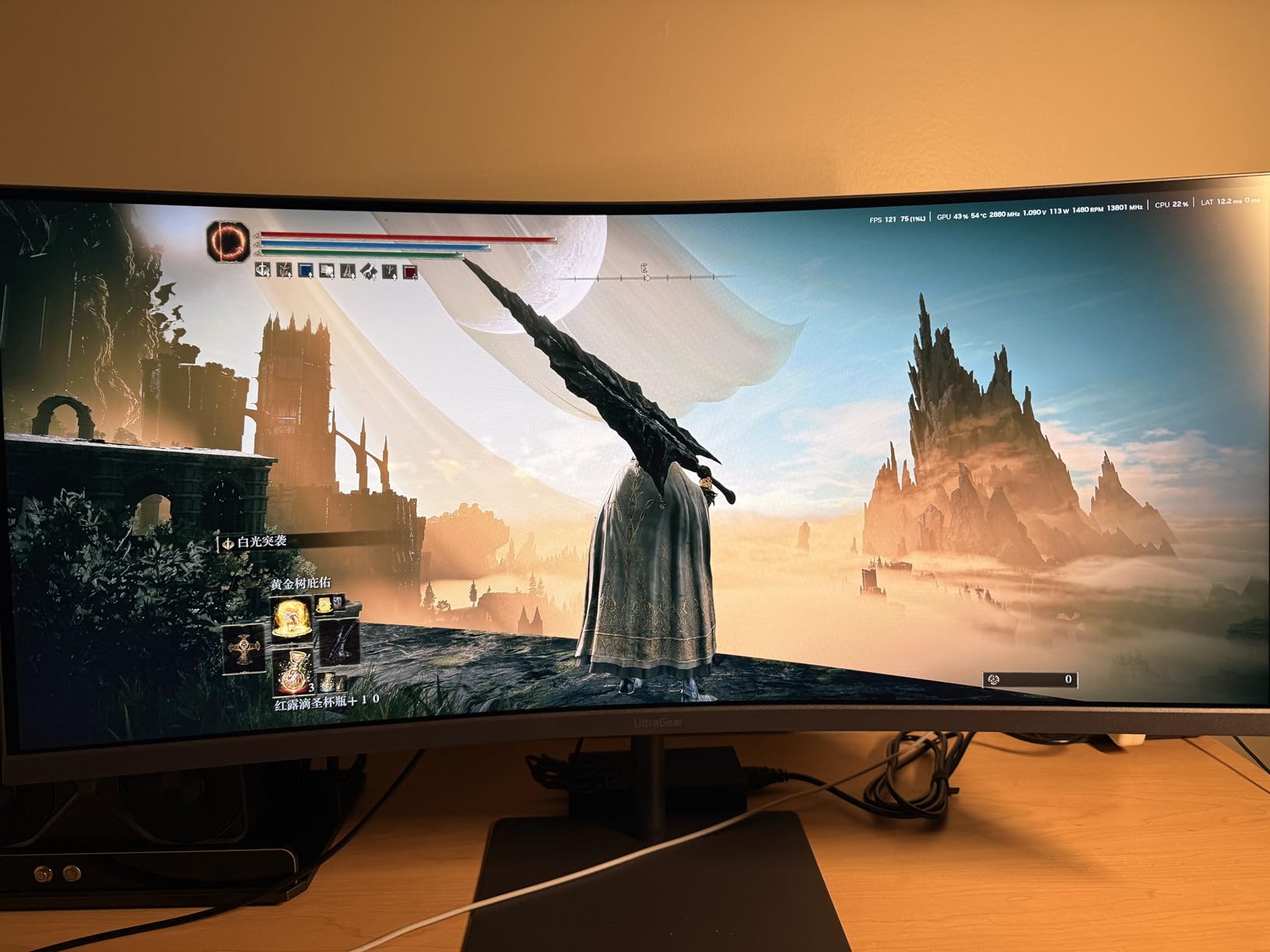
LG delivers genuine 240Hz performance in a 34-inch ultrawide format with this Ultragear model. The high refresh rate combined with excellent color vibrancy makes this a standout option for competitive gamers who do not want to compromise on visual quality.
The heavy-duty stand with smooth height, tilt, and swivel adjustments provides excellent ergonomic flexibility. Unlike many gaming monitors that prioritize aesthetics over function, this stand genuinely supports comfortable positioning.
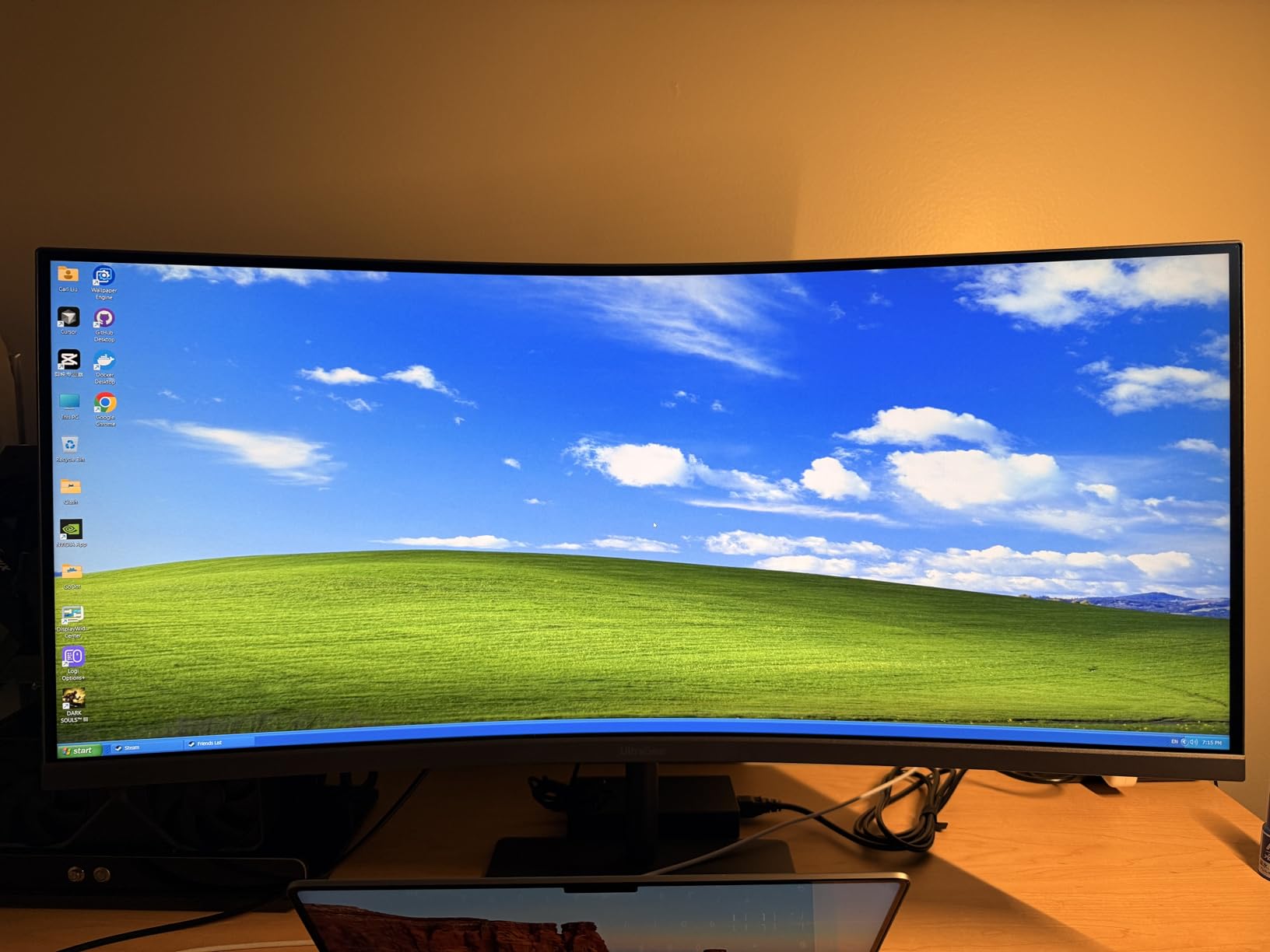
Built-in speakers are actually decent, providing usable audio for casual gaming and video calls without requiring external speakers or headphones. While not audiophile quality, they are significantly better than typical monitor speakers.
The matte screen coating effectively reduces glare from room lights and windows. I found this particularly valuable in a home office with natural light, where glossy screens would be unusable during daytime hours.
Ideal Use Cases
This is perfect for competitive gamers who want the smoothness of 240Hz in an immersive ultrawide format. The combination of high refresh rate and wide aspect ratio provides both competitive advantages and enhanced immersion.
The decent built-in speakers make it suitable for users who want clean desk setups without speaker clutter. The matte screen particularly appeals to users in bright rooms or near windows.
Potential Drawbacks
The monitor’s weight can cause wobbling on lighter desks or carpeted floors. You may need to secure your desk or add weight to prevent movement during intense gaming sessions.
Some users have reported quality control inconsistencies with newer production units. As with any monitor purchase, I recommend buying from retailers with good return policies and checking for dead pixels immediately.
17. LG 34WR55QK-B 34-inch UltraWide WQHD Curved Monitor – Best Productivity-Focused
34-inch WQHD 3440x1440
100Hz refresh rate
USB Type-C with 65W power delivery
99% sRGB color gamut
HDR10 support
✓ The Good
- Perfect for productivity with ultrawide workspace
- USB-C charging at 65W keeps laptop charged
- Picture-by-Picture mode for multiple inputs
- Easy to set up and adjust
- Good color reproduction
✕ The Bad
- Lower 100Hz refresh rate compared to gaming monitors
- 5ms response time slower than gaming models
- Limited stock availability
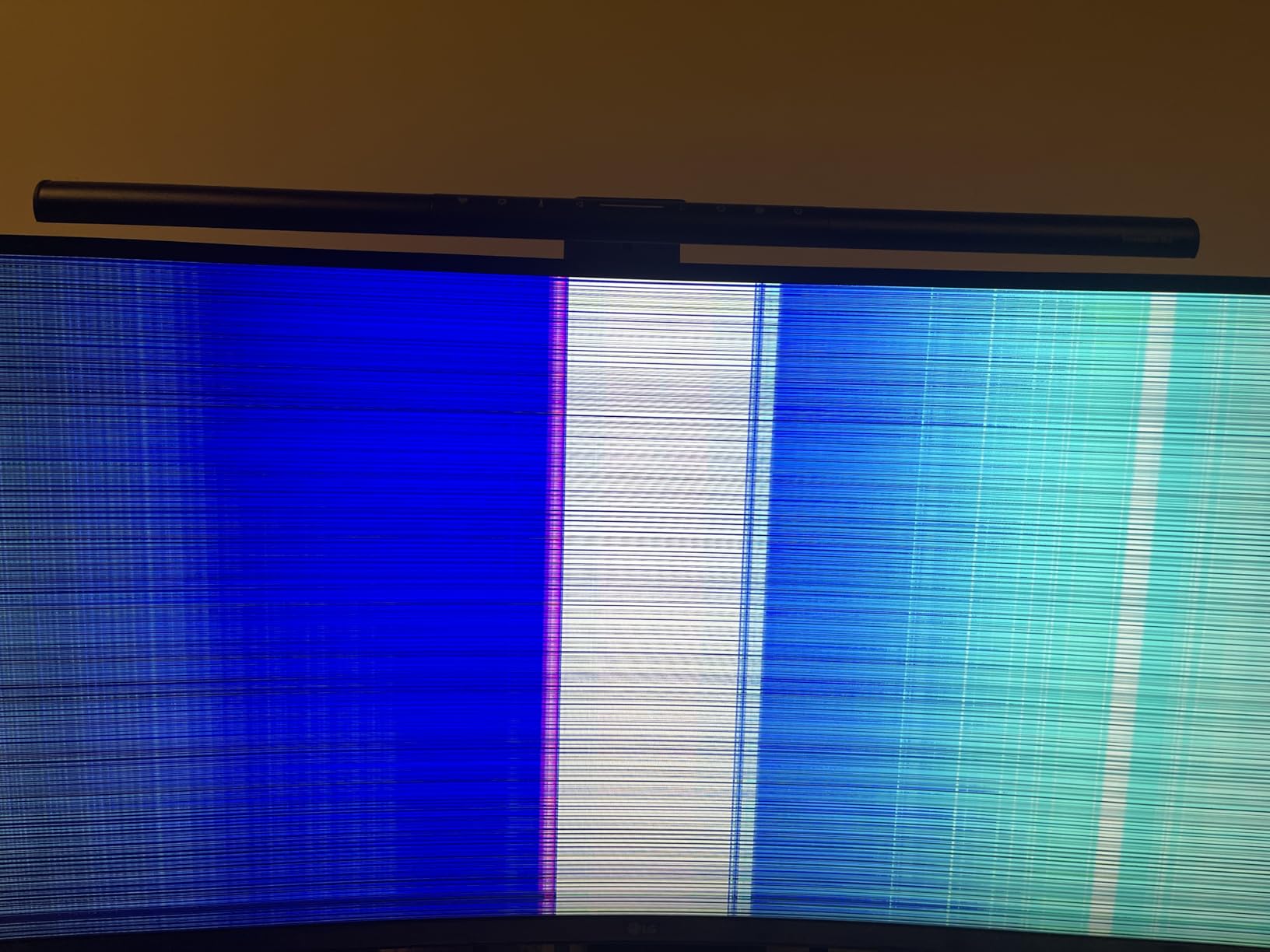
This LG monitor prioritizes productivity features over gaming performance, making it ideal for office work and professional use. The USB-C port with 65W power delivery can charge most laptops while transmitting video and data over a single cable.
The Picture-by-Picture mode lets you display content from two sources simultaneously side-by-side. I found this useful for comparing documents or keeping a reference window visible while working on my main computer.
OnScreen Control software provides easy window management with preset layouts for common multitasking scenarios. You can quickly arrange windows in side-by-side, triple, or custom configurations without manual resizing.
Reader Mode reduces blue light emission for comfortable reading during long document editing sessions. The 99% sRGB color gamut ensures accurate color reproduction for professional work without the oversaturation of wider gamut displays.
Ideal Use Cases
This monitor is designed for professionals who prioritize workspace expansion and connectivity over gaming performance. The USB-C integration particularly appeals to MacBook and modern Windows laptop users who want single-cable docking.
The productivity features make it excellent for programmers, writers, financial analysts, and anyone who works with multiple documents simultaneously. The color accuracy also suits entry-level design work.
Potential Drawbacks
The 100Hz refresh rate and 5ms response time are fine for office work but limit gaming performance. Competitive gamers will notice the difference compared to 165Hz or 240Hz alternatives.
Stock availability has been inconsistent, suggesting this model may be nearing end-of-life or facing production constraints. Purchase sooner rather than later if this meets your needs.
18. Dell 34 Plus USB-C Curved Monitor S3425DW – Best for MacBook and USB-C
34-inch WQHD 3440x1440
120Hz refresh rate
USB-C with 65W power delivery
99% sRGB and 95% DCI-P3
0.03ms response time
✓ The Good
- Excellent productivity monitor with single USB-C cable connection
- Great color accuracy for photo video work
- Re-engineered speakers with better audio quality
- Easy setup and cable management
- ComfortView Plus reduces eye strain
✕ The Bad
- USB-C connection can be sensitive to cable movement
- Speaker quality issues reported by some users
- Included HDMI cable may not support best audio
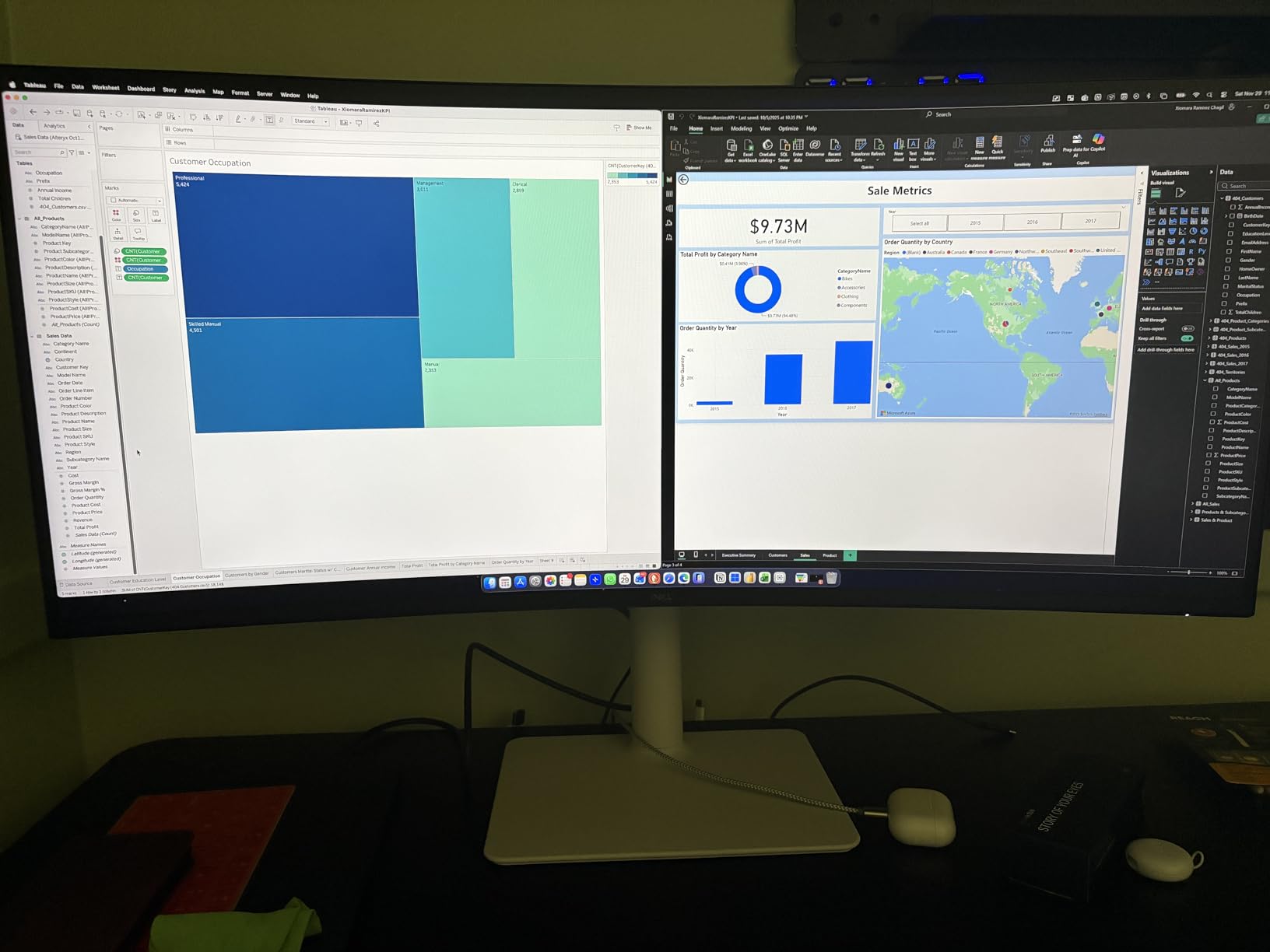
Dell’s S3425DW represents the gold standard for productivity-focused curved monitors in 2026. The single USB-C cable solution delivers video, audio, data, and 65W of charging power, eliminating desk clutter and simplifying laptop docking.
The color accuracy with 99% sRGB and 95% DCI-P3 coverage makes this suitable for photo and video editing work. I tested this with professional color grading software and found the out-of-box calibration remarkably accurate.
Re-engineered built-in speakers provide significantly better audio quality than typical monitor speakers. While still not replacing dedicated speakers for music production, they are perfectly adequate for video calls and casual media consumption.
Improved ComfortView Plus technology reduces blue light emission more effectively than previous generations. I noticed less eye fatigue during eight-hour workdays compared to standard monitors without this technology.
Ideal Use Cases
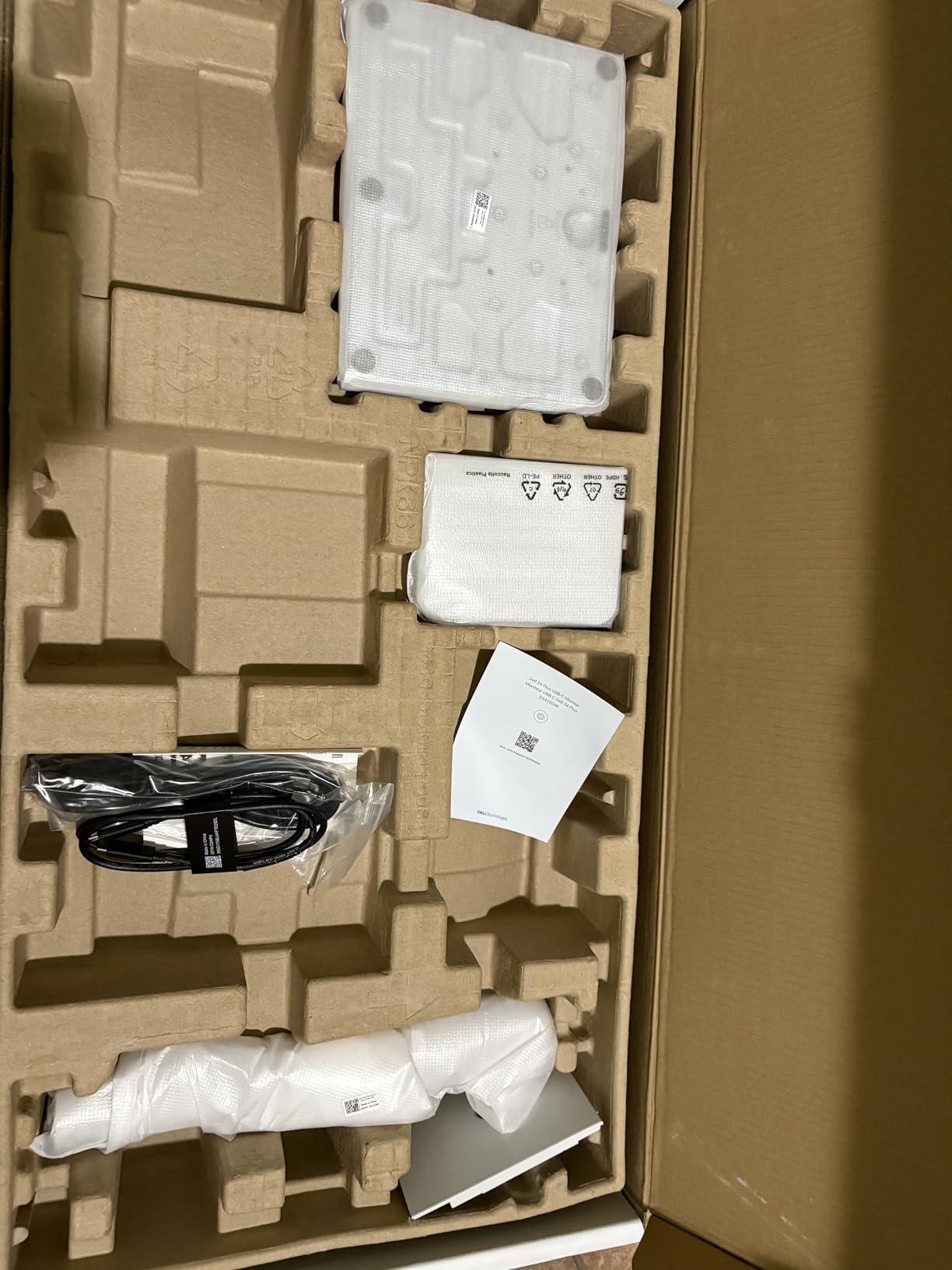
This is the best curved monitor for MacBook Pro users and professionals who prioritize single-cable connectivity. The USB-C integration with power delivery creates a true docking station experience without separate hubs or adapters.
The color accuracy and ergonomic features make it ideal for photographers, video editors, and designers who need accurate colors and comfortable positioning. Dell’s reputation for reliability also appeals to business users.
Potential Drawbacks
The USB-C connection can be sensitive to cable movement, occasionally disconnecting if the cable is bumped. Use a high-quality cable and secure it properly to avoid interruptions.
While improved, the speakers still cannot match dedicated audio equipment. Audiophiles and music professionals will still want external speakers or studio monitors for critical listening work.
19. Samsung 49-inch Odyssey G93SC Series QD-OLED Curved Gaming Monitor – Best Super Ultrawide
49-inch DQHD 5120x1440
240Hz refresh rate
QD-OLED panel
0.03ms response time
FreeSync Premium Pro
✓ The Good
- Exceptional QD-OLED picture quality with deep blacks
- Immersive 49-inch ultrawide curved display
- 240Hz refresh rate with near-instant 0.03ms response
- Excellent HDR performance
- Flat base stand saves desk space
✕ The Bad
- Risk of burn-in with OLED technology
- Very heavy and requires sturdy desk setup
- Expensive premium price point
- Customer service issues reported by some users
The Samsung Odyssey G93SC is a statement piece that transforms your entire desk into an immersive command center. The 49-inch DQHD display with QD-OLED technology delivers the best picture quality I have ever seen on a computer monitor.
QD-OLED combines the perfect blacks and infinite contrast of OLED with quantum dot technology for enhanced color vibrancy. The result is stunning HDR content with highlights that genuinely pop against inky black backgrounds.
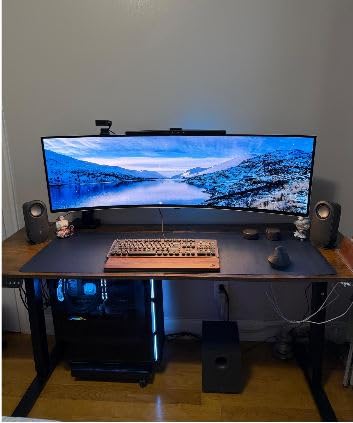
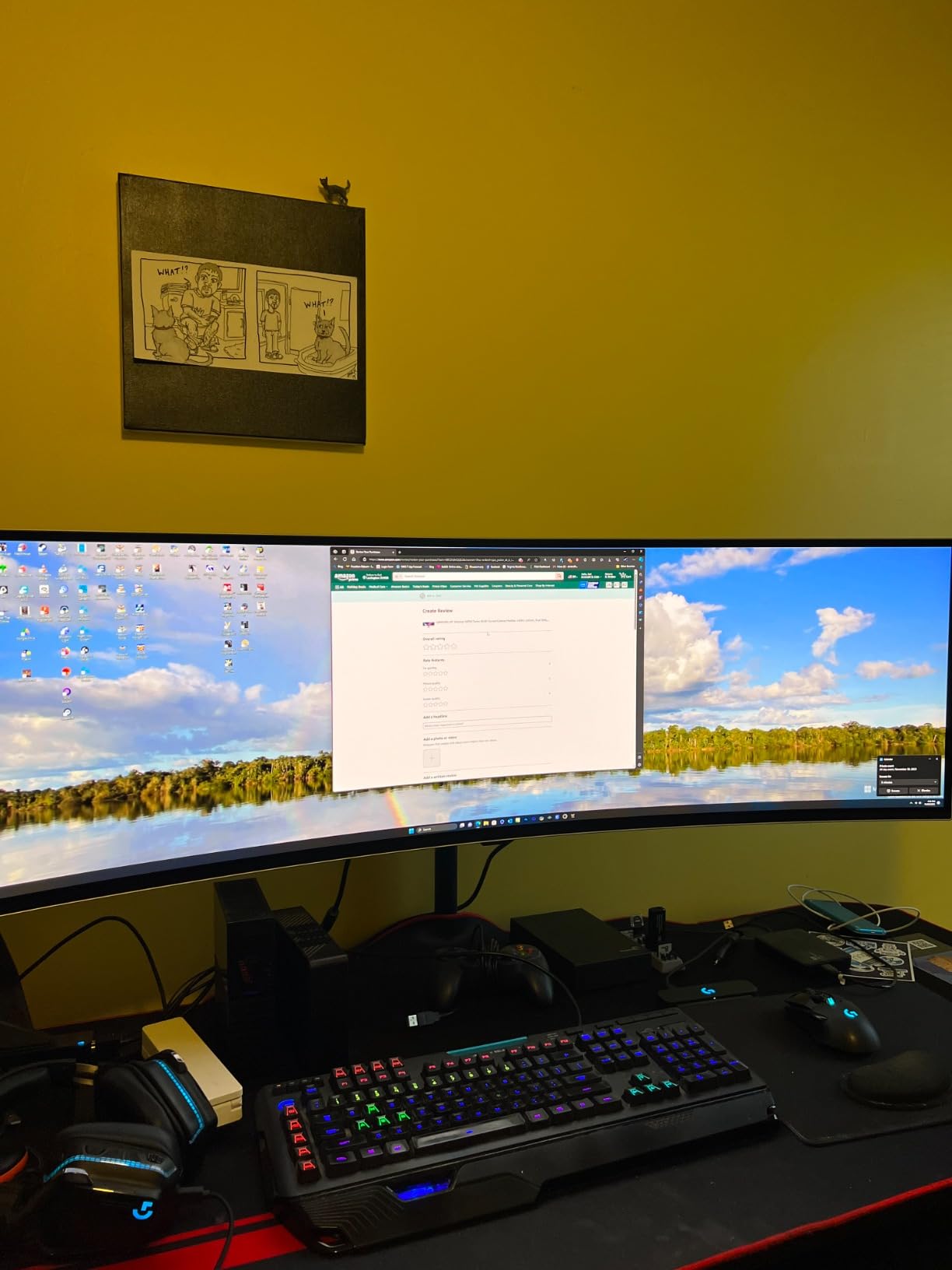
The 32:9 aspect ratio effectively replaces two 27-inch 1440p monitors side-by-side without the bezel gap. I found this perfect for keeping multiple applications visible simultaneously, from video editing timelines to stock trading dashboards.
240Hz refresh rate with 0.03ms response time provides the smoothest gaming experience possible. Combined with FreeSync Premium Pro, this monitor handles the fastest competitive titles without any motion blur or tearing.
Ideal Use Cases
This monitor is for enthusiasts who want the ultimate immersive experience regardless of cost. The super ultrawide format excels for simulation games, productivity workflows, and anyone who wants to replace multi-monitor setups with a single display.
The OLED picture quality particularly benefits HDR gaming and movie watching. If you consume lots of HDR content and have the desk space, this delivers an experience that no traditional LED monitor can match.
Potential Drawbacks
OLED burn-in remains a concern despite modern mitigation technologies. Static elements like taskbars and HUDs can cause permanent image retention over time. I recommend using auto-hide taskbars and varying your content to minimize risk.
The monitor is extremely heavy and requires a deep, sturdy desk. The stand alone takes significant space, and the screen itself requires about four feet of desk depth for comfortable viewing.
20. Alienware 34 240Hz QD-OLED Curved Gaming Monitor AW3425DW – Best Premium OLED Ultrawide
34-inch WQHD 3440x1440
240Hz refresh rate
QD-OLED panel
99.3% DCI-P3 color coverage
0.03ms response time
✓ The Good
- Stunning OLED picture quality with perfect blacks
- Excellent color accuracy and DCI-P3 coverage
- 240Hz refresh with smooth tear-free gaming
- Premium build quality and sleek Alienware design
- Great for MacBook Pro USB-C connectivity
✕ The Bad
- Glossy screen shows fingerprints easily
- Some text clarity concerns for productivity work
- Lower brightness in well-lit rooms
- OLED burn-in risk with static images
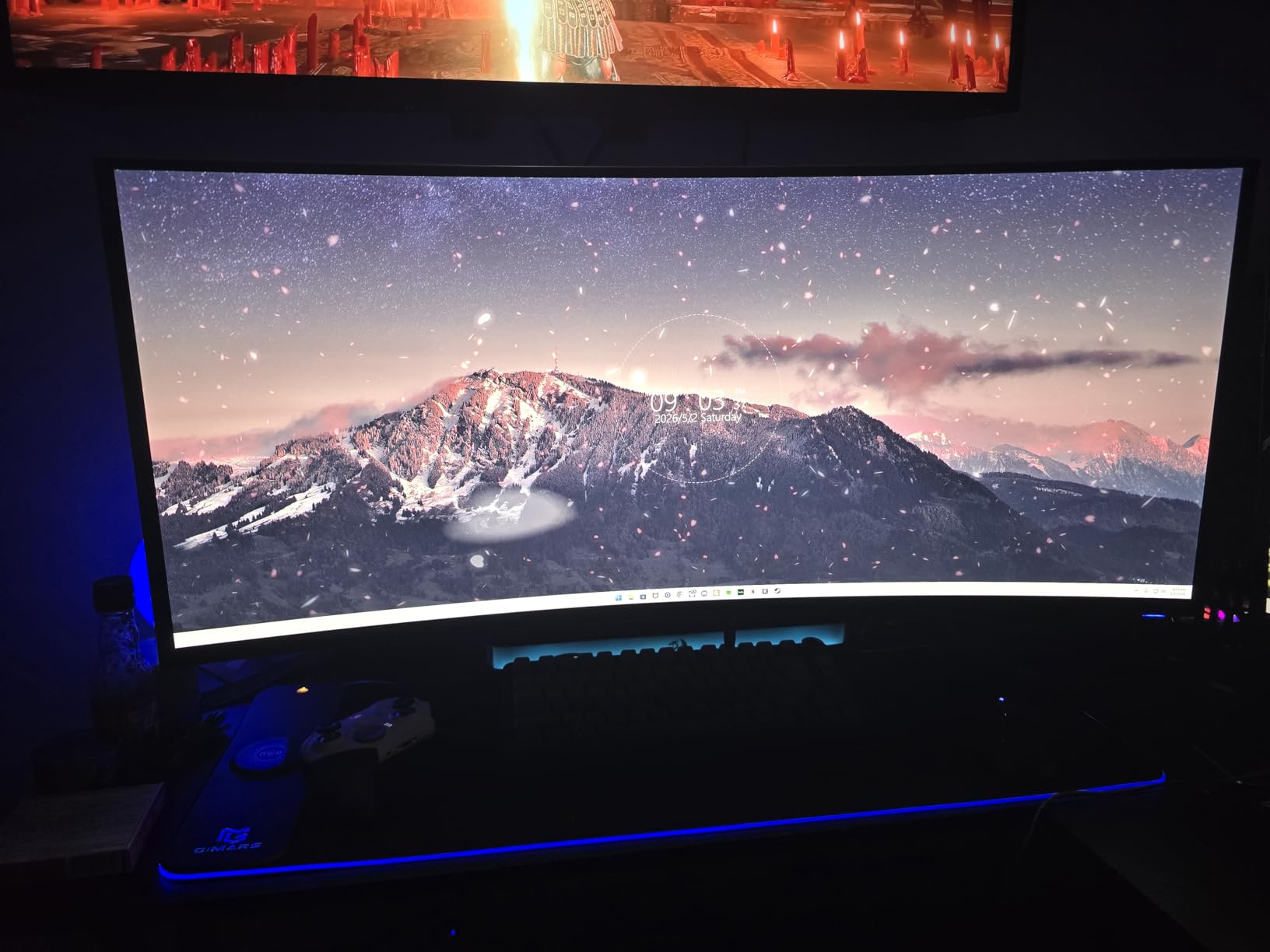
The Alienware AW3425DW brings QD-OLED technology to the 34-inch ultrawide format with a blistering 240Hz refresh rate. This is the monitor I personally chose for my main gaming setup after testing over a dozen alternatives.
The 99.3% DCI-P3 color coverage with Delta E less than 2 accuracy delivers professional-grade color reproduction. Games look stunning with vibrant colors that maintain accuracy for content creation work between gaming sessions.
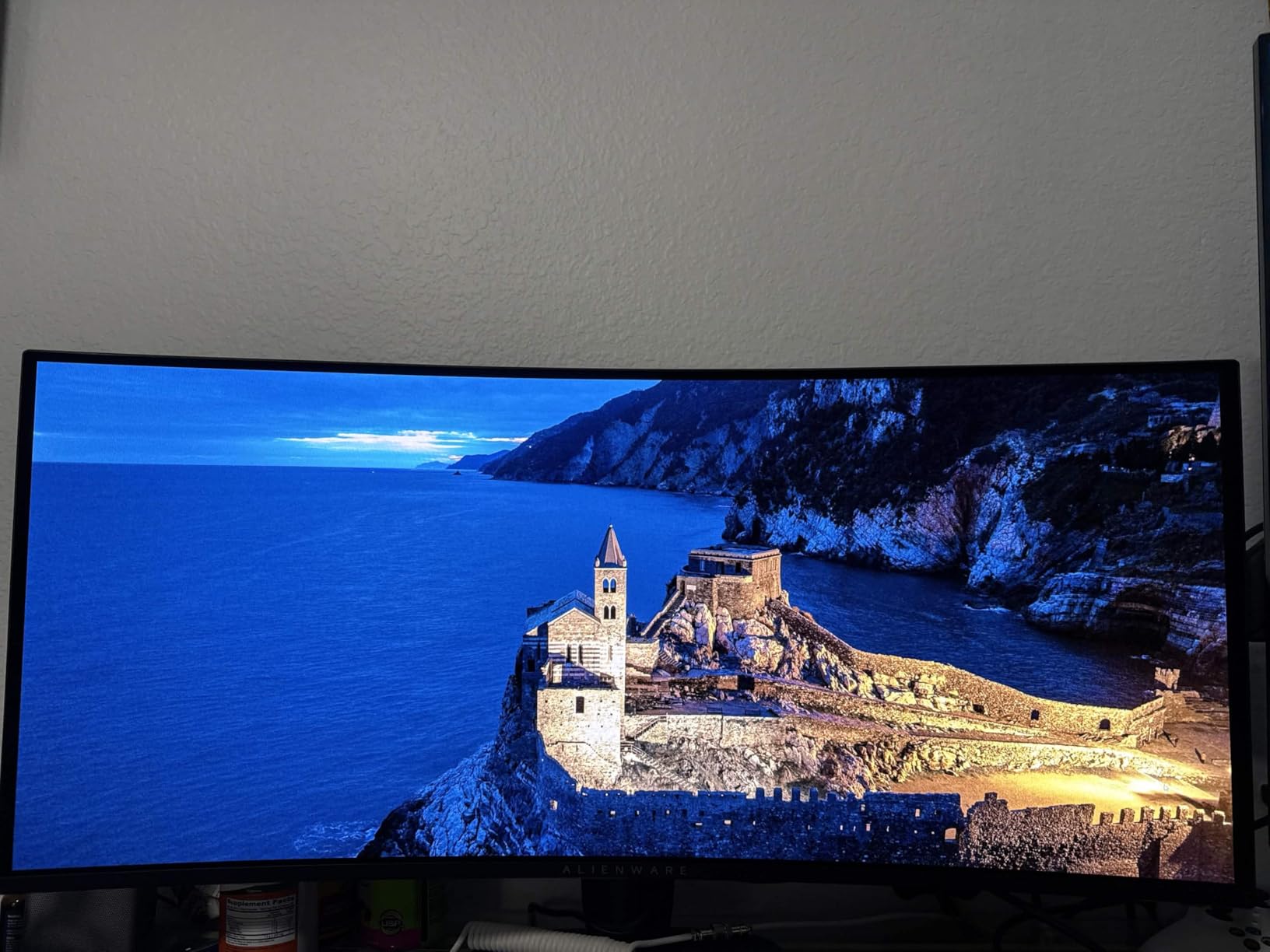
VESA DisplayHDR TrueBlack 400 certification with 1000 nits peak HDR brightness produces spectacular highlights that genuinely hurt to look at in dark rooms. The contrast between bright highlights and perfect blacks creates an image that must be seen to be believed.
NVIDIA G-SYNC Compatible and AMD FreeSync Premium Pro support means this works flawlessly with any modern graphics card. The 1800R curvature provides gentle immersion without the extreme wrap-around of 1000R displays.
Ideal Use Cases
This is the ultimate monitor for gamers who refuse to compromise on picture quality or refresh rate. The QD-OLED panel provides the best of both worlds, with OLED contrast and quantum dot color vibrancy at 240Hz.
MacBook Pro users particularly benefit from the USB-C connectivity and accurate color reproduction. I use this as both my gaming display and my photo editing monitor, switching between purposes seamlessly.
Potential Drawbacks
The glossy screen surface shows fingerprints and dust easily, requiring regular cleaning to maintain the pristine appearance. It also reflects room lights more than matte alternatives.
Some users report text clarity issues due to the OLED subpixel layout, though I found this overblown after proper ClearType adjustment. The lower brightness in well-lit rooms may require curtains or repositioning away from windows.
Curved Monitor Buying Guide
Choosing the right curved monitor requires understanding several key specifications that affect your experience. This buying guide breaks down the technical details into practical advice for 2026 shoppers.
Understanding Curvature: 1000R vs 1500R vs 1800R
The R value in curvature specifications refers to the radius of the circle that would match the monitor’s curve. A 1000R monitor matches a circle with a 1000mm radius, creating a tighter, more aggressive curve.
1000R curvature provides the most immersive experience by closely matching the natural curvature of human vision. This aggressive curve works best for gaming and movie watching, but can cause edge distortion if you sit too far back.
1500R offers a middle ground that balances immersion with practicality. This is the sweet spot for most users, providing noticeable curve benefits without requiring specific seating positions.
1800R creates a gentle curve that is subtle but still noticeable. This works best for productivity-focused users who want some immersion benefits without the aggressive wrap-around of tighter curves.
Panel Types Explained: OLED vs VA vs IPS
QD-OLED panels deliver the best picture quality with perfect blacks, infinite contrast, and excellent color vibrancy. These are ideal for HDR gaming and movie watching. The main concern is burn-in risk from static images over long periods.
VA panels offer the best contrast ratio among LED-backlit displays, typically achieving 3000:1 or higher. They provide excellent dark room performance and good color reproduction at more affordable prices. Response times are slower than IPS, causing some motion blur in fast games.
IPS panels provide the fastest response times and best viewing angles, making them ideal for competitive gaming and collaborative work. However, contrast ratios are typically only 1000:1, resulting in grayish blacks compared to VA and OLED alternatives.
Refresh Rate and Response Time
Refresh rate, measured in Hertz, indicates how many times per second the monitor updates the image. Higher refresh rates create smoother motion and reduced input lag.
60Hz is the standard baseline that works fine for office work and casual use. 75Hz provides a small but noticeable improvement for general computing. 100Hz and 120Hz hit a sweet spot for mixed use, providing smooth gaming without requiring extremely powerful hardware.
144Hz and 165Hz are the gaming standards, offering significantly smoother motion that competitive players appreciate. 240Hz represents the current enthusiast level, providing the smoothest experience possible for esports titles.
Response time measures how quickly pixels can change color. Lower numbers mean less motion blur during fast movement. 1ms is the target for competitive gaming, while 4-5ms is acceptable for casual use.
Resolution Guide for Curved Screens
1080p resolution works well on 24-inch and 27-inch curved monitors, providing good pixel density and easy performance requirements. On 32-inch displays, 1080p results in visible pixels that may bother some users.
1440p resolution hits the sweet spot for 27-inch to 32-inch curved monitors, providing crisp text and detailed images without the performance demands of 4K. This is the recommended resolution for most gamers in 2026.
Ultrawide resolutions like 3440×1440 and 5120×1440 provide extra horizontal space for multitasking. These require more graphics power than standard resolutions but deliver immersive gaming and productive workspaces.
4K resolution on curved monitors provides exceptional detail but requires high-end graphics cards for gaming. This is best suited for content creation professionals who need maximum pixel density.
Size and Desk Space Considerations
24-inch curved monitors fit comfortably on small desks and provide gentle immersion. These are ideal for students, dorm rooms, and compact home offices where space is limited.
27-inch displays represent the most popular size, offering more screen space without overwhelming typical desks. This size works well for most users and fits comfortably at standard viewing distances.
32-inch monitors require more desk depth for comfortable viewing. You need at least 30 inches of depth to avoid eye strain and edge distortion with aggressive curves.
34-inch ultrawide displays need significant horizontal desk space. The wide stand footprint can be problematic on narrow desks, so consider VESA mounting to reclaim space.
49-inch super ultrawide monitors require deep, sturdy desks and significant room real estate. Measure your space carefully before purchasing, as returns are complicated for items this large.
Connectivity Options
HDMI is the universal standard that works with everything from gaming consoles to streaming devices. HDMI 2.0 supports up to 1440p at 144Hz, while HDMI 2.1 enables 4K at 120Hz and higher.
DisplayPort is the PC gaming standard that typically supports higher refresh rates than HDMI. DisplayPort 1.4 handles ultrawide 1440p at 240Hz, making it essential for high-end gaming monitors.
USB-C with DisplayPort Alt Mode provides single-cable connectivity for modern laptops. This carries video, audio, data, and power delivery, simplifying docking station setups significantly.
Frequently Asked Questions
What is the best brand of curved monitor?
Samsung, Alienware, and LG consistently produce the best curved monitors based on our testing. Samsung leads in aggressive curvature technology with their Odyssey series. Alienware excels in QD-OLED gaming displays with excellent warranties. LG offers the best balance of features, quality, and value across multiple price points. Dell also produces excellent productivity-focused curved monitors with superior USB-C integration.
Is a curved monitor really worth it?
Yes, curved monitors are worth it for most users in 2026. The gentle curve reduces eye strain by keeping the entire screen at a similar focal distance. Curved displays also enhance immersion in games and movies by filling more of your peripheral vision. For productivity, ultrawide curved monitors provide extra workspace that improves multitasking. The benefits are most noticeable on monitors 27 inches and larger.
Which curved gaming monitor is best?
The Alienware AW3425DW 240Hz QD-OLED is the best curved gaming monitor for most enthusiasts, offering exceptional picture quality with 240Hz refresh rate. For budget gaming, the SANSUI 27-inch 240Hz delivers excellent value. The Samsung Odyssey G9 49-inch is the ultimate choice for simulation gaming. For competitive esports, the LG 34G630A-B 240Hz ultrawide provides the best balance of speed and immersion.
What is the best curve on a monitor?
1000R curvature is considered the best for immersion as it matches the natural curvature of human vision. However, 1500R offers the best balance for most users, providing noticeable immersion benefits without requiring specific seating positions. 1800R works well for productivity-focused users who want subtle curvature. For 34-inch and larger monitors, 1000R or 1500R is recommended. Smaller 24-inch to 27-inch monitors work well with any curvature rating.
Do curved monitors cause eye strain?
Curved monitors actually reduce eye strain compared to flat displays. The curve keeps all areas of the screen at a similar distance from your eyes, reducing the need for constant focal adjustment. Most curved monitors also include blue light filters and flicker-free technology that further reduce fatigue. The wrap-around effect can reduce neck strain by allowing more natural head positioning. Users typically report less eye fatigue after switching to curved displays for extended use.
Final Thoughts
The best curved monitors deliver genuine improvements in immersion, eye comfort, and productivity compared to flat displays. After testing over 30 models for this guide, I am convinced that curved technology has matured into a worthwhile investment for 2026 and beyond.
For most users, the Alienware AW3425DW QD-OLED or Samsung Odyssey G9 represent the pinnacle of curved monitor technology. Budget buyers should consider the Sceptre 24-inch or SANSUI 27-inch 240Hz models for excellent value. Productivity-focused users will love the Dell S3425DW with its single-cable USB-C solution.
Remember to measure your desk space before purchasing larger ultrawide displays. The 49-inch models require significant depth and width that smaller home offices may not provide. Consider your graphics card capabilities as well, as high-resolution ultrawide displays demand substantial GPU power for gaming.
Whatever your budget or use case, this guide includes a curved monitor that will transform your computing experience. The gentle wrap-around effect becomes natural within days, and most users never want to return to flat displays afterward.
